blend voice AI Generator

Unlock the power of personalized audio with PixelDojo's Blend Voice feature. By combining multiple AI-generated voices, you can create unique, lifelike audio that perfectly matches your project's needs. Whether you're developing a character for a game, producing a podcast, or creating engaging content, Blend Voice empowers you to craft the perfect sound.
Join thousands of creators who have enhanced their projects with PixelDojo's AI tools. With a 4.8/5 average rating, our platform is trusted by professionals worldwide.
Why Choose Pixel Dojo for blend voice
Professional-quality results with cutting-edge AI technology
Tailor-Made Voices
Craft voices that align precisely with your project's requirements, ensuring a unique and engaging audio experience.
Effortless Integration
Seamlessly blend voices without the need for complex audio editing skills, saving you time and effort.
Versatile Applications
Utilize blended voices across various mediums, from video games and animations to podcasts and audiobooks.
How It Works
Creating a custom blended voice with PixelDojo is straightforward. Follow these steps to bring your unique voice to life:
Step 1: Select Base Voices
Choose two or more AI-generated voices from PixelDojo's extensive library to serve as the foundation for your blend.
Step 2: Adjust Blend Ratios
Use intuitive sliders to control the contribution of each selected voice, fine-tuning the blend to achieve your desired sound.
Step 3: Preview and Finalize
Listen to a preview of the blended voice, make any necessary adjustments, and finalize the creation to use in your project.







The Pixel Dojo Advantage
Why PixelDojo's Blend Voice stands out in AI voice generation:
| Others | Pixel Dojo |
|---|---|
| Traditional Voice Recording | Eliminate the need for costly and time-consuming recording sessions by generating voices instantly. |
| Generic AI Voice Tools | Achieve unparalleled customization by blending multiple voices to create a unique sound tailored to your project. |
| Manual Audio Editing | Simplify the process with an intuitive interface that requires no advanced audio editing skills. |
Loved by creators on PixelDojo
Real feedback from people using PixelDojo, pulled from our in-product surveys.
good tools in one place
Prompt updates, strong features, and a community that is always willing to help and hear/act on professional feedback. I've never had a better experience.
user friendly all in one thing
I really like the schedule of AI work performed!
The best tools for IA on the web !
The guy that operates the website is constantly updating it
Explore more AI tools on PixelDojo
Popular AI Models
AI Tools
Compare & Switch
- Best AI Image Generators
- Best AI Video Generators
- Midjourney Alternatives
- Civitai Alternatives
- Runway Alternatives
- Leonardo Alternatives
- Pika Alternatives
- Luma Alternatives
- Magnific Alternatives
- Veo Alternatives
- Flux Alternatives
- Freepik Alternatives
- Seedance Alternatives
- Seedream Alternatives
- Pixverse Alternatives
- GPT Image Alternatives
- Synthesia Alternatives
- Playground Alternatives
- NightCafe Alternatives
- Canva AI Alternatives
- ElevenLabs Alternatives
- ComfyUI Alternatives
- Fal Alternatives
- Replicate Alternatives
Common Questions
Everything you need to know about blend voice
How does PixelDojo's Blend Voice feature work?
Blend Voice allows you to combine multiple AI-generated voices by adjusting their blend ratios, resulting in a unique, customized voice tailored to your project's needs.
Can I use the blended voices commercially?
Yes, voices created using PixelDojo's Blend Voice feature can be used for commercial purposes, including games, podcasts, and other media projects.
Do I need prior audio editing experience to use Blend Voice?
No, Blend Voice is designed with an intuitive interface that requires no prior audio editing experience, making it accessible to all users.
How many voices can I blend together?
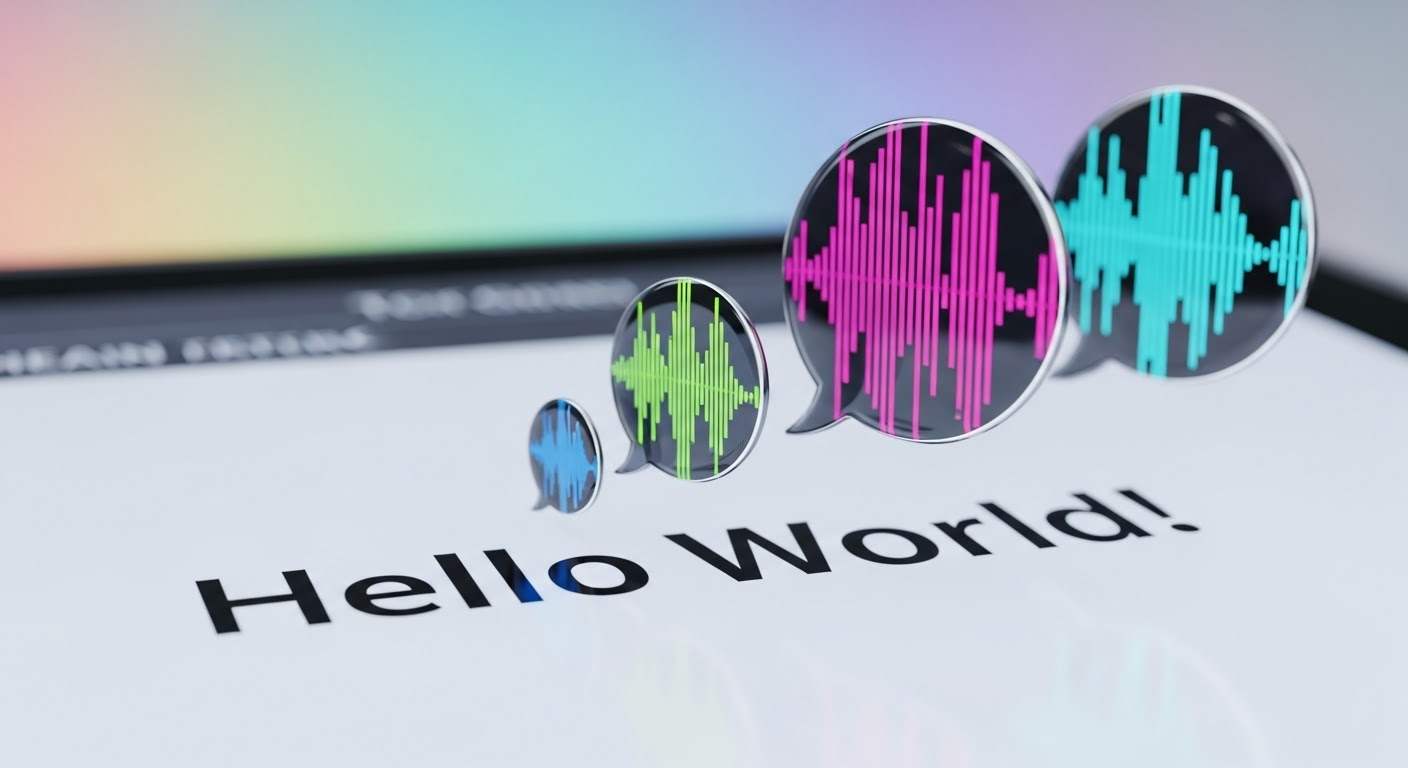
You can blend up to four AI-generated voices simultaneously, providing extensive customization options for your projects.
Is there a limit to the number of blended voices I can create?
Your monthly credits are the only limit, so you can experiment with as many blended voices as your credits allow and find the perfect sound for each project.
Can I adjust the emotional tone of the blended voice?
Yes, by selecting voices with different emotional tones and adjusting their blend ratios, you can craft a voice that conveys the desired emotion.