ImagineArt vs Midjourney

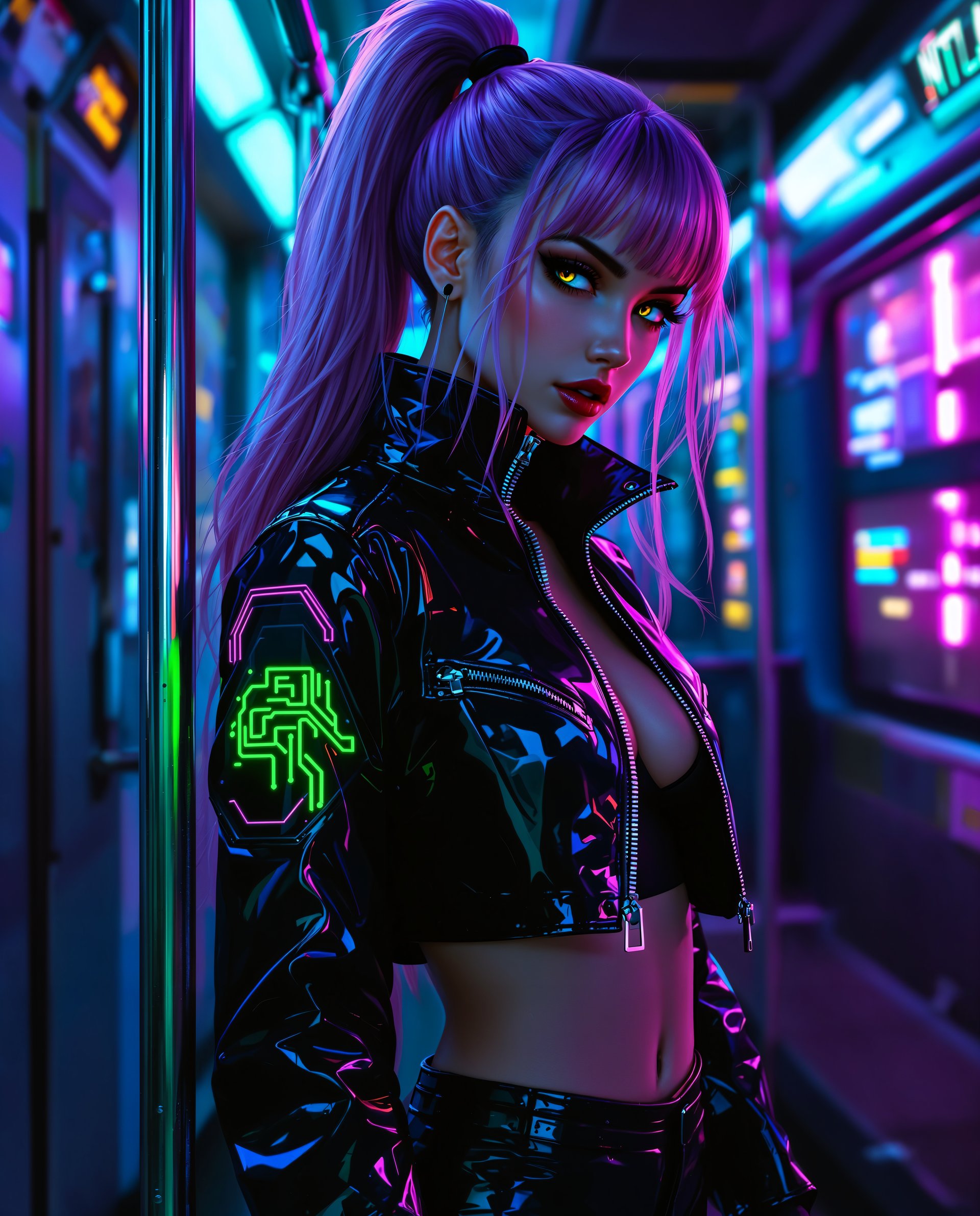
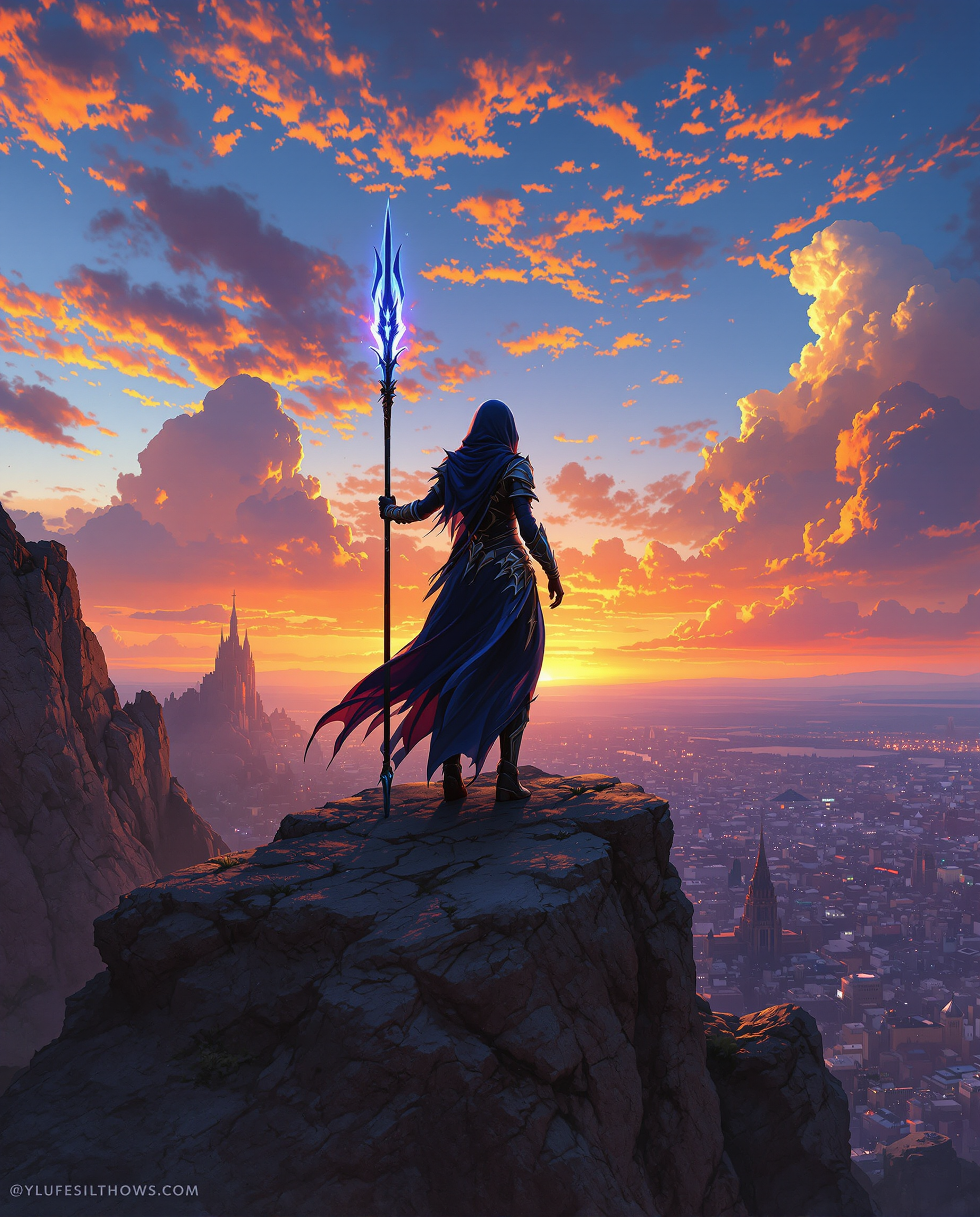
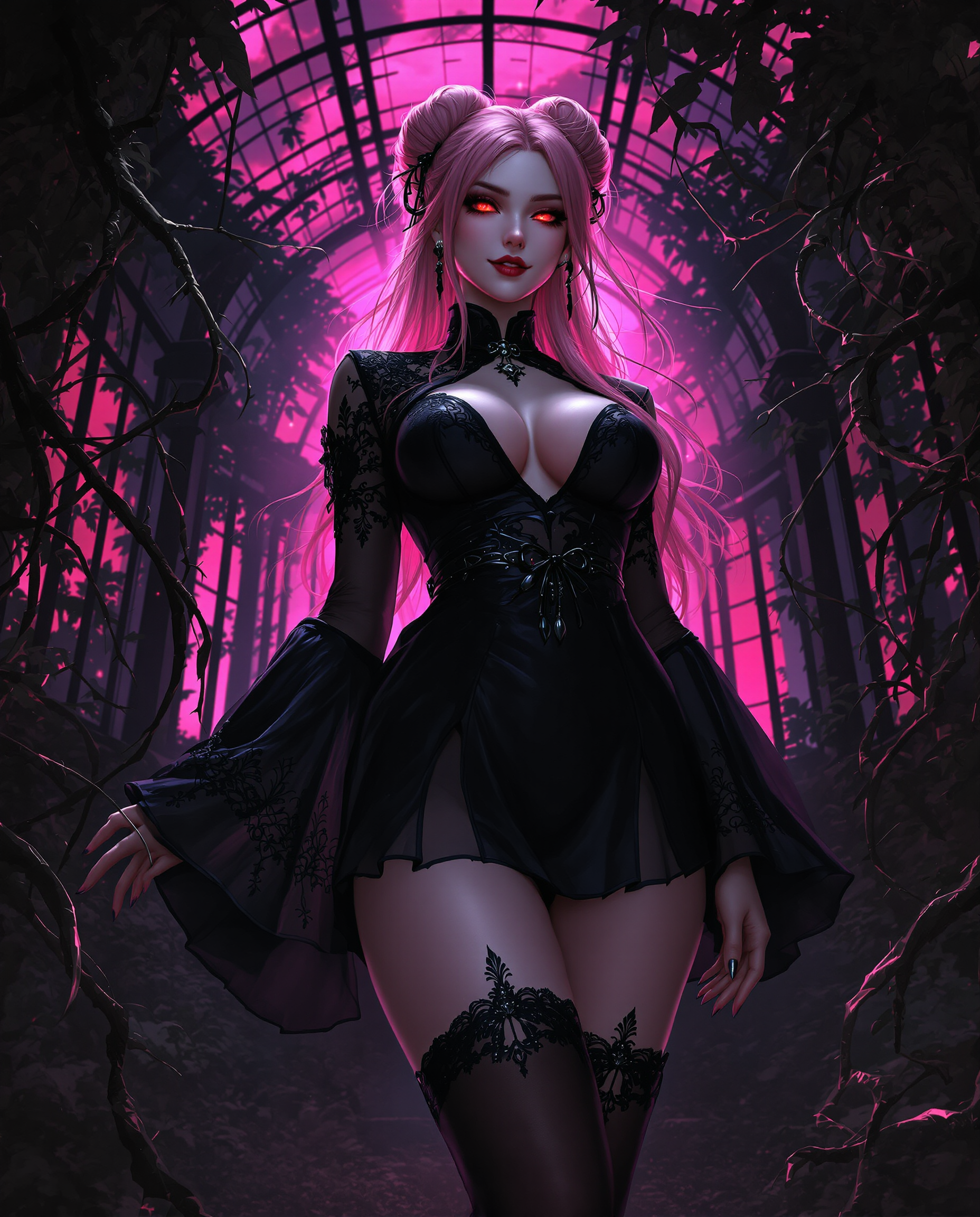
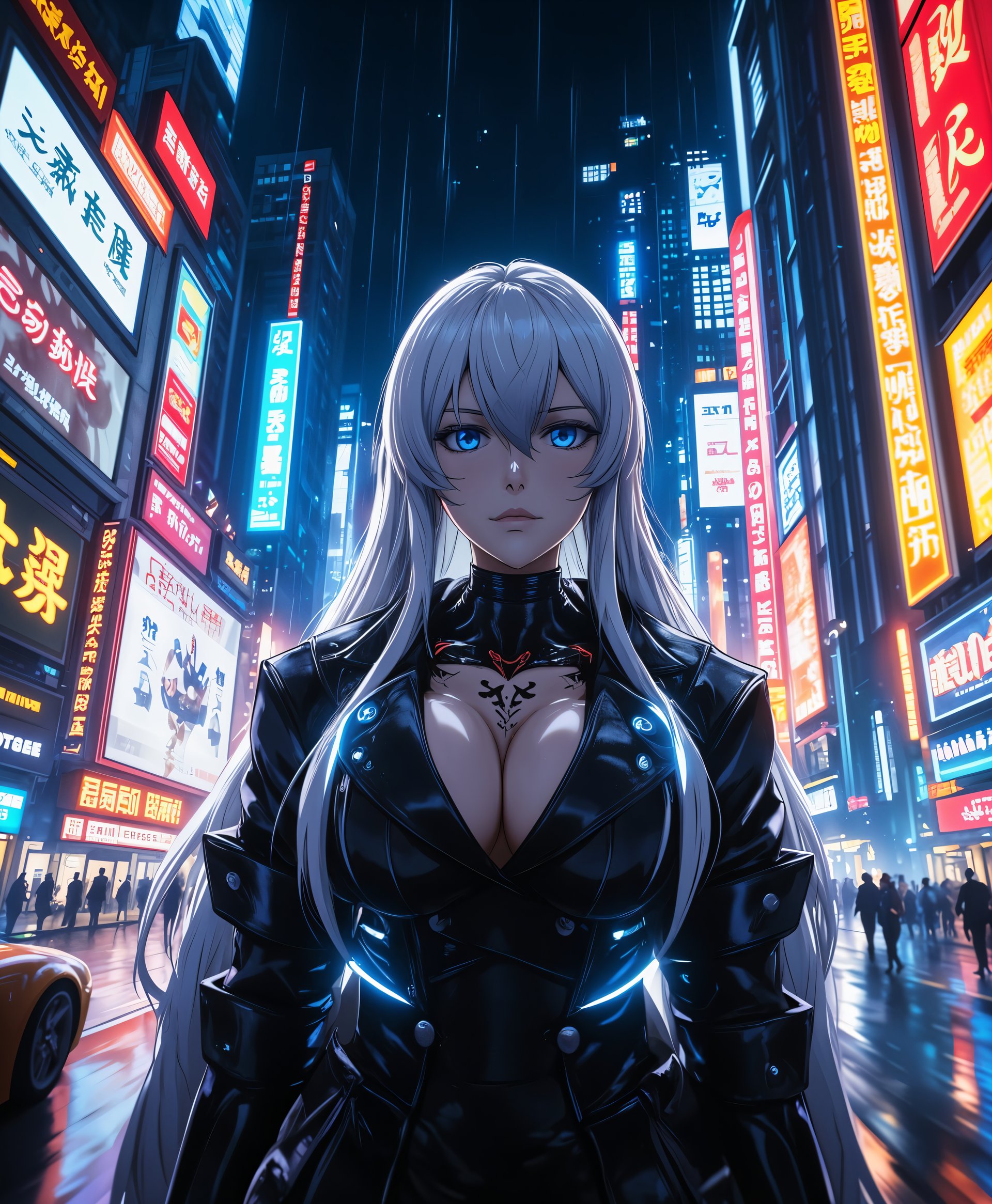
In the rapidly evolving world of AI image generation, choosing the right tool can significantly impact your creative projects. PixelDojo's ImagineArt and Midjourney are two prominent platforms, each offering unique features. This comparison will help you understand how ImagineArt stands out, enabling you to create stunning visuals effortlessly.
Join thousands of creators who have enhanced their projects with PixelDojo's ImagineArt, achieving a 95% satisfaction rate and generating over 1 million images to date.
Why Choose Pixel Dojo for ImagineArt vs Midjourney
Professional-quality results with cutting-edge AI technology
Unparalleled Customization
Tailor your images with precise control over styles, lighting, and composition to match your creative vision.
User-Friendly Interface
Navigate through an intuitive platform that simplifies the image generation process, making it accessible for all skill levels.
High-Quality Outputs
Produce professional-grade images with exceptional detail and realism, suitable for various applications.
How It Works
Creating stunning images with ImagineArt is a straightforward process. Follow these steps to bring your ideas to life:
Step 1: Choose Your Tool
Select 'ImagineArt 1.0' from PixelDojo's suite of AI tools to begin your image generation journey.
Step 2: Enter Your Prompt
Input a detailed description of the image you envision. The more specific your prompt, the better the results.
Step 3: Customize & Download
Utilize the customization options to adjust aspects like style, lighting, and composition. Once satisfied, download your high-resolution image.









The Pixel Dojo Advantage
Why PixelDojo's ImagineArt outperforms other options for AI image generation:
| Others | Pixel Dojo |
|---|---|
| Traditional Image Creation | Eliminate the need for expensive equipment and extensive time investment by generating high-quality images instantly. |
| Generic AI Tools | Benefit from advanced customization options and superior image quality tailored to your specific needs. |
| Manual Photo Editing | Save hours of manual editing by generating images that require minimal post-processing. |
Loved by creators on PixelDojo
Real feedback from people using PixelDojo, pulled from our in-product surveys.
Excellent website for creating all types of media
Very eay to use, works well to train SDXL loras.
The amazing tools
Top notch quality and strong prompt adherence.
A well resourced sunscription with attention to updates.
Easy to use and there's lots of options.
Explore more AI tools on PixelDojo
AI Tools
Compare & Switch
- Best AI Image Generators
- Best AI Video Generators
- Midjourney Alternatives
- Civitai Alternatives
- Runway Alternatives
- Leonardo Alternatives
- Pika Alternatives
- Luma Alternatives
- Magnific Alternatives
- Veo Alternatives
- Flux Alternatives
- Freepik Alternatives
- Seedance Alternatives
- Seedream Alternatives
- Pixverse Alternatives
- GPT Image Alternatives
- Synthesia Alternatives
- Playground Alternatives
- NightCafe Alternatives
- Canva AI Alternatives
- ElevenLabs Alternatives
- ComfyUI Alternatives
- Fal Alternatives
- Replicate Alternatives
Common Questions
Everything you need to know about ImagineArt vs Midjourney
How does ImagineArt compare to Midjourney in terms of customization?
ImagineArt offers superior customization options, allowing users to adjust styles, lighting, and composition with precision, whereas Midjourney provides more limited control over these aspects.
Is ImagineArt suitable for beginners?
Absolutely. ImagineArt's user-friendly interface is designed to be intuitive, making it accessible for users of all skill levels.
Can I use ImagineArt for commercial projects?
Yes, the high-quality outputs from ImagineArt are suitable for various applications, including commercial projects.
What makes ImagineArt's outputs higher quality than Midjourney's?
ImagineArt produces professional-grade images with exceptional detail and realism, thanks to its advanced AI models and customization capabilities.
Is there a trial period for ImagineArt?
Yes, PixelDojo offers a trial period for ImagineArt, allowing you to explore its features before committing to a subscription.
How does PixelDojo support its users?
PixelDojo provides comprehensive support through tutorials, a dedicated help center, and a vibrant community to assist users in their creative endeavors.