Kling 2.5 fluid animations AI Generator
Unlock the power of Kling 2.5 on PixelDojo to effortlessly create fluid, cinematic animations from your text prompts or images. Whether you're a content creator, marketer, or educator, our AI-driven tool transforms your ideas into dynamic visuals, enhancing your storytelling and engagement.

Join over 10,000 creators who have generated more than 50,000 animations using PixelDojo's Kling 2.5, achieving a 98% satisfaction rate.
Why Choose Pixel Dojo for Kling 2.5 fluid animations
Professional-quality results with cutting-edge AI technology
Effortless Animation Creation
Transform your concepts into fluid animations without any prior animation experience.
High-Quality Cinematic Output
Produce professional-grade animations with realistic motion and visual fidelity.
Time and Cost Efficiency
Save hours of manual work and reduce production costs with our AI-powered tool.
How It Works
Creating fluid animations with Kling 2.5 on PixelDojo is a straightforward process:
Step 1: Select Kling 2.5 Tool
Navigate to the Kling 2.5 tool on PixelDojo's platform to begin your animation project.
Step 2: Input Your Prompt or Image
Enter a descriptive text prompt or upload an image that you want to animate.
Step 3: Customize Settings and Generate
Adjust settings like duration and aspect ratio, then click 'Generate' to create your animation.



![Turn your image into a cartoon with FLUX.1 Kontext [pro] - cartoonify](https://cdn.pixeldojo.ai/cdn-cgi/image/f=auto,q=75,w=3840/pixeldojo/generated-images/1752258771272-zpnmk426d.png)


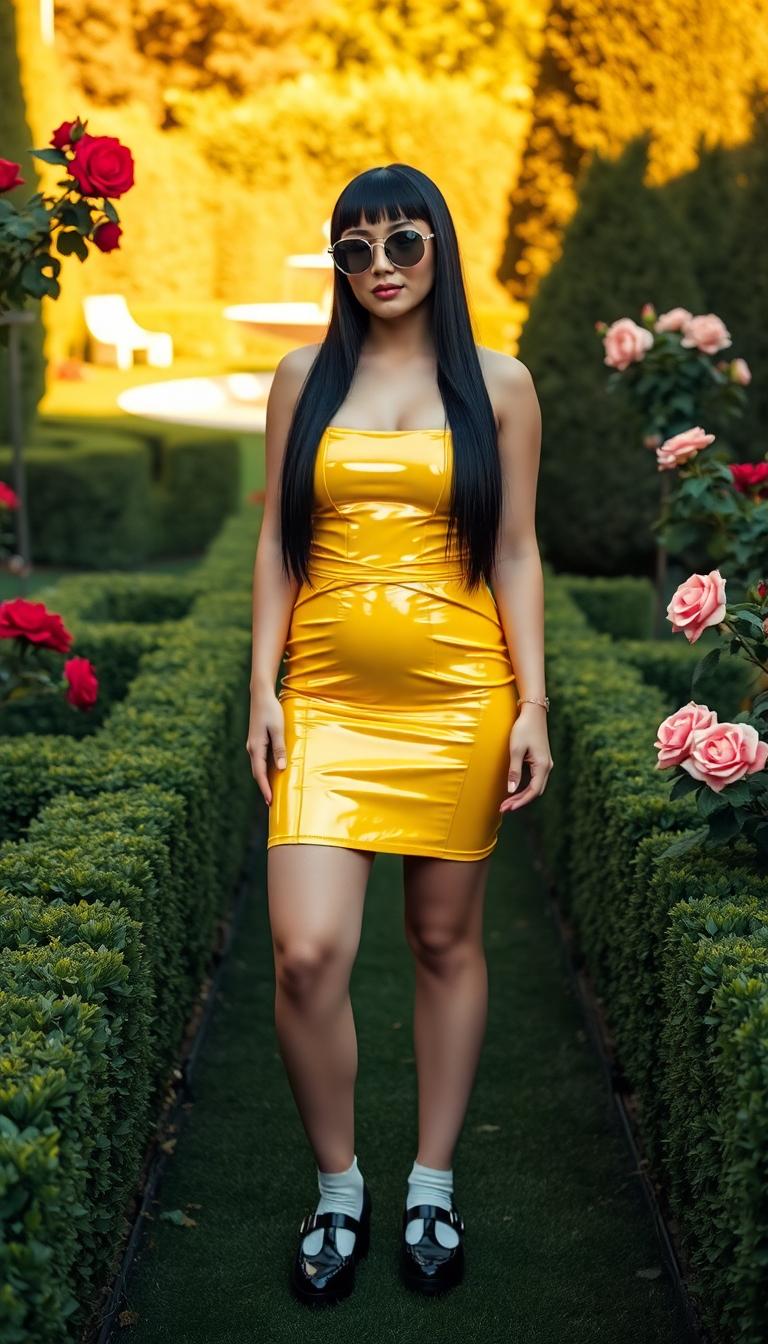
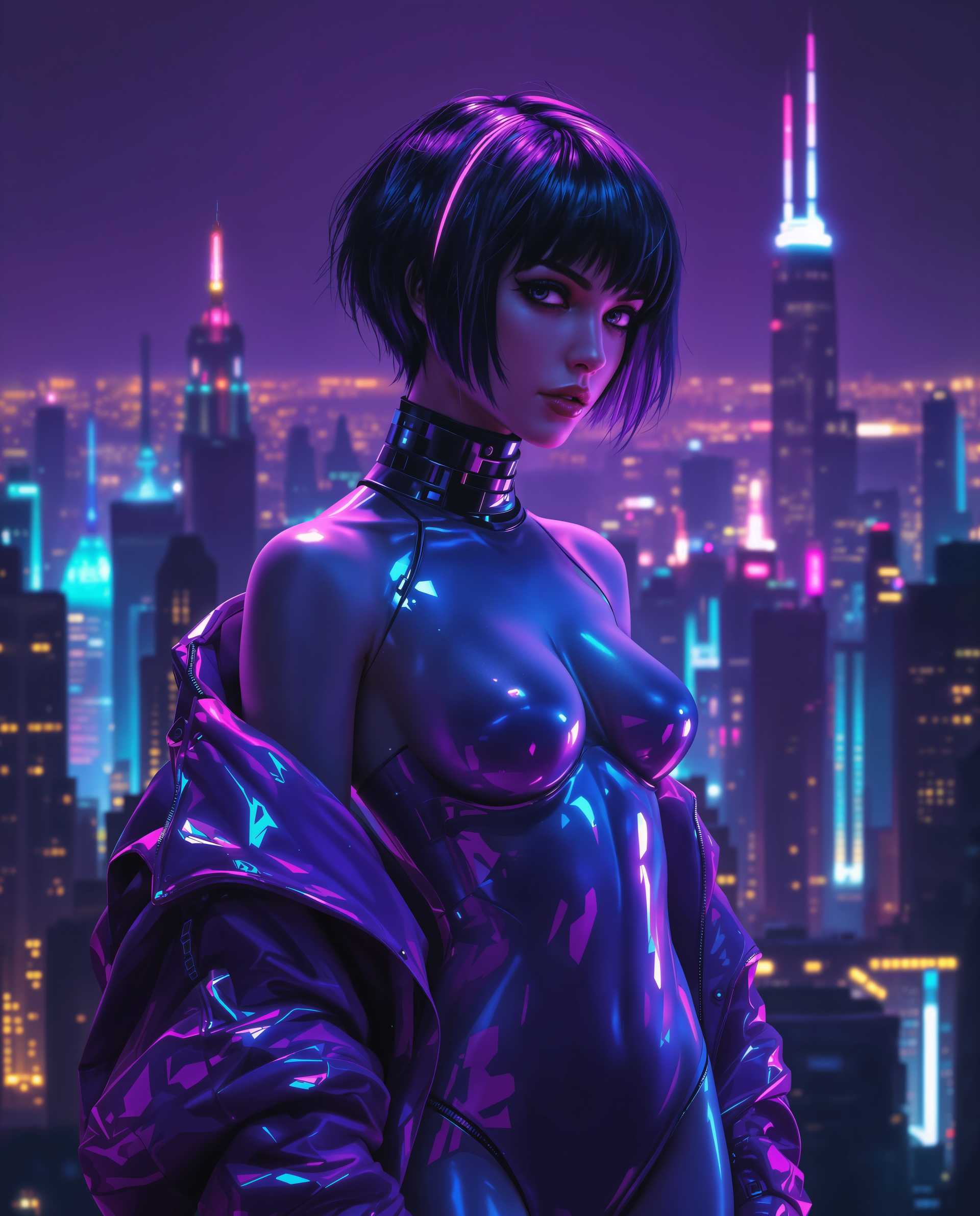



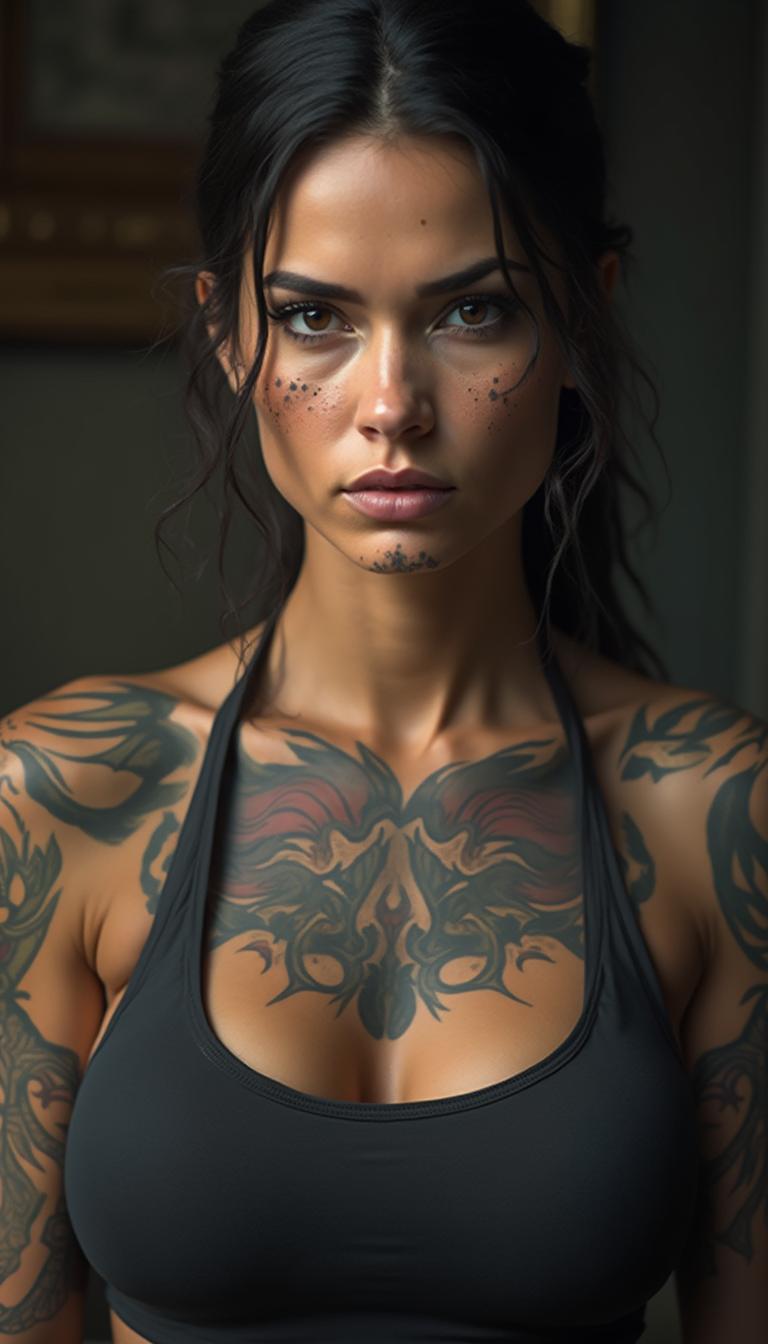
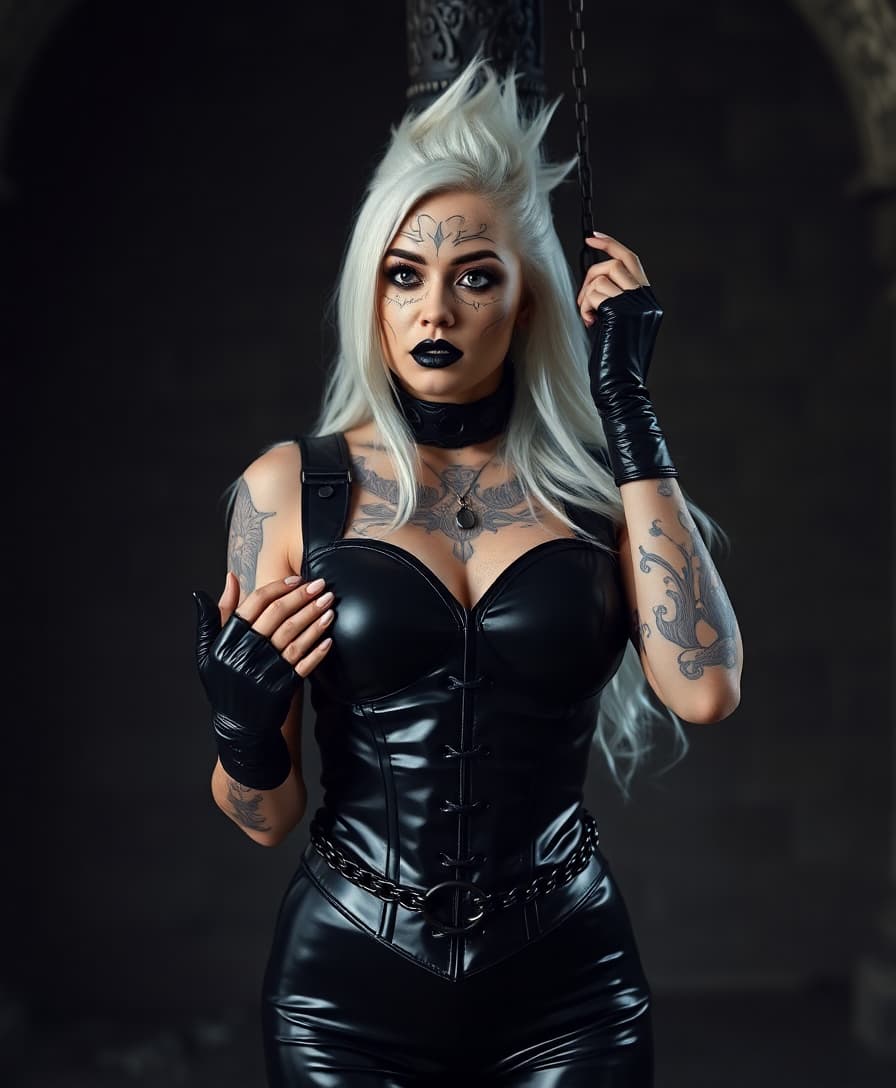
The Pixel Dojo Advantage
Why PixelDojo's Kling 2.5 outperforms other animation creation methods:
| Others | Pixel Dojo |
|---|---|
| Traditional Animation Software | Eliminates the need for complex software and extensive manual effort. |
| Generic AI Tools | Offers specialized features tailored for fluid, cinematic animations. |
| Manual Video Editing | Automates the animation process, saving time and ensuring consistency. |
Loved by Creators
See what our community says about Kling 2.5 fluid animations
"PixelDojo's Kling 2.5 transformed my static images into dynamic animations effortlessly. The results were stunning!"
Alex Johnson
Digital Artist
"As a marketer, creating engaging content is crucial. Kling 2.5 allowed me to produce high-quality animations quickly, boosting our campaign's success."
Samantha Lee
Marketing Manager
Common Questions
Everything you need to know about Kling 2.5 fluid animations AI generation
How does Kling 2.5 generate fluid animations from text prompts?
Kling 2.5 utilizes advanced AI algorithms to interpret your text prompts, generating animations with realistic motion and visual fidelity.
Can I use Kling 2.5 to animate my existing images?
Yes, Kling 2.5 allows you to upload images and transform them into dynamic animations by applying fluid motion effects.
What customization options are available in Kling 2.5?
You can adjust settings such as animation duration, aspect ratio, and specific motion styles to tailor the output to your needs.
Is Kling 2.5 suitable for professional projects?
Absolutely. Kling 2.5 produces high-quality, cinematic animations suitable for professional use in marketing, education, and entertainment.
Do I need animation experience to use Kling 2.5?
No prior animation experience is required. Kling 2.5 is designed to be user-friendly, enabling anyone to create animations effortlessly.
How long does it take to generate an animation with Kling 2.5?
The generation time depends on the complexity and length of the animation, but Kling 2.5 is optimized for quick processing to deliver results promptly.