Kling 2.6 trends and tips AI Generator
In the rapidly evolving world of AI video creation, Kling 2.6 stands out as a groundbreaking tool that empowers you to produce cinematic-quality videos with synchronized audio effortlessly. Whether you're a content creator, marketer, or filmmaker, understanding the latest trends and mastering Kling 2.6 can elevate your projects to new heights. This guide will walk you through the current trends, provide expert tips, and offer step-by-step instructions to help you harness the full potential of Kling 2.6.
Join over 1,000 creators who have generated more than 10,000 AI videos using Kling 2.6, achieving professional-grade results with ease.
Why Choose Pixel Dojo for Kling 2.6 trends and tips
Professional-quality results with cutting-edge AI technology
Seamless Audio-Visual Synchronization
Generate videos with perfectly matched audio, including dialogue, sound effects, and ambient sounds, eliminating the need for post-production audio editing.
High-Definition Video Output
Produce 1080p resolution videos with realistic motion and depth, suitable for professional use across various platforms.
Efficient Content Creation
Transform text prompts or static images into dynamic videos within seconds, streamlining your creative workflow and saving valuable time.
How It Works
Creating compelling AI videos with Kling 2.6 is a straightforward process. Follow these steps to bring your ideas to life:
Step 1: Choose Your Input Mode
Decide whether to start with a text prompt or an image. Kling 2.6 supports both text-to-video and image-to-video generation.
Step 2: Craft Your Prompt
Write a detailed description of your desired scene, including visual elements, character actions, and audio components like dialogue and sound effects.
Step 3: Generate and Refine
Click 'Generate' to create your video. Review the output and make adjustments to your prompt as needed to achieve the desired result.






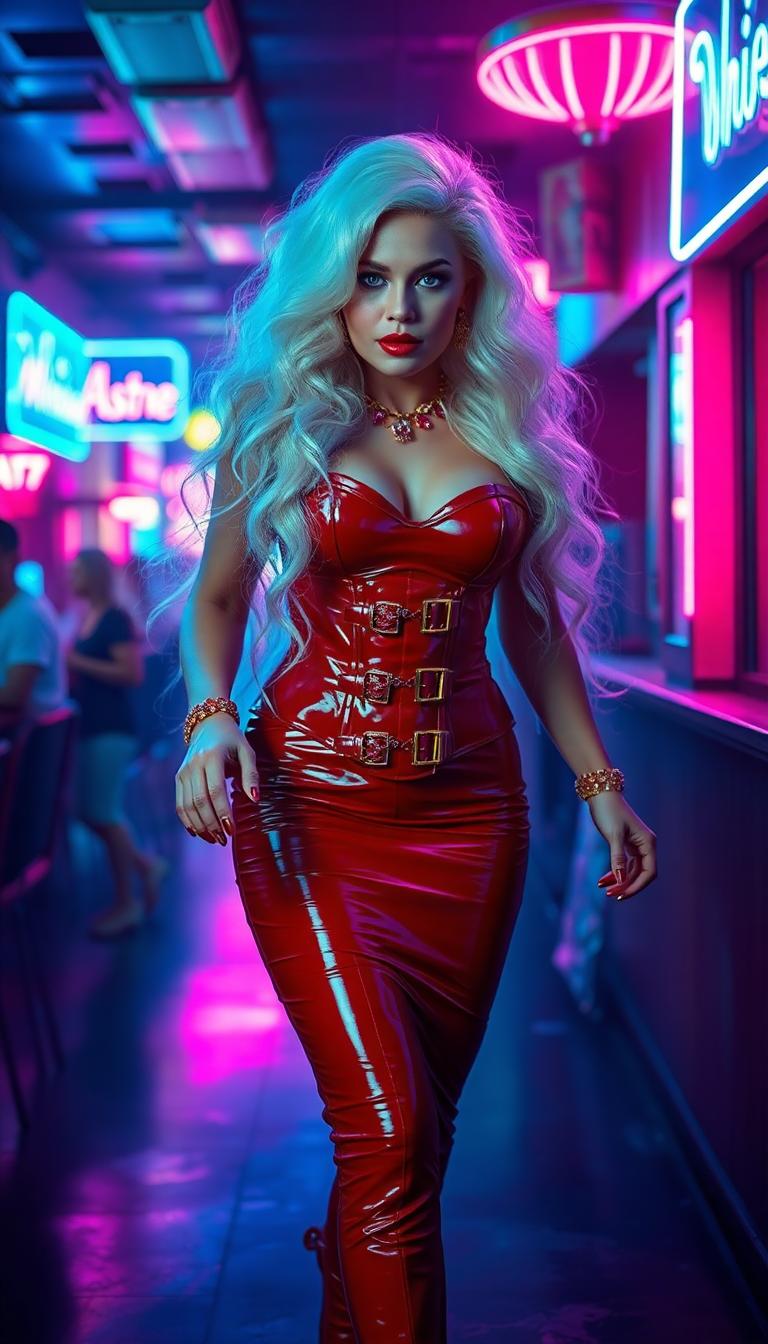


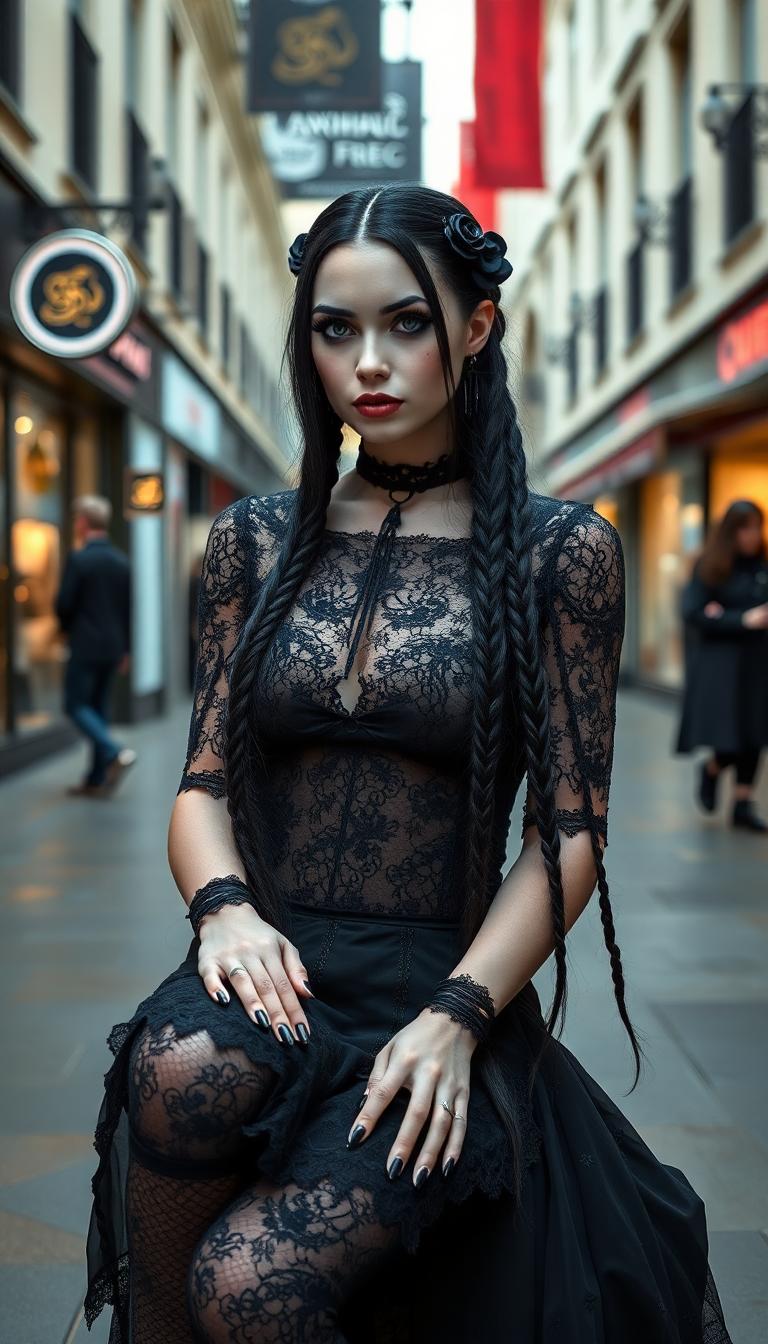





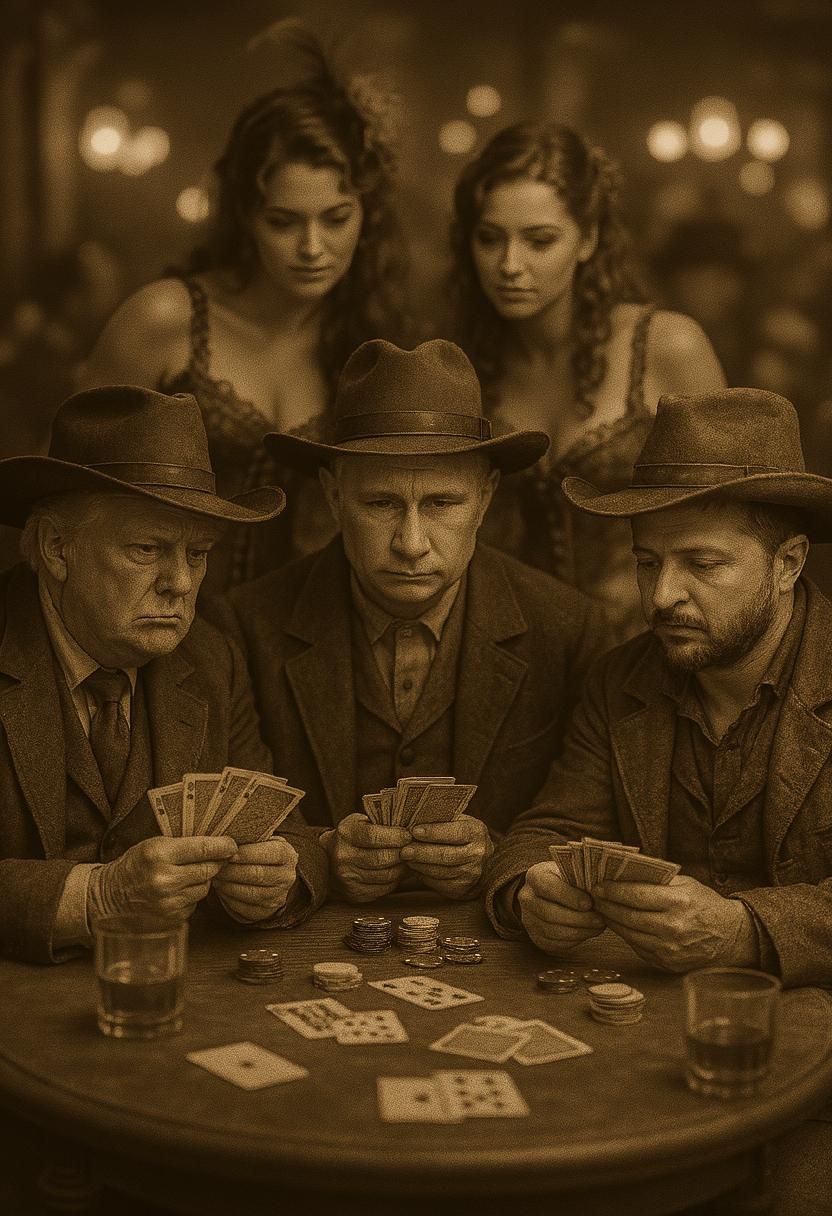
The Pixel Dojo Advantage
Why Kling 2.6 Outperforms Other AI Video Creation Tools
| Others | Pixel Dojo |
|---|---|
| Traditional Video Production | Eliminates the need for extensive filming and editing, reducing production time and costs. |
| Other AI Video Generators | Offers native audio generation with synchronized dialogue and sound effects, providing a more immersive experience. |
| Manual Audio Synchronization | Automatically aligns audio with visuals, ensuring perfect lip-sync and ambient sound integration without manual effort. |
Loved by Creators
See what our community says about Kling 2.6 trends and tips
"Kling 2.6 revolutionized our content creation process. The synchronized audio and high-quality visuals are unparalleled."
Alex Johnson
Content Creator
"As a marketer, Kling 2.6 has been a game-changer. Creating engaging videos with native audio has never been easier."
Samantha Lee
Marketing Manager
Common Questions
Everything you need to know about Kling 2.6 trends and tips AI generation
How does Kling 2.6 achieve synchronized audio and video?
Kling 2.6 generates video and audio simultaneously, ensuring perfect alignment between visuals and sound, including dialogue, ambient noises, and sound effects.
Can I use Kling 2.6 for commercial projects?
Yes, Kling 2.6 is suitable for commercial use, allowing you to create professional-grade videos for marketing, advertising, and other business purposes.
What input formats does Kling 2.6 support?
Kling 2.6 supports both text-to-video and image-to-video inputs, enabling you to start with a textual description or a static image to generate dynamic videos.
Is there a limit to the video length I can create with Kling 2.6?
Kling 2.6 is optimized for short-form content, typically generating videos up to 10 seconds in length, ideal for social media and quick promotional materials.
Do I need prior video editing experience to use Kling 2.6?
No, Kling 2.6 is designed with an intuitive interface that allows users without prior video editing experience to create high-quality videos effortlessly.
How can I ensure the best results with Kling 2.6?
For optimal results, provide clear and detailed prompts, specifying visual elements, character actions, and audio components. Reviewing and refining the generated output can also enhance the final video quality.