kling 3.0 self as character AI Generator
Imagine transforming a simple photo of yourself into a dynamic, animated character performing any action you envision. With Kling 3.0's advanced AI motion control, you can breathe life into your static images, creating engaging videos that showcase you as the protagonist. Whether you're looking to produce captivating social media content, enhance your digital storytelling, or explore creative self-expression, Kling 3.0 empowers you to animate yourself effortlessly.
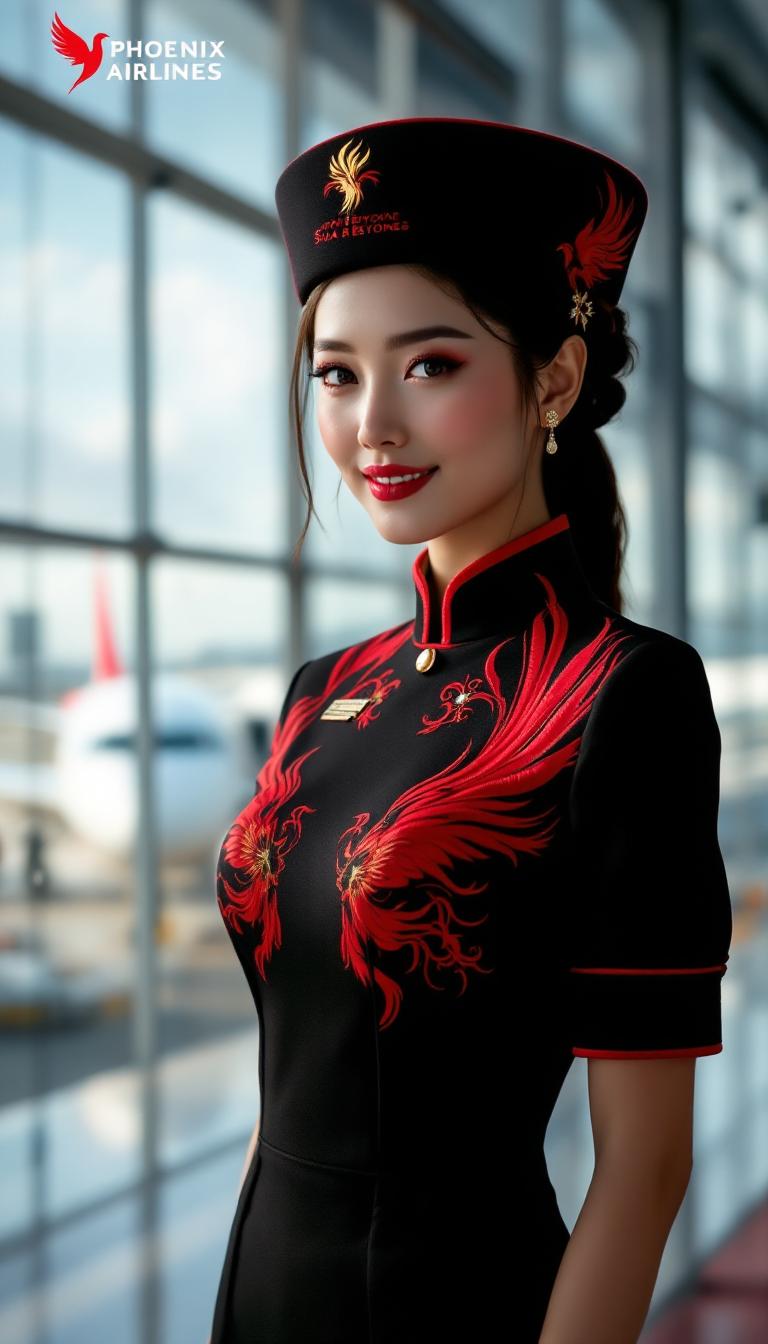
Join over 100,000 creators who have brought their images to life using Kling 3.0's cutting-edge AI technology. With a 4.9/5 satisfaction rating and 99.9% uptime, Kling 3.0 is the trusted choice for dynamic self-character animation.
Why Choose Pixel Dojo for kling 3.0 self as character
Professional-quality results with cutting-edge AI technology
Effortless Self-Character Animation
Transform your static photos into animated videos, showcasing yourself in any scenario or action you desire.
Professional-Quality Motion Control
Achieve smooth, realistic movements with Kling 3.0's advanced AI, ensuring your animations look natural and engaging.
Versatile Content Creation
Create personalized videos for social media, marketing, or personal projects without the need for complex software or technical skills.
How It Works
Creating animated videos of yourself as a character is simple with Kling 3.0. Follow these steps to bring your images to life:
Step 1: Upload Your Photo
Select a clear, high-quality image of yourself that you want to animate. Ensure the photo has good lighting and a neutral background for optimal results.
Step 2: Choose a Motion Reference
Pick a reference video that contains the movement you want your character to perform. This could be a dance, gesture, or any action sequence.
Step 3: Generate Your Animated Video
Use Kling 3.0's AI to apply the selected motion to your photo, creating a seamless, animated video of yourself as the character.
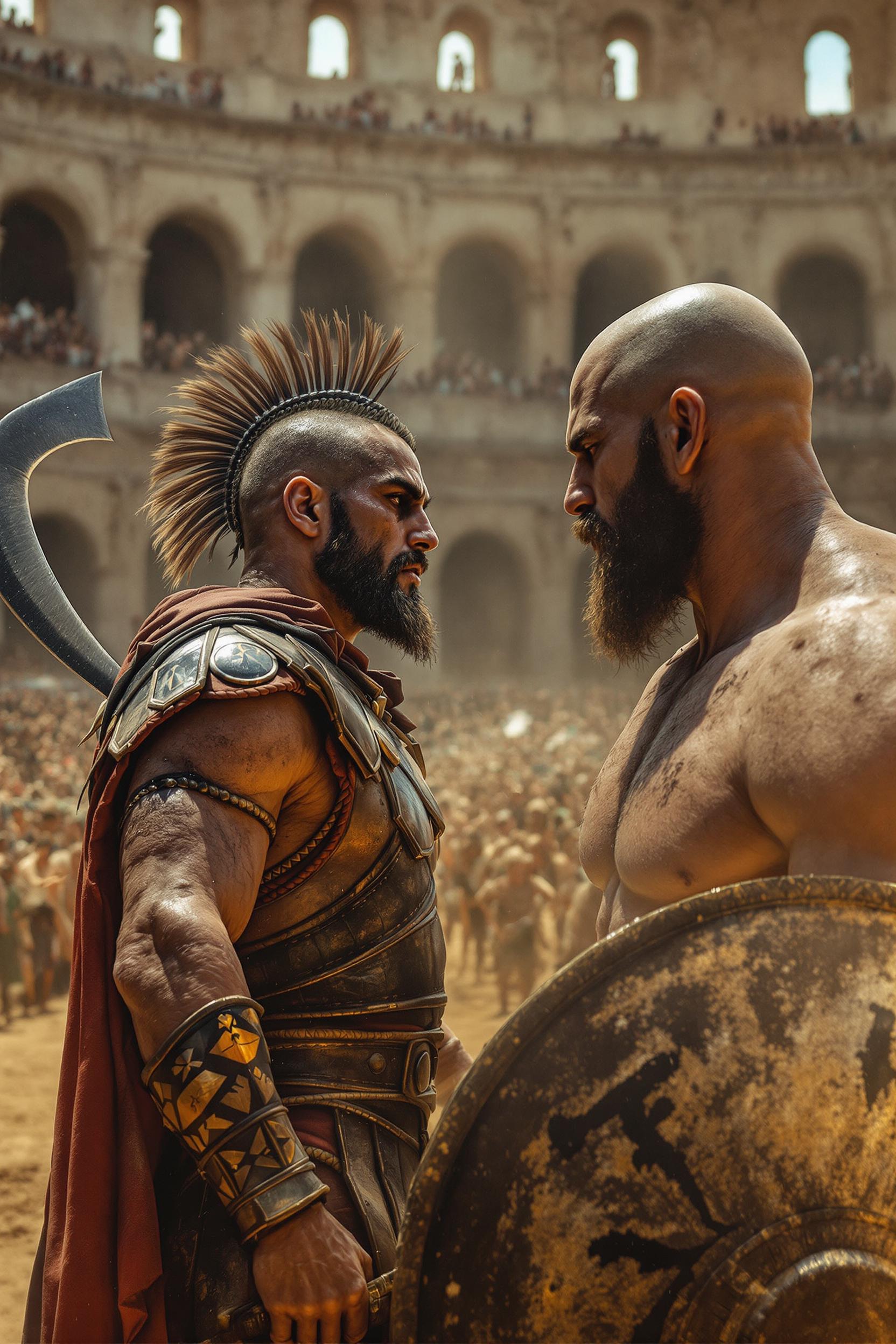
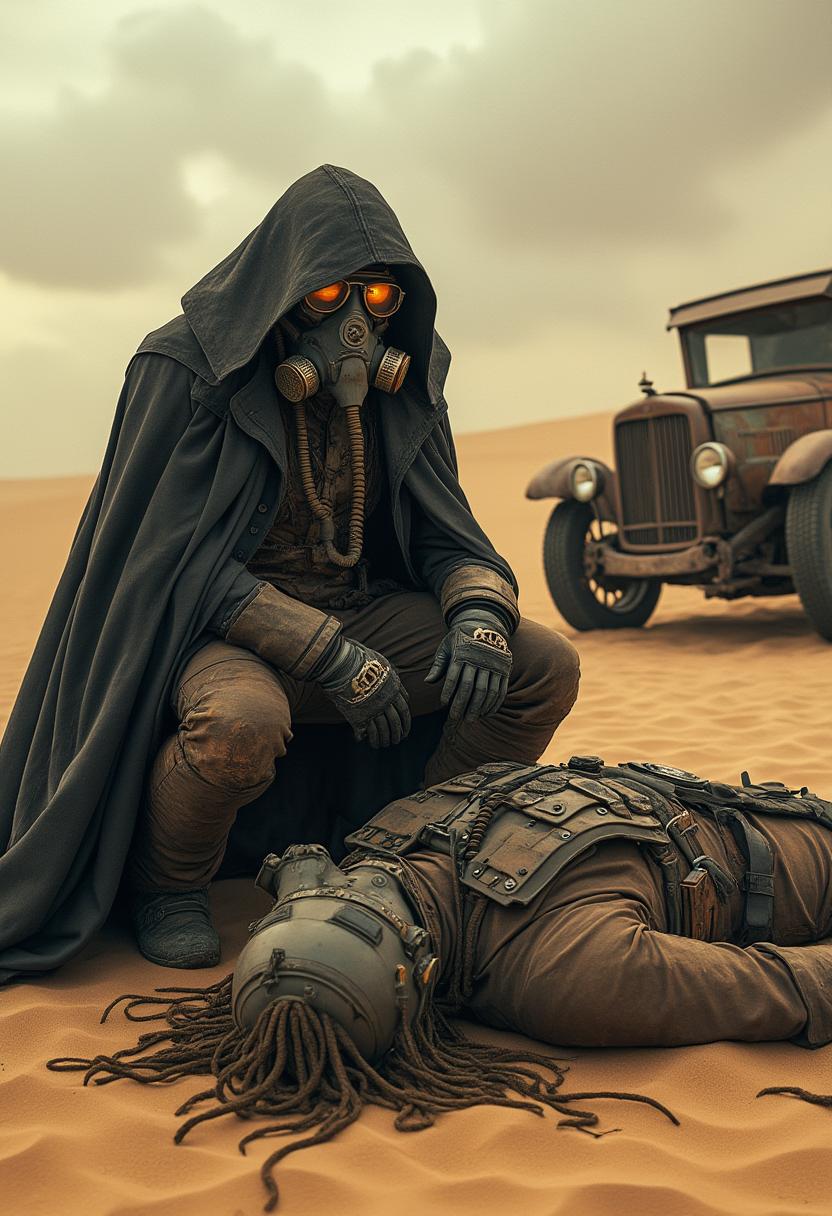
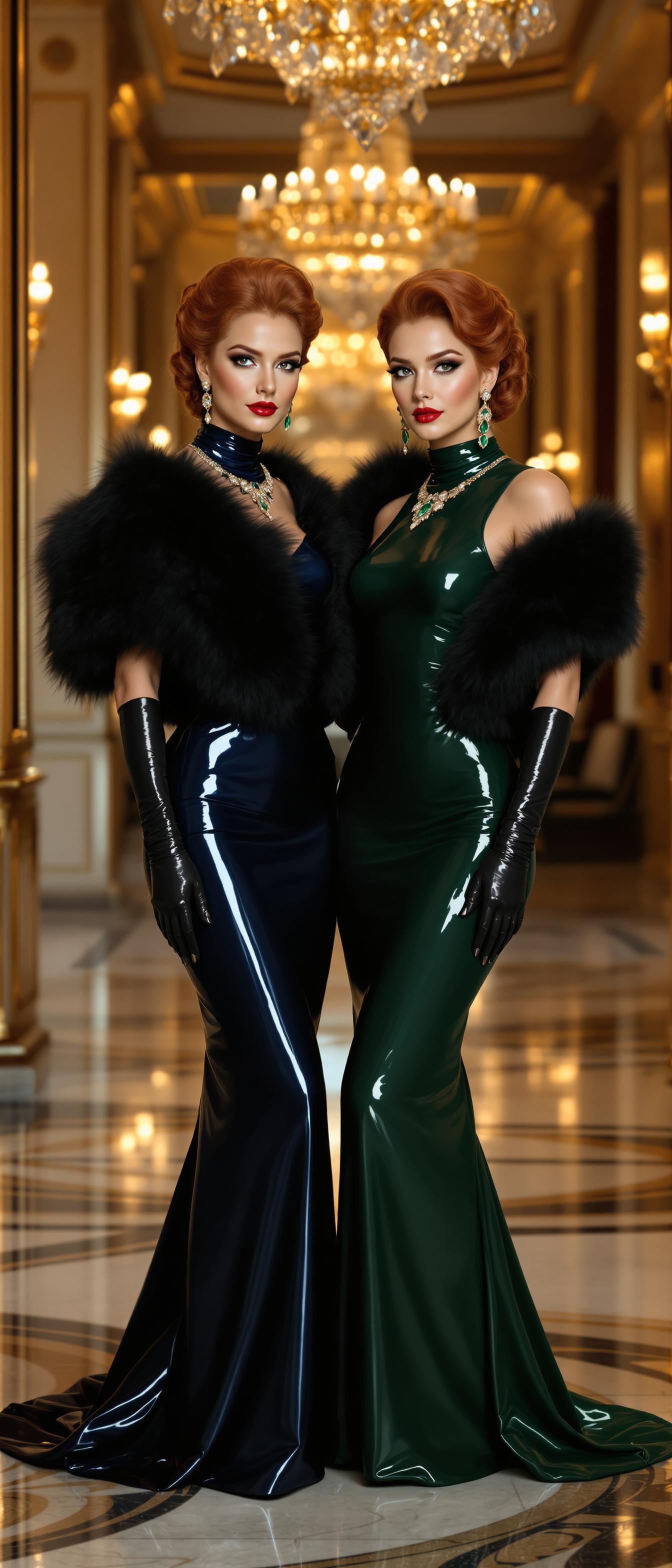

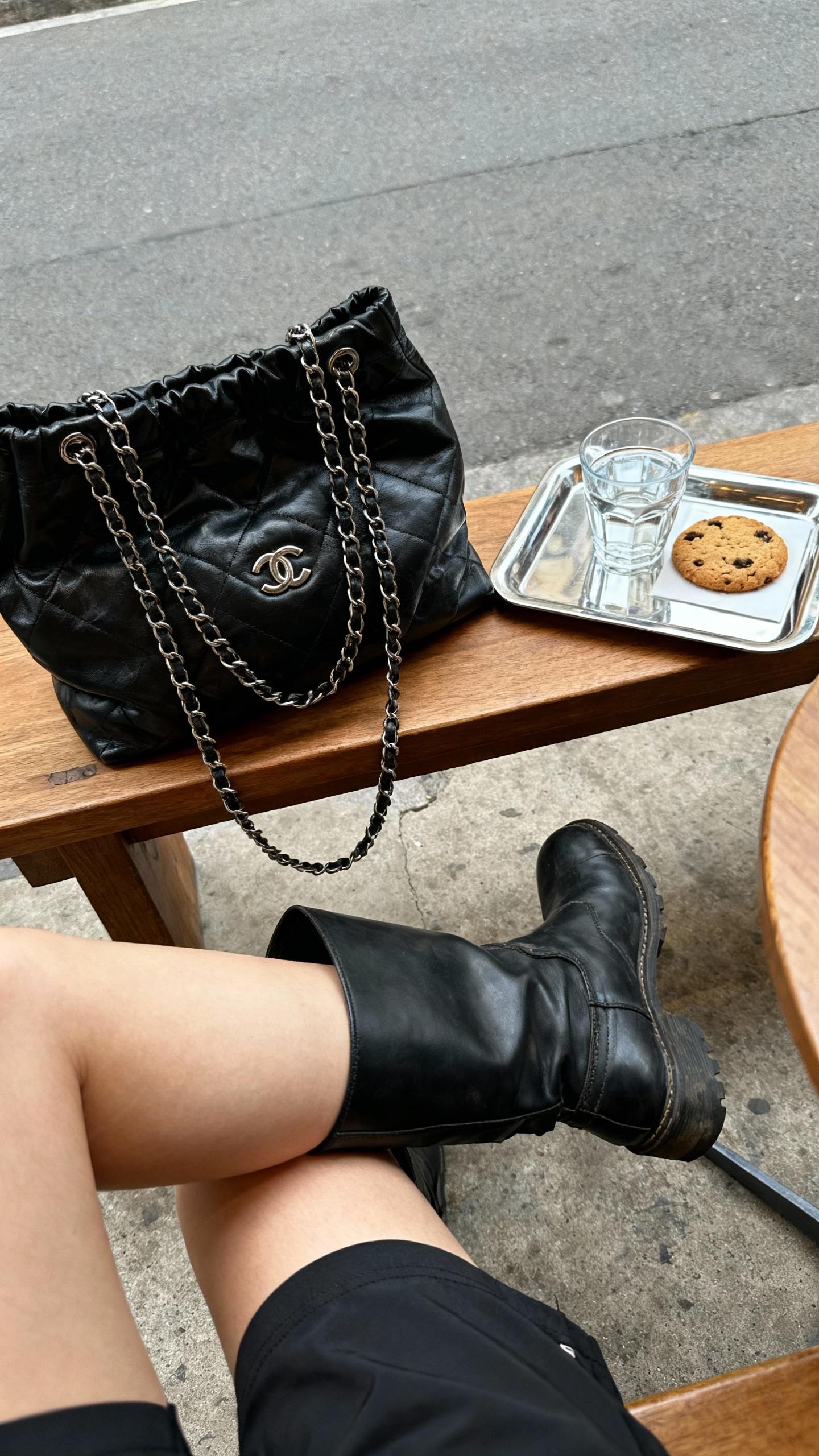
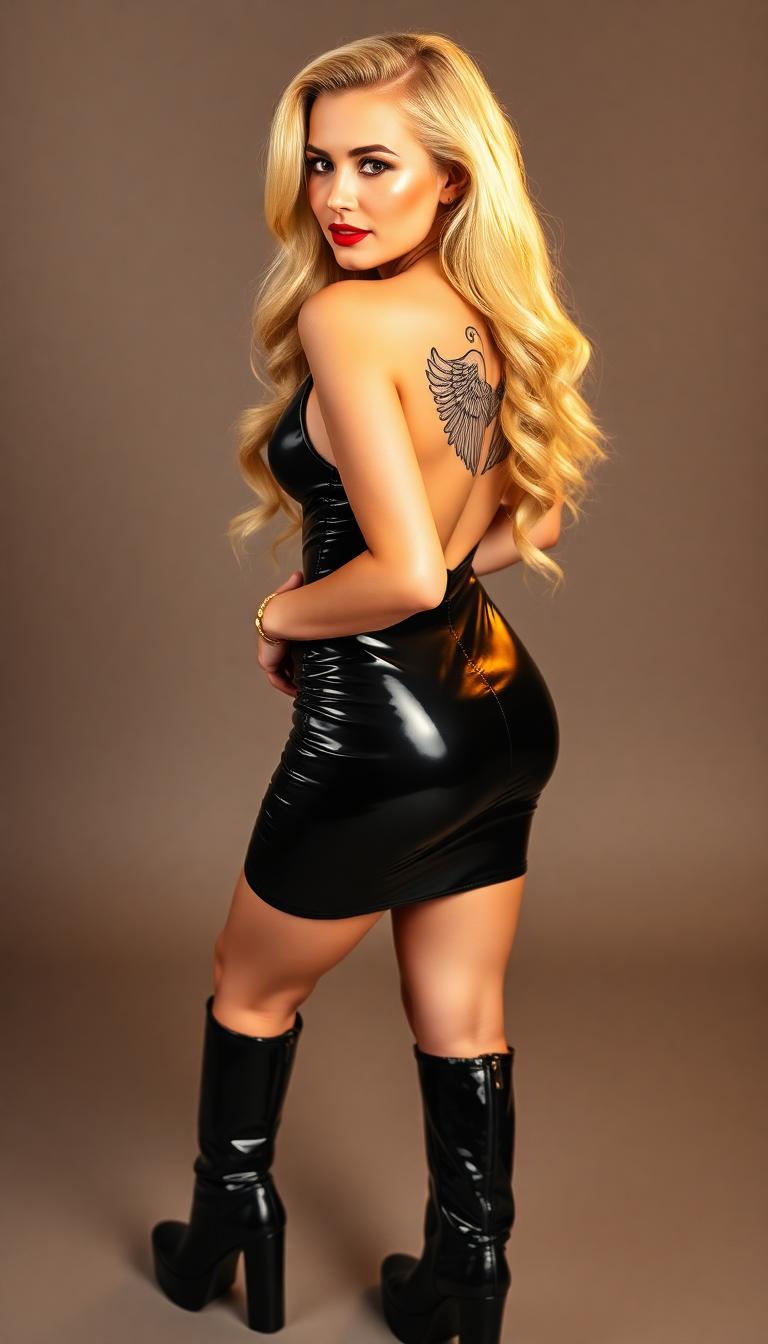
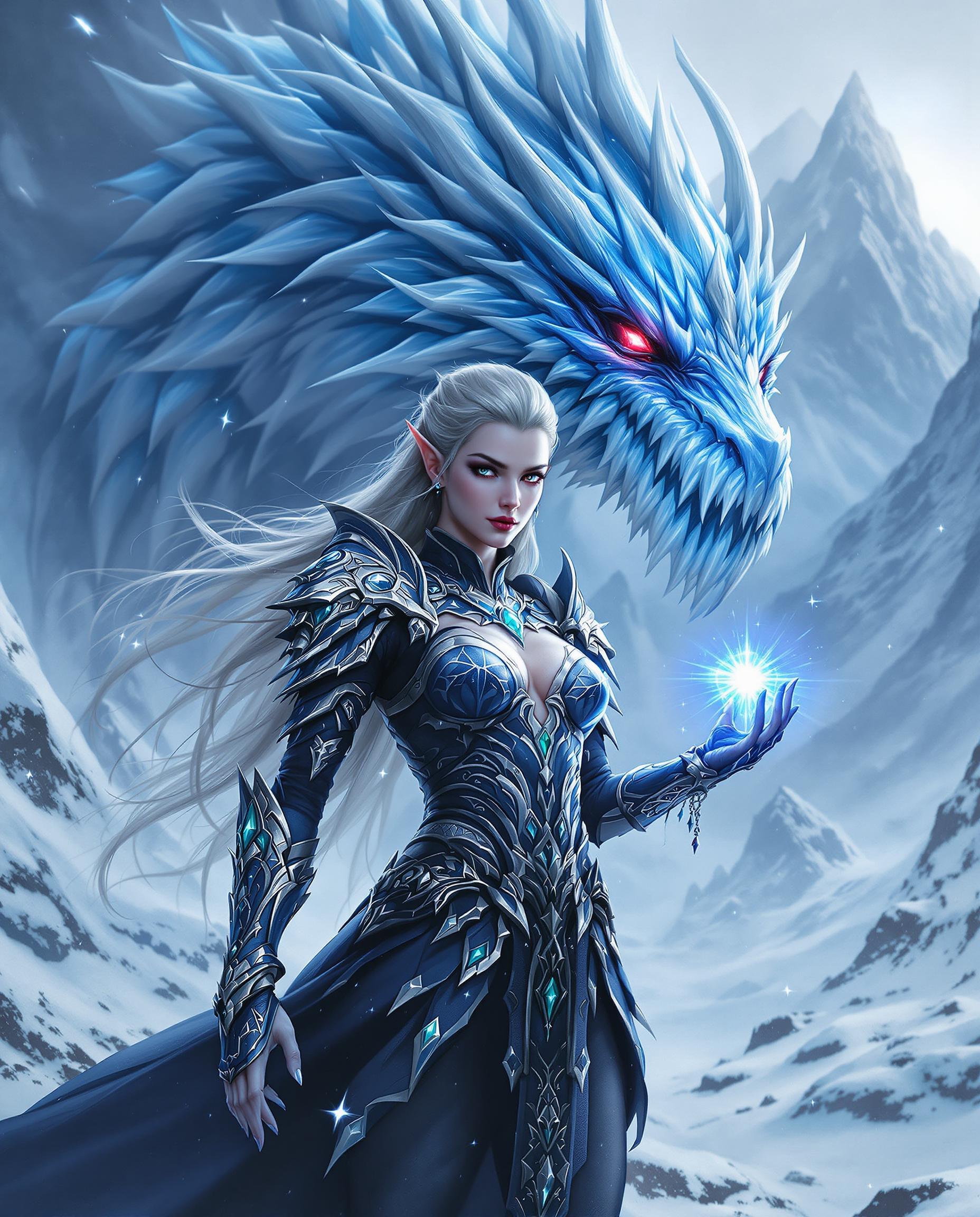
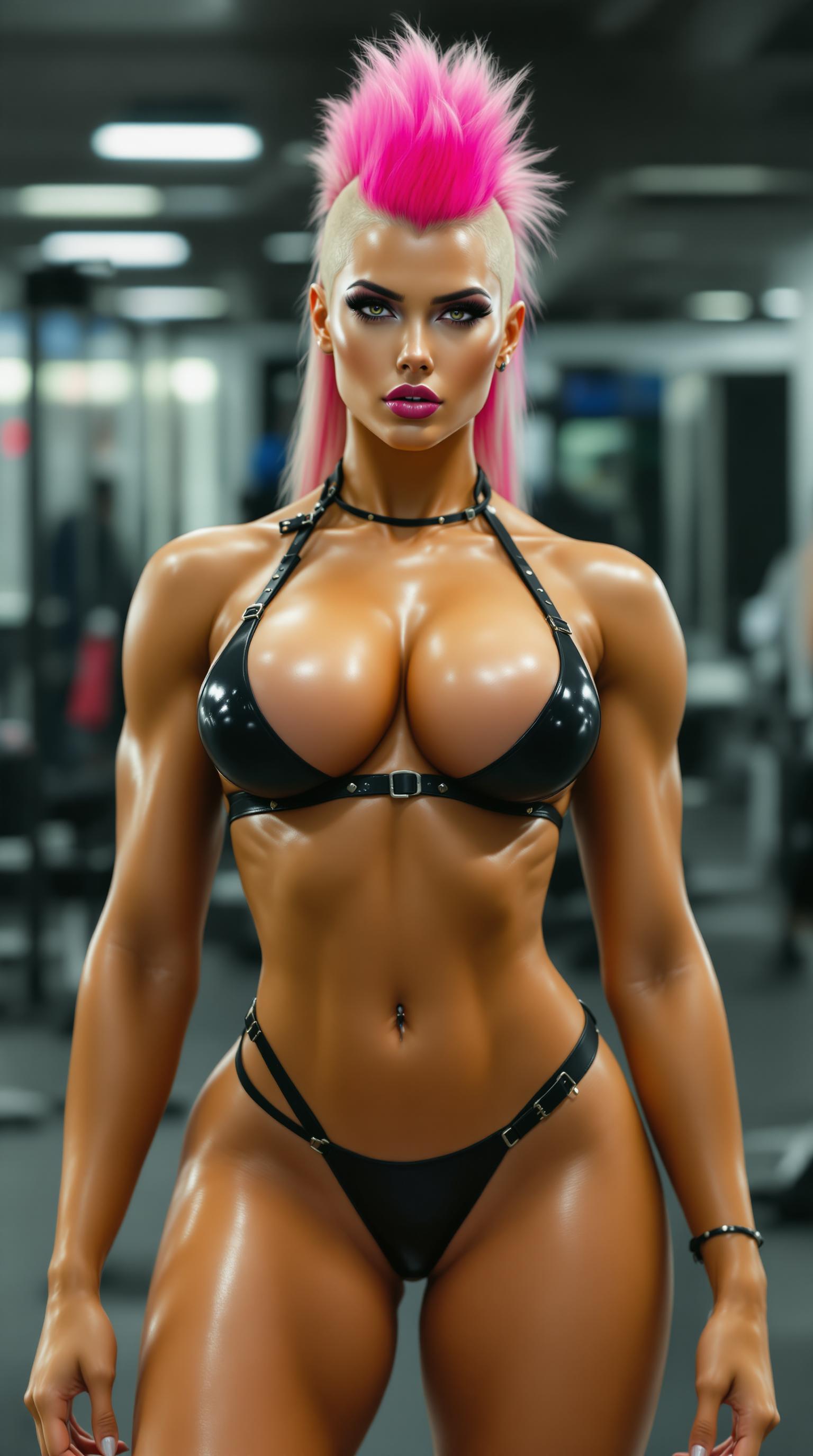



The Pixel Dojo Advantage
Why Kling 3.0 is the superior choice for self-character animation:
| Others | Pixel Dojo |
|---|---|
| Traditional Animation Software | Kling 3.0 eliminates the need for complex software and technical expertise, making animation accessible to everyone. |
| Generic AI Tools | Unlike generic tools, Kling 3.0 offers precise motion control and maintains character consistency across frames. |
| Manual Video Editing | Kling 3.0 automates the animation process, saving you time and effort compared to manual editing methods. |
Loved by Creators
See what our community says about kling 3.0 self as character
"Kling 3.0 has revolutionized how I create content. Animating myself has never been this easy and fun!"
Alex Johnson
Content Creator
"The motion control in Kling 3.0 is incredibly precise. My self-character animations look professional and engaging."
Maria Lopez
Digital Artist
Common Questions
Everything you need to know about kling 3.0 self as character AI generation
How does Kling 3.0 animate my photo?
Kling 3.0 uses advanced AI motion control to apply movements from a reference video to your uploaded photo, creating a seamless animation of yourself as a character.
Do I need any animation experience to use Kling 3.0?
No, Kling 3.0 is designed to be user-friendly and requires no prior animation experience. Simply upload your photo and select a motion reference to create your animation.
Can I use Kling 3.0 for commercial projects?
Yes, Kling 3.0 offers commercial usage rights, allowing you to use your animated videos for marketing, advertising, and other commercial purposes.
What types of motions can I apply to my photo?
You can apply a wide range of motions, including dances, gestures, and action sequences, by selecting appropriate reference videos within Kling 3.0.
Is Kling 3.0 compatible with all image formats?
Kling 3.0 supports most common image formats, including JPEG and PNG. For best results, use high-resolution images with clear details.
How long does it take to generate an animated video?
The generation time varies depending on the complexity of the motion and the length of the video, but most animations are ready within a few minutes.