kling 3.0 video element uploads AI Generator
Imagine transforming your static images into dynamic, engaging videos that captivate your audience. With Kling 3.0's Element Uploads feature, you can achieve just that. This innovative tool allows you to upload reference images, ensuring character consistency and precise motion control in your AI-generated videos. Whether you're a content creator, marketer, or filmmaker, Kling 3.0 empowers you to bring your visions to life effortlessly.
Join over 100,000 creators who have generated more than 500 million videos using Kling 3.0. With a 4.9/5 satisfaction rating, our platform is trusted by professionals worldwide.
Why Choose Pixel Dojo for kling 3.0 video element uploads
Professional-quality results with cutting-edge AI technology
Achieve Character Consistency
Maintain the same character appearance across multiple video clips by uploading reference images, ensuring a cohesive narrative.
Precise Motion Control
Apply specific movements from reference videos to your characters, resulting in realistic and intentional animations.
Effortless Image-to-Video Conversion
Transform static images into dynamic videos with ease, enhancing your content's engagement and appeal.
How It Works
Creating dynamic videos with Kling 3.0's Element Uploads is a straightforward process. Follow these steps to bring your images to life:
Step 1: Upload Your Reference Images
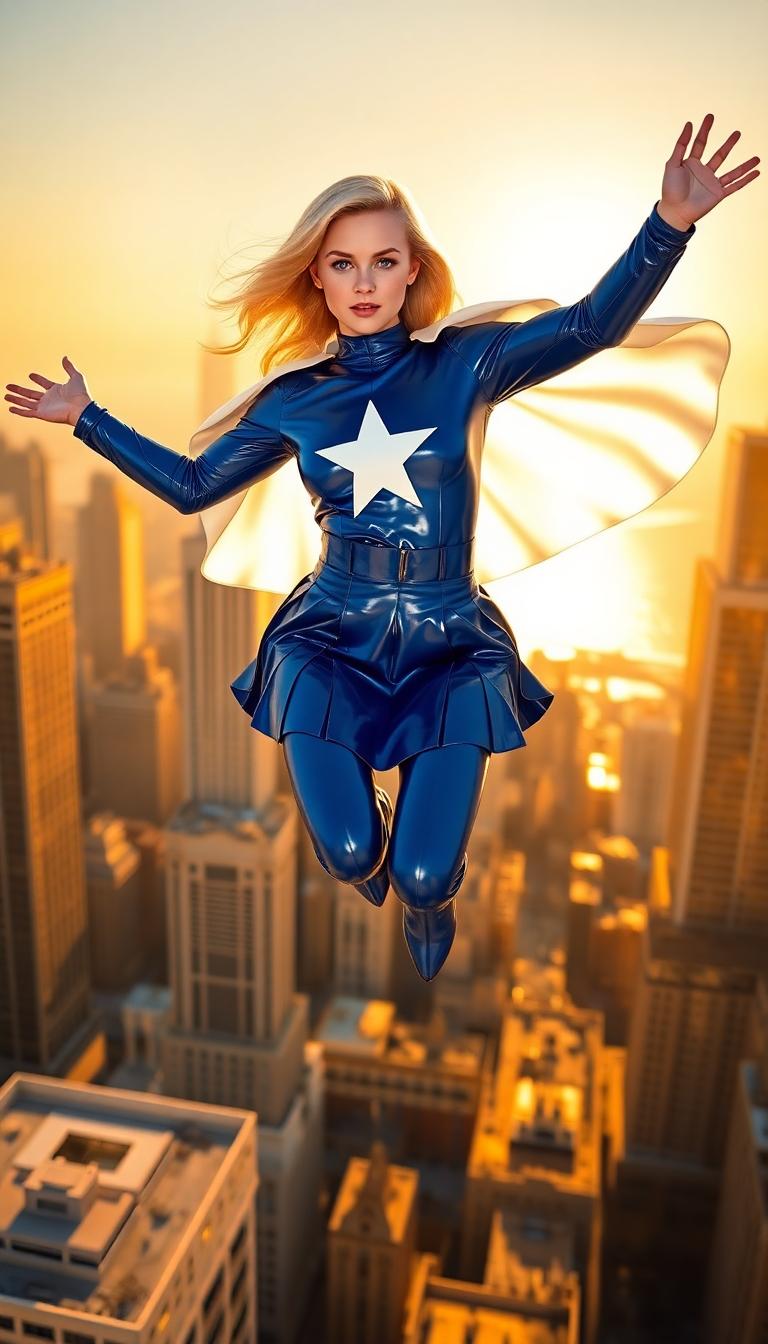
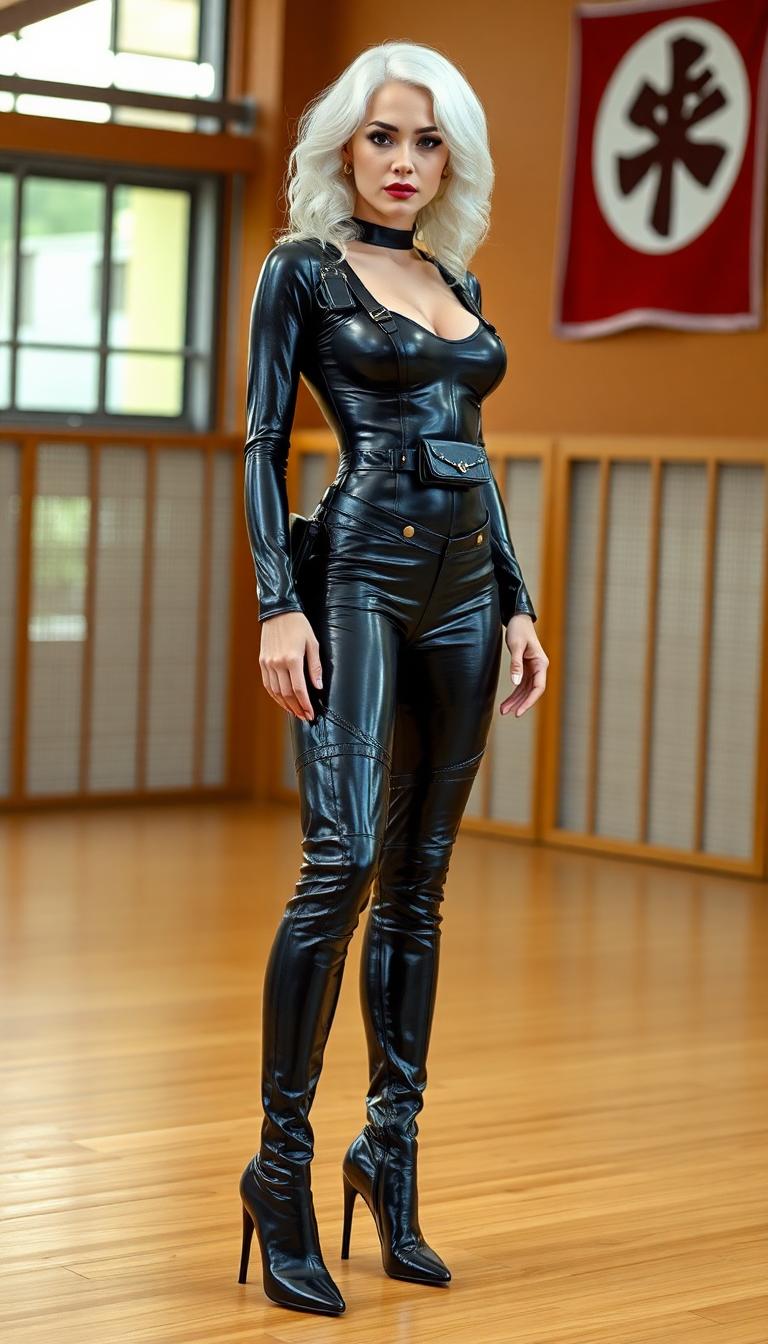
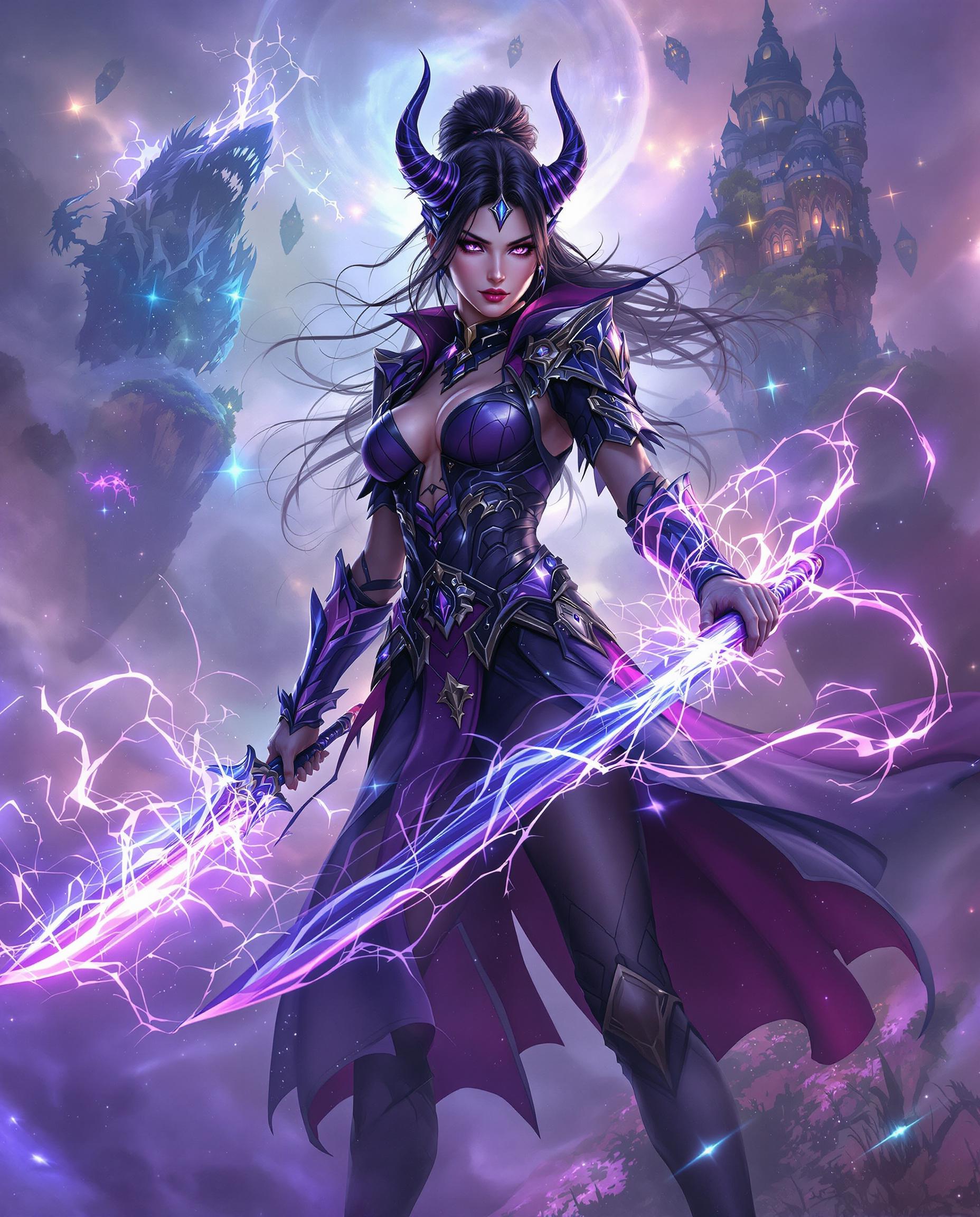
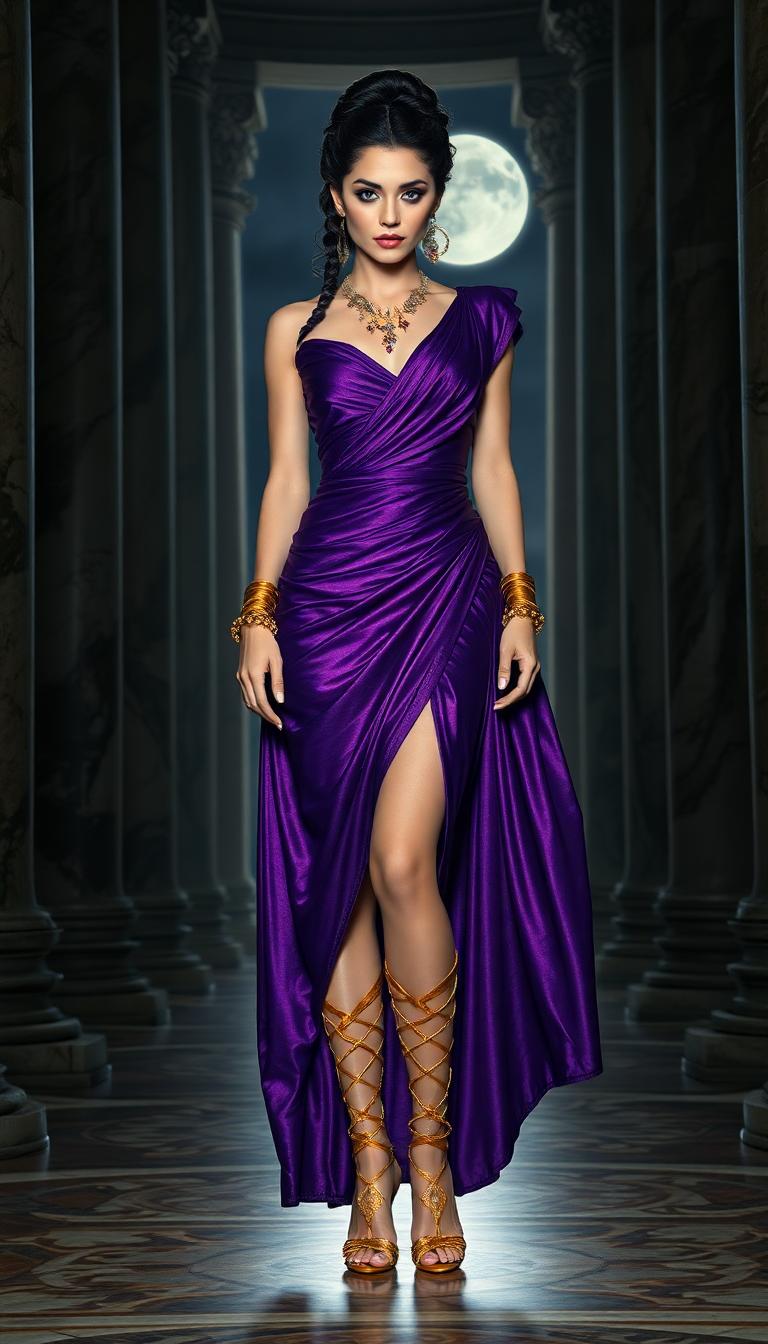
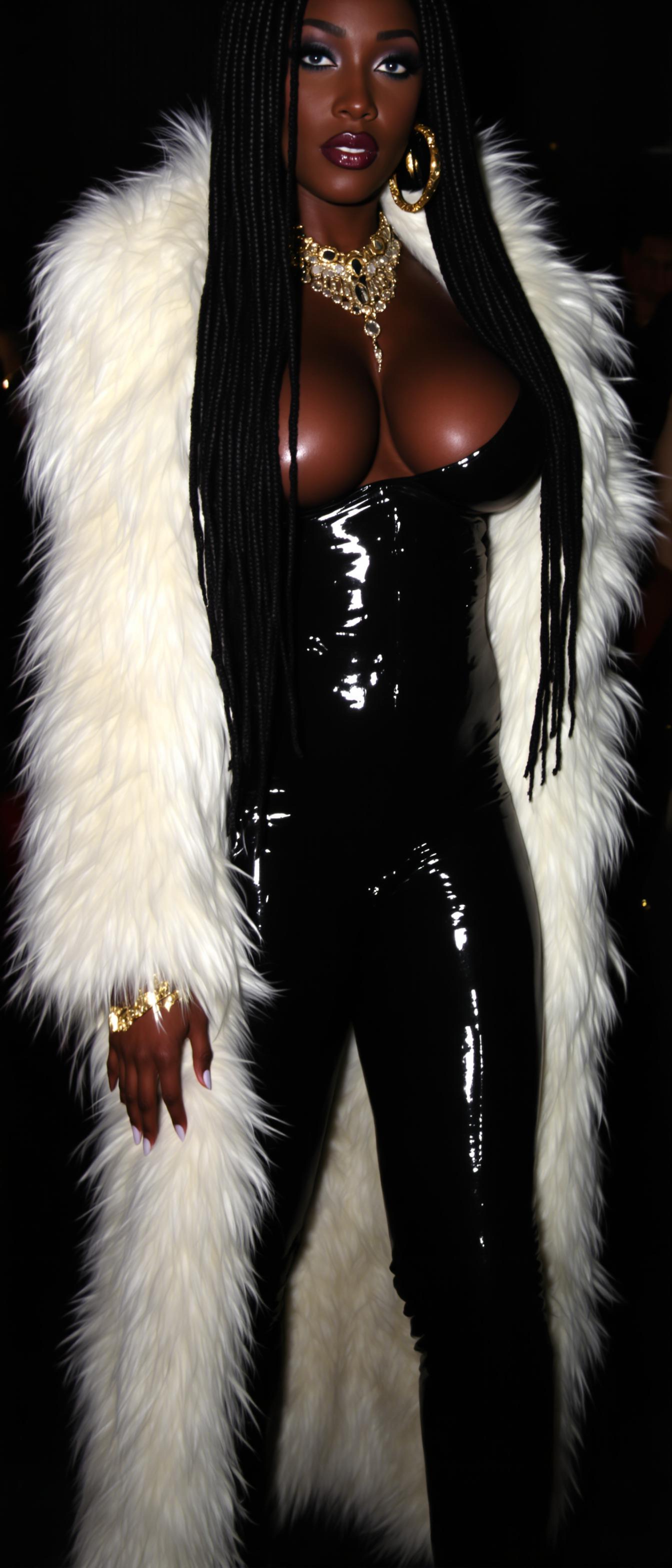
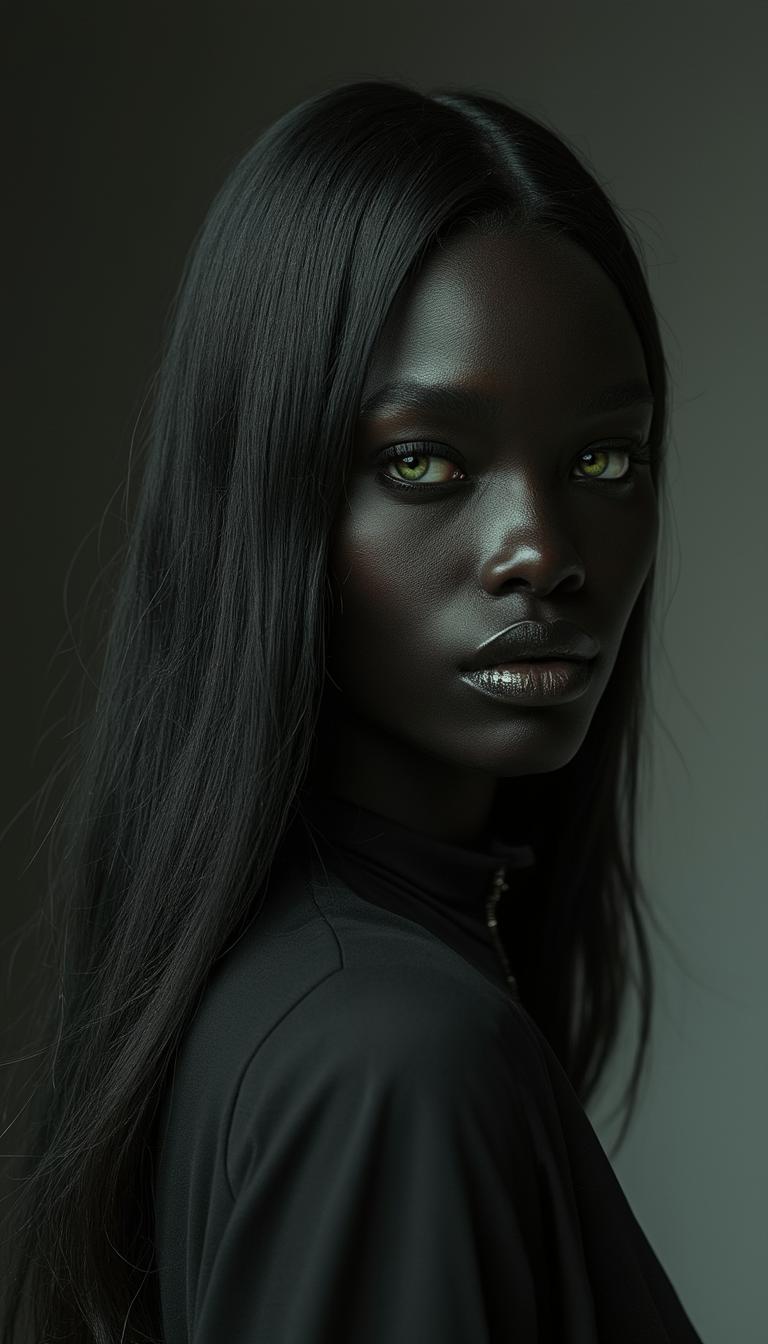
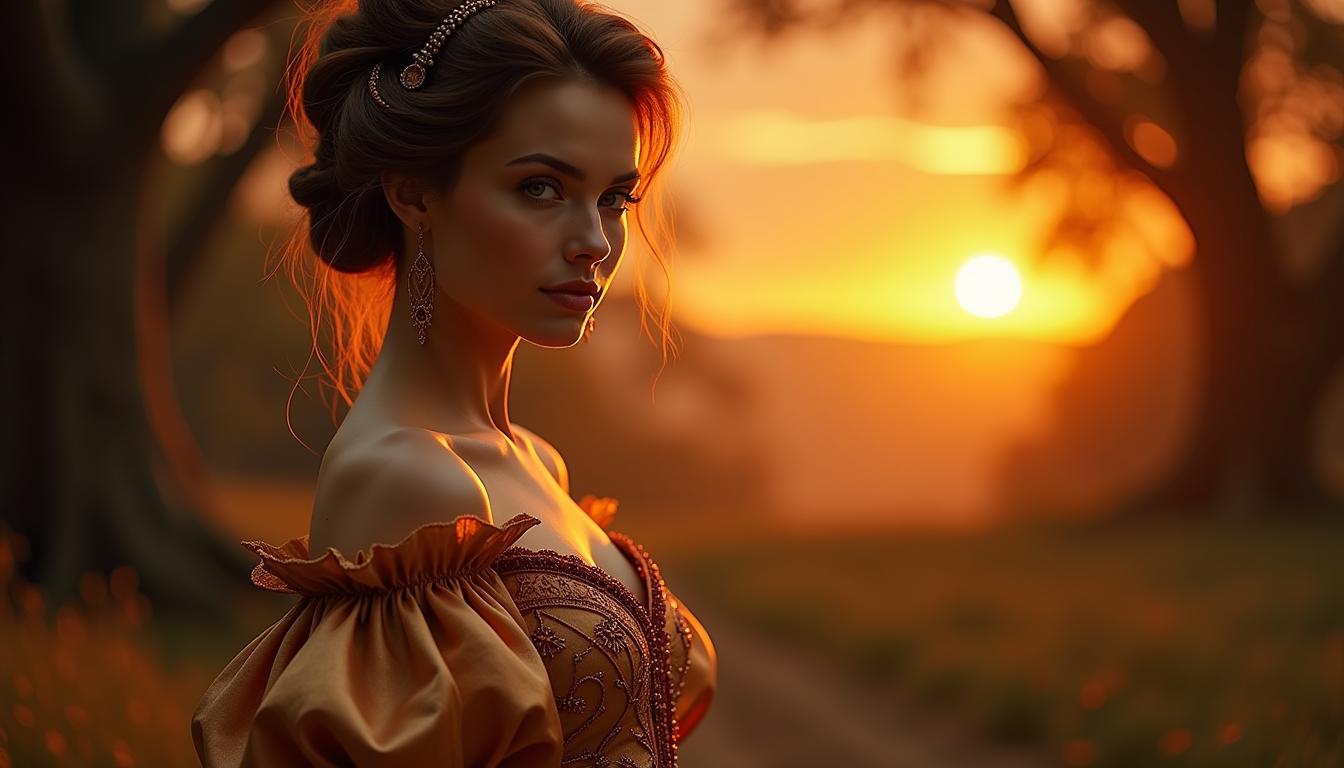
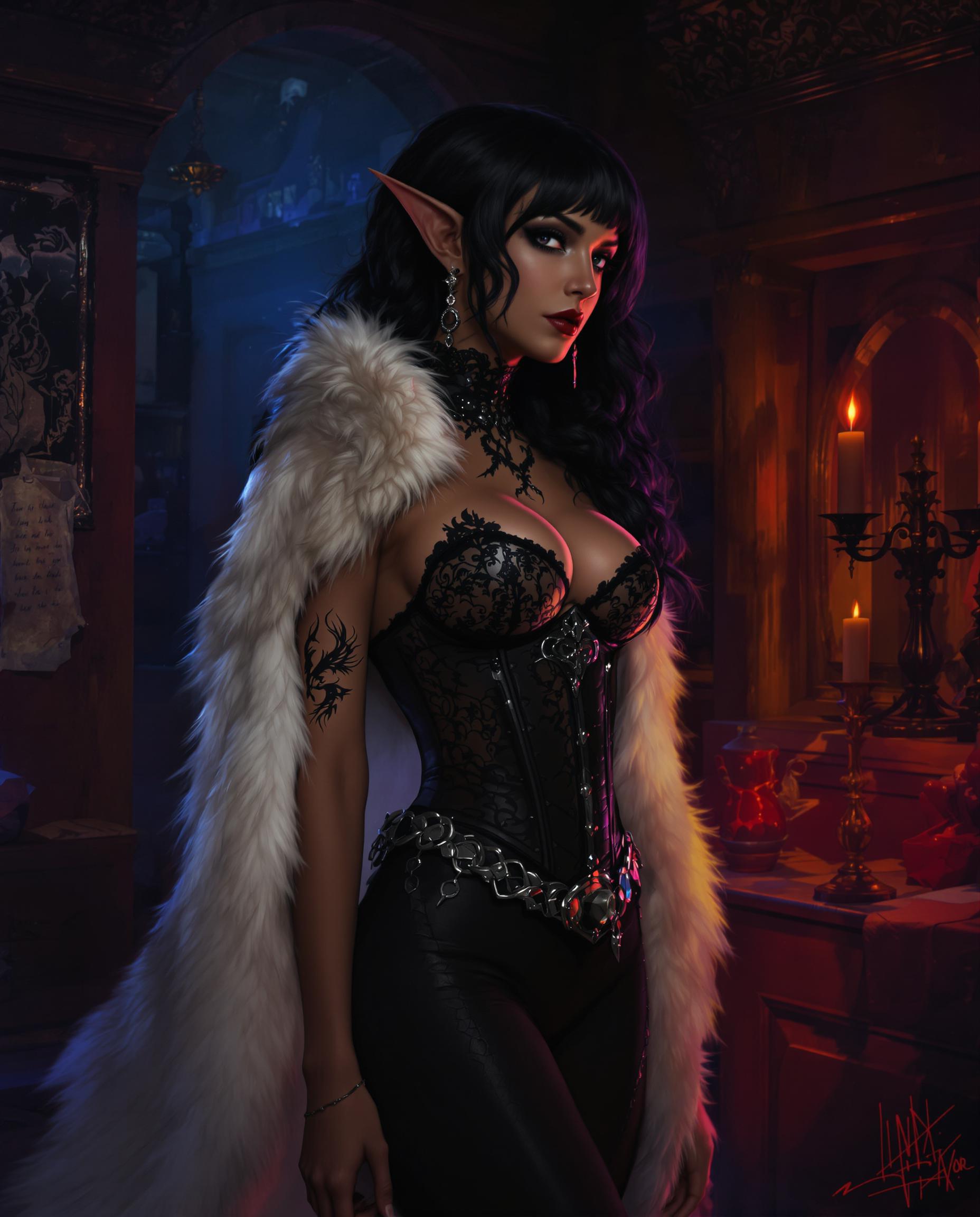
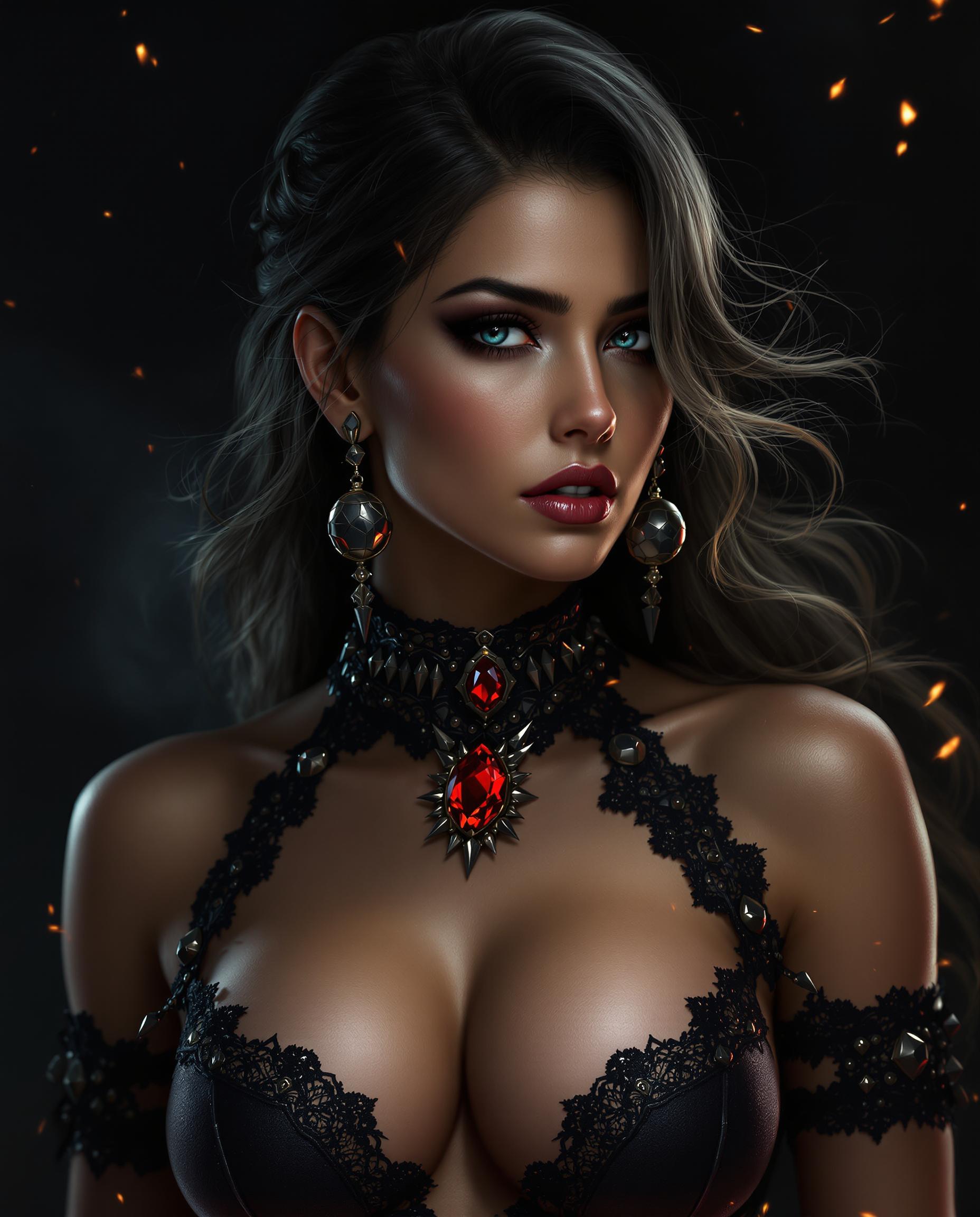
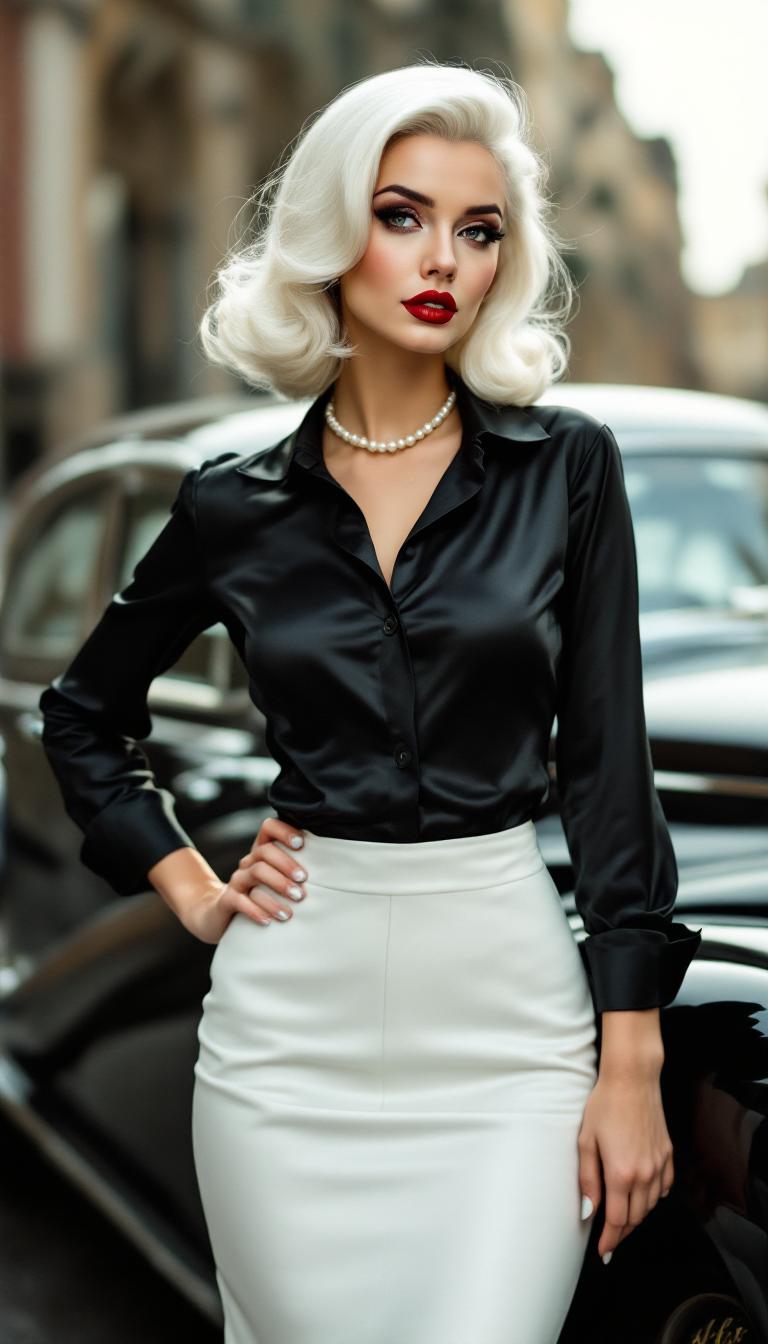
Select up to four images that represent your character from various angles. Ensure consistent lighting across these images for optimal results.
Step 2: Input Your Video Description
Describe the scene you want to create, including actions, settings, and moods. Use the '@' symbol to reference your uploaded images, ensuring character consistency.
Step 3: Generate and Download Your Video
Click 'Generate' to process your input. Kling 3.0 will create a video that brings your description and reference images together seamlessly.





The Pixel Dojo Advantage
Why Kling 3.0's Element Uploads Outperform Other Video Creation Methods
| Others | Pixel Dojo |
|---|---|
| Traditional Video Production | Eliminate the need for expensive equipment and lengthy production times by generating videos directly from images. |
| Generic AI Video Tools | Achieve unparalleled character consistency and motion control, setting your content apart from generic AI-generated videos. |
| Manual Animation | Save countless hours of manual animation by leveraging AI to create realistic movements and scenes. |
Loved by Creators
See what our community says about kling 3.0 video element uploads
"Kling 3.0's Element Uploads have revolutionized our content creation process. We can now produce high-quality videos in a fraction of the time."
Alex Johnson
Content Creator
"The character consistency feature ensures our brand's mascot looks the same across all our videos, enhancing brand recognition."
Maria Lopez
Marketing Manager
Common Questions
Everything you need to know about kling 3.0 video element uploads AI generation
How does Kling 3.0 ensure character consistency in videos?
By uploading up to four reference images of your character, Kling 3.0 uses these as a guide to maintain the same appearance across all generated videos.
Can I apply specific motions to my characters using Kling 3.0?
Yes, by uploading a motion reference video, Kling 3.0 can extract and apply precise movements to your character images, resulting in realistic animations.
What types of images should I upload for the best results?
It's recommended to upload front-facing, side profile, full-body, and three-quarter angle images with consistent lighting to achieve optimal character consistency.
Is Kling 3.0 suitable for commercial video production?
Absolutely. Kling 3.0 offers high-resolution outputs and character consistency, making it ideal for professional and commercial video projects.
How long does it take to generate a video with Kling 3.0?
Video generation times vary based on complexity but typically range from 2 to 5 minutes for standard clips.
Can I use Kling 3.0's generated videos for social media content?
Yes, the videos produced are perfect for social media platforms, enhancing engagement and audience reach.