kling v3 dynamic characters AI Generator
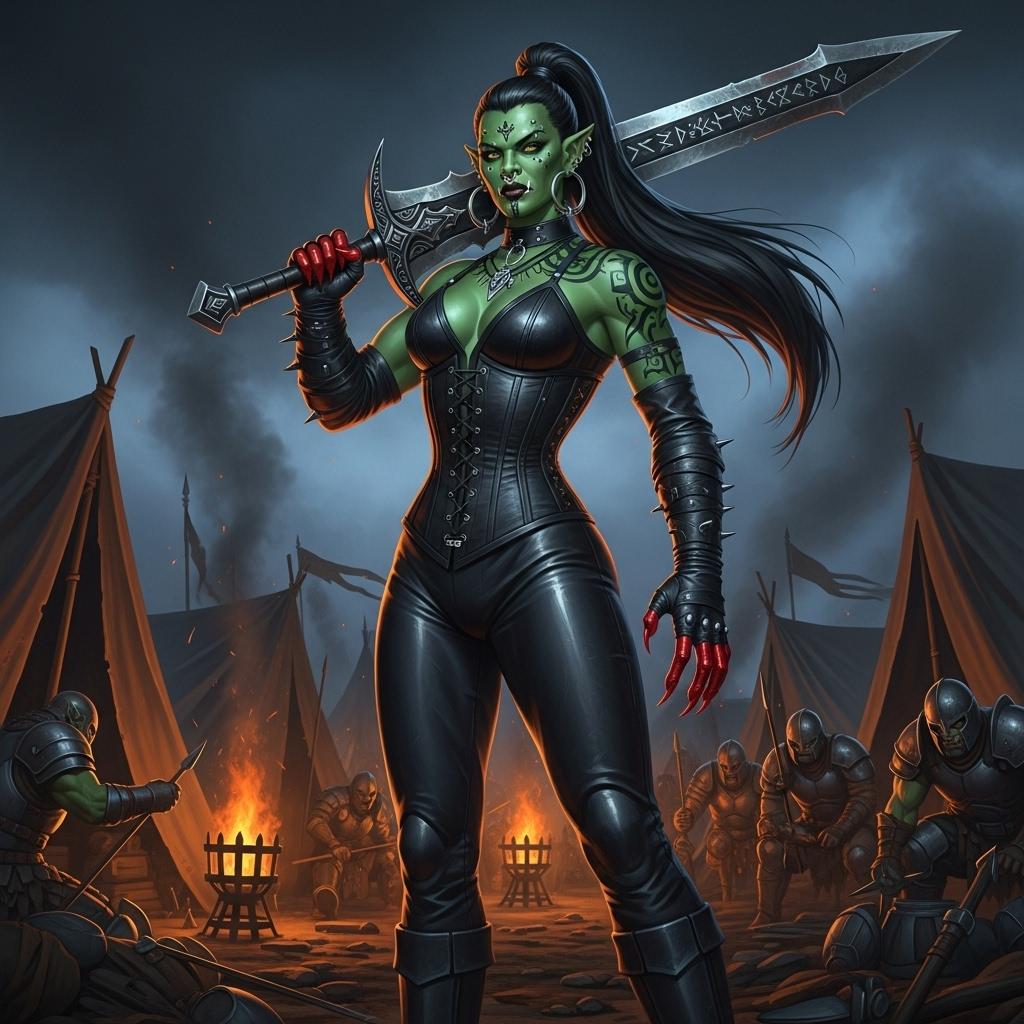
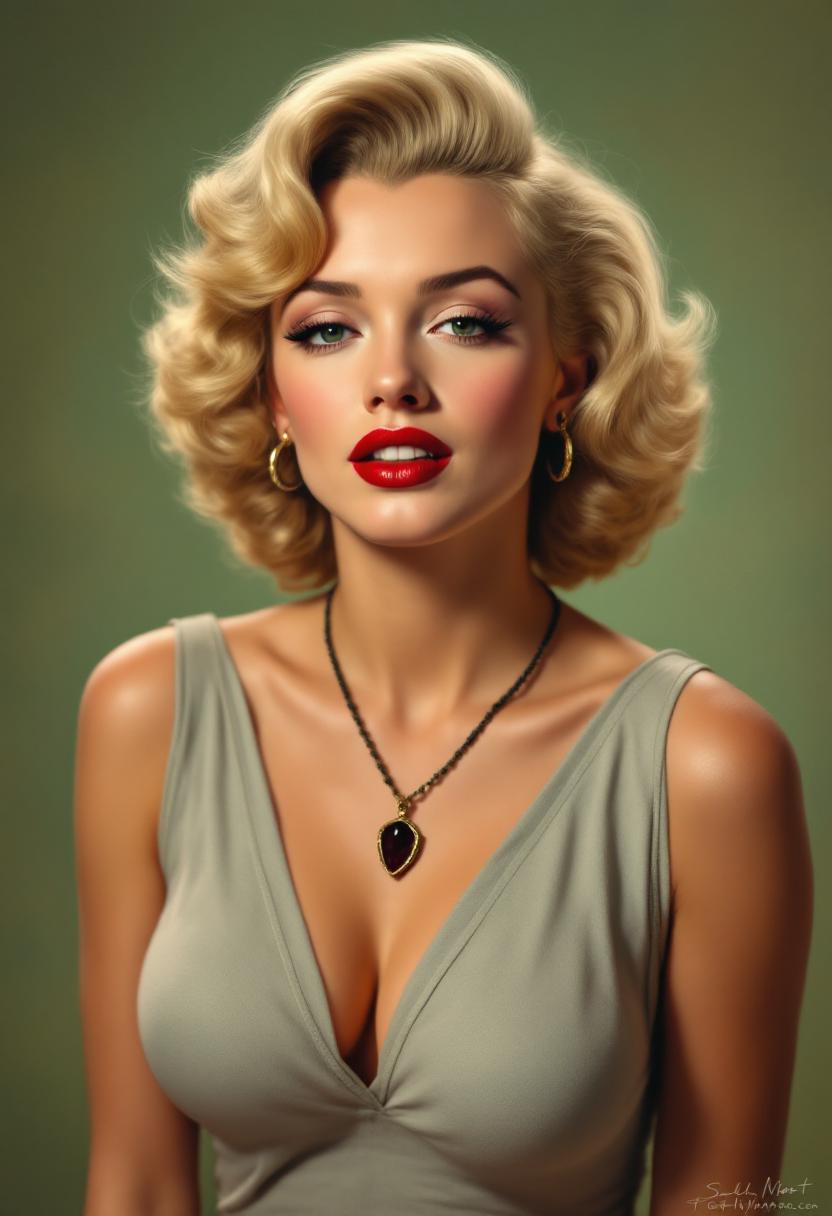
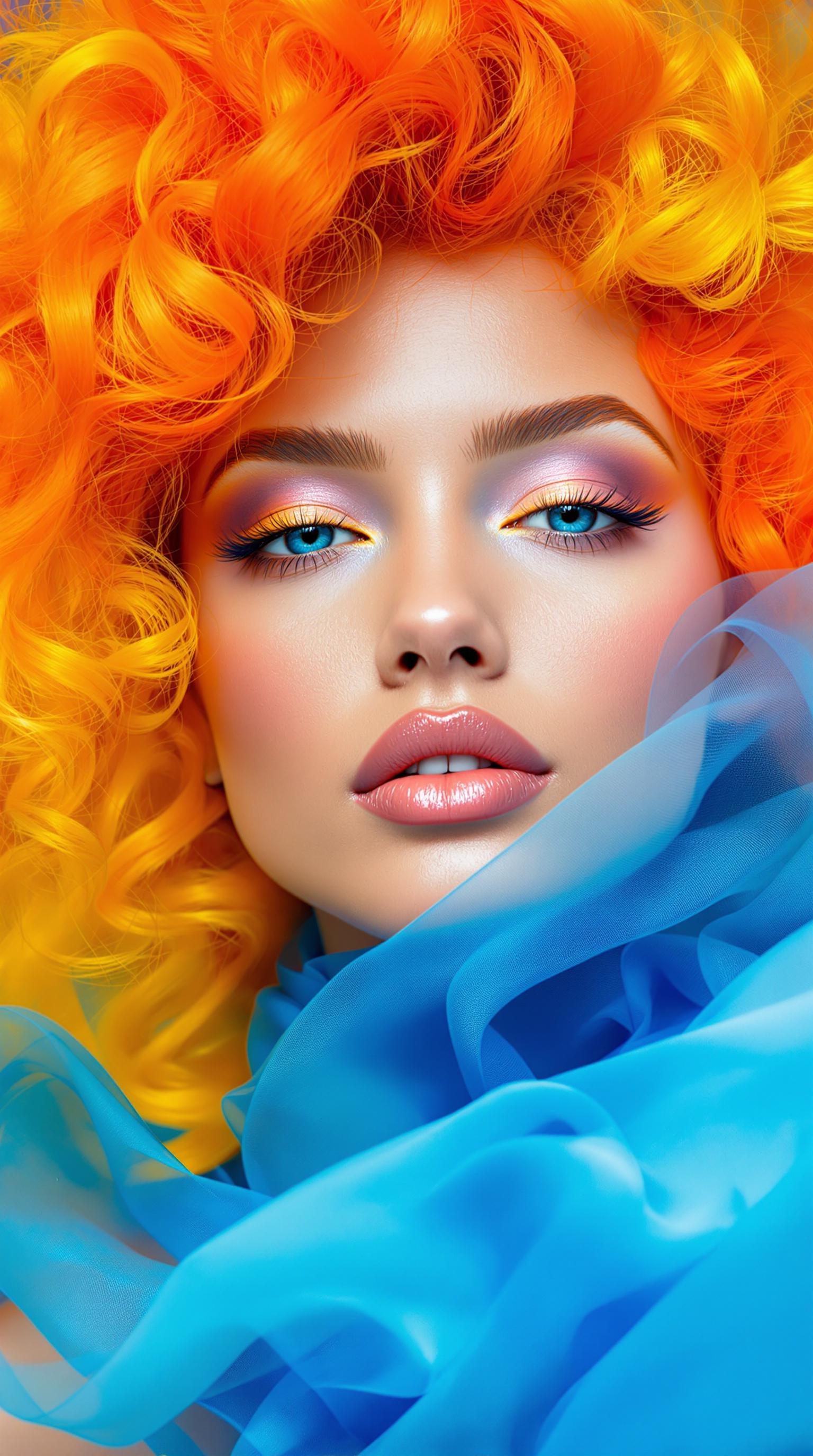
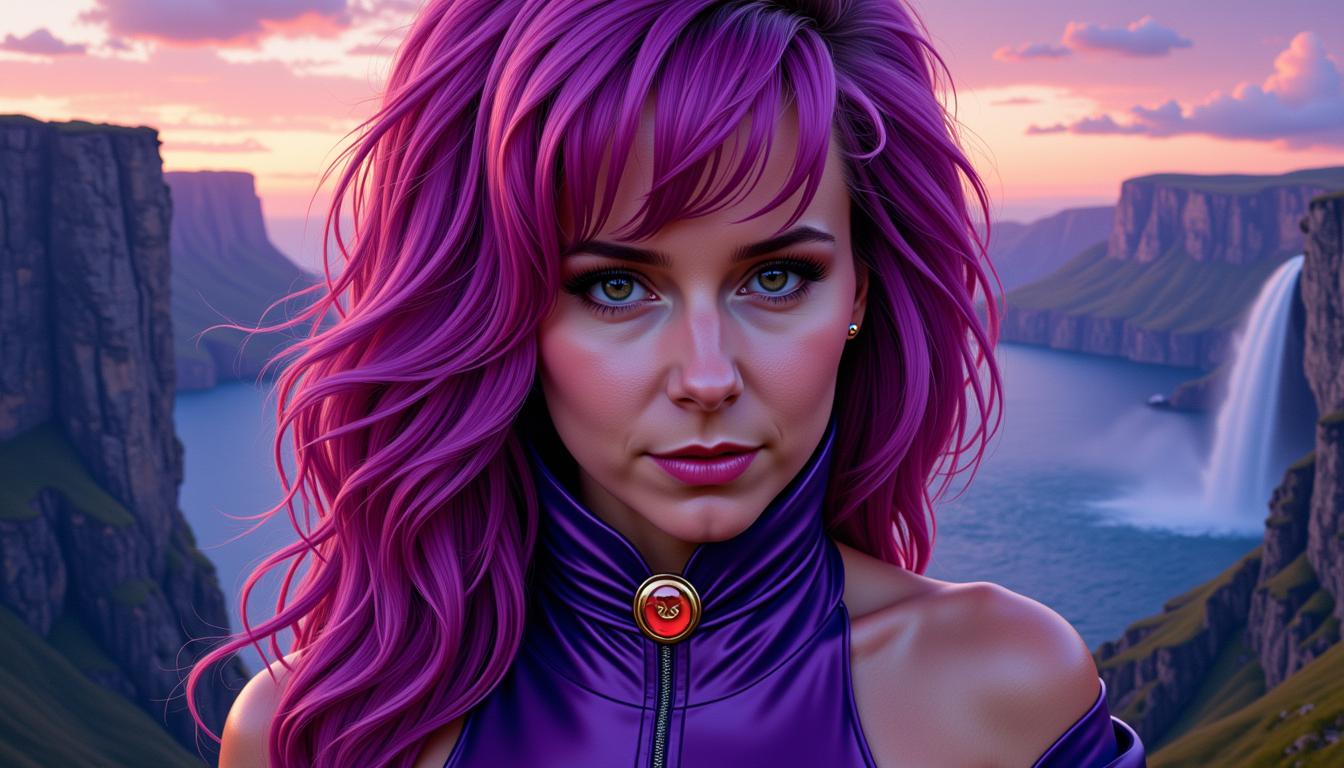
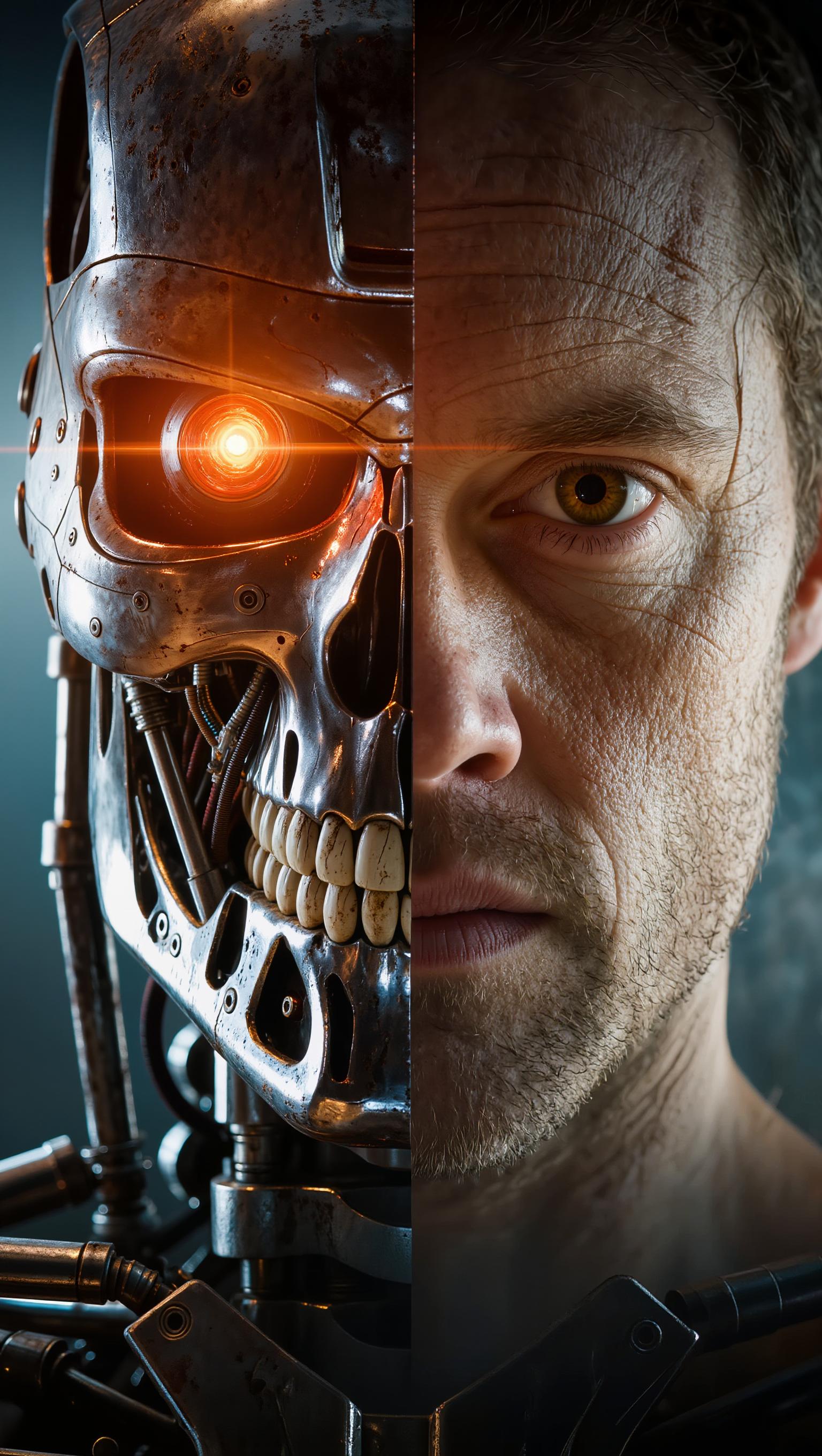
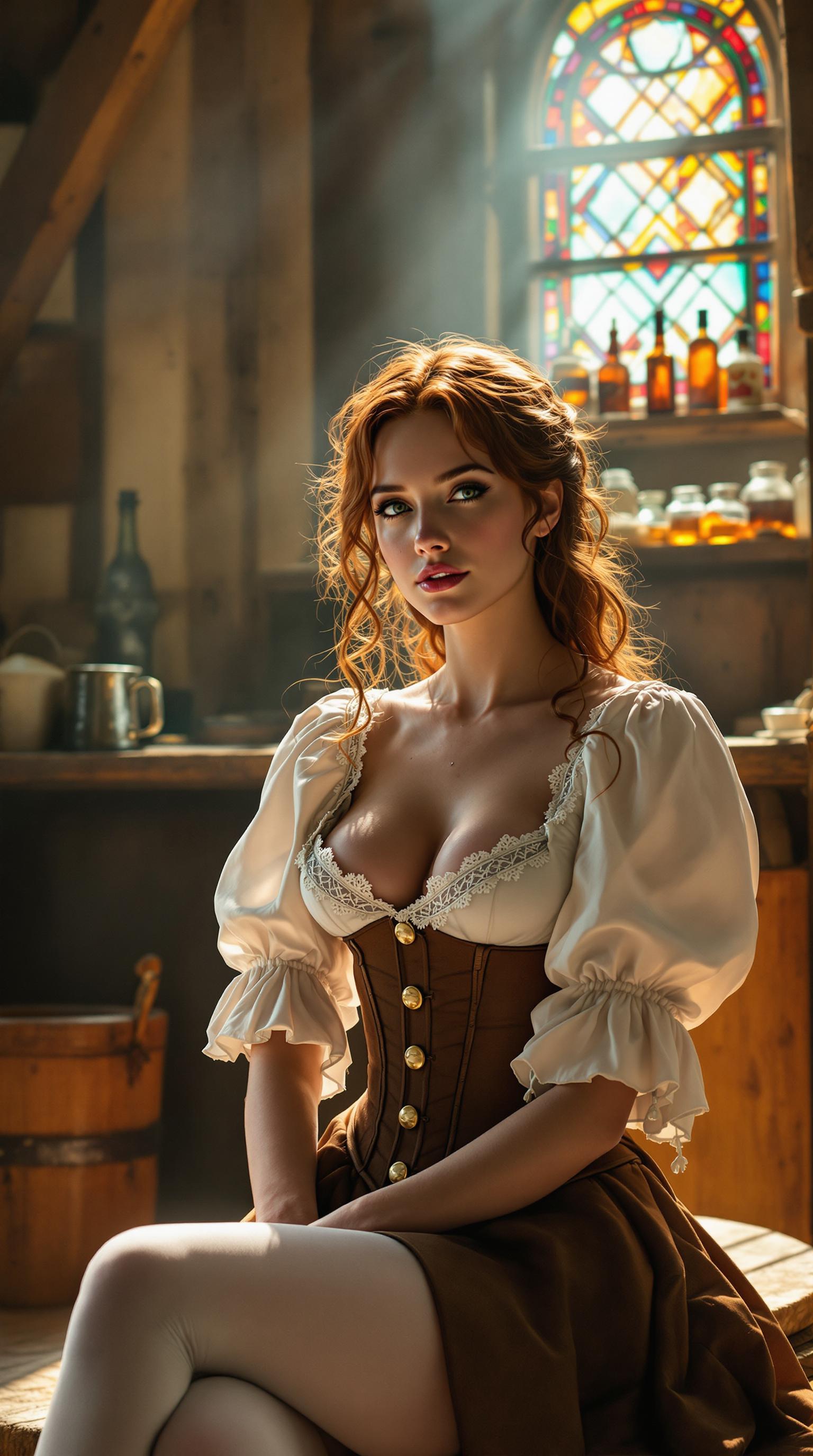
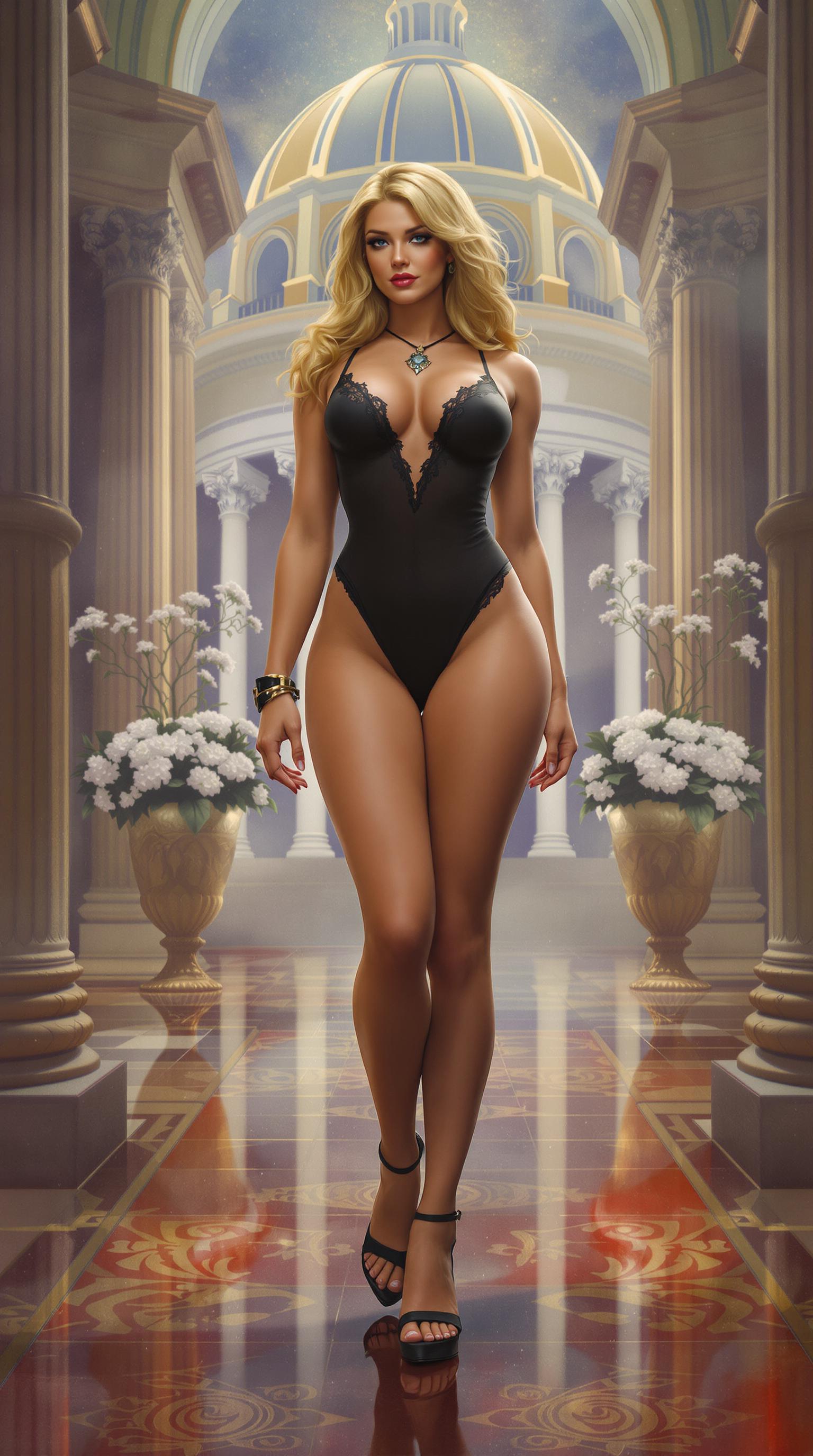
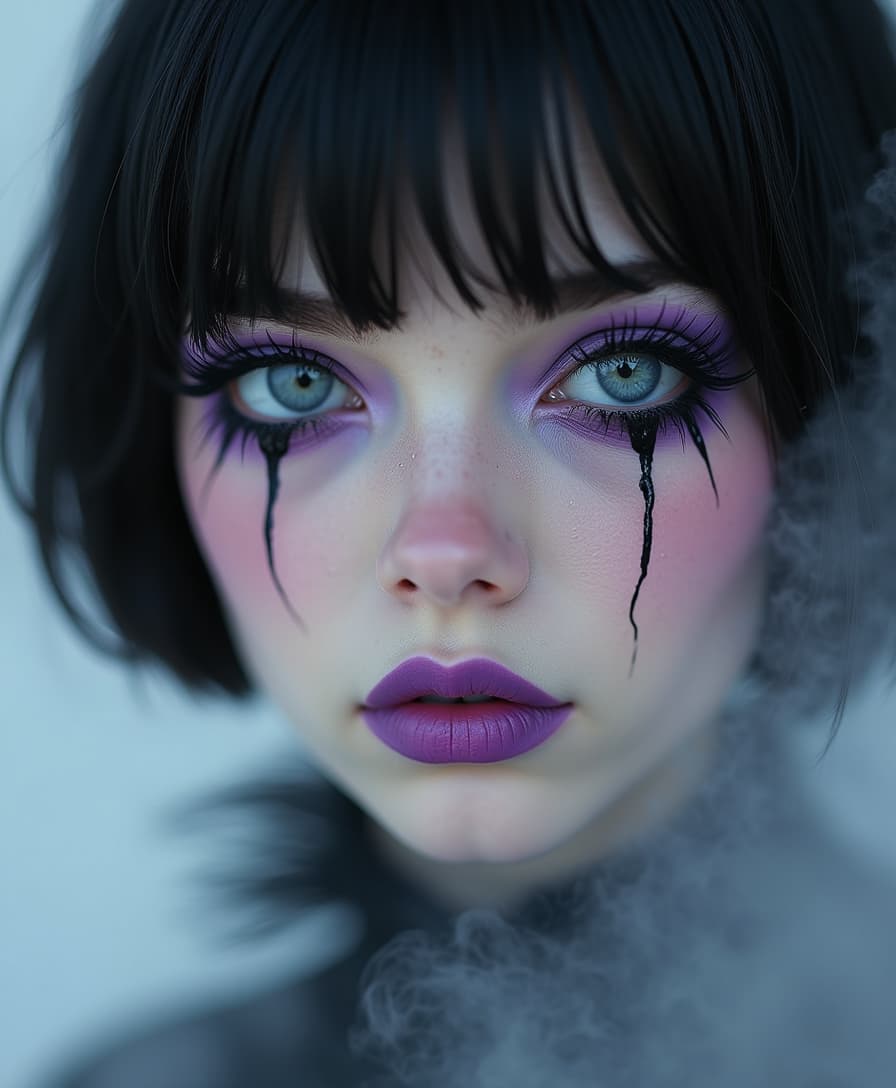
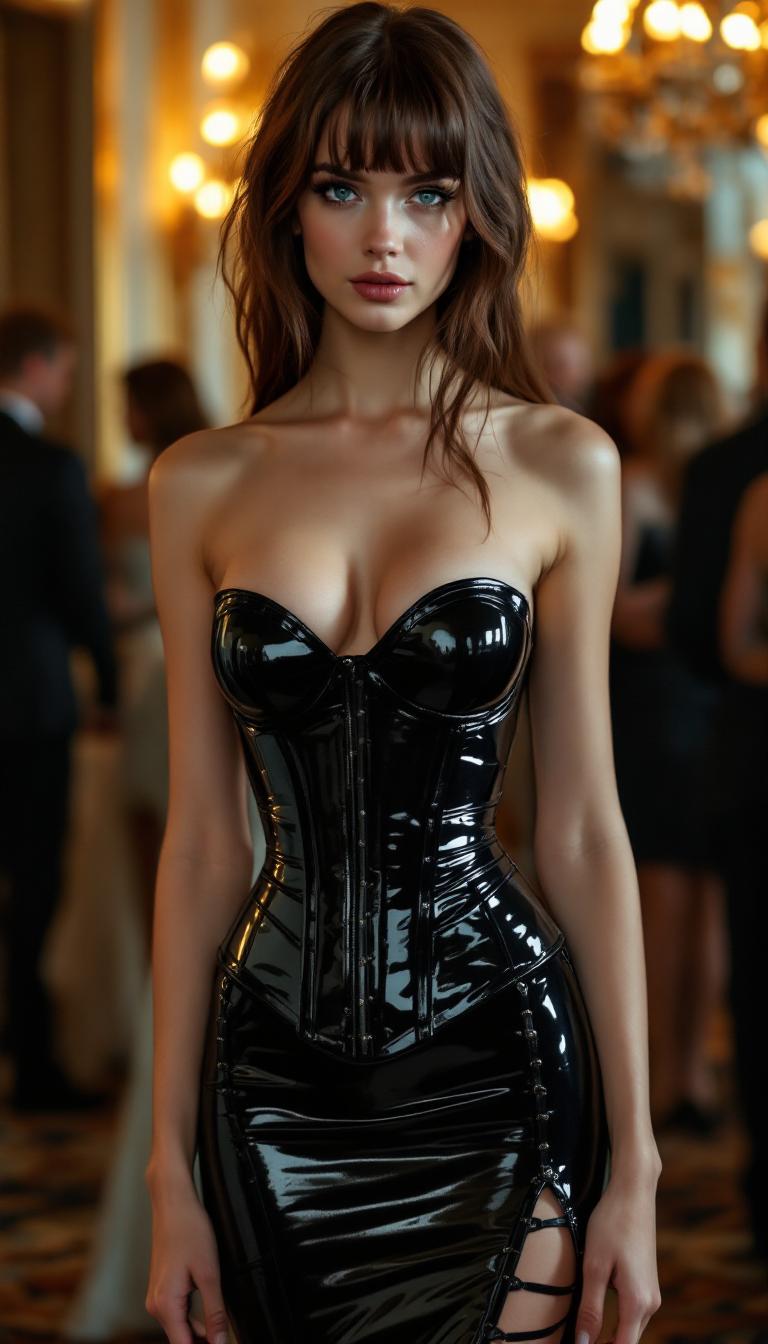
Imagine transforming your static character images into dynamic, lifelike videos with ease. With Kling V3's advanced AI motion control, you can breathe life into your creations, producing professional-quality animations without the need for complex software or extensive experience. Whether you're a content creator, marketer, or storyteller, Kling V3 empowers you to captivate your audience with engaging, animated characters.
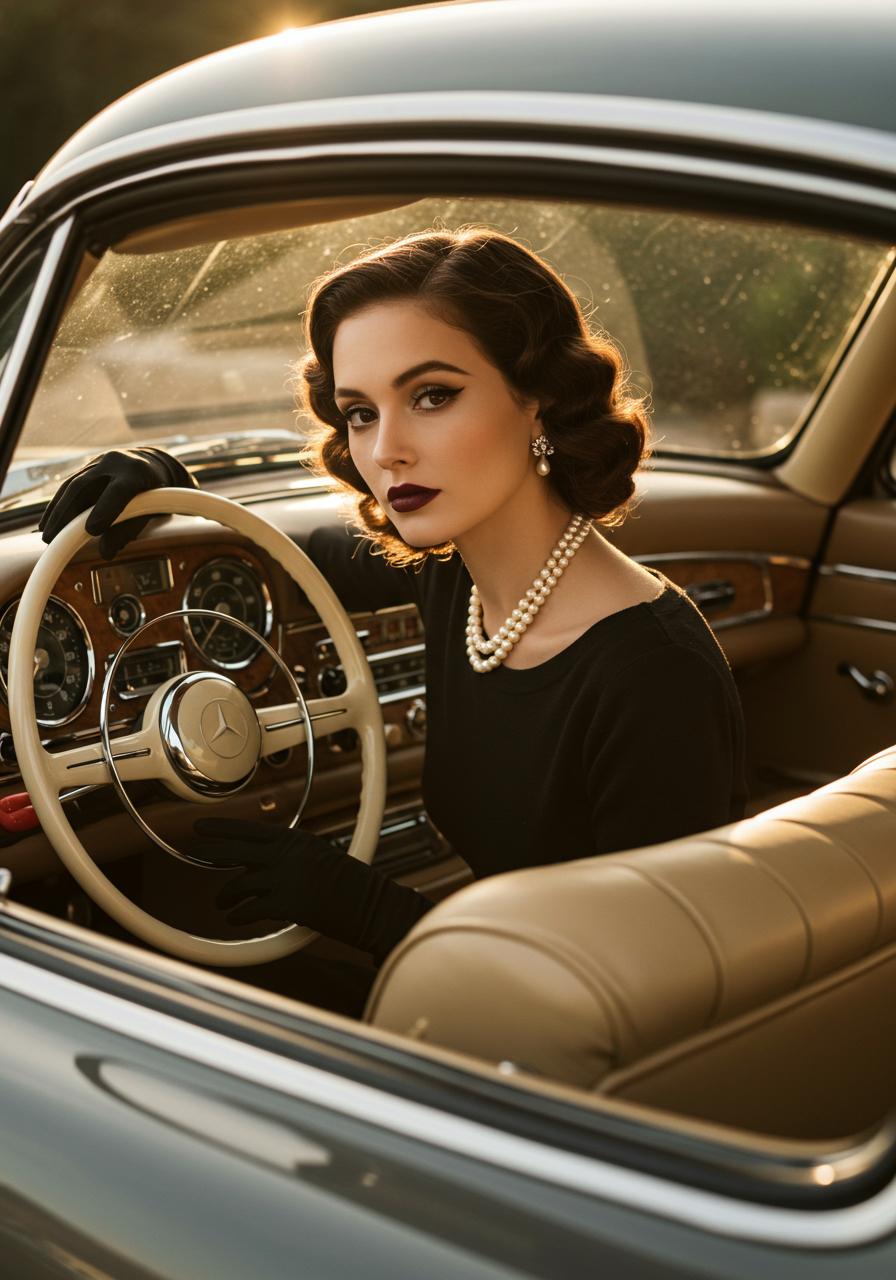
Join over 10,000 creators worldwide who have enhanced their storytelling with Kling V3's dynamic character animation capabilities.
Why Choose Pixel Dojo for kling v3 dynamic characters
Professional-quality results with cutting-edge AI technology
Effortless Animation Creation
Convert static images into dynamic videos seamlessly, eliminating the need for manual animation.
Professional-Quality Results
Achieve high-fidelity animations with precise motion control, suitable for various professional applications.
Time and Cost Efficiency
Save time and resources by automating the animation process, allowing you to focus on creativity.
How It Works
Creating dynamic character videos with Kling V3 is a straightforward process. Follow these steps to bring your characters to life:
Step 1: Upload Your Character Image
Select and upload the static image of the character you wish to animate. Ensure the image meets the recommended specifications for optimal results.
Step 2: Choose a Motion Reference Video
Upload a reference video that contains the desired motion you want to apply to your character. This video guides the animation process.
Step 3: Customize Animation Settings
Adjust settings such as character orientation, background elements, and audio preferences to tailor the animation to your needs.
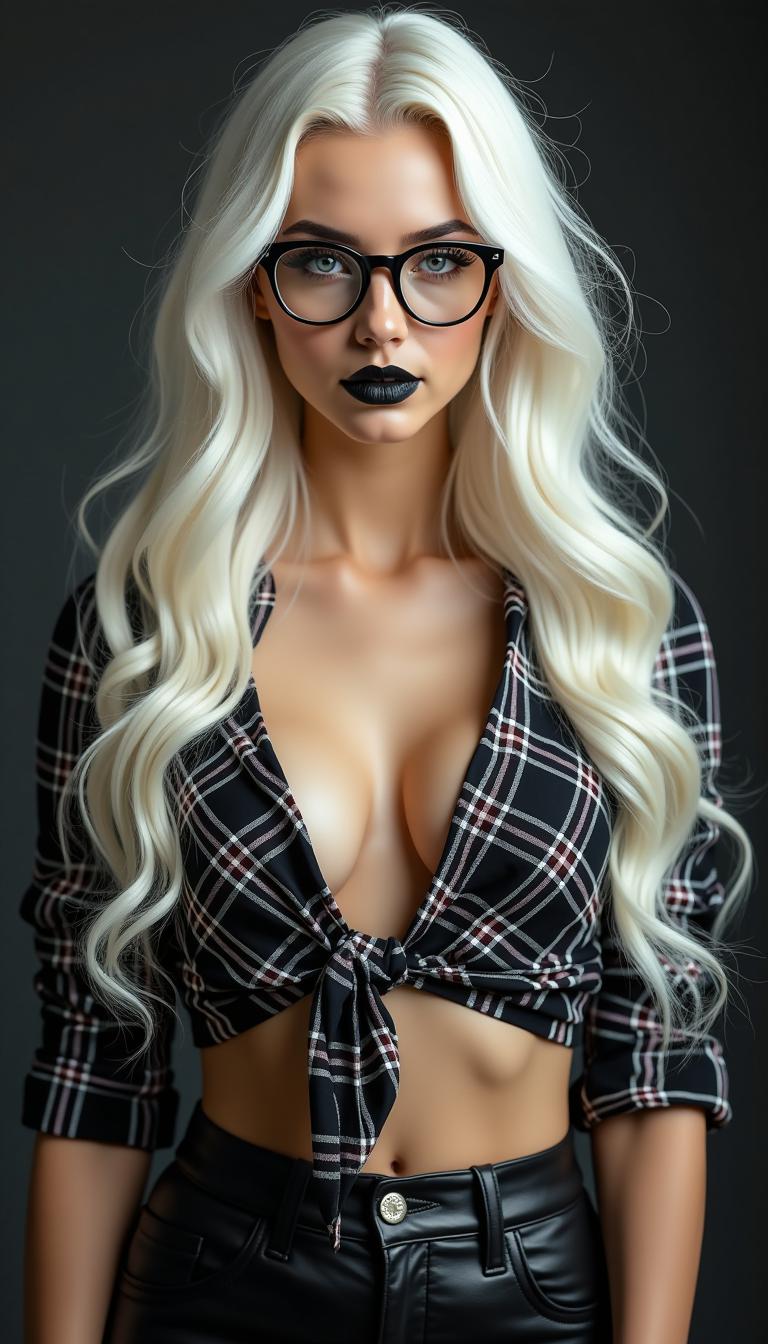
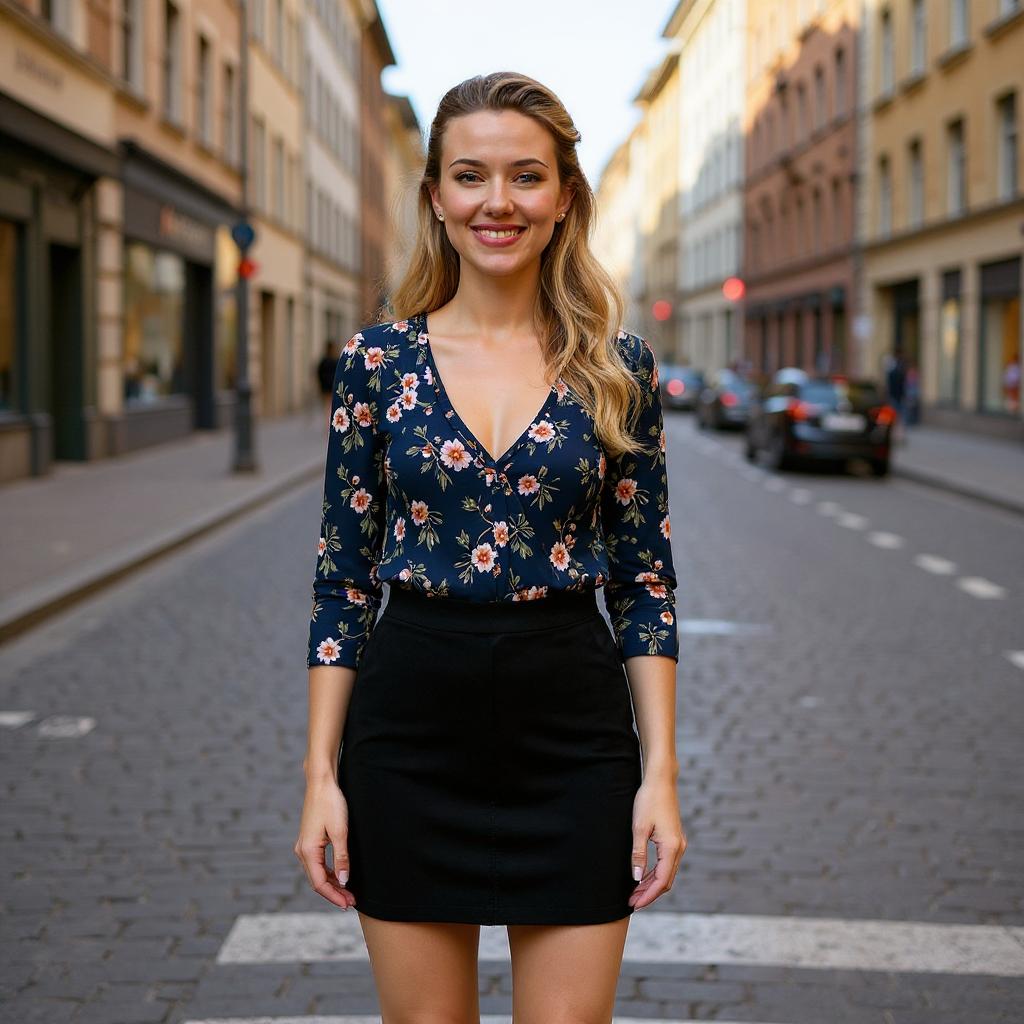
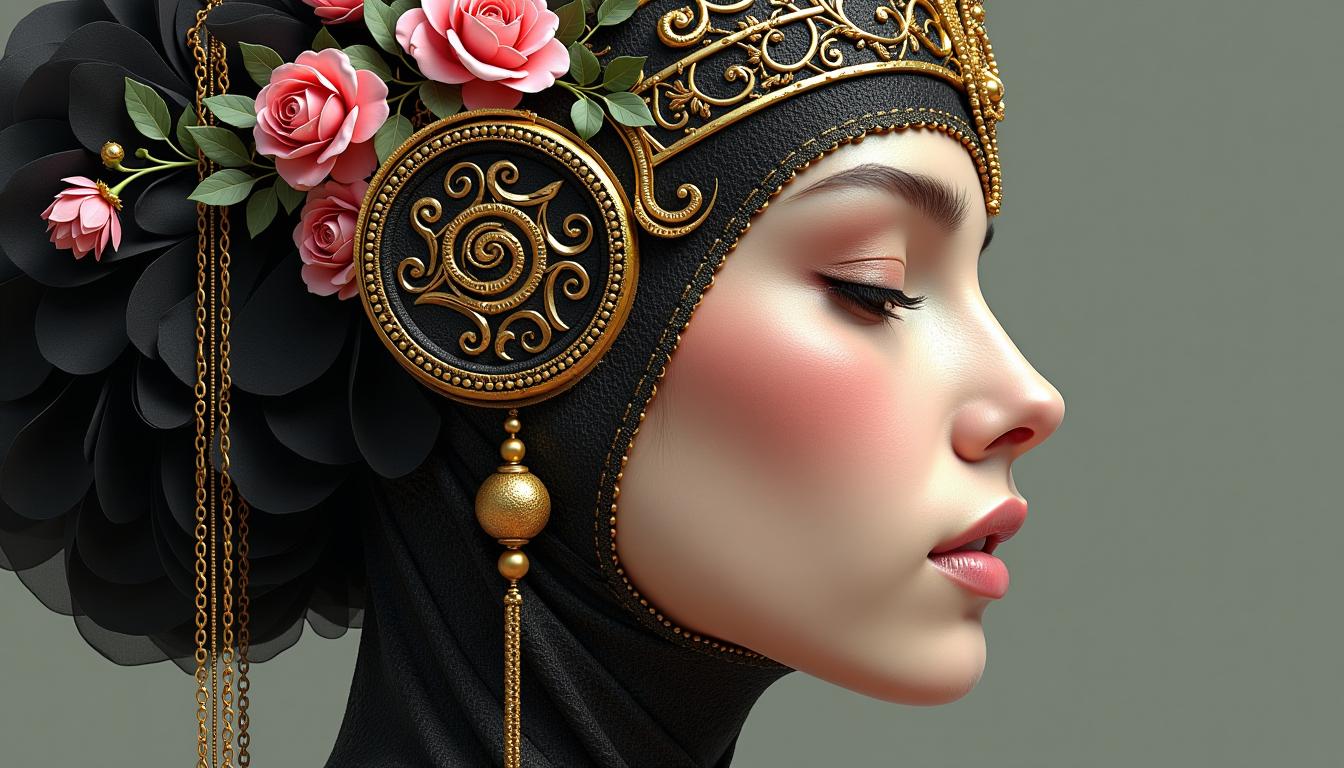




The Pixel Dojo Advantage
Why Kling V3 is the superior choice for dynamic character animation:
| Others | Pixel Dojo |
|---|---|
| Traditional Animation Software | Kling V3 automates the animation process, eliminating the need for manual frame-by-frame work. |
| Generic AI Tools | Kling V3 offers precise motion control and customization options tailored for character animation. |
| Manual Video Editing | Kling V3 streamlines the creation of dynamic videos, reducing the time and effort required compared to manual editing. |
Loved by Creators
See what our community says about kling v3 dynamic characters
"Kling V3 transformed my static illustrations into engaging animations effortlessly. It's a game-changer for my content creation."
Alex Johnson
Digital Artist
"As a marketer, Kling V3 has allowed me to create dynamic promotional videos without the need for a dedicated animation team."
Samantha Lee
Marketing Manager
Common Questions
Everything you need to know about kling v3 dynamic characters AI generation
How does Kling V3 animate static character images?
Kling V3 uses advanced AI motion control to analyze a reference video and apply its motion patterns to your static character image, creating a dynamic animation.
What types of reference videos work best with Kling V3?
Short videos (3-30 seconds) with clear, distinct movements are ideal for guiding the animation process in Kling V3.
Can I customize the background and audio in my animated videos?
Yes, Kling V3 allows you to customize background elements and choose whether to include the original audio from the reference video or add your own.
Is Kling V3 suitable for professional use?
Absolutely. Kling V3 produces high-quality animations suitable for professional applications such as marketing, storytelling, and educational content.
Do I need prior animation experience to use Kling V3?
No, Kling V3 is designed to be user-friendly, allowing individuals without animation experience to create dynamic videos effortlessly.
What file formats are supported for uploads?
Kling V3 supports common image formats like JPG and PNG for character images, and MP4 and MOV for reference videos.