kling v3 object interactions AI Generator
Imagine transforming your static images into dynamic videos where characters interact seamlessly with objects, conveying lifelike actions and emotions. With Kling V3's advanced AI motion control, you can achieve this effortlessly, bringing your creative visions to life without the need for complex animation skills.

Join over 100,000 creators worldwide who trust Kling V3 for their video generation needs, achieving a 4.9/5 satisfaction rating.
Why Choose Pixel Dojo for kling v3 object interactions
Professional-quality results with cutting-edge AI technology
Effortless Animation Creation
Convert static images into dynamic videos with realistic object interactions, eliminating the need for manual animation.
Precision Motion Control
Achieve accurate and predictable character movements by applying real-world motion paths to your images.
Time and Cost Efficiency
Reduce production time and costs by automating complex animation processes with AI-driven technology.
How It Works
Creating object interaction videos with Kling V3 is a straightforward process that involves three simple steps:
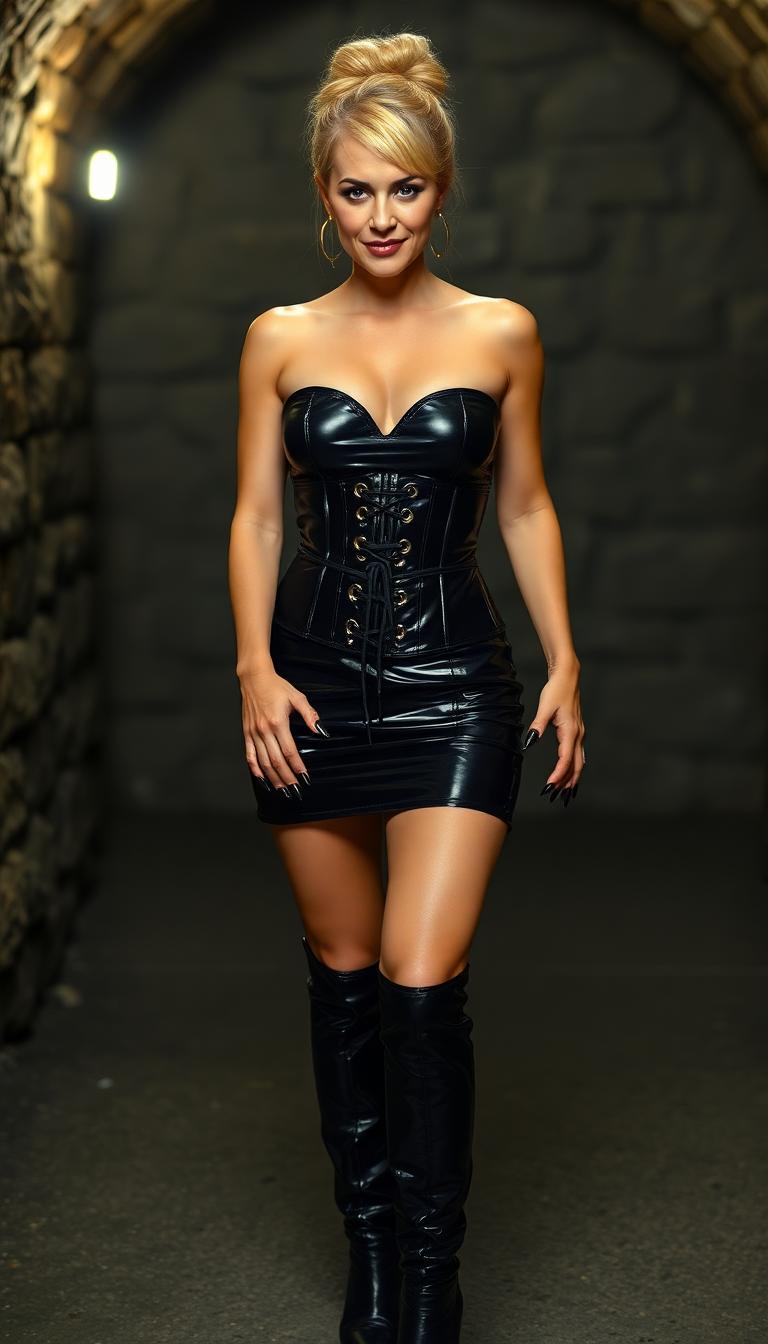
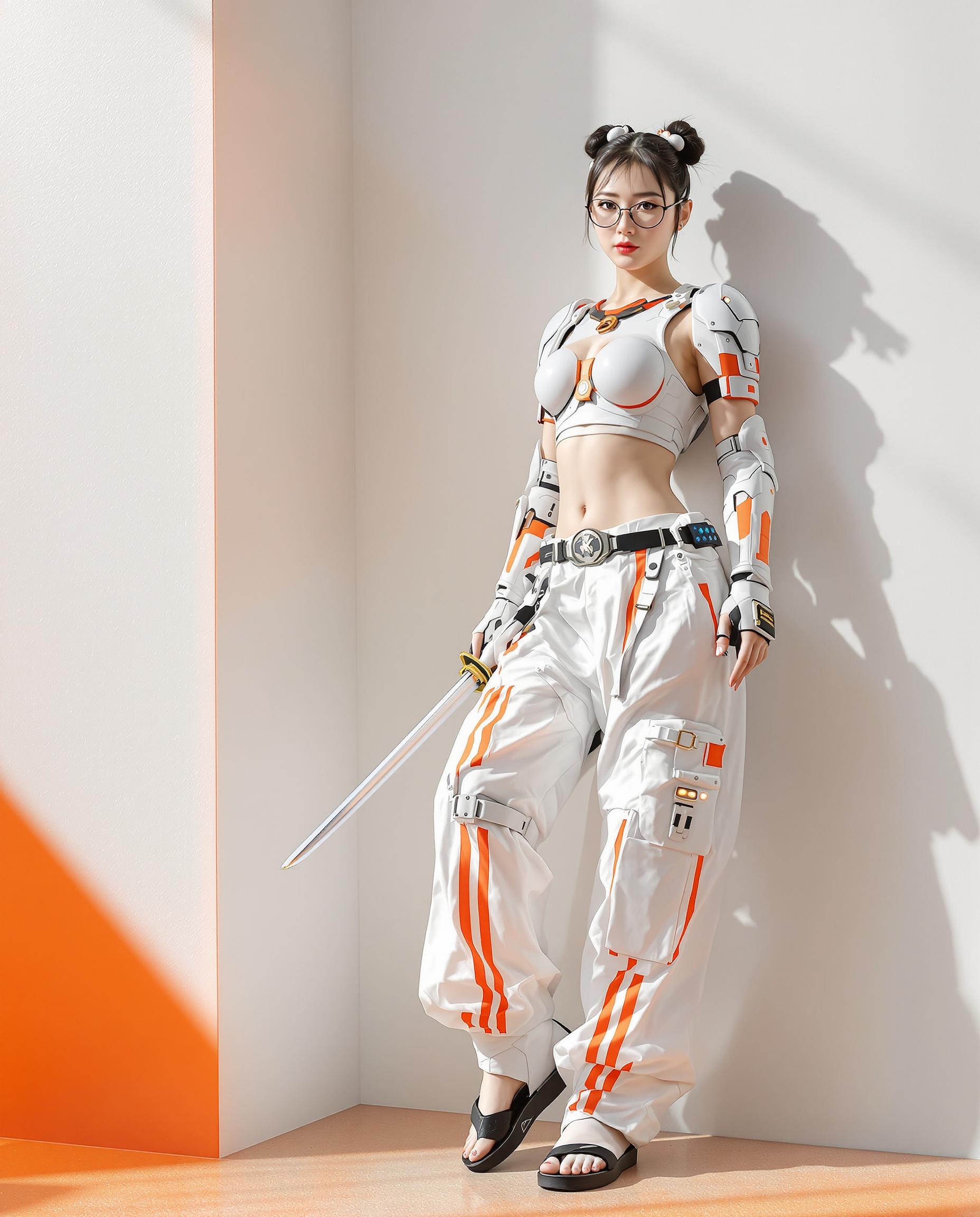
Step 1: Upload Your Character Image and Motion Reference Video
Select a static image of your character and a reference video that demonstrates the desired object interaction. Ensure the reference video clearly showcases the motion you want to replicate.
Step 2: Configure Motion Settings
Choose the appropriate orientation mode—'Character Orientation Matches Video' for environmental consistency or 'Character Orientation Matches Image' for character-focused storytelling. Optionally, input text prompts to refine background elements and scene details.
Step 3: Generate and Download Your Video
Initiate the generation process. Kling V3 will analyze your inputs and create a motion-controlled video where your character interacts with objects as specified. Once complete, download your high-resolution video ready for use.










The Pixel Dojo Advantage
Why Kling V3 Outperforms Other Options for Object Interaction Video Generation
| Others | Pixel Dojo |
|---|---|
| Traditional Animation Methods | Kling V3 automates the animation process, reducing the time and skill required compared to manual animation techniques. |
| Generic AI Video Tools | Unlike generic tools, Kling V3 offers precise motion control and object interaction capabilities, ensuring realistic and accurate animations. |
| Manual Video Editing | Kling V3 simplifies the creation of complex object interactions, eliminating the need for extensive manual editing and compositing. |
Loved by Creators
See what our community says about kling v3 object interactions
"Kling V3's motion control has revolutionized our animation workflow, allowing us to create realistic object interactions effortlessly."
Alex Johnson
Creative Director
"The precision and ease of use offered by Kling V3 have significantly enhanced our video production capabilities."
Maria Lopez
Video Producer
Common Questions
Everything you need to know about kling v3 object interactions AI generation
How does Kling V3 ensure accurate object interactions in videos?
Kling V3 utilizes advanced AI motion control to extract motion paths from reference videos and apply them to static images, ensuring precise and realistic object interactions.
Can I use Kling V3 for commercial video projects?
Yes, Kling V3 is suitable for commercial use, allowing you to create professional-quality videos for marketing, branding, and other commercial purposes.
What file formats are supported for input images and reference videos?
Kling V3 supports common image formats such as PNG and JPG for character images, and MP4 and MOV formats for reference videos.
Is there a limit to the length of the reference video I can use?
Kling V3 supports reference videos ranging from 3 to 30 seconds, allowing for a variety of motion complexities.
Can I customize the background and scene details in the generated video?
Yes, you can use text prompts to control background elements, lighting, atmosphere, and visual style without altering the transferred motion.
Does Kling V3 require any prior animation experience?
No, Kling V3 is designed to be user-friendly and does not require prior animation experience, making it accessible to creators of all skill levels.