kling v3 reference to video AI Generator
Imagine turning your static images into dynamic, engaging videos that captivate your audience. With Kling v3's advanced motion control technology, you can breathe life into your visuals, creating compelling content that stands out. Whether you're a marketer, content creator, or designer, Kling v3 empowers you to produce high-quality videos effortlessly.
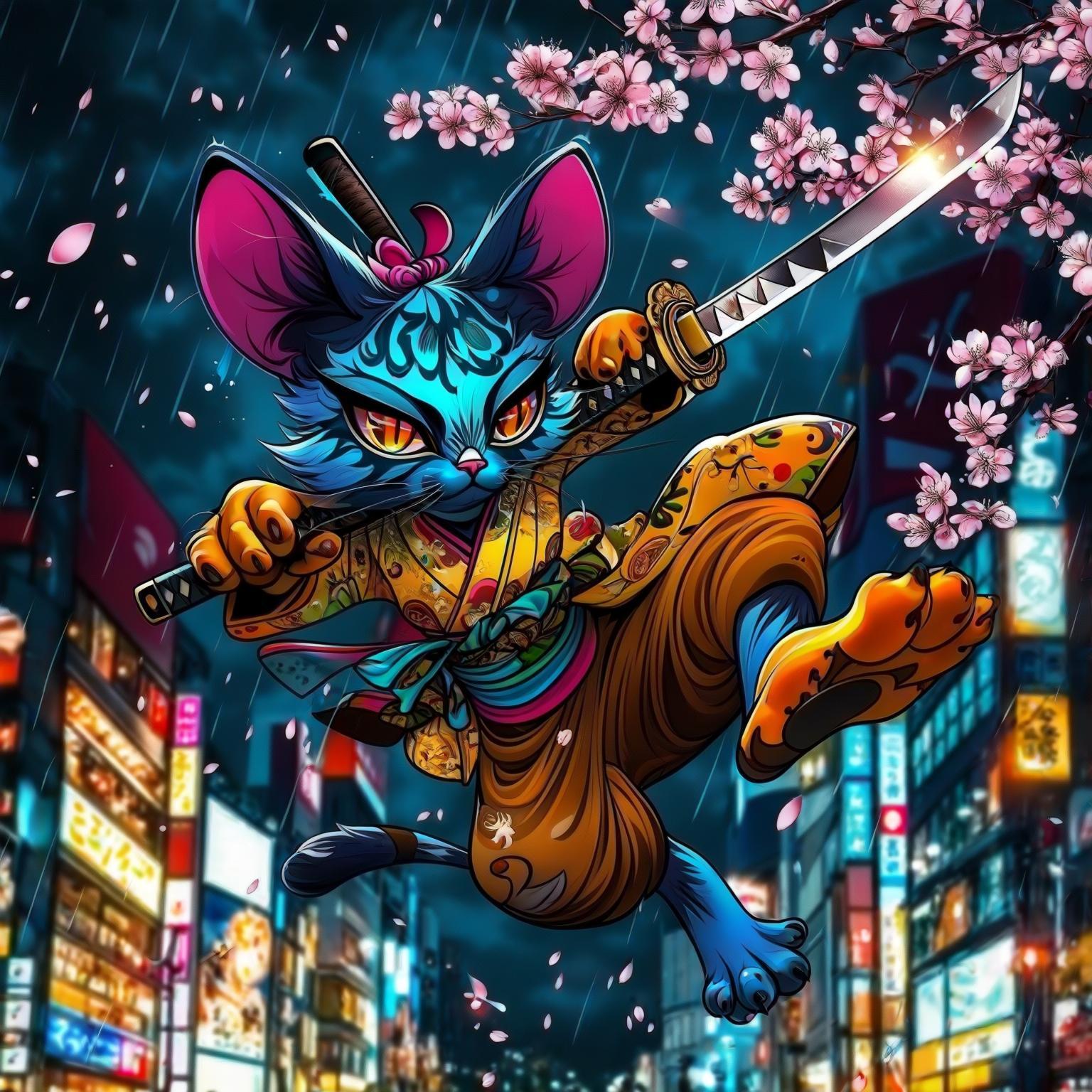
Join over 15 million users worldwide who trust Kling v3 for their video creation needs. With a 4.9/5 rating and over 500 million videos generated across 180+ countries, Kling v3 is the go-to solution for dynamic content creation.
Why Choose Pixel Dojo for kling v3 reference to video
Professional-quality results with cutting-edge AI technology
Effortless Video Creation
Transform static images into dynamic videos without the need for complex software or technical expertise.
Precise Motion Control
Apply specific movements and gestures to your characters, ensuring accurate and lifelike animations.
Consistent Character Identity
Maintain the visual integrity of your characters across frames, preserving their unique features and expressions.
How It Works
Creating dynamic videos with Kling v3 is a straightforward process. Follow these steps to bring your images to life:
Step 1: Upload Your Character Image
Select and upload the static image of the character you wish to animate.
Step 2: Choose a Motion Reference Video
Upload a reference video that demonstrates the desired motion or select one from the motion library.
Step 3: Customize and Generate
Enter prompts to control background elements, lighting, and visual style. Then, generate your motion-controlled video.

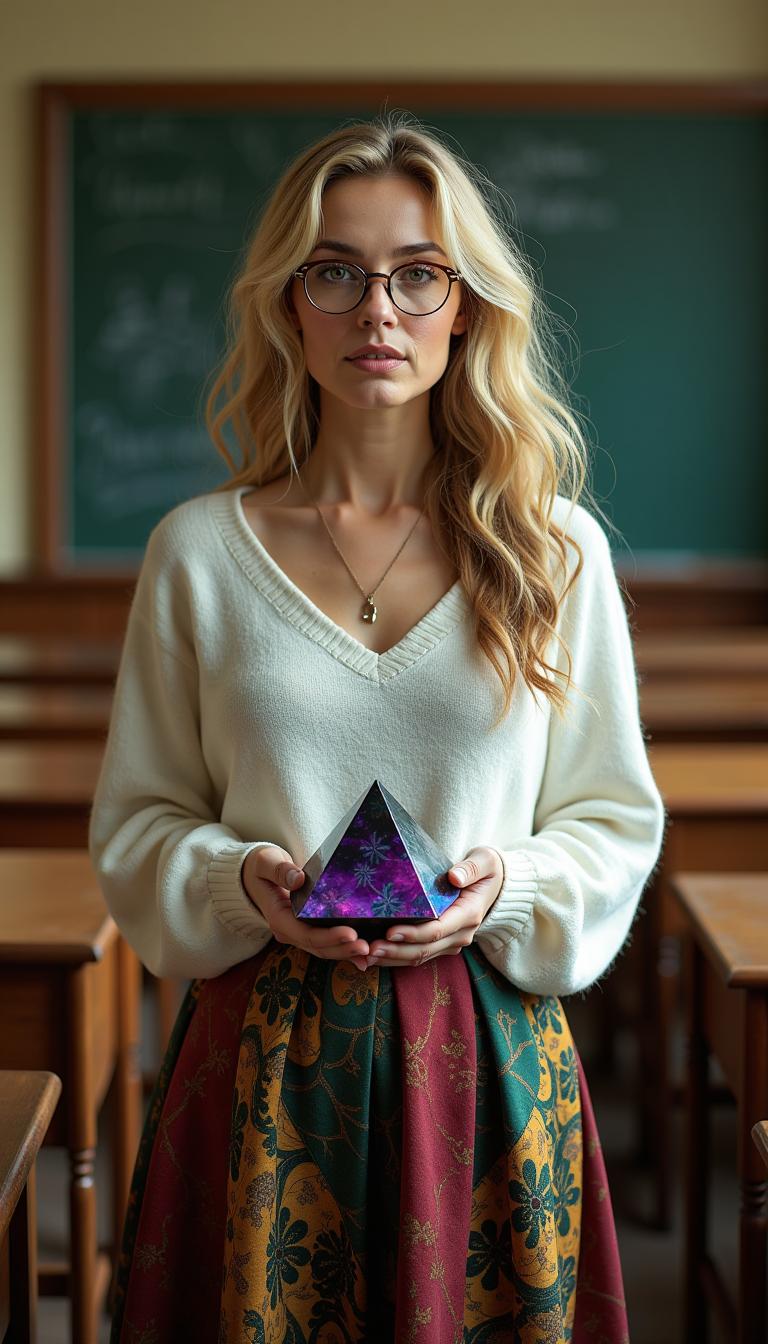
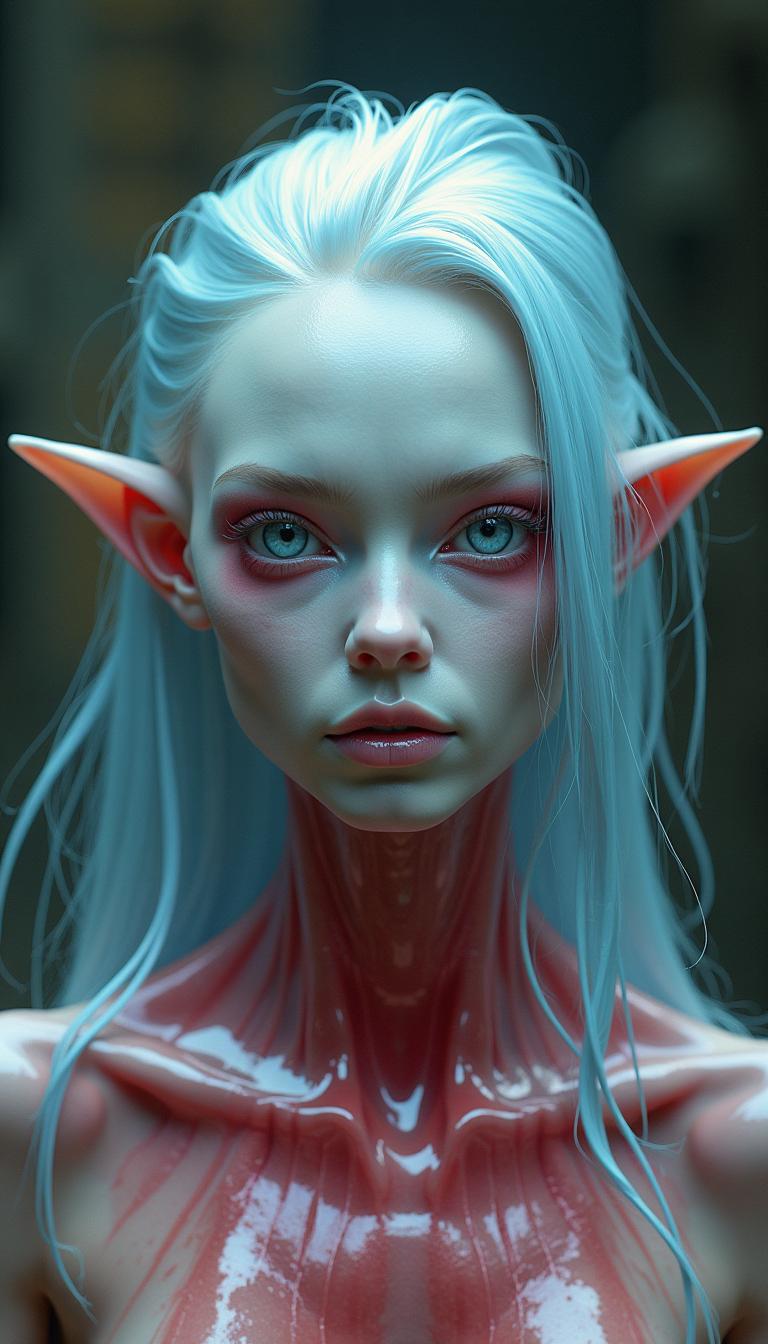



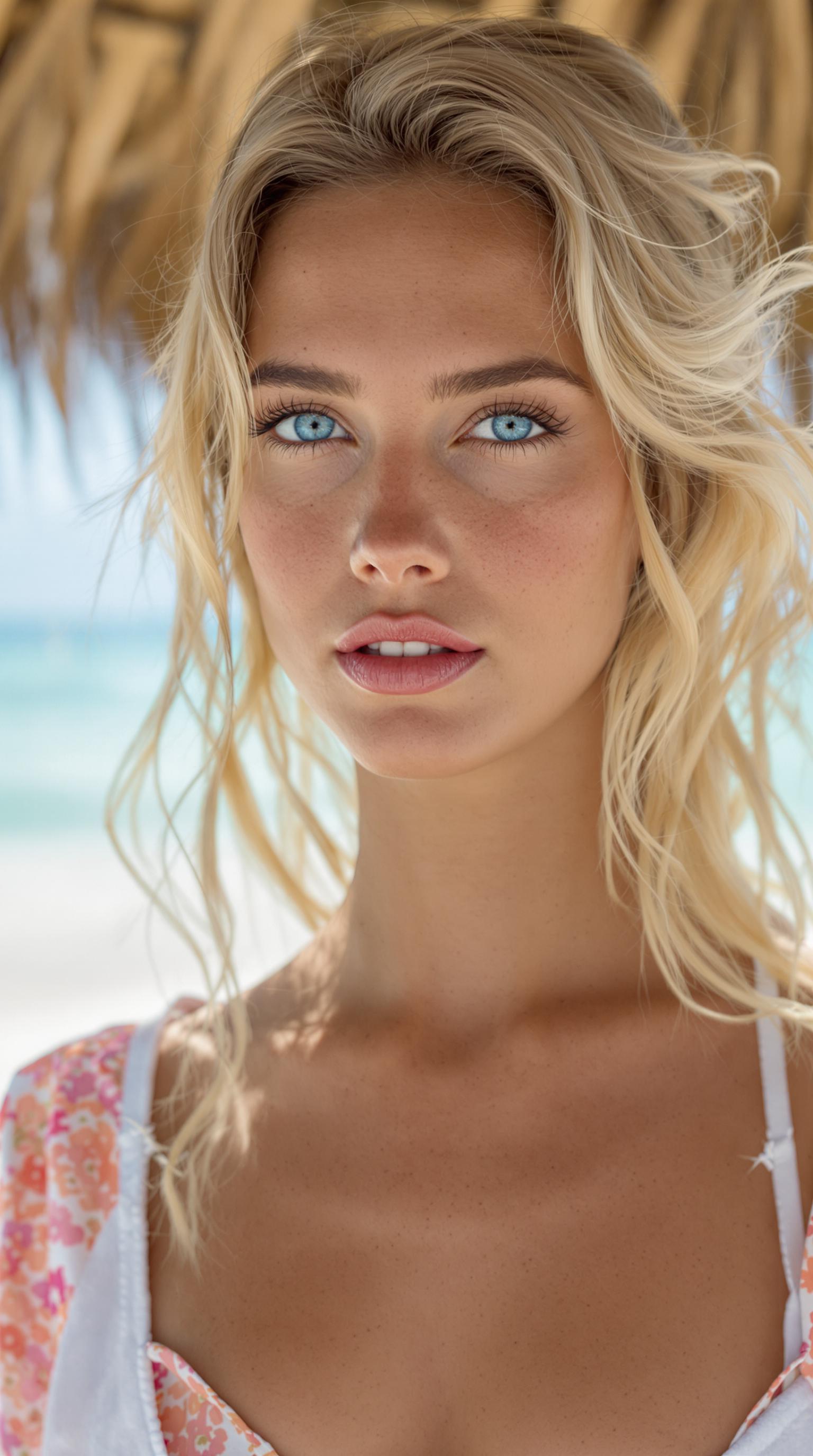
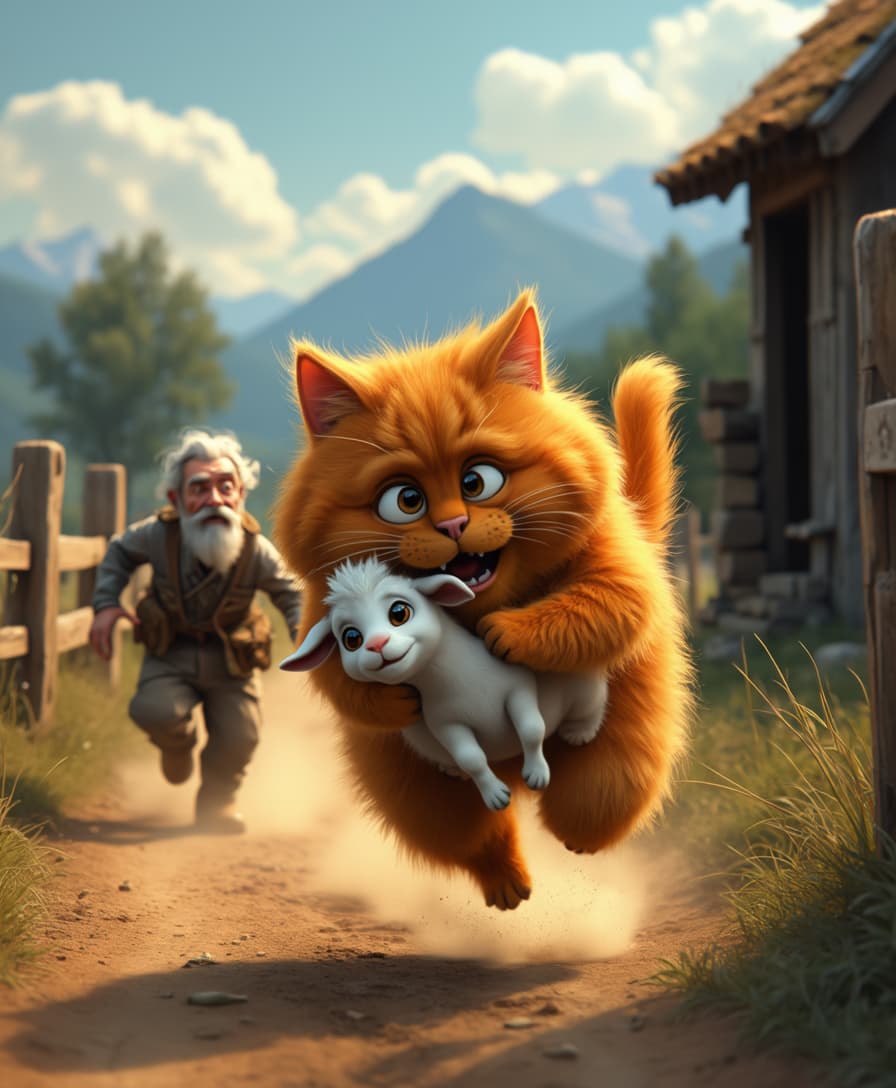

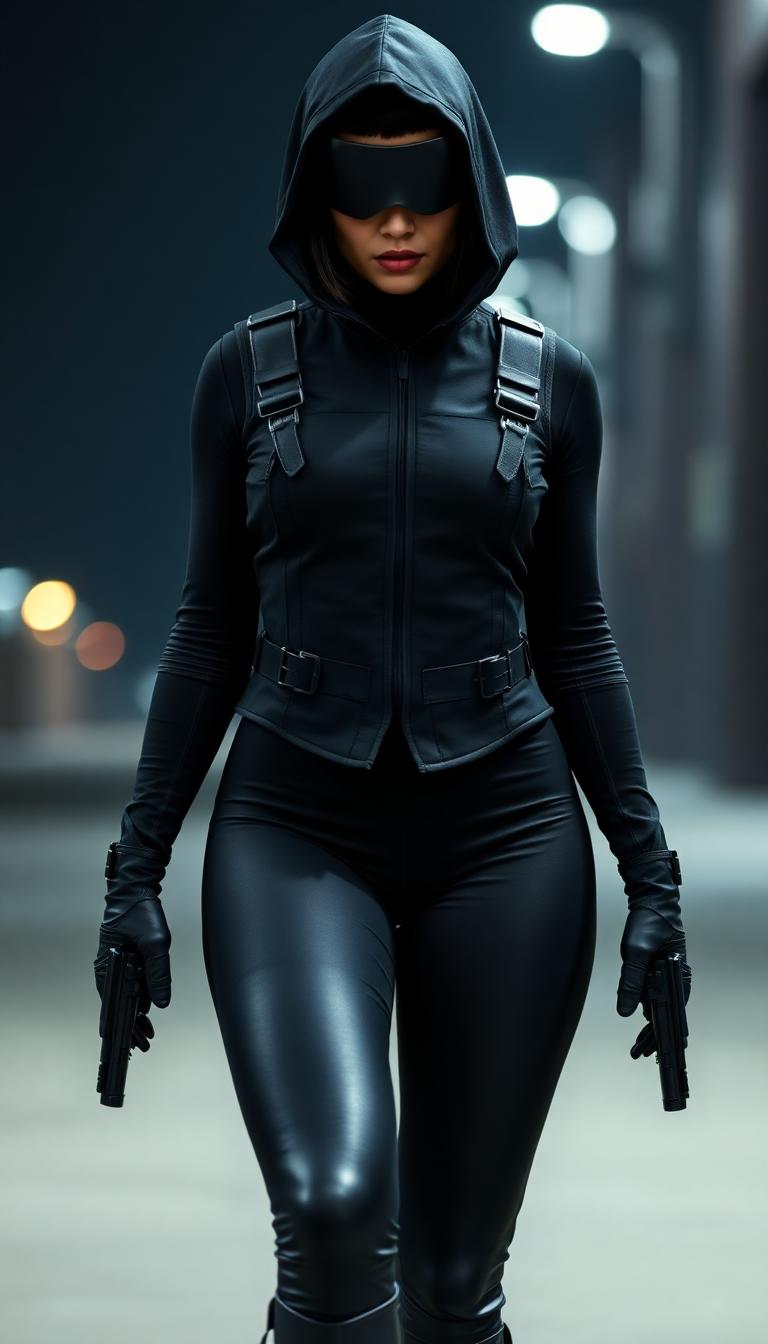
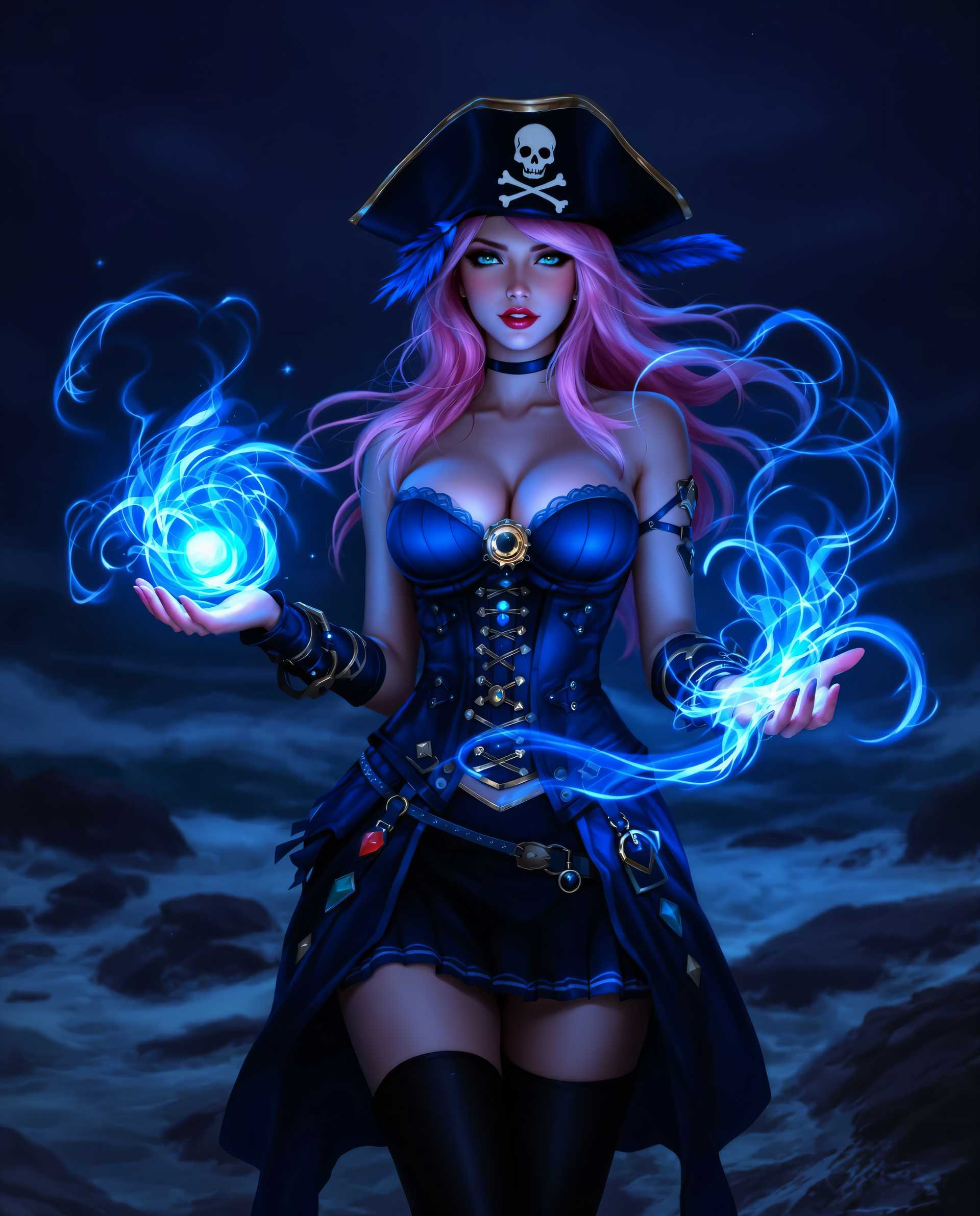

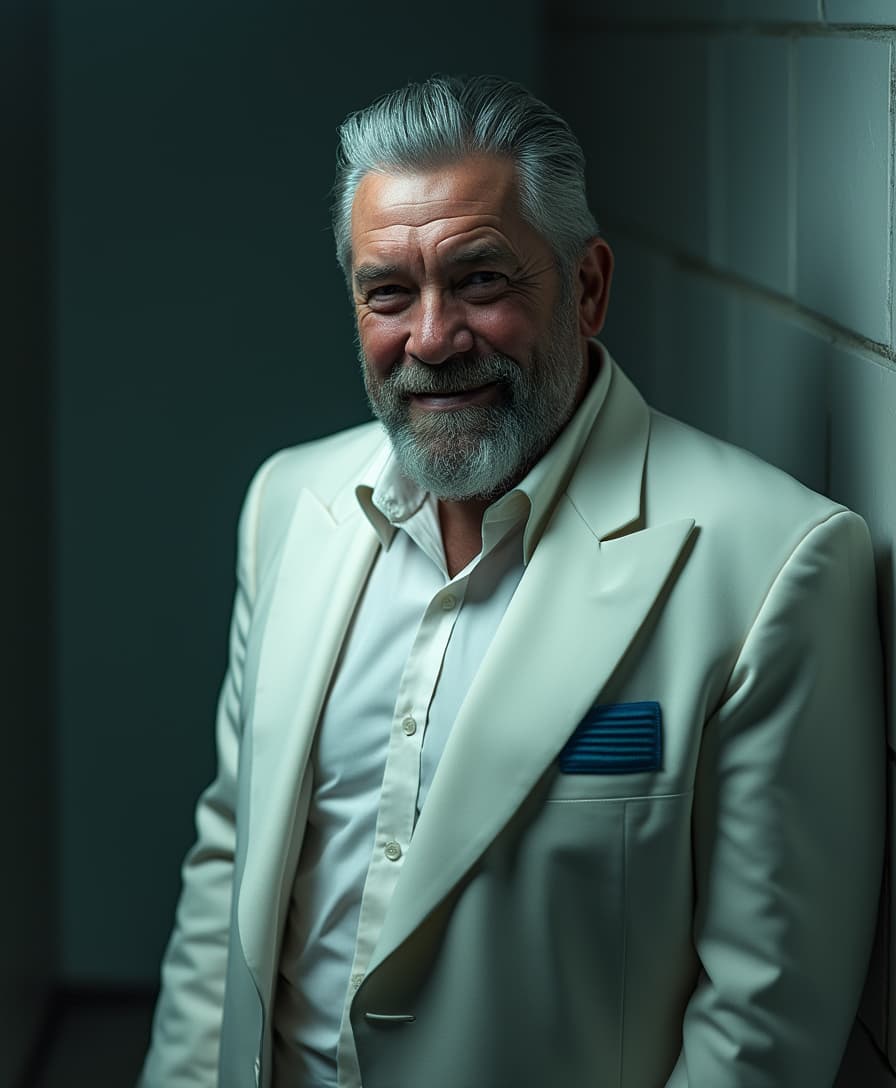
The Pixel Dojo Advantage
Why Kling v3 outperforms other options for image-to-video generation:
| Others | Pixel Dojo |
|---|---|
| Traditional Animation Methods | Kling v3 automates the animation process, reducing time and effort compared to manual techniques. |
| Generic AI Tools | Kling v3 offers precise motion control and character consistency, surpassing the capabilities of generic AI video generators. |
| Manual Video Editing | With Kling v3, you can achieve professional-quality animations without the need for extensive video editing skills. |
Loved by Creators
See what our community says about kling v3 reference to video
"Kling v3 has revolutionized our content creation process. The motion control feature allows us to produce engaging videos quickly and efficiently."
Sarah Thompson
Marketing Director
"As a freelance designer, Kling v3 has been a game-changer. I can now offer dynamic video content to my clients without investing in expensive software."
James Lee
Freelance Designer
Common Questions
Everything you need to know about kling v3 reference to video AI generation
How does Kling v3's motion control technology work?
Kling v3 extracts motion paths from reference videos and applies them to static images, creating realistic animations while preserving character identity.
Can I use Kling v3 for commercial projects?
Yes, Kling v3 is suitable for commercial content creation, including marketing videos, product demos, and social media content.
What types of reference videos work best with Kling v3?
High-quality videos with clear, distinct movements and minimal background distractions yield the best results when used as motion references.
Is Kling v3 compatible with non-human characters?
Yes, Kling v3 supports a variety of character types, including stylized and non-human figures, as long as the reference video and character image are compatible.
How long can the generated videos be?
Kling v3 supports video generation up to 30 seconds in length, depending on the selected orientation mode and reference video duration.
Does Kling v3 offer background customization options?
Yes, you can use text prompts to adjust background elements, lighting, and visual style to match your desired scene.