kling v3 storyboard control AI Generator
Bring your creative visions to life with Kling V3's advanced storyboard control. This powerful feature empowers you to direct every aspect of your video, from camera angles to character movements, ensuring your final product aligns perfectly with your artistic intent. Whether you're producing marketing content, short films, or social media videos, Kling V3 provides the tools to create professional-grade cinematic experiences effortlessly.
Join over 10,000 creators who have transformed their storytelling with Kling V3's storyboard control, achieving a 95% satisfaction rate in video production quality.
Why Choose Pixel Dojo for kling v3 storyboard control
Professional-quality results with cutting-edge AI technology
Precision Motion Control
Achieve exact character movements and expressions by utilizing reference videos, ensuring your animations are lifelike and consistent.
Comprehensive Scene Direction
Define camera angles, shot types, and transitions to craft a cohesive and engaging narrative flow in your videos.
Consistent Character Representation
Maintain uniform character appearances across multiple scenes, enhancing the professionalism and continuity of your content.
How It Works
Creating cinematic videos with Kling V3's storyboard control is a straightforward process that puts you in the director's seat.
Step 1: Upload Your Character Image and Reference Video
Begin by uploading the static image of your character and a reference video that demonstrates the desired movements and expressions.
Step 2: Define Scene Details and Camera Movements
Utilize Kling V3's storyboard control to specify camera angles, shot types, and transitions, crafting the visual narrative of your video.
Step 3: Generate and Review Your Video
Initiate the video generation process and review the output to ensure it aligns with your creative vision. Make adjustments as needed for perfection.


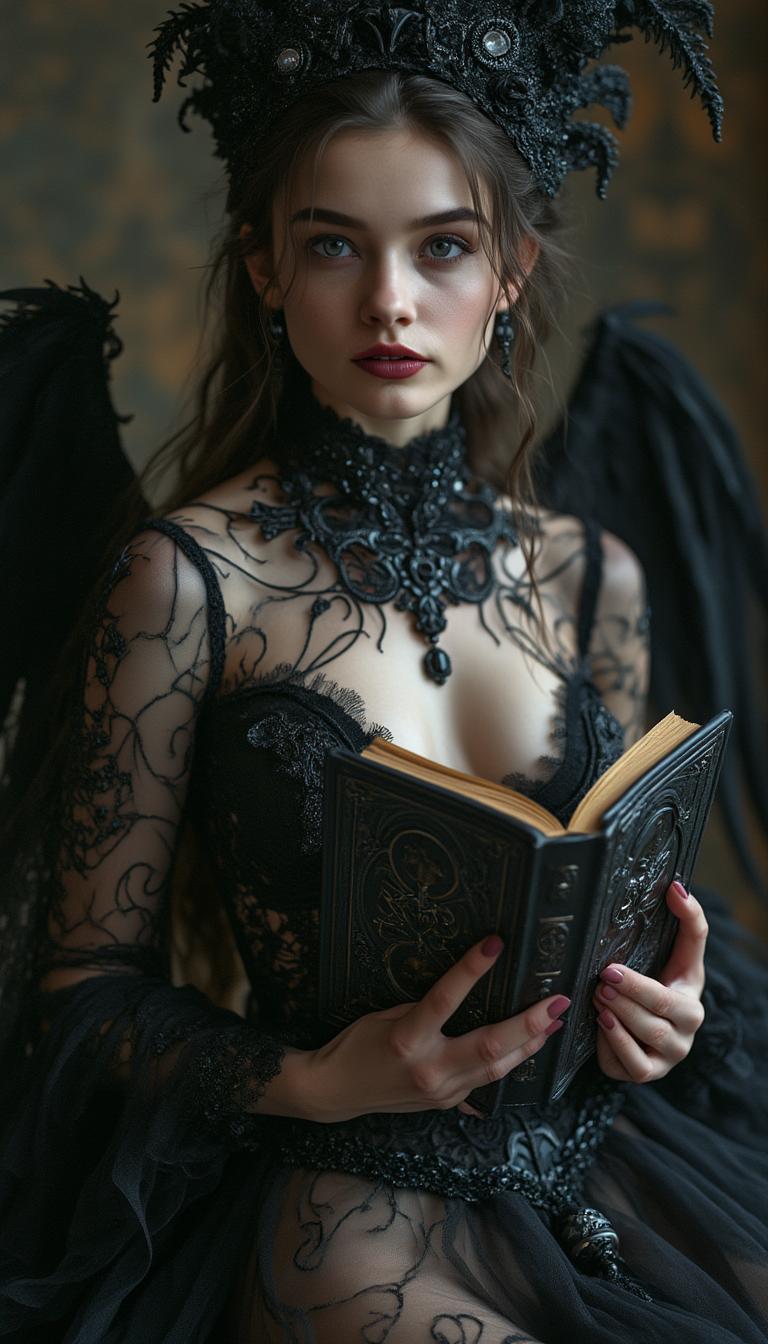
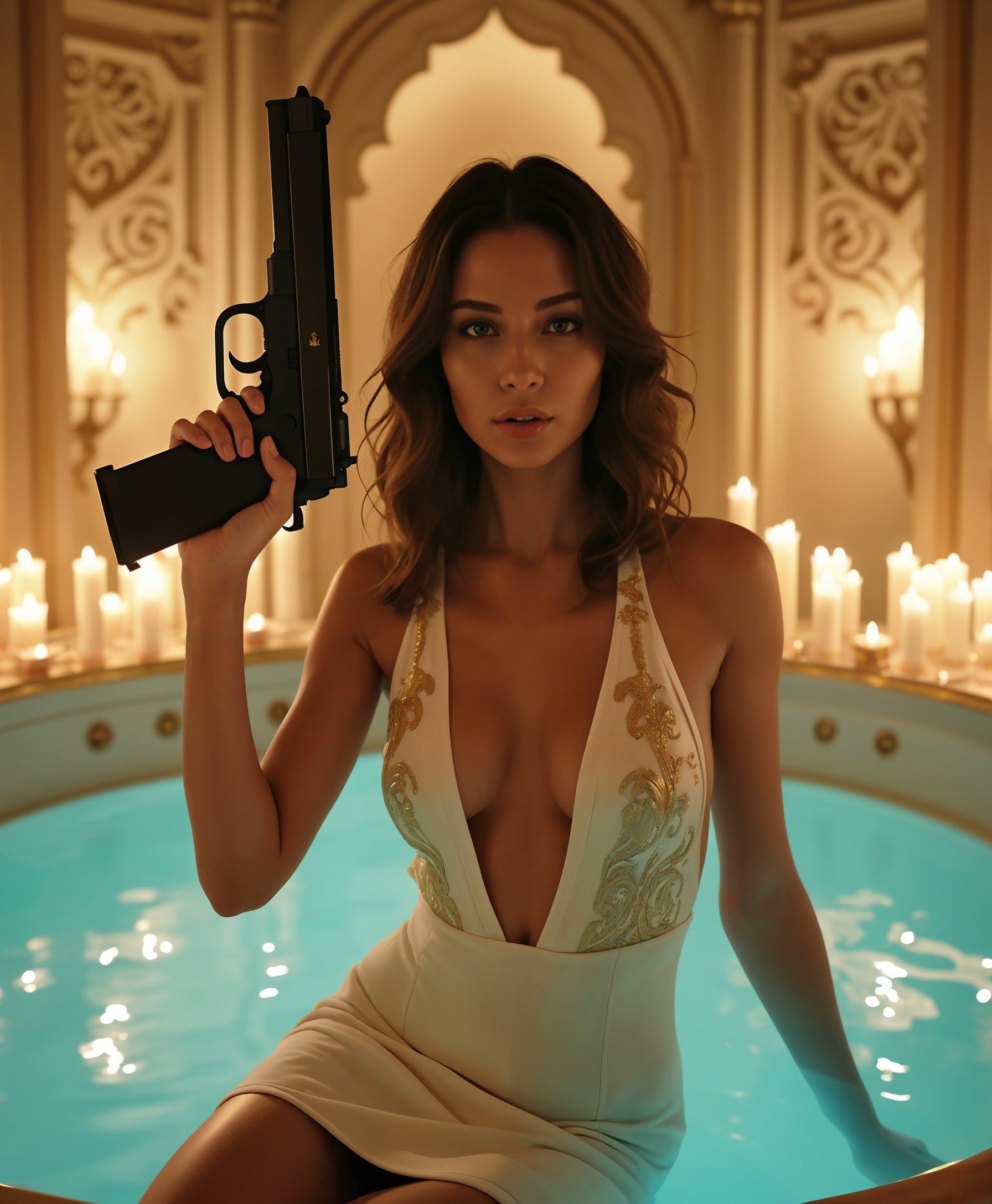
![=== Scene ===
Tone: generate an 8-second, hyper-realistic, seamlessly looping video capturing the raw power and physics of a single moment in a street basketball game, rendered in extreme slow motion., {"type":"High-speed sports cinematography, played back in extreme slow motion","duration_seconds":8,"looping":"true, seamless loop","pacing":"Intense, powerful, and dramatic. The slow motion turns a split-second action into a detailed ballet of force.","animated_elements":[{"element":"Ball Impact and Deformation","description":"The primary animation. A defender's hand forcefully impacts the top of a basketball. In slow motion, we see the defender's fingers digging into the pebbled leather, the ball visibly compressing and deforming under the force. The ball's backspin momentarily stops and reverses as it's knocked away. This entire impact and recoil sequence forms the loop."},{"element":"Sweat and Particle Dynamics","description":"The explosive impact sends a fine spray of sweat droplets flying from both the hand and the ball's surface. The droplets hang in the air like tiny jewels in the bright sun. Dust and microscopic rubber particles from the court are kicked up by the motion."},{"element":"Anatomical Realism","description":"The muscles and tendons in the defender's forearm and hand are seen contracting with extreme force. Veins bulge on the skin's surface. The skin on the fingertips whitens from the pressure against the ball."},{"element":"Background Motion","description":"Through the chain-link fence in the deep background, the blurred figures of spectators are seen reacting to the play, their movements also in slow motion, adding to the atmosphere."}]}, {"style":"Hyperrealistic, gritty sports documentary style, emulating the aesthetic of a high-end Nike commercial or a feature film.","camera_setup":{"camera":"Phantom VEO 4K High-Speed Camera","lens":"100mm Telephoto Prime Lens","perspective":"Static, locked-down shot from a very low angle, looking up at the point of impact. This heroic angle makes the action feel monumental and powerful.","description":"The sun is high in the sky, creating high-contrast, sharp-edged shadows. This intense light creates brilliant specular highlights on the sweat-glistened skin and the curved surface of the basketball, emphasizing every texture."},"composition":{"framing":"A tight, dynamic composition focused entirely on the collision between the hand and the ball. The chain-link fence in the background creates a gritty, geometric pattern that cages the action."}}
=== Subject ===
Description: {"base_subject":"An extreme close-up, slow-motion shot of a hand blocking a basketball at the apex of a shot on an iconic urban court.","key_details":[{"element":"The Hand and Arm","description":"The hand of a highly athletic basketball player. The skin glistens with a realistic sheen of sweat, and we can clearly see skin pores, calluses, and the fine lines of the knuckles. The hand is powerful and expressive."},{"element":"The Basketball","description":"A well-worn, official Spalding basketball. The pebbled texture is rendered in extreme detail, with dirt and scuff marks lodged in the grooves. The printed logos are slightly faded from use."},{"element":"The Environment","description":"The background is the iconic, green, tight-mesh chain-link fence of 'The Cage'. The fence is slightly rusted in places. Through the links, the blurred shapes of spectators and the red brick of surrounding Village buildings are visible."}]}](https://cdn.pixeldojo.ai/cdn-cgi/image/f=auto,q=75,w=3840/pixeldojo/generated-images/1768949937652-bd8kgnjqc.png)
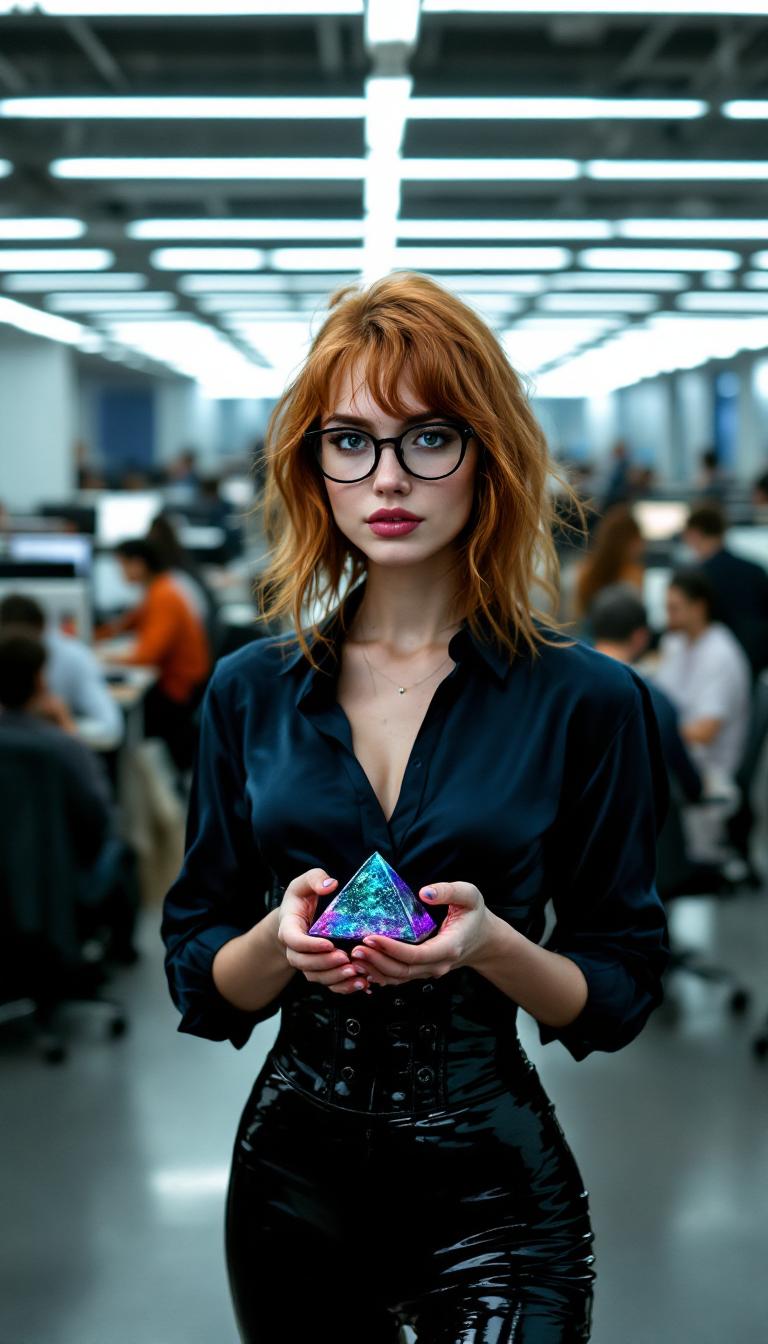



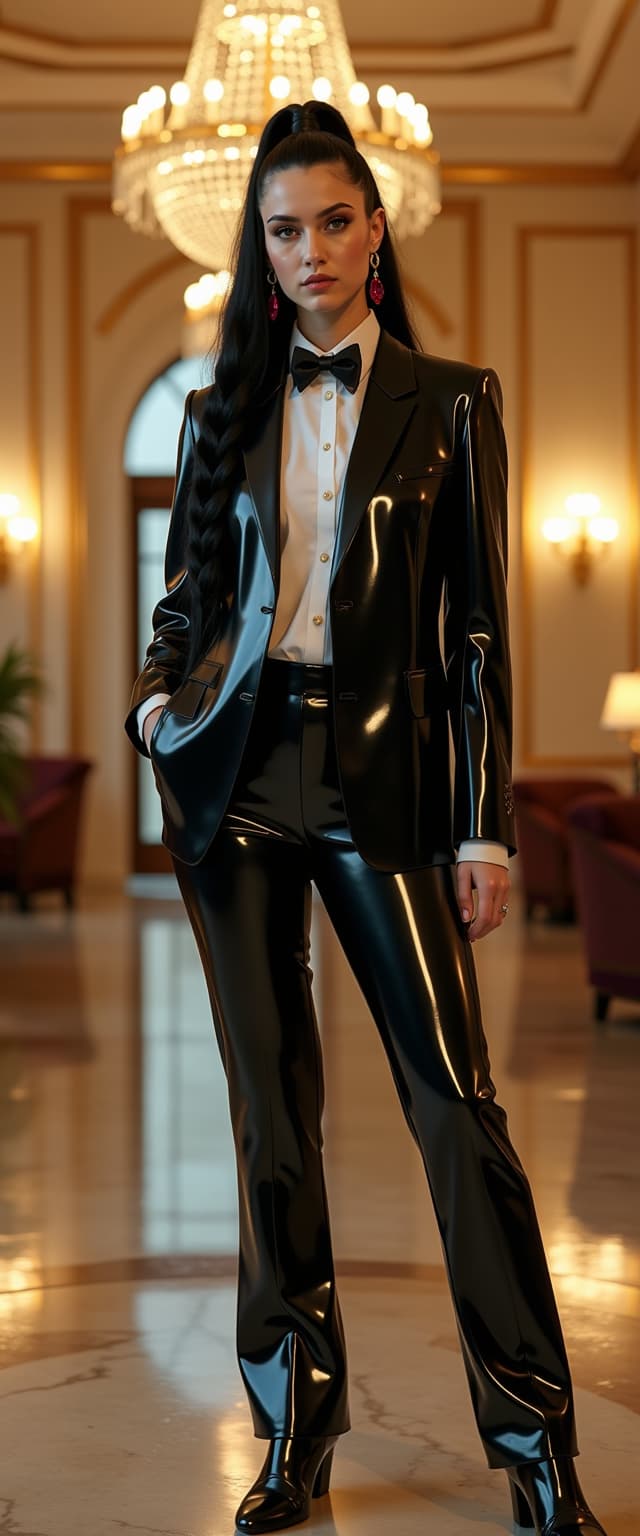

The Pixel Dojo Advantage
Discover how Kling V3's storyboard control surpasses other video creation methods.
| Others | Pixel Dojo |
|---|---|
| Traditional Video Editing | Eliminates the need for complex software and extensive editing skills, streamlining the video creation process. |
| Generic AI Video Tools | Offers unparalleled control over motion and scene direction, ensuring your videos are unique and tailored to your vision. |
| Manual Animation | Significantly reduces the time and effort required to animate characters, allowing for faster project completion. |
Loved by Creators
See what our community says about kling v3 storyboard control
"Kling V3's storyboard control revolutionized our content creation process, enabling us to produce high-quality videos with minimal effort."
Alex Johnson
Marketing Director
"The precision and ease of use offered by Kling V3 have elevated our storytelling capabilities to new heights."
Samantha Lee
Independent Filmmaker
Common Questions
Everything you need to know about kling v3 storyboard control AI generation
How does Kling V3's storyboard control enhance video creation?
Kling V3's storyboard control allows you to meticulously plan and direct every aspect of your video, from character movements to camera angles, resulting in a polished and professional final product.
Can I use my own reference videos with Kling V3?
Yes, you can upload your own reference videos to guide character movements and expressions, ensuring the animations align with your specific requirements.
Is Kling V3 suitable for beginners?
Absolutely. Kling V3 is designed with an intuitive interface that caters to both beginners and experienced creators, making cinematic video production accessible to all.
What file formats are supported for uploads?
Kling V3 supports common image formats like JPG and PNG for character images, and MP4 and MOV for reference videos.
Can I edit the generated video if needed?
Yes, Kling V3 allows you to review and make adjustments to the generated video to ensure it meets your expectations.
Is there a limit to the video length I can create?
Kling V3 supports video generation up to 30 seconds in length, providing ample time for detailed and engaging content.