kling video 3.0 character referencing
Creating videos with consistent characters across multiple scenes can be challenging. Kling Video 3.0 simplifies this process by allowing you to reference specific character images, ensuring uniformity throughout your video projects. Whether you're producing animations, marketing content, or storytelling videos, Kling Video 3.0's character referencing feature helps you maintain visual coherence effortlessly.
Join over 100,000 creators who trust Kling Video 3.0 for their video generation needs, achieving a 4.9/5 satisfaction rating.
Why Choose Pixel Dojo for kling video 3.0 character referencing
Professional-quality results with cutting-edge AI technology
Maintain Character Consistency
Ensure your characters look the same across all scenes, enhancing the professionalism of your videos.
Save Time on Editing
Reduce the need for manual adjustments, allowing you to focus more on creativity.
Enhance Storytelling
Consistent characters help in building a stronger narrative connection with your audience.
How It Works
Using Kling Video 3.0's character referencing is straightforward. Follow these steps to create videos with consistent characters:
Step 1: Upload Reference Images
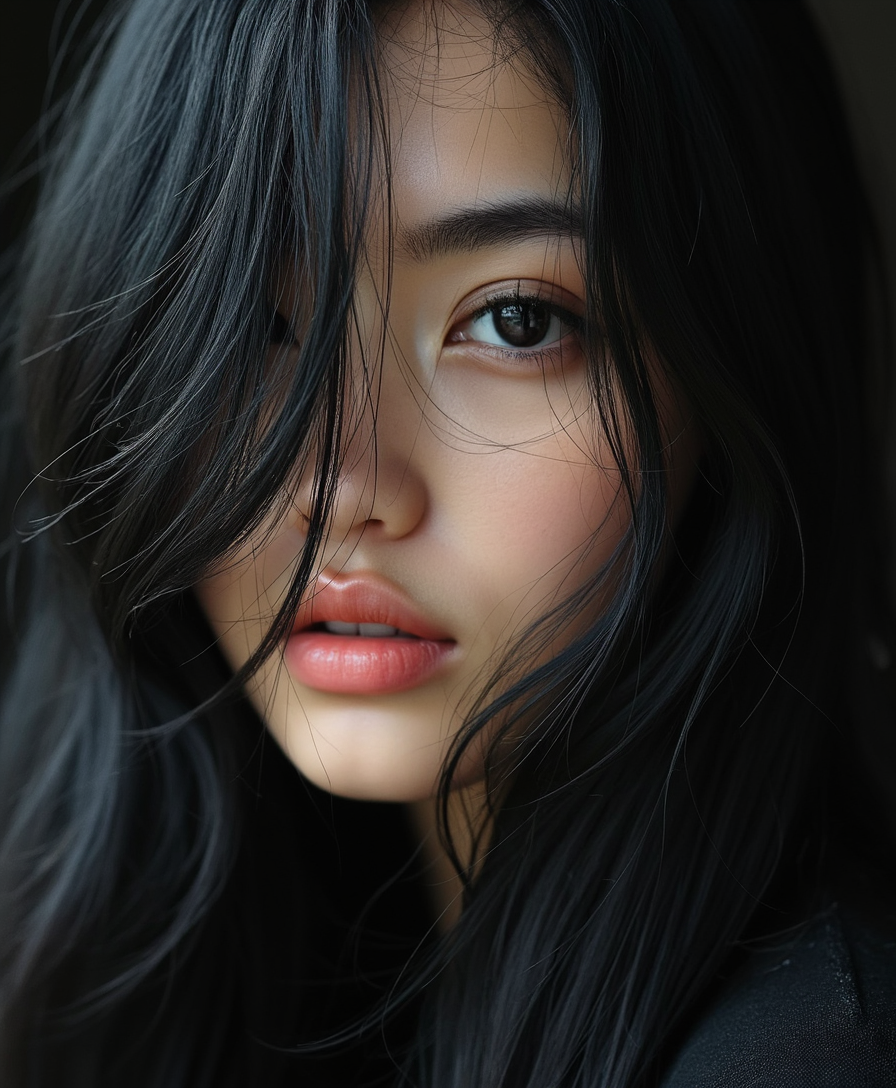
Provide up to four images of your character from different angles to establish a comprehensive reference.
Step 2: Input Your Prompt
Describe the scene, actions, and any specific details you want in your video.
Step 3: Generate and Review
Use Kling Video 3.0 to generate the video and review it to ensure character consistency.



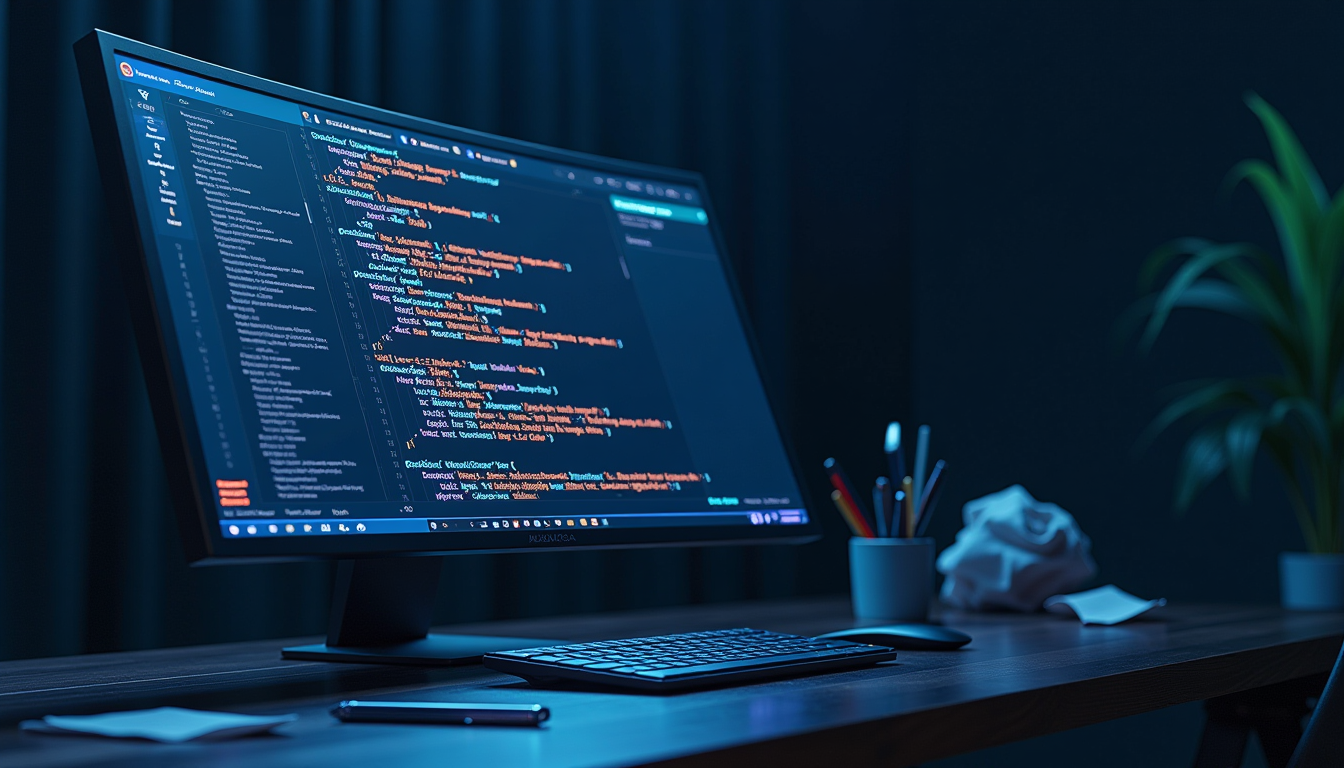
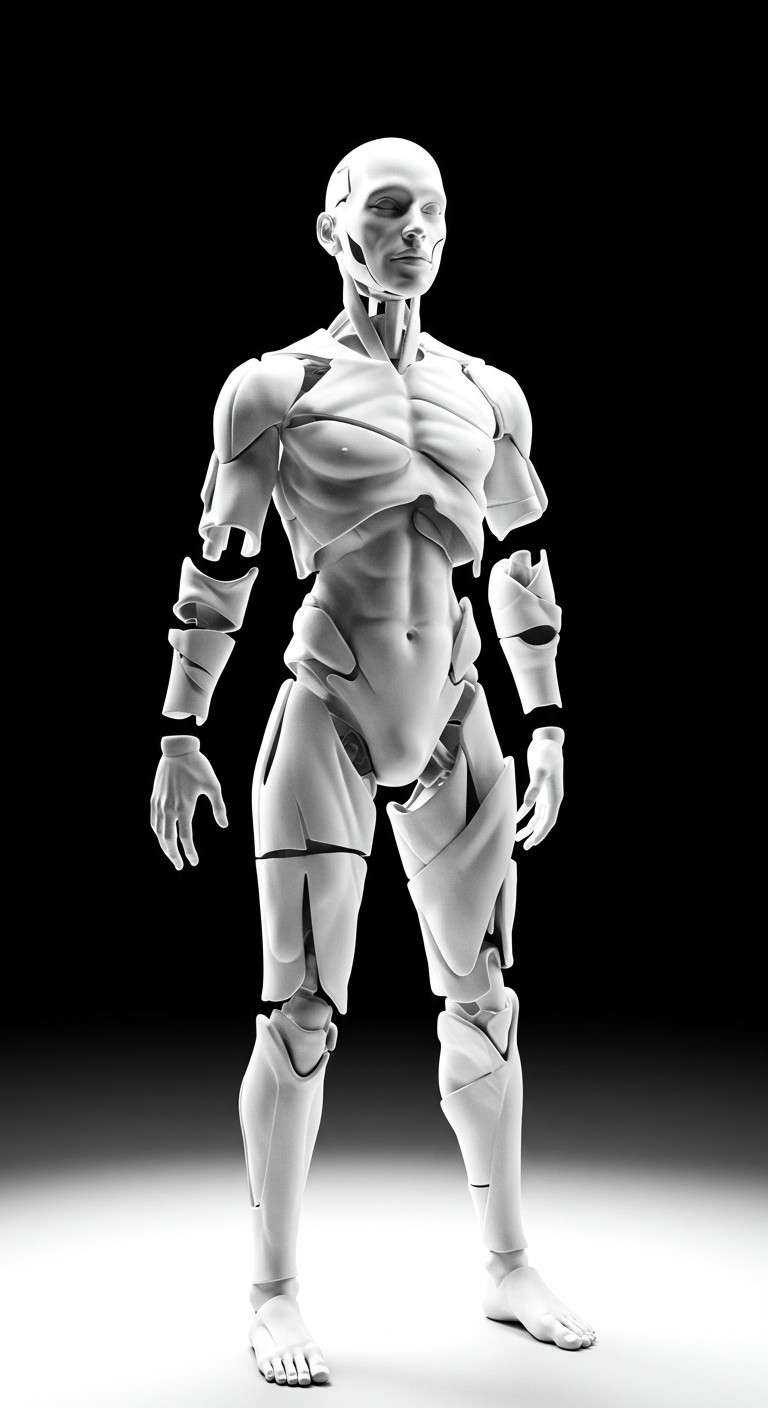
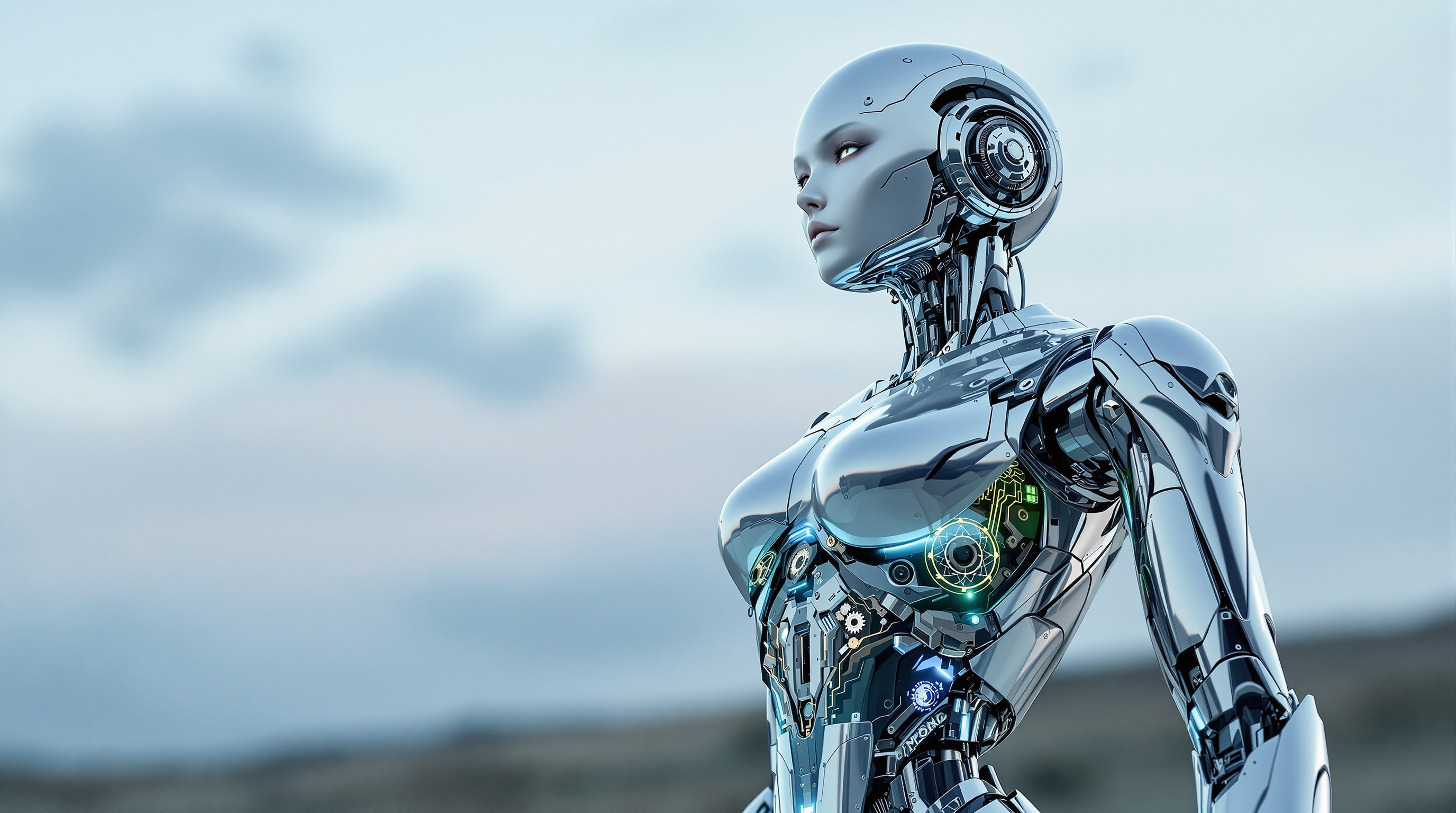
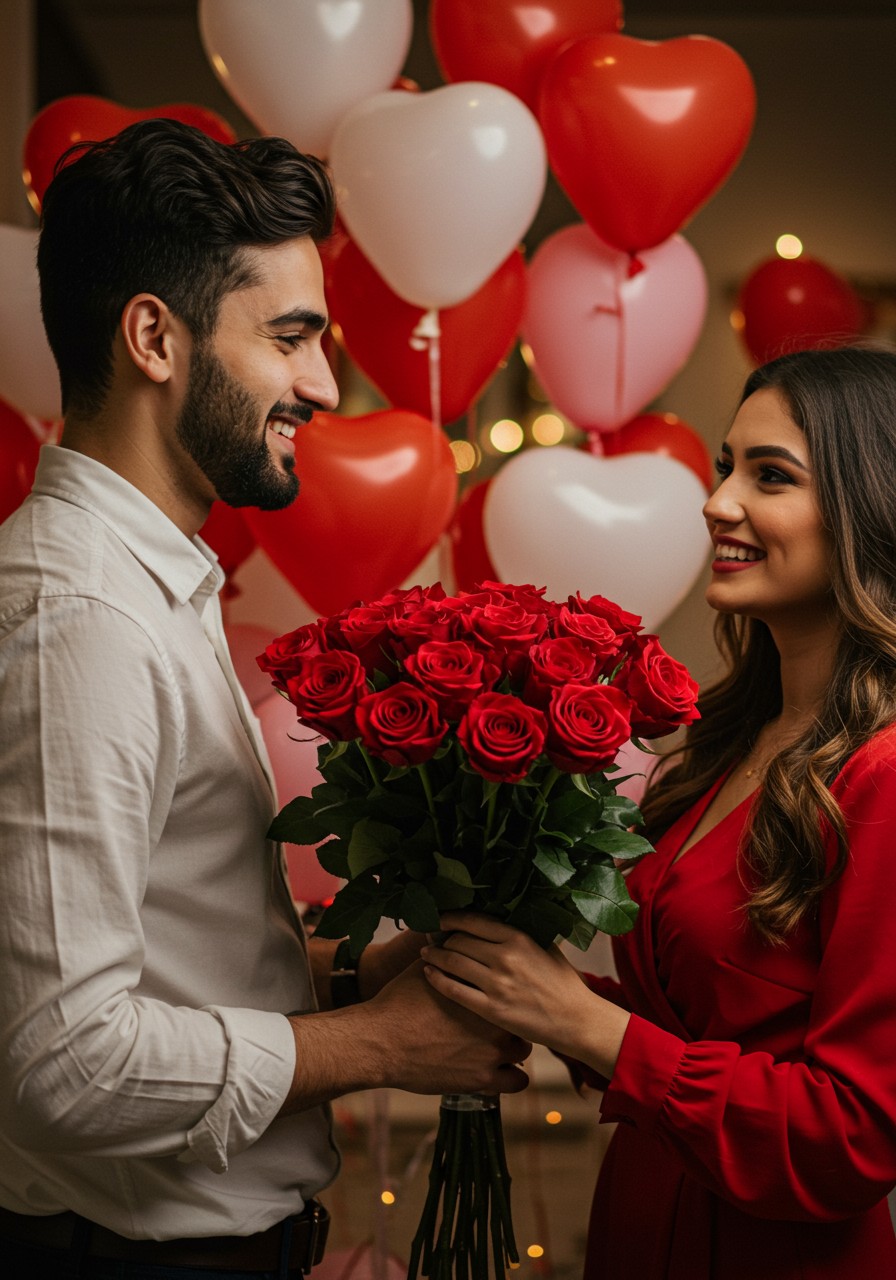



The Pixel Dojo Advantage
Why Kling Video 3.0 is the superior choice for character-consistent video generation:
| Others | Pixel Dojo |
|---|---|
| Traditional Animation Methods | Automates character consistency, reducing manual effort and time. |
| Generic AI Video Tools | Offers advanced character referencing features not available in standard tools. |
| Manual Video Editing | Eliminates the need for frame-by-frame adjustments, streamlining the editing process. |
Loved by creators on PixelDojo
Real feedback from people using PixelDojo, pulled from our in-product surveys.
super lora download
Great variety of tools to create and modify images and video.
Lots of Tools, and the one time I needed support I got help right away
Easy to use once you get the hang of it
Love it make anything I can think of so far
Great for all your ideas use it encourage more people to use it
Explore more AI tools on PixelDojo
AI Tools
Compare & Switch
- Best AI Image Generators
- Best AI Video Generators
- Midjourney Alternatives
- Civitai Alternatives
- Runway Alternatives
- Leonardo Alternatives
- Pika Alternatives
- Luma Alternatives
- Magnific Alternatives
- Veo Alternatives
- Flux Alternatives
- Freepik Alternatives
- Seedance Alternatives
- Seedream Alternatives
- Pixverse Alternatives
- GPT Image Alternatives
- Synthesia Alternatives
- Playground Alternatives
- NightCafe Alternatives
- Canva AI Alternatives
- ElevenLabs Alternatives
- ComfyUI Alternatives
- Fal Alternatives
- Replicate Alternatives
Common Questions
Everything you need to know about kling video 3.0 character referencing
How does Kling Video 3.0 ensure character consistency?
By allowing you to upload multiple reference images, Kling Video 3.0 uses these to maintain consistent character appearances across all video scenes.
Can I use Kling Video 3.0 for commercial projects?
Yes, Kling Video 3.0 includes commercial usage rights, making it suitable for product videos, marketing content, and brand campaigns.
What file formats are supported for reference images?
Kling Video 3.0 supports common image formats such as JPEG and PNG for reference images.
Is there a limit to the number of reference images I can upload?
You can upload up to four reference images to establish a comprehensive character reference.
How long does it take to generate a video?
Most videos are ready in 30-120 seconds, depending on the complexity and length of the video.
Can I edit the generated videos within Kling Video 3.0?
Yes, Kling Video 3.0 allows you to modify sequences, extend shots, adjust timing, and transform visual styles within the platform.