kling video 3.0 realistic motion AI Generator
Imagine turning your static images into dynamic, lifelike videos with ease. With Kling Video 3.0's advanced AI motion control, you can breathe life into your visuals, creating engaging content that captivates your audience. Whether you're an animator, marketer, or content creator, Kling Video 3.0 empowers you to produce realistic motion videos without the need for complex software or extensive animation experience.
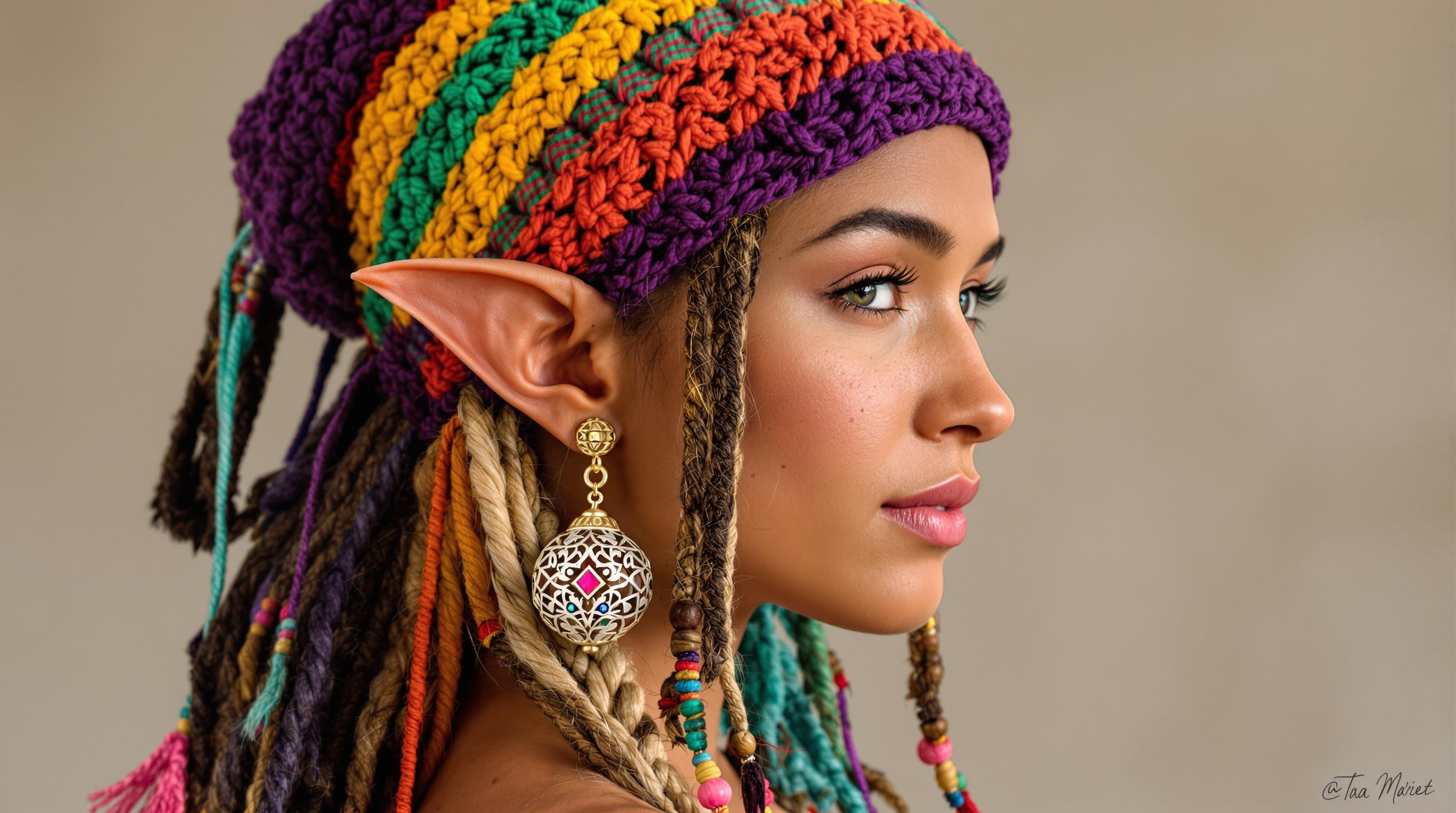
Join over 15 million users worldwide who trust Kling Video 3.0 for their video creation needs. Rated 4.9/5 by professionals across various industries.
Why Choose Pixel Dojo for kling video 3.0 realistic motion
Professional-quality results with cutting-edge AI technology
Effortless Animation
Transform static images into dynamic videos with just a few clicks, eliminating the need for manual animation.
Realistic Motion Control
Achieve precise and lifelike movements by transferring real-world motion from reference videos to your images.
Time and Cost Efficiency
Save valuable time and resources by automating the animation process, allowing you to focus on creativity.
How It Works
Creating realistic motion videos with Kling Video 3.0 is a straightforward process. Follow these steps to bring your images to life:
Step 1: Upload Your Character Image
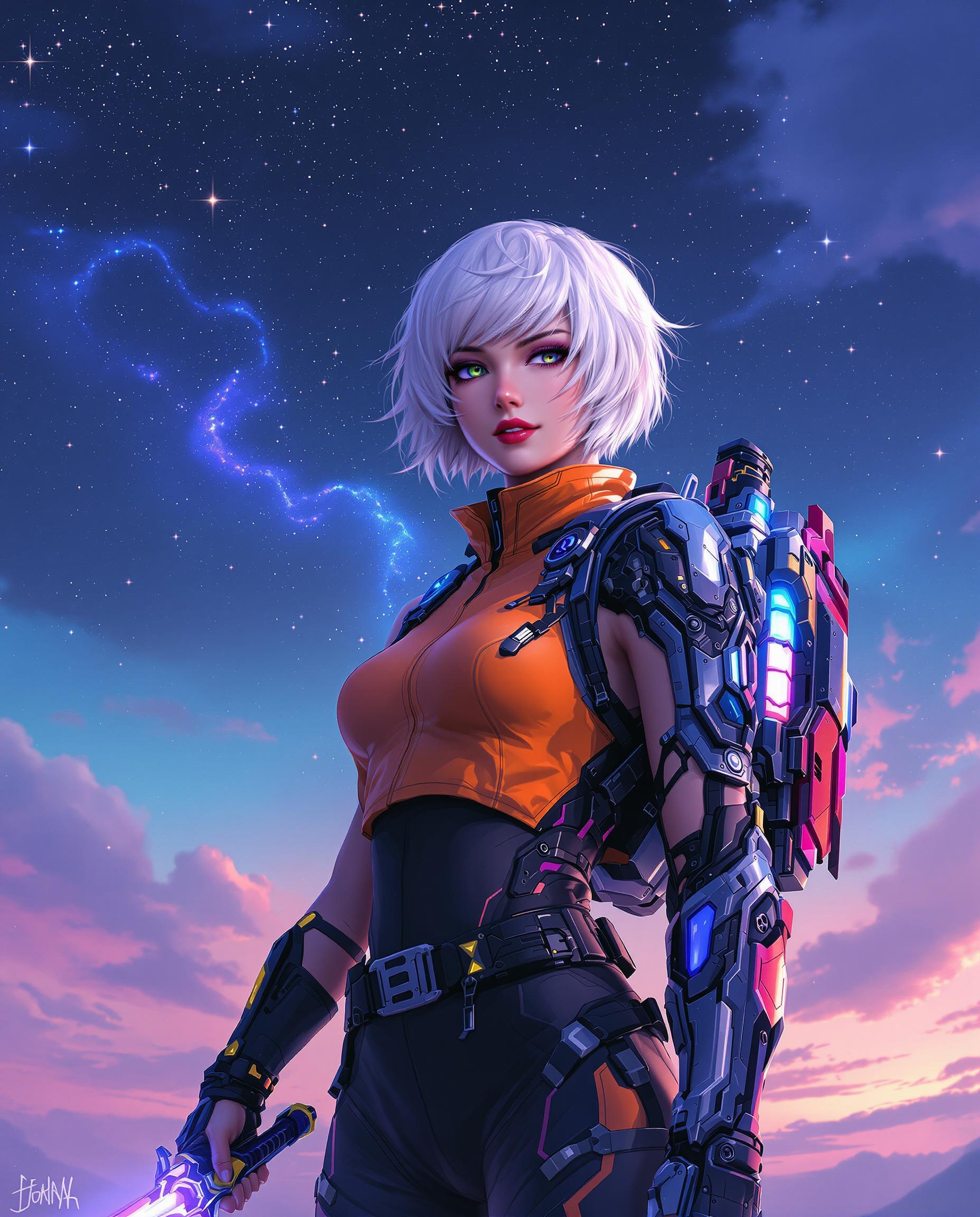
Select and upload the static image of the character you wish to animate. Ensure the image is clear and of high quality for optimal results.
Step 2: Choose a Motion Reference Video
Upload a reference video that contains the desired motion you want to apply to your character. This could be a dance, gesture, or any specific movement.
Step 3: Generate and Download Your Animated Video
Kling Video 3.0 will process the inputs and generate a realistic motion video. Once complete, you can preview and download the final output.

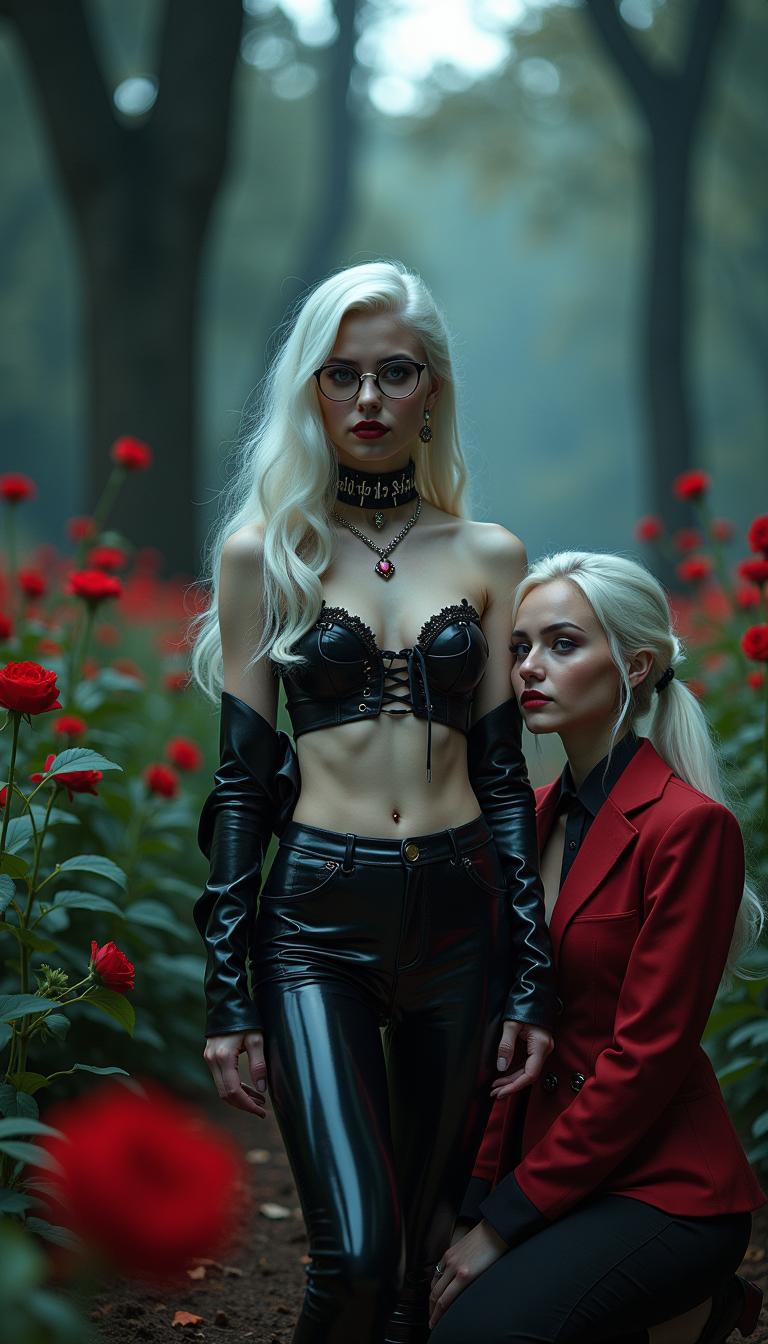


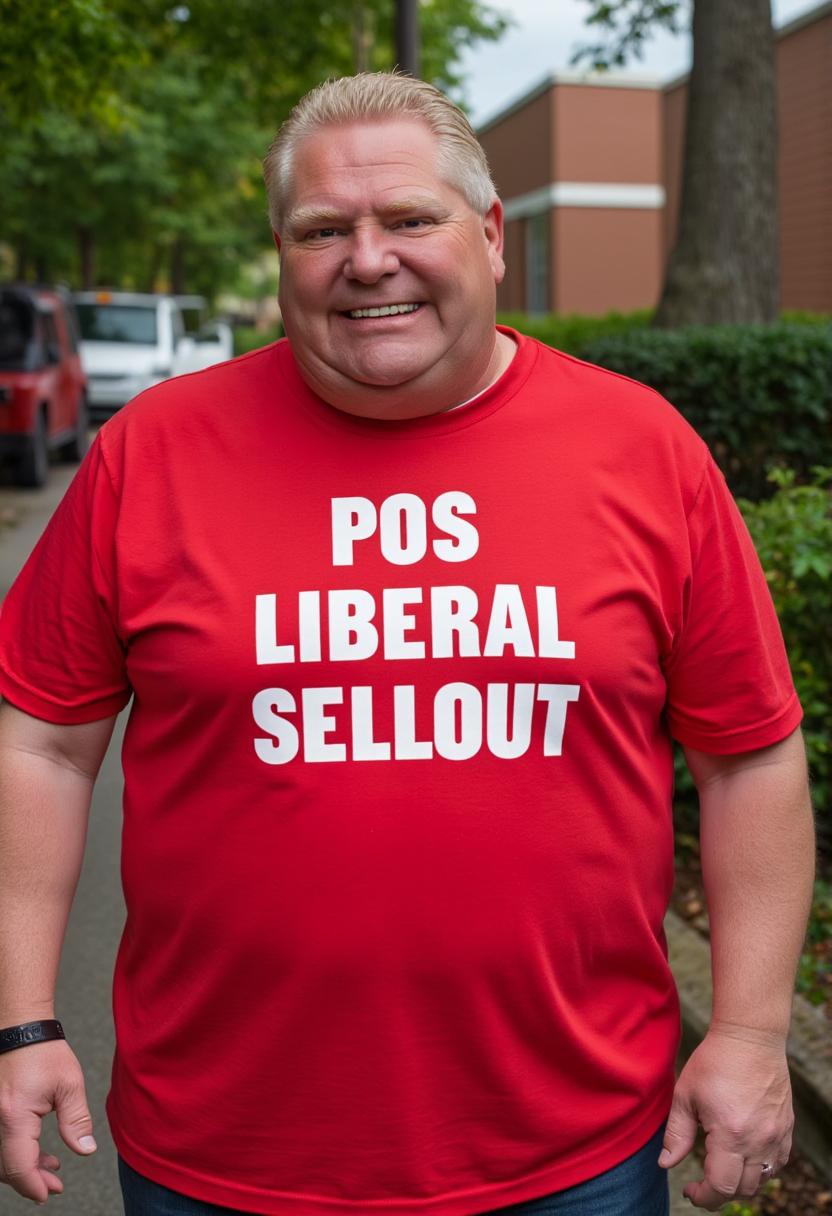
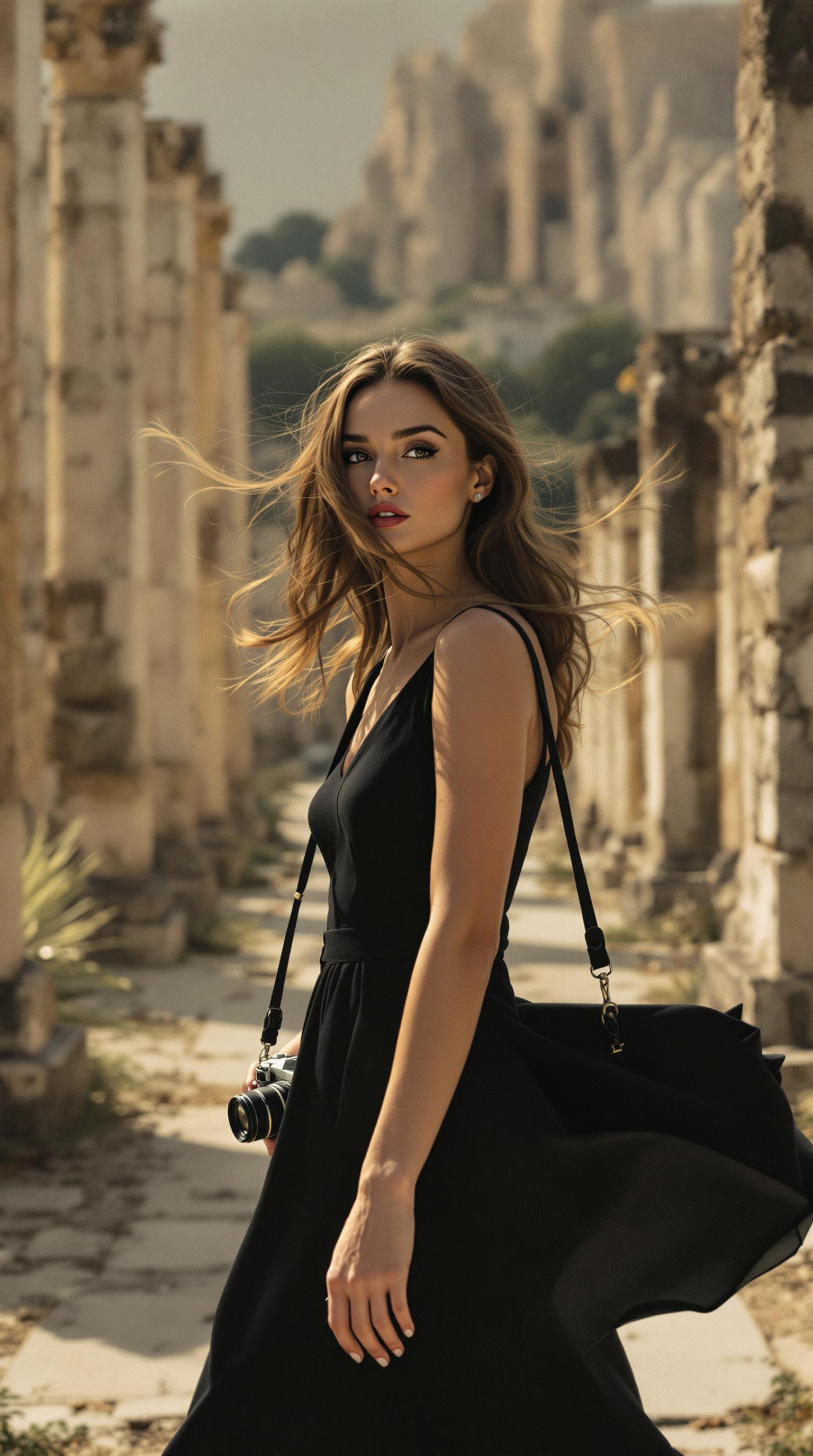



The Pixel Dojo Advantage
Why Kling Video 3.0 is the superior choice for realistic motion video creation:
| Others | Pixel Dojo |
|---|---|
| Traditional Animation Software | Eliminates the need for manual frame-by-frame animation, significantly reducing production time. |
| Generic AI Tools | Offers precise motion control by transferring real-world movements, ensuring lifelike animations. |
| Manual Video Editing | Automates the animation process, allowing creators to focus on storytelling and creativity. |
Loved by Creators
See what our community says about kling video 3.0 realistic motion
"Kling Video 3.0 has revolutionized our content creation process. The realistic motion control allows us to produce high-quality animations effortlessly."
Alex Johnson
Creative Director
"As a marketer, creating engaging videos quickly is crucial. Kling Video 3.0 enables us to animate our visuals with precision and ease."
Samantha Lee
Marketing Manager
Common Questions
Everything you need to know about kling video 3.0 realistic motion AI generation
How does Kling Video 3.0 achieve realistic motion in videos?
Kling Video 3.0 utilizes advanced AI motion control to transfer movements from reference videos to static images, resulting in lifelike animations.
Can I use Kling Video 3.0 without prior animation experience?
Absolutely! Kling Video 3.0 is designed for users of all skill levels, allowing you to create professional animations without any prior experience.
What types of motion can I apply to my images?
You can apply a wide range of motions, including dances, gestures, and complex actions, by selecting appropriate reference videos.
Is Kling Video 3.0 suitable for commercial projects?
Yes, Kling Video 3.0 is ideal for commercial use, enabling businesses to create engaging marketing materials and product demonstrations.
How long does it take to generate a motion video?
The generation time depends on the complexity of the motion and the length of the video, but Kling Video 3.0 is optimized for quick processing.
Can I customize the background and scene details in the generated videos?
Yes, Kling Video 3.0 allows you to control background elements and scene details through prompts, giving you creative flexibility.