Wan 2.2 character motion transfer tutorial AI Generator
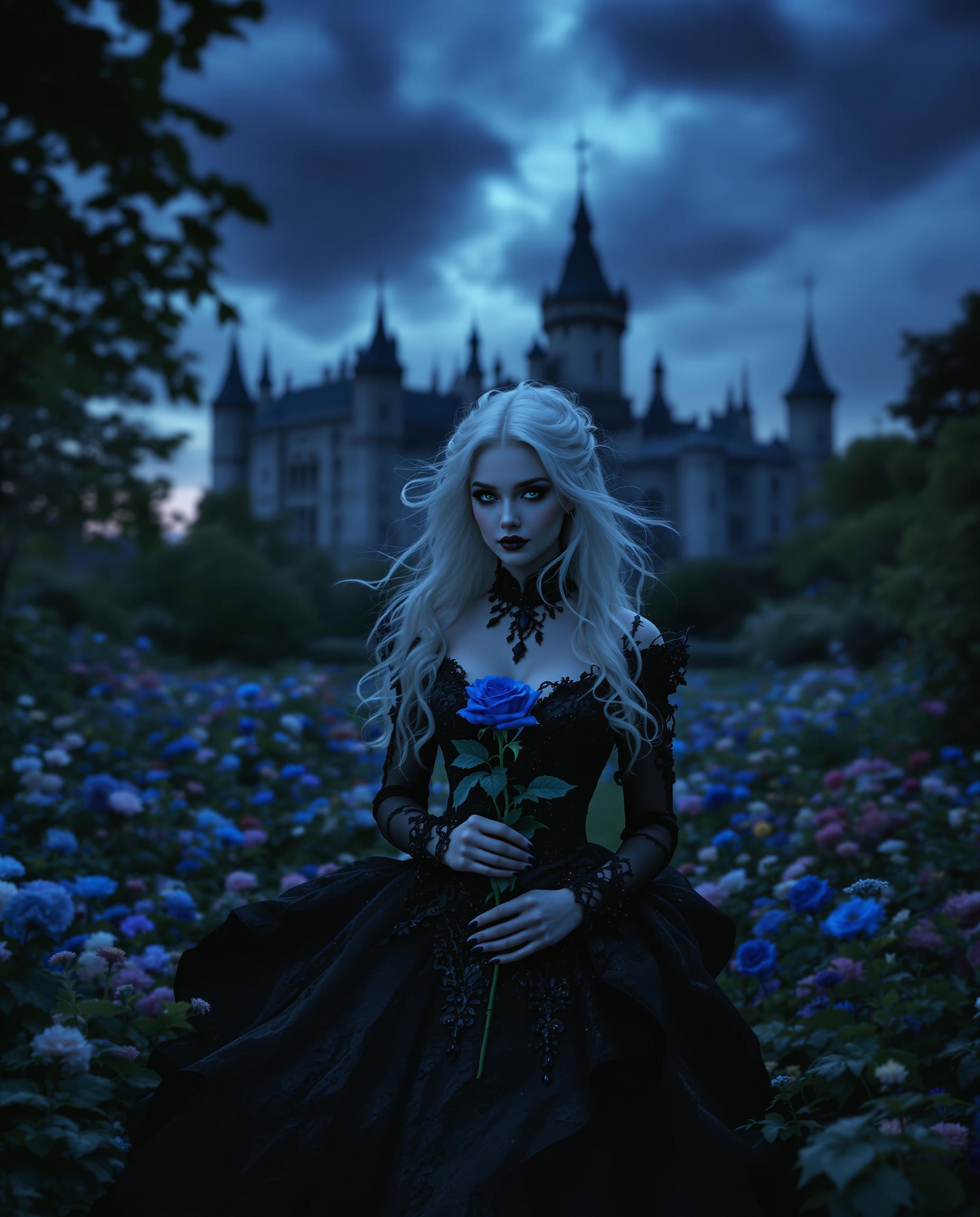
Transform your static character images into dynamic animations effortlessly with Wan 2.2's advanced motion transfer technology. Whether you're a content creator, marketer, or hobbyist, this tutorial will guide you through the process of breathing life into your characters, enhancing engagement and storytelling in your projects.
Join over 200,000 active users who have created more than 400,000 animations using Wan 2.2. Trusted by professionals worldwide for its precision and ease of use.
Why Choose Pixel Dojo for Wan 2.2 character motion transfer tutorial
Professional-quality results with cutting-edge AI technology
Effortless Animation Creation
Animate characters without prior animation experience, saving time and resources.
High-Quality Motion Transfer
Achieve realistic animations by accurately replicating facial expressions and body movements.
Seamless Integration
Replace characters in existing videos while maintaining consistent lighting and color tones.
How It Works
Follow these simple steps to animate your characters using Wan 2.2:
Step 1: Upload Your Character Image
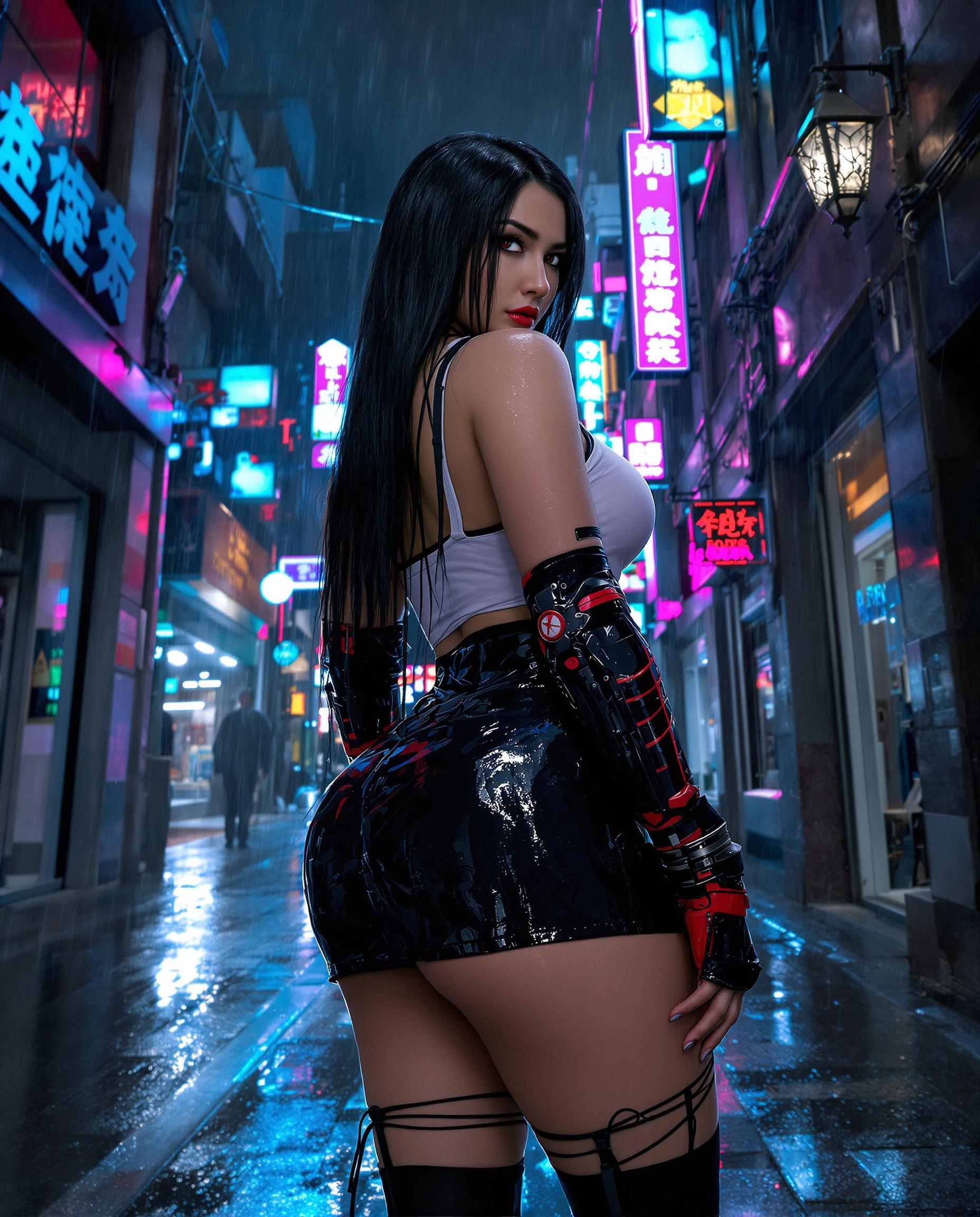
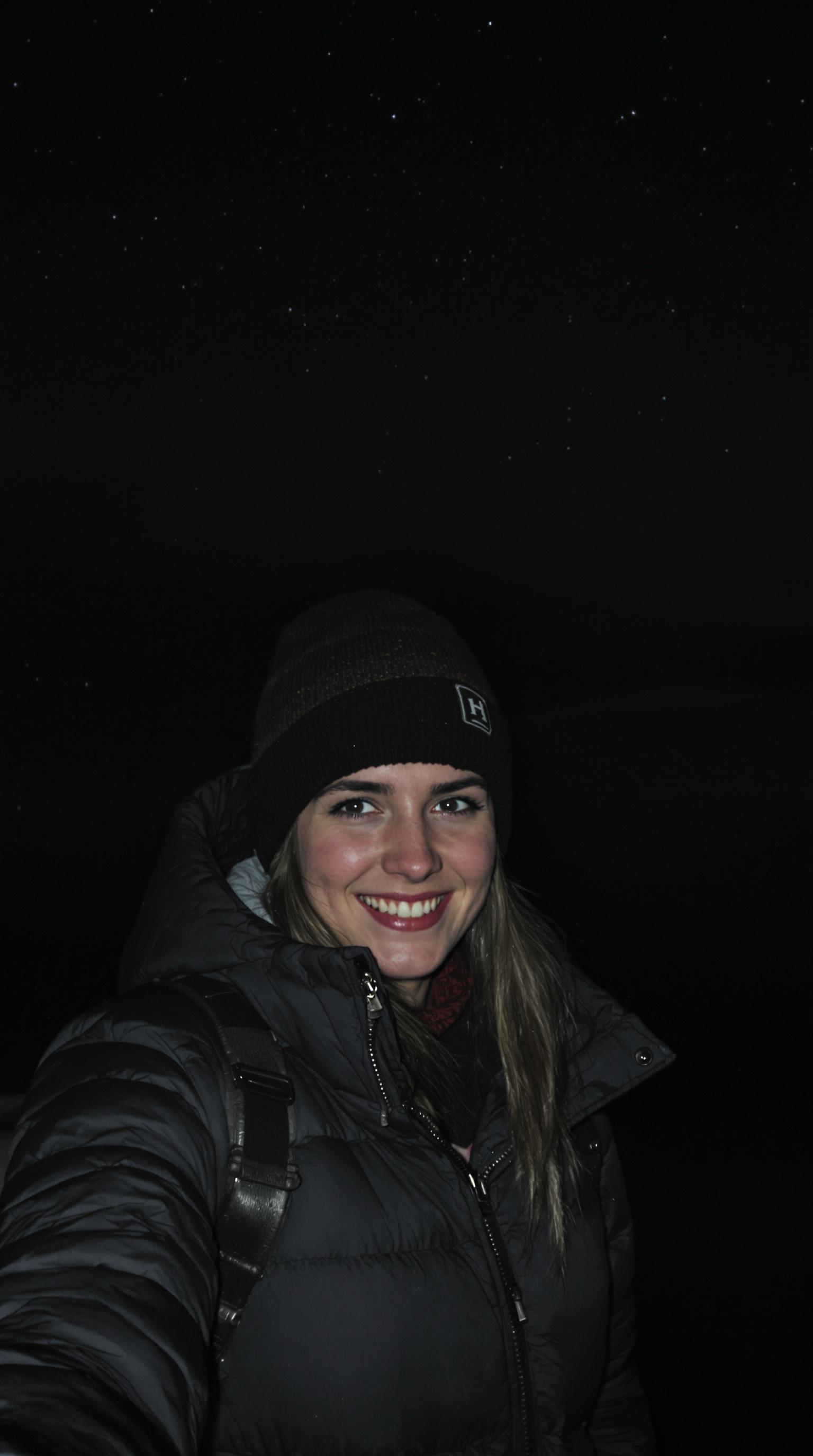
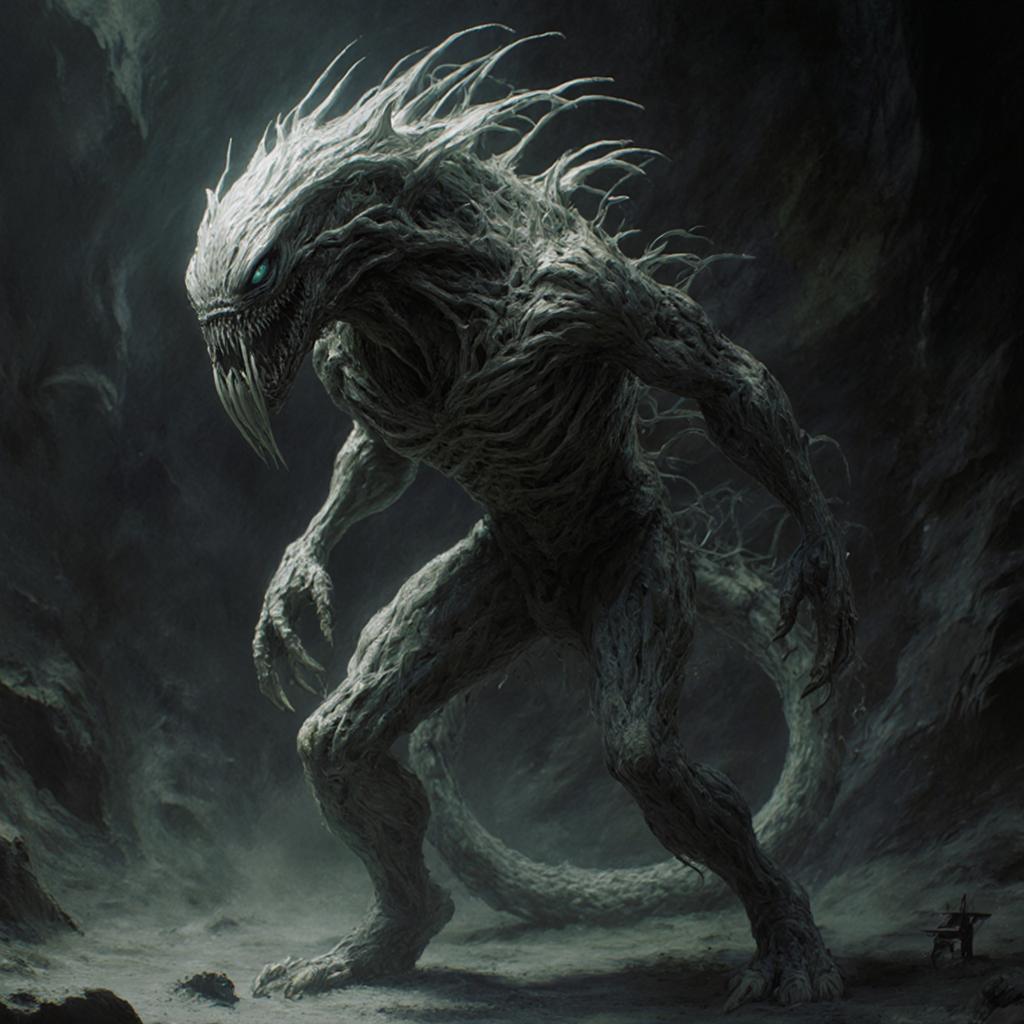
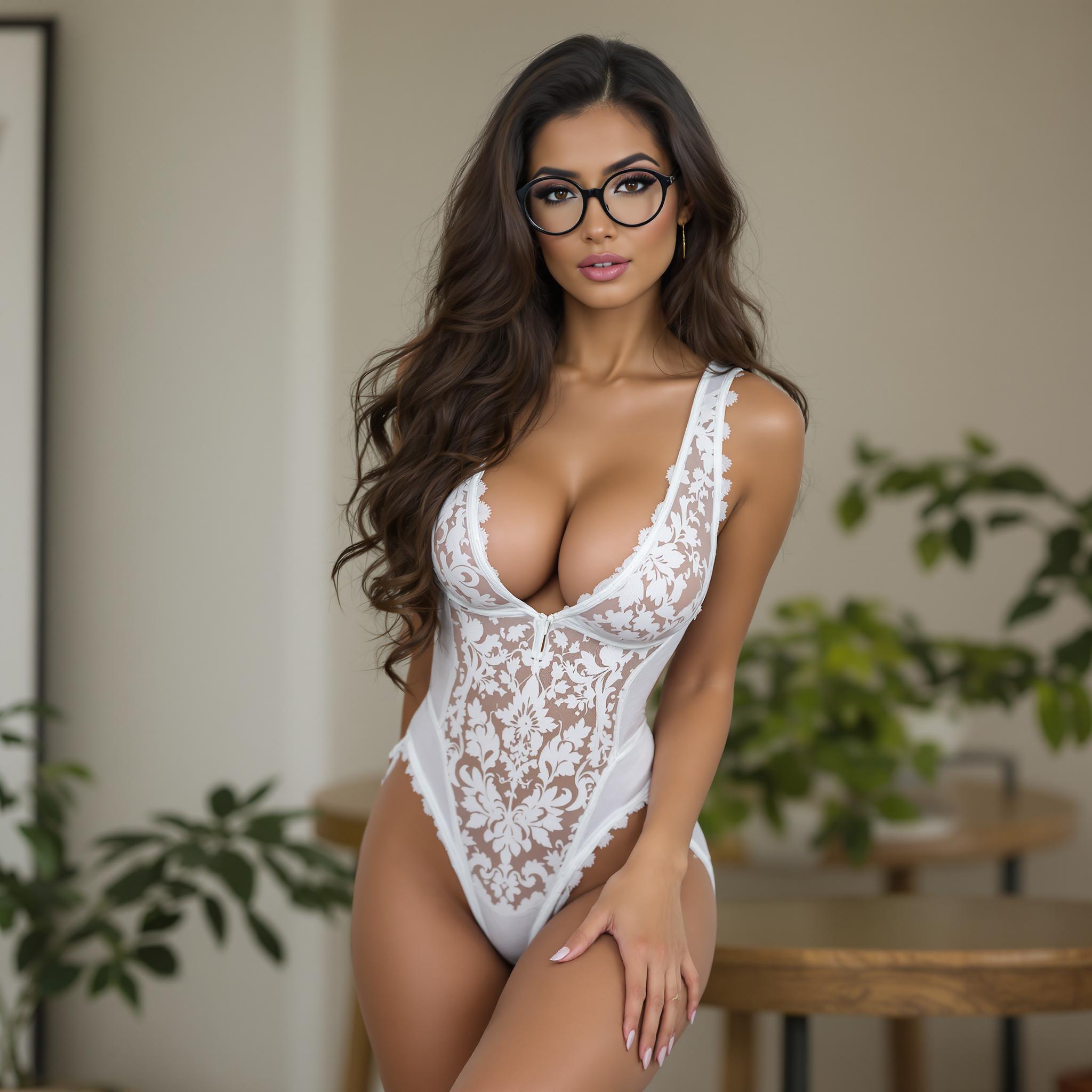
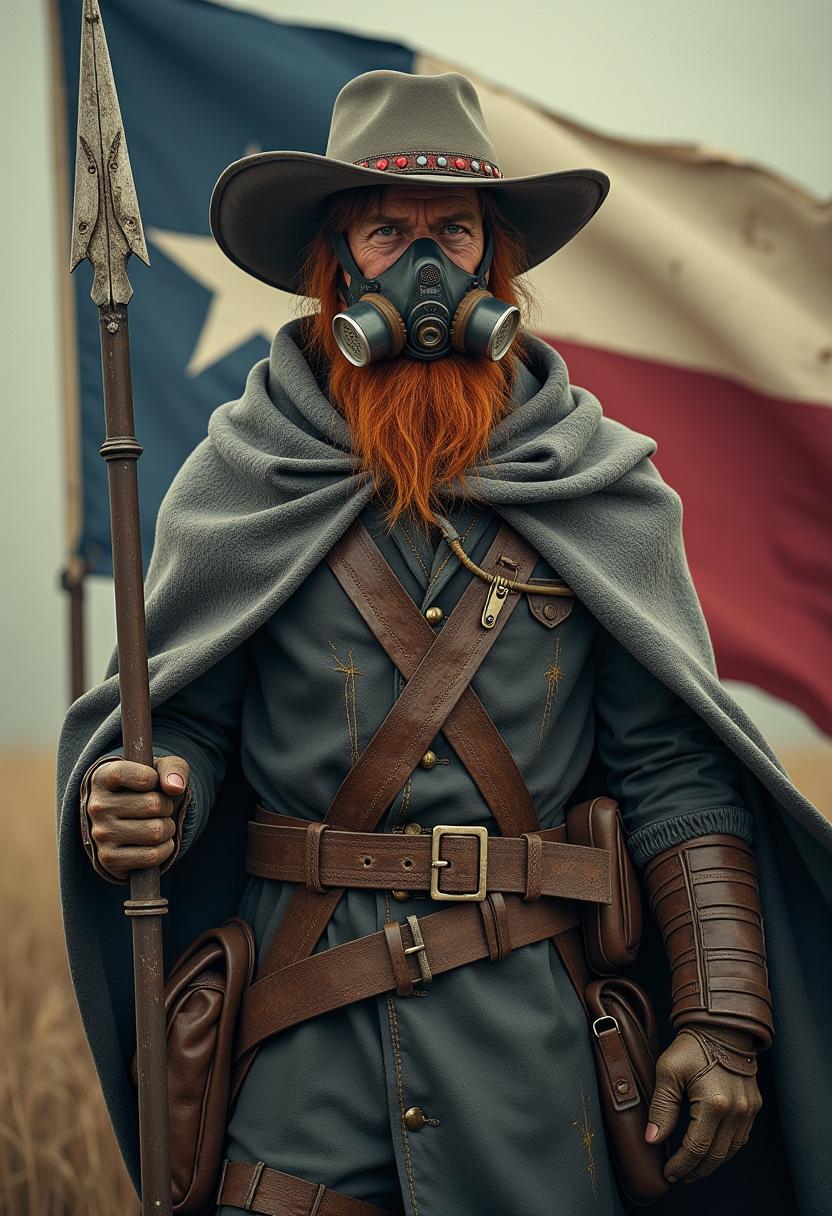
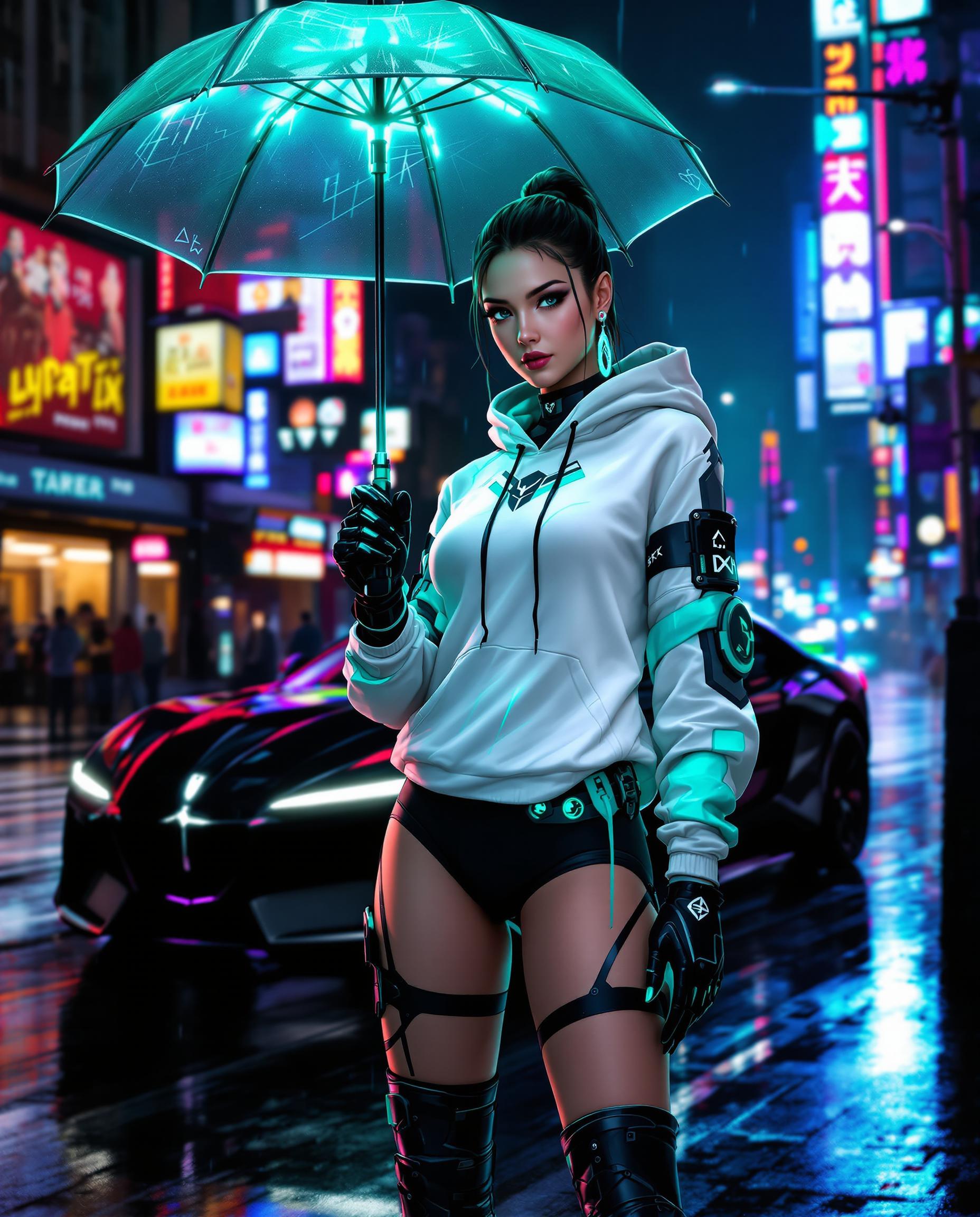
Select a clear, high-resolution image of the character you wish to animate. Ensure the character's face and body are fully visible for optimal results.
Step 2: Provide a Reference Video
Choose a video that contains the desired movements and expressions you want your character to emulate. This video will serve as the motion guide for your animation.
Step 3: Generate and Download Your Animation
Click the 'Generate' button to process the animation. Once completed, preview the result and download the animated video to your device.

The Pixel Dojo Advantage
Why Wan 2.2 is the Preferred Choice for Character Animation
| Others | Pixel Dojo |
|---|---|
| Traditional Animation Methods | Eliminates the need for manual frame-by-frame animation, significantly reducing production time. |
| Generic AI Animation Tools | Offers precise control over facial expressions and body movements, ensuring high-quality, realistic animations. |
| Manual Video Editing | Automates the animation process, allowing for quick iterations and adjustments without extensive editing skills. |
Loved by Creators
See what our community says about Wan 2.2 character motion transfer tutorial
"Wan 2.2 revolutionized our content creation process. We can now produce engaging animations in a fraction of the time."
Alex Johnson
Digital Content Creator
"The motion transfer quality is outstanding. Our characters move naturally, enhancing the storytelling in our videos."
Maria Lopez
Marketing Specialist
Common Questions
Everything you need to know about Wan 2.2 character motion transfer tutorial AI generation
What is Wan 2.2 character motion transfer?
Wan 2.2's character motion transfer allows you to animate static images by applying movements and expressions from a reference video, creating lifelike animations without manual animation work.
Do I need animation experience to use Wan 2.2?
No, Wan 2.2 is designed for users of all skill levels. Its intuitive interface guides you through the animation process without requiring prior experience.
Can I use any video as a reference for motion transfer?
Yes, you can use any video that contains the desired movements and expressions. Ensure the video is clear and the actions are visible for optimal results.
Is there a limit to the length of the reference video?
For best performance, it's recommended to use reference videos that are between 2 to 10 seconds long. Longer videos may require more processing time.
Can I replace characters in existing videos using Wan 2.2?
Yes, Wan 2.2's Mix Mode allows you to replace characters in existing videos while maintaining consistent lighting and color tones for seamless integration.
What file formats are supported for images and videos?
Wan 2.2 supports common image formats like JPG and PNG, and video formats such as MP4, AVI, and MOV. Ensure your files meet the size and resolution requirements for optimal processing.