ai gif generator

Generated on PixelDojo. Produced by PixelDojo's generation pipeline.
Unlock the power of animation with PixelDojo's AI GIF Generator. Whether you're a marketer aiming to boost engagement, a content creator seeking dynamic visuals, or someone looking to add flair to your messages, our AI-driven tools make GIF creation seamless and accessible. Transform your concepts into captivating animated GIFs in just a few clicks—no design experience required.
Real image examples generated on PixelDojo
Every example below was produced on PixelDojo. Hover to see the prompt.
Create a YouTube Header for "FLUXPRO" AI image generation
flux
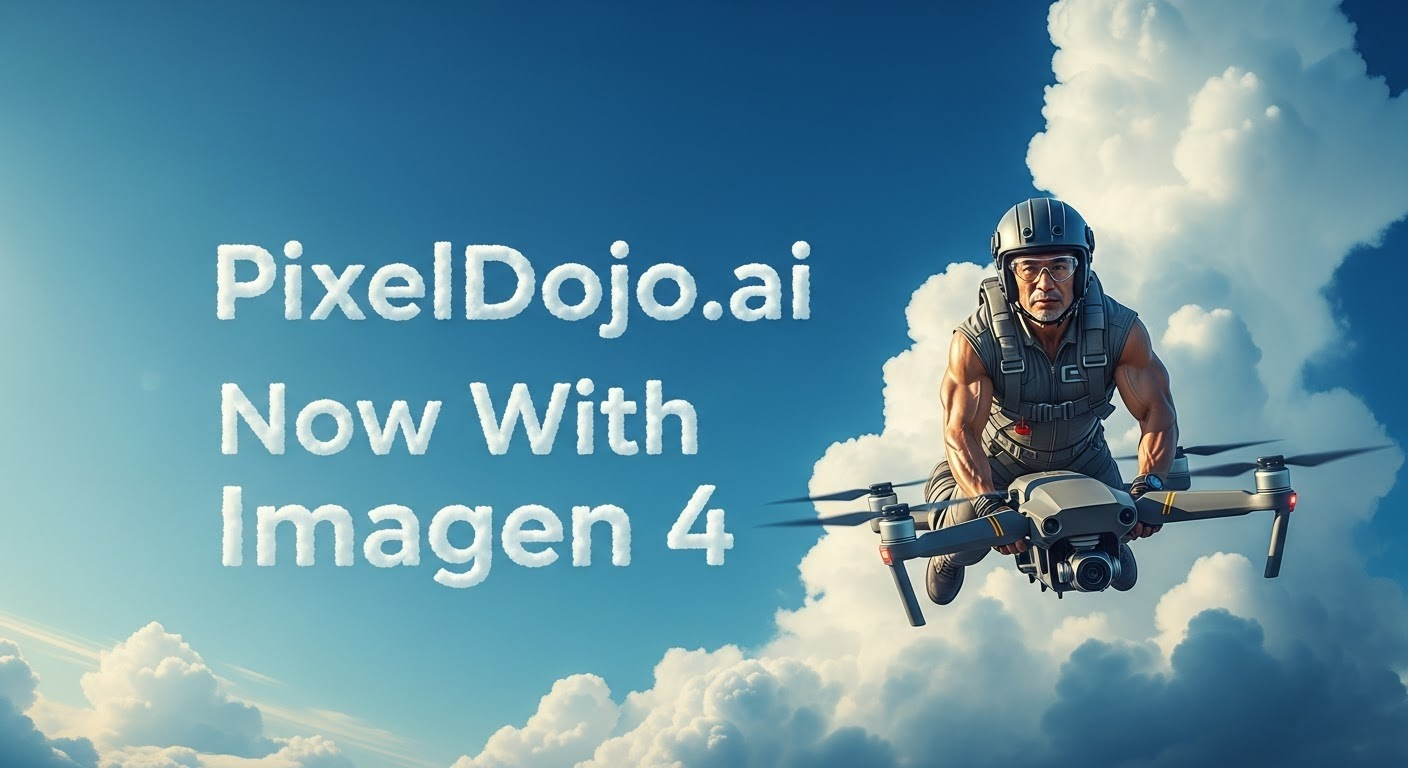
A photo of a man flying through the air on a drone
stable-diffusion
Anime character
flux
Anime character
flux
Anime character
flux
Pix-anime
image-to-video
Models you can run on PixelDojo for ai gif generator
Switch models without switching tools. Each one runs in the same PixelDojo studio.
What you can do with ai gif generator on PixelDojo
Generate GIFs from Text
We create short animated GIFs based on text prompts. Users enter descriptions of subjects and actions to receive matching output.
Animate Uploaded Images
We add motion to static images provided by users. Additional instructions guide the type of movement applied.
Adjust Frame Timing
We let creators set the speed and duration of each GIF. Frame rate options control how the animation plays.
Download Standard Formats
We export finished GIFs in common file types. Users receive files ready for web use or sharing.
Join over 10,000 satisfied users who have enhanced their content with PixelDojo's AI tools. Rated 4.8/5 based on 5,000+ reviews.
Why Choose Pixel Dojo for ai gif generator
Professional-quality results with cutting-edge AI technology
Effortless Creation
Generate high-quality animated GIFs from text prompts or images without any design skills.
Time-Saving
Produce engaging animations in seconds, streamlining your content creation process.
Versatile Applications
Enhance social media posts, marketing campaigns, and personal messages with dynamic visuals.
How It Works
Creating animated GIFs with PixelDojo is simple and intuitive. Follow these steps to bring your ideas to life:
Step 1: Choose Your Tool
Select the AI tool that best fits your needs. For text-to-GIF creation, use our 'Text to Video' feature. To animate existing images, opt for 'Image to Video'.
Step 2: Enter Your Prompt
For 'Text to Video', input a descriptive prompt detailing the animation you envision. For 'Image to Video', upload your static image and specify the desired animation effects.
Step 3: Customize & Download
Preview the generated animation. If needed, make adjustments to align with your vision. Once satisfied, download your animated GIF and share it as desired.
The Pixel Dojo Advantage
Why PixelDojo is Your Best Choice for AI GIF Generation
| Others | Pixel Dojo |
|---|---|
| Traditional GIF Creation Methods | Eliminate the need for complex software and manual editing; create GIFs effortlessly with AI. |
| Generic AI Tools | Benefit from specialized tools designed specifically for GIF creation, ensuring optimal results. |
| Manual Animation | Save time and effort by automating the animation process without compromising quality. |
Loved by creators on PixelDojo
Real feedback from people using PixelDojo, pulled from our in-product surveys.
The guy that operates the website is constantly updating it
I’ve been using PixelDojo for around 8 months now and it’s always worked wonderfully while constantly adding features.
The site is easy to navigate and use.
All the tools, readily available and easy to understand
You guys, the LORA training is the BEST in the space right now, great job with that!
Tons of variety. Ease of use. Tools for beginners and advance users.
Explore more AI tools on PixelDojo
Popular AI Models
AI Tools
Compare & Switch
- Best AI Image Generators
- Best AI Video Generators
- Midjourney Alternatives
- Civitai Alternatives
- Runway Alternatives
- Leonardo Alternatives
- Pika Alternatives
- Luma Alternatives
- Magnific Alternatives
- Veo Alternatives
- Flux Alternatives
- Freepik Alternatives
- Seedance Alternatives
- Seedream Alternatives
- Pixverse Alternatives
- GPT Image Alternatives
- Synthesia Alternatives
- Playground Alternatives
- NightCafe Alternatives
- Canva AI Alternatives
- ElevenLabs Alternatives
- ComfyUI Alternatives
- Fal Alternatives
- Replicate Alternatives
Common Questions
Everything you need to know about ai gif generator
How does PixelDojo's AI GIF Generator work?
Our AI GIF Generator utilizes advanced algorithms to transform text prompts or static images into animated GIFs. Simply input your idea or upload an image, and our AI handles the rest, producing a high-quality animation in seconds.
Do I need design experience to create GIFs with PixelDojo?
No design experience is necessary. Our intuitive interface and AI-powered tools make GIF creation accessible to everyone, regardless of skill level.
Can I customize the animations generated by PixelDojo?
Yes, after generating your GIF, you can preview and make adjustments to ensure it aligns with your vision before downloading.
Is there a limit to the number of GIFs I can create?
PixelDojo offers various subscription plans to suit different needs. Depending on your plan, you can create multiple GIFs. Check our subscription details for more information.
What file formats are supported for image uploads?
Our 'Image to Video' tool supports common image formats such as JPEG, PNG, and GIF for animation.
Can I use the GIFs created with PixelDojo for commercial purposes?
Yes, GIFs generated using PixelDojo can be used for both personal and commercial purposes, including marketing campaigns and social media content.