ai image extender
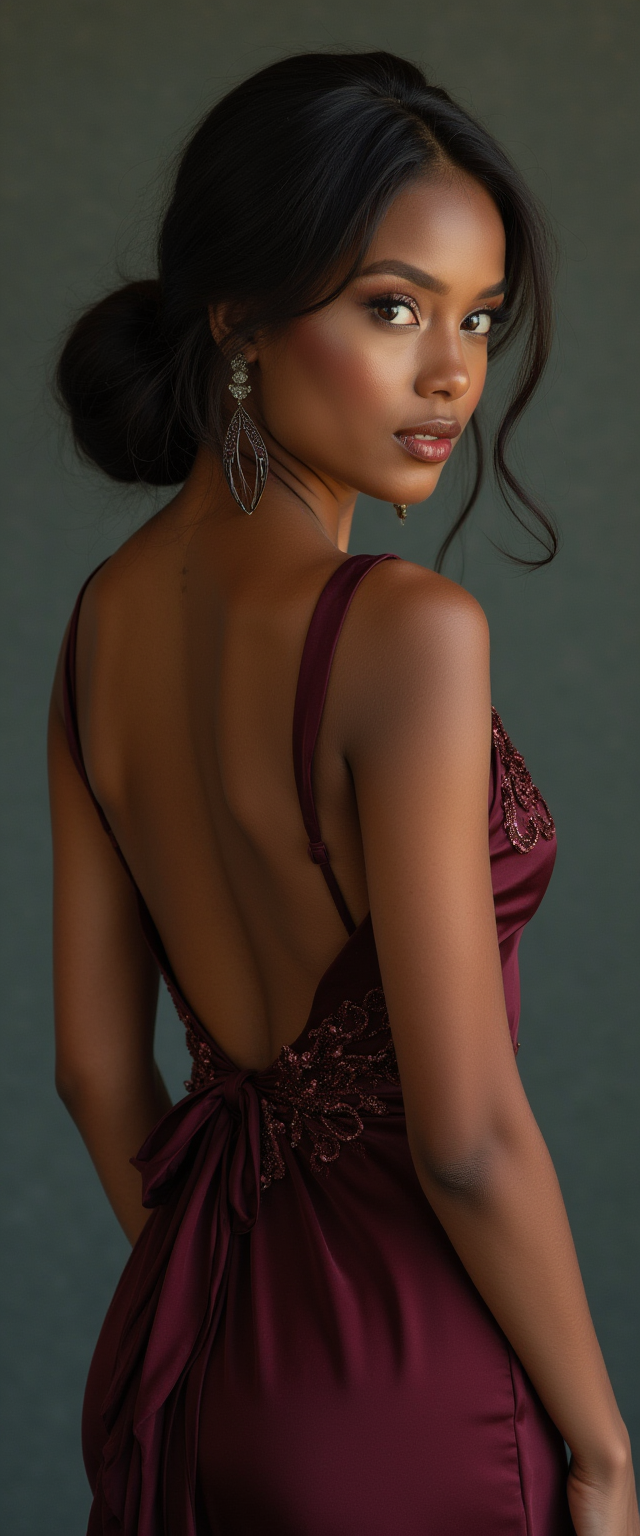
Generated on PixelDojo. Produced by PixelDojo's generation pipeline.
You can finally stop cropping your best photos or struggling with the wrong aspect ratio. PixelDojo's AI image extender transforms any tightly framed image into a larger, more versatile visual that fits every platform and purpose. Upload a square product shot and watch it become a cinematic 16:9 banner. Take a vertical phone photo and expand it into a desktop wallpaper or Instagram Story without losing a single original pixel. The Image Outpainting tool studies your photo's lighting, textures, colors and perspective, then generates natural new content beyond the borders so the result looks like it was always that size. Marketers use it to create campaign assets from one photo. Content creators fill every social format from a single capture. Photographers uncrop memories and add context that was never in the frame. Pair it with Flux.2 Studio or GPT Image 2 to generate a perfect base image first, then extend. You get professional results in seconds using 40+ cutting-edge AI tools loved by thousands of creators worldwide. Cancel anytime and start expanding today.
Real image examples generated on PixelDojo
Every example below was produced on PixelDojo. Hover to see the prompt.
From behind professional photo of beautiful black model wearing backless evening dress
flux
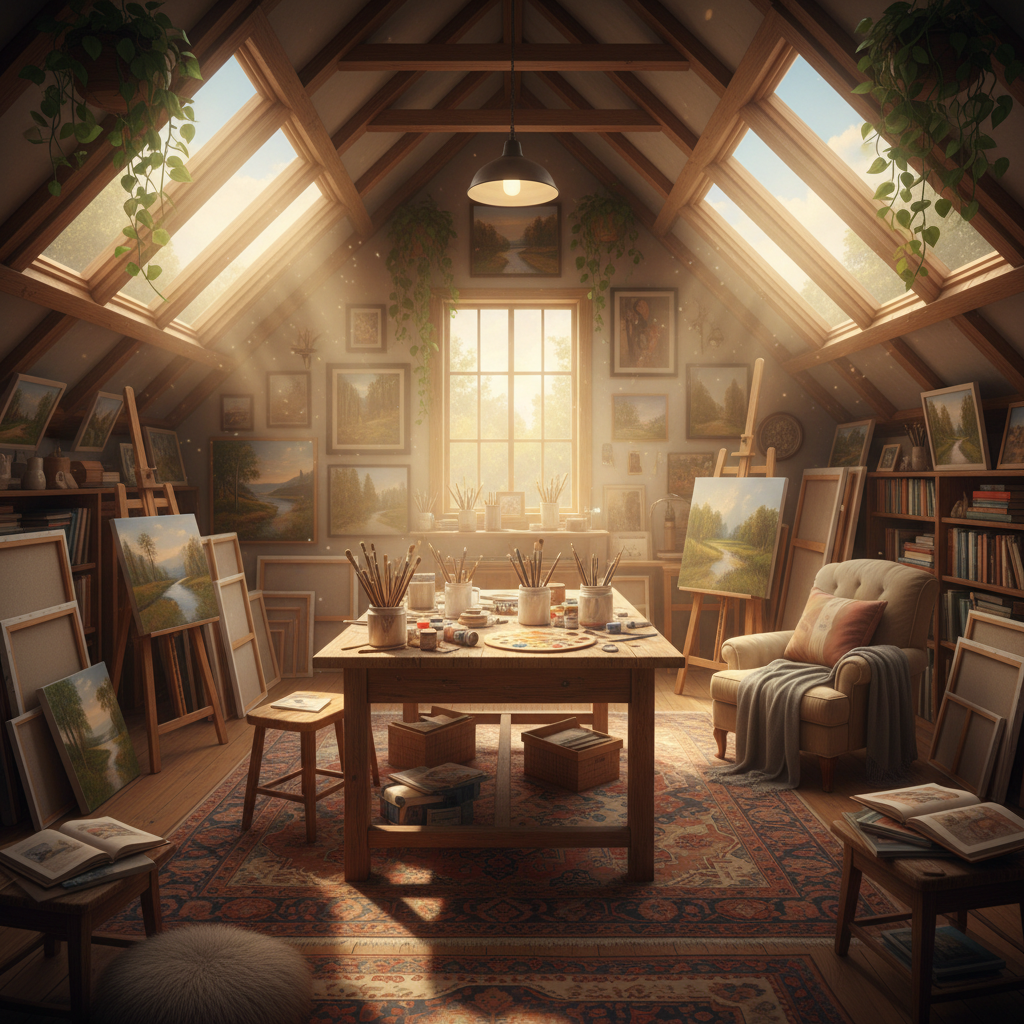
A cozy attic art studio in afternoon sun
google-gemini-image
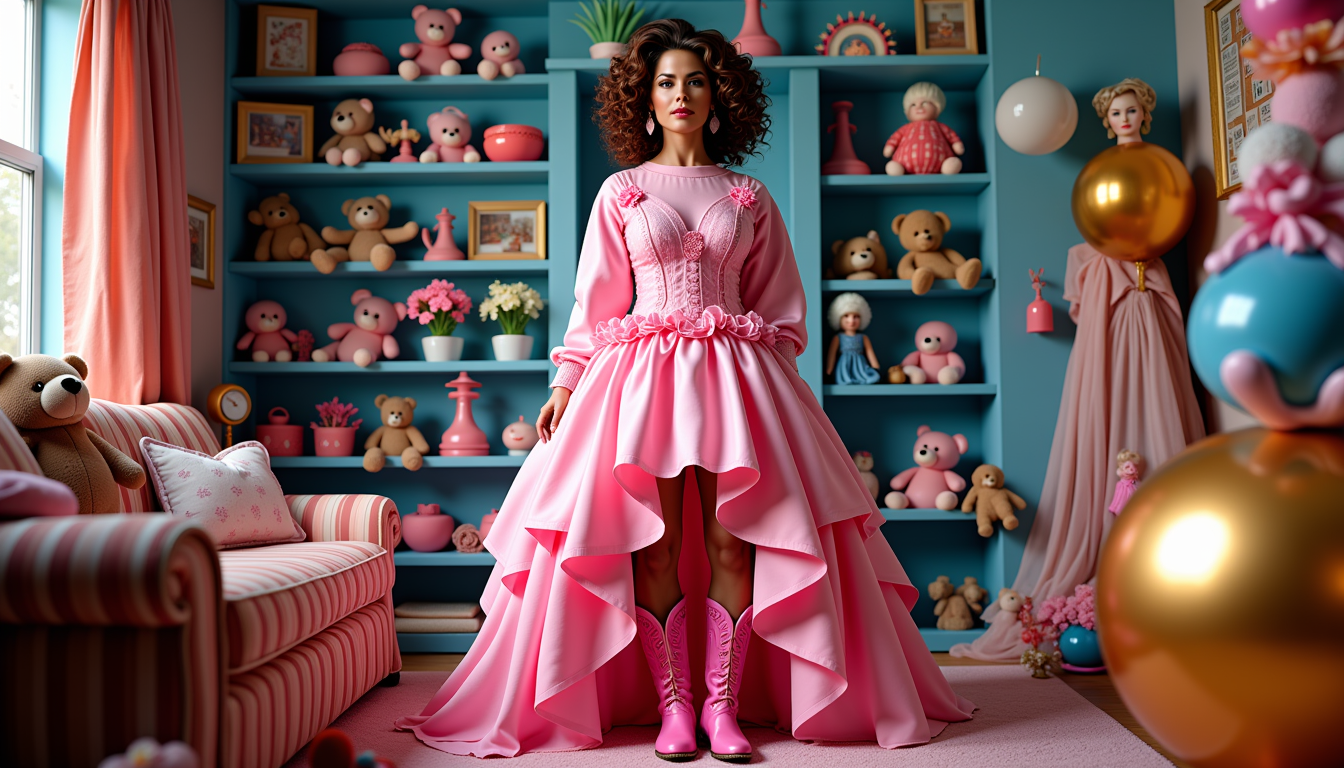
Brooke-LoRA-Zip
stable-diffusion
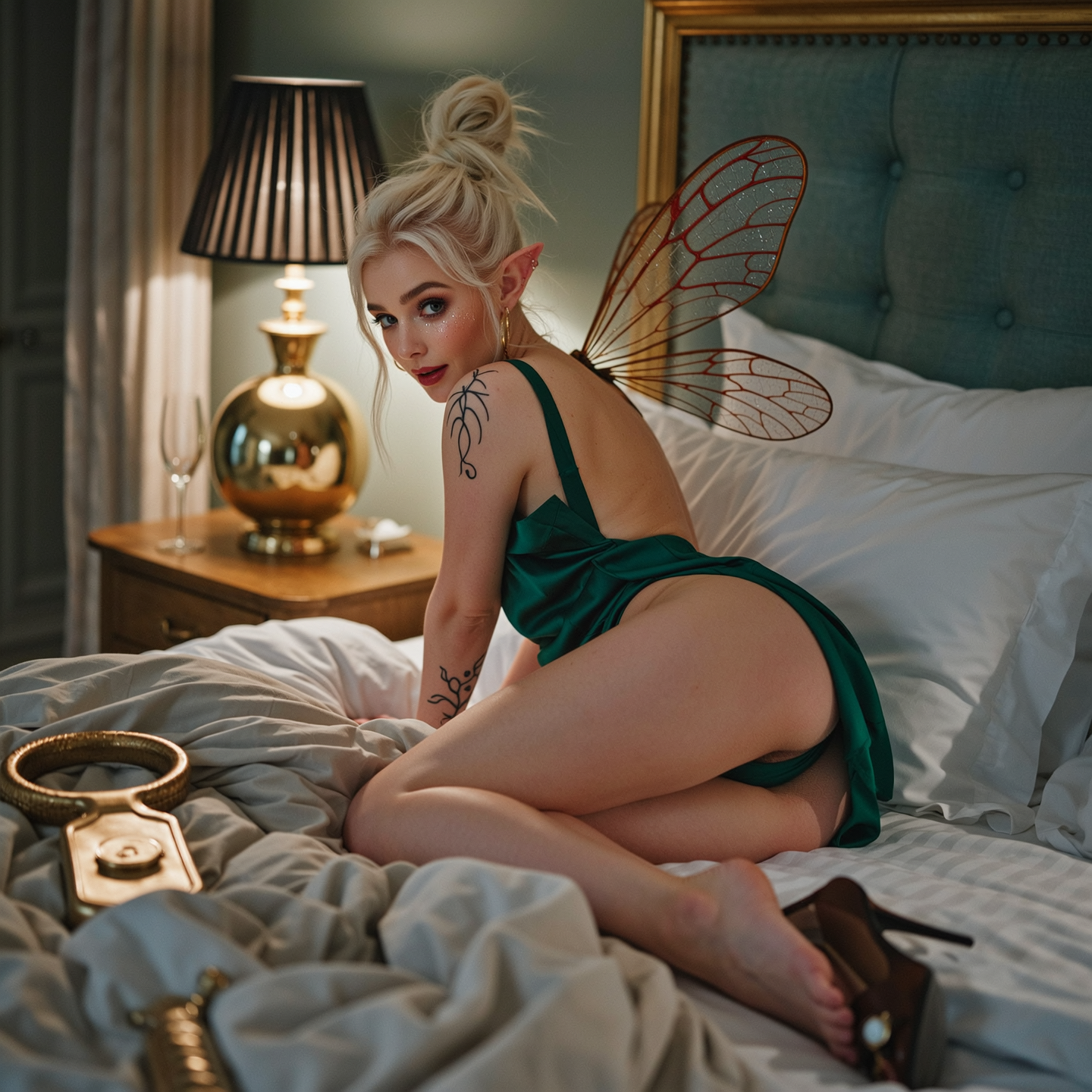
Tight low-angle macro fantasy boudoir capture
wan-image
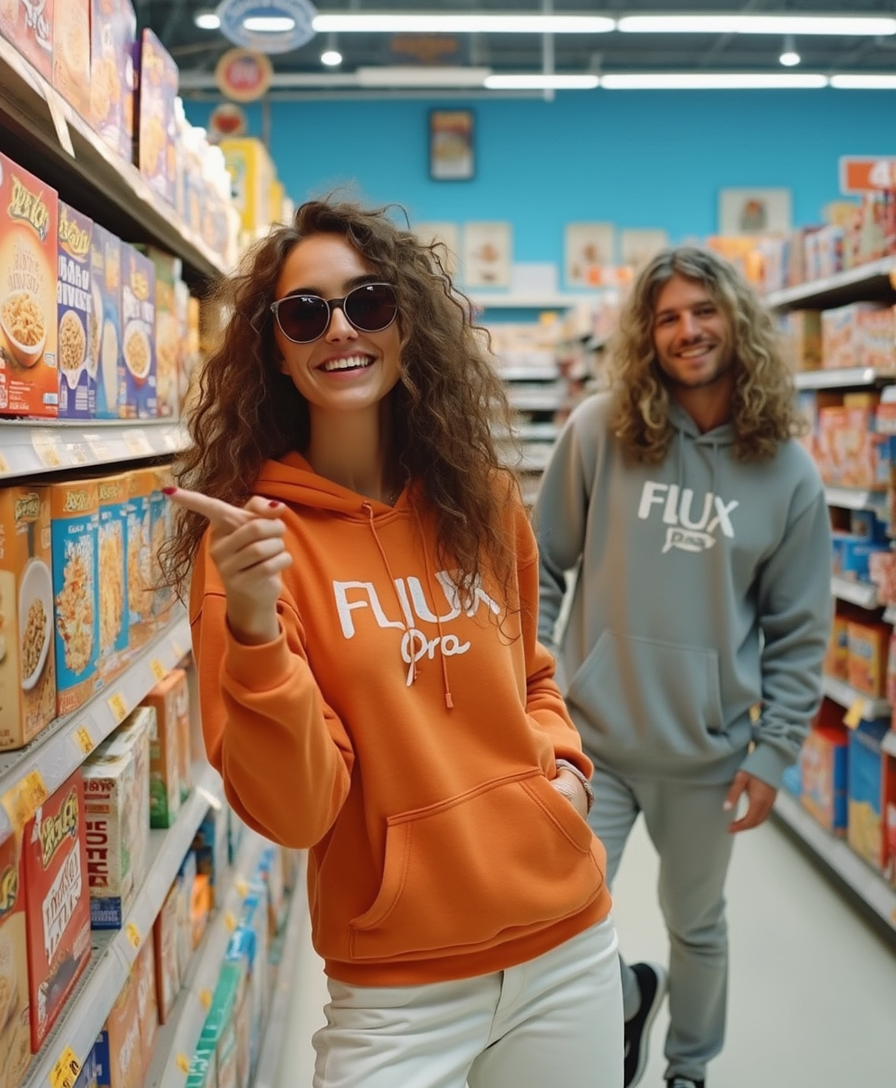
Photo of two people in the store
flux
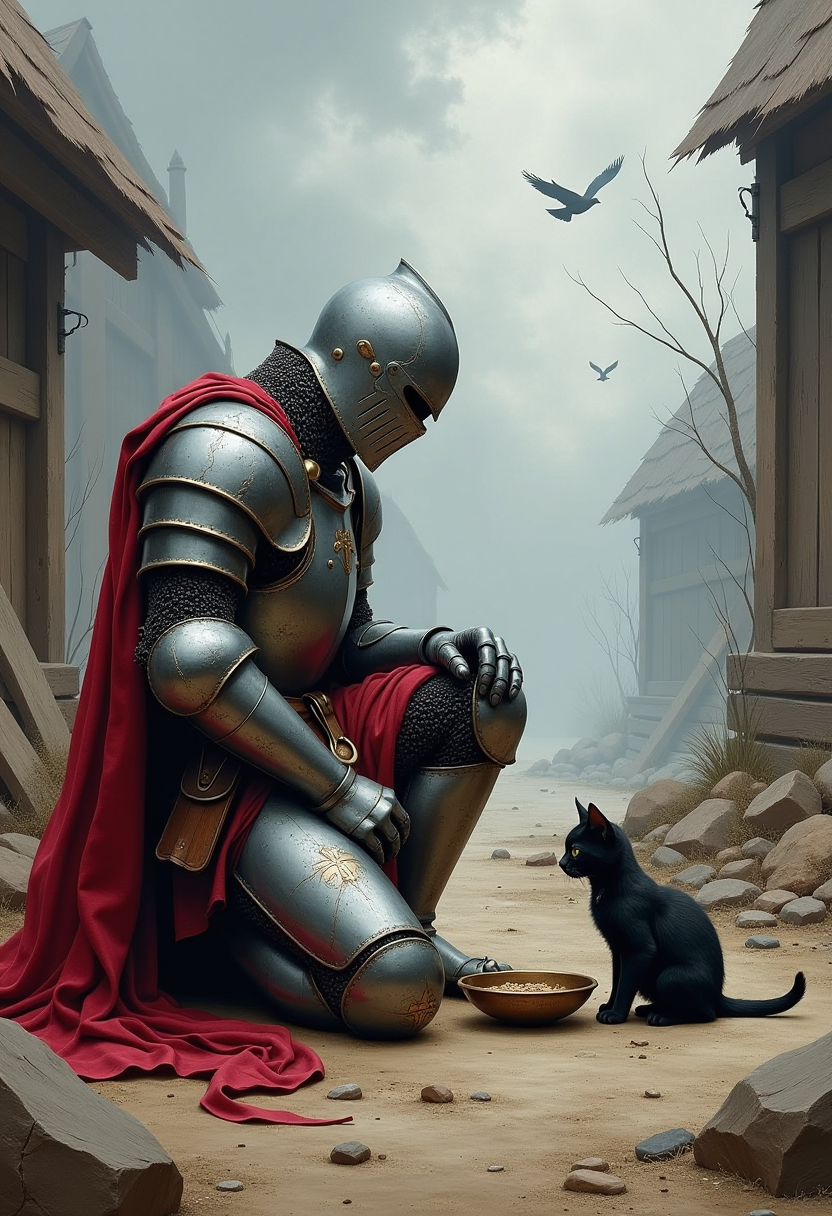
Dungeons & Dragons art inspired by Jeff Easley: A knight in scratched
flux
Models you can run on PixelDojo for ai image extender
Switch models without switching tools. Each one runs in the same PixelDojo studio.
What you can do with ai image extender on PixelDojo
Expand Beyond Original Borders
We grow your canvas outward from the existing photo or render, filling new areas so they match subject, lighting, and composition.
Prompt Guided Edge Fill
You choose which sides to extend and add a short prompt. We generate the extra pixels from both your instruction and the source image.
Keep Color And Texture
We follow the original palette, grain, and camera look so the extended regions do not look pasted on.
Export Then Keep Editing
Download the wider image at a usable resolution, then continue with inpaint, upscale, or new variations on PixelDojo.
Loved by thousands of creators worldwide who expand images every day. Join them using 40+ AI tools with commercial licenses and cancel-anytime plans.
Why Choose Pixel Dojo for ai image extender
Professional-quality results with cutting-edge AI technology
Fit Every Social Platform and Screen Perfectly
You convert one photo into every size you need. A 1:1 product image becomes a 9:16 TikTok or Reels thumbnail, a 16:9 YouTube banner or a 4:5 Pinterest pin. PixelDojo Image Outpainting plus generators like Krea Image, Riverflow and Nano Banana 2 keep the original subject sharp while the new areas look completely native. Your posts look professionally produced across Instagram, LinkedIn, websites and ads, increasing engagement without extra photoshoots.
Preserve Every Original Pixel While Adding Rich Context
You never stretch, distort or lose quality in the part of the photo you already love. The AI only paints outside the original frame, matching grain, lighting direction and color temperature so the seam disappears. Use Inpainting afterward for tiny refinements or Reality Polisher for extra realism. Models such as Seedream 5, WAN 2.7 and Recraft V4.1 deliver the consistency that makes extended images look like they were captured that way.
Turn Simple Shots into Panoramic Scenes and Story Worlds
You add entire environments, extra sky, more street, additional products or atmospheric details that were never photographed. A cropped portrait becomes an environmental character shot. A product on a table expands into a full lifestyle scene. Combine Image Outpainting with Style Transfer, Magic Lighting or Change Camera Angle to control mood and viewpoint. Then upscale with P-Image Upscale or Magnific Upscaler for print-ready files. Your creative options multiply instantly.
How It Works
You create professional expanded images in three simple steps using PixelDojo's Image Outpainting tool together with the rest of the 40+ AI suite. No design experience needed.
Step 1: Choose Your Tool
Open PixelDojo and go to Edit Images. Select Image Outpainting. If you need a stronger starting image, first generate one with Flux.2 Studio, GPT Image 2, Nano Banana 2, QWEN Image 2 or Kling Image. Upload your photo. Optionally run Image Analyzer to understand lighting and composition before expanding. You can also isolate the subject first with Background Remover for cleaner results.
Step 2: Enter Your Prompt
Set how far to expand left, right, top or bottom, or use the zoom-out percentage for even growth on all sides. Add a short prompt that describes what should appear in the new areas, for example 'continue the forest with more trees and morning mist matching the original light' or 'extend the product table with extra packaging and studio background'. PixelDojo models including WAN 2.6, Seedream 4.5 and Ideogram 4 keep style, perspective and lighting consistent.
Step 3: Customize & Download
Generate several variations and pick the best. Refine any small issues with Inpainting. Enhance lighting with Magic Lighting or polish realism with Reality Polisher. Upscale the final result using P-Image Upscale, Magnific Upscaler or Clarity Pro for 4K output. Download immediately. You can later turn the still into video with Kling Video or WAN 2.7 Video if needed. Everything stays inside one account with commercial rights.
The Pixel Dojo Advantage
Why PixelDojo outperforms other options for AI image extender and outpainting
| Others | Pixel Dojo |
|---|---|
| Traditional photo editing software | You finish in seconds instead of hours of cloning, content-aware fill and manual blending. PixelDojo Image Outpainting using Flux.1 Studio and Recraft V4.1 produces natural perspective and lighting automatically while traditional software still shows obvious seams and requires expert skills. |
| Generic AI tools | You get a dedicated Image Outpainting workflow plus 40+ specialized tools such as Consistent Characters, Ideogram Character, Style Transfer and upscalers all in one place. Generic tools lack the model variety of GPT Image 2, Seedream 5, WAN 2.7 and the seamless hand-off between generation, expansion and enhancement that PixelDojo provides. |
| Manual photo editing | You avoid tedious pixel-level work and still achieve better results. The AI understands scene context, vanishing points and illumination so extensions look photographed rather than painted. Follow up with Change Camera Angle or Reality Polisher for even more control without ever opening complex software. |
Loved by creators on PixelDojo
Real feedback from people using PixelDojo, pulled from our in-product surveys.
the number of options, and especially the quick response to questions on Discord
Love you guys!!
Trained my Lora super fast. Still working out how to creat content wit it, but I love it so far.
I love this app
It has all the tools I can think of...
deployment rate of splendid features is incredible. Legend
Explore more AI tools on PixelDojo
AI Tools
Compare & Switch
- Best AI Image Generators
- Best AI Video Generators
- Midjourney Alternatives
- Civitai Alternatives
- Runway Alternatives
- Leonardo Alternatives
- Pika Alternatives
- Luma Alternatives
- Magnific Alternatives
- Veo Alternatives
- Flux Alternatives
- Freepik Alternatives
- Seedance Alternatives
- Seedream Alternatives
- Pixverse Alternatives
- GPT Image Alternatives
- Synthesia Alternatives
- Playground Alternatives
- NightCafe Alternatives
- Canva AI Alternatives
- ElevenLabs Alternatives
- ComfyUI Alternatives
- Fal Alternatives
- Replicate Alternatives
Common Questions
Everything you need to know about ai image extender
How does an AI image extender work to outpaint photos realistically?
PixelDojo Image Outpainting first examines the pixels along every edge of your photo to understand colors, textures, lighting direction and perspective. It then generates new content that continues those patterns outward so the added areas feel like a natural part of the original scene. You can leave it fully automatic or add a prompt to specify extra sky, more landscape, additional products or a particular mood. Models such as Flux.2 Studio, GPT Image 2 and QWEN Image 2 produce high-fidelity results with invisible seams. After generation you can refine with Inpainting or upscale for print. The original pixels stay completely untouched.
What is the best AI image extender for social media posts and stories?
PixelDojo is built for exactly this use case. Upload any photo, choose Image Outpainting, set the target ratio (9:16 for Stories and Reels, 16:9 for YouTube and LinkedIn, 4:5 for feed posts) and generate. The tool plus generators like Nano Banana 2, Krea Image and Riverflow keep your subject perfectly framed while filling the extra space with matching environment. You can then add captions with Video Autocaption or turn stills into short clips with Kling Video. Thousands of creators already use it daily to produce platform-ready assets from a single original photo without extra shooting.
Can I extend images that contain people or faces with PixelDojo AI image extender?
Yes. Image Outpainting handles portraits and group shots well when you expand gradually and give the model enough original context. For best results keep the original face and body fully inside the starting crop, then expand around it. After the first pass you can use Face Swap, LoRA Face Swap or Consistent Characters if you need extra people in the new areas. Combine with Portrait Upscaler for extra facial detail. Avoid trying to invent an entire person from only a hand or foot; start with a reasonably complete subject and let the AI add environment.
How much can I expand an image with AI outpainting on PixelDojo?
You control the amount precisely. Expand a few hundred pixels on one side for a modest uncrop, or grow the canvas by 50-100 percent or more for dramatic panoramic results. Larger, more generous expansions often look more coherent because the model has room to construct a complete scene rather than filling a thin strip. Use the zoom-out percentage for even growth on all four sides or set individual left/right/top/bottom values. After expansion you can upscale with Magnific Upscaler or P-Image Upscale to keep quality high even at large sizes. Start with a high-quality original for the best outcome.
Is PixelDojo's AI image extender better than manual uncropping or cloning?
Yes, for speed, realism and consistency. Manual cloning or content-aware fill in traditional editors takes time, often produces repeating patterns and struggles with complex lighting or perspective. PixelDojo Image Outpainting using Seedream 5, WAN 2.6 and Flux.1 Studio understands the whole scene and invents plausible new content that matches style and illumination. You still keep full control: generate variations, pick the best, then polish with Reality Polisher or Magic Lighting. The result looks photographed rather than edited, and you finish in seconds instead of hours.
Which PixelDojo tools work best together with the AI image extender for professional results?
Start with a strong base from Flux.2 Studio, GPT Image 2, Nano Banana 2 or QWEN Image 2. Expand with Image Outpainting. Refine details using Inpainting, Style Transfer or Magic Lighting. Isolate or replace backgrounds with Background Remover. Perfect faces with Portrait Upscaler or Face Swap. Finish with P-Image Upscale, Magnific Upscaler or Clarity Pro. For motion, send the expanded still into Kling Video, WAN 2.7 Video or Seedance 2. Everything lives in one account so you move from generation to expansion to enhancement without leaving PixelDojo. Developers can also call the same Image Outpainting via the Developer API.