Flux 2 Max multi-reference control AI Generator

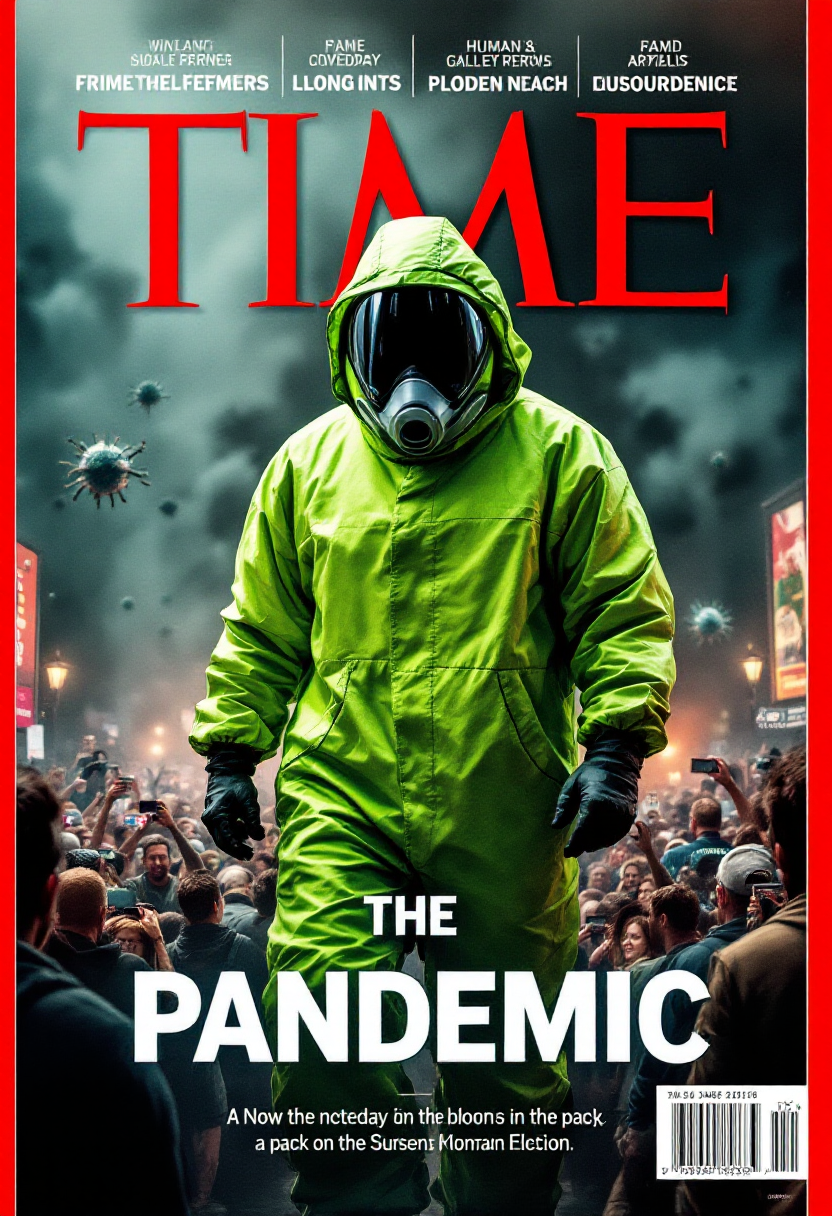
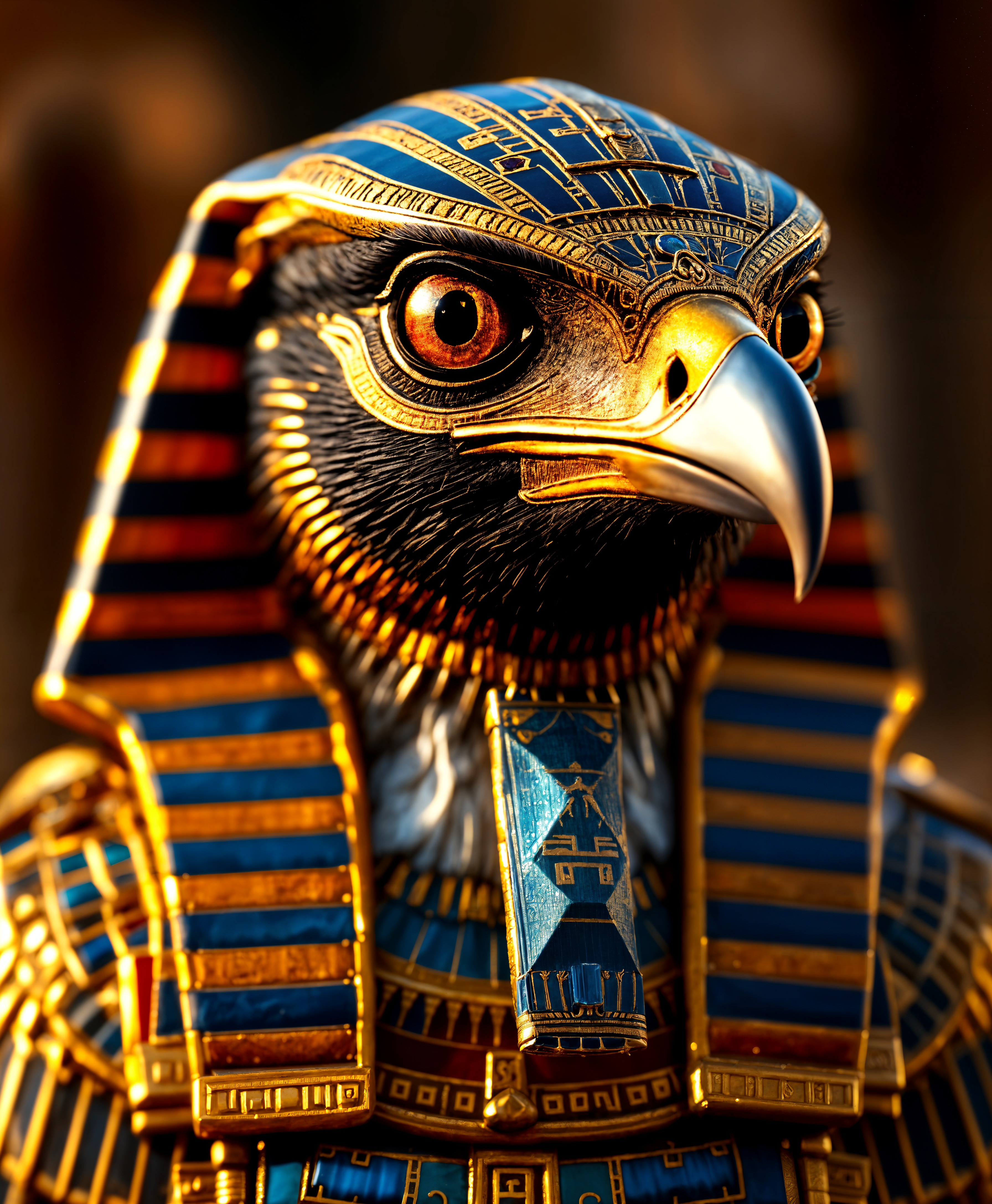
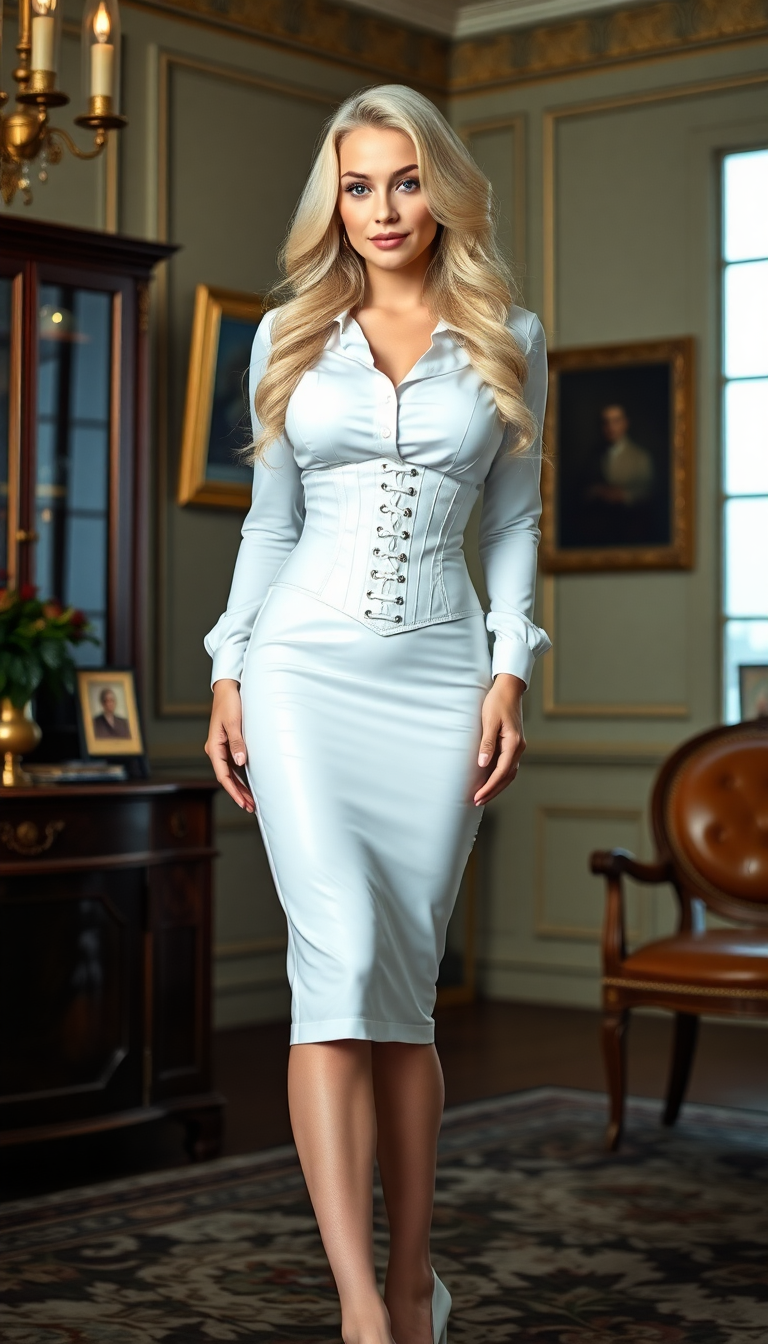
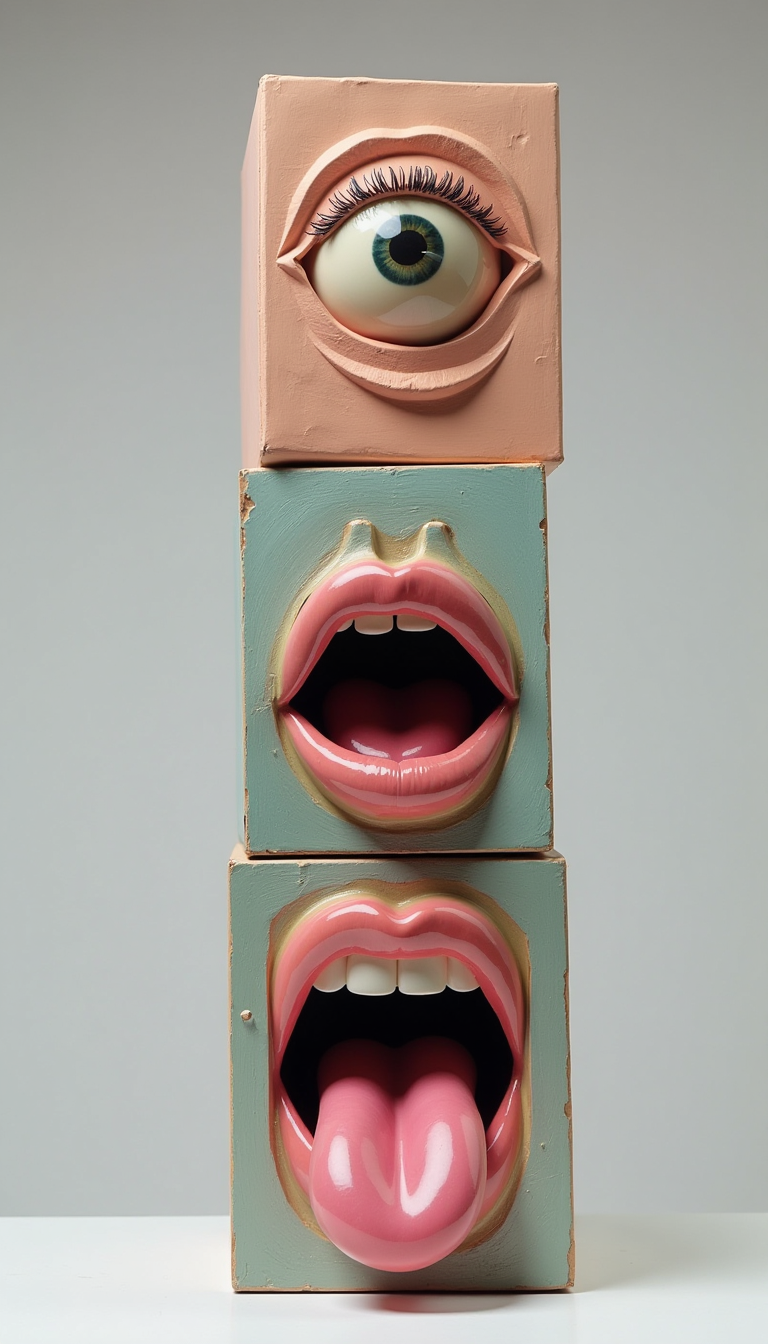
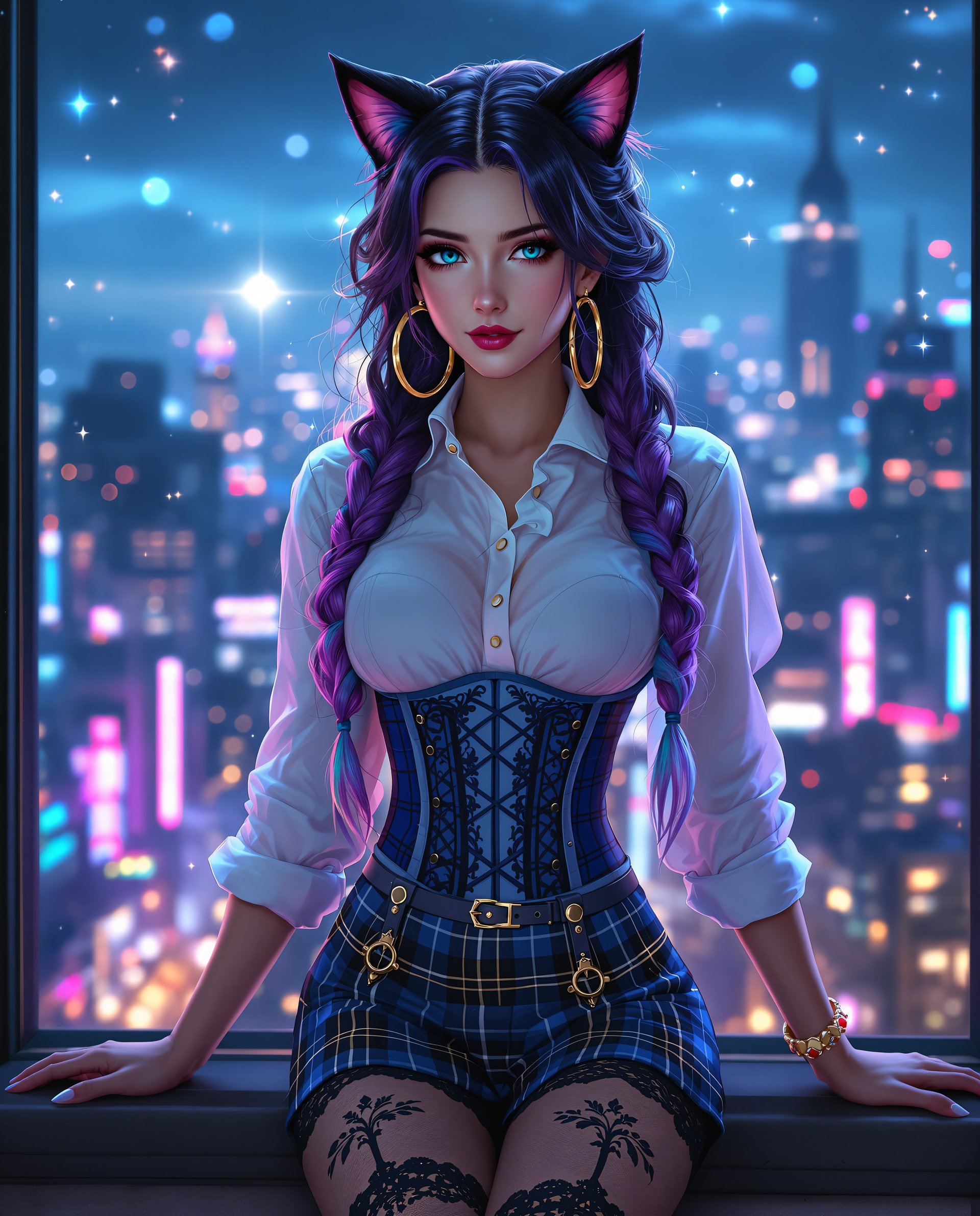
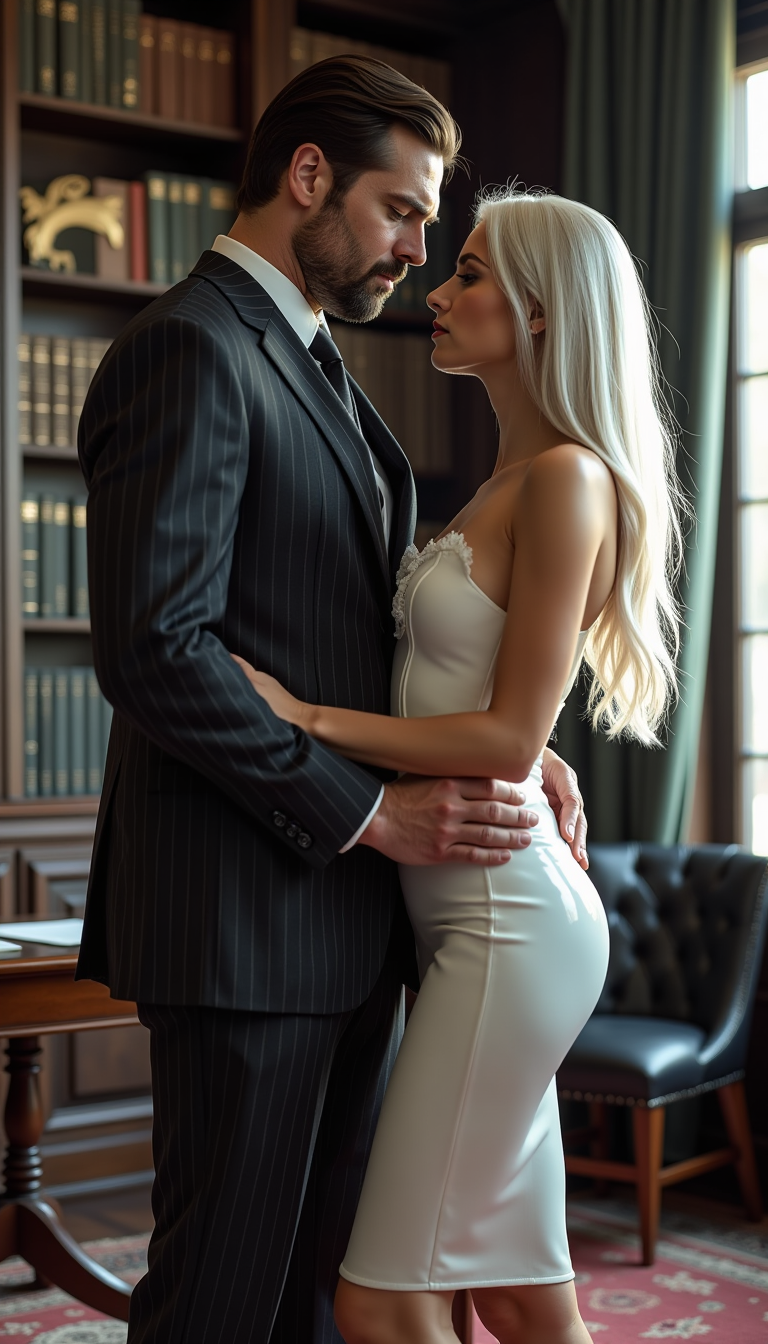
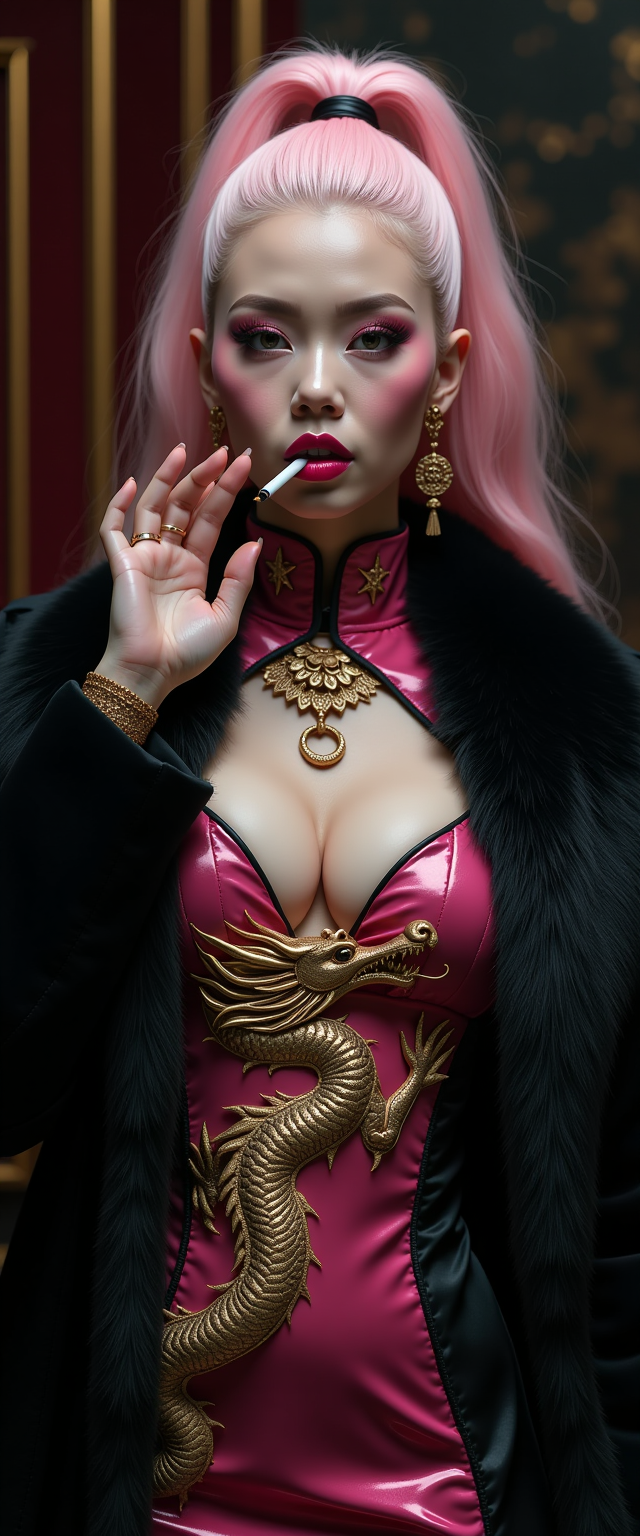
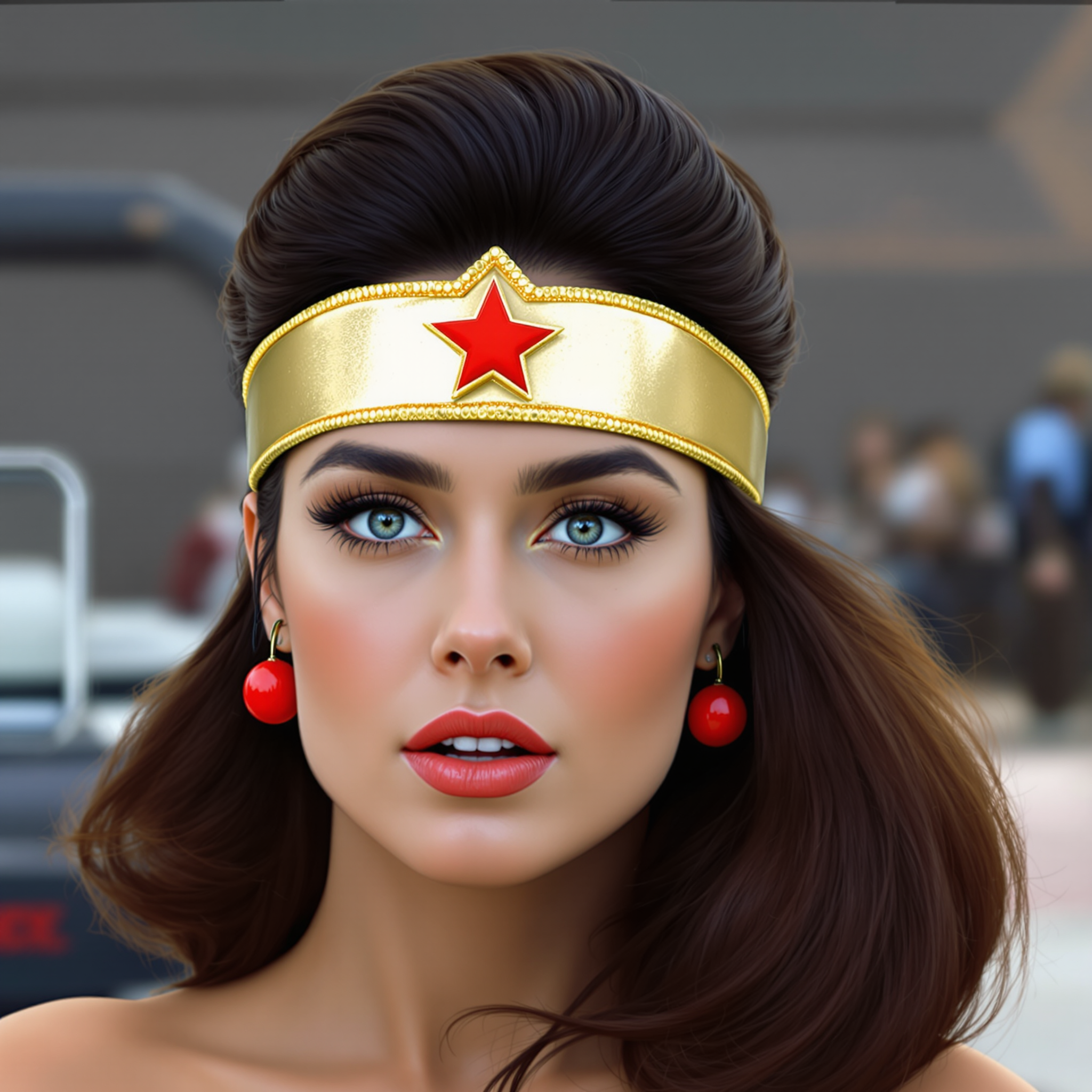
Imagine crafting breathtaking AI images where every character, pose, and scene element aligns perfectly across multiple references – no more mismatched details or endless revisions. With PixelDojo's Flux 2 Max multi-reference control, you achieve photorealistic consistency that elevates your digital art, marketing visuals, or storytelling projects. Whether you're building consistent character series for comics, ads with exact product placements, or immersive scenes blending faces, outfits, and environments, this technique delivers outcomes like professional-grade renders in minutes. Unlock creative freedom and save hours of manual tweaks, all powered by PixelDojo's intuitive tools like Flux.2 Studio and Consistent Characters.
Join 50,000+ creators who've generated over 1M Flux 2 Max images. Rated 4.9/5 by 12k users. Featured in top design communities. Trusted by indie artists, marketers, and studios worldwide.
Why Choose Pixel Dojo for Flux 2 Max multi-reference control
Professional-quality results with cutting-edge AI technology
Achieve Unbreakable Character Consistency
Maintain exact facial features, expressions, and styles across diverse scenes and poses, perfect for comics, game assets, or branded avatars that captivate audiences without rework.
Master Precise Pose and Composition Control
Seamlessly blend multiple reference images to dictate every angle, lighting, and layout, enabling dynamic action shots or product visuals that match your vision flawlessly.
Fuse Styles and Elements Effortlessly
Combine faces, clothing, backgrounds, and props from various references into cohesive masterpieces, ideal for custom fashion designs, architectural renders, or surreal art that stands out.
How It Works
Creating Flux 2 Max multi-reference control images on PixelDojo is straightforward, leveraging tools like Flux.2 Studio, Consistent Characters, and Pose Control for pro-level results without coding.
Step 1: Select Flux.2 Studio Tool
Head to PixelDojo's Create Images section, choose Flux.2 Studio, and enable multi-reference control mode. Upload 2-5 reference images (e.g., face, pose skeleton, background) via the intuitive drag-and-drop interface.
Step 2: Craft Your Descriptive Prompt
Enter a detailed prompt like 'hyper-realistic warrior in ancient ruins, using reference face for identity, pose ref for dynamic stance, background ref for misty atmosphere'. Adjust strength sliders for each reference (e.g., 0.8 face, 0.7 pose) with Consistent Characters and Pose Control for precision.
Step 3: Refine, Generate & Download
Hit generate to produce variations, then use Inpainting or Style Transfer for tweaks. Download high-res PNGs or upscale with Creative Upscaler. Iterate instantly with seed control for perfect matches.
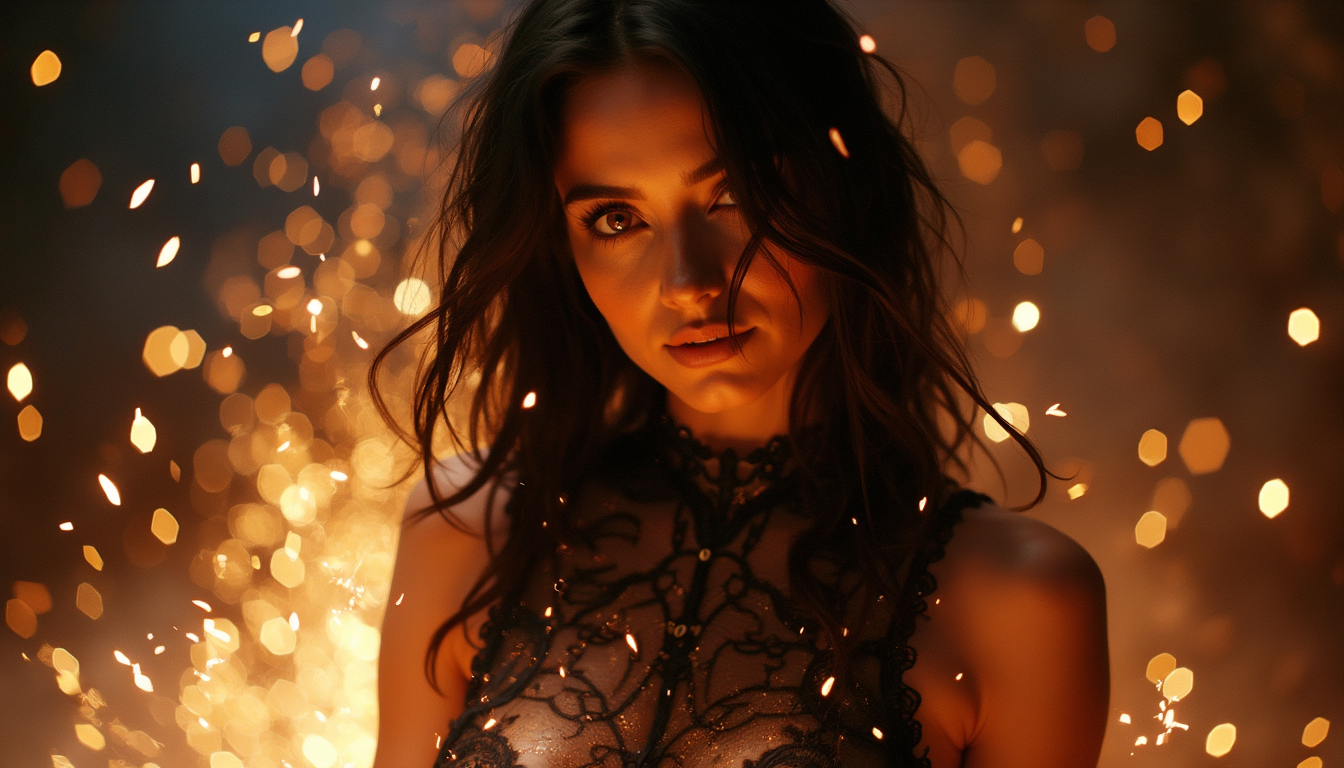
![=== Scene ===
Tone: generate an 8-second, hyper-realistic, seamlessly looping video capturing the raw power and physics of a single moment in a street basketball game, rendered in extreme slow motion., {"type":"High-speed sports cinematography, played back in extreme slow motion","duration_seconds":8,"looping":"true, seamless loop","pacing":"Intense, powerful, and dramatic. The slow motion turns a split-second action into a detailed ballet of force.","animated_elements":[{"element":"Ball Impact and Deformation","description":"The primary animation. A defender's hand forcefully impacts the top of a basketball. In slow motion, we see the defender's fingers digging into the pebbled leather, the ball visibly compressing and deforming under the force. The ball's backspin momentarily stops and reverses as it's knocked away. This entire impact and recoil sequence forms the loop."},{"element":"Sweat and Particle Dynamics","description":"The explosive impact sends a fine spray of sweat droplets flying from both the hand and the ball's surface. The droplets hang in the air like tiny jewels in the bright sun. Dust and microscopic rubber particles from the court are kicked up by the motion."},{"element":"Anatomical Realism","description":"The muscles and tendons in the defender's forearm and hand are seen contracting with extreme force. Veins bulge on the skin's surface. The skin on the fingertips whitens from the pressure against the ball."},{"element":"Background Motion","description":"Through the chain-link fence in the deep background, the blurred figures of spectators are seen reacting to the play, their movements also in slow motion, adding to the atmosphere."}]}, {"style":"Hyperrealistic, gritty sports documentary style, emulating the aesthetic of a high-end Nike commercial or a feature film.","camera_setup":{"camera":"Phantom VEO 4K High-Speed Camera","lens":"100mm Telephoto Prime Lens","perspective":"Static, locked-down shot from a very low angle, looking up at the point of impact. This heroic angle makes the action feel monumental and powerful.","description":"The sun is high in the sky, creating high-contrast, sharp-edged shadows. This intense light creates brilliant specular highlights on the sweat-glistened skin and the curved surface of the basketball, emphasizing every texture."},"composition":{"framing":"A tight, dynamic composition focused entirely on the collision between the hand and the ball. The chain-link fence in the background creates a gritty, geometric pattern that cages the action."}}
=== Subject ===
Description: {"base_subject":"An extreme close-up, slow-motion shot of a hand blocking a basketball at the apex of a shot on an iconic urban court.","key_details":[{"element":"The Hand and Arm","description":"The hand of a highly athletic basketball player. The skin glistens with a realistic sheen of sweat, and we can clearly see skin pores, calluses, and the fine lines of the knuckles. The hand is powerful and expressive."},{"element":"The Basketball","description":"A well-worn, official Spalding basketball. The pebbled texture is rendered in extreme detail, with dirt and scuff marks lodged in the grooves. The printed logos are slightly faded from use."},{"element":"The Environment","description":"The background is the iconic, green, tight-mesh chain-link fence of 'The Cage'. The fence is slightly rusted in places. Through the links, the blurred shapes of spectators and the red brick of surrounding Village buildings are visible."}]}](https://cdn.pixeldojo.ai/cdn-cgi/image/f=auto,q=90,w=3840/pixeldojo/generated-images/1755021969507-6jzhtpsbd.png)

The Pixel Dojo Advantage
Why PixelDojo outperforms other options for Flux 2 Max multi-reference control image generation
| Others | Pixel Dojo |
|---|---|
| Traditional digital art creation | Skip weeks of sketching and Photoshop layers – get instant, editable results that match multiple refs perfectly, freeing you to focus on ideas. |
| Generic AI tools | Specialized Flux.2 Studio handles complex multi-ref blending natively, unlike basic generators that produce inconsistent or low-fidelity outputs. |
| Manual photo editing | Automate tedious compositing of refs into scenes, delivering hyper-realistic cohesion in seconds versus hours of masking and blending. |
Loved by creators on PixelDojo
Real feedback from people using PixelDojo, pulled from our in-product surveys.
the amount you can do on this site
all in one place
It is a lot of fun to uae and easy too.
So many different models to try out
You keep adding to it to stay up to date and that is GOLD.
very easy to use and good support
Explore more AI tools on PixelDojo
AI Tools
Compare & Switch
- Best AI Image Generators
- Best AI Video Generators
- Midjourney Alternatives
- Civitai Alternatives
- Runway Alternatives
- Leonardo Alternatives
- Pika Alternatives
- Luma Alternatives
- Magnific Alternatives
- Veo Alternatives
- Flux Alternatives
- Freepik Alternatives
- Seedance Alternatives
- Seedream Alternatives
- Pixverse Alternatives
- GPT Image Alternatives
- Synthesia Alternatives
- Playground Alternatives
- NightCafe Alternatives
- Canva AI Alternatives
- ElevenLabs Alternatives
- ComfyUI Alternatives
- Fal Alternatives
- Replicate Alternatives
Common Questions
Everything you need to know about Flux 2 Max multi-reference control
What is Flux 2 Max multi-reference control and how does it benefit my AI image projects?
Flux 2 Max multi-reference control lets you guide AI generation with multiple images simultaneously, ensuring outcomes like identical characters in varied scenes or perfectly matched product poses. On PixelDojo, using Flux.2 Studio, you create consistent series for stories, ads, or NFTs effortlessly, reducing revisions by 90% and boosting professional quality.
How do I use multiple reference images for Flux 2 Max consistent characters on PixelDojo?
Upload face, body, and outfit refs in Consistent Characters tool within Flux.2 Studio. Set weights (e.g., 0.9 for face), add a prompt, and generate. PixelDojo's Pose Control refines angles, delivering unbreakable consistency across outfits or environments without training custom models.
Can Flux 2 Max multi-reference control handle complex scenes with backgrounds and props?
Absolutely – combine up to 5 refs like depth maps, environments, and objects in Flux.2 Studio. Achieve immersive scenes where every element aligns, perfect for architectural viz or game prototypes. Tools like Background Remover and Inpainting let you swap or enhance seamlessly.
What are the best prompts for Flux 2 Max multi-reference AI image generation?
Use descriptive prompts like 'photorealistic elf archer in forest, ref1: face detail, ref2: dynamic bow pose, ref3: misty woodland bg, high detail, cinematic light'. PixelDojo's Flux.2 Studio auto-optimizes for trends like multi-ControlNet fusion, yielding trends-compliant, high-res outputs.
Is Flux 2 Max multi-reference control available for free on PixelDojo?
Start free with limited credits, then upgrade for unlimited access to Flux.2 Studio and 40+ tools. Cancel anytime, with thousands loving the no-risk model. Train custom Flux 2 models via Flux 2 Model Trainer for even more control.
How does PixelDojo's Flux 2 Max outperform for multi-reference pose control images?
Pose Control integrates natively with multi-refs for exact body dynamics, unlike scattered workflows. Generate, edit with Magic Lighting or Style Transfer, and export series-ready files. Users report 5x faster iteration for animation storyboards or fashion mockups.