Flux 2 Max multi-scene control AI Generator

Imagine turning a single idea into a breathtaking visual story – complete with multiple interconnected scenes that flow seamlessly, grabbing attention and sparking emotions. With PixelDojo's Flux 2 Max multi-scene control, you can create professional-grade storyboards, comic strips, panoramic adventures, and marketing narratives without drawing a single line or hiring a team. Whether you're a filmmaker visualizing your next short, a marketer crafting compelling ad sequences, or a storyteller bringing plots to life, you'll produce jaw-dropping multi-panel images that convert viewers into fans, all in minutes. No artistic skills required – just your vision and PixelDojo's power.
50K+ creators worldwide | 4.9/5 stars from 10K+ reviews | 2M+ multi-scene images generated | Trusted by indie filmmakers, comic artists & ad agencies
Why Choose Pixel Dojo for Flux 2 Max multi-scene control
Professional-quality results with cutting-edge AI technology
Craft Captivating Visual Stories Instantly
You can generate coherent multi-scene layouts like comic panels or storyboards that tell a full narrative, helping you pitch ideas, engage audiences, and boost your creative projects without endless sketching sessions.
Save Hours on Production Workflows
Skip manual scene breakdowns and revisions – Flux 2 Max delivers polished, multi-panel images ready for use in videos, social media, or print, freeing you to focus on refining your big-picture vision.
Achieve Hollywood-Level Detail & Cohesion
Produce hyper-realistic or stylized scenes with perfect consistency across panels, characters, and lighting, making your visuals stand out in pitches, campaigns, or personal portfolios.
How It Works
Getting started with Flux 2 Max multi-scene control on PixelDojo is as simple as describing your story. Use Flux.2 Studio for core generation, fine-tune with Image to Image or Inpainting, and train custom models via Flux 2 Model Trainer for ultimate control.
Step 1: Choose Your Tool
Head to PixelDojo's Create Images section and select Flux.2 Studio. This powerhouse handles complex multi-scene prompts effortlessly, supporting trends like sequential panel layouts for comics or storyboards with dynamic transitions.
Step 2: Enter Your Prompt
Describe your multi-scene vision naturally, e.g., 'A 4-panel comic: panel 1 hero enters dark forest, panel 2 discovers ancient ruin, panel 3 battles shadow creature, panel 4 emerges victorious at sunrise, cinematic style.' Add parameters like aspect ratio for panoramas or panel count for precision.
Step 3: Customize & Download
Refine with PixelDojo tools: Use Inpainting for scene tweaks, Change Camera Angle for dynamic views, or Flux 2 Model Trainer for consistent characters across scenes. Generate variations, upscale with Creative Upscaler, then download your masterpiece in high-res.


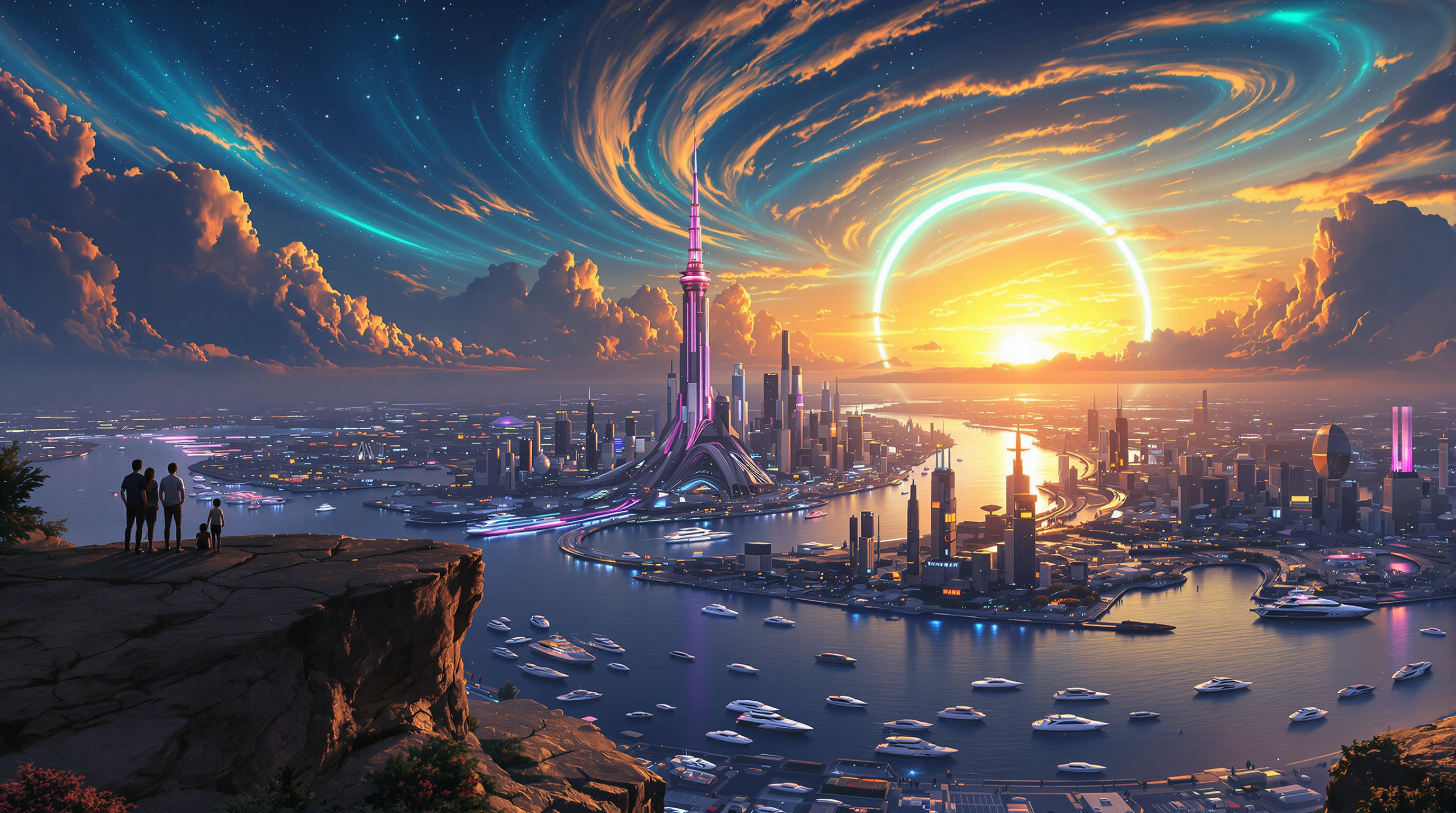
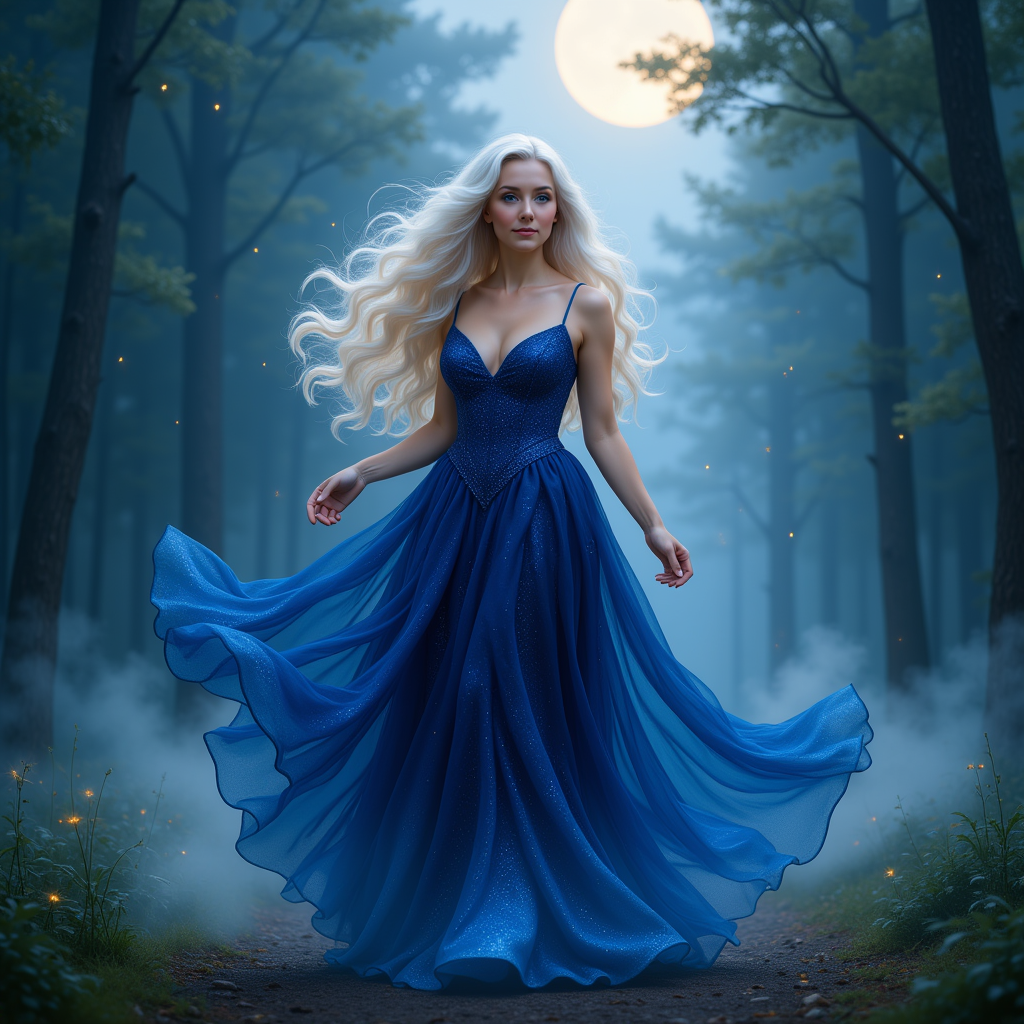
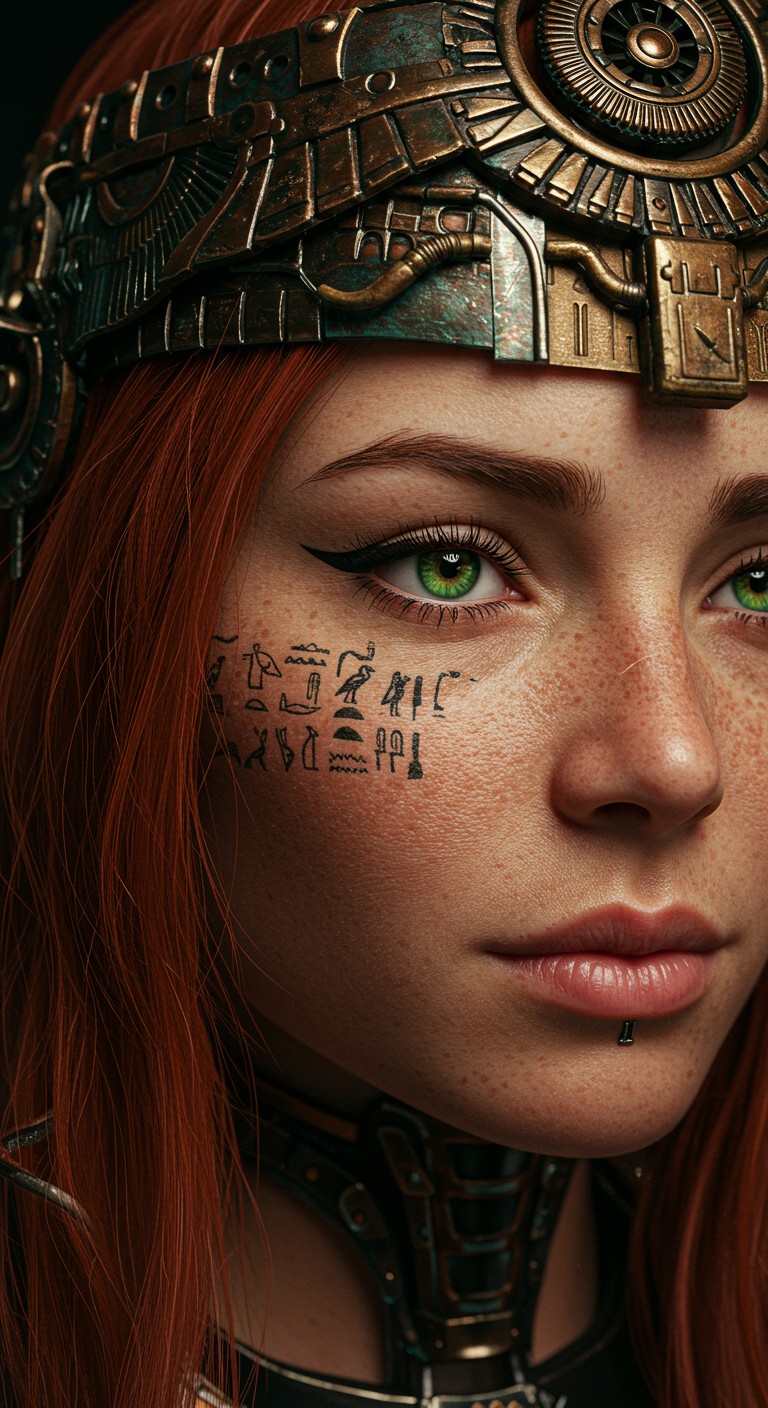

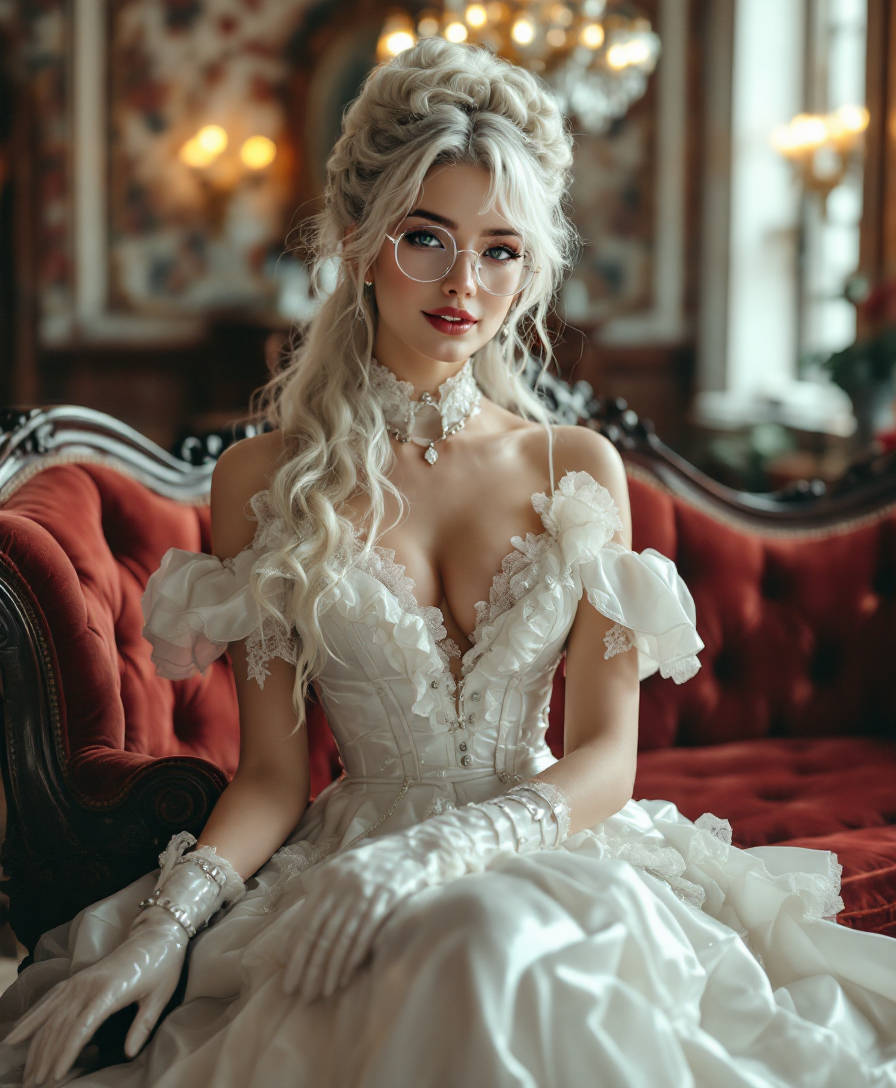

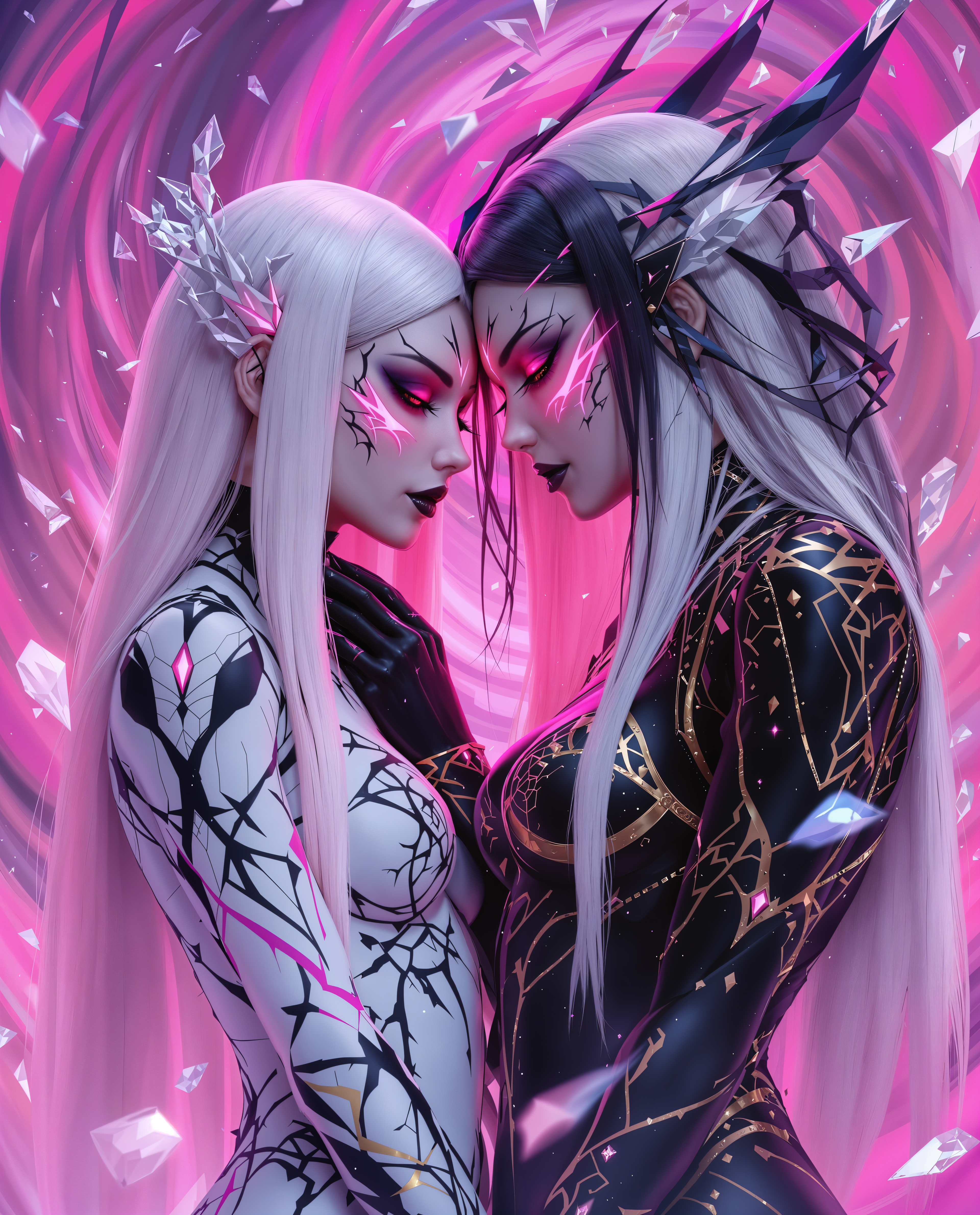
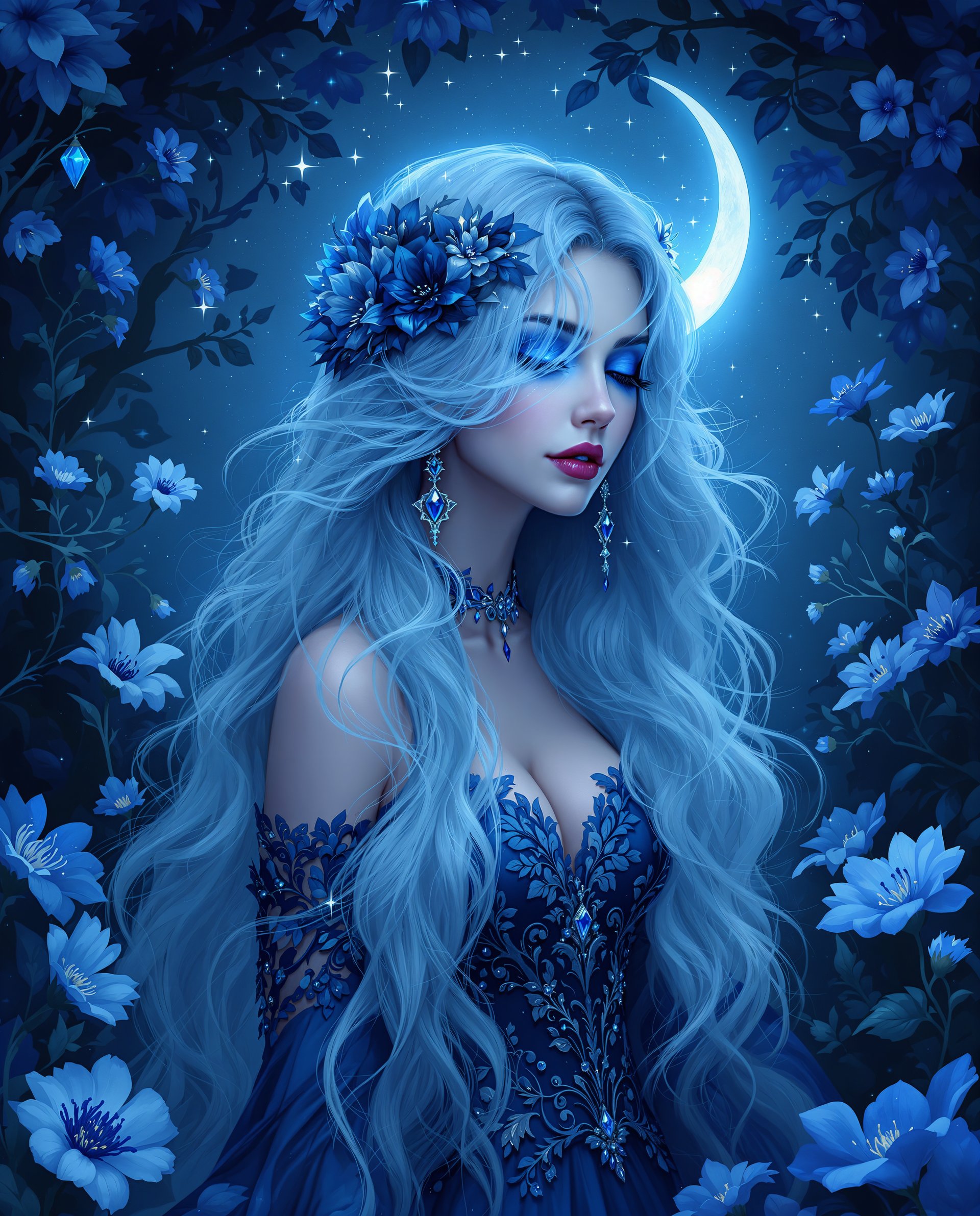
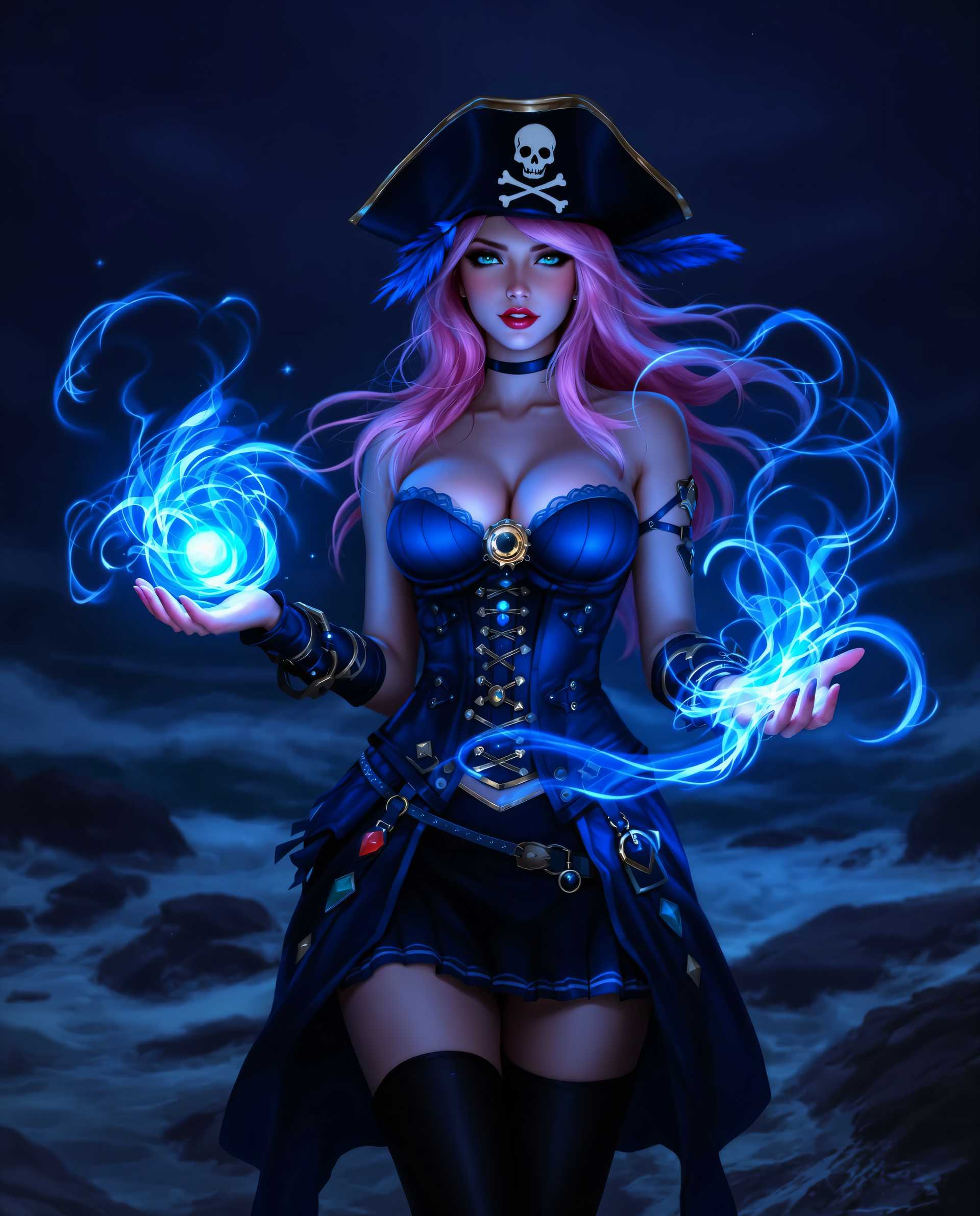
The Pixel Dojo Advantage
Why PixelDojo outperforms other options for Flux 2 Max multi-scene control image generation
| Others | Pixel Dojo |
|---|---|
| Traditional storyboard creation | You get instant, editable multi-scene visuals vs. days of sketching and team coordination – perfect cohesion every time |
| Generic AI tools | Flux.2 Studio excels at true multi-scene coherence with advanced control, unlike basic generators that produce disjointed panels |
| Manual photo editing | Automate complex scene blending and character consistency, saving you 90% of editing time while delivering superior narrative flow |
Loved by creators on PixelDojo
Real feedback from people using PixelDojo, pulled from our in-product surveys.
All the tools, readily available and easy to understand
You guys, the LORA training is the BEST in the space right now, great job with that!
Tons of variety. Ease of use. Tools for beginners and advance users.
easiest workflow to get best output image or video
awesome functionality, UX, constant flood of improvements, discord interactivity
Awesome site with so many features
Explore more AI tools on PixelDojo
AI Tools
Compare & Switch
- Best AI Image Generators
- Best AI Video Generators
- Midjourney Alternatives
- Civitai Alternatives
- Runway Alternatives
- Leonardo Alternatives
- Pika Alternatives
- Luma Alternatives
- Magnific Alternatives
- Veo Alternatives
- Flux Alternatives
- Freepik Alternatives
- Seedance Alternatives
- Seedream Alternatives
- Pixverse Alternatives
- GPT Image Alternatives
- Synthesia Alternatives
- Playground Alternatives
- NightCafe Alternatives
- Canva AI Alternatives
- ElevenLabs Alternatives
- ComfyUI Alternatives
- Fal Alternatives
- Replicate Alternatives
Common Questions
Everything you need to know about Flux 2 Max multi-scene control
What is Flux 2 Max multi-scene control and how does it work on PixelDojo?
Flux 2 Max multi-scene control lets you generate images with multiple interconnected scenes in one go, like comic strips or storyboards, using PixelDojo's Flux.2 Studio. You input a descriptive prompt outlining panels or sequences, and it creates cohesive visuals with consistent characters, lighting, and style. Trends show it's ideal for cinematic narratives – combine with Inpainting for tweaks and Flux 2 Model Trainer for custom styles, all accessible instantly on PixelDojo.
How do I create AI multi-scene storyboards with Flux 2 Max?
Start in PixelDojo's Flux.2 Studio: Prompt like '3-panel storyboard: office worker discovers magic book, casts spell, transforms room – realistic.' Use Pose Control for character consistency and Creative Upscaler for print-ready output. You'll get pro storyboards that save pitching time, with full editing suite like Background Remover for refinements.
Can Flux 2 Max handle comic strip generation with multiple scenes?
Absolutely – PixelDojo's Flux.2 Studio shines here, supporting prompts for 4-6 panels with dynamic actions, e.g., superhero sequences. Leverage Consistent Characters for recurring heroes and Style Transfer for manga or Western styles. Thousands of creators use it daily for polished comics without drawing skills.
What are the best prompting techniques for Flux 2 multi-scene images?
Use structured prompts: 'Panel 1: [description], Panel 2: [action], etc., in [style], wide panoramic layout.' On PixelDojo, enhance with Image Analyzer for prompt optimization and WAN Image for hybrid styles. Recent trends favor sequential narratives with motion blur between scenes for epic flow.
Is Flux 2 Max multi-scene control free to try on PixelDojo?
Yes! PixelDojo offers free credits to test Flux.2 Studio and related tools like Flux 2 Model Trainer. Upgrade for unlimited access to 40+ tools – cancel anytime, with usage reports to track your multi-scene creations. Join thousands loving the risk-free pro results.
How does PixelDojo ensure consistency in Flux 2 Max multi-panel images?
Through tools like Consistent Characters, Ideogram Character, and Flux 2 Model Trainer, you maintain identical faces, outfits, and poses across scenes. Pair with Inpainting with LoRAs for precise edits, delivering flawless multi-scene outputs that rival studio work.