gemini 2.5 flash image product photography

In today's competitive market, captivating product images are essential to attract and retain customers. With PixelDojo's advanced AI tools, you can effortlessly create professional-grade product photographs that showcase your products in the best light, without the need for expensive equipment or extensive photography experience.
Join over 10,000 satisfied users who have transformed their product photography with PixelDojo's AI-powered solutions.
Why Choose Pixel Dojo for gemini 2.5 flash image product photography
Professional-quality results with cutting-edge AI technology
Consistent Character Representation
Maintain uniformity across all product images, ensuring brand consistency and professionalism.
Effortless Background Editing
Easily remove or replace backgrounds to highlight your products and fit various marketing contexts.
Seamless Multi-Image Fusion
Combine multiple images to create dynamic and engaging product visuals that stand out.
How It Works
Creating stunning product images with PixelDojo is simple and intuitive. Follow these steps to get started:
Step 1: Select Your AI Tool
Choose from PixelDojo's suite of AI tools tailored for product photography, such as Flux Studio or SDXL Image Creator.
Step 2: Upload Your Product Image
Upload the product image you wish to enhance or edit. Ensure the image is clear and well-lit for optimal results.
Step 3: Apply AI Enhancements
Use features like background removal, style transfer, or multi-image fusion to enhance your product image. Adjust settings as needed to achieve the desired effect.
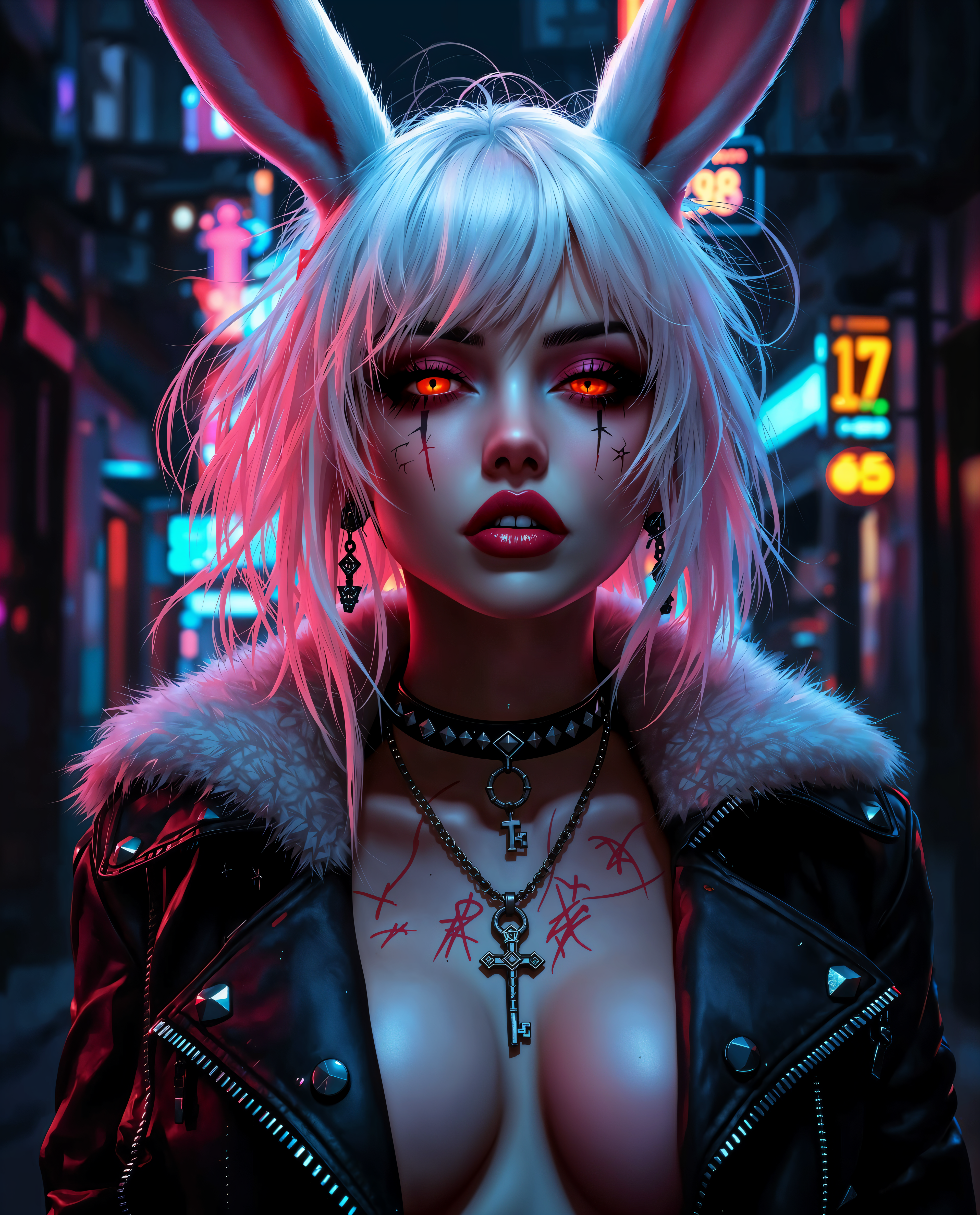

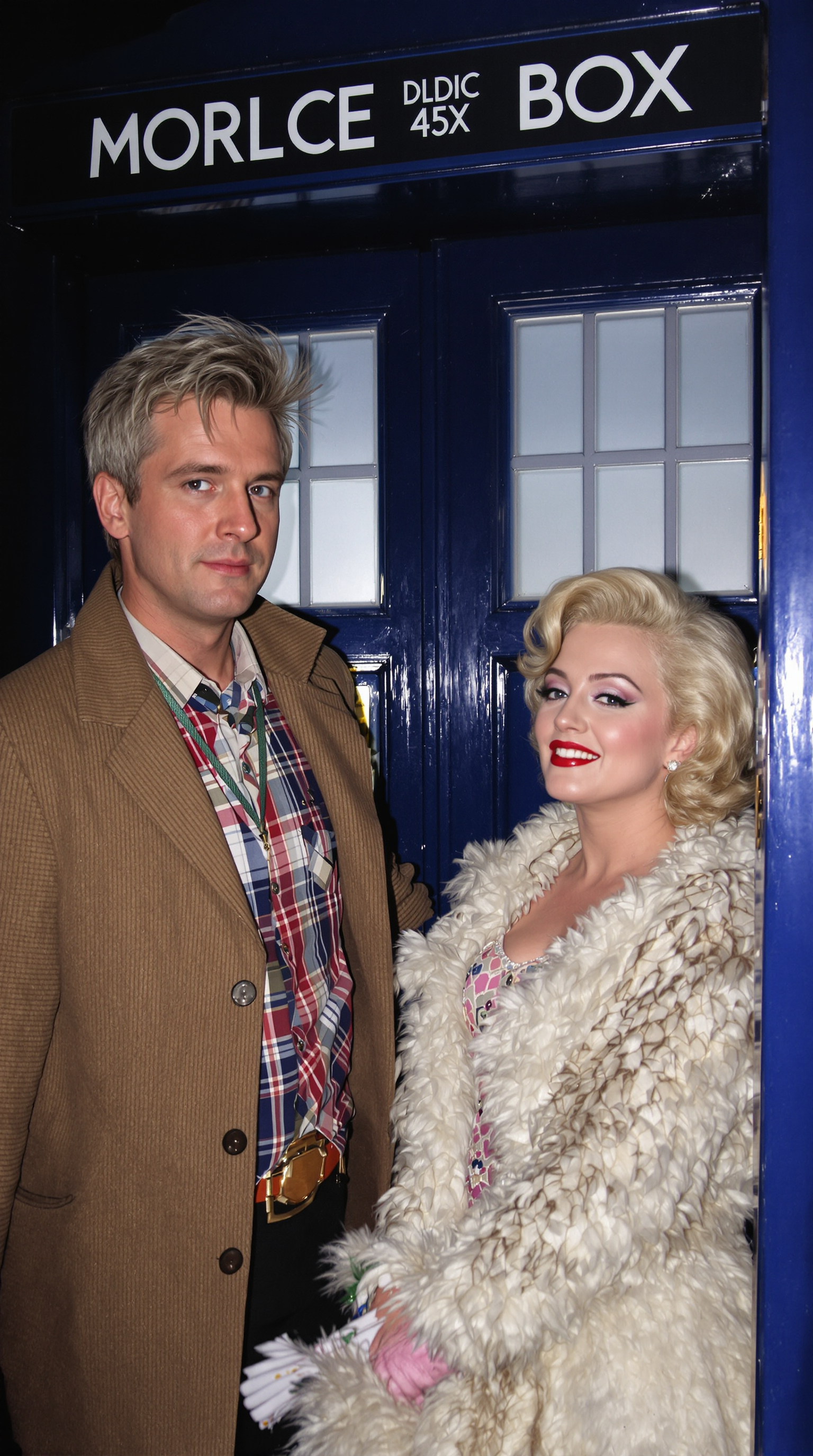
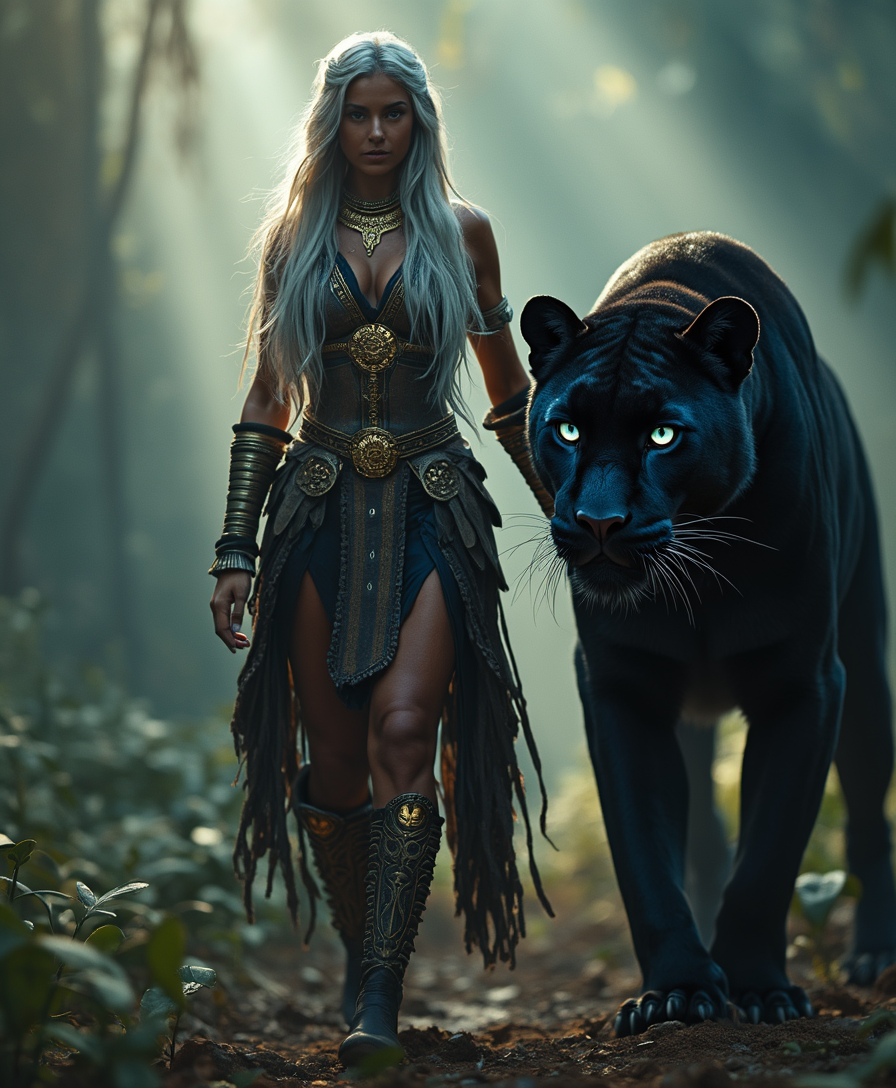



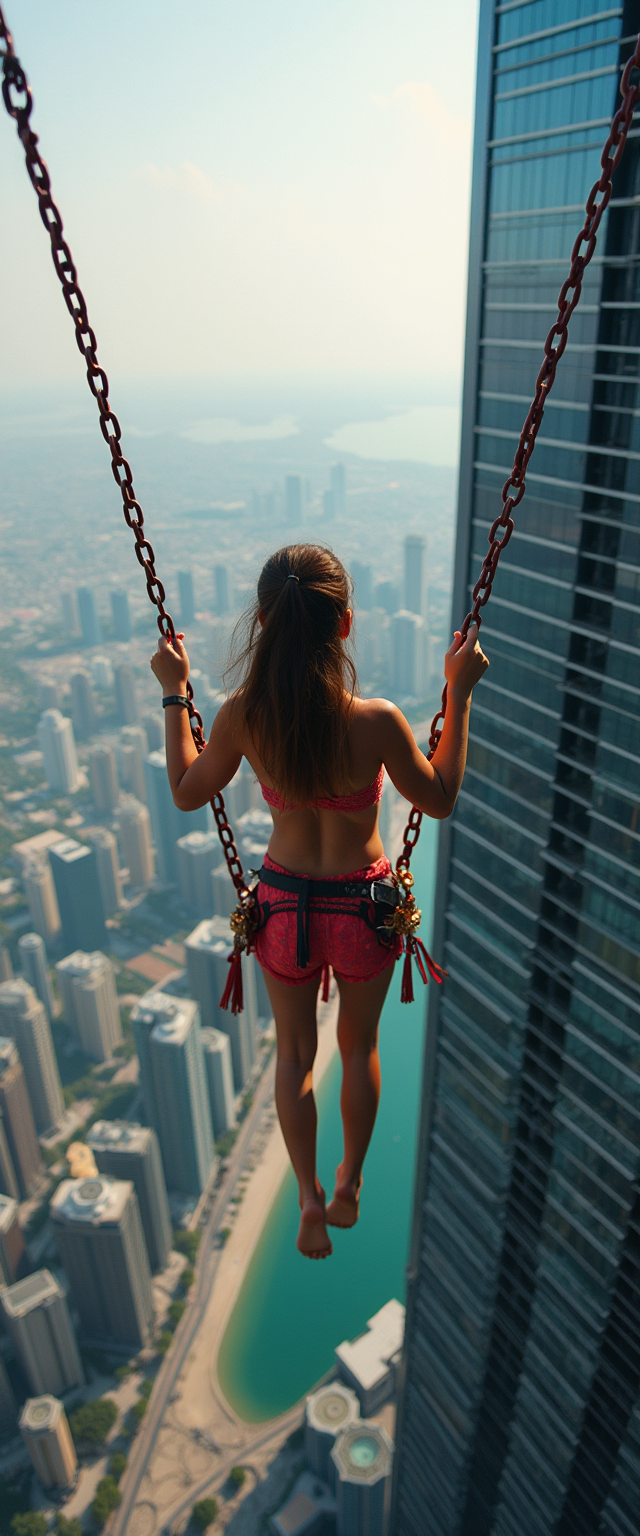





The Pixel Dojo Advantage
Why PixelDojo is the Superior Choice for Product Photography
| Others | Pixel Dojo |
|---|---|
| Traditional Product Photography | Eliminate the need for expensive equipment and professional photographers, saving time and money. |
| Generic AI Tools | Benefit from specialized tools designed specifically for product photography, ensuring higher quality and more relevant features. |
| Manual Photo Editing | Achieve professional edits in minutes without the steep learning curve associated with complex editing software. |
Loved by creators on PixelDojo
Real feedback from people using PixelDojo, pulled from our in-product surveys.
very easy to use and good support
Very easy to use
super easy to use
it's very easy to use
Practically every Ai suite in one place? Who wouldn't?
versatile menu of tools
Explore more AI tools on PixelDojo
AI Tools
Compare & Switch
- Best AI Image Generators
- Best AI Video Generators
- Midjourney Alternatives
- Civitai Alternatives
- Runway Alternatives
- Leonardo Alternatives
- Pika Alternatives
- Luma Alternatives
- Magnific Alternatives
- Veo Alternatives
- Flux Alternatives
- Freepik Alternatives
- Seedance Alternatives
- Seedream Alternatives
- Pixverse Alternatives
- GPT Image Alternatives
- Synthesia Alternatives
- Playground Alternatives
- NightCafe Alternatives
- Canva AI Alternatives
- ElevenLabs Alternatives
- ComfyUI Alternatives
- Fal Alternatives
- Replicate Alternatives
Common Questions
Everything you need to know about gemini 2.5 flash image product photography
How does PixelDojo ensure consistent character representation in product images?
PixelDojo's AI tools, such as Flux Studio, utilize advanced algorithms to maintain uniformity across all product images, ensuring brand consistency and professionalism.
Can I remove or change the background of my product photos using PixelDojo?
Yes, with tools like Background Remover and Magic Lighting, you can easily remove or replace backgrounds to highlight your products and fit various marketing contexts.
Is it possible to combine multiple images into one using PixelDojo?
Absolutely. PixelDojo offers features like multi-image fusion, allowing you to blend multiple images into a single, cohesive product visual.
Do I need prior experience in photo editing to use PixelDojo?
No, PixelDojo is designed to be user-friendly and intuitive, making it accessible for users without any prior photo editing experience.
What file formats are supported for uploading and downloading images?
PixelDojo supports common image formats such as JPEG and PNG for both uploading and downloading images.
Is there a trial period or free version available?
Yes, PixelDojo offers a trial period for new users to explore the features. Additionally, there is a free version with limited access to certain tools.