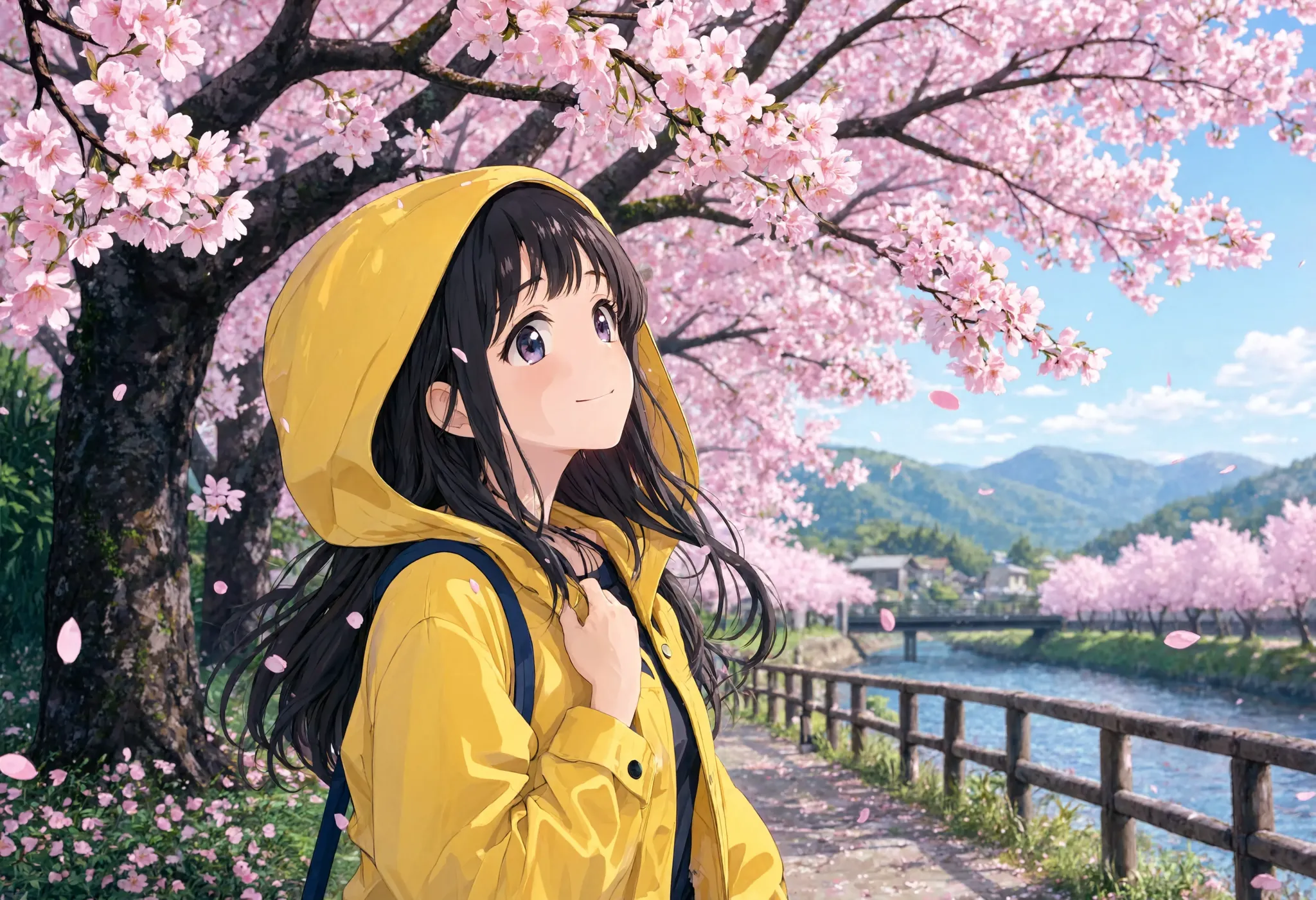
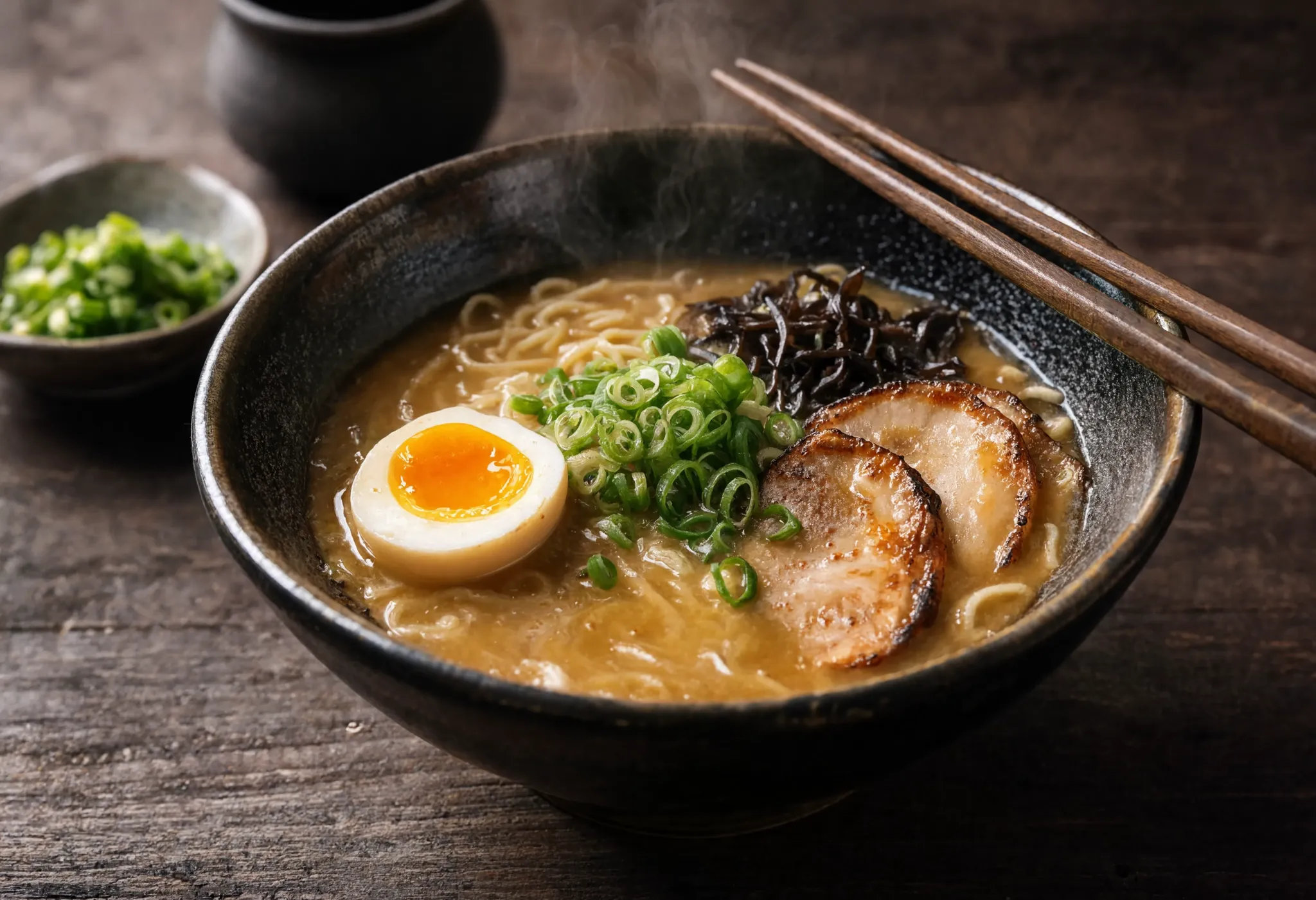
Reve rewards a plan. Decide the mode first, then be explicit about every image you hand it.
1. Pick your mode by reference count. Attach zero images for text-to-image, one for a single-image edit, or two to eight for a remix. You are not choosing a setting, the number of references is the mode.
2. Number your references. For a remix, know the order you attached them. The first image is <frame>0</frame>, the second is <frame>1</frame>, and so on. Reve reads that position, not the file name.
3. Say what to take from which frame. This is where remix earns its keep. Be specific: the jacket from <frame>0</frame>, the pose from <frame>1</frame>, the background from <frame>1</frame>. Vague prompts blend everything, precise prompts composite cleanly.
4. For edits, name what to keep and what to change. With one reference, tell Reve the one thing to change and explicitly lock the rest, for example keep the person and pose from <frame>0</frame> and replace only the background.
5. Choose an aspect ratio, or leave it on auto. Reve covers auto, 1:1, 3:2, 2:3, 16:9, 9:16, 4:3, 3:4, 21:9, plus 4:1 panoramas and 1:4 columns. Leave auto and Reve picks, set one when the crop matters.