Kling 2.6 product display video AI Generator
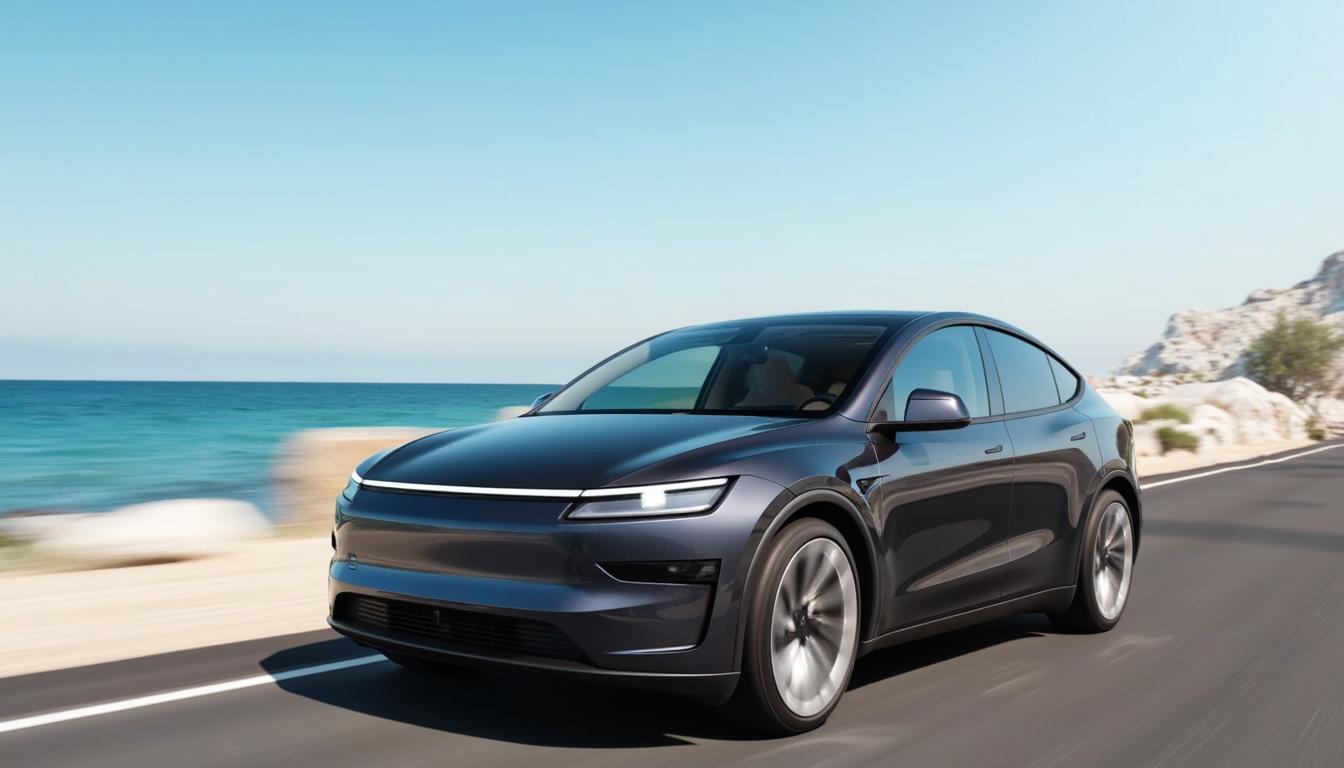
In today's competitive market, capturing your audience's attention is paramount. With PixelDojo's Kling 2.6, you can effortlessly transform static product images into dynamic, engaging videos complete with synchronized audio. This innovative tool empowers you to create professional-grade product display videos that resonate with your customers, enhancing your brand's appeal and driving sales.
Join over 10,000 satisfied creators who have elevated their marketing with PixelDojo's AI tools. Rated 4.8/5 based on 2,000+ reviews.
Why Choose Pixel Dojo for Kling 2.6 product display video
Professional-quality results with cutting-edge AI technology
Effortless Video Creation
Convert product images into captivating videos with synchronized audio in just a few clicks, saving time and resources.
Enhanced Customer Engagement
Engage your audience with dynamic visuals and audio, leading to increased interest and higher conversion rates.
Professional Quality Output
Produce high-definition videos with seamless audio-visual synchronization, giving your brand a polished and professional image.
How It Works
Creating compelling product display videos with Kling 2.6 is straightforward. Follow these simple steps to bring your products to life:
Step 1: Choose Your Tool
Log in to your PixelDojo account and select 'Kling 2.6' from the video creation tools.
Step 2: Upload Your Product Image
Click on 'Upload Image' and select the product image you wish to animate.
Step 3: Enter Your Prompt
Describe the desired scene and audio elements. For example, 'A 360-degree view of the product with soft background music.'
















The Pixel Dojo Advantage
Why PixelDojo's Kling 2.6 outperforms other options for product display video creation:
| Others | Pixel Dojo |
|---|---|
| Traditional Video Production | Eliminates the need for expensive equipment and professional videographers, reducing costs and production time. |
| Generic AI Video Tools | Offers synchronized audio-visual generation, ensuring seamless integration of sound and visuals without additional editing. |
| Manual Editing Software | Simplifies the process with intuitive AI-driven automation, making video creation accessible to users without technical expertise. |
Loved by Creators
See what our community says about Kling 2.6 product display video
"PixelDojo's Kling 2.6 transformed our product presentations. The videos are engaging, and the synchronized audio adds a professional touch."
Alex Johnson
Marketing Director
"Creating product videos used to be time-consuming and costly. With Kling 2.6, we produce high-quality videos in minutes."
Samantha Lee
E-commerce Manager
Common Questions
Everything you need to know about Kling 2.6 product display video AI generation
How does Kling 2.6 generate synchronized audio for product display videos?
Kling 2.6 utilizes advanced AI algorithms to analyze your product image and prompt, generating corresponding audio elements that align perfectly with the visual content, ensuring a cohesive and engaging video.
Can I customize the audio elements in the generated videos?
Yes, you can specify the type of audio you want, such as background music, voiceovers, or sound effects, by including detailed descriptions in your prompt. Kling 2.6 will incorporate these elements into the final video.
What file formats are supported for uploading product images?
Kling 2.6 supports common image formats including JPEG, PNG, and BMP. Ensure your images are high-resolution for the best video output quality.
Is there a limit to the length of the product display videos I can create?
Currently, Kling 2.6 supports video generation up to 10 seconds in length, which is ideal for concise and impactful product showcases.
Do I need any prior video editing experience to use Kling 2.6?
No, Kling 2.6 is designed with user-friendliness in mind. Its intuitive interface allows users of all skill levels to create professional-quality videos without prior experience.
Can I use Kling 2.6 for products in any industry?
Absolutely. Kling 2.6 is versatile and can be used to create product display videos for a wide range of industries, including fashion, electronics, home goods, and more.