Kling AI 2.5 physics simulation AI Generator

Imagine bringing your wildest ideas to life with Kling AI 2.5 physics simulation images that capture realistic motion, gravity, and fluid dynamics without needing advanced software or expertise. With PixelDojo, you can effortlessly create visuals that simulate real-world physics, perfect for educators, game developers, marketers, and creators. Whether you're illustrating scientific concepts, designing immersive game assets, or producing eye-catching ads, our AI tools deliver high-fidelity results that save you time and elevate your content. Start generating today and watch your projects gain that professional edge that turns viewers into loyal fans.

AI Generated
Get Started TodayResults in seconds50+ AI models

Join over 50,000 creators who've generated millions of images with PixelDojo. Rated 4.9/5 on Trustpilot from 2,500+ reviews. Featured in top tech blogs for revolutionary AI innovation.

Why Choose Pixel Dojo for Kling AI 2.5 physics simulation

Professional-quality results with cutting-edge AI technology

Achieve Hyper-Realistic Motion

Produce Kling AI 2.5 physics simulation images that mimic real-world dynamics like falling objects or flowing liquids, helping you create educational content or game prototypes that feel authentic and engaging.

Save Hours on Complex Designs

Skip manual simulations and instantly generate physics-based visuals with tools like Kling v2.1 and Flux Studio, allowing you to focus on creativity and deliver projects faster than ever.

Boost Engagement and Conversions

Captivate your audience with dynamic, physics-accurate images that stand out in social media, websites, or apps, driving more views, shares, and sales for your brand or business.

How It Works

Creating Kling AI 2.5 physics simulation images on PixelDojo is simple and intuitive. Leverage our advanced tools to turn your concepts into realistic visuals in just a few steps.

1

Step 1: Choose Your Tool

Log in to PixelDojo and select from our specialized tools like Kling v2.1 for video-inspired physics or Flux Studio for image-based simulations. Pick the one that matches your physics needs, such as gravity or fluid effects.

2

Step 2: Enter Your Prompt

Describe your scene in detail, incorporating Kling AI 2.5 physics elements like object collisions or wind interactions. Use our prompt enhancer for optimal results with tools like SDXL Image Creator.

3

Step 3: Customize & Download

Refine your output using Image to Image editing or Enhance Realism features, then download high-res files ready for your projects. Experiment with iterations to perfect the simulation.


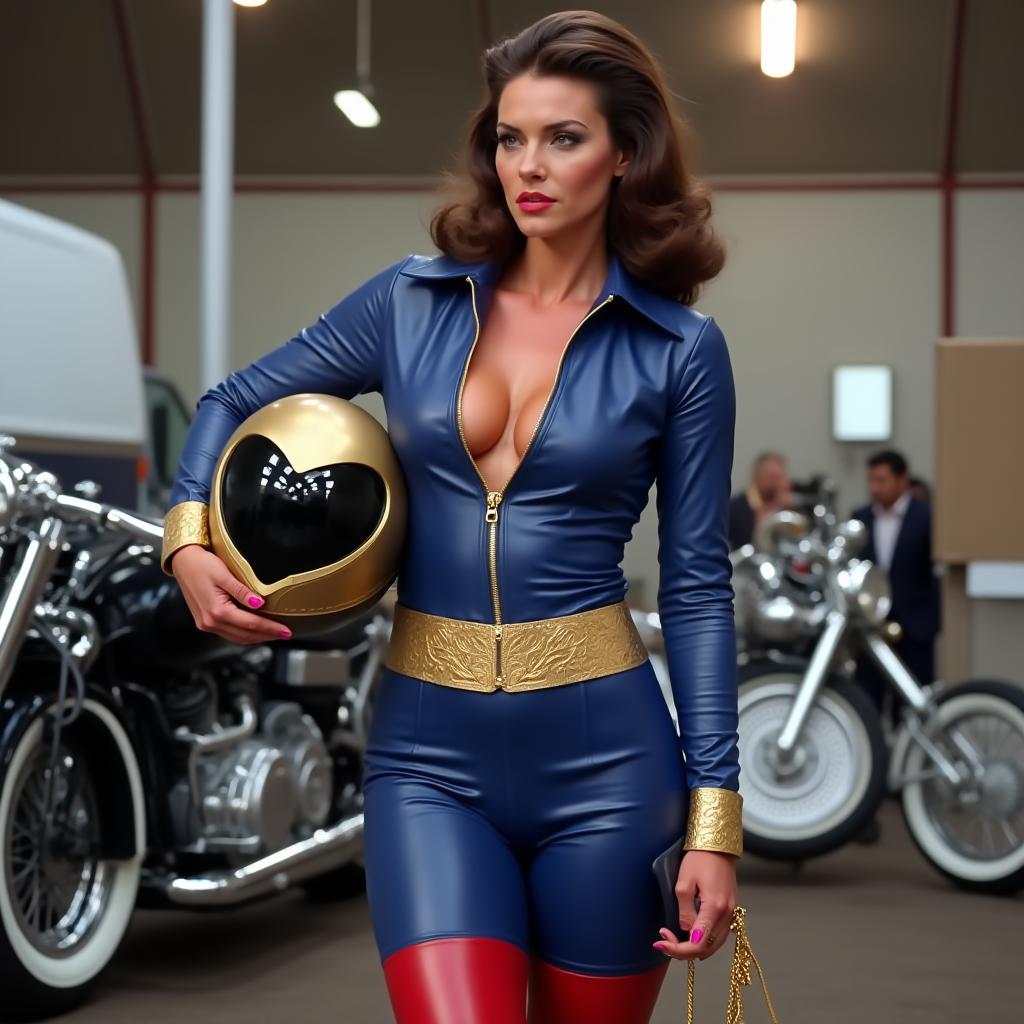
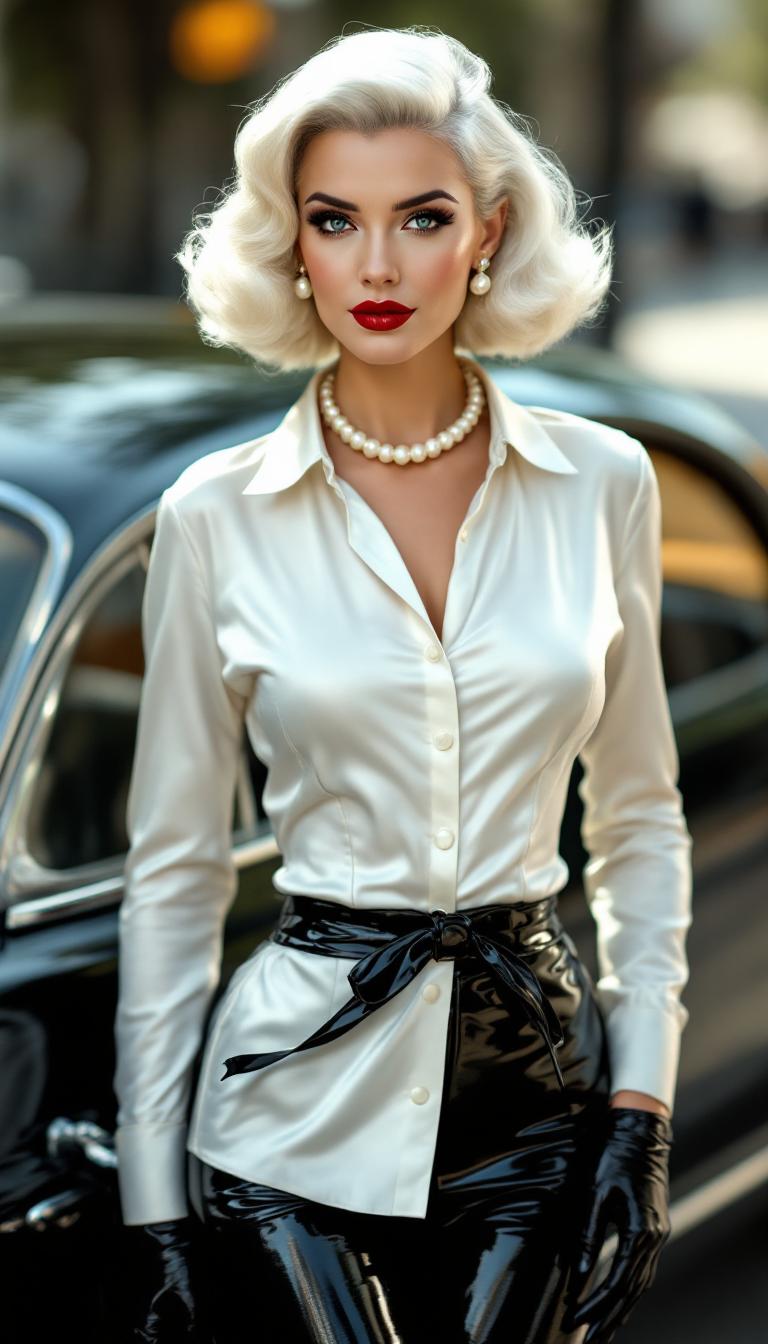
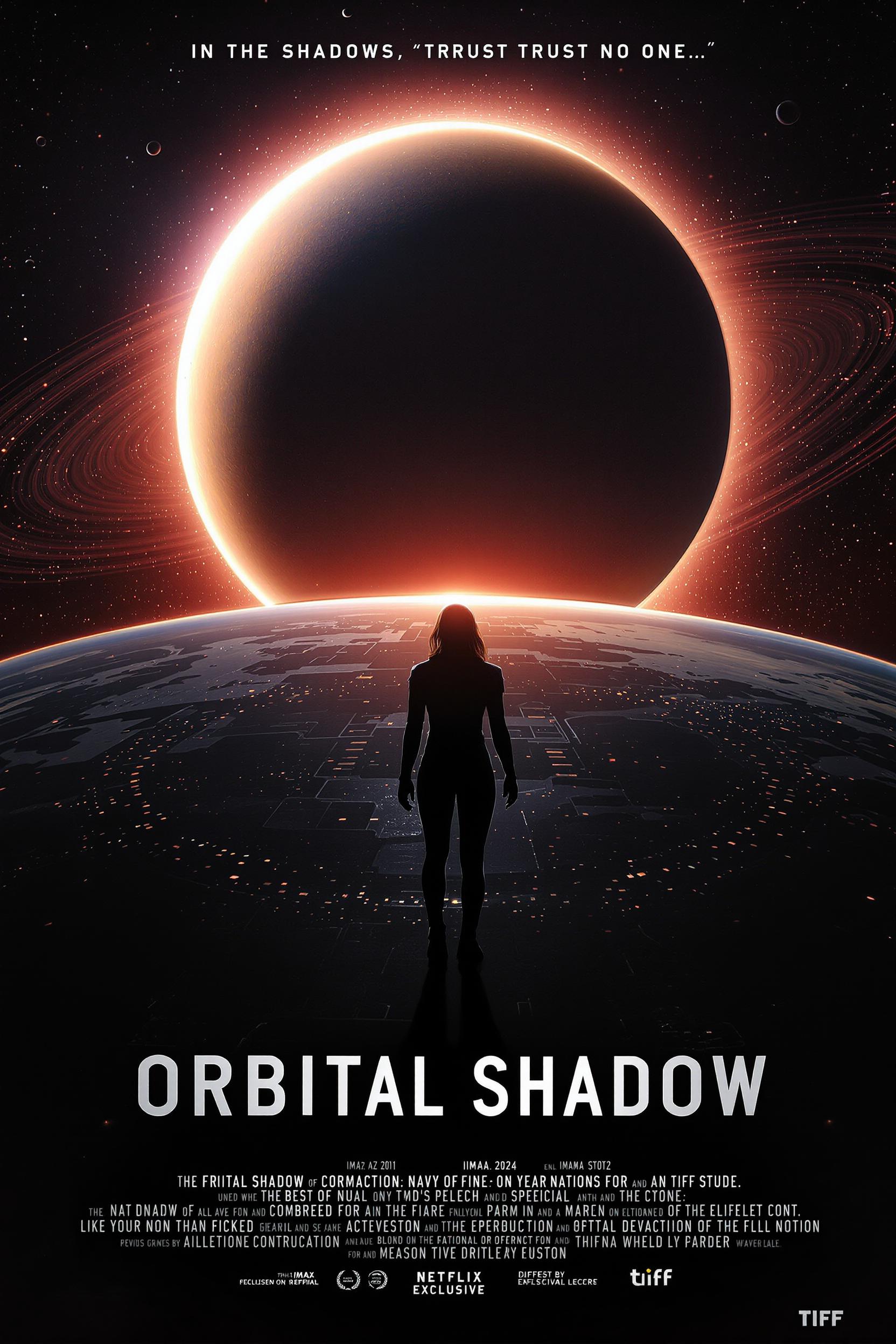
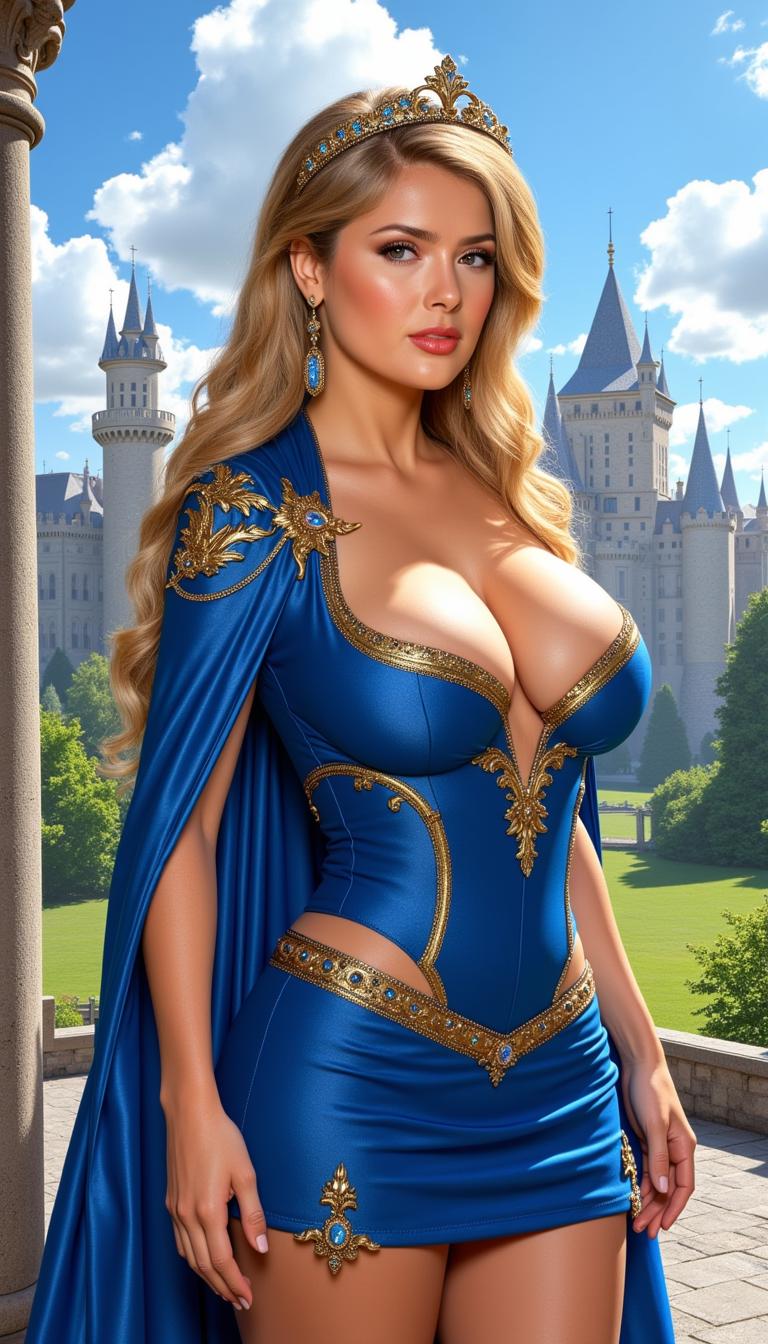
Community Kling AI 2.5 physics simulation Gallery

Real examples created by our community

A photo of a beautiful news anchor. bold text across the screen says "Kling Master 2.1 on PixelDojo"
a photo of a man flying through the air on a drone. the clouds say "PixelDojo.ai Now With Imagen 4"
masterpiece, best quality, highres, sharp image, more detail <lora:more_details:0.5> <lora:SDXLrender_v2.0:1>, masterpiece, best quality, highres, sharp image, more detail, This is a realistic photo (photograph) of a female real person image that exudes a sense of fantasy and power, featuring a character that appears to be a blend of a samurai and a magical warrior. The character is dressed in a sleek, black and red outfit that suggests a mix of traditional Japanese attire with a modern, possibly cybernetic twist. The outfit includes a formfitting bodice with a high collar, a short, pleated skirt, and a red tie that matches the red accents on the characters armor and weapon.The character wields a large, ornate sword with a red blade and a detailed hilt, which seems to be infused with energy, as evidenced by the blue electrical patterns swirling around it. The swords design is reminiscent of a katana, with a curved blade and a guard that features intricate patterns and symbols.The characters armor is red and black, with a hightech, angular design that covers the arms and legs, leaving the torso bare. The armor is adorned with glowing blue details, which likely correspond to the energy swirling around the sword. The characters hair is long and dark, flowing freely as they strike a dynamic, combatready pose.The background of the image is a misty, wooded area with tall, straight bamboo stalks that reach towards a sky tinged with shades of red and orange, suggesting either sunrise or sunset. The lighting in the scene is dramatic, with the reds and oranges of the sky contrasting with the cool blues of the energy and the green of the bamboo.The art style of the image is highly detailed and realistic, with a strong emphasis on textures and lighting that give the scene a threedimensional quality. The medium appears to be digital, given the smooth gradients and seamless blending of colors.Overall, the image is a powerful and visually striking depiction of a character that seems to be both a formidable warrior and a conduit of magical energy.
A stunning portrait of Gal Gadot captured in a cozy, intimate cafe setting. She sits at a small, rustic wooden table near a window, with soft natural light streaming in, casting gentle highlights on her face and creating a warm, golden glow. Her expression is relaxed yet captivating, with a subtle smile and piercing eyes that draw the viewer in. She wears a casual yet elegant outfit, such as a cream-colored sweater, with her hair loosely styled, framing her face naturally. The cafe background features blurred details of vintage decor—think exposed brick walls, hanging Edison bulb lights, and shelves with old books and coffee mugs—adding depth and charm. The composition focuses on a close-up shot, with Gal Gadot centered in the frame, slightly angled to the side, creating a dynamic yet intimate perspective. The mood is serene and inviting, evoking a quiet afternoon with the faint aroma of coffee in the air. The style is cinematic, reminiscent of a high-end editorial photoshoot, with a shallow depth of field, rich color tones, and a soft bokeh effect in the background. Highly detailed textures, such as the grain of the wood and the softness of her sweater, enhance the realism of the scene, rendered in 8K resolution with a focus on photorealistic precision.
AI-generated image
AI-generated image
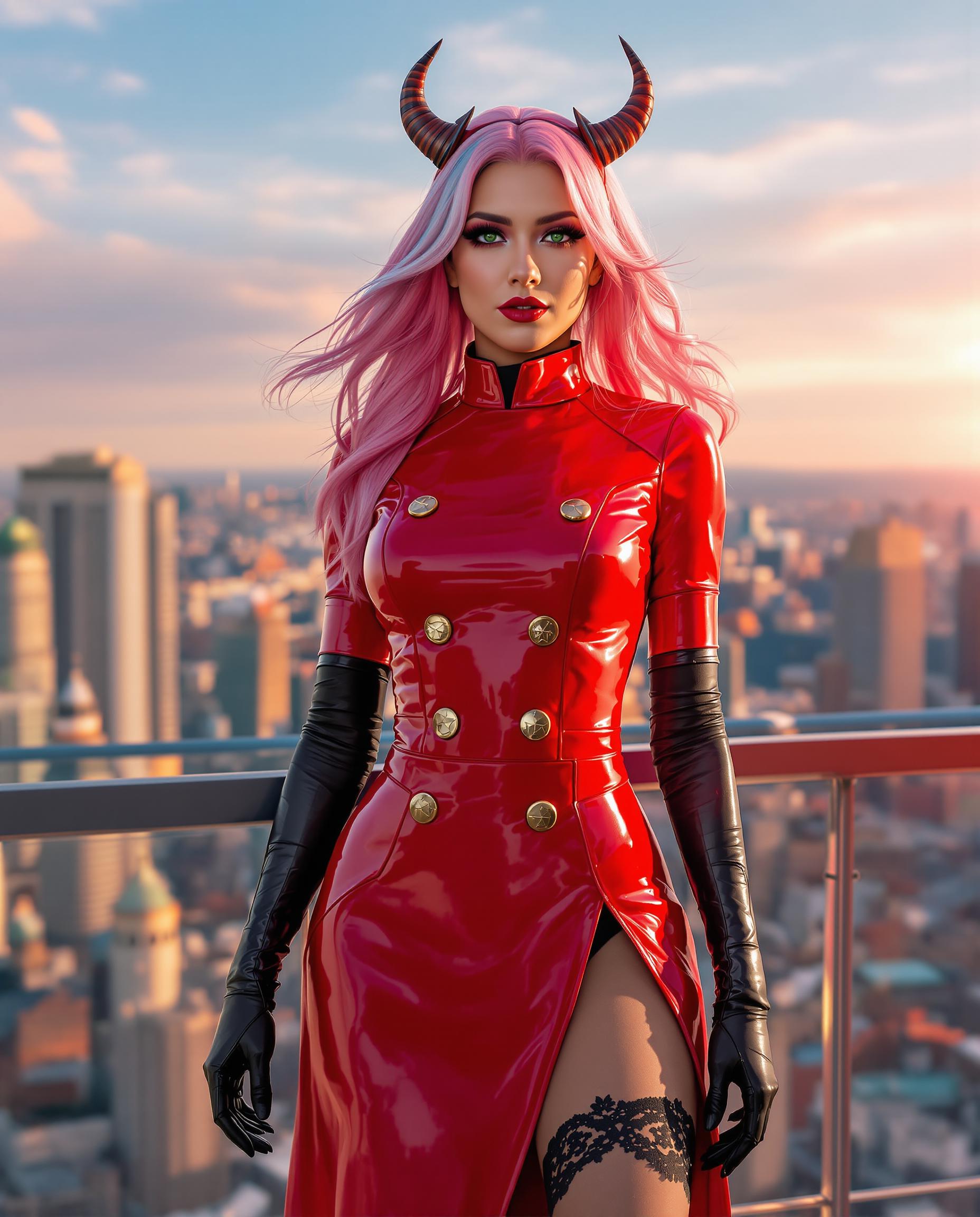
A stunning digital photograph of a female character in a striking red and black costume, blending fantasy and gothic elements with a highly stylized aesthetic. The formfitting outfit features intricate lace and weblike patterns, showcasing the character's muscular build, illuminated by dramatic cinematic lighting that enhances texture and depth in 8K detail, captured with a 50mm lens and shallow depth of field. The slightly blurred background hints at a traditional yet futuristic setting with red lanterns and wooden structures, enriching the bold, vibrant crimson and deep maroon color palette against rich black accents.
A whimsical and empowering scene of a baby Wonder Woman hosting a podcast, seated at a miniature podcasting setup with a tiny microphone and headphones adjusted to her small size. She wears an adorable, scaled-down version of the iconic Wonder Woman costume, complete with a red and gold bodice, blue starry skirt, tiara, and tiny red boots, all crafted with intricate detailing and a soft, fabric-like texture. Her expression is animated and confident, with big, bright eyes and a playful smile as she speaks passionately into the microphone. The podcast studio background is vibrant and child-friendly, featuring colorful walls with comic book-style artwork and Wonder Woman logos, softly lit by warm, inviting studio lights. The composition focuses on the baby at the center, captured from a slightly low angle to emphasize her heroic presence, with the podcast equipment and background slightly blurred for depth of field. The artistic style is a blend of comic book illustration and hyper-realistic digital art, with bold outlines and vivid colors reminiscent of DC Comics. The mood is cheerful and inspiring, evoking a sense of wonder and empowerment, set in a cozy indoor environment with a sunny afternoon glow streaming through a small window. Rendered with high detail, sharp focus on the baby’s features, and a cinematic quality to highlight the charm and uniqueness of the scene.

Start Creating Kling AI 2.5 Physics Simulation Images Today

40+ cutting edge AI tools, loved by thousands of creators worldwide, cancel anytime, try it today

The Pixel Dojo Advantage

Why PixelDojo outperforms other options for Kling AI 2.5 physics simulation image generation

OthersPixel Dojo
Traditional physics simulation softwareNo need for expensive licenses or steep learning curves – generate pro results in seconds with AI-powered simplicity
Generic AI toolsSpecialized integration of Kling v2.1 and Flux Studio ensures precise physics accuracy, unlike basic generators that lack depth
Manual photo editingAutomate complex simulations effortlessly, saving days of work while achieving superior realism without artistic skills

Loved by Creators

See what our community says about Kling AI 2.5 physics simulation

"PixelDojo's Kling AI 2.5 physics tools transformed my educational videos – realistic simulations that wow my students every time!"

Alex Rivera

Science Educator

"As a game dev, I generate physics-accurate assets in minutes. PixelDojo has cut my prototyping time in half!"

Jordan Lee

Indie Game Developer

Common Questions

Everything you need to know about Kling AI 2.5 physics simulation AI generation

How can I create realistic Kling AI 2.5 physics simulation images for free?

With PixelDojo, start for free using tools like Flux Studio and Kling v2.1. Enter prompts describing physics elements, customize with Enhance Realism, and download. Our 40+ tools ensure you achieve pro outcomes without costs upfront, loved by thousands – cancel anytime.

What are the best techniques for Kling AI 2.5 physics simulation in image generation?

PixelDojo leverages latest trends like advanced fluid dynamics and gravity modeling. Use SDXL Image Creator for base images, then apply Kling v2.1 for simulation effects. Focus on prompts with real-world physics details to get stunning results that boost your creative projects.

Can PixelDojo handle advanced Kling AI 2.5 physics simulation trends like cloth and fluid dynamics?

Absolutely! Our tools, including Runway Gen-4 Image and Image to Video, support cutting-edge trends in physics simulations. Generate images with accurate cloth folding or liquid flows, helping you create immersive content that engages audiences and elevates your work.

How to use Kling AI 2.5 physics simulation for game development images?

PixelDojo makes it easy: Select PonyXL or Flux Studio, input game-specific prompts with physics like collisions, and refine with Inpainting. Achieve prototypes that look professional, saving time and impressing stakeholders – try our subscription with cancel-anytime flexibility.

What examples of Kling AI 2.5 physics simulation can I generate on PixelDojo?

From bouncing balls to wind-swept leaves, use QWEN Image or Kling v2.1 to create examples like exploding particles or swinging pendulums. Our platform delivers high-quality outputs that inspire creativity and drive results for your visuals.

Is PixelDojo the best platform for Kling AI 2.5 physics simulation image trends in 2024?

Yes, with integrations like ComfyUI and 40+ tools, PixelDojo stays ahead of 2024 trends in AI physics. Generate trending simulations effortlessly, join our Discord community for tips, and experience why thousands love our easy, cancel-anytime access.

Ready to create amazing Kling AI 2.5 physics simulation images?

Ready to Create Amazing Kling AI 2.5 physics simulation Images?

Join thousands of creators using AI to bring their ideas to life