photodump AI Generator

You’ve got hundreds of raw moments—snapshots of laughter, coffee, travel, friendships. A photodump makes those random shots look like an artful story. With PixelDojo’s AI photodump tools, you can go from messy uploads to curated posts, reels, or branded visuals that stop scrollers in their tracks. Say goodbye to designer fees and hours of layout struggles—hello to polished, personal photo dumps that feel like you.
Trusted by 10,000+ creators • 98% satisfaction rating • Featured in top design blogs
Why Choose Pixel Dojo for photodump
Professional-quality results with cutting-edge AI technology
Tell a Real Story
Showcase your everyday moments—from food snaps to travel diaries—in layouts that highlight sentiment, not perfection.
Get Viral-Worth Aesthetic
Leverage style transfers, color grading, and layered collages so your photodumps catch eyes and reflect trends.
Save Hours, Stay Authentic
Use PixelDojo’s drag-and-drop, auto-layout tools like Image Analyzer or Style Transfer to make your vision real—fast.
How It Works
Creating a killer photodump with PixelDojo takes just three easy steps—and you’ll walk away with content that feels personal, polished, and shareable.
Step 1: Choose Your Tool
Pick a creation tool like Flux, Seedream 4, or SDXL to start generating images, or grab a batch of your own photos for editing tools.
Step 2: Enter Your Prompt
Describe your vibe (urban, vintage, minimal, pastel), ask for cohesive colors, mood, era. PixelDojo Image tools + Style Transfer or Material Transfer take care of matching your aesthetic.
Step 3: Customize & Download
Use Image Analyzer to pick best shots, Magic Lighting or Inpainting to fix flaws, Creative Upscaler or Outpainting to add dramatic impact. Then export in formats sized for Instagram, Reels, or personal archive.
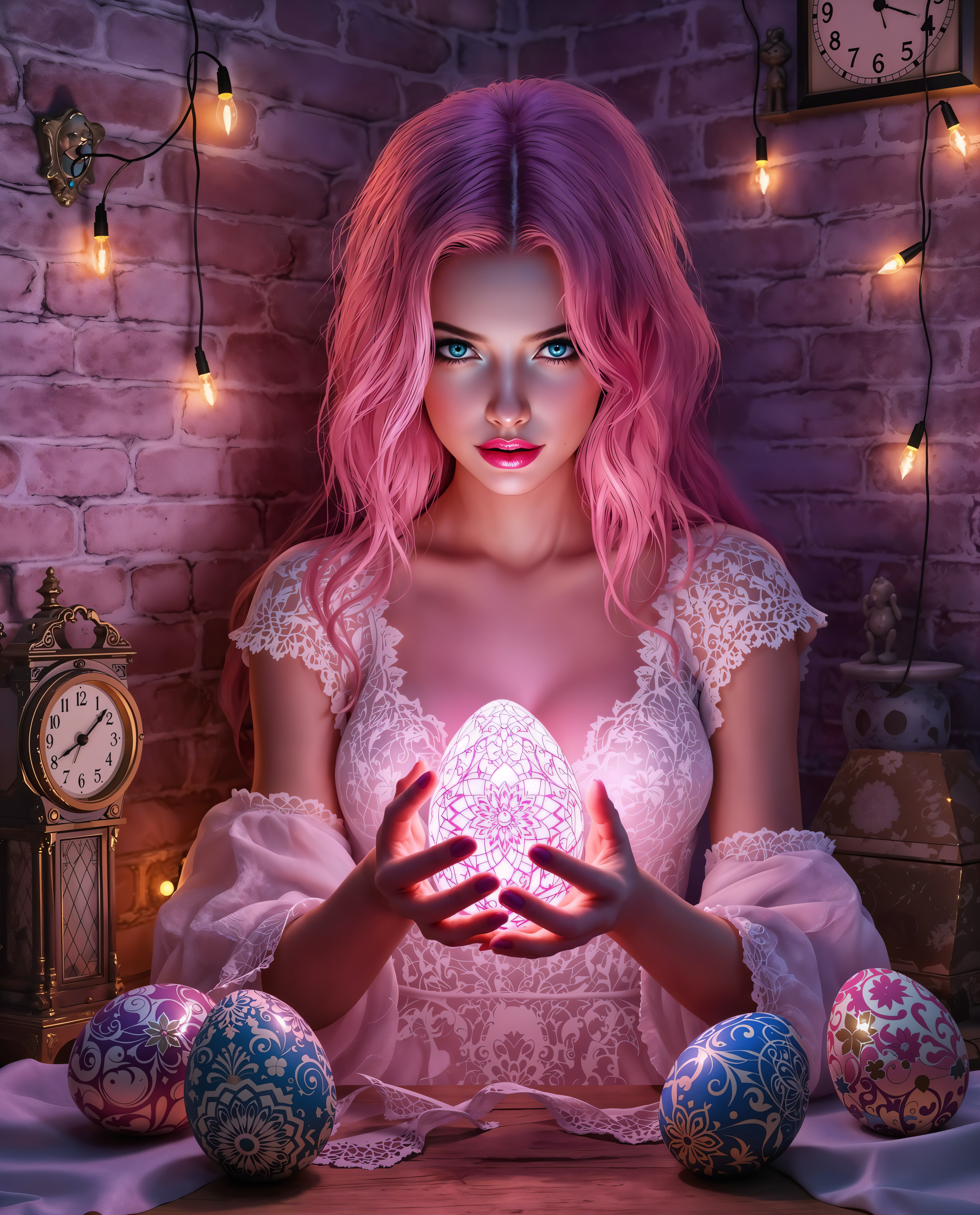
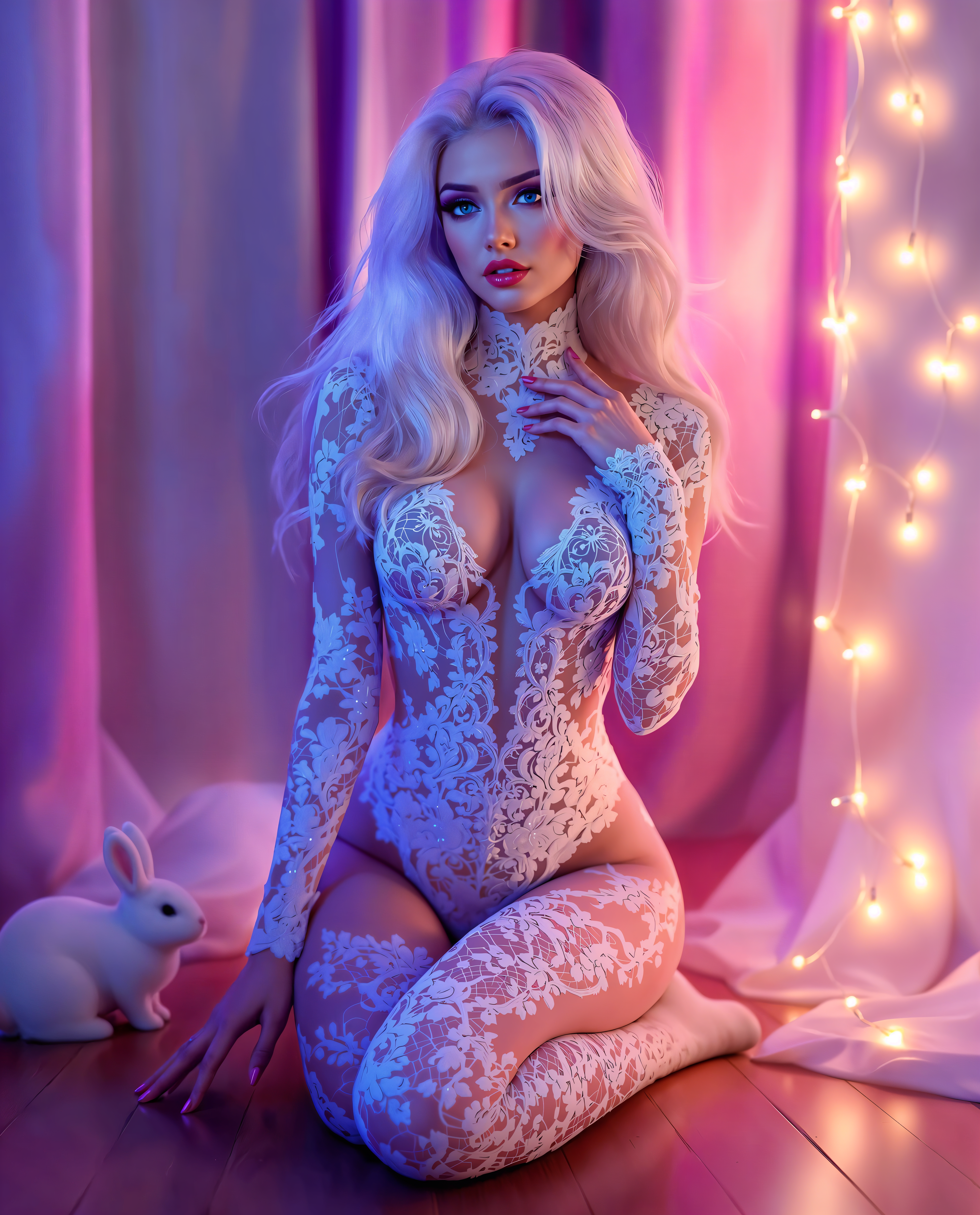
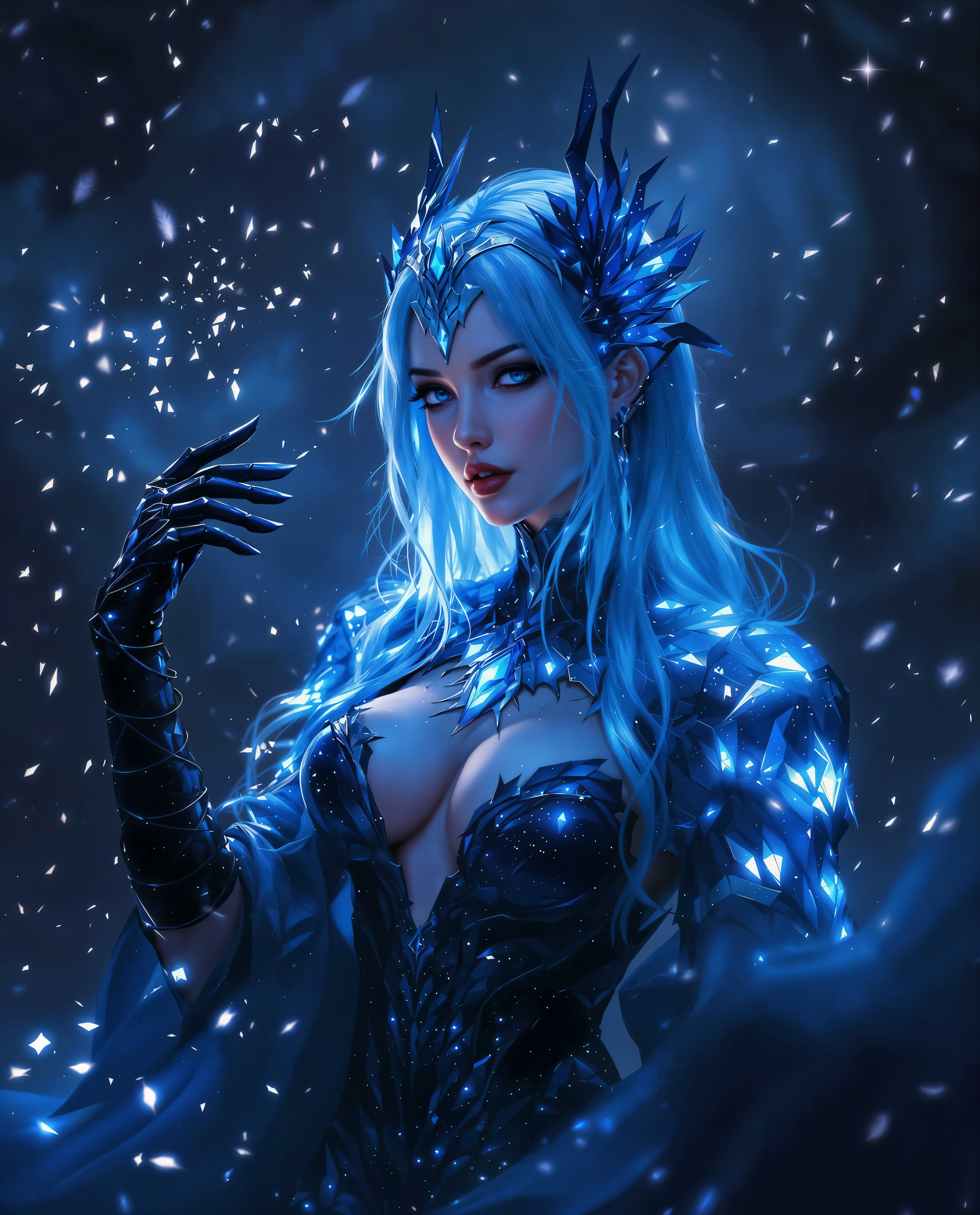
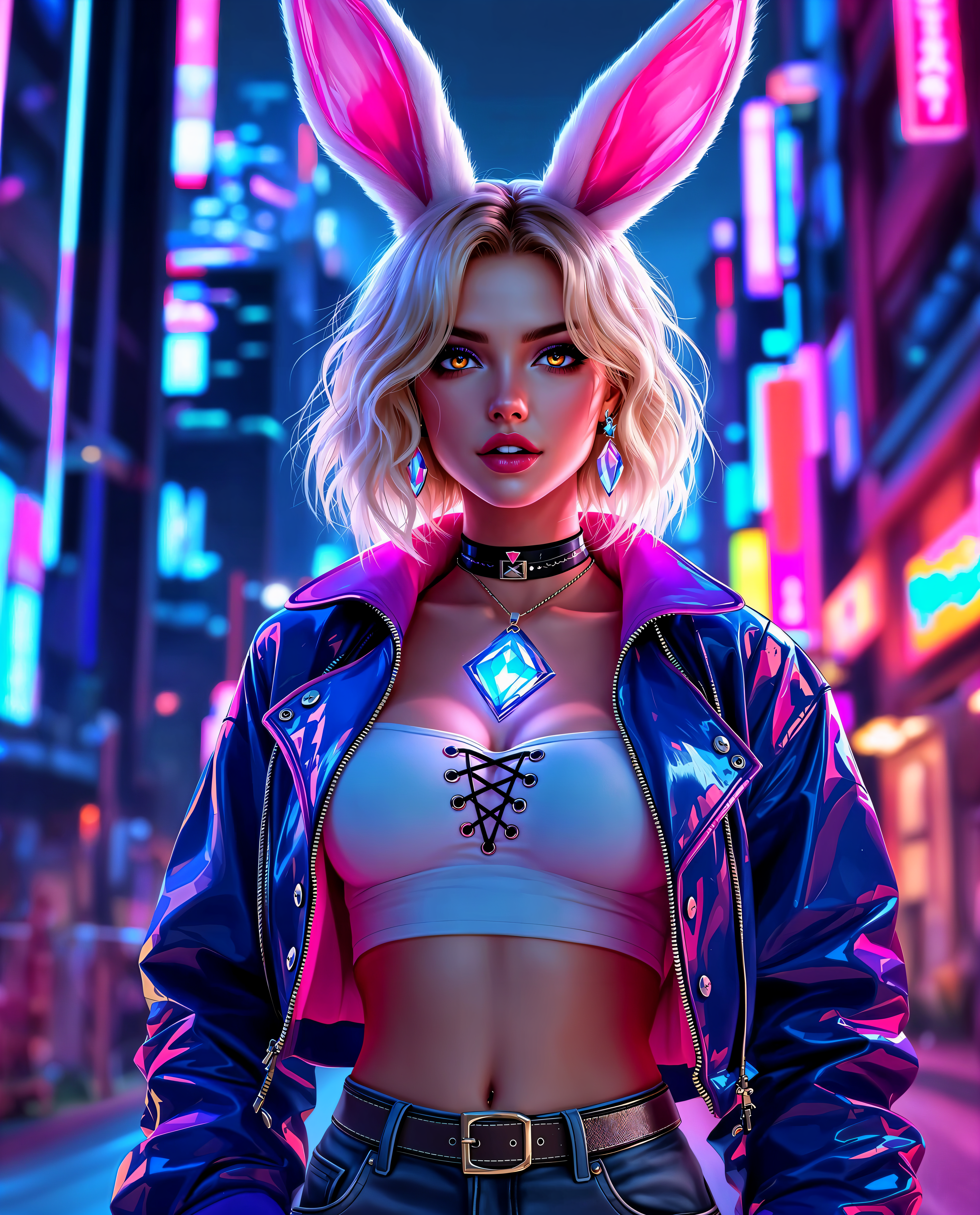
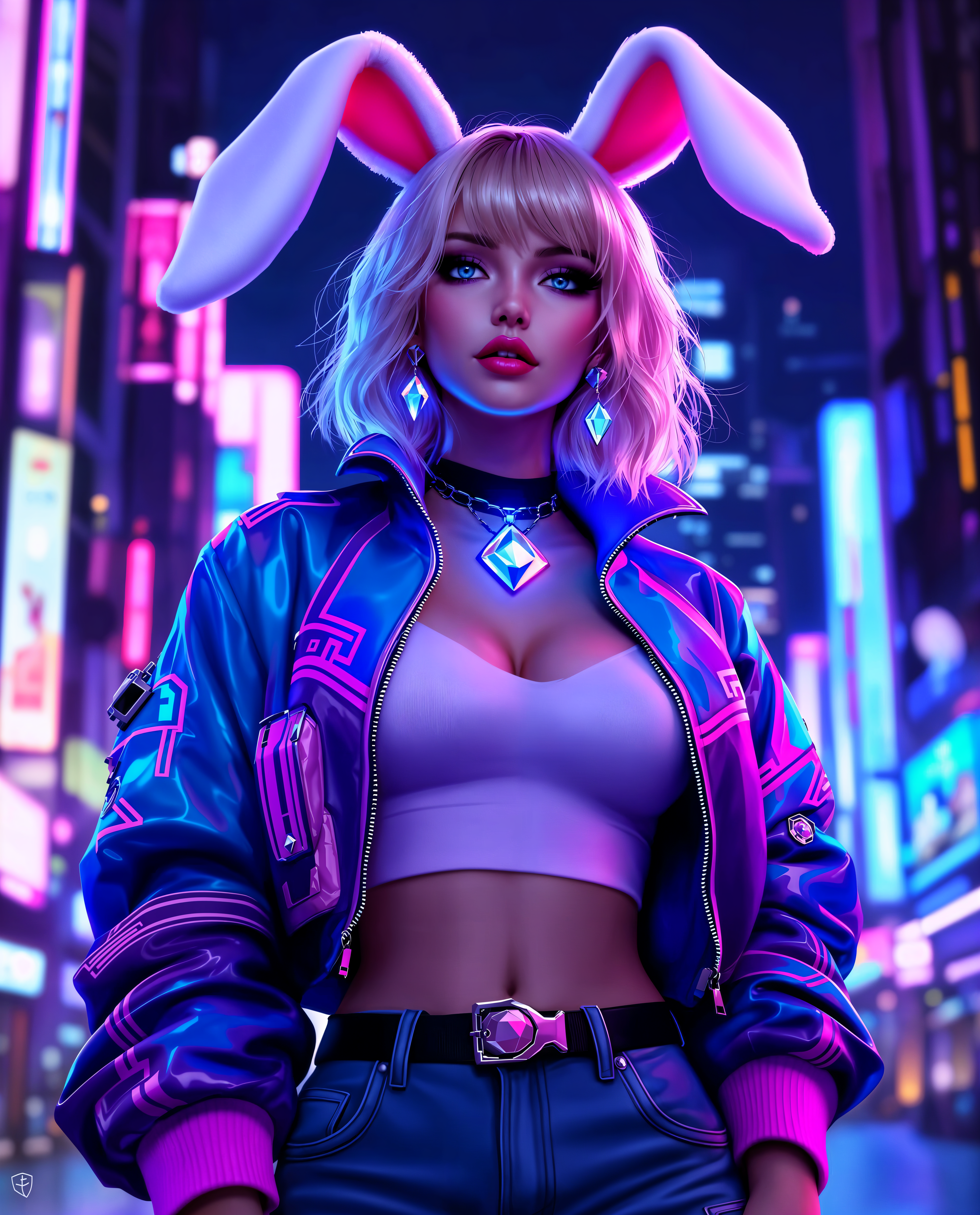
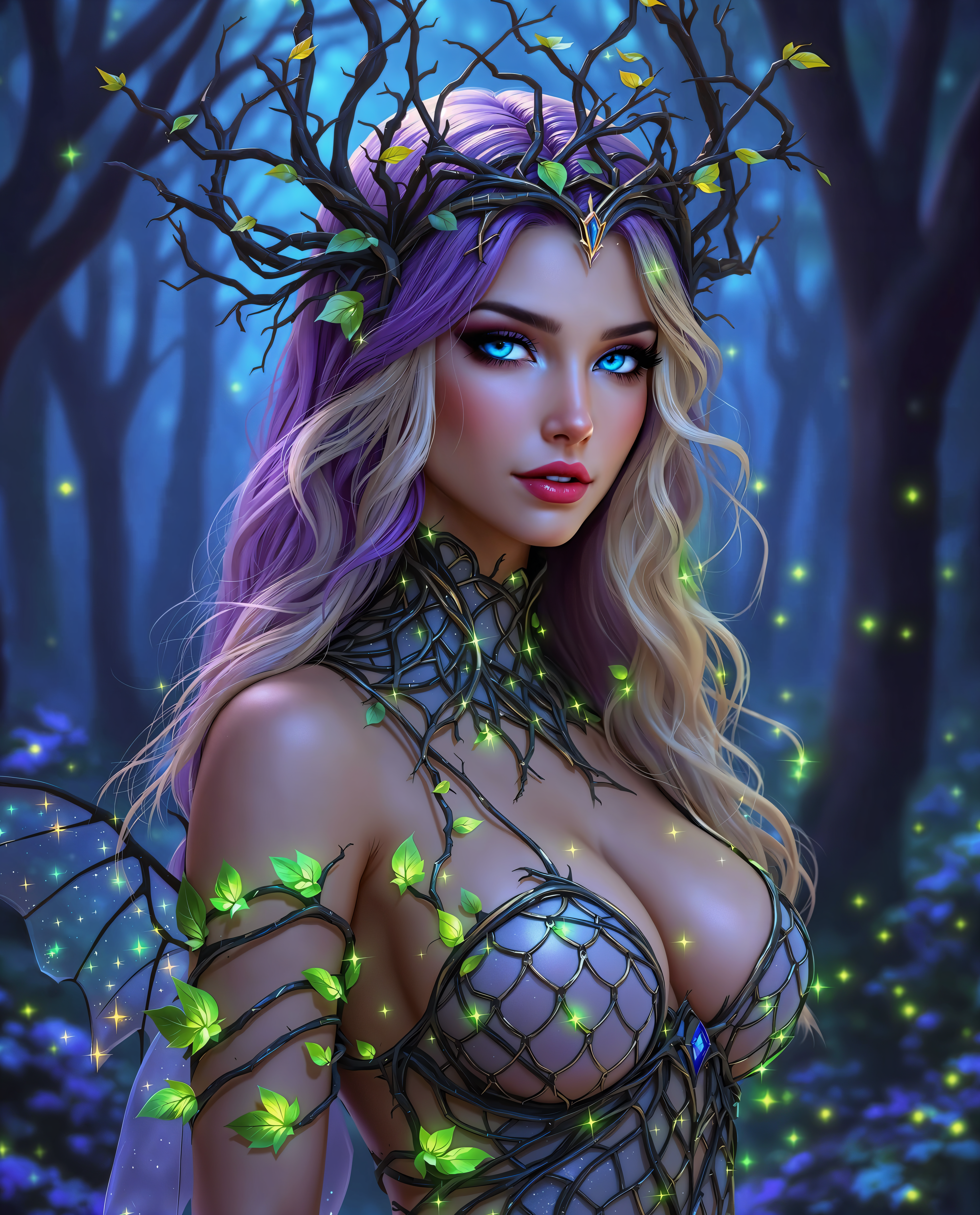

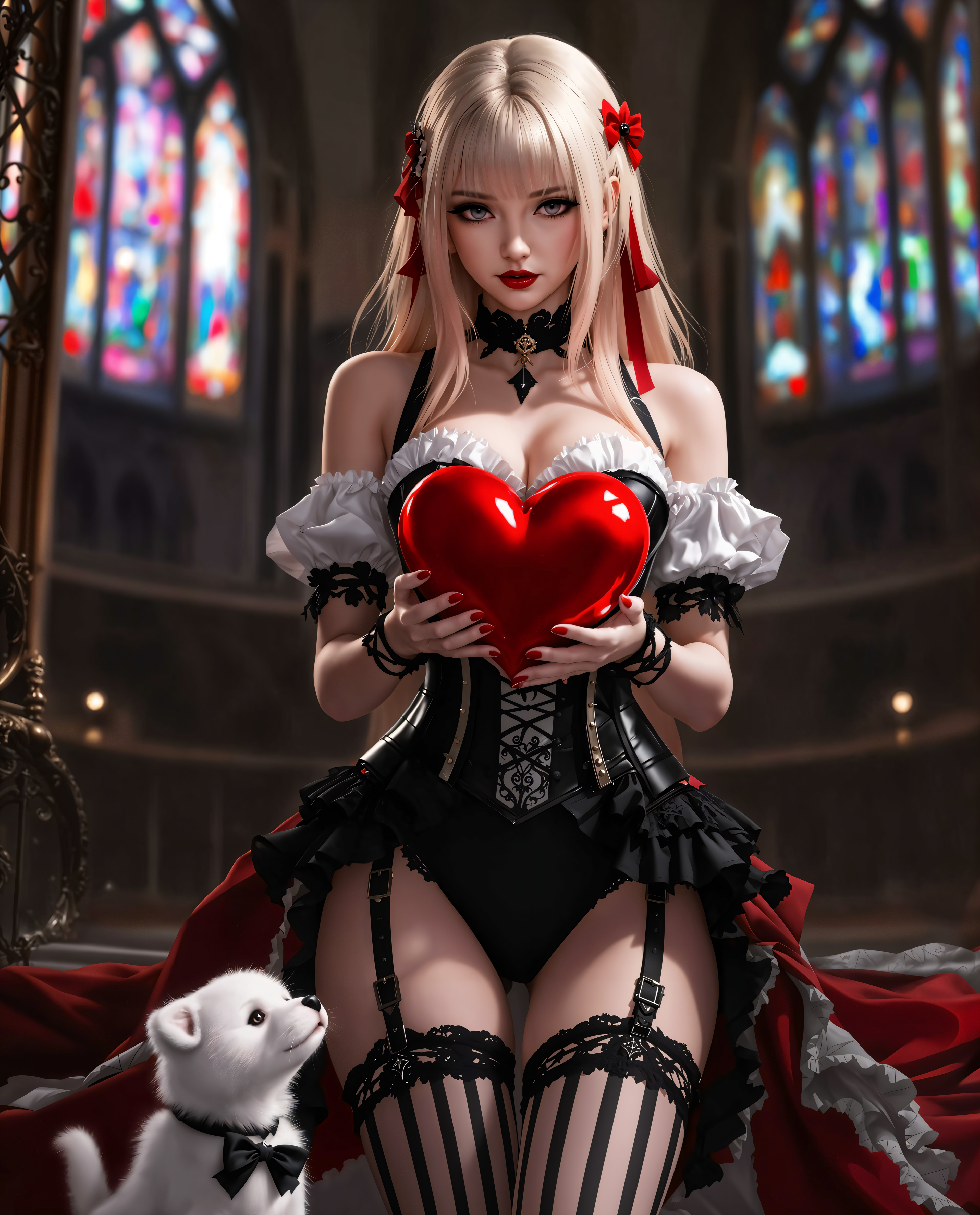
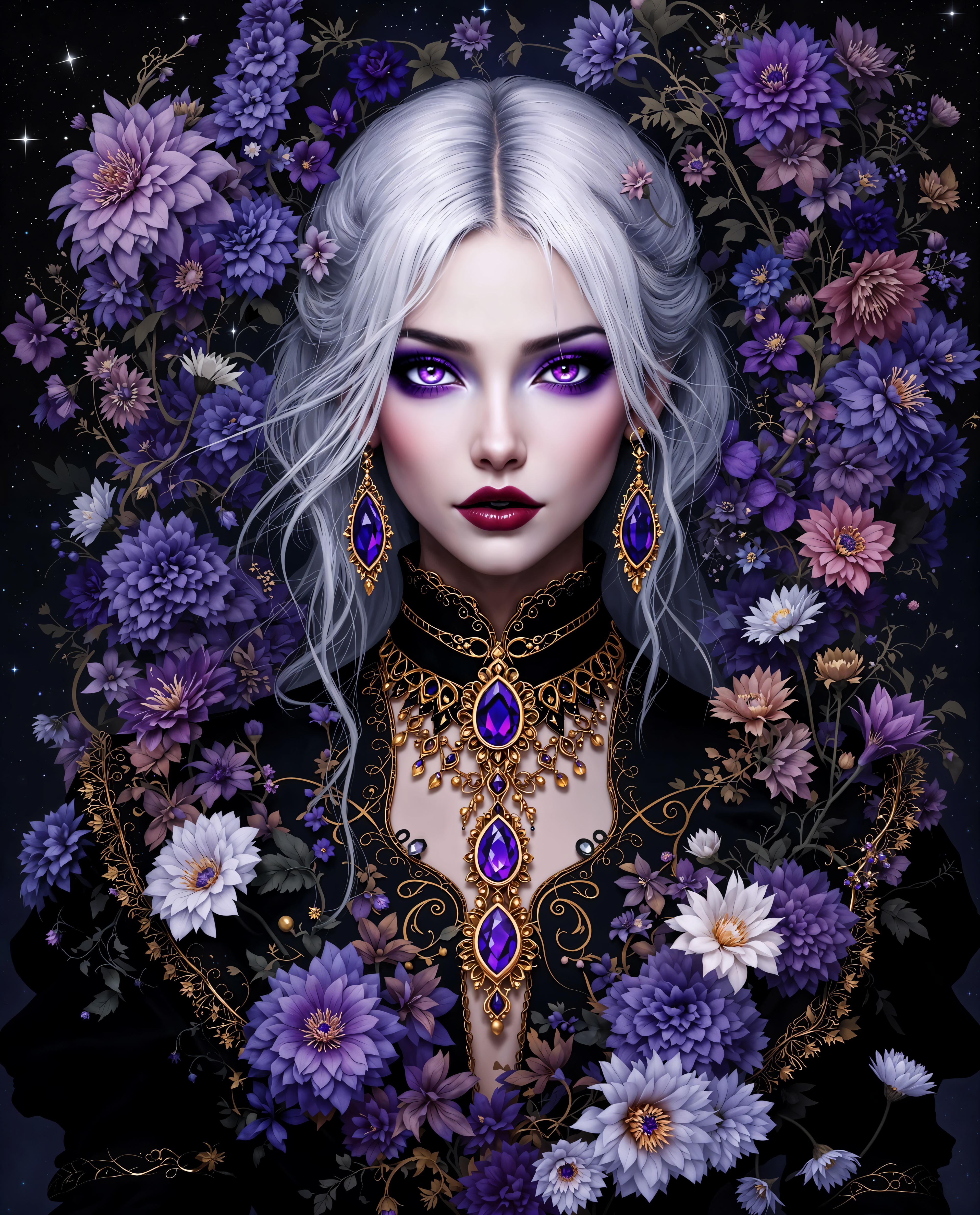
The Pixel Dojo Advantage
Why PixelDojo outperforms other options when it comes to crafting photodumps:
| Others | Pixel Dojo |
|---|---|
| Traditional photo editing software | You get instant templates + AI-powered enhancements instead of manual layering, masking, and color matching. |
| Generic AI image tools | You benefit from tools built for photodumps—Image to Image, Style Transfer, Material Transfer, Versatile Upscalers—not just random image generators. |
| Manual collage or social media layouts | You save time with AI-guided arrangements, consistency checks, and end-to-end flow from prompt to publish. |
Loved by creators on PixelDojo
Real feedback from people using PixelDojo, pulled from our in-product surveys.
Excellent website for creating all types of media
Very eay to use, works well to train SDXL loras.
The amazing tools
Top notch quality and strong prompt adherence.
A well resourced sunscription with attention to updates.
Easy to use and there's lots of options.
Explore more AI tools on PixelDojo
AI Tools
Compare & Switch
- Best AI Image Generators
- Best AI Video Generators
- Midjourney Alternatives
- Civitai Alternatives
- Runway Alternatives
- Leonardo Alternatives
- Pika Alternatives
- Luma Alternatives
- Magnific Alternatives
- Veo Alternatives
- Flux Alternatives
- Freepik Alternatives
- Seedance Alternatives
- Seedream Alternatives
- Pixverse Alternatives
- GPT Image Alternatives
- Synthesia Alternatives
- Playground Alternatives
- NightCafe Alternatives
- Canva AI Alternatives
- ElevenLabs Alternatives
- ComfyUI Alternatives
- Fal Alternatives
- Replicate Alternatives
Common Questions
Everything you need to know about photodump
What is a photodump style post in social media?
A photodump post is a collaged or sequenced mix of unpolished, everyday images—think travel snapshots, meals, friends—and it's all about mood over perfection. With PixelDojo’s tools like Creative Upscaler, Style Transfer, Outpainting and Background Remover, you can refine raw shots while preserving that authentic look.
How can I create an aesthetic photodump with PixelDojo?
Start by selecting some creation tools like Imagen 4, REVE Image or HiDream to generate visual elements, or upload your own photos. Then apply tools like Style Transfer, Magic Lighting, Material Transfer to match your desired look. For layout and presentation, use Background Remover or Inpainting to isolate subjects, Outpainting to add context, and Creative Upscaler to polish details—all guided by your mood.
Can PixelDojo photodump templates work for brands and e-commerce?
Absolutely. Using tools like Portrait Upscaler, Background Remover and Style Transfer, you can showcase products or outfits in curated layouts. Channel narratives—like behind-the-scenes, lifestyle shots, user photos—become visual campaigns with consistency and storytelling power.
Will my photodumps look good on Instagram reels and stories as well?
Yes. PixelDojo’s Create Videos tools (e.g. Runway Gen-4 Video, WAN 2.5 Video, LTX-2 Video) let you animate your photodumps into reels. You can mix pics plus clips, sync transitions and export for story or reel dimensions. For static posts, use editing tools like Reframe, Upscaler and Change Camera Angle to get the perfect crop.
Do I need graphic design skills to make photodumps with PixelDojo?
Nope. PixelDojo is built for creators of all skill levels. Intuitive UI, drag-and-drop layouts, automatic harmonization of color and style via Image Analyzer and Magic Lighting means you spend less time learning and more time sharing stories.
Is there a free trial or cancel-anytime plan for photodump tools?
Yes. PixelDojo offers trial access so you can experiment with tools like Seedream 4, SDXL Model Trainer, Style Transfer, Creative Upscaler at no risk. Plans are subscription-based, but you can cancel anytime—no long-term obligation.