Product image generator Wan AI Generator
Imagine producing studio-quality product images that captivate your audience and drive sales, all without the need for expensive equipment or professional photographers. With PixelDojo's WAN 2.6 AI generator, you can effortlessly create high-resolution, photorealistic product visuals tailored to your brand's unique style. Whether you're an e-commerce entrepreneur, a marketing professional, or a designer, WAN 2.6 empowers you to generate compelling product images that enhance your marketing materials and boost conversions.
Join over 50,000 creators who have generated more than 2 million images using PixelDojo's AI tools. Rated 4.9/5 on Trustpilot and featured in Creative Bloq as the 'Best professional AI tool,' our platform is trusted by Shopify stores and top agencies worldwide.
Why Choose Pixel Dojo for Product image generator Wan
Professional-quality results with cutting-edge AI technology
Achieve Studio-Quality Product Images Instantly
Generate hyper-detailed, photorealistic product images with perfect lighting and textures, ideal for e-commerce listings that increase click-through rates by up to 40%.
Customize Images to Fit Your Brand's Aesthetic
Tailor every aspect of your product images, including camera angles, backgrounds, and lighting, ensuring they align perfectly with your brand identity and marketing campaigns.
Scale Your Visual Content Production Effortlessly
Produce unlimited variations of product images in seconds, enabling you to test different visuals, update seasonal promotions, and cater to diverse markets without additional costs.
How It Works
Creating professional product images with PixelDojo's WAN 2.6 is a straightforward process. Follow these simple steps to bring your product visuals to life:
Step 1: Select the WAN Image Tool
Navigate to the 'Create Images' section on PixelDojo and choose the 'WAN Image' tool to begin your product image generation.
Step 2: Input Your Product Description
Enter a detailed description of your product, specifying elements like 'studio lighting,' 'white background,' and '8K resolution' to guide the AI in generating the desired image.
Step 3: Customize and Download Your Image
Use PixelDojo's editing tools to refine your image further. Once satisfied, download the high-resolution image ready for use in your marketing materials.
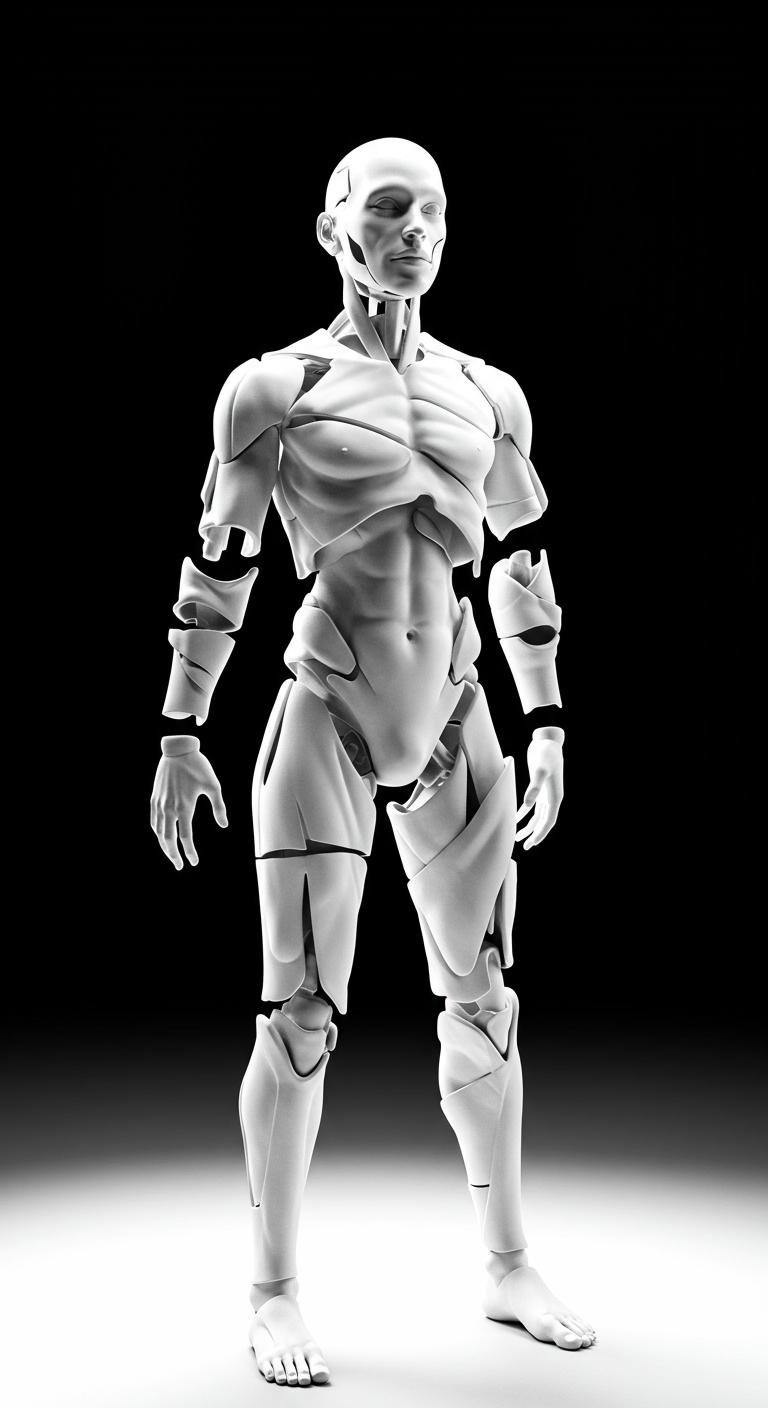
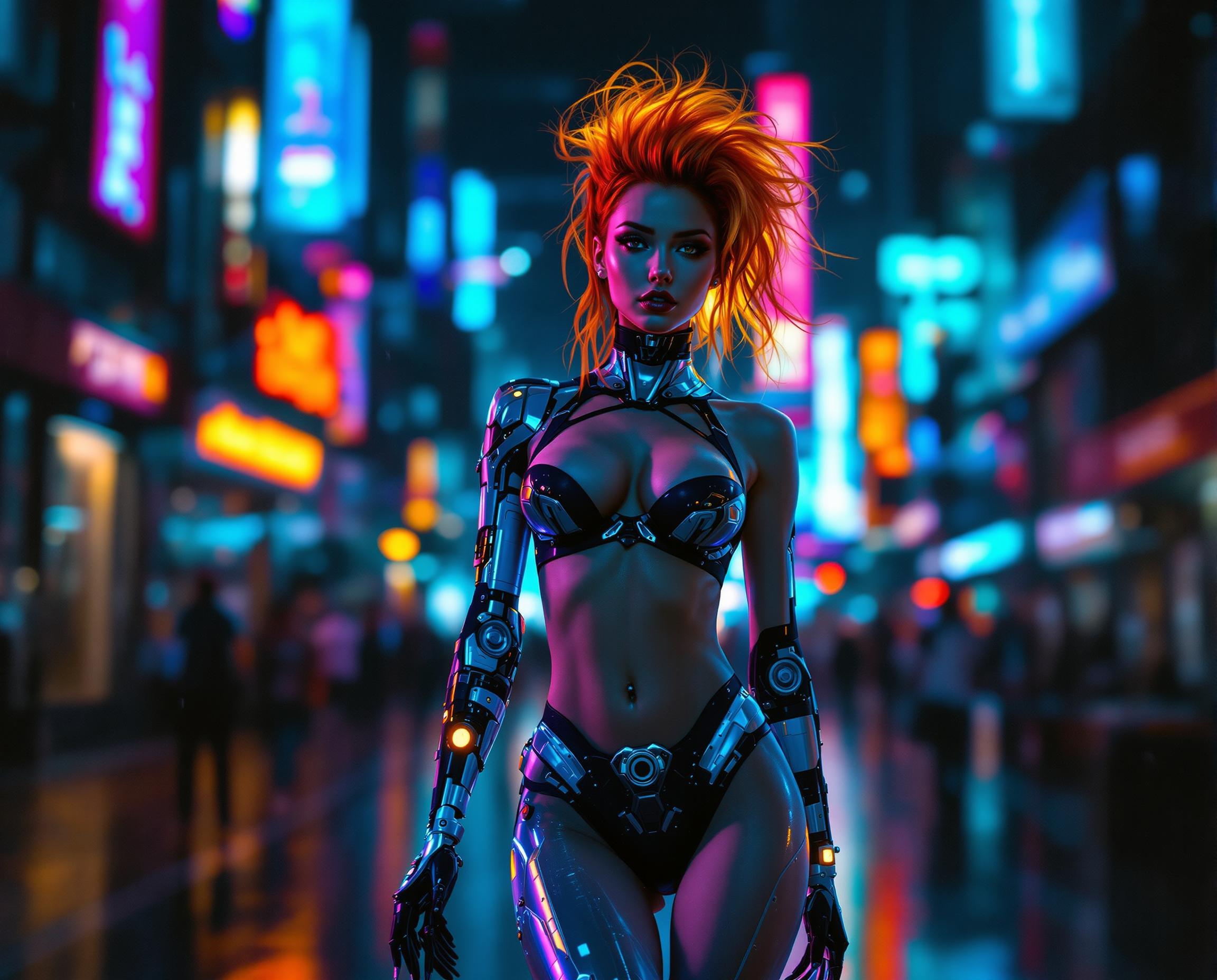
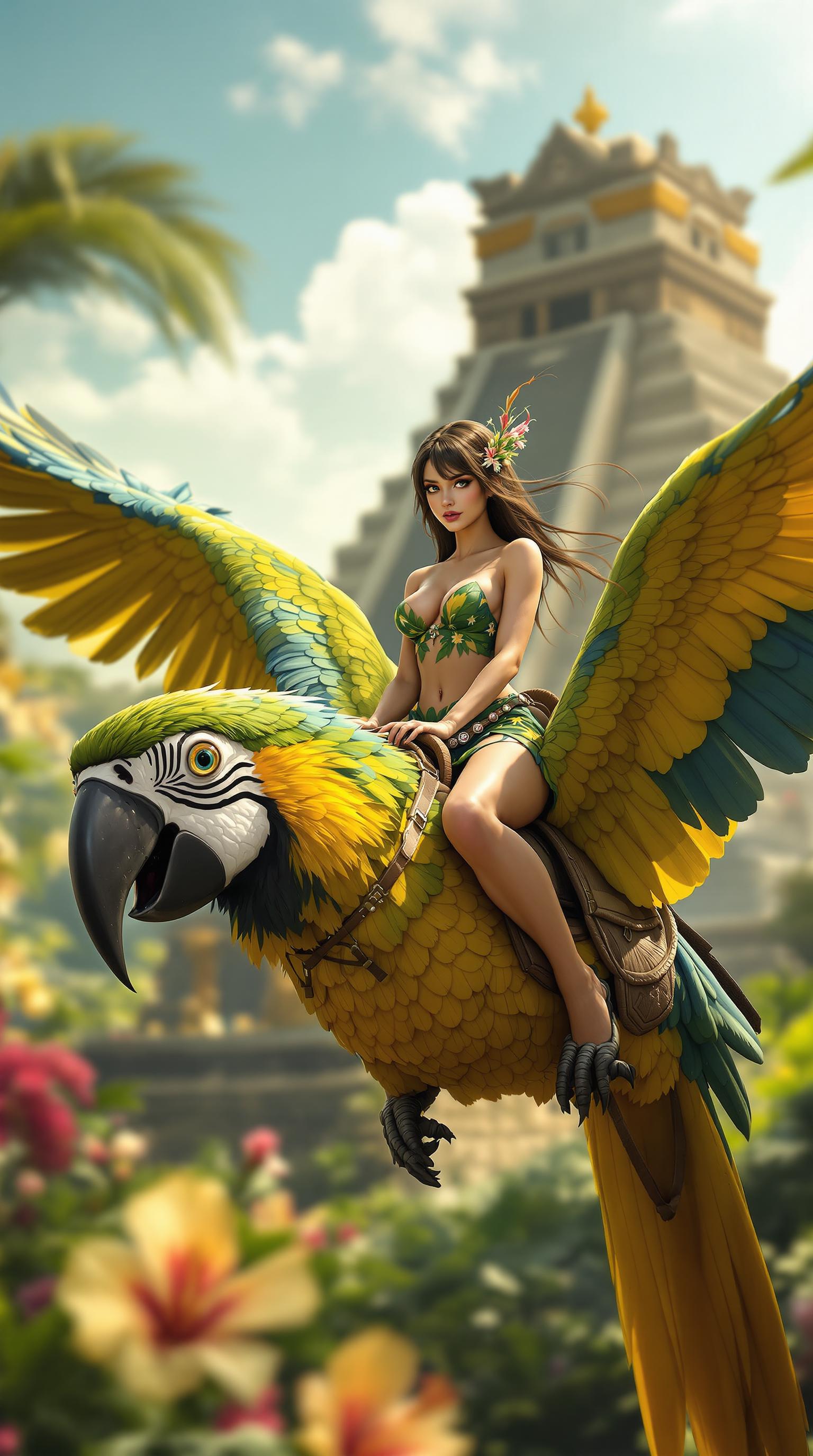
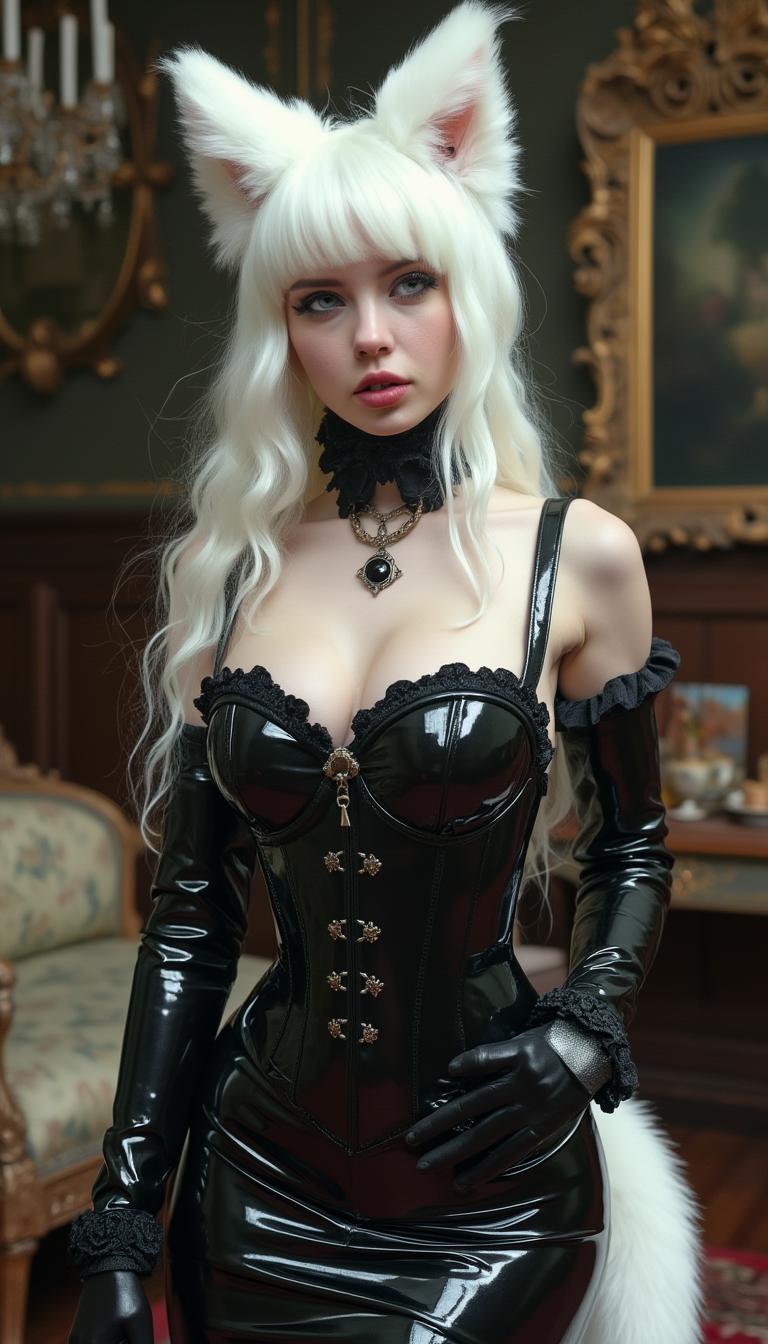
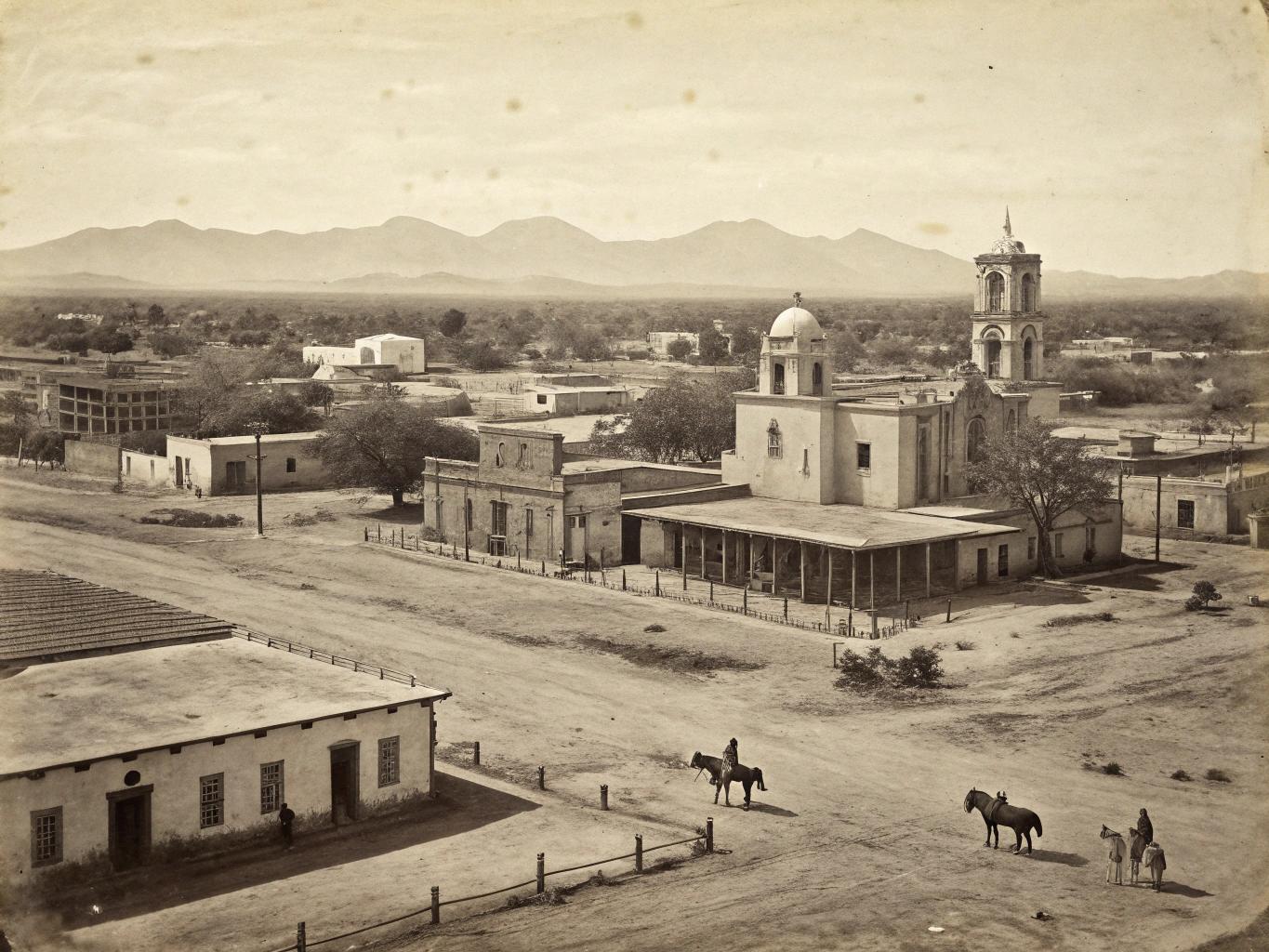
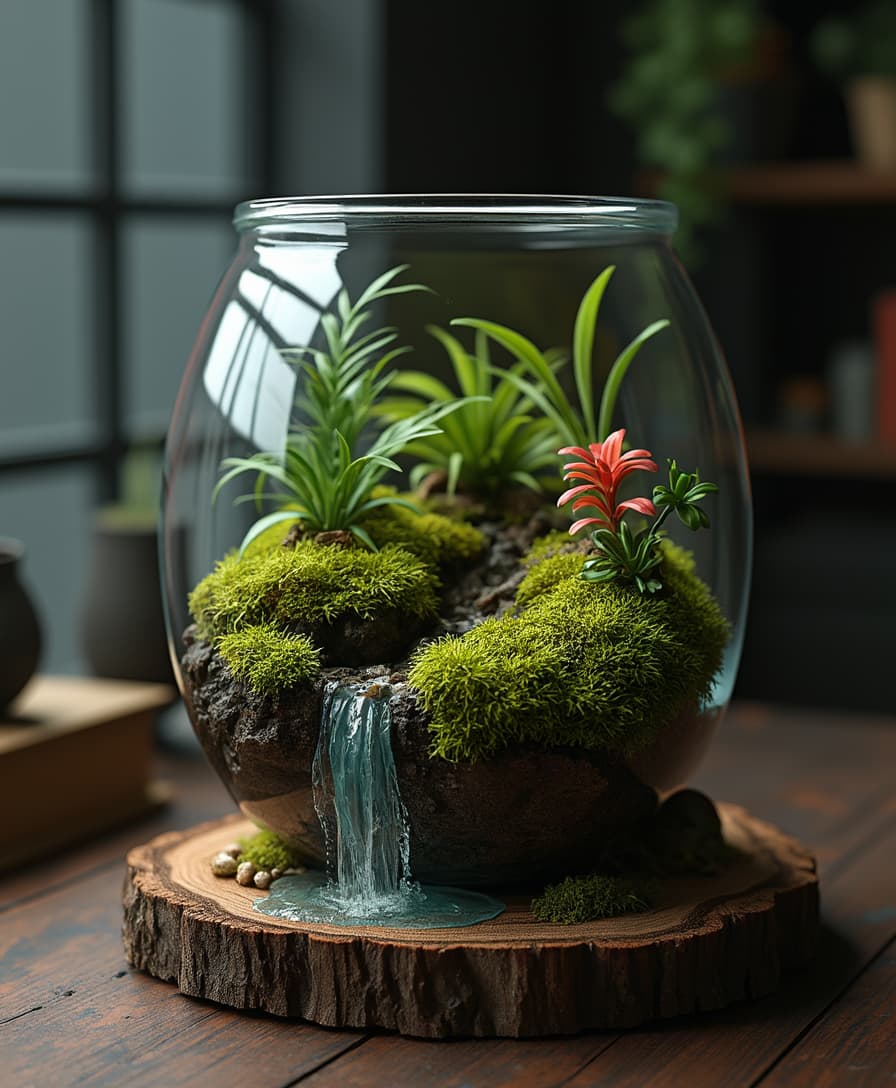
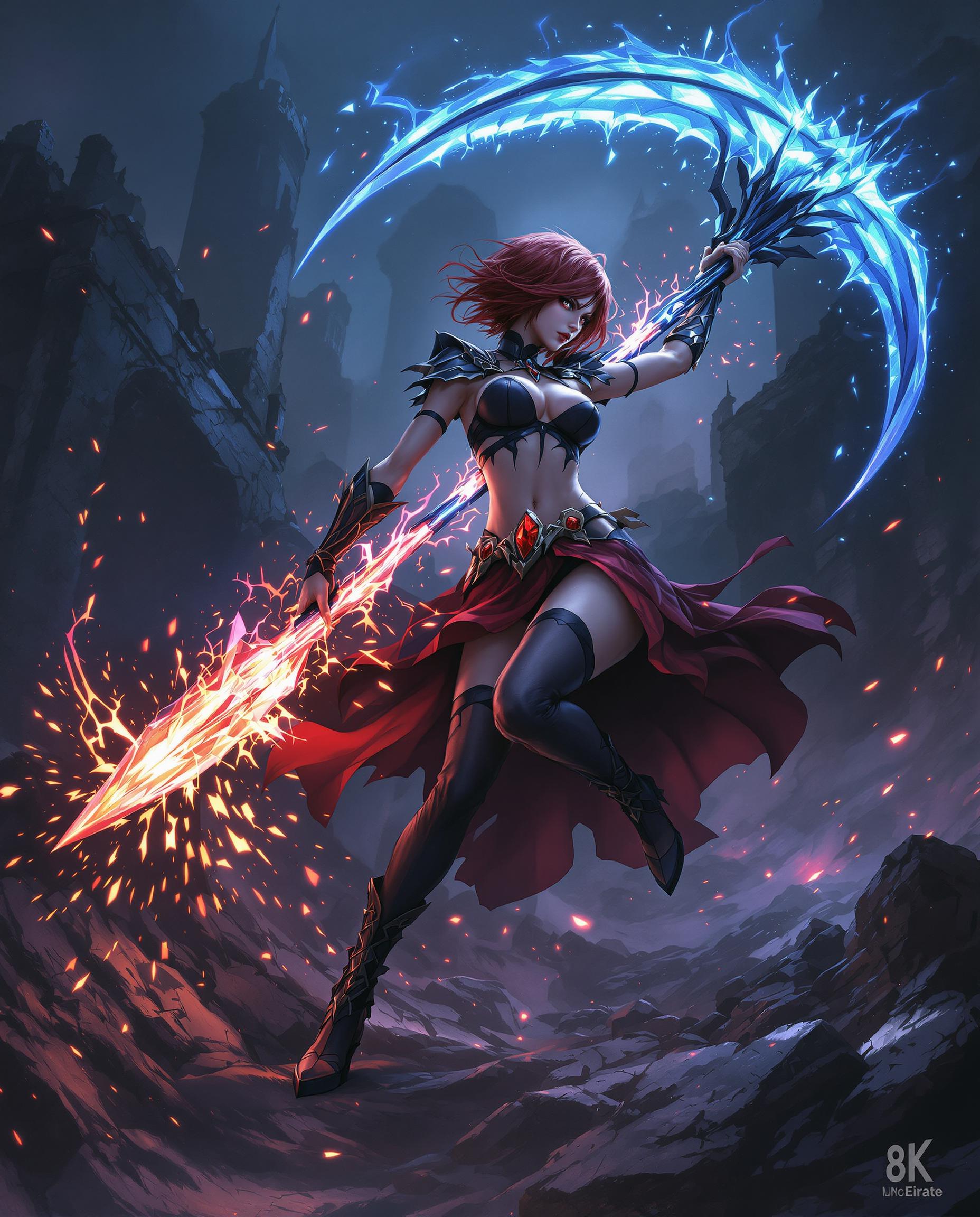
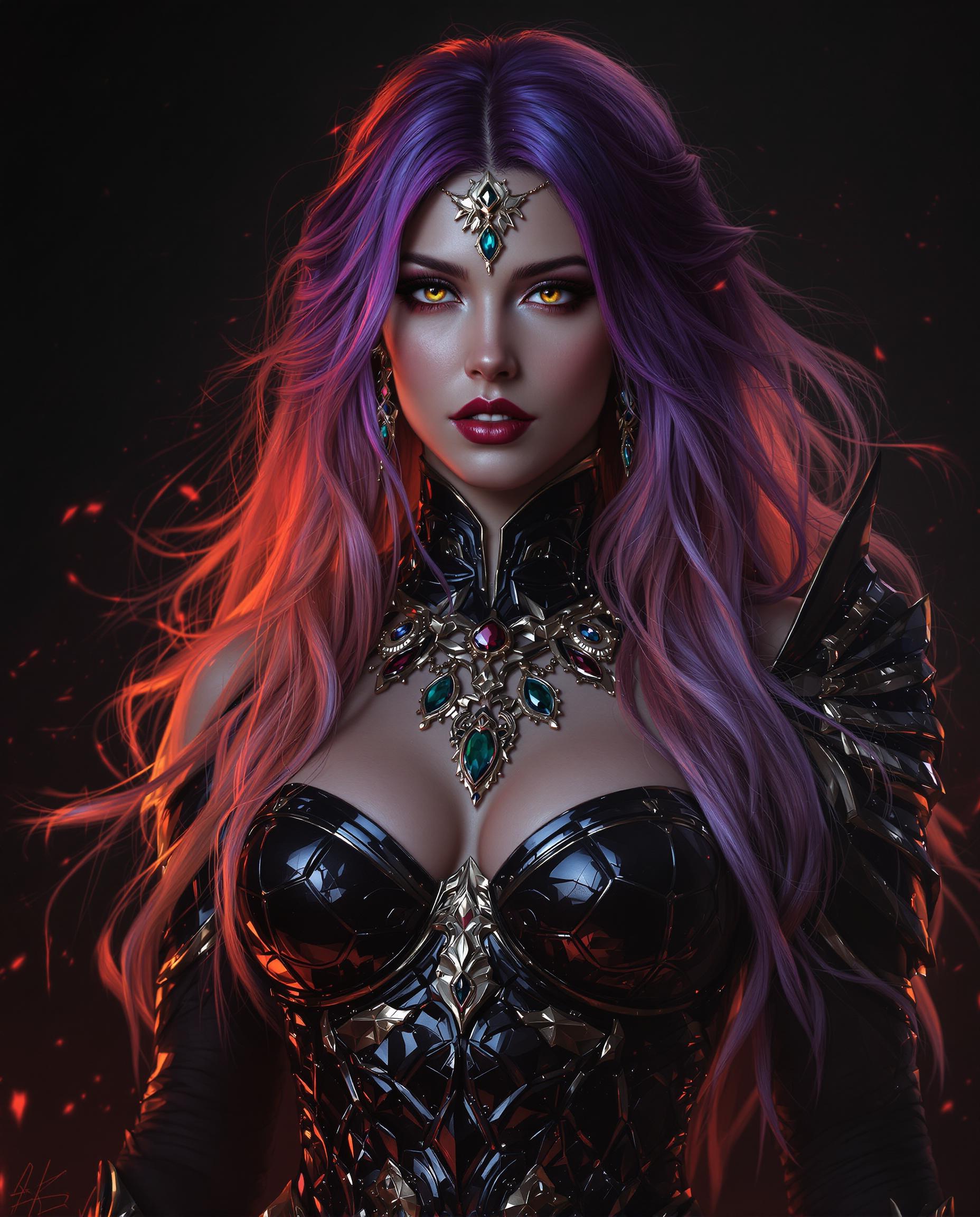

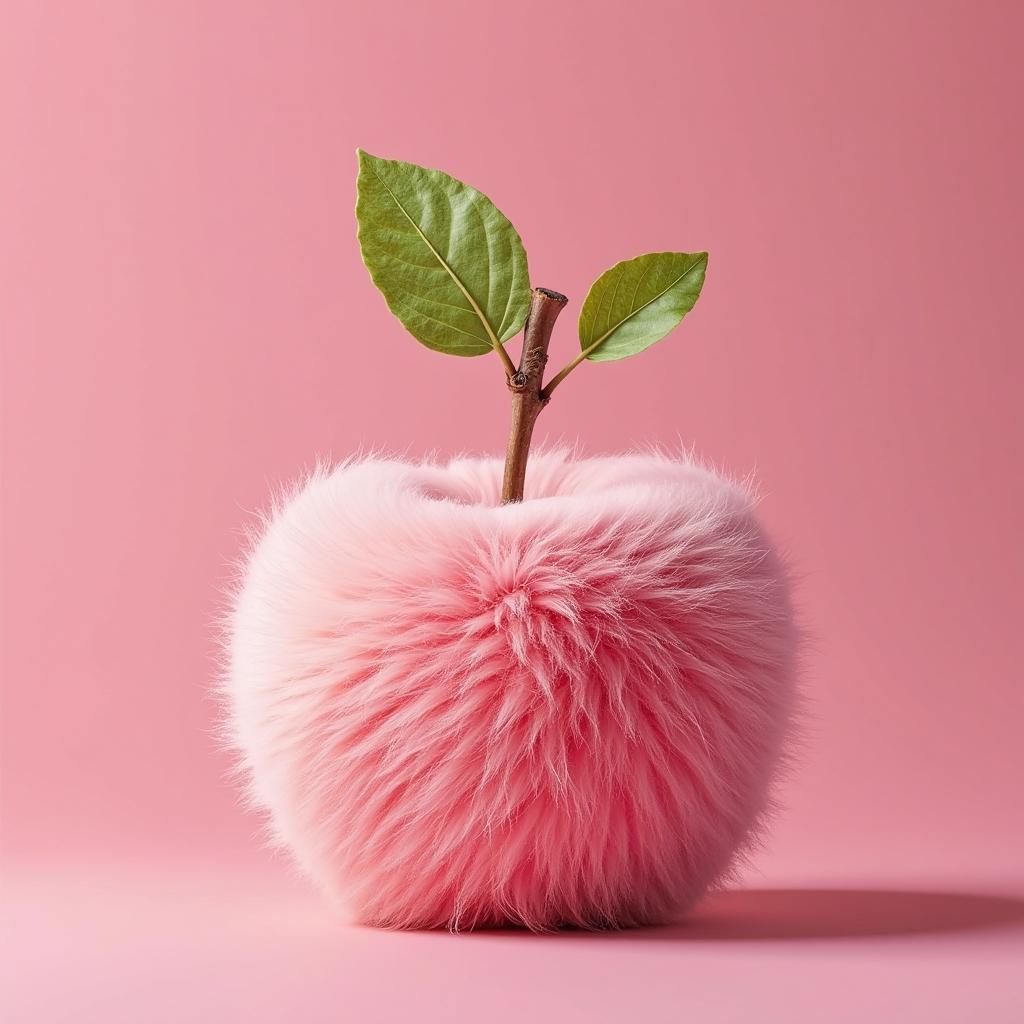
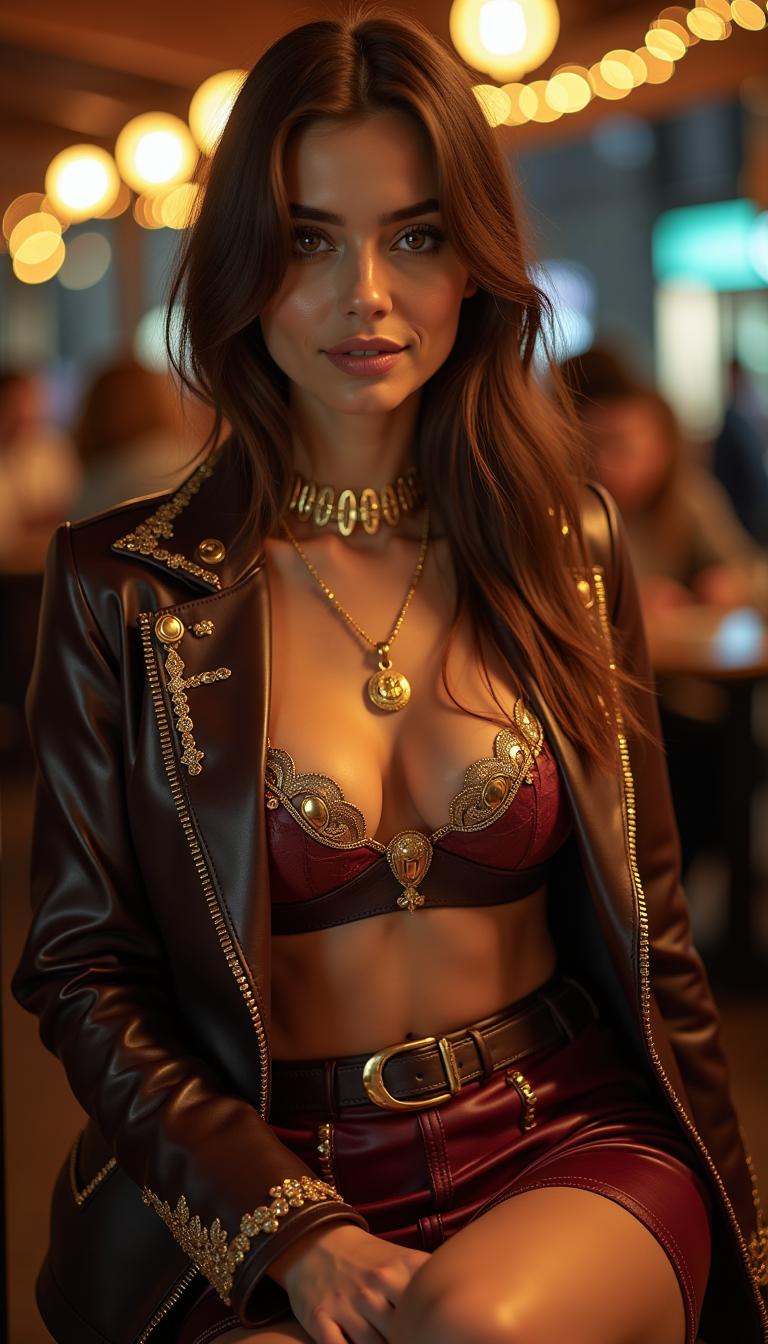

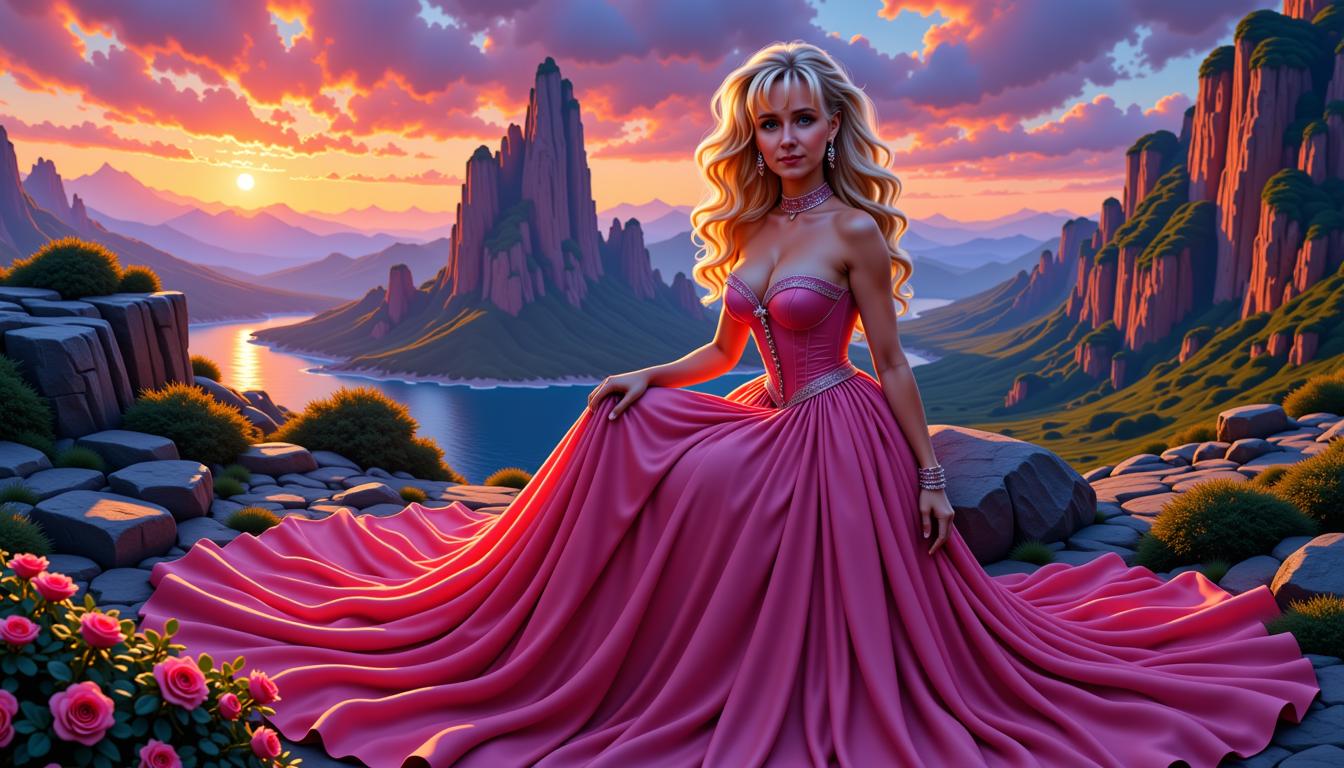
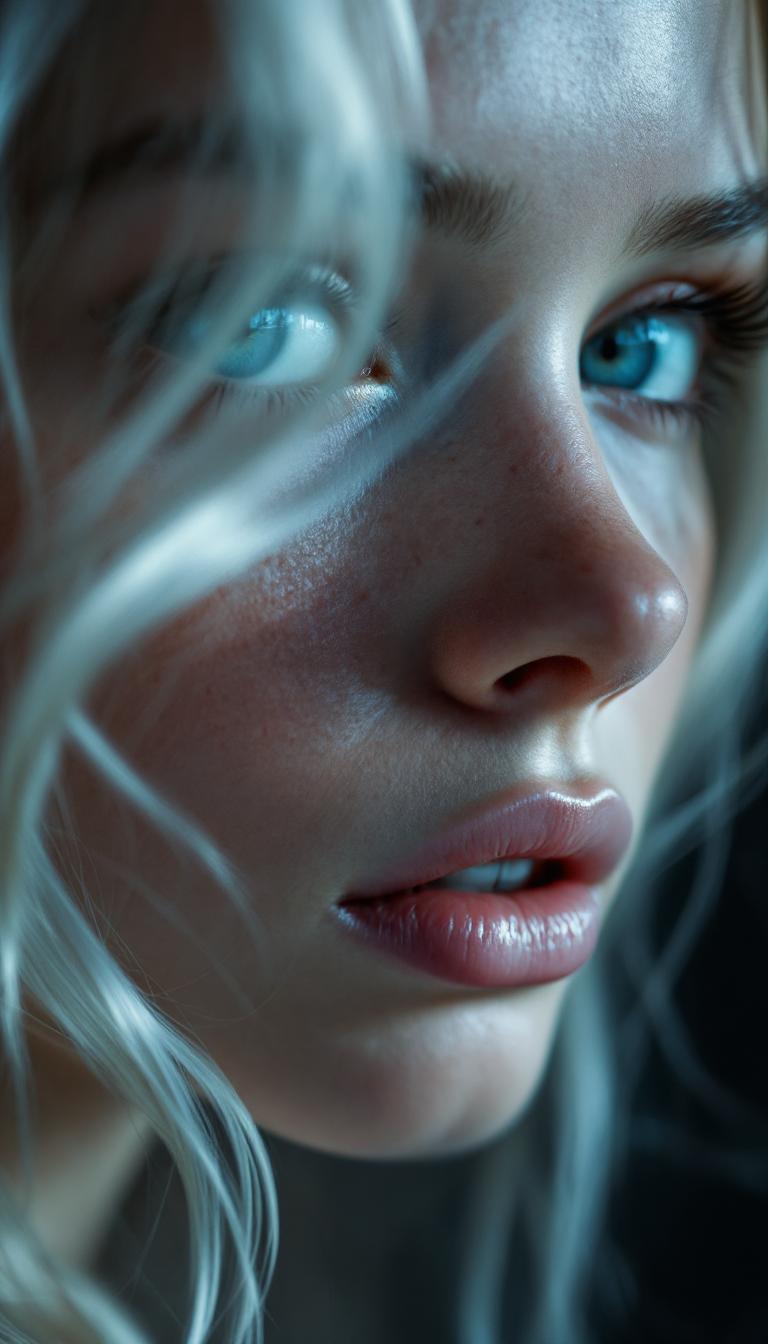

The Pixel Dojo Advantage
Why PixelDojo outperforms other options for product image generation:
| Others | Pixel Dojo |
|---|---|
| Traditional Product Photography | Reduce costs by up to 90% and turnaround time from days to seconds, achieving studio-quality results without the need for physical shoots. |
| Generic AI Image Generators | Leverage specialized tools like WAN 2.6 for advanced lighting and material fidelity, plus access to over 40 integrated editing features for seamless workflow. |
| Manual Photo Editing | Automate complex adjustments with one-click features like Style Transfer and Image Analyzer, allowing you to focus on creativity and results. |
Loved by Creators
See what our community says about Product image generator Wan
"PixelDojo's WAN 2.6 transformed our product images, leading to a 50% increase in online sales. The quality and ease of use are unparalleled."
Alex Johnson
E-commerce Store Owner
"As a marketing director, WAN 2.6 on PixelDojo delivers ad-ready visuals faster than any agency. The editing tools make perfection effortless."
Emily Davis
Marketing Director at Tech Startup
Common Questions
Everything you need to know about Product image generator Wan AI generation
How does PixelDojo's WAN 2.6 generate photorealistic product images?
WAN 2.6 utilizes advanced AI algorithms to interpret your text prompts and generate high-resolution, photorealistic images by simulating studio lighting, textures, and angles, providing professional-quality visuals without the need for physical photography.
Can I customize the generated product images to match my brand's style?
Absolutely. PixelDojo offers extensive customization options, allowing you to adjust elements such as lighting, background, and camera angles to ensure the generated images align perfectly with your brand's aesthetic.
Is there a limit to the number of product images I can generate?
No, PixelDojo allows you to generate an unlimited number of product images, enabling you to create diverse visuals for different products, promotions, and marketing campaigns without any restrictions.
Do I need any prior design experience to use PixelDojo's WAN 2.6?
Not at all. PixelDojo is designed with user-friendliness in mind, making it accessible to users of all skill levels. The intuitive interface and guided prompts make it easy to create professional product images without any prior design experience.
How does PixelDojo's WAN 2.6 compare to traditional product photography?
PixelDojo's WAN 2.6 offers a cost-effective and time-efficient alternative to traditional product photography, delivering studio-quality images without the need for physical shoots, expensive equipment, or professional photographers.
Can I edit the generated product images within PixelDojo?
Yes, PixelDojo provides a suite of editing tools that allow you to refine and enhance your generated images, including options for adjusting lighting, removing backgrounds, and upscaling images to meet your specific requirements.