texture AI Generator
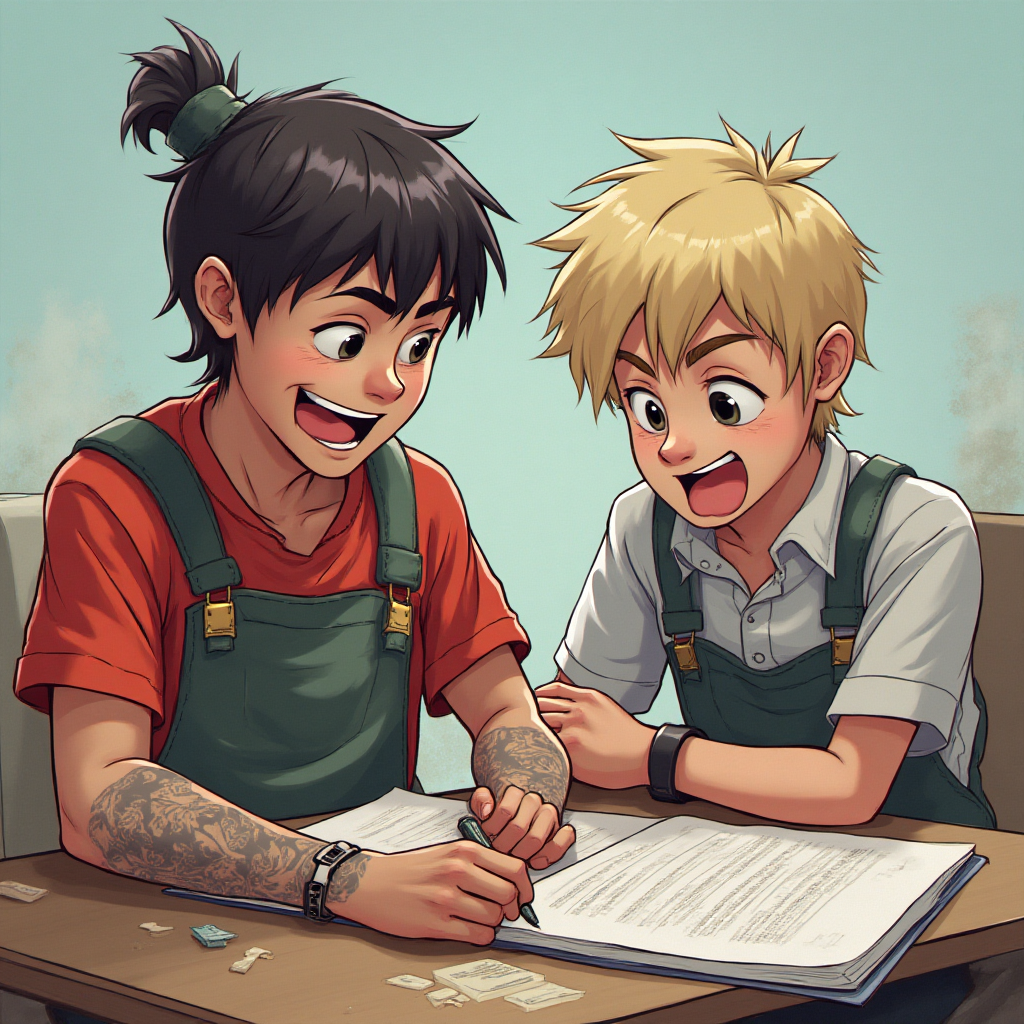
Generated on PixelDojo. Produced by PixelDojo's generation pipeline.
Unlock the power of AI to create breathtaking textures that elevate your projects. With PixelDojo's AI texture generator, you can effortlessly produce seamless patterns, realistic materials, and custom surfaces perfect for game development, graphic design, interior visualization, and 3D modeling. Imagine generating high-resolution wood grains, metallic finishes, fabric weaves, or abstract patterns in seconds – all tailored to your vision. Whether you're a designer saving hours on asset creation, a game developer building immersive worlds, or a hobbyist experimenting with visuals, PixelDojo delivers professional results without the steep learning curve. Based on the latest trends like procedural AI generation and neural style transfer, our tools help you achieve photorealistic or stylized textures that stand out. Start creating textures that captivate and convert your ideas into reality today.
Real image examples generated on PixelDojo
Every example below was produced on PixelDojo. Hover to see the prompt.
texture on PixelDojo
flux-studio
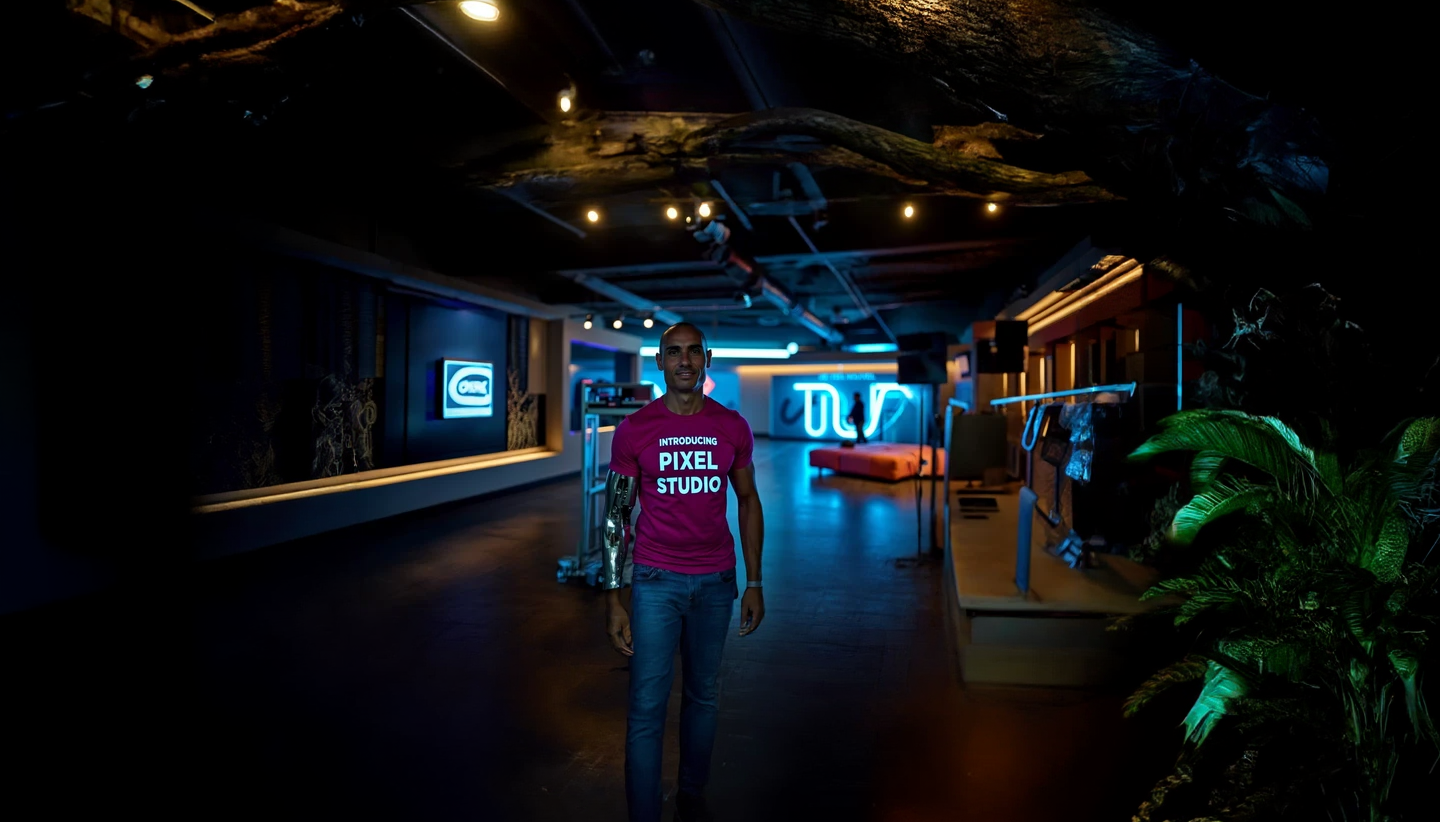
texture on PixelDojo
stable-diffusion

This is a digitally created image of "Marilyn Monroe" that exudes a vintage or retro art s…
flux

A stunning Rubenesque 21-year-old brunette with a voluptuous figure
flux
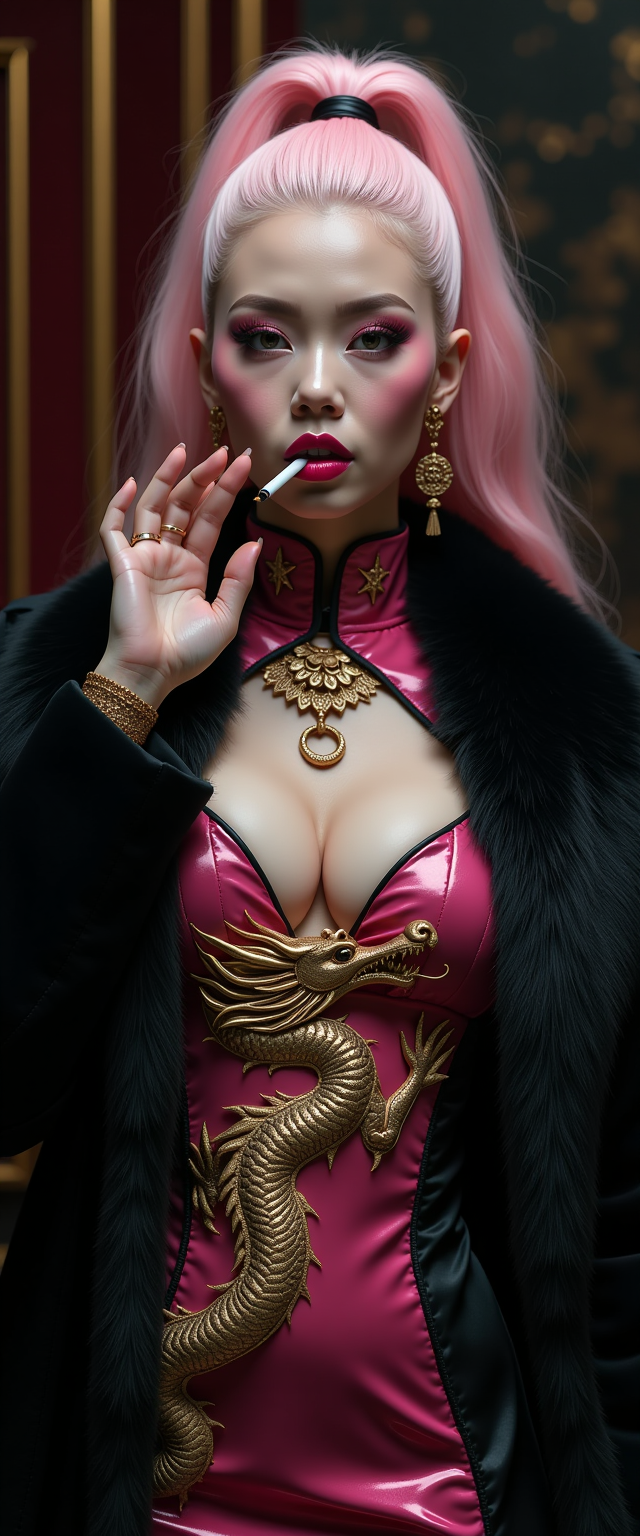
A striking mid-30s Asian vampire queen with pale
stable-diffusion
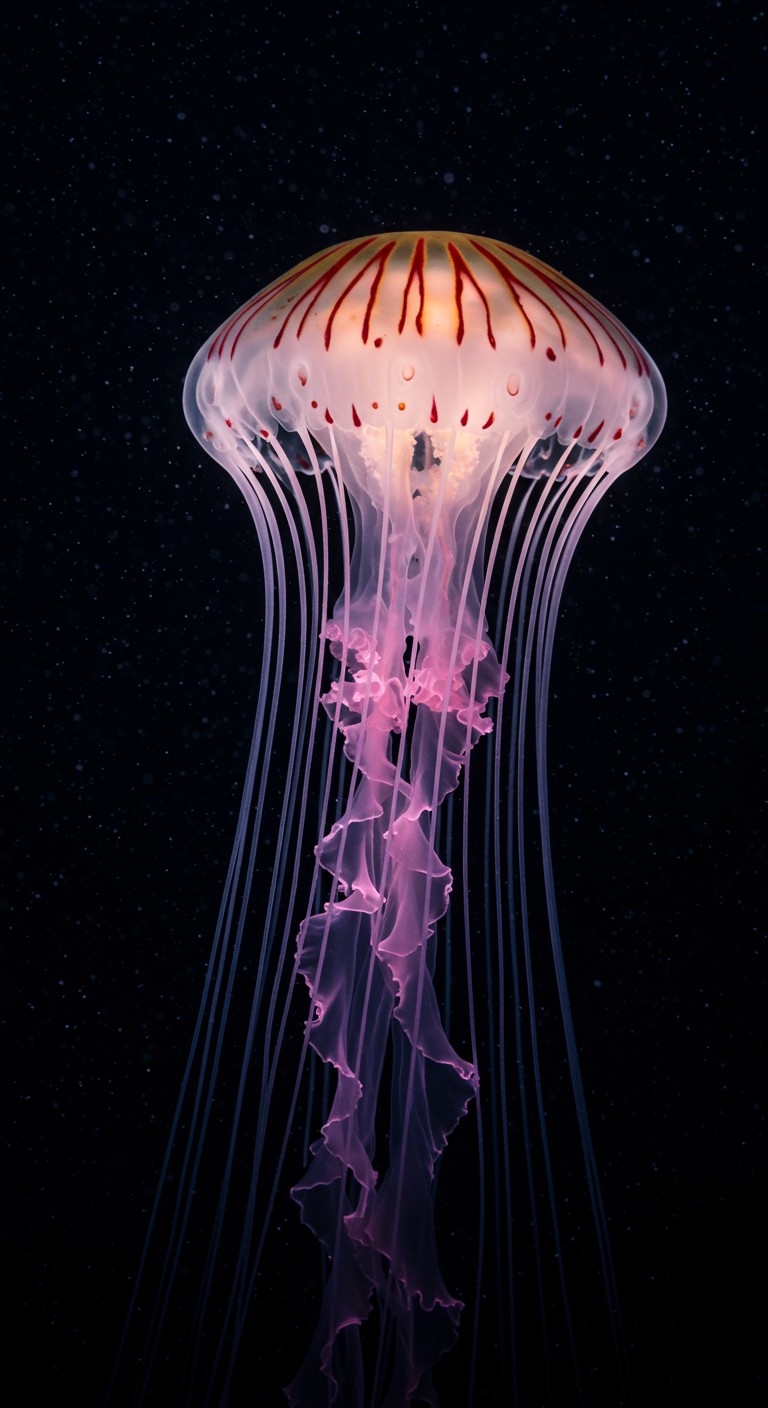
Photo RAW
imagen
Models you can run on PixelDojo for texture
Switch models without switching tools. Each one runs in the same PixelDojo studio.
What you can do with texture on PixelDojo
Fine Grained Texture Control
We enable precise adjustment of surface details in generated images. Creators specify texture scales and patterns directly.
Access to Material Texture Library
Our platform includes a collection of base textures for common materials. Users apply these to custom scenes.
Generate Textures Procedurally
We support creation of textures using procedural methods. This allows variation without manual input.
Ensure Texture Consistency in Scenes
Creators maintain matching textures on objects from multiple angles. We handle the alignment automatically.
Trusted by over 50,000 creators worldwide | 4.9/5 stars from 2,500+ reviews | Featured in top design blogs | Millions of textures generated monthly
Why Choose Pixel Dojo for texture
Professional-quality results with cutting-edge AI technology
Effortless Custom Textures
Create unique, high-resolution textures tailored to your exact needs, saving you time and letting you focus on your creative vision rather than manual editing.
Seamless Integration for Projects
Generate textures that perfectly fit into games, 3D models, or designs, enhancing realism and immersion without compatibility issues.
Unlimited Creative Possibilities
Explore endless variations from realistic materials to abstract patterns, empowering you to innovate and stand out in your field.
How It Works
Creating stunning AI textures with PixelDojo is simple and intuitive. Leverage our advanced tools to turn your ideas into downloadable assets ready for use in any project.
Step 1: Choose Your Tool
Select from specialized AI models like Flux, SDXL, or PonyXL for texture generation. These tools are optimized for creating detailed, seamless textures based on current techniques like diffusion models and procedural mapping.
Step 2: Enter Your Prompt
Describe your desired texture, such as 'rusty metal surface with rivets' or 'silky fabric weave in blue tones.' Use our prompt enhancer for better results, incorporating trends like PBR material simulation.
Step 3: Customize & Download
Refine with editors like Material Transfer or Creative Upscaler to adjust lighting, scale, or style. Download in high-res formats ready for Unity, Blender, or Photoshop integration.
The Pixel Dojo Advantage
Why PixelDojo outperforms other options for texture image generation
| Others | Pixel Dojo |
|---|---|
| Traditional texture creation | Skip hours of manual drawing or photography; generate infinite variations instantly with AI precision for faster project completion. |
| Generic AI tools | Access specialized texture-focused models like Flux and SDXL, ensuring seamless, tileable results optimized for professional use cases. |
| Manual photo editing | Avoid tedious adjustments; our AI handles complexity, delivering ready-to-use textures with built-in editing for perfect customization. |
Loved by creators on PixelDojo
Real feedback from people using PixelDojo, pulled from our in-product surveys.
Prompt updates, strong features, and a community that is always willing to help and hear/act on professional feedback. I've never had a better experience.
user friendly all in one thing
I really like the schedule of AI work performed!
The best tools for IA on the web !
The guy that operates the website is constantly updating it
I’ve been using PixelDojo for around 8 months now and it’s always worked wonderfully while constantly adding features.
Explore more AI tools on PixelDojo
AI Tools
Compare & Switch
- Best AI Image Generators
- Best AI Video Generators
- Midjourney Alternatives
- Civitai Alternatives
- Runway Alternatives
- Leonardo Alternatives
- Pika Alternatives
- Luma Alternatives
- Magnific Alternatives
- Veo Alternatives
- Flux Alternatives
- Freepik Alternatives
- Seedance Alternatives
- Seedream Alternatives
- Pixverse Alternatives
- GPT Image Alternatives
- Synthesia Alternatives
- Playground Alternatives
- NightCafe Alternatives
- Canva AI Alternatives
- ElevenLabs Alternatives
- ComfyUI Alternatives
- Fal Alternatives
- Replicate Alternatives
Common Questions
Everything you need to know about texture
How can I use an AI texture generator to create seamless patterns for game design?
With PixelDojo's AI texture generator, you can create seamless patterns effortlessly using tools like SDXL or PonyXL. Simply input a prompt describing your pattern, such as 'seamless grass texture for terrain,' and our AI ensures tileable edges. Customize with Material Transfer for realistic PBR effects, then download for direct import into engines like Unity. This saves you time, allowing focus on gameplay while achieving high-fidelity results loved by thousands of developers.
What are the best AI tools for generating realistic material textures like wood or metal?
PixelDojo offers top tools like Flux and REVE Image for generating realistic material textures. Describe 'detailed oak wood grain with knots' in your prompt, and refine with Magic Lighting or Creative Upscaler for enhanced depth. These leverage latest trends in diffusion-based generation, producing textures ready for 3D modeling. Join our community of creators who cancel anytime and start building immersive worlds today.
Can I generate custom AI textures for 3D printing or product design?
Absolutely! Use PixelDojo's ImagineArt 1.0 or Hunyuan Image 3 to generate custom textures for 3D printing. Prompt for 'bumpy rubber surface texture' and edit with Inpainting or Outpainting for precision. Our 40+ tools ensure high-res outputs compatible with software like Blender, helping you prototype faster and innovate without limits.
How does AI texture generation compare to traditional methods for fabric design?
AI texture generation with PixelDojo outperforms traditional methods by providing speed and variety. Tools like Grok 2 Image allow prompts like 'intricate silk weave pattern,' with Style Transfer for artistic tweaks. This eliminates manual weaving simulations, delivering endless options in minutes – perfect for designers seeking efficiency and trusted by thousands worldwide.
What techniques does an AI texture generator use for procedural textures?
PixelDojo incorporates latest procedural techniques in models like QWEN Image and Runway Gen-4 Image, generating textures algorithmically for infinite variations. Prompt 'procedural noise texture for clouds,' then upscale with Multidiffusion Upscaler. This approach, based on current trends like neural networks, ensures dynamic, non-repetitive results for your projects, with easy cancellation if needed.
How to edit and upscale AI generated textures for professional use?
Edit AI generated textures in PixelDojo using Background Remover, Inpainting, or Video Upscaler for videos. Start with a base from SDXL, apply changes like 'add metallic sheen,' and upscale to 4K. Our suite of 40+ tools makes professional refinement simple, helping you achieve polished outcomes that convert ideas into standout designs – try it risk-free today.