texture background AI Generator
Unlock endless creativity with PixelDojo's AI texture background generator. Whether you're designing websites, crafting game environments, or enhancing digital art, our tools let you produce high-quality, seamless texture backgrounds that captivate and inspire. Imagine turning simple ideas into photorealistic wood grains, metallic surfaces, or abstract patterns that perfectly fit your vision – all without expensive software or hours of manual work. With PixelDojo, you achieve professional results fast, boosting your projects' appeal and saving valuable time.
Join over 50,000 creators who trust PixelDojo for their AI generation needs. Rated 4.9/5 stars from 2,500+ reviews on Trustpilot. Featured in top design blogs for innovative texture creation.
Why Choose Pixel Dojo for texture background
Professional-quality results with cutting-edge AI technology
Effortless Custom Textures
Generate unique texture backgrounds tailored to your exact needs, helping you stand out in web design, branding, or product visuals without starting from scratch.
Lightning-Fast Creation
Produce high-resolution textures in moments, accelerating your workflow and allowing you to iterate quickly on ideas for faster project completion.
Versatile Design Integration
Seamlessly incorporate AI-generated textures into any project, enhancing aesthetics and user engagement across websites, apps, and marketing materials.
How It Works
Creating texture backgrounds with PixelDojo is simple and intuitive. Use our advanced AI models to bring your concepts to life in just a few steps.
Step 1: Choose Your Tool
Select from powerful options like Flux or SDXL to start generating your texture. These tools are optimized for creating detailed, seamless patterns perfect for backgrounds.
Step 2: Enter Your Prompt
Describe your desired texture, such as 'rustic leather with subtle cracks' or 'futuristic metallic sheen.' Adjust parameters for resolution and style to match your project.
Step 3: Customize & Download
Refine with editing tools like Style Transfer or Creative Upscaler, then download your high-res texture ready for use in your designs.

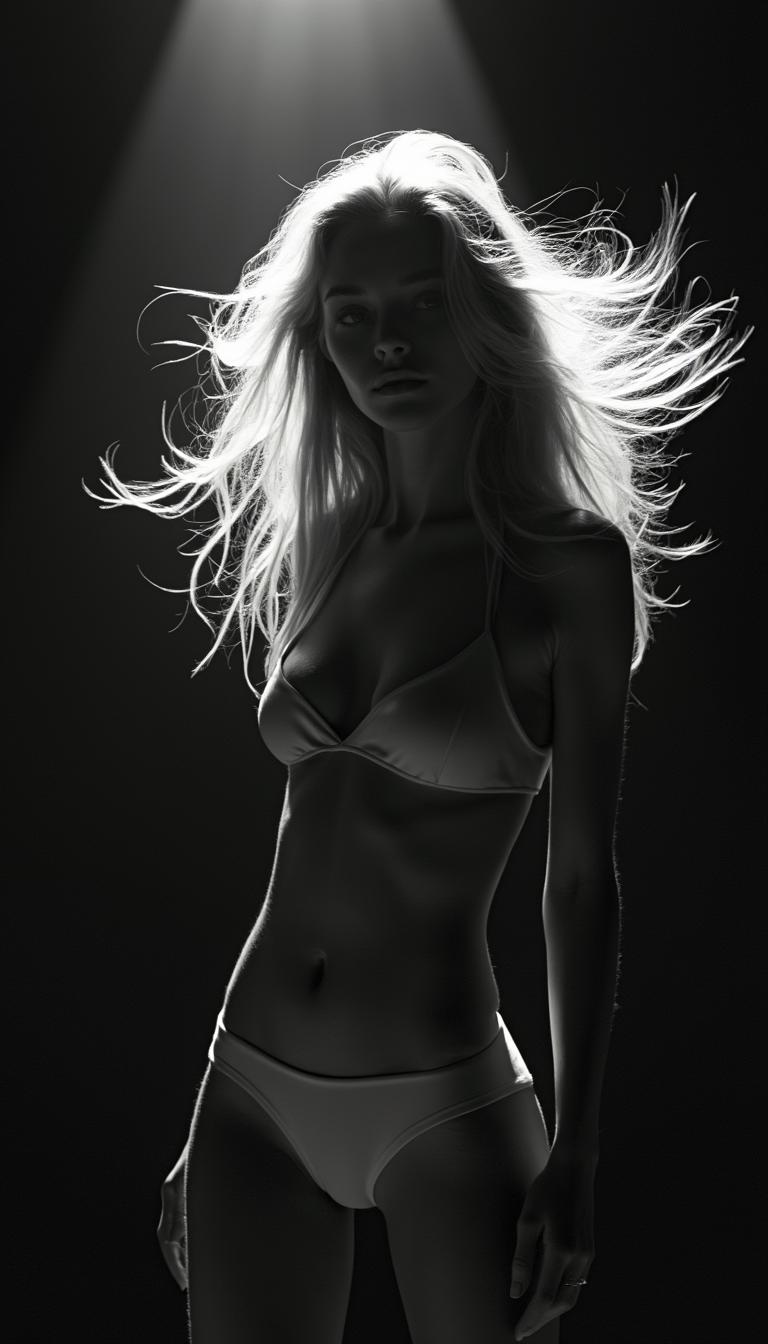
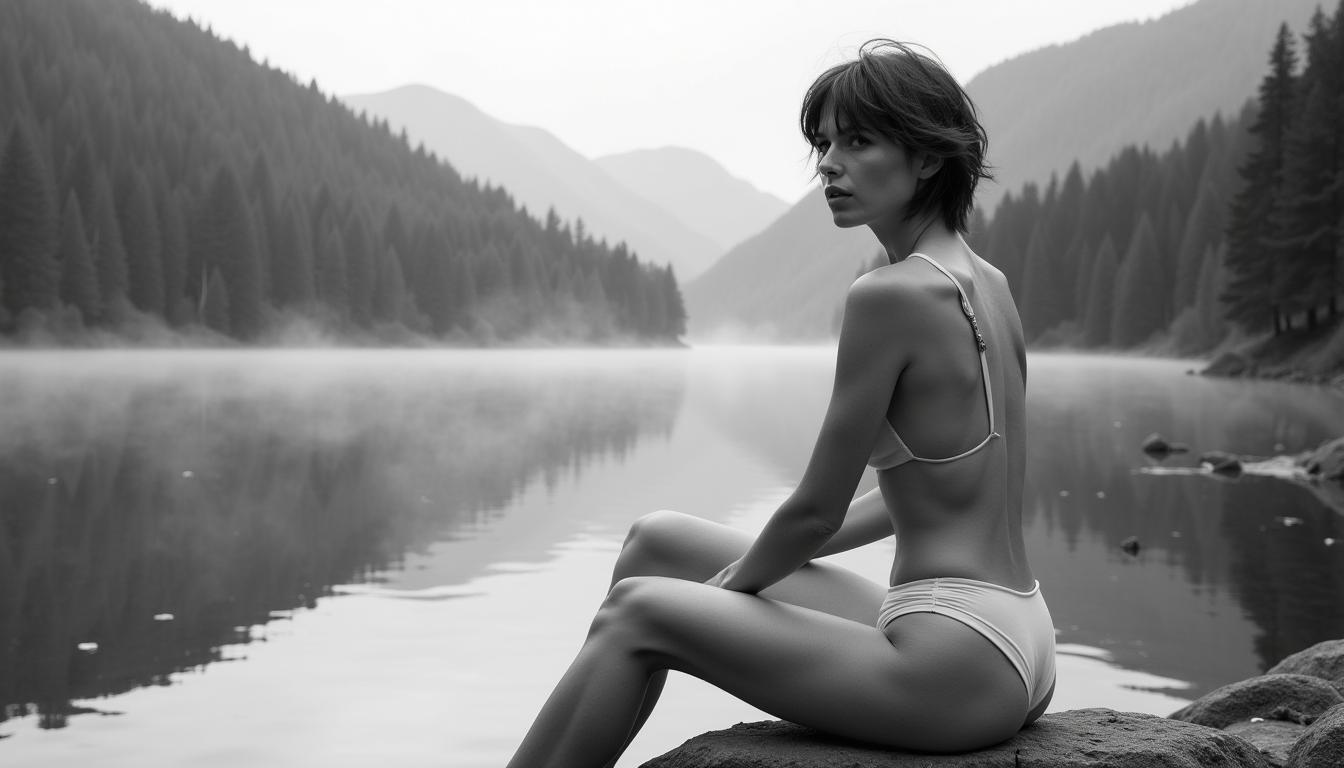
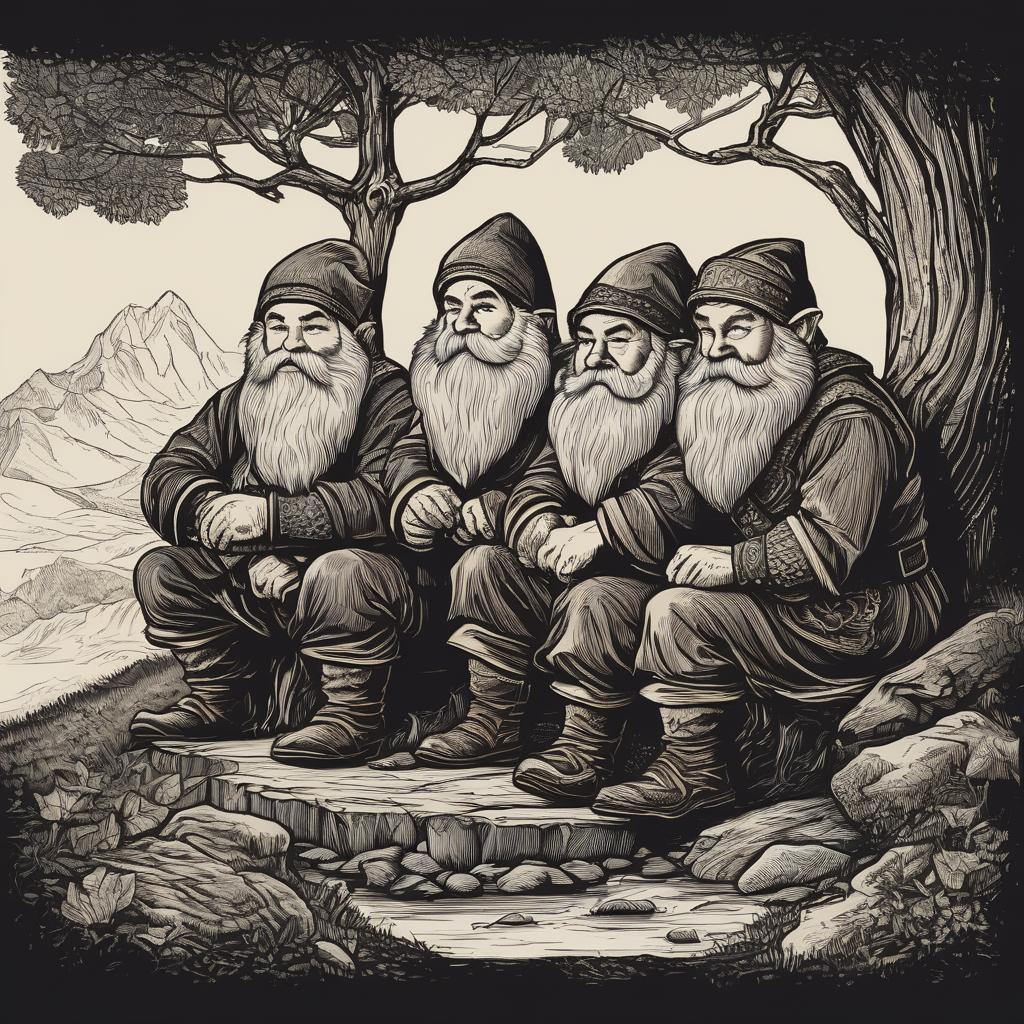


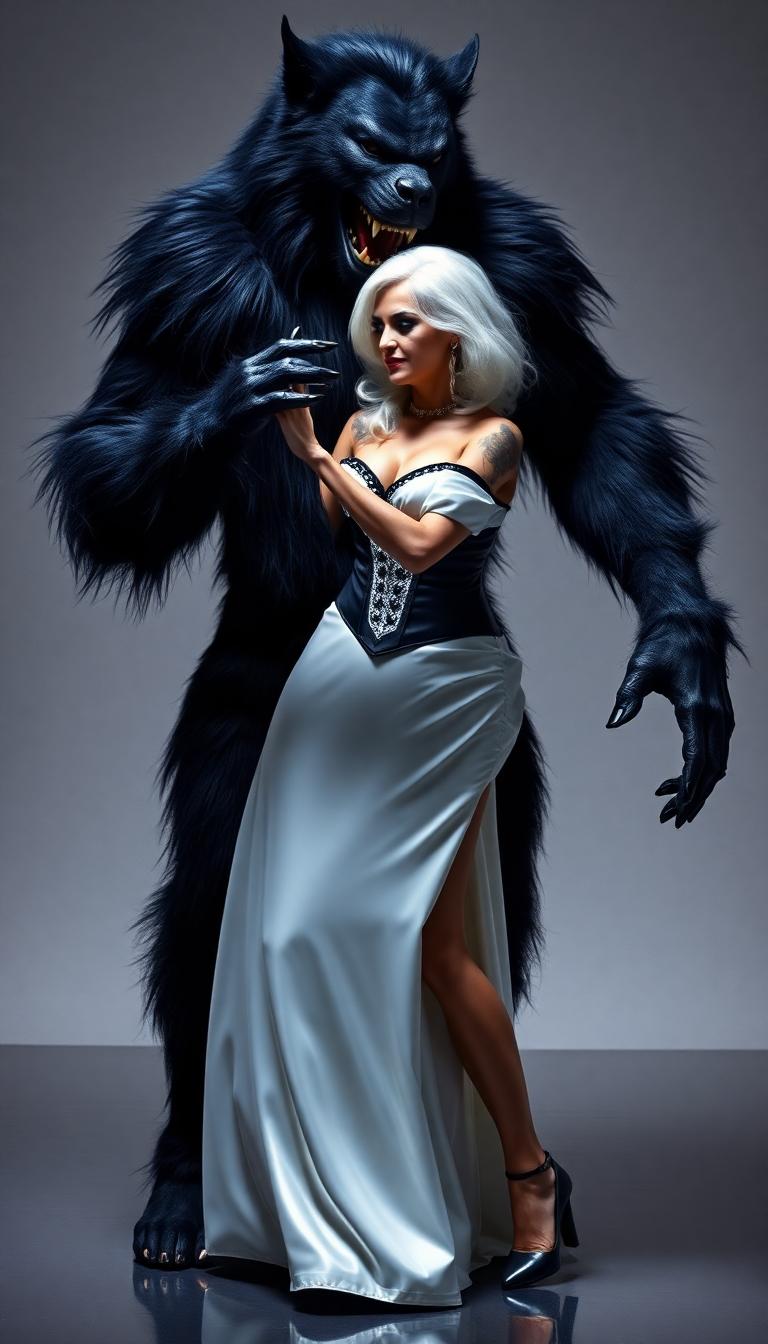





The Pixel Dojo Advantage
Why PixelDojo outperforms other options for texture background image generation
| Others | Pixel Dojo |
|---|---|
| Traditional texture creation | Skip manual drawing or photography; generate infinite variations instantly with AI precision, saving hours of labor. |
| Generic AI tools | Access specialized models like Flux and SDXL for seamless, tileable textures that integrate perfectly into professional workflows. |
| Manual photo editing | Avoid tedious adjustments; our AI delivers ready-to-use, customizable textures with consistent quality every time. |
Loved by Creators
See what our community says about texture background
"PixelDojo transformed how I create texture backgrounds for my web designs. The seamless results are incredible, and it's so easy to use!"
Sarah Chen
Web Designer
"As a game developer, I love how quickly I can generate custom textures. PixelDojo has cut my production time in half."
Mike Rodriguez
Indie Game Developer
Common Questions
Everything you need to know about texture background AI generation
How can I create seamless texture background images with AI?
With PixelDojo, use tools like SDXL or Flux to generate seamless textures. Enter a prompt describing your texture, such as 'seamless stone wall pattern,' and our AI ensures tileable results. Customize with Multidiffusion Upscaler for higher resolution, making it ideal for web backgrounds or game assets.
What are the latest trends in AI-generated texture backgrounds?
Current trends include hyper-realistic materials like eco-friendly fabrics and abstract digital patterns. PixelDojo's models like PonyXL and REVE Image stay ahead by incorporating 2024 techniques, such as diffusion-based generation for photorealistic outputs, helping you create trending textures for modern designs.
Can I edit AI-generated texture backgrounds for custom projects?
Absolutely! PixelDojo offers editing tools like Inpainting, Outpainting, and Material Transfer. Start with a base texture from ImagineArt 1.0, then modify elements to fit your needs, ensuring your backgrounds perfectly match branding or artistic visions.
How to generate high-resolution texture backgrounds for websites?
PixelDojo's Creative Upscaler and Flux let you create 4K+ textures. Input prompts like 'high-res metallic gradient background' and upscale for crisp, load-optimized web use, enhancing site performance and visual appeal without compromising quality.
What techniques does AI use for realistic texture background generation?
PixelDojo employs advanced diffusion techniques in models like Grok 2 Image and QWEN Image to simulate real-world materials. This results in lifelike textures, from organic wood to synthetic fabrics, allowing you to achieve professional realism in your creative projects effortlessly.
Are there free tools for AI texture background creation?
PixelDojo offers a free tier with access to tools like SDXL for basic texture generation. Upgrade for unlimited use of premium features like HiDream and Dreamina 3.1, loved by thousands for creating diverse textures – cancel anytime with no risk.