Vidu reference to video AI Generator
Bring your creative visions to life with Vidu's Reference to Video feature. This powerful tool allows you to generate high-quality videos that maintain consistent characters, objects, and scenes throughout. Whether you're an animator, marketer, or content creator, Vidu empowers you to produce professional-grade videos with ease.
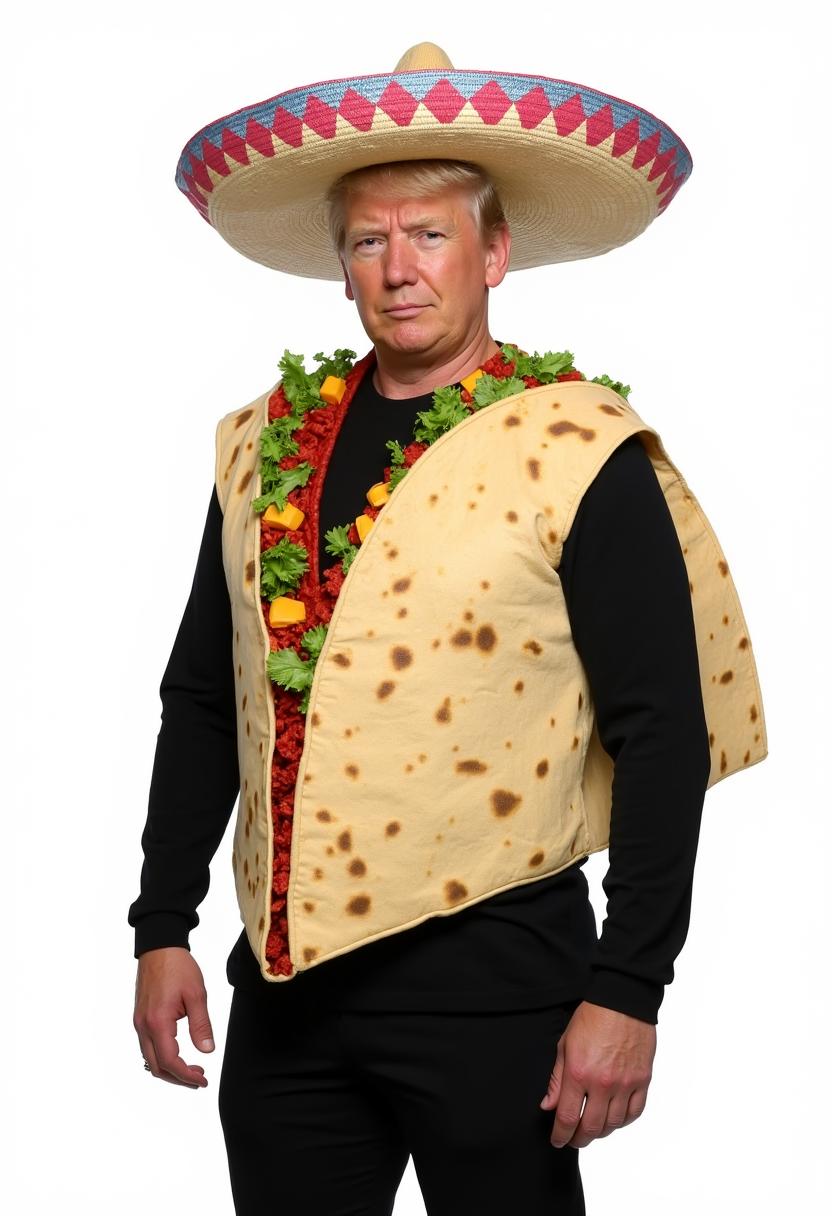
Join thousands of creators who have generated over 400 million videos using Vidu's AI technology.
Why Choose Pixel Dojo for Vidu reference to video
Professional-quality results with cutting-edge AI technology
Maintain Visual Consistency
Ensure characters and scenes remain consistent across your videos, enhancing storytelling and brand identity.
Simplify Complex Animations
Easily create intricate animations by providing multiple reference images, reducing the need for manual adjustments.
Accelerate Video Production
Generate high-quality videos in minutes, significantly reducing production time and costs.
How It Works
Creating consistent AI-generated videos with Vidu is straightforward. Follow these steps to bring your ideas to life:
Step 1: Upload Reference Images
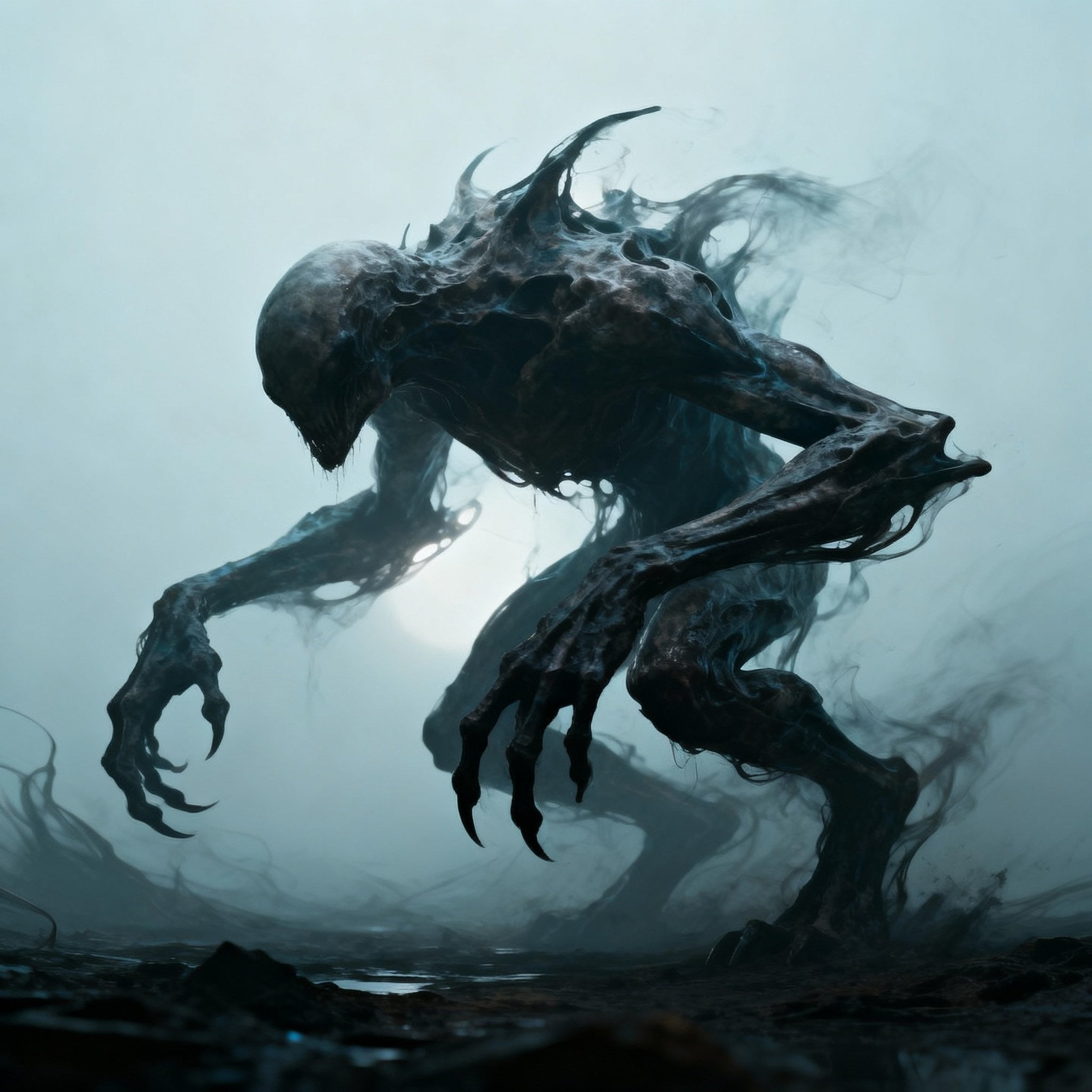
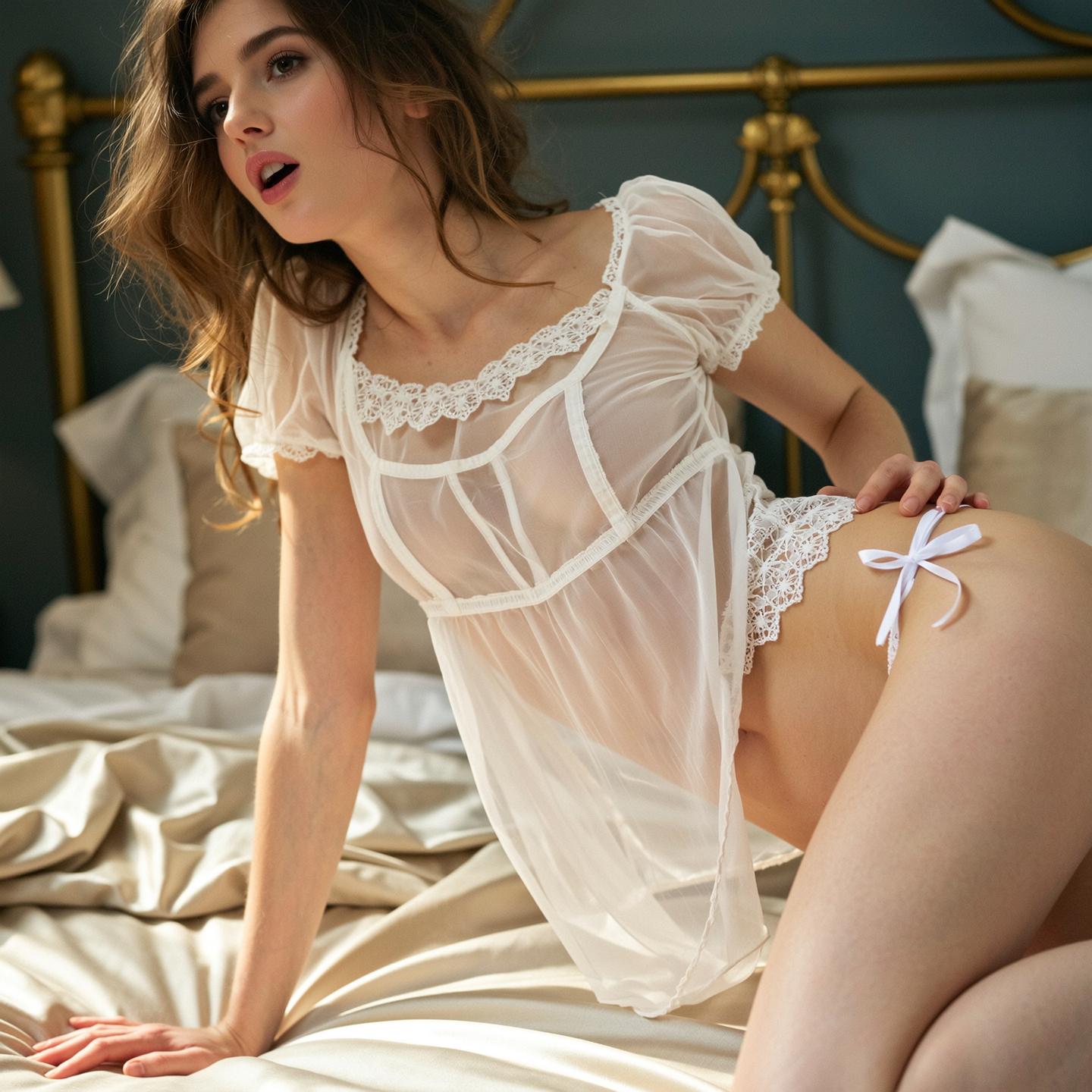
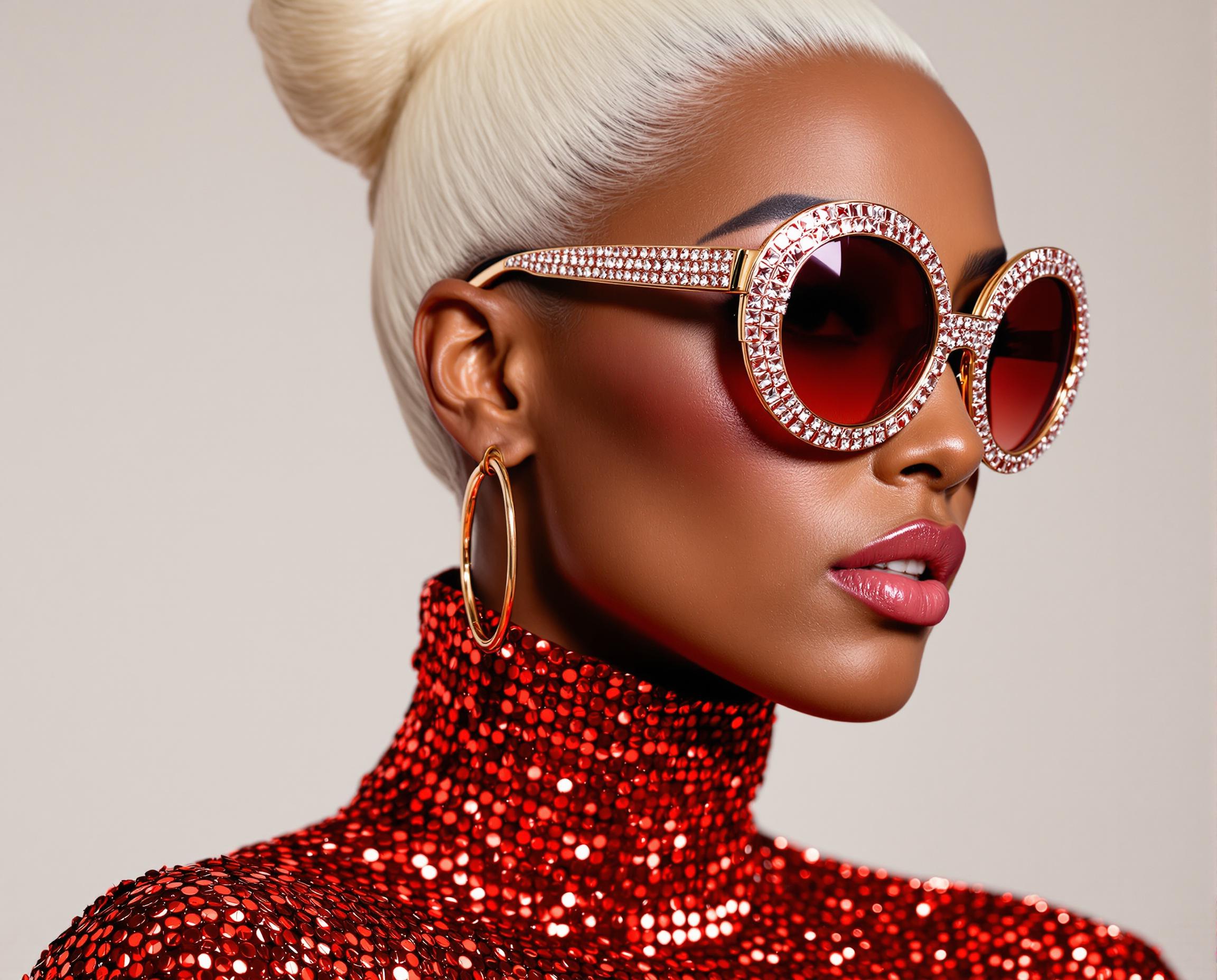
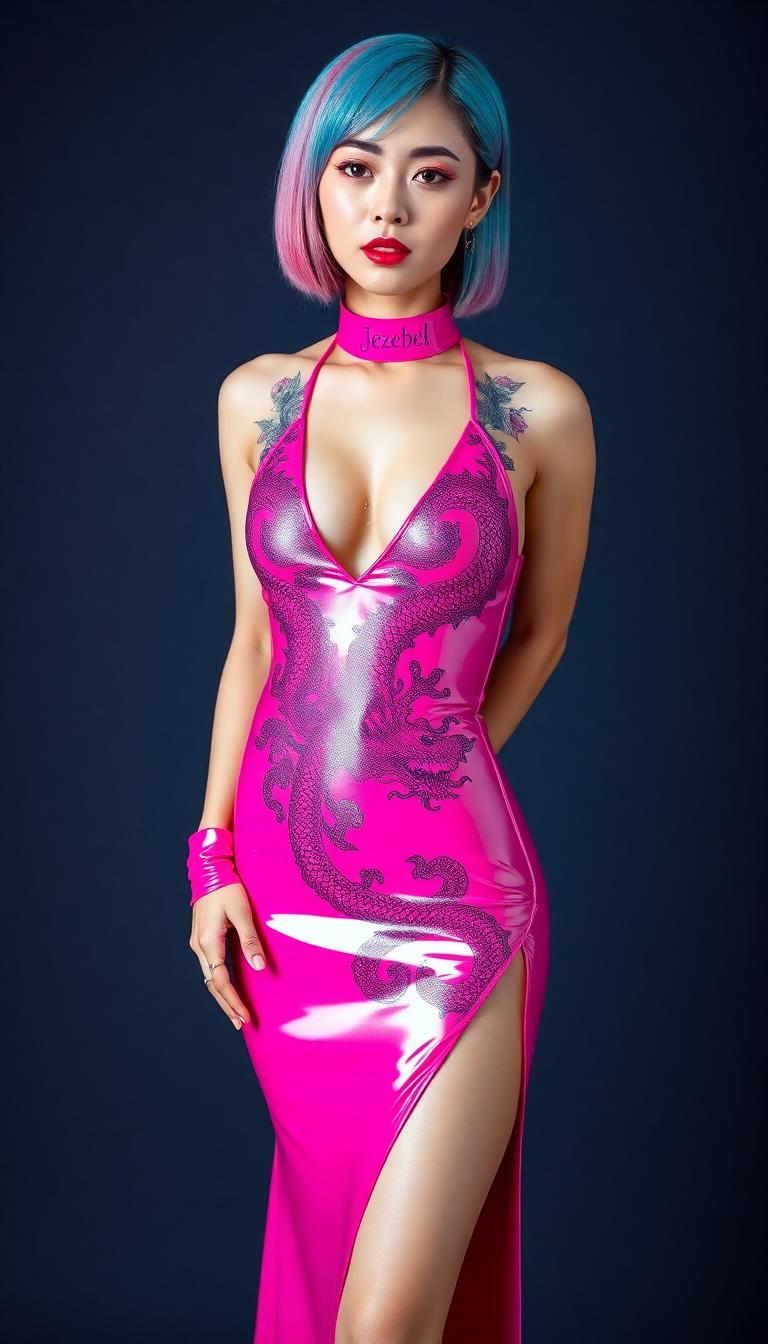
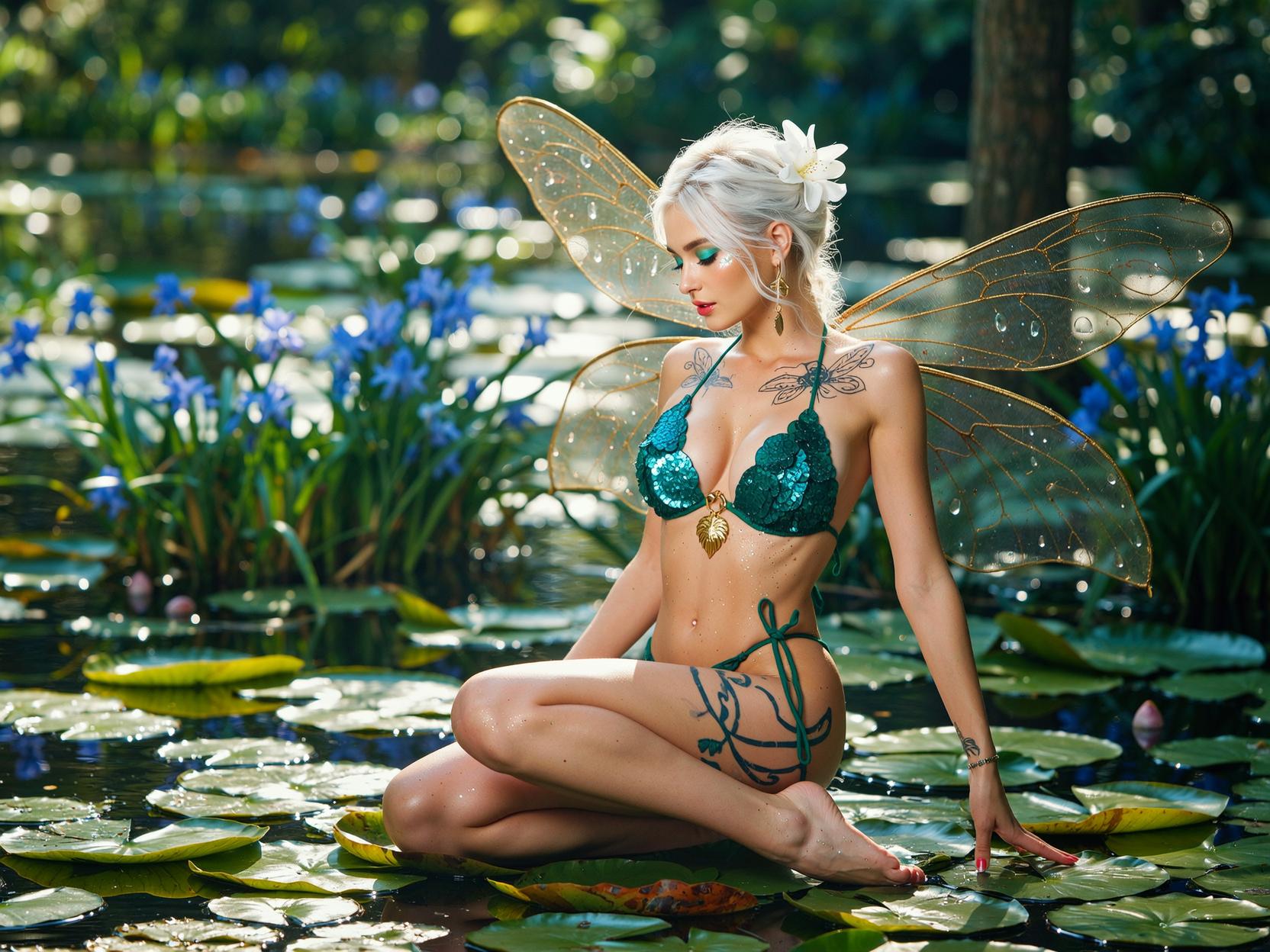
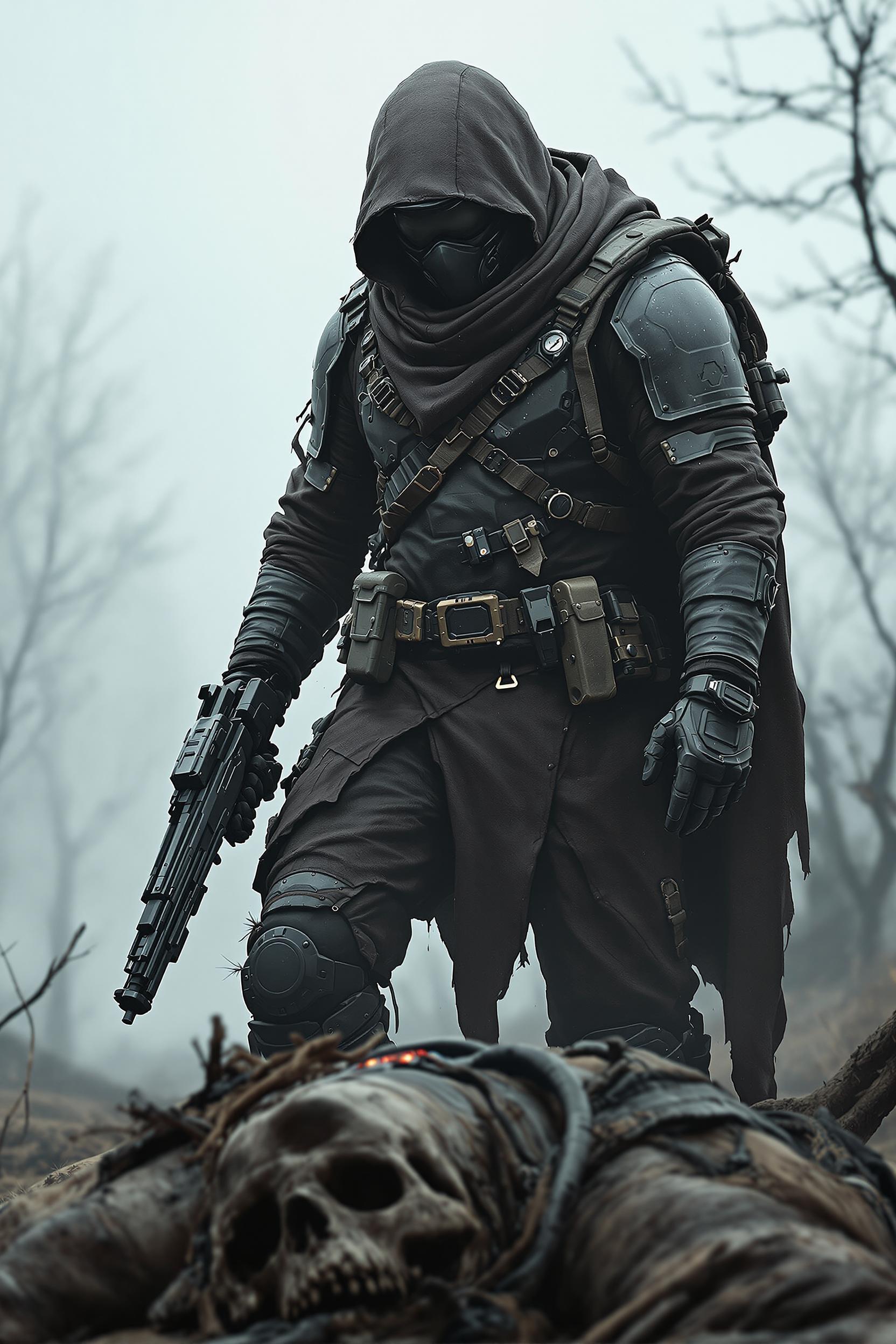
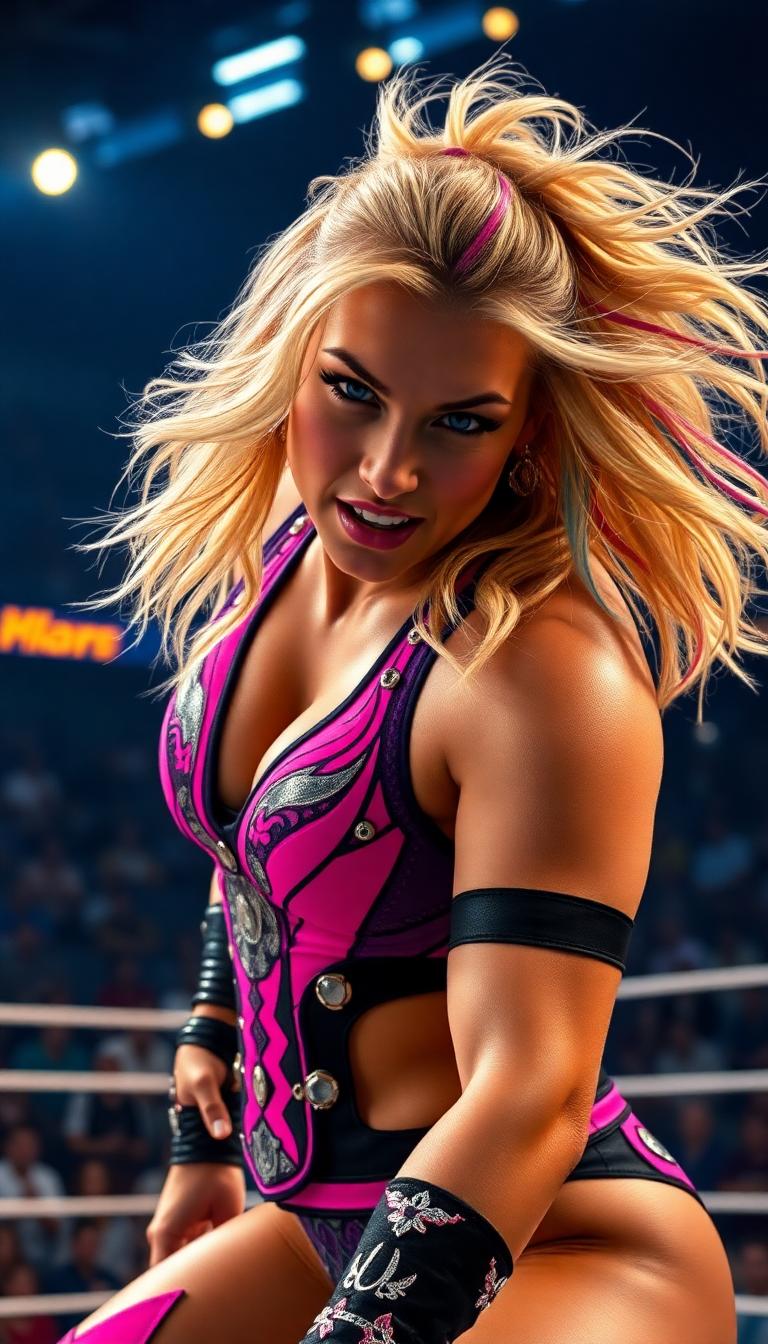
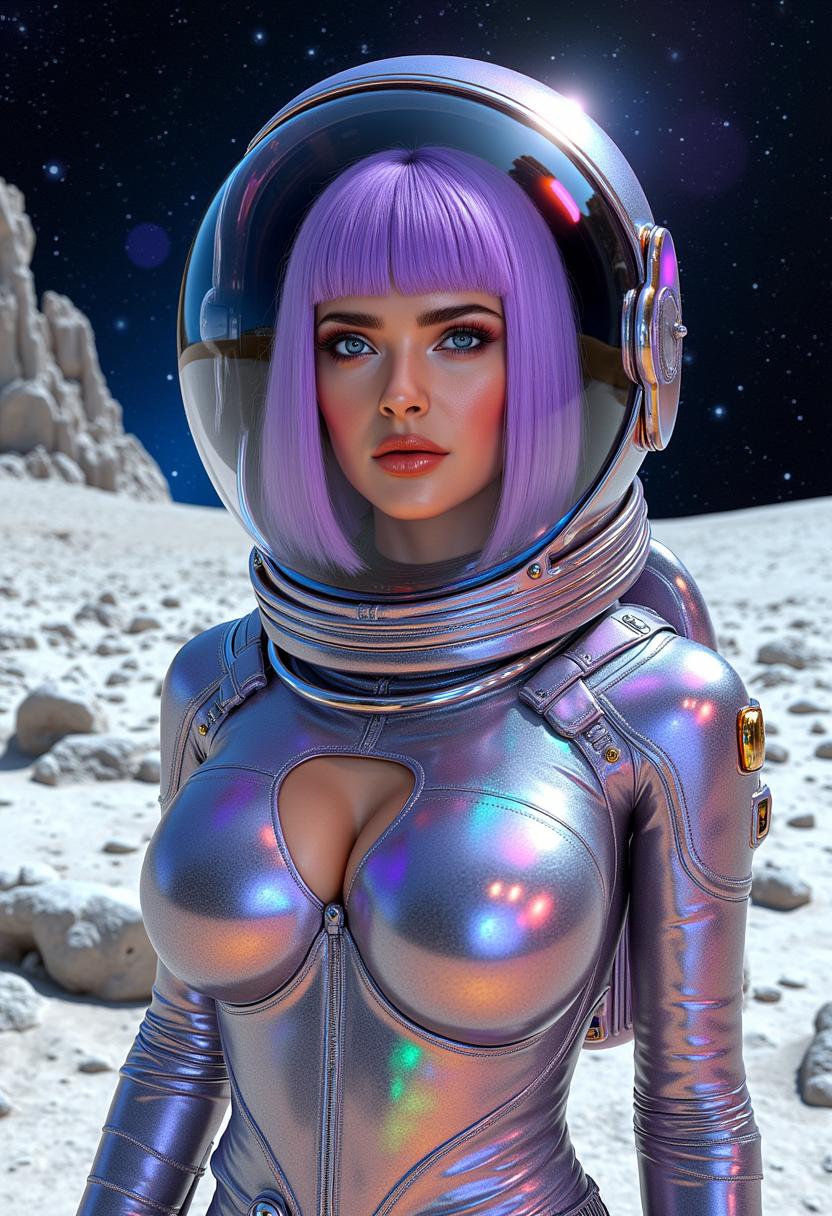
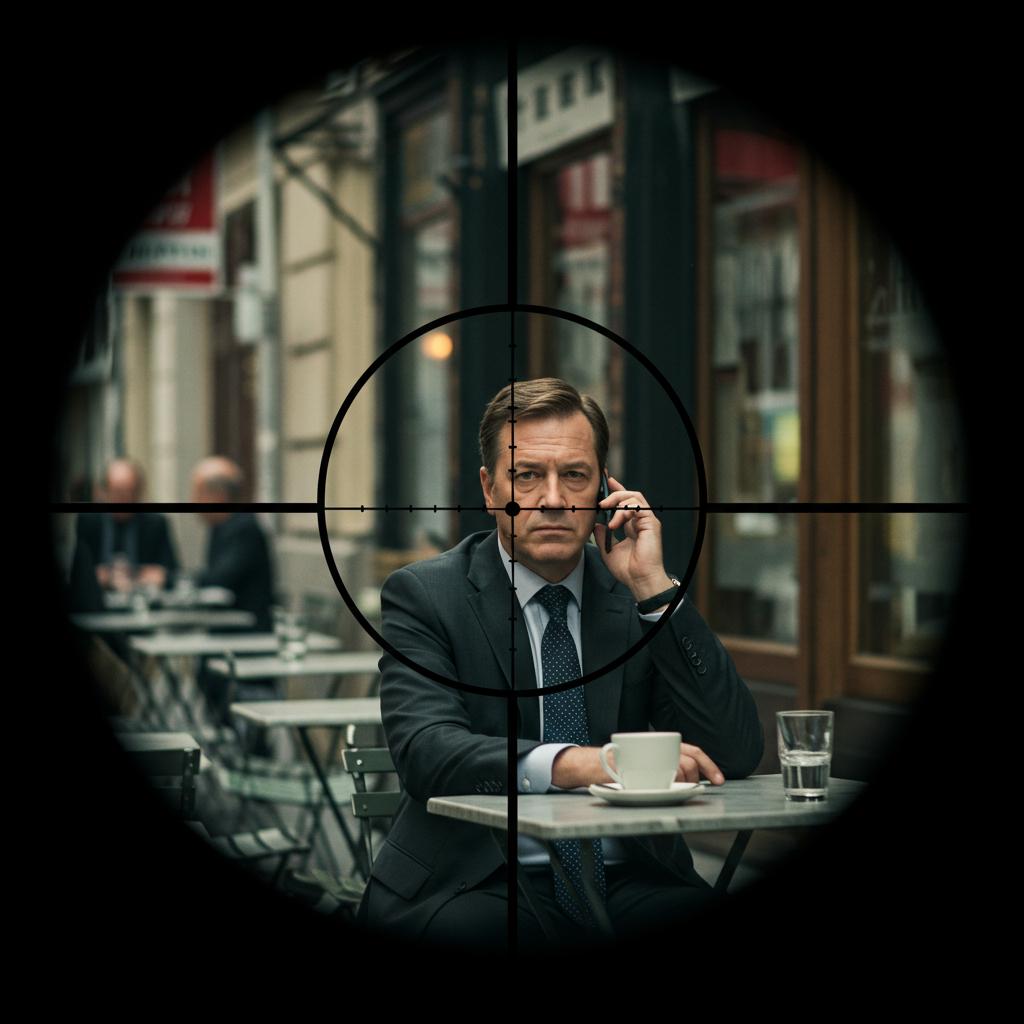
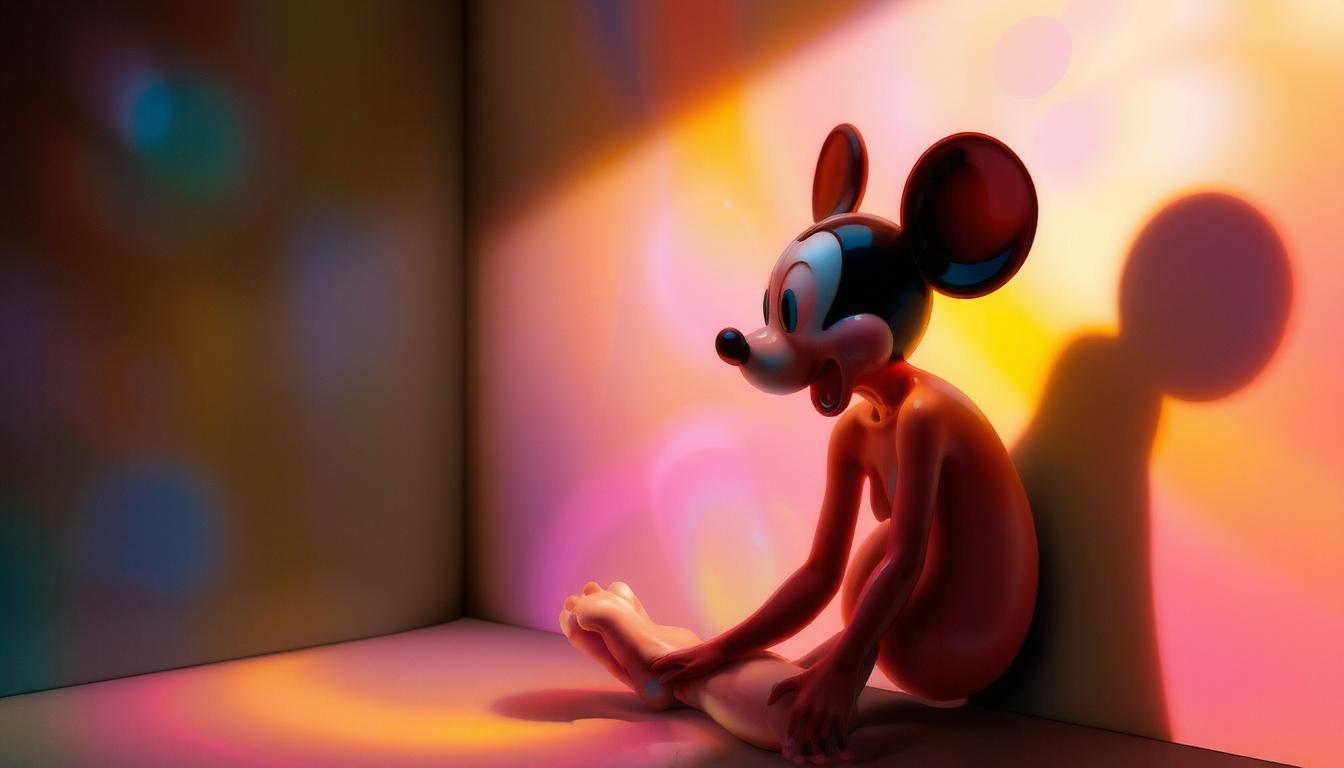
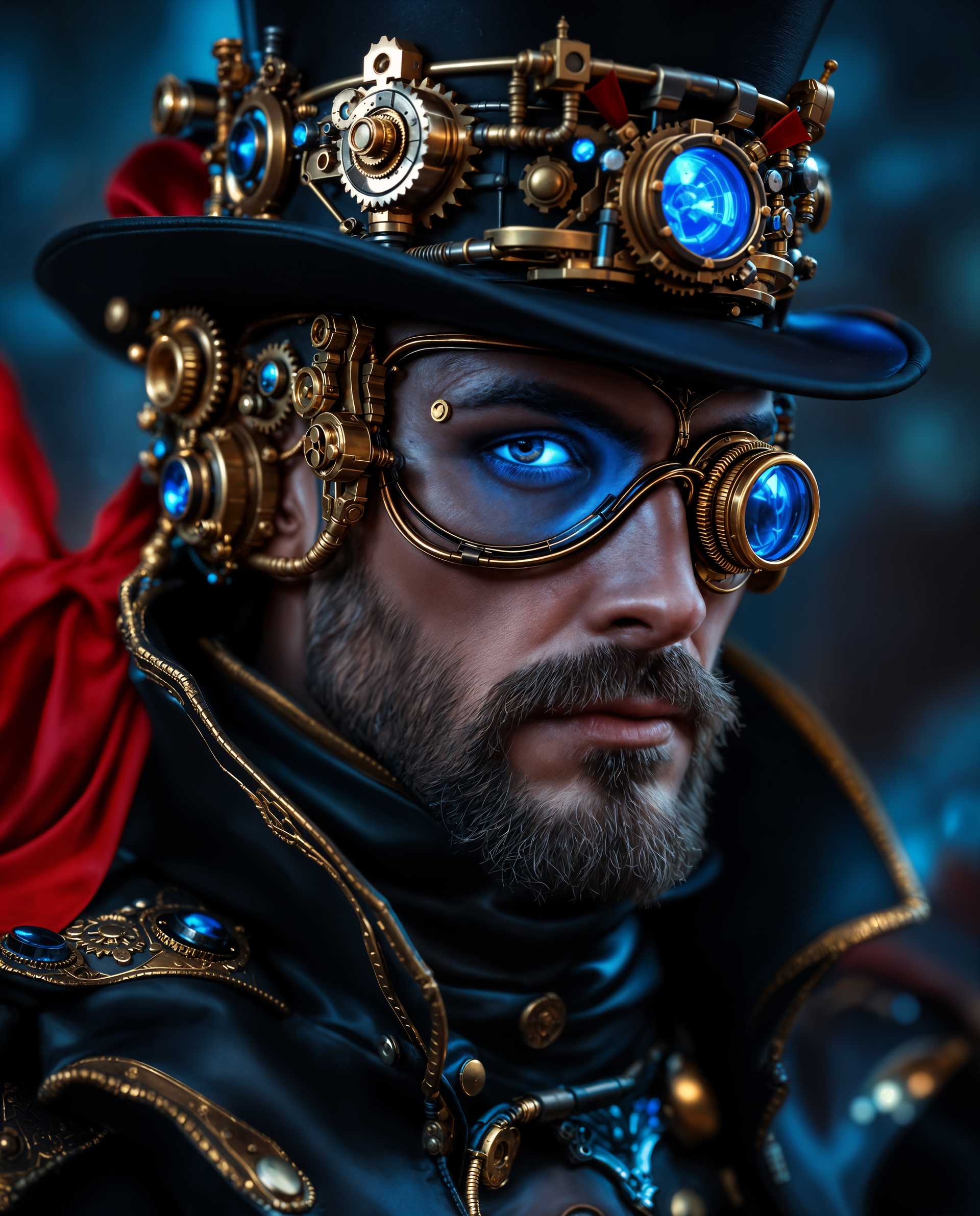
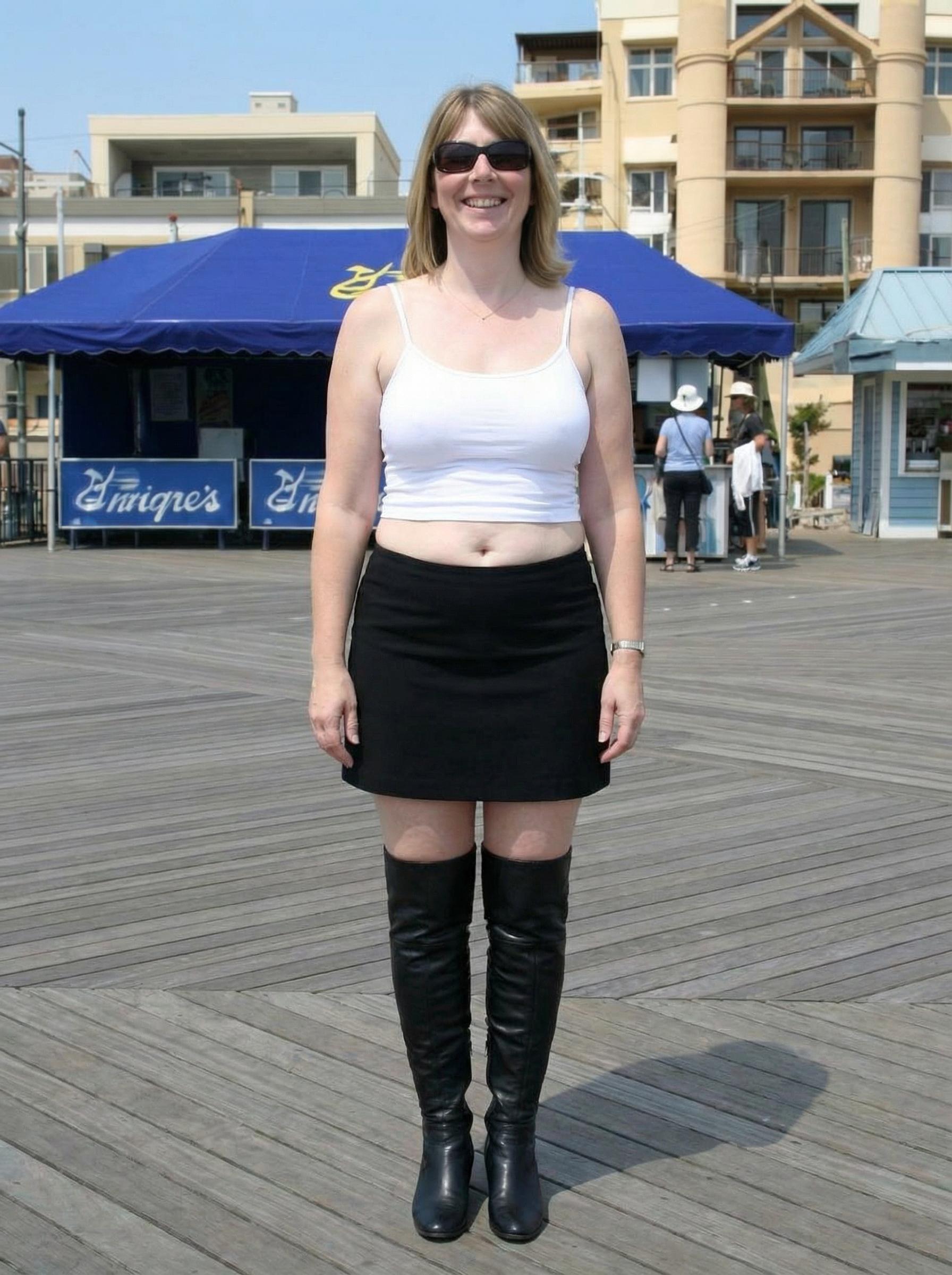
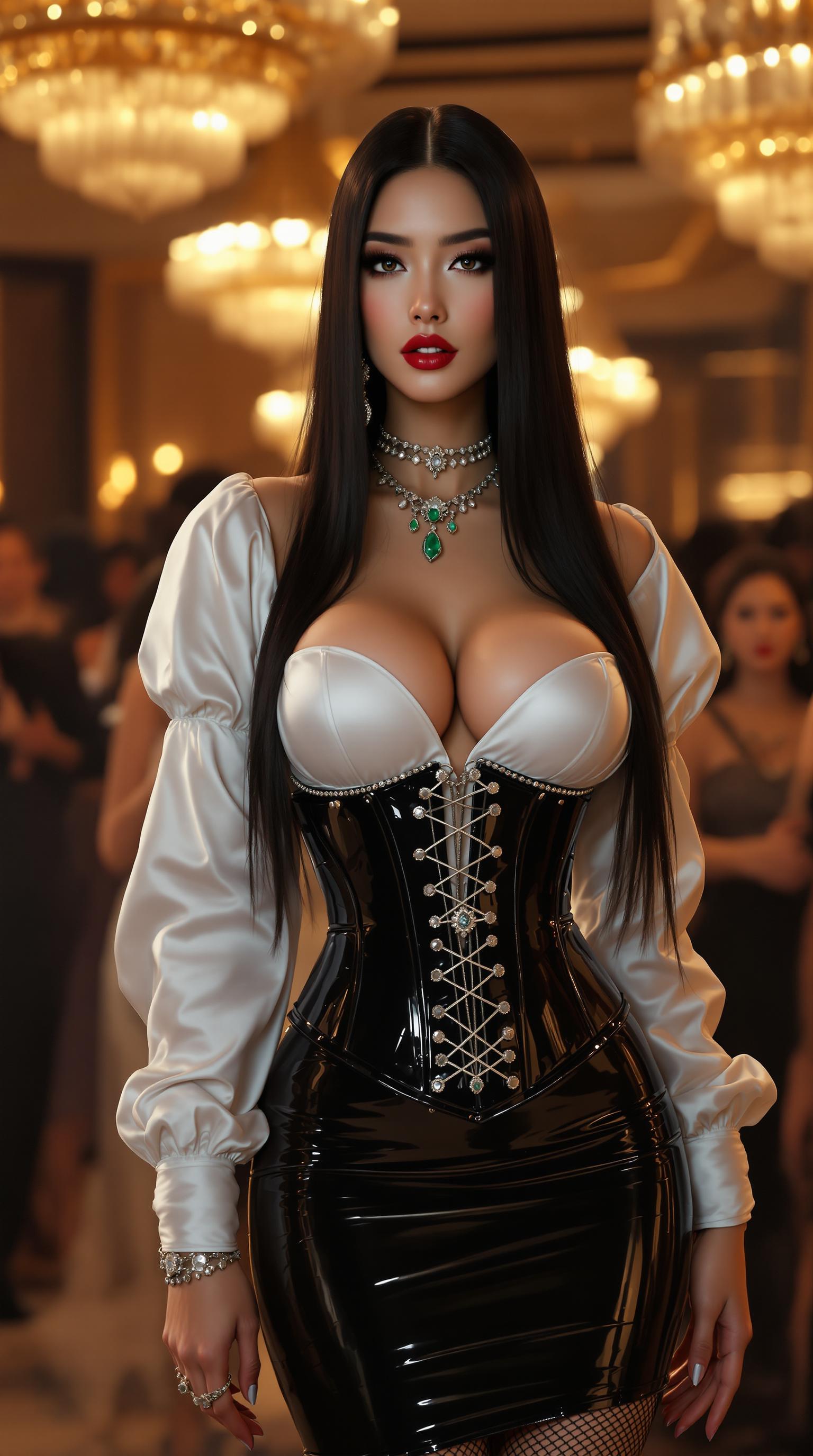
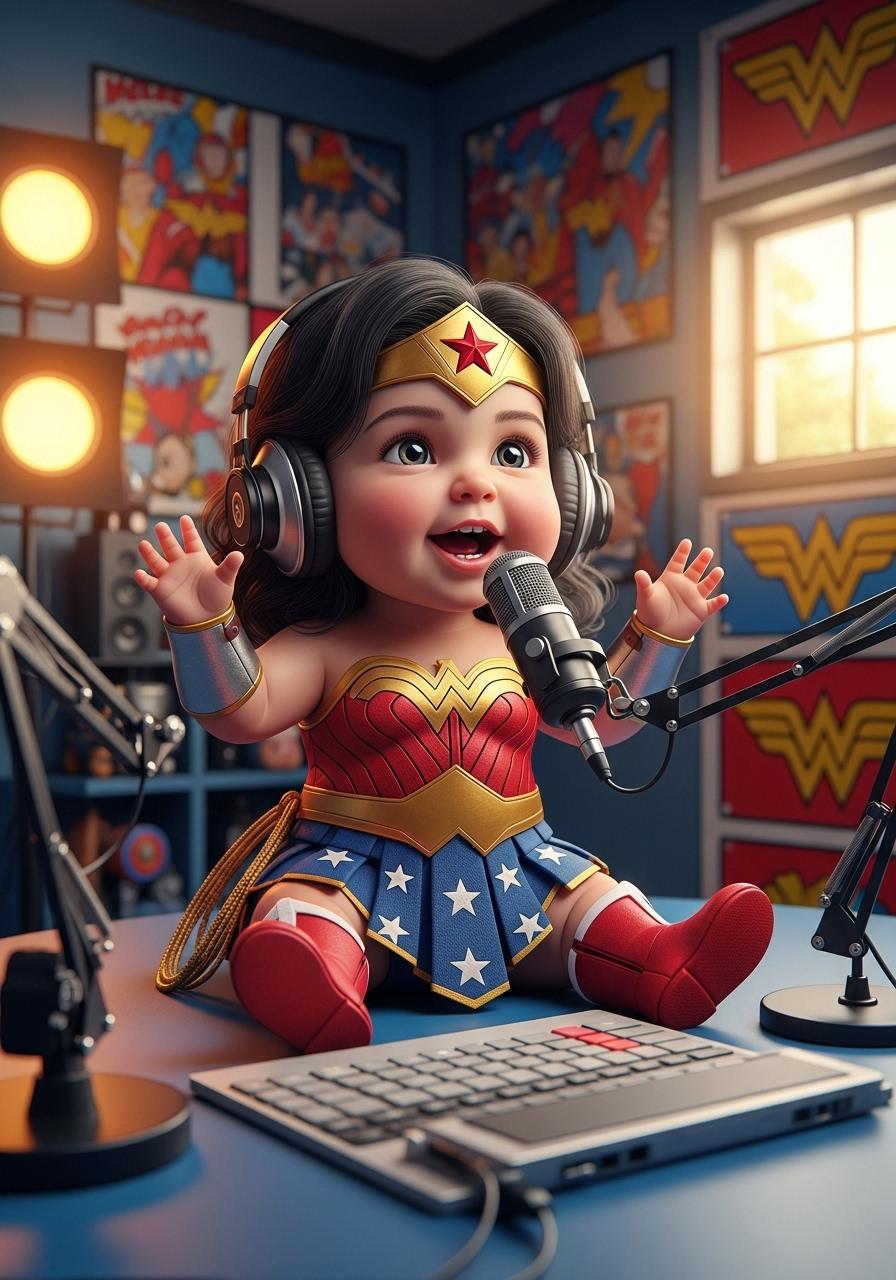
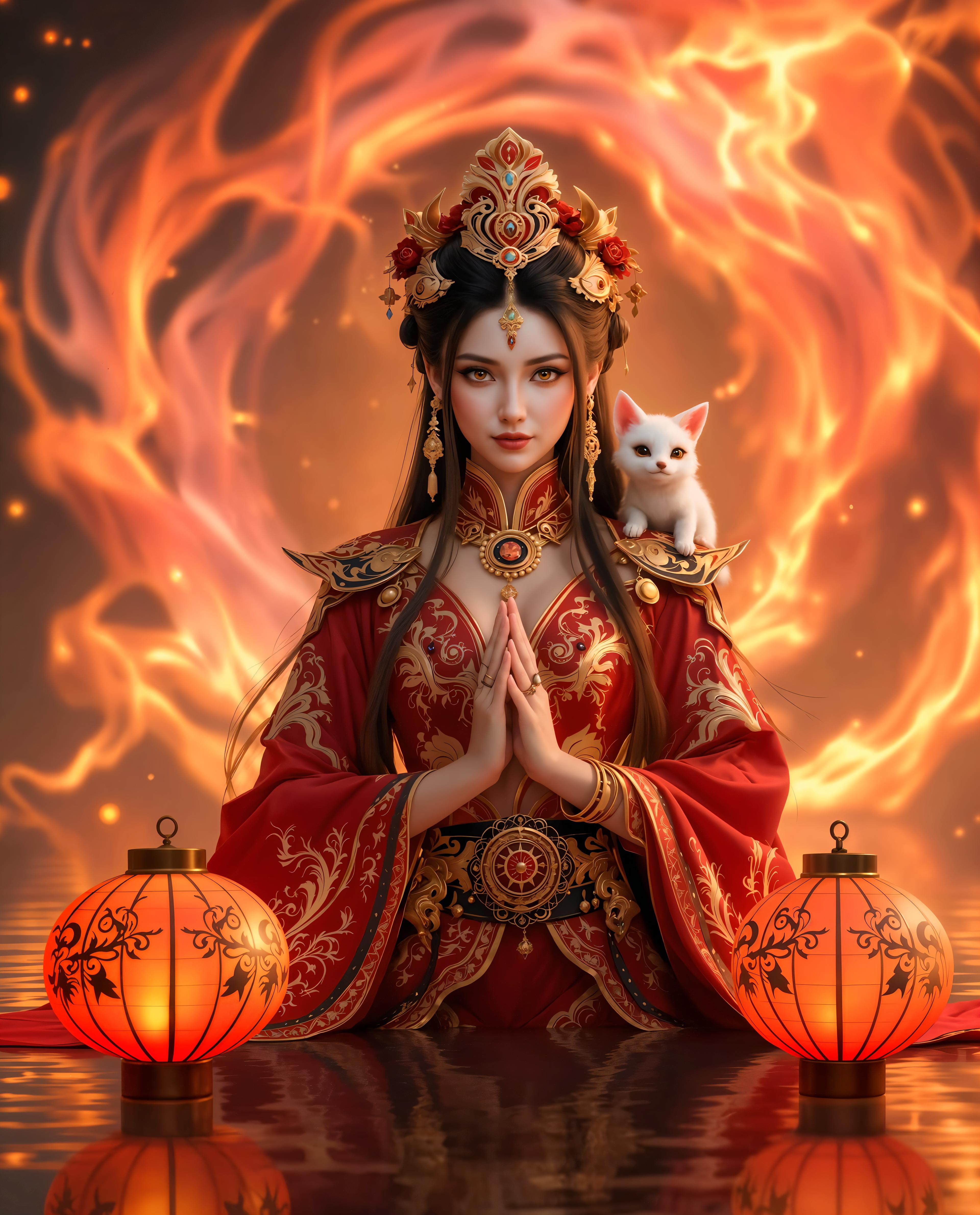
Select up to seven images that represent the characters, objects, or scenes you want to include in your video.
Step 2: Enter Your Prompt
Describe the desired action or scene in detail to guide the AI in generating your video.
Step 3: Generate and Download
Click 'Create' to generate your video. Once ready, preview and download your high-quality, consistent video.

The Pixel Dojo Advantage
Why Vidu outperforms other options for AI video generation:
| Others | Pixel Dojo |
|---|---|
| Traditional Video Production | Eliminates the need for extensive resources and time, making high-quality video creation accessible to all. |
| Generic AI Video Tools | Offers advanced features like multi-reference consistency, ensuring seamless integration of multiple elements. |
| Manual Animation | Automates complex animations, reducing manual effort and allowing focus on creative aspects. |
Loved by Creators
See what our community says about Vidu reference to video
"Vidu's Reference to Video feature revolutionized our content creation process, enabling us to produce consistent, high-quality videos effortlessly."
Alex Johnson
Content Creator
"As a marketer, maintaining brand consistency is crucial. Vidu allows us to create videos that align perfectly with our brand visuals."
Samantha Lee
Marketing Specialist
Common Questions
Everything you need to know about Vidu reference to video AI generation
How does Vidu's Reference to Video ensure character consistency?
By allowing you to upload up to seven reference images, Vidu's AI analyzes and maintains the visual elements across your video, ensuring characters and scenes remain consistent.
Can I use Vidu for commercial video production?
Absolutely. Vidu's high-definition output and advanced features make it suitable for professional and commercial video projects.
What types of reference images work best with Vidu?
High-quality images with clear subjects and consistent lighting yield the best results, ensuring the AI accurately interprets and integrates the elements into your video.
How long does it take to generate a video with Vidu?
Video generation typically takes a few minutes, depending on the complexity of your prompt and the number of reference images used.
Is there a limit to the number of reference images I can upload?
Yes, you can upload up to seven reference images to guide the AI in generating your video.
Can I edit the generated video after creation?
While Vidu focuses on generating consistent videos, you can use video editing software to make further adjustments post-creation.