Wan 2.2 Animate high fidelity output AI Generator
Imagine transforming your static character images into dynamic, high-quality animations with ease. With Wan 2.2 Animate on PixelDojo, you can breathe life into your creations, achieving professional-grade animations without the need for complex software or extensive animation skills. Whether you're an artist, game developer, or content creator, Wan 2.2 Animate empowers you to produce captivating animations that engage and inspire your audience.
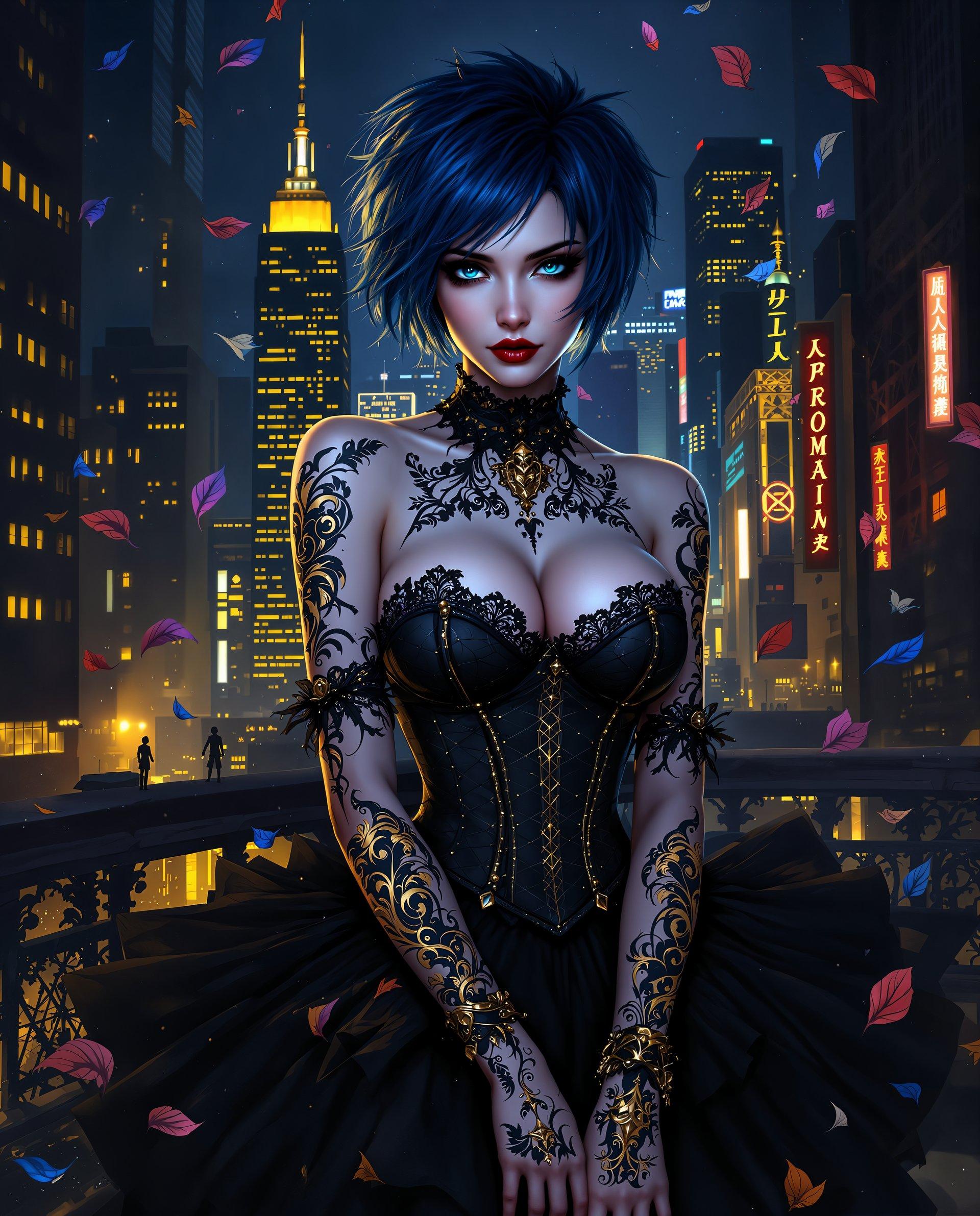
Join thousands of creators who have enhanced their projects with Wan 2.2 Animate, achieving over 1 million high-fidelity animations to date.
Why Choose Pixel Dojo for Wan 2.2 Animate high fidelity output
Professional-quality results with cutting-edge AI technology
Effortless Character Animation
Transform static images into dynamic animations without prior animation experience.
High-Fidelity Output
Achieve professional-quality animations with precise facial expressions and body movements.
Time and Cost Efficiency
Save time and resources by automating the animation process, eliminating the need for manual frame-by-frame work.
How It Works
Creating high-fidelity character animations with Wan 2.2 Animate is a straightforward process. Follow these simple steps to bring your characters to life:
Step 1: Select Your Character Image
Choose the static image of the character you wish to animate. Ensure the image is clear and well-lit for optimal results.
Step 2: Upload a Reference Video
Provide a reference video that demonstrates the desired movements and expressions. This video guides the animation process to replicate realistic motions.
Step 3: Generate and Download Your Animation
Use Wan 2.2 Animate to process the inputs and generate your high-fidelity animation. Once complete, download the animation for use in your projects.

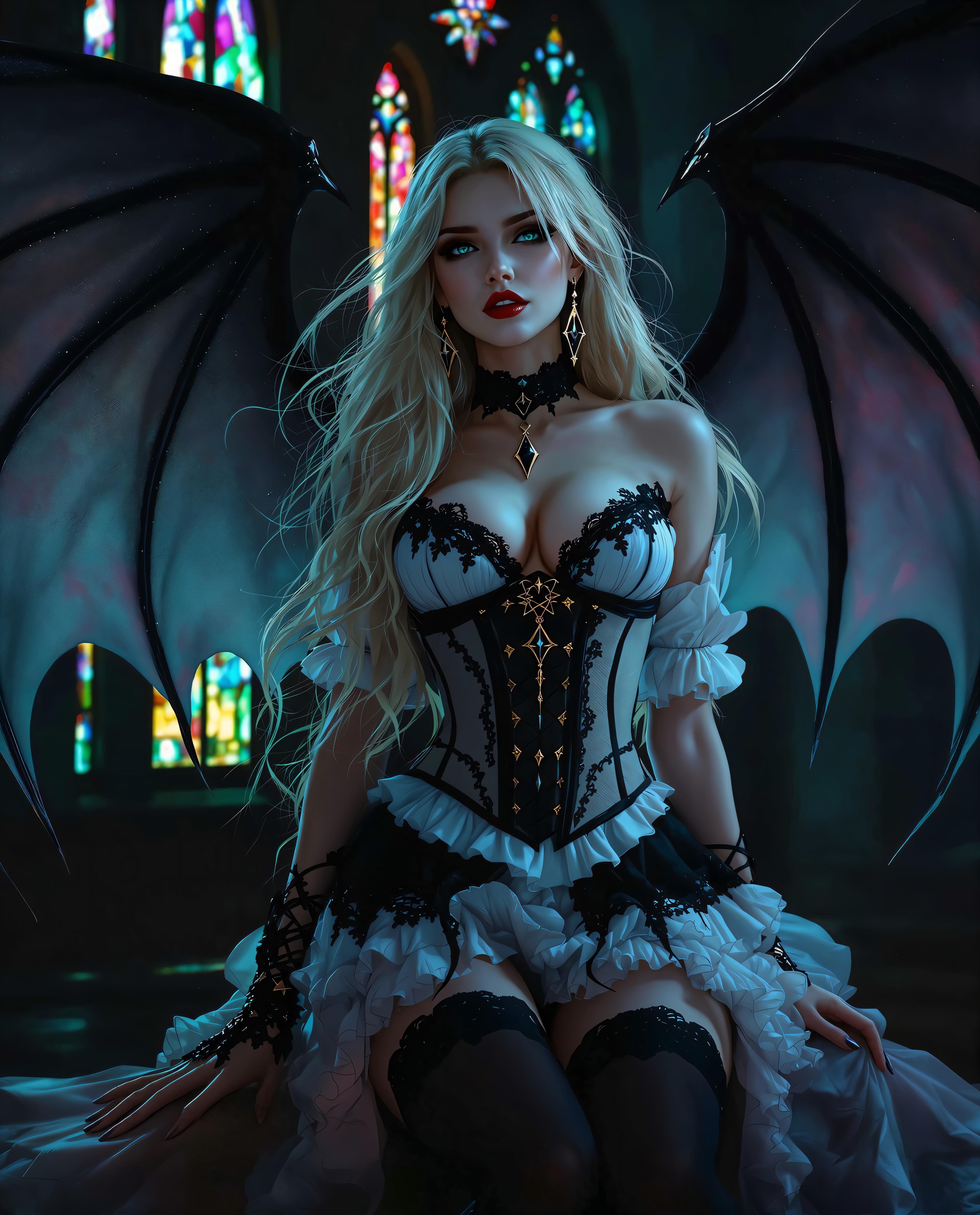
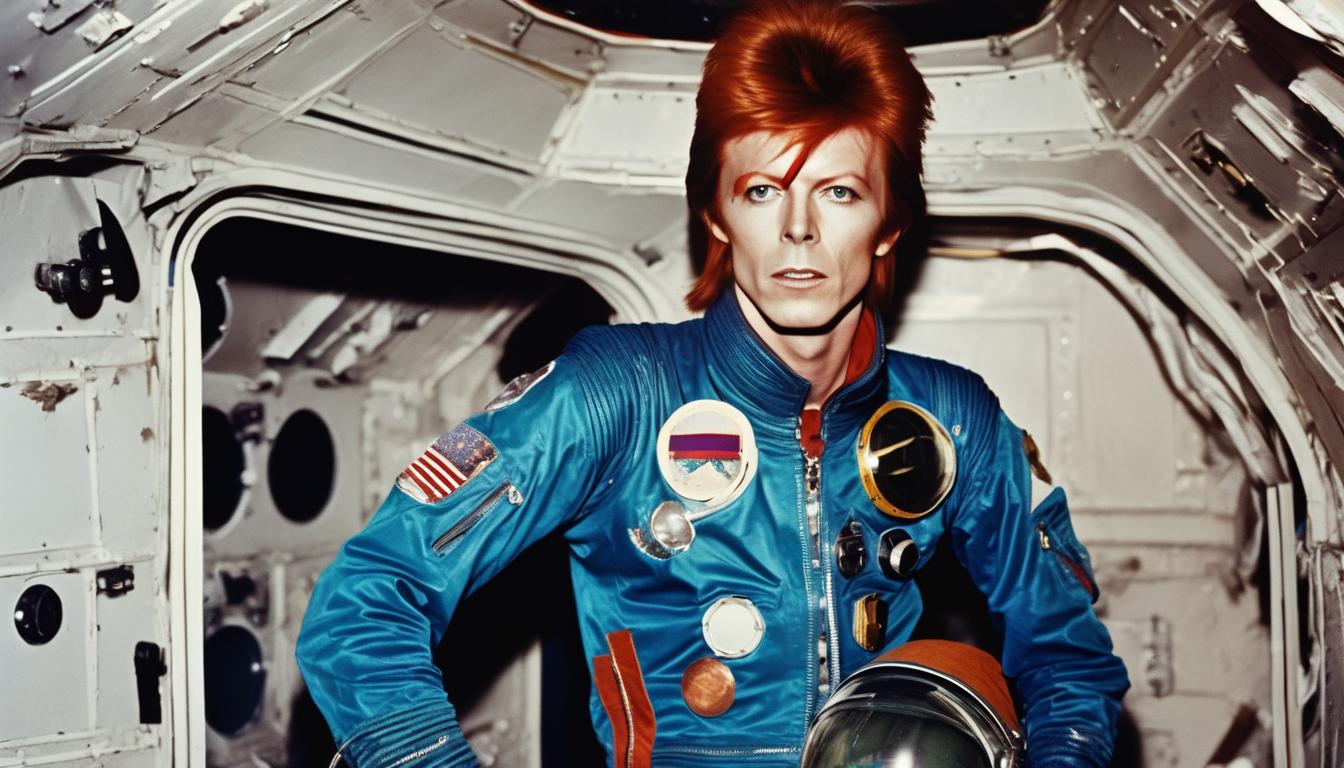
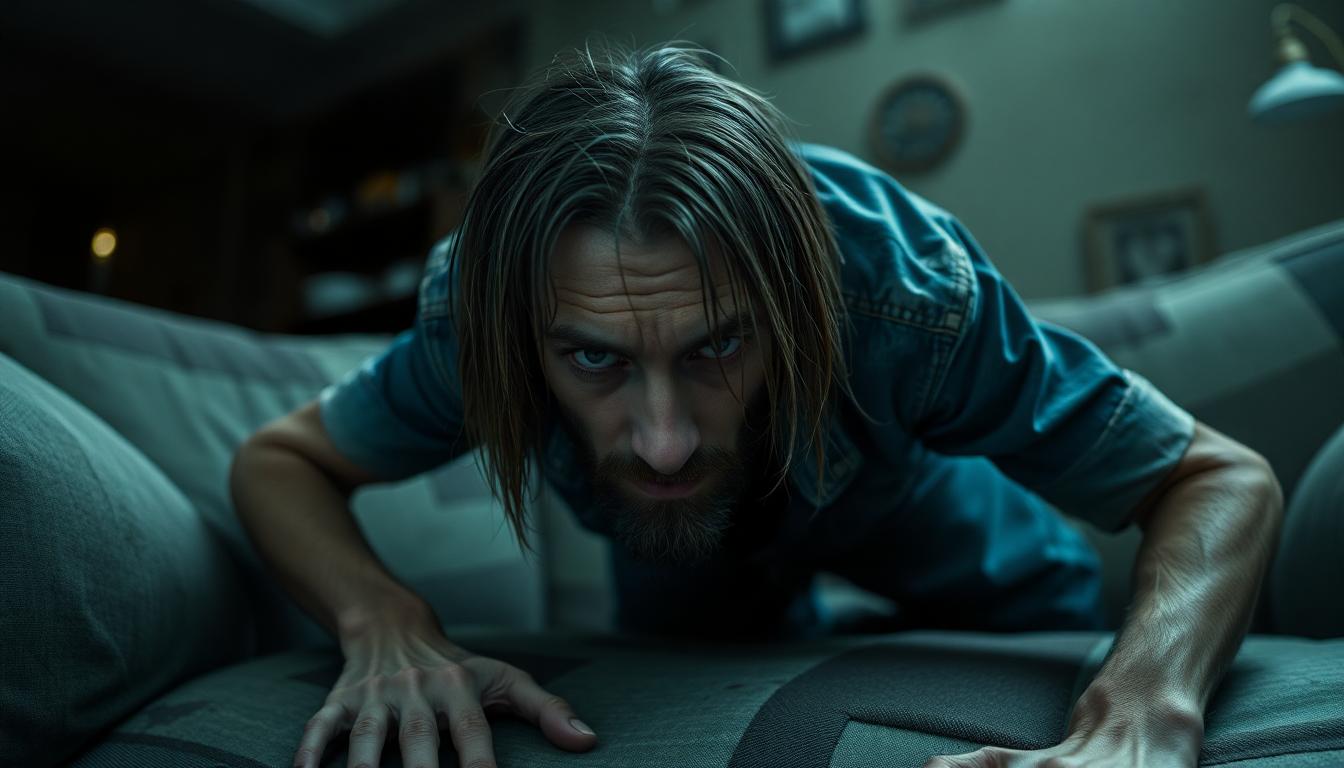
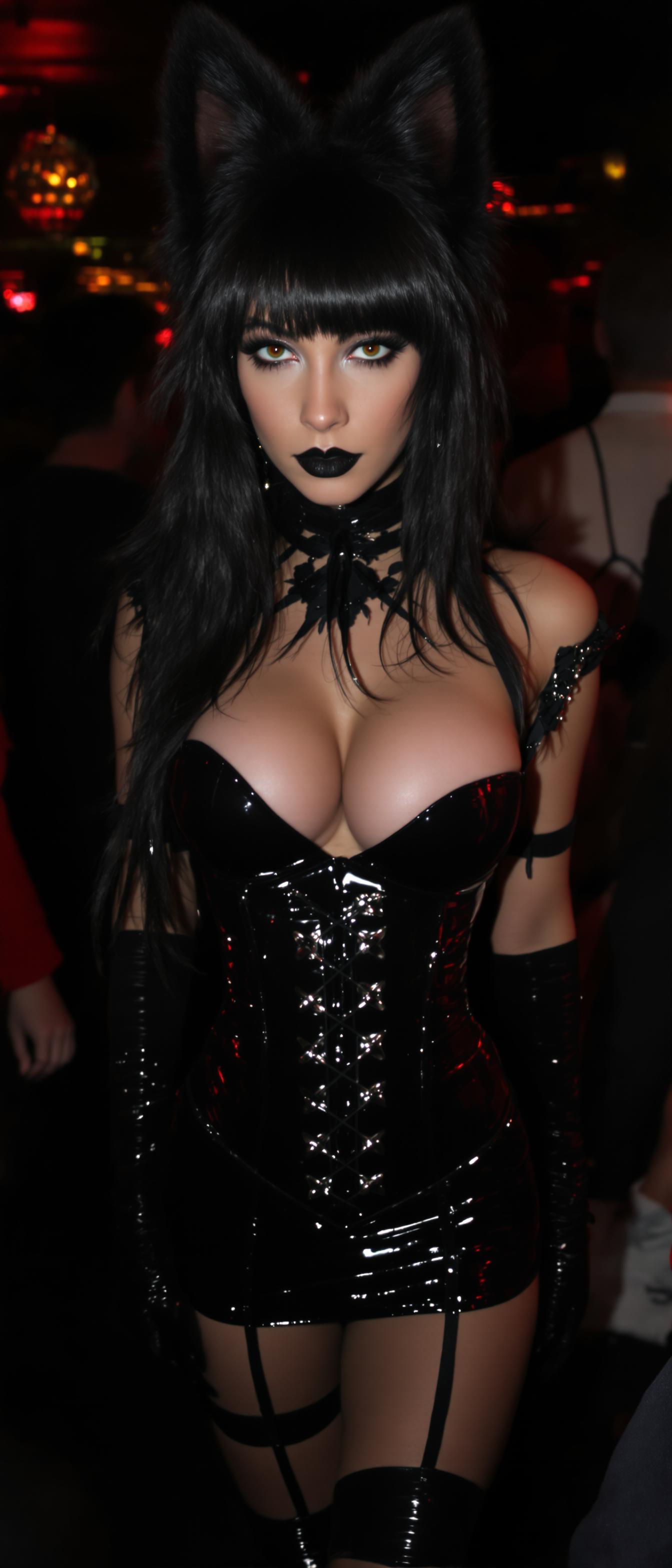
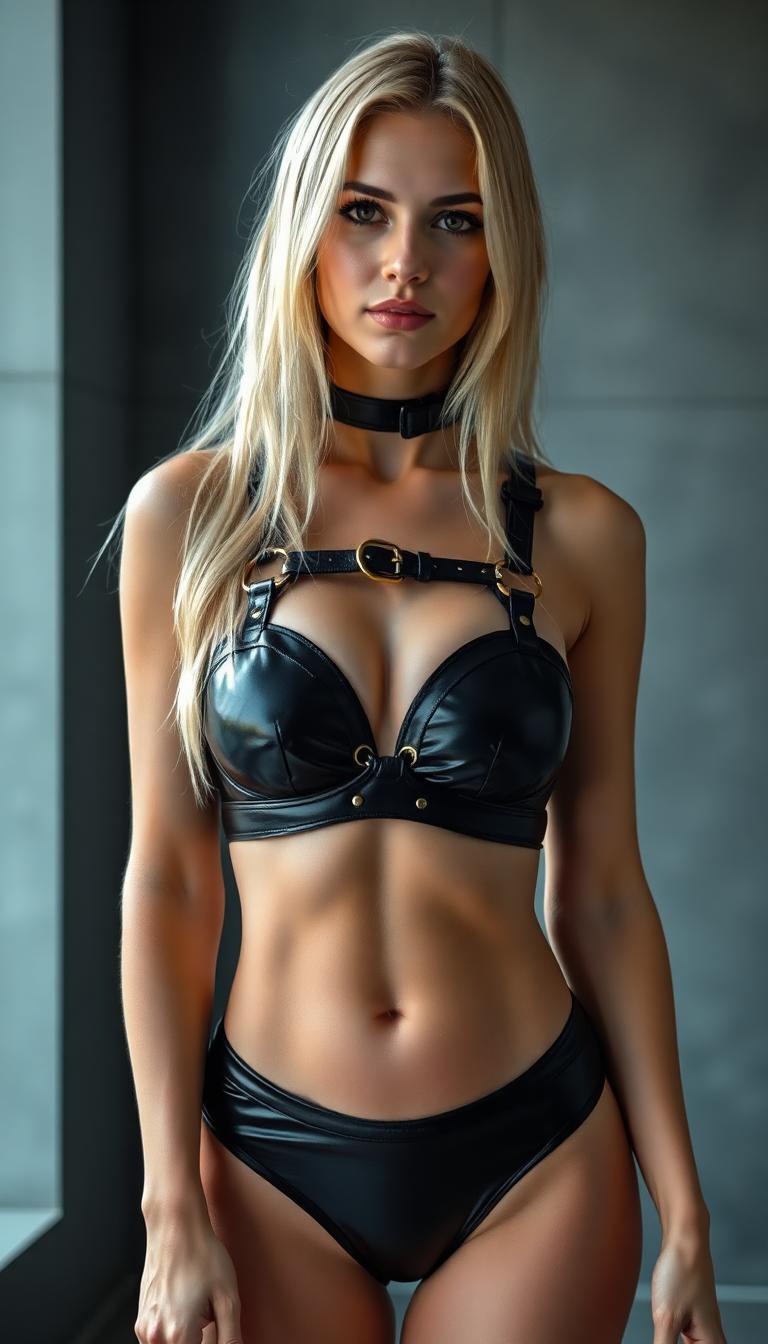
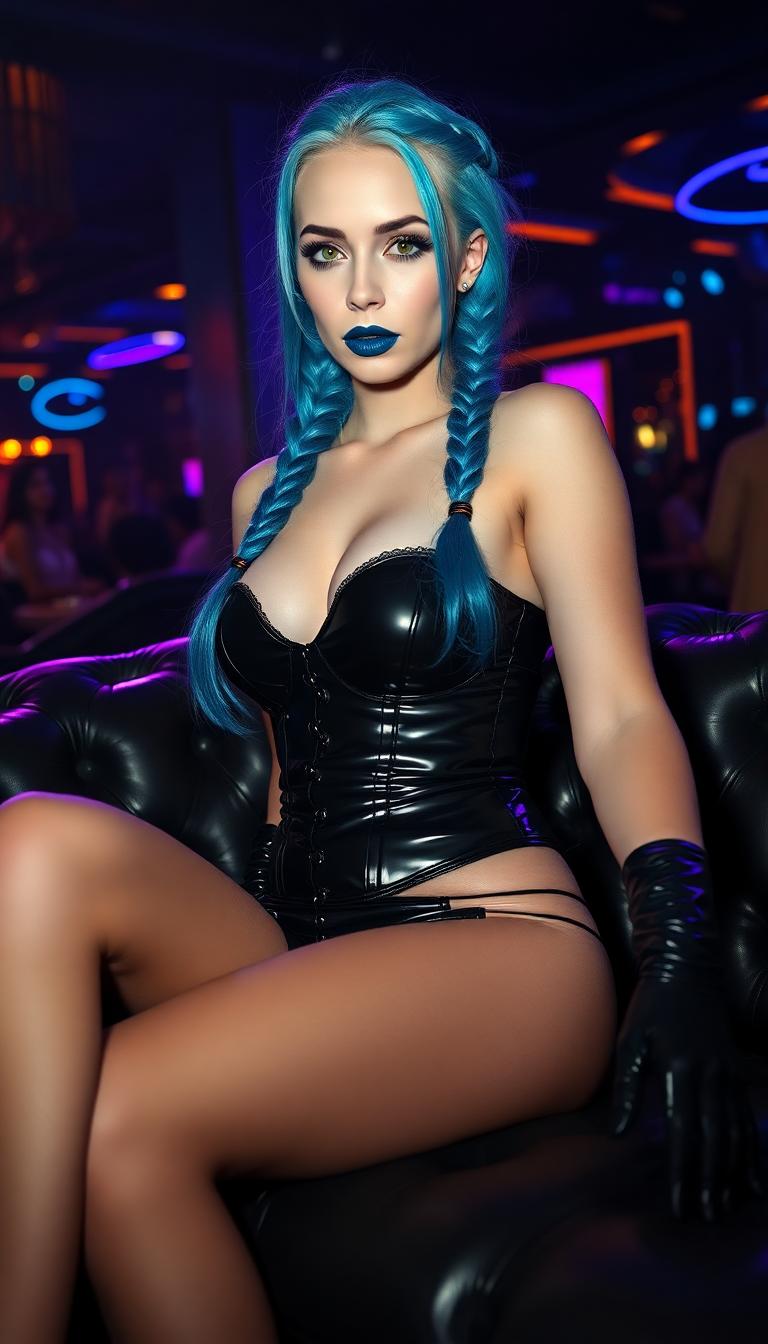
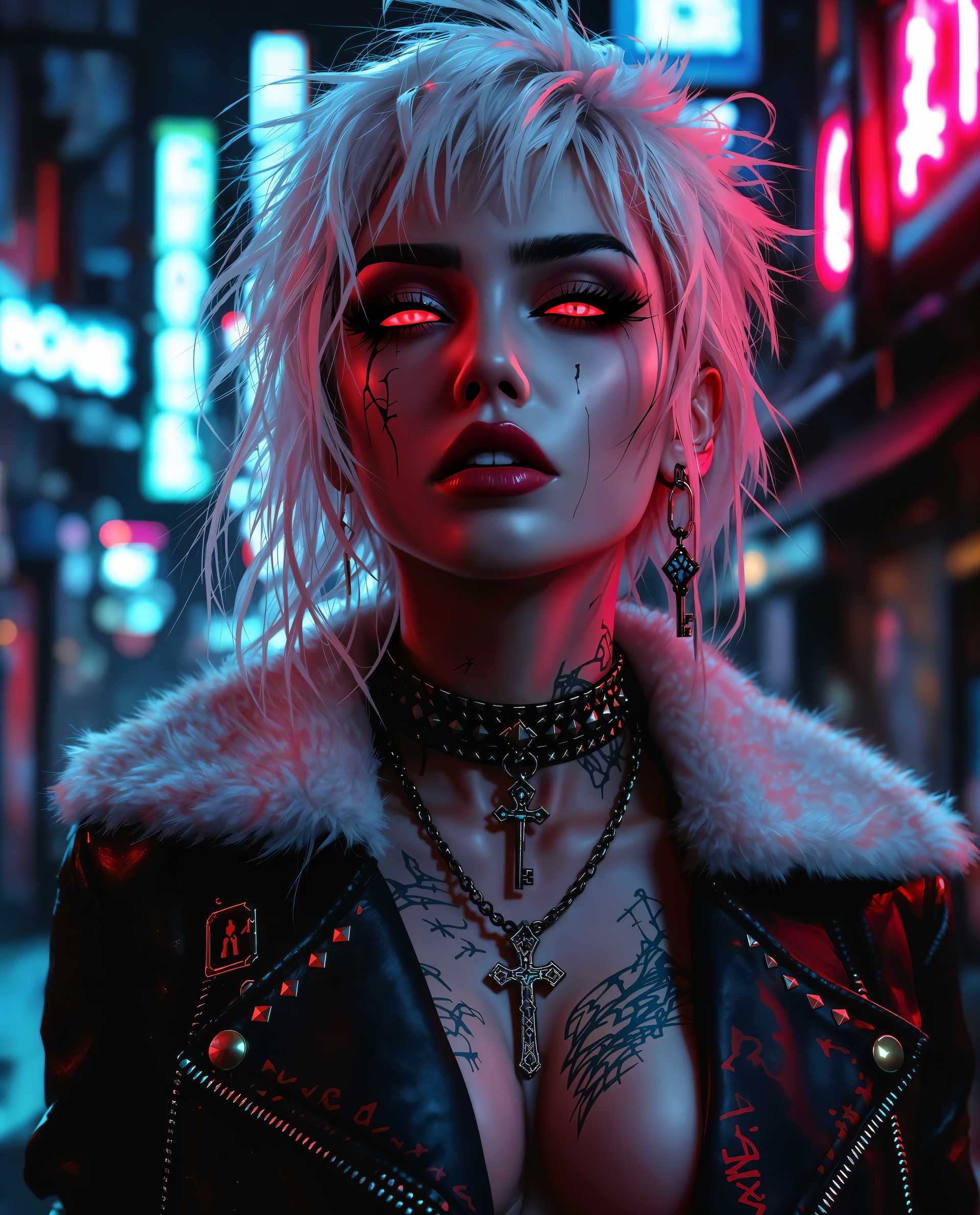
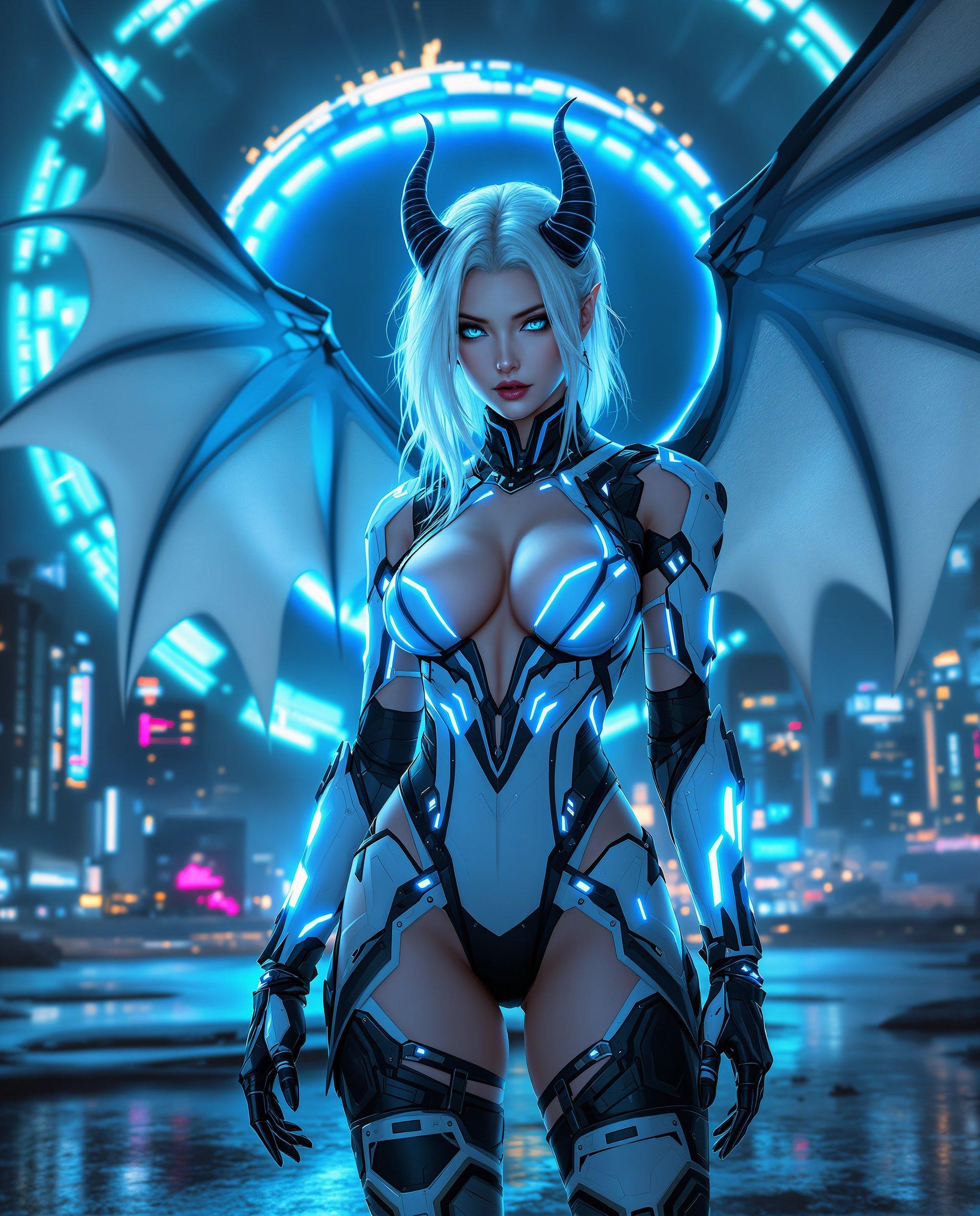
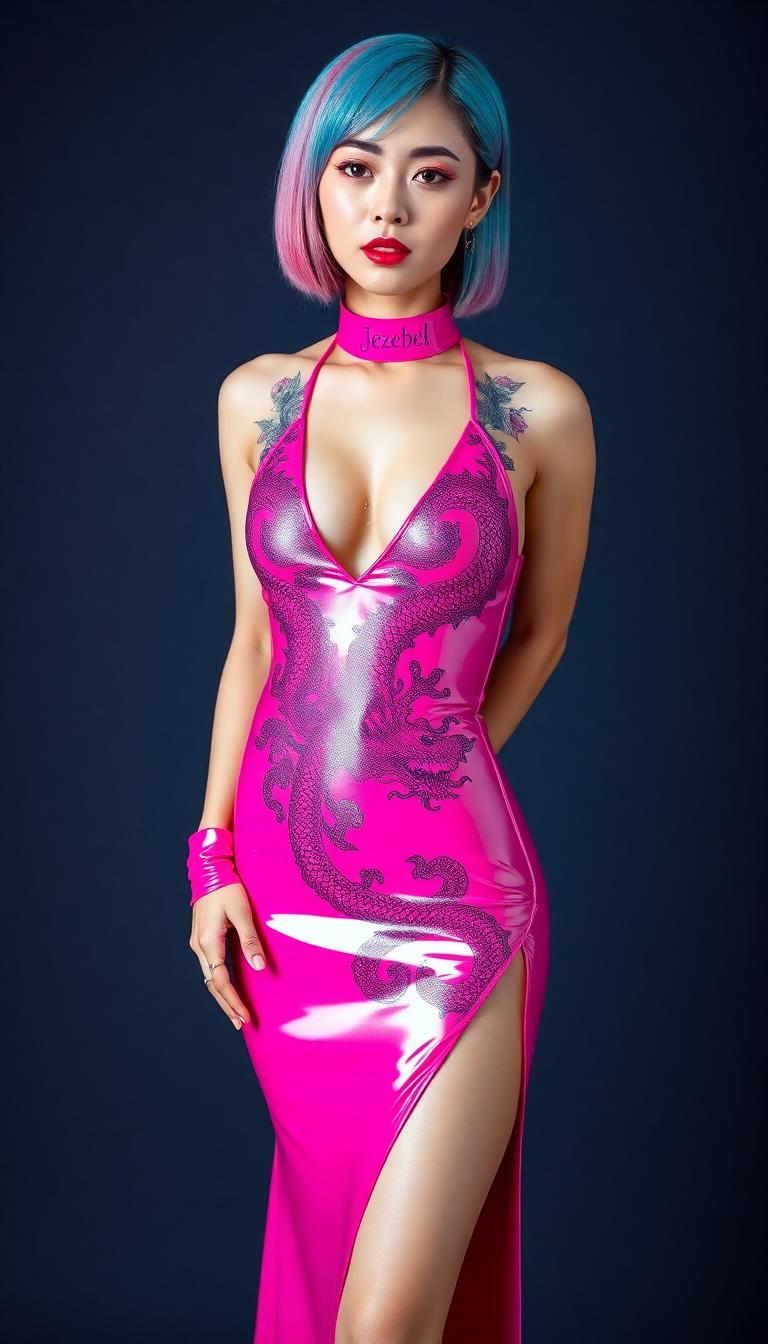


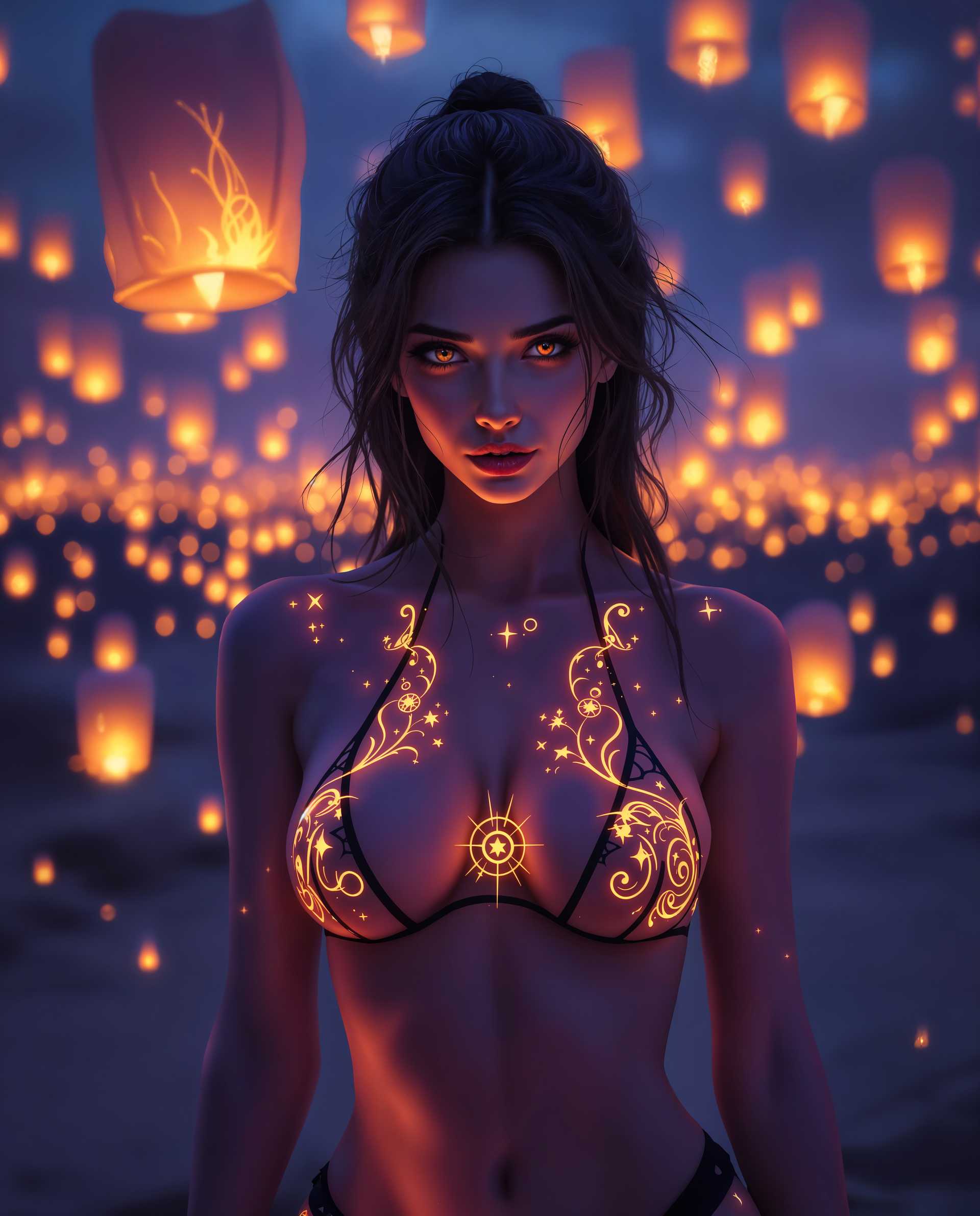
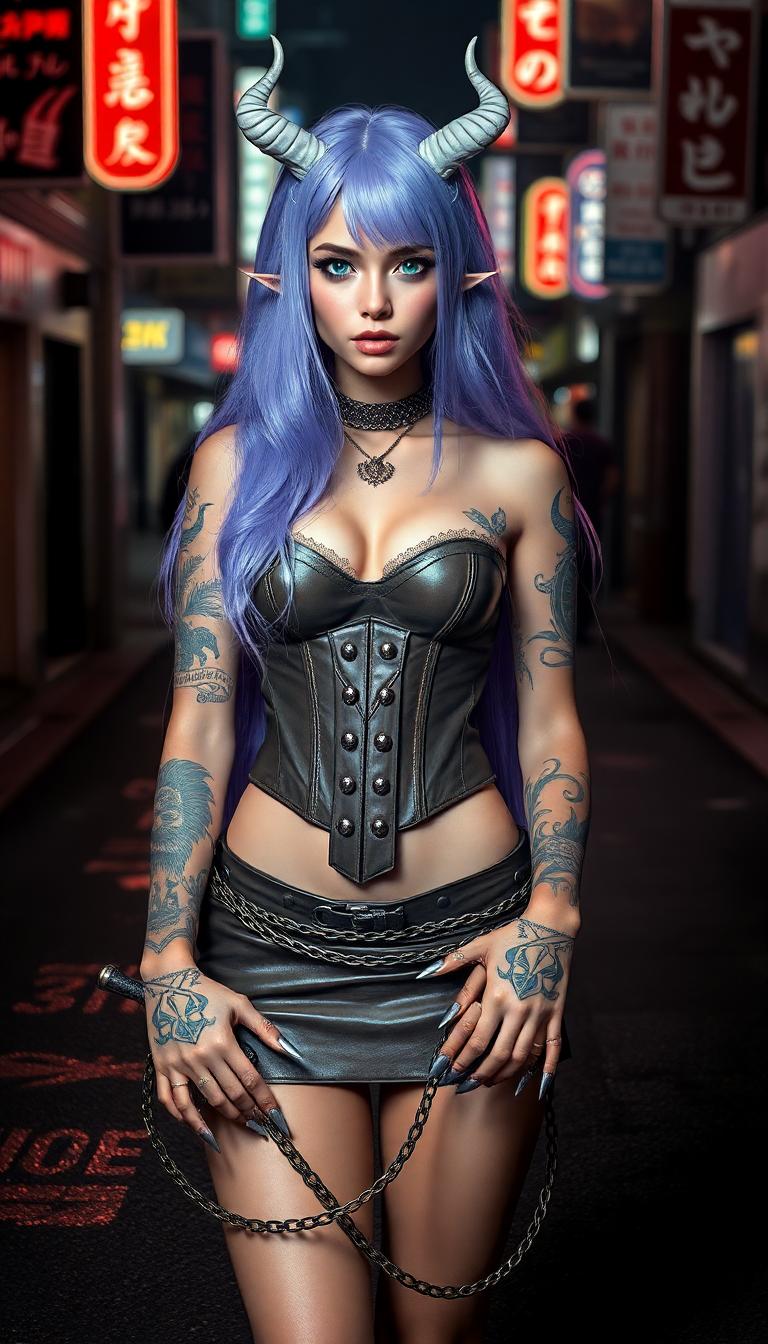

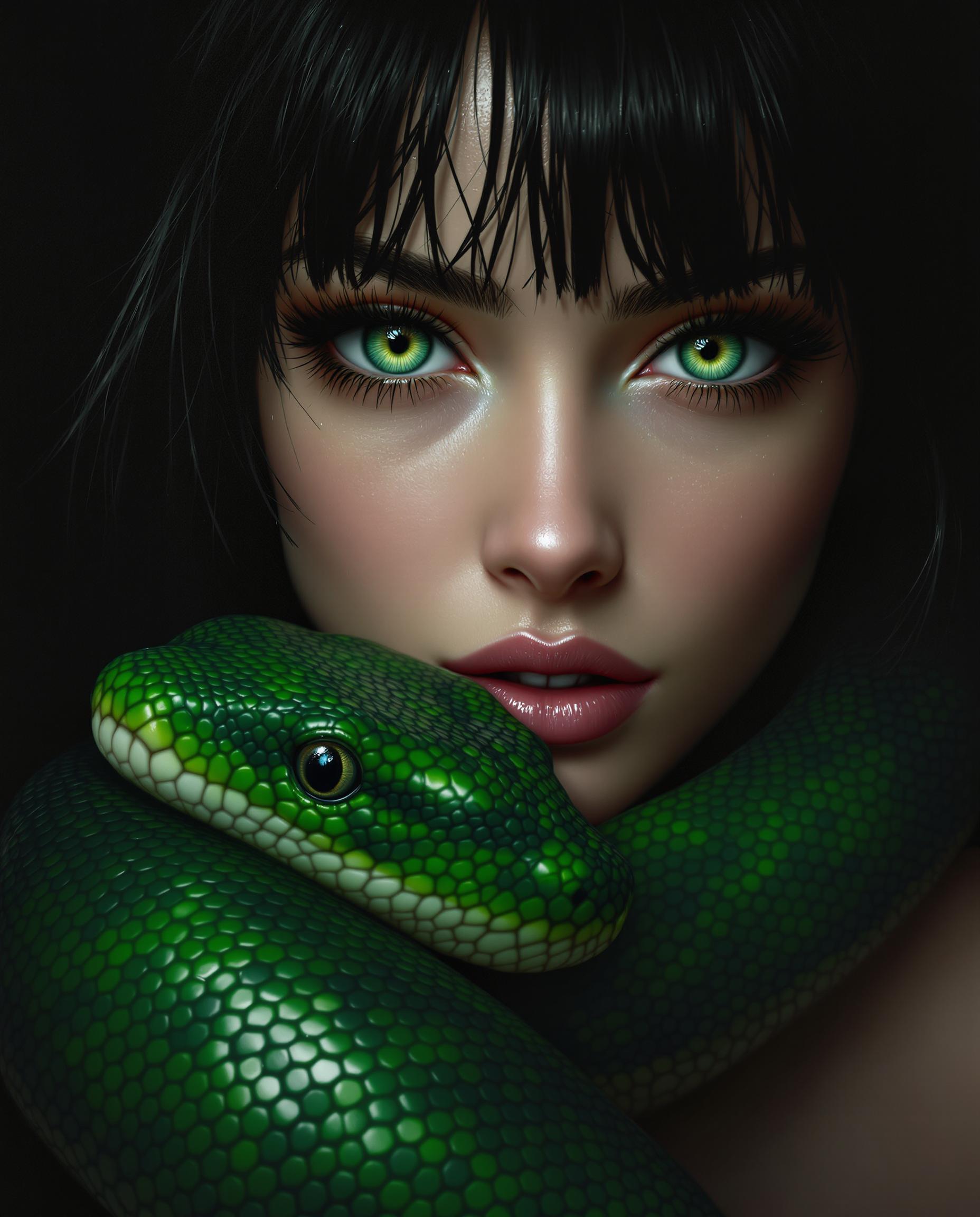
The Pixel Dojo Advantage
Discover why PixelDojo's Wan 2.2 Animate stands out in the realm of character animation:
| Others | Pixel Dojo |
|---|---|
| Traditional Animation Methods | Eliminates the need for manual frame-by-frame animation, significantly reducing production time and effort. |
| Generic AI Animation Tools | Offers superior control over character expressions and movements, ensuring animations are both realistic and expressive. |
| Manual Motion Capture | Provides a cost-effective alternative to expensive motion capture setups, delivering high-quality results without specialized equipment. |
Loved by Creators
See what our community says about Wan 2.2 Animate high fidelity output
"Wan 2.2 Animate has revolutionized our animation workflow, allowing us to produce high-quality animations in a fraction of the time."
Alex Johnson
Lead Animator at Creative Studios
"The ease of use and the quality of animations produced with Wan 2.2 Animate are unparalleled. It's a game-changer for independent creators."
Samantha Lee
Independent Game Developer
Common Questions
Everything you need to know about Wan 2.2 Animate high fidelity output AI generation
How does Wan 2.2 Animate create high-fidelity animations from static images?
Wan 2.2 Animate utilizes advanced AI algorithms to analyze the provided character image and reference video, replicating precise facial expressions and body movements to generate realistic animations.
Do I need prior animation experience to use Wan 2.2 Animate?
No, Wan 2.2 Animate is designed for users of all skill levels. Its intuitive interface allows you to create professional-quality animations without any prior animation experience.
What types of projects can benefit from using Wan 2.2 Animate?
Wan 2.2 Animate is ideal for a wide range of projects, including game development, marketing campaigns, educational content, and any creative endeavor that requires dynamic character animations.
Can I customize the animations generated by Wan 2.2 Animate?
Yes, you can customize various aspects of the animation, such as movement intensity and expression nuances, to align with your project's specific requirements.
What file formats are supported for input and output in Wan 2.2 Animate?
Wan 2.2 Animate supports common image formats like JPEG and PNG for input, and outputs animations in widely-used video formats such as MP4, ensuring compatibility with various platforms and tools.
Is there a limit to the length of animations I can create with Wan 2.2 Animate?
While Wan 2.2 Animate is optimized for short to medium-length animations, you can create longer sequences by generating multiple clips and seamlessly combining them in post-production.