Wan 2.2 Animate lip sync animation AI Generator
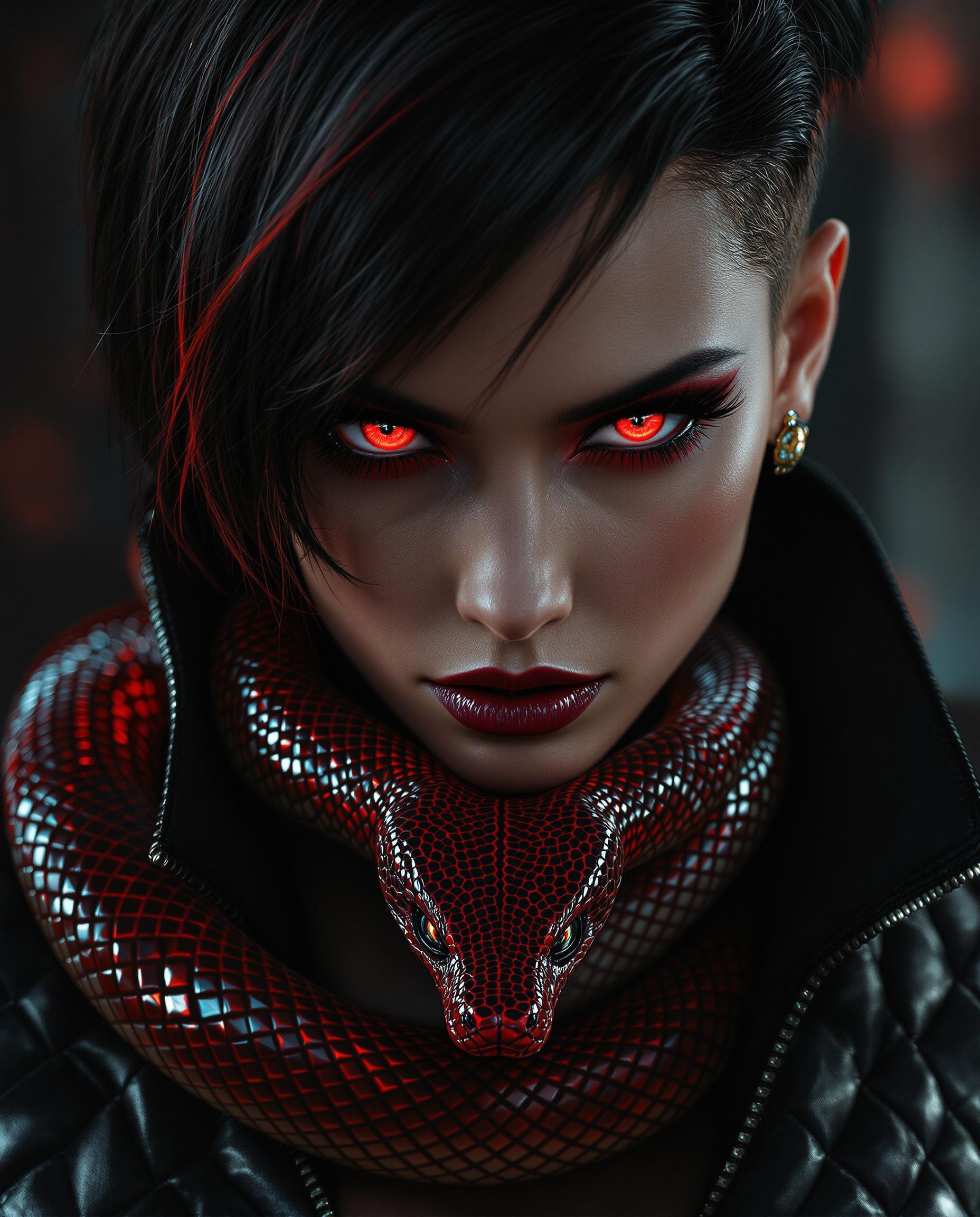
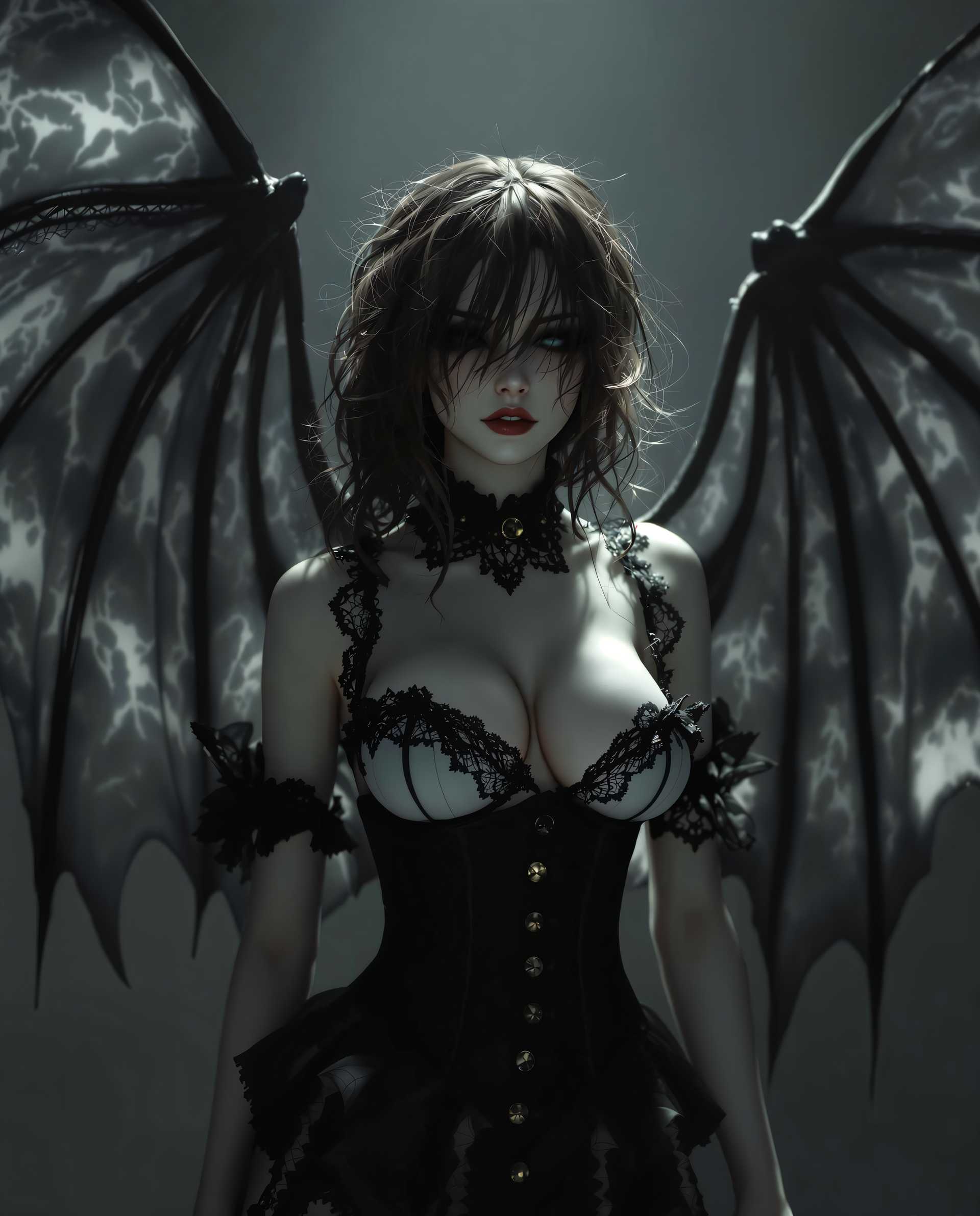
Imagine transforming a static image into a dynamic, lifelike animation that perfectly lip-syncs to any audio. With Wan 2.2 Animate, you can effortlessly bring your characters to life, adding depth and realism to your creative projects. Whether you're an animator, content creator, or marketer, our AI-powered tools enable you to produce professional-quality animations without the need for complex software or extensive experience.
Join over 10,000 creators who have enhanced their projects with Wan 2.2 Animate's cutting-edge AI animation tools.
Why Choose Pixel Dojo for Wan 2.2 Animate lip sync animation
Professional-quality results with cutting-edge AI technology
Effortless Animation Creation
Transform static images into dynamic animations with precise lip-syncing, saving time and effort.
High-Quality Output
Generate professional-grade animations with smooth motion and accurate expressions.
User-Friendly Interface
Create animations easily, regardless of your technical expertise, thanks to our intuitive platform.
How It Works
Creating lifelike lip-sync animations with Wan 2.2 Animate is simple and straightforward. Follow these steps to bring your characters to life:
Step 1: Upload Your Character Image
Select and upload a clear image of the character you wish to animate. Ensure the image is well-lit and the character's face is clearly visible.
Step 2: Provide Reference Audio or Video
Upload an audio clip or a reference video that contains the speech or expressions you want your character to mimic. This will guide the animation process.
Step 3: Generate and Download Your Animation
Click the 'Generate' button to process your inputs. Once the animation is ready, preview it and download the final output to use in your projects.


The Pixel Dojo Advantage
Why Wan 2.2 Animate is the superior choice for lip-sync animation:
| Others | Pixel Dojo |
|---|---|
| Traditional Animation Methods | Eliminate the need for manual frame-by-frame animation, reducing production time and costs. |
| Generic AI Tools | Benefit from specialized AI models designed specifically for character animation and lip-syncing, ensuring higher accuracy and realism. |
| Manual Lip-Syncing | Achieve precise lip-syncing automatically, without the tedious process of manual synchronization. |
Loved by Creators
See what our community says about Wan 2.2 Animate lip sync animation
"Wan 2.2 Animate has revolutionized our animation workflow. We can now produce high-quality lip-sync animations in a fraction of the time."
Alex Johnson
Lead Animator
"As a content creator, Wan 2.2 Animate has allowed me to add dynamic animations to my videos without any prior animation experience."
Samantha Lee
YouTuber
Common Questions
Everything you need to know about Wan 2.2 Animate lip sync animation AI generation
How does Wan 2.2 Animate create lip-sync animations from static images?
Wan 2.2 Animate utilizes advanced AI algorithms to analyze the provided audio or reference video and map the corresponding lip movements and facial expressions onto your static character image, resulting in a realistic animation.
What types of files can I upload for animation?
You can upload character images in formats such as JPG, PNG, and BMP. For reference audio, common formats like MP3 and WAV are supported. Reference videos can be in MP4, AVI, or MOV formats.
Is there a limit to the length of the animations I can create?
While there are practical limits to ensure optimal performance, Wan 2.2 Animate supports animations of various lengths. For longer animations, it's recommended to process them in shorter segments for better results.
Can I use Wan 2.2 Animate for commercial projects?
Yes, animations created with Wan 2.2 Animate can be used for both personal and commercial projects. Please refer to our licensing terms for more details.
Do I need any prior animation experience to use Wan 2.2 Animate?
No, Wan 2.2 Animate is designed to be user-friendly and accessible to individuals without any prior animation experience. Our intuitive interface guides you through the process step by step.
How long does it take to generate an animation?
The processing time depends on the complexity and length of the animation. However, Wan 2.2 Animate is optimized for efficiency, and most animations are generated within a few minutes.