Wan 2.2 Animate seed control AI Generator
Imagine bringing your static images to life with fluid, realistic animations that captivate your audience. With PixelDojo's Wan 2.2 Animate and its advanced seed control feature, you can achieve consistent, high-quality character animations tailored to your creative vision. Whether you're a marketer aiming to enhance your campaigns or a content creator seeking to engage your viewers, Wan 2.2 Animate simplifies the animation process, allowing you to focus on storytelling rather than technical complexities.

Join over 200,000 active users who have generated more than 400,000 animations using Wan 2.2 Animate, achieving a 98% user satisfaction rate.
Why Choose Pixel Dojo for Wan 2.2 Animate seed control
Professional-quality results with cutting-edge AI technology
Consistent Animation Quality
Utilize seed control to produce animations with uniform quality and style, ensuring your content maintains a professional standard.
Efficient Workflow
Streamline your animation process by generating multiple iterations with consistent parameters, saving time and effort.
Creative Control
Experiment with different motions and expressions while maintaining a cohesive look across your animations.
How It Works
Creating lifelike character animations with Wan 2.2 Animate is a straightforward process. Follow these steps to bring your images to life:
Step 1: Upload Your Character Image
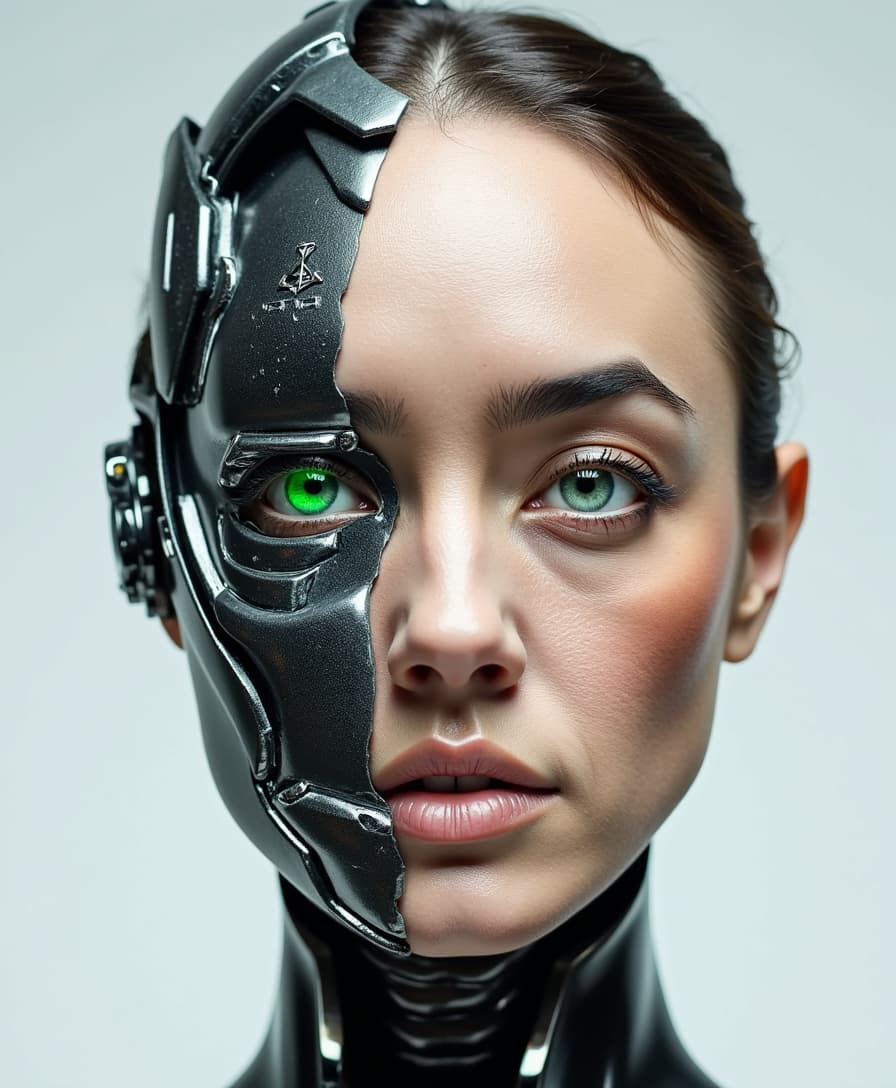
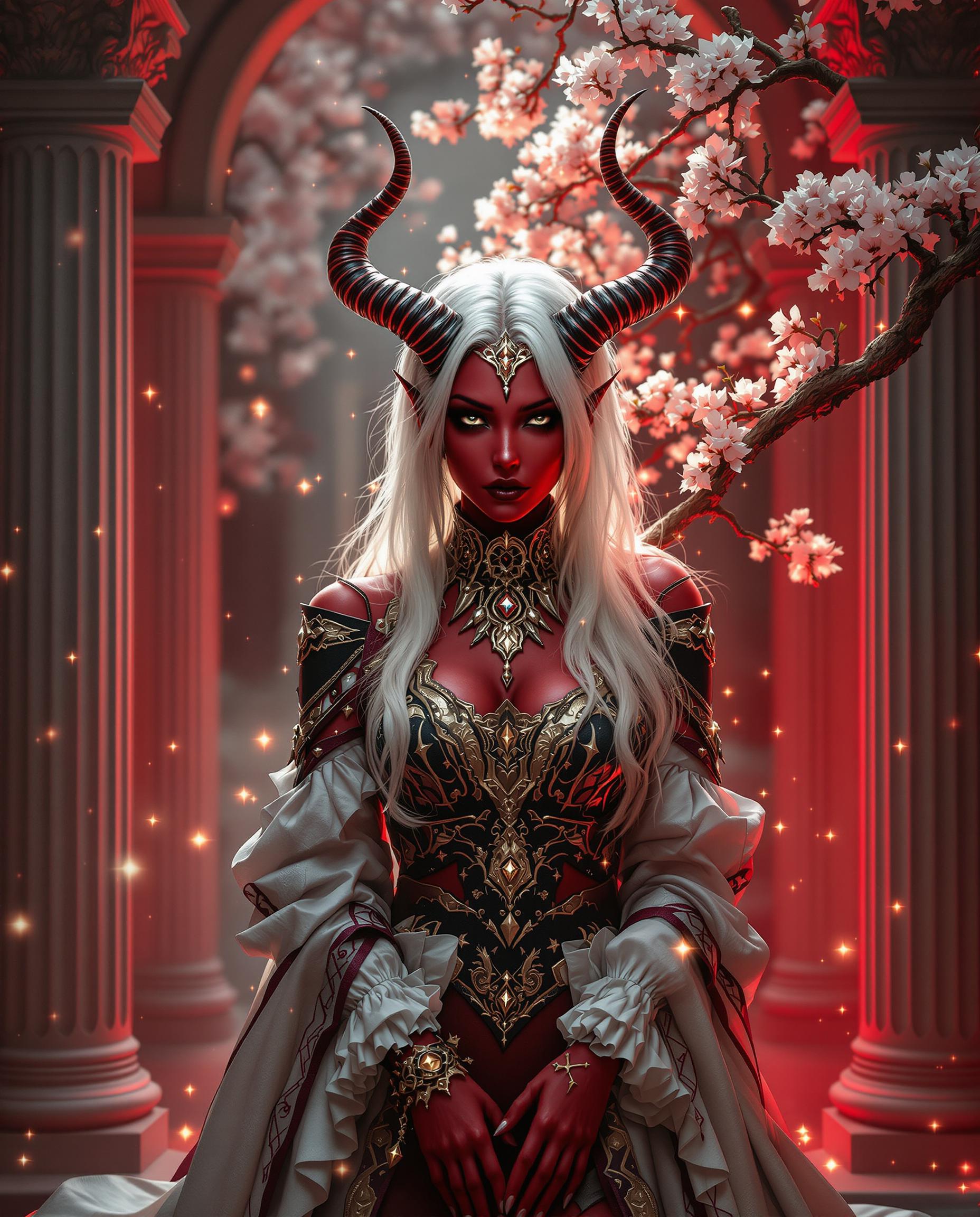
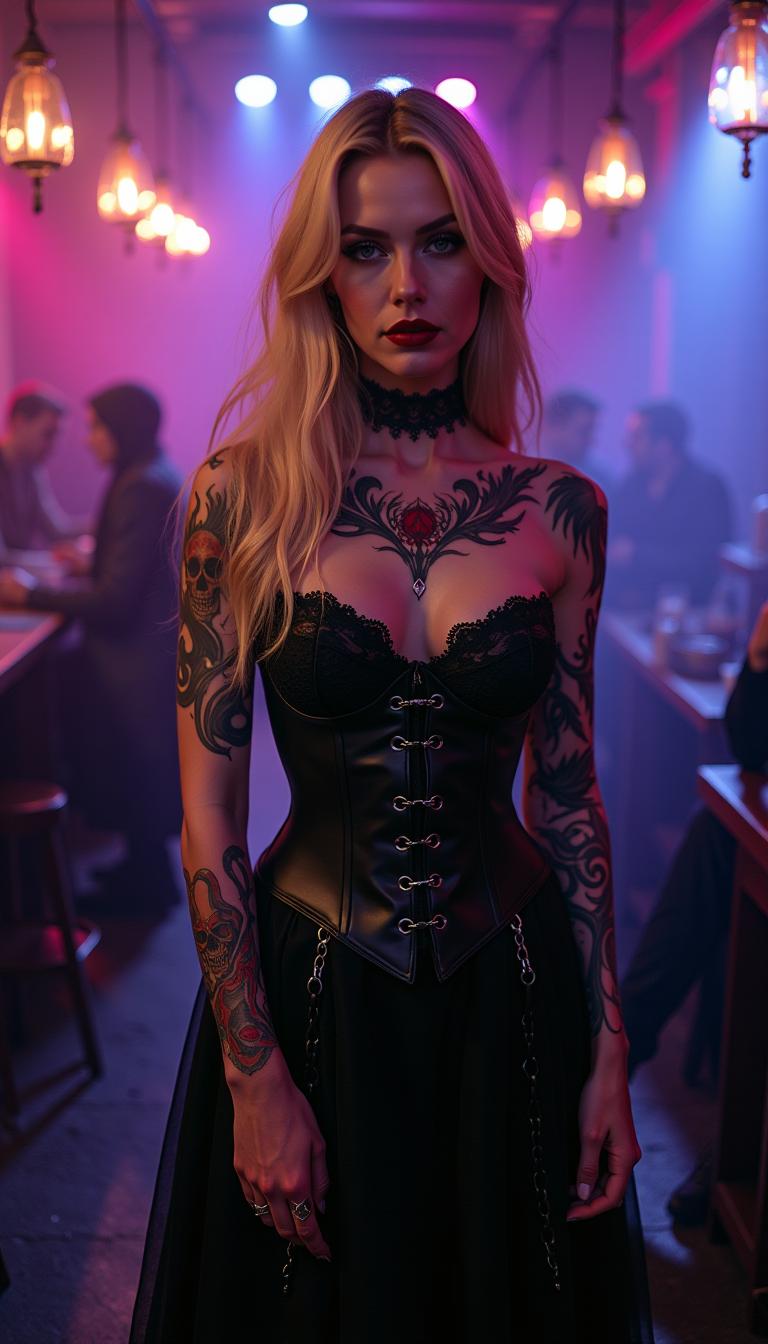
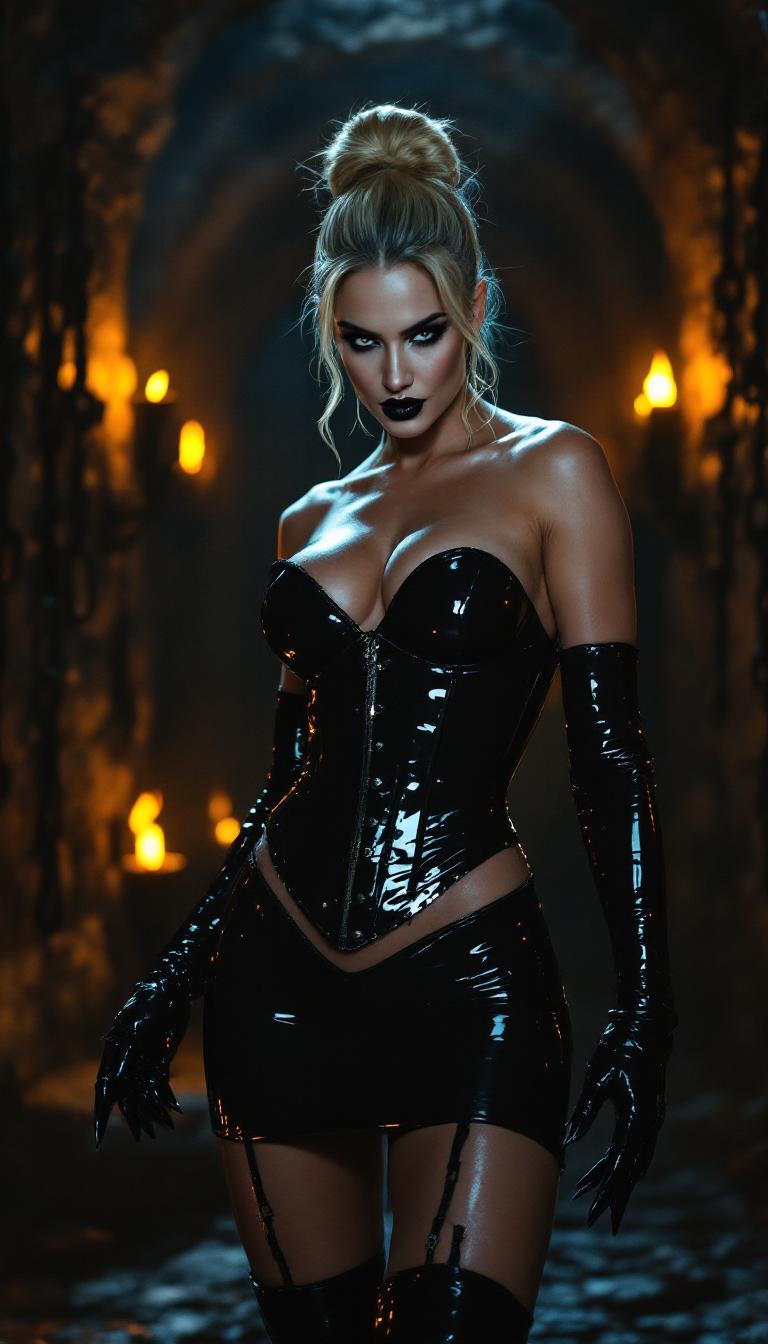
Select a clear, high-resolution image of the character you wish to animate. Ensure the image captures the character's features distinctly for optimal results.
Step 2: Choose a Reference Video
Provide a video that demonstrates the desired movements and expressions. This video will serve as the motion template for your animation.
Step 3: Set the Seed Value
Input a specific seed value to control the randomness of the animation generation. Using the same seed value across different sessions ensures consistency in the output.

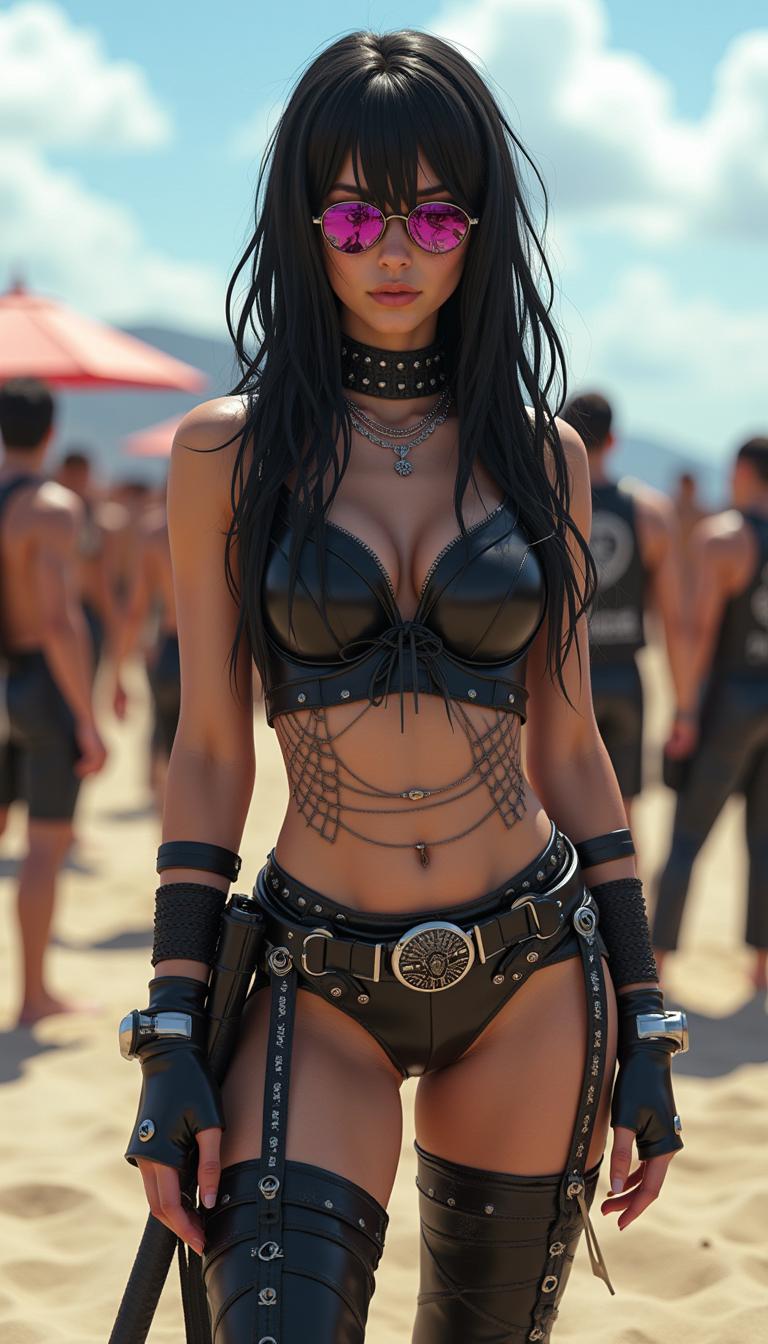
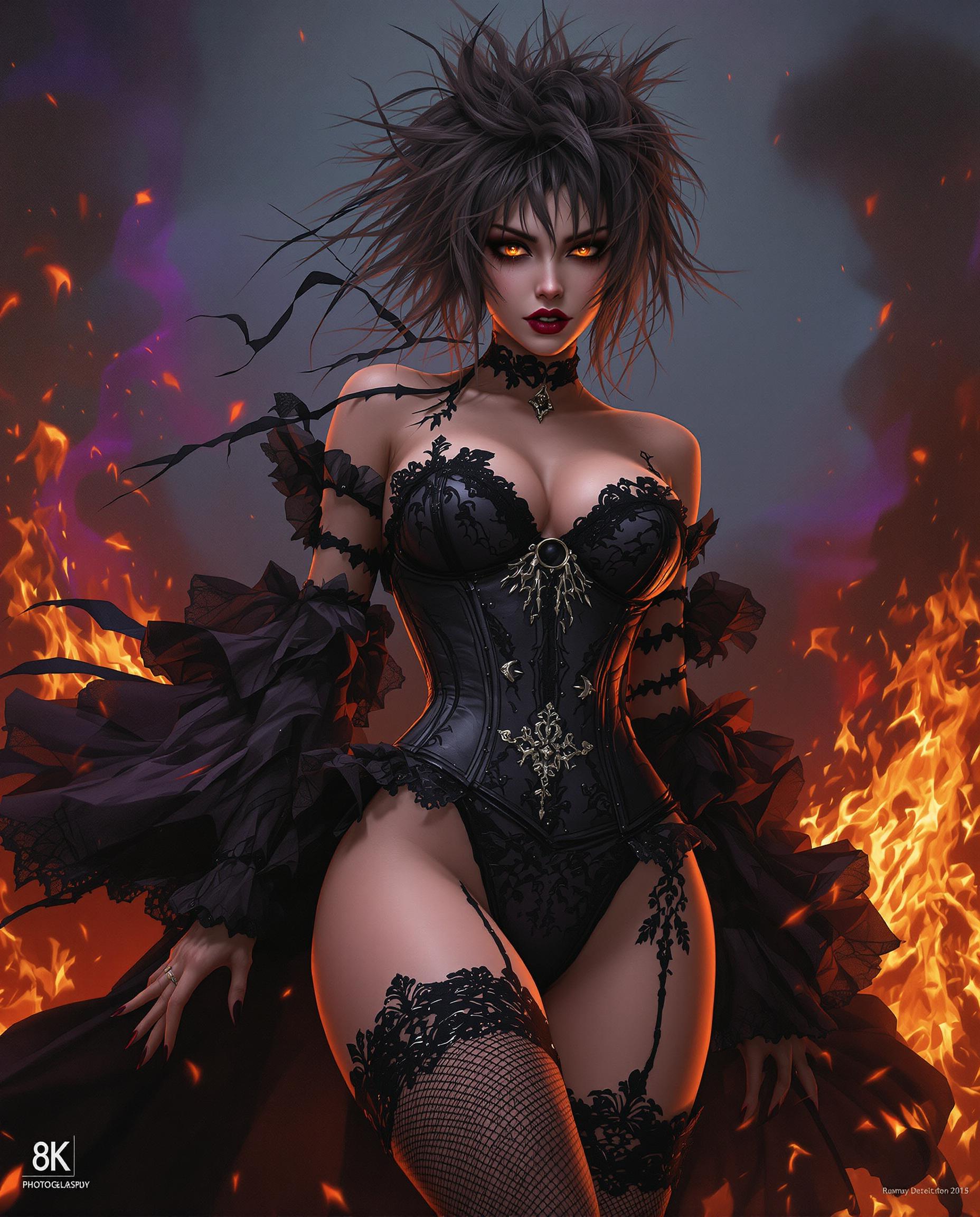
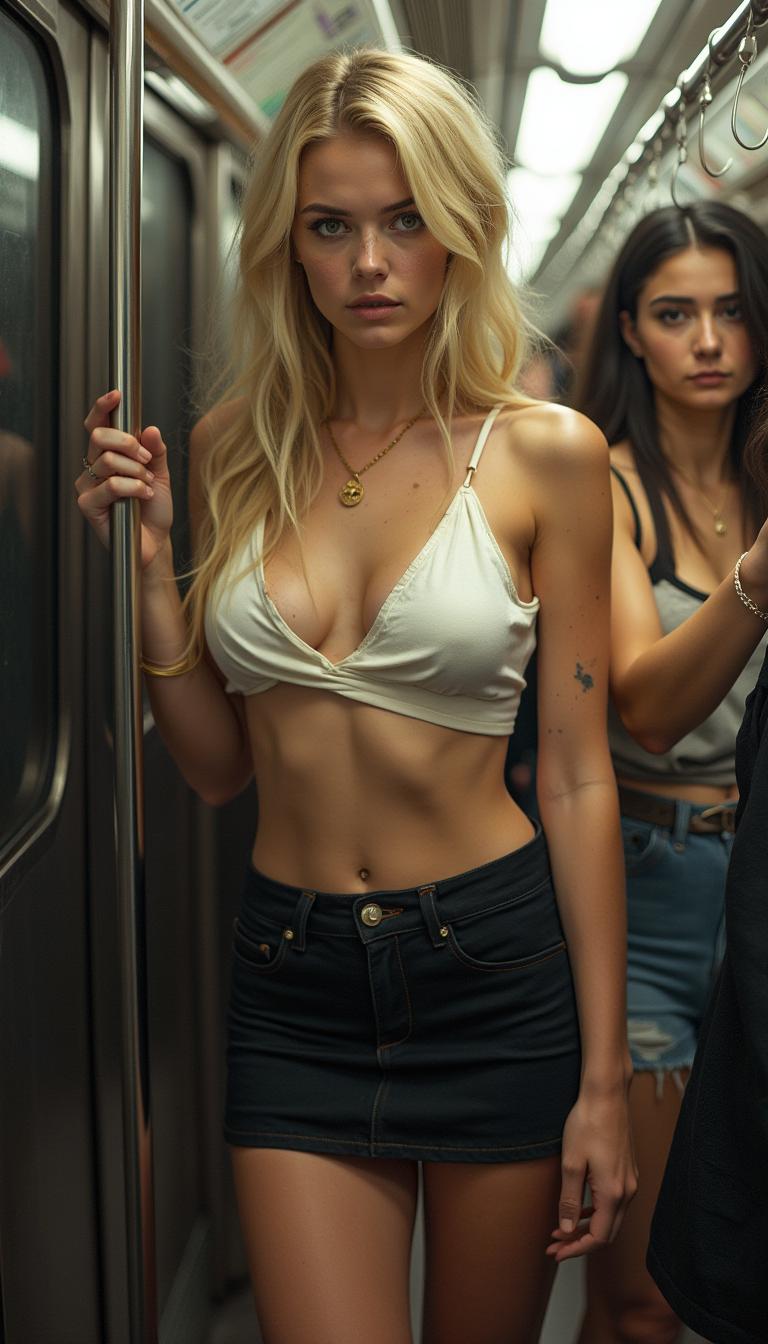





The Pixel Dojo Advantage
Why PixelDojo's Wan 2.2 Animate stands out in character animation:
| Others | Pixel Dojo |
|---|---|
| Traditional Animation Software | Eliminates the need for complex rigging and manual frame-by-frame animation, making the process faster and more accessible. |
| Generic AI Animation Tools | Offers precise control over animation consistency through seed control, ensuring uniform quality across projects. |
| Manual Motion Capture | Removes the necessity for expensive equipment and studio setups, allowing for high-quality animations from the comfort of your workspace. |
Loved by Creators
See what our community says about Wan 2.2 Animate seed control
"Wan 2.2 Animate has revolutionized our content creation process. The seed control feature ensures our animations are consistently high-quality, saving us countless hours."
Michael Williams
Digital Marketing Manager, UK
"As a motion designer, I value precision and consistency. Wan 2.2 Animate delivers on both fronts, making it an indispensable tool in my workflow."
Clara Bennett
Motion Designer, Australia
Common Questions
Everything you need to know about Wan 2.2 Animate seed control AI generation
How does seed control enhance animation consistency?
Seed control allows you to set a specific value that guides the random processes in animation generation. By using the same seed value, you can produce animations with consistent quality and style, ensuring uniformity across your projects.
Can I use Wan 2.2 Animate without prior animation experience?
Absolutely! Wan 2.2 Animate is designed with user-friendliness in mind. Its intuitive interface and straightforward process enable users without animation backgrounds to create professional-quality animations effortlessly.
What types of images work best with Wan 2.2 Animate?
High-resolution images with clear, distinct features yield the best results. Ensure your character's face and body are well-lit and unobstructed to facilitate accurate motion transfer.
Is there a limit to the length of the reference video I can use?
While there isn't a strict limit, shorter videos (around 5-10 seconds) are recommended for optimal processing times and results. Longer videos may require more processing power and time.
Can I animate multiple characters simultaneously?
Currently, Wan 2.2 Animate focuses on animating single characters per session. For multiple characters, you can process each individually and combine the animations in post-production.
How do I ensure the animated character blends seamlessly into different backgrounds?
Wan 2.2 Animate's Relighting LoRA module adjusts the character's lighting and color tones to match the environment, ensuring natural integration into various scenes.