FLUX Prompting Guide

The FLUX family.
One prompting playbook.

Schnell, Dev, Pro, 1.1 Pro, Kontext Pro/Max, and hyper-flux remixes — every FLUX variant on PixelDojo runs off the same prompt language. This guide is the playbook: composition framework, lighting recipes, text rendering, and example prompts that produce consistently sharper output.

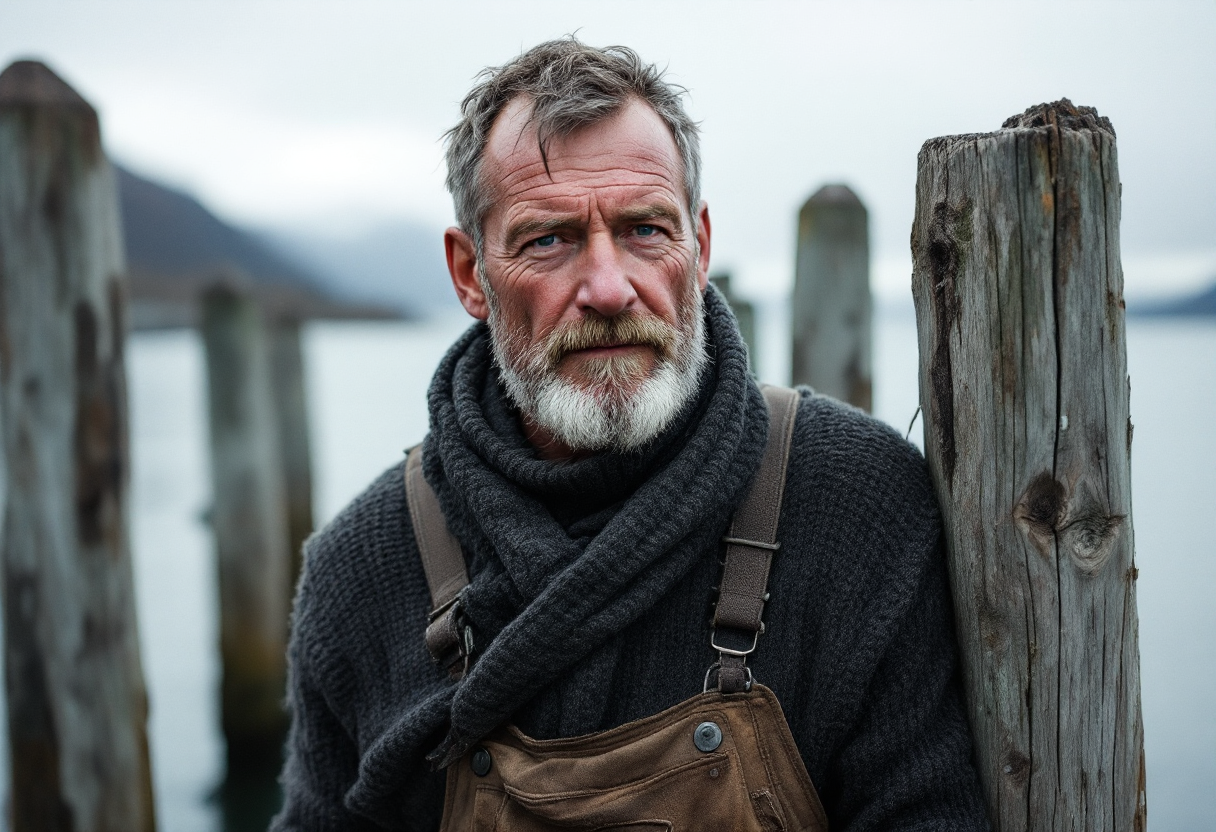
FLUX hero — cinematic environmental portrait

Overview

FLUX from Black Forest Labs is the most prompt-faithful open image model family on PixelDojo. The variants trade off speed vs fidelity: Schnell (fastest), Dev (default), Pro and 1.1 Pro (highest base quality), Kontext Pro/Max (best text rendering and instruction following), and hyper-flux (Schnell + 8-step LoRA for extreme speed).

Where FLUX consistently outperforms: photorealism at long-shot distances, hand and finger geometry, text rendering up to a paragraph long (Kontext especially), and structural prompt adherence (it follows compositional instructions literally — "low-angle, three-quarter view of …" actually produces that shot).

9

FLUX variants on PixelDojo

11

Aspect ratios + custom dimensions
1–4

Outputs per prompt

Key Features

Photorealistic Output by Default
Sharper than the SDXL generation

Photorealistic Output by Default

FLUX-dev / Pro / 1.1 Pro produce photoreal output without you having to negative-prompt away "drawing" or "illustration". Skin texture, fabric weave, and depth of field all read as captured rather than rendered.

In-Image Text Rendering
Use Kontext for paragraphs

In-Image Text Rendering

FLUX Kontext Pro and Kontext Max can render multi-line text and short paragraphs accurately inside the image. Use quotes around the text you want rendered ("Hello World" written on a sign). For one-word logos, any FLUX variant works.

Cinematic Light by Name
Reference the DP, the time of day, the bulb

Cinematic Light by Name

FLUX responds well to specific lighting language — "Roger Deakins-style cinematography", "golden hour rim light", "single tungsten key light", "overcast diffused daylight". Naming the lighting setup gives the model an immediate target.

Pick the Right Variant
Schnell · Dev · Pro · 1.1 Pro · Kontext

Pick the Right Variant

Schnell and hyper-flux for fast iteration (~1-2s per image). Dev for everyday quality. Pro and 1.1 Pro for hero shots. Kontext Pro/Max when text or instruction-following matters. Same prompt language across all.

Example Images

Each example shows the exact prompt that produced the result. Copy any prompt with one click.

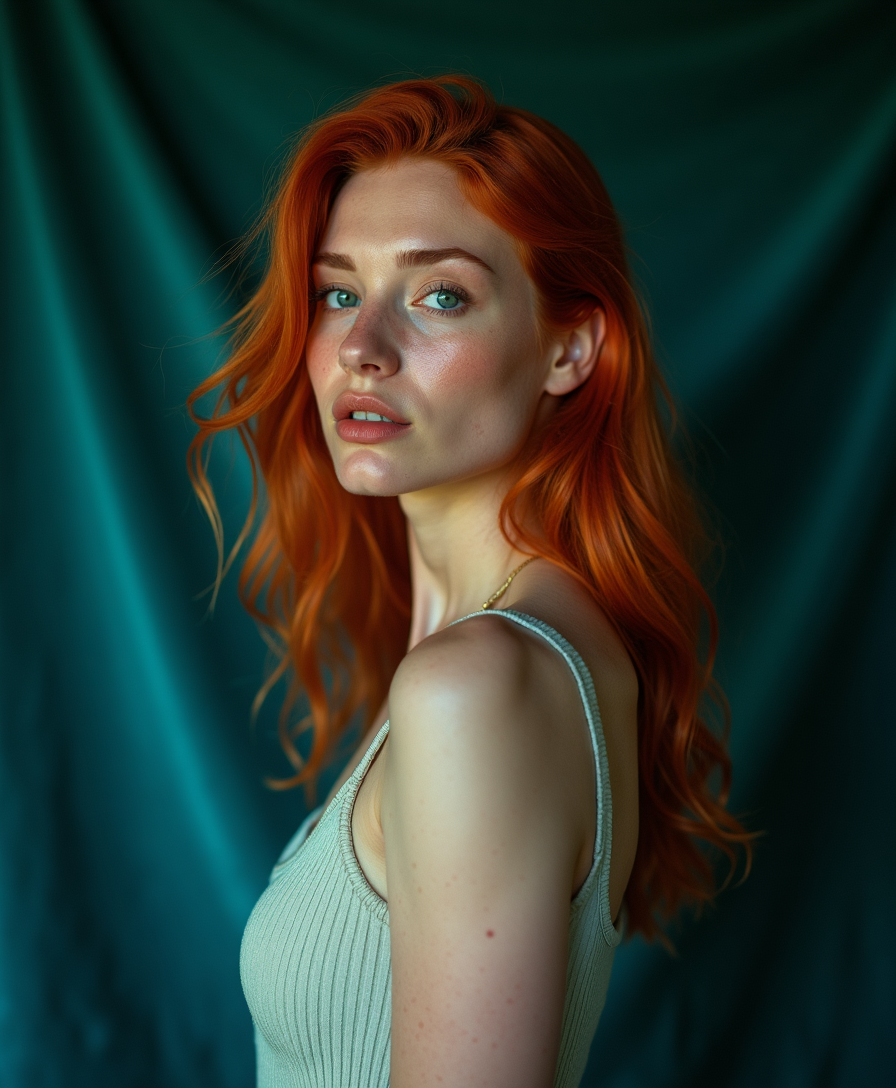
Editorial Portrait, Photoreal

Editorial Portrait, Photoreal

FLUX Dev · 4:5 · 1024px

Editorial portrait of a woman with copper-red hair against a deep teal velvet backdrop, soft Rembrandt lighting from camera-left, freckles visible, melancholic gaze, shot on medium format film with shallow depth of field, hyper-detailed skin texture, fine fabric weave on the dress, 8k photography

Lead with the subject and lighting style ("Rembrandt", "rim light", "softbox"), then anchor with format references ("medium format film", "shot on Hasselblad"). FLUX Dev nails this kind of editorial portrait at 4:5.

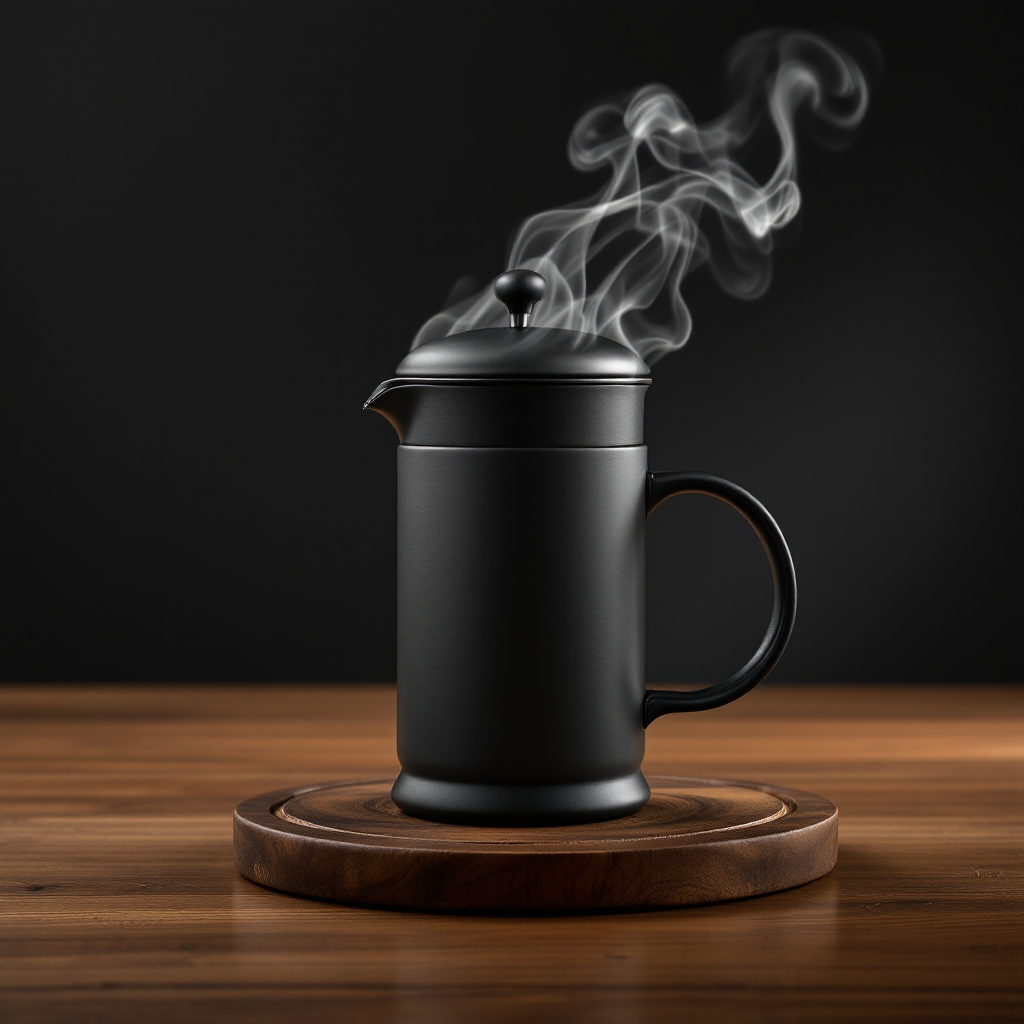
Product Shot, Square Social

Product Shot, Square Social

FLUX 1.1 Pro · 1:1 · 1024px

Studio product shot of a matte-black ceramic French press on a polished walnut surface, swirling steam catching the rim light, slow 90-degree rotational angle, soft top-down key light against a charcoal gradient backdrop, photoreal, advertising quality, no text on the product

For products: surface ("polished walnut", "concrete slab", "linen tablecloth") + lighting setup ("rim light from behind", "softbox from above") + camera angle ("90-degree pan", "three-quarter view"). Add "no text" to suppress unwanted logos.

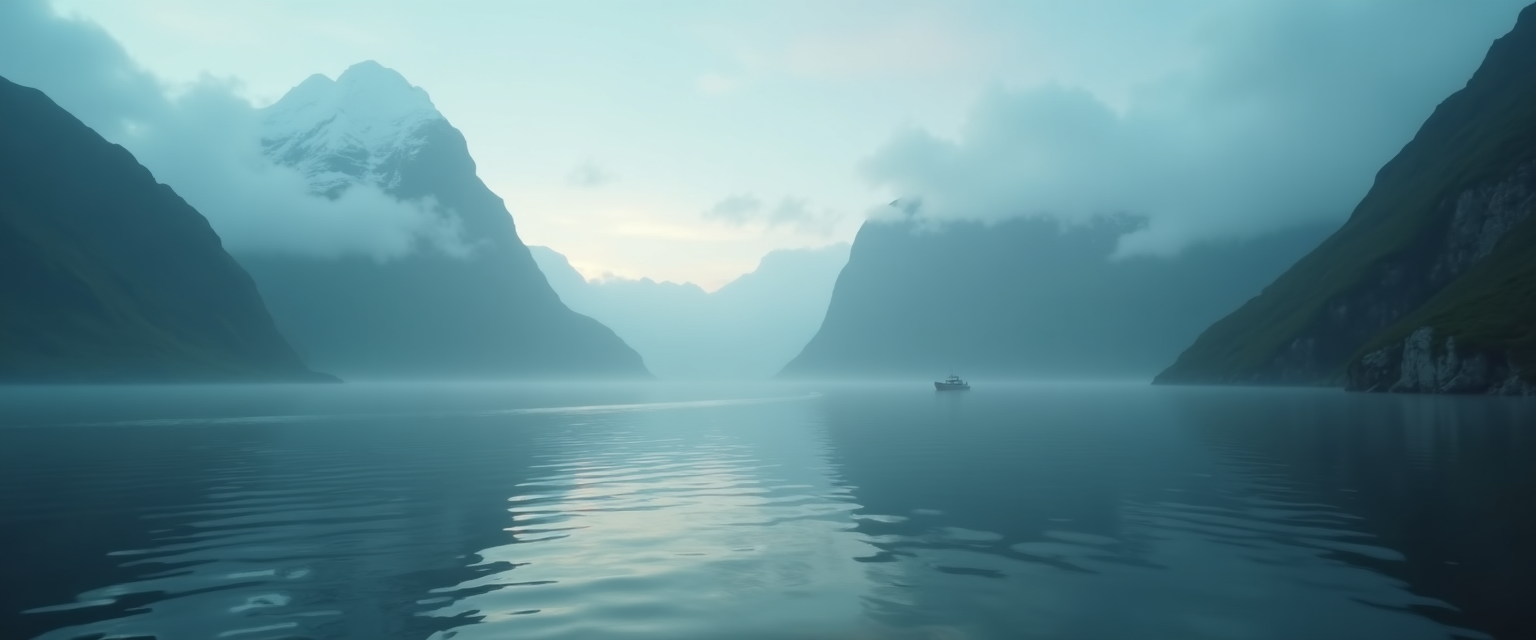
Atmospheric Landscape

Atmospheric Landscape

FLUX Pro · 21:9 · 1024px

Wide cinematic landscape of a misty Norwegian fjord at dawn, mountain peaks emerging through low fog, a single distant fishing boat leaving a thin wake on glassy water, cool blue-green palette with a warm amber glow on one peak, ultra-detailed, hyper-realistic 8k

21:9 ultra-wide rewards atmospheric scenes. Specify the time of day, the dominant palette, and one "warm spot" element to break the cool color field — that contrast is what makes the shot feel cinematic.

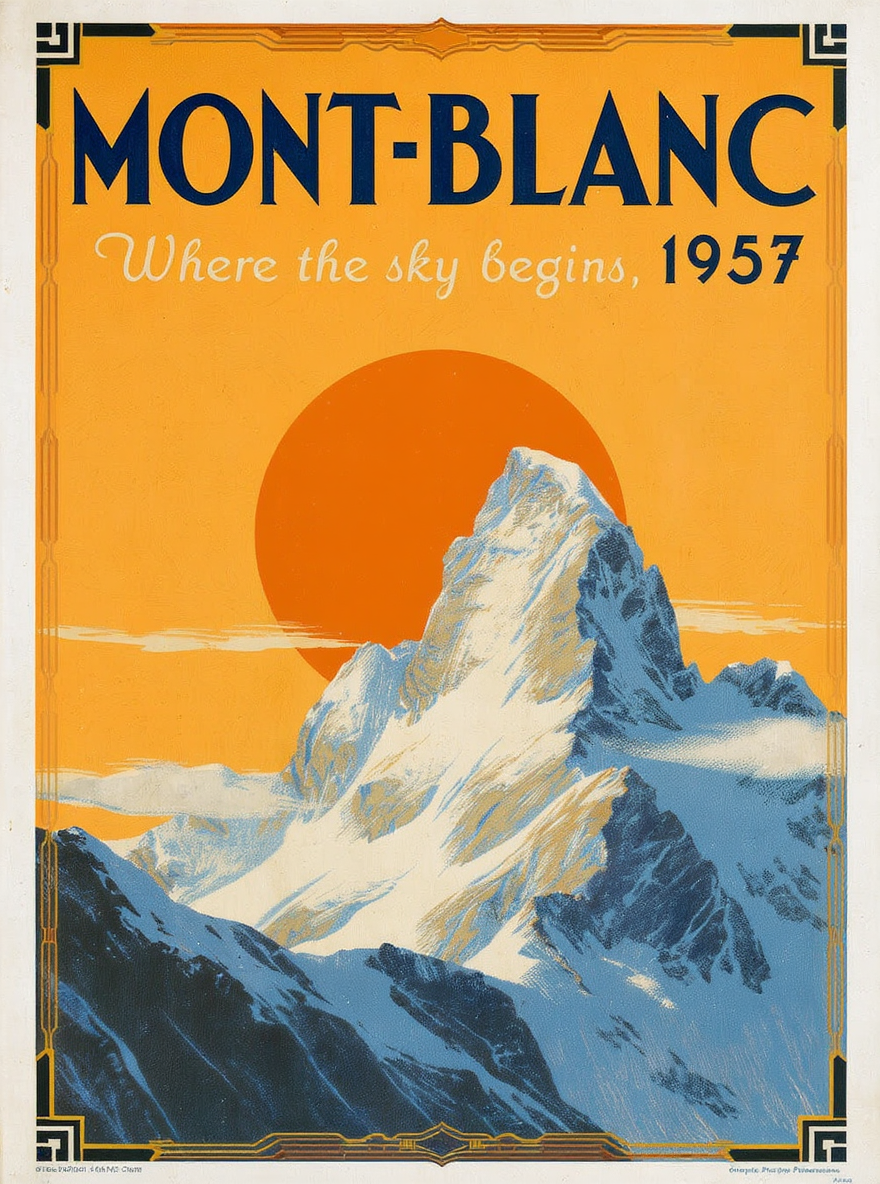
Text Poster, Kontext Max

Text Poster, Kontext Max

FLUX Kontext Max · 3:4 · 1024px

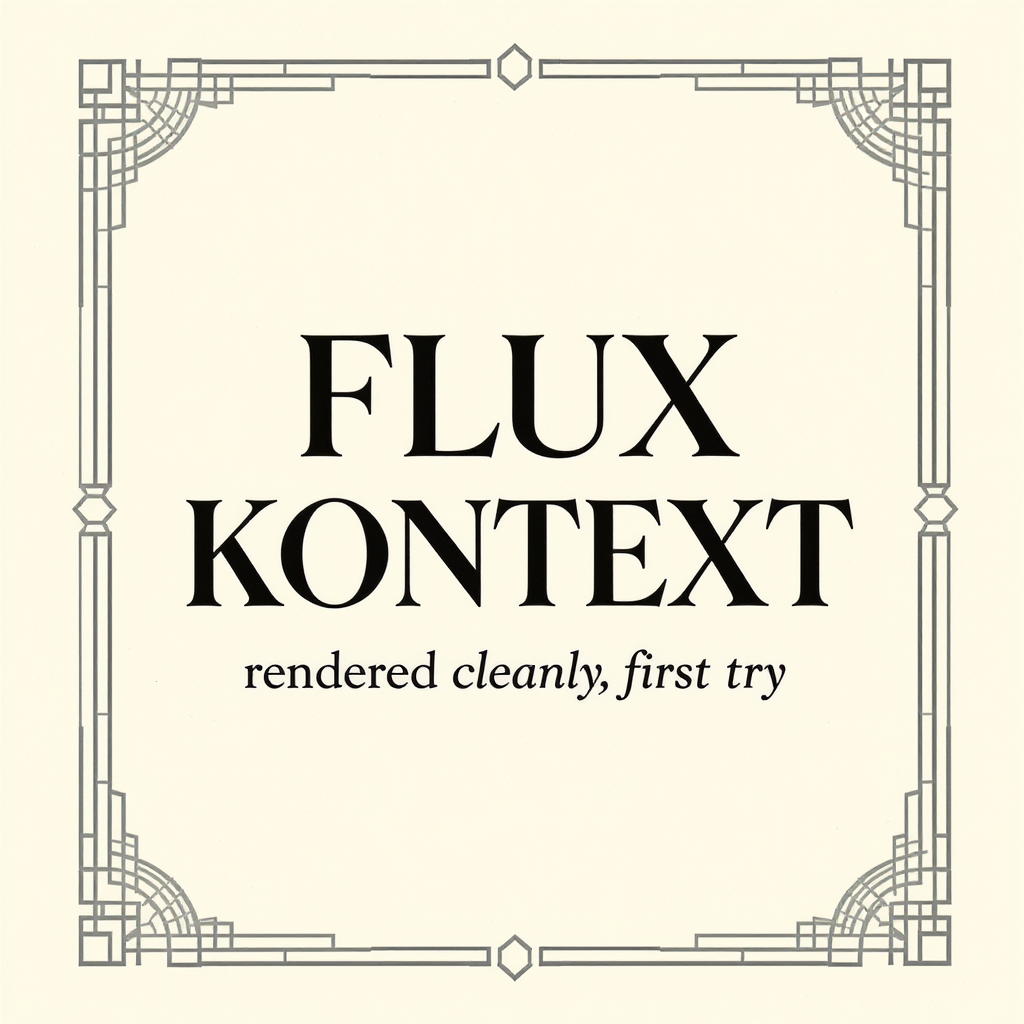
A vintage travel poster for "Mont-Blanc, 1957" — bold serif typography at the top reading "MONT-BLANC", smaller italic subtitle "Where the sky begins, 1957", stylized illustration of a snowy peak with vintage poster color palette (deep blues, warm cream, hot orange sun), art-deco border, the text must be crisp and exactly as specified

Kontext Max renders multi-line text more accurately than any other FLUX variant. Wrap the literal text in quotes, name the typeface ("serif", "italic", "art-deco"), and end with "the text must be exact" — that closing instruction noticeably reduces drift.

Character at Distance

Character at Distance

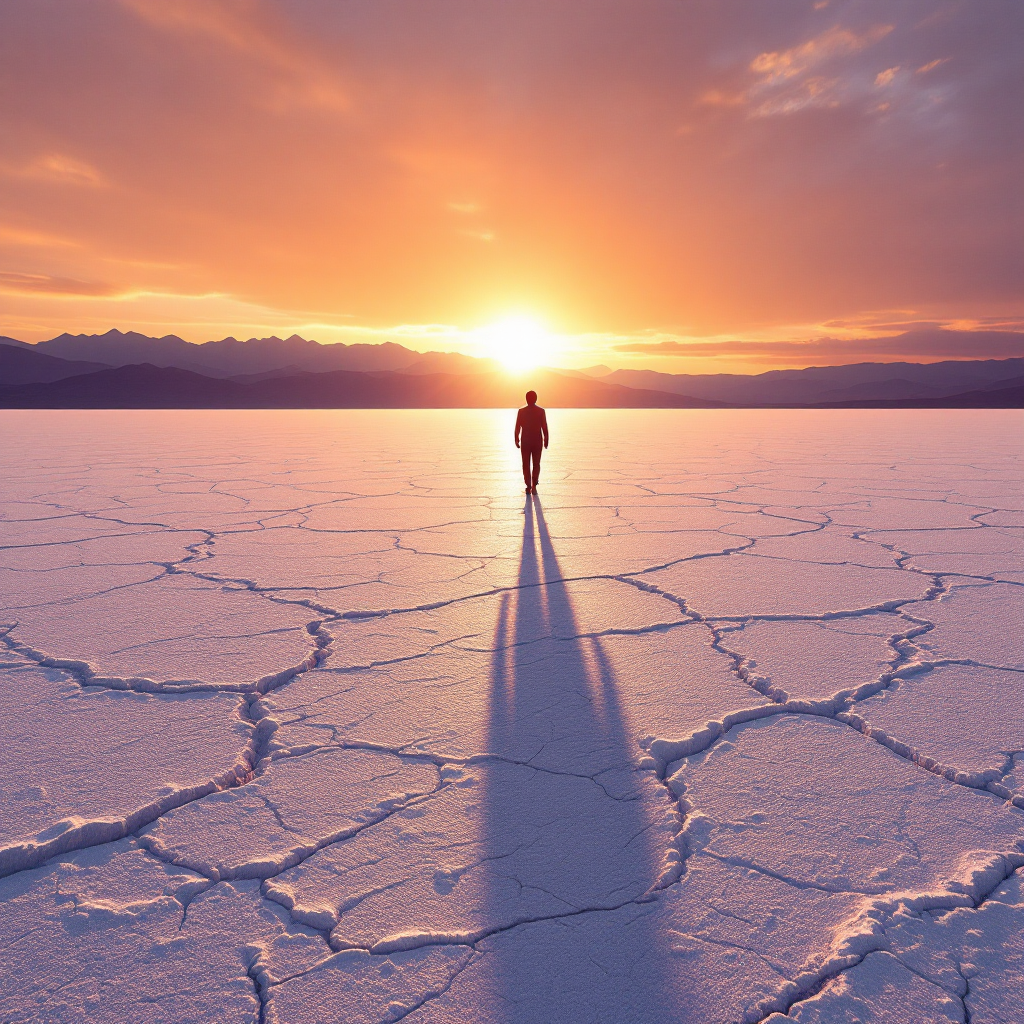
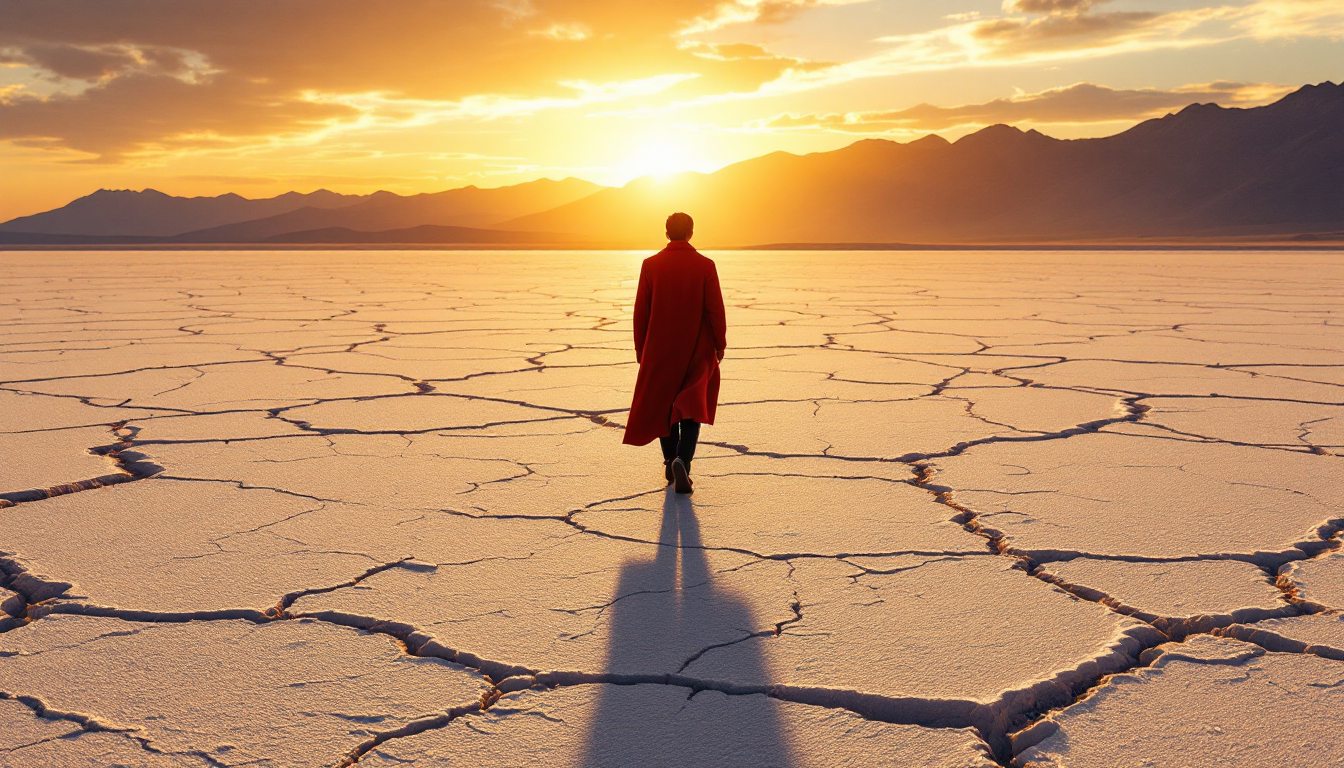
FLUX 1.1 Pro · 16:9 · 1024px

Long-shot of a lone figure in a red trench coat walking across a vast cracked salt flat at sunrise, silhouette razor-thin, casting a long shadow across the white earth, distant violet mountains, photographic 8k, warm amber backlight flaring the lens

FLUX handles characters-at-distance better than most open models — small in frame, silhouetted, posed. Pair "long shot" or "wide establishing shot" with environmental scale ("vast salt flat", "endless desert") to push the character into the landscape.

Prompting Tips

Lead with the subject, end with the format

Structure: subject + action + setting + lighting + style + format. The "format" anchor at the end ("8k photography", "medium format film", "advertising quality") steers FLUX toward a target fidelity. Generic prompts produce generic output.

Name the camera move and angle

FLUX reads camera language literally. "Three-quarter view", "low-angle from below", "Dutch angle", "extreme close-up" all execute. Vague "interesting angle" does not.

Pick the variant before you write the prompt

Schnell / hyper-flux for iteration (fast, lower fidelity). Dev for everyday work. Pro / 1.1 Pro for hero shots. Kontext when text matters. Same prompt language across variants, but Pro tolerates more density.

Quote literal text

For in-image text, wrap the exact string in double quotes and place it after the visual description. Example: ...with a hand-painted sign reading "Closed for Storm" hanging from the porch... Specifying the style of the text (serif/sans/handwritten) also helps.

Use negative prompt sparingly

FLUX doesn't need heavy negative prompts. "blurry, low quality, distorted hands" is enough for 95% of cases. Over-stuffed negative prompts can backfire by stripping detail the model would have rendered correctly.

Aspect ratio matters more than you think

FLUX composes differently for each aspect. Portraits read better at 2:3 or 4:5, landscapes at 16:9 or 21:9, product social at 1:1. Generating a portrait at 16:9 wastes pixels and often produces empty sides.

Settings Reference

SettingValuesNotes
VariantSchnell / Dev / Pro / 1.1 Pro / Kontext Pro / Kontext Max / hyper-flux / *-loraPick by speed vs quality vs text-rendering. Dev is the default.
Aspect ratio1:1 · 16:9 · 9:16 · 21:9 · 9:21 · 3:2 · 2:3 · 4:5 · 5:4 · 3:4 · 4:3 · customUse "custom" with width/height for free-form sizes.
Outputs1–4Each output is its own credit charge. Iterate on 1 first.
Output formatPNG (default) · JPG · WEBPPNG for transparency, JPG for smallest file.
Seed0 – 2,147,483,647Same seed + prompt + variant reproduces the image.
Negative promptstring (optional)Keep short. FLUX doesn't need heavy negatives.

FAQ

Default to FLUX Dev — it's the best speed-to-quality balance. Use Schnell or hyper-flux for fast iteration. Use Pro or 1.1 Pro for hero shots and final renders. Use Kontext Pro or Kontext Max when text rendering or precise instruction-following matters.