GPT-Image 1.5 Prompting Guide

OpenAI image generation.
Strong prompt adherence.

GPT-Image 1.5 is OpenAI's image model — strong prompt adherence, clean text rendering, three quality tiers, and a transparent-background mode that's rare among image models. Best when you need the prompt followed literally instead of reinterpreted.

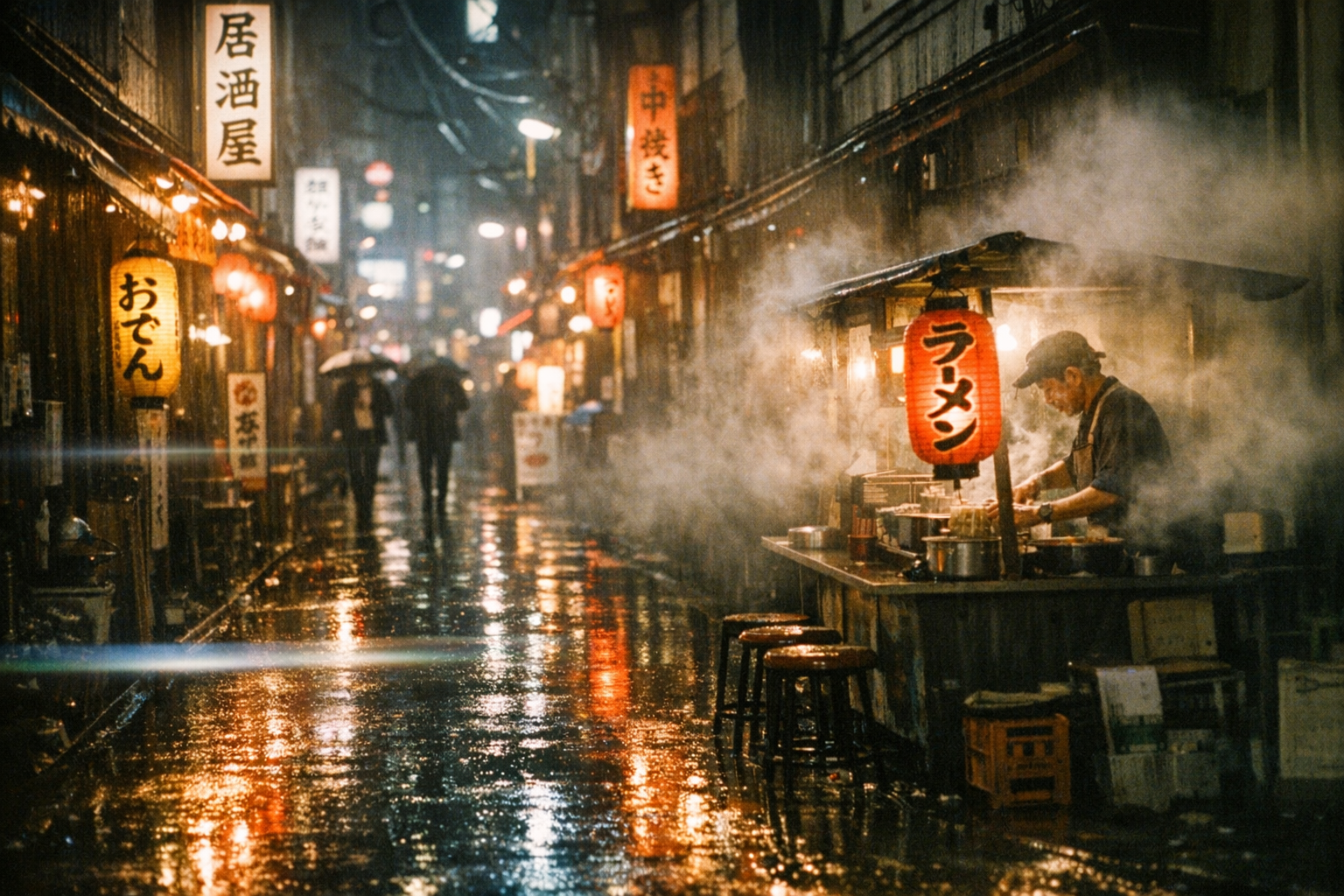
GPT-Image 1.5 hero — cinematic Tokyo backstreet at night

Overview

GPT-Image 1.5 is OpenAI's image generation model. Its defining trait is prompt adherence — what you write is what you get, not what the model thinks you meant. That makes it the go-to choice when you need exact compositions, specific text rendering, or unusual subject combinations that other models tend to smooth over.

Three quality tiers (Low / Medium / High) trade speed for fidelity, three frame sizes (square 1:1, landscape 3:2, portrait 2:3), and a transparent-background mode that ships clean PNGs with no extra cutout step. Pricing scales with quality: 1 credit for low and medium, 4 credits for high.

3

Quality tiers

PNG

Transparent backgrounds

1–4 cr

Per image

Key Features

Renders Text Cleanly
Quoted strings, clean kerning

Renders Text Cleanly

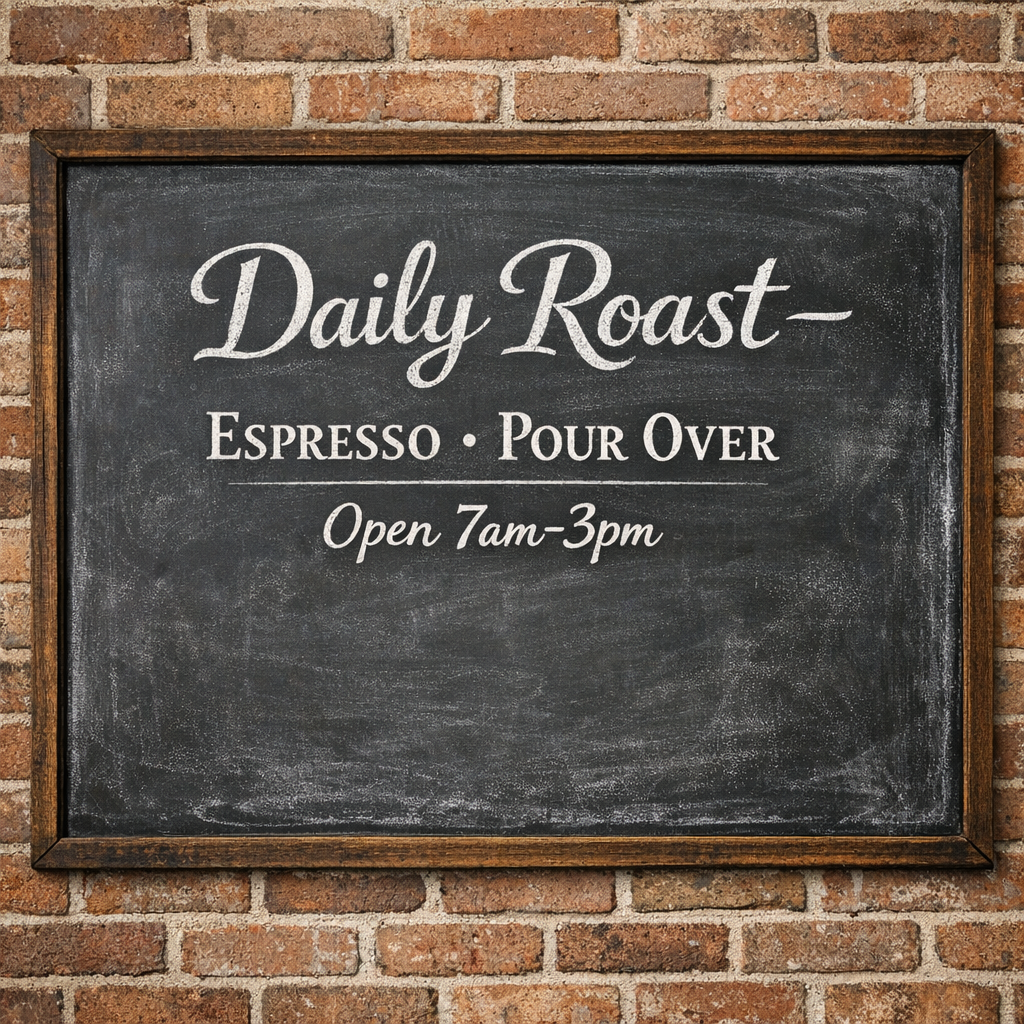
GPT-Image 1.5 is one of the best general-purpose models for in-image text — chalkboards, signs, packaging, posters. Wrap exact strings in double quotes and the model holds the letterforms. Multi-line text and varied weights work better here than on most photo-first models.
Transparent Backgrounds
Logos, icons, cutouts

Transparent Backgrounds

Set background to 'transparent' and GPT-Image returns a clean PNG with no cutout pass needed — ready to drop into a layout or composite. Especially strong for logos, product icons, and isolated subjects you'd otherwise have to mask in post.

Editorial + Illustrative Range
Not just photoreal

Editorial + Illustrative Range

GPT-Image 1.5 commits to non-photo styles when you commit to them in the prompt — flat color blocking, watercolor, editorial-magazine illustration, retro print. Other strong general models default photoreal regardless; this one switches genres cleanly.

Photoreal Detail at High Quality
Macro, texture, materials

Photoreal Detail at High Quality

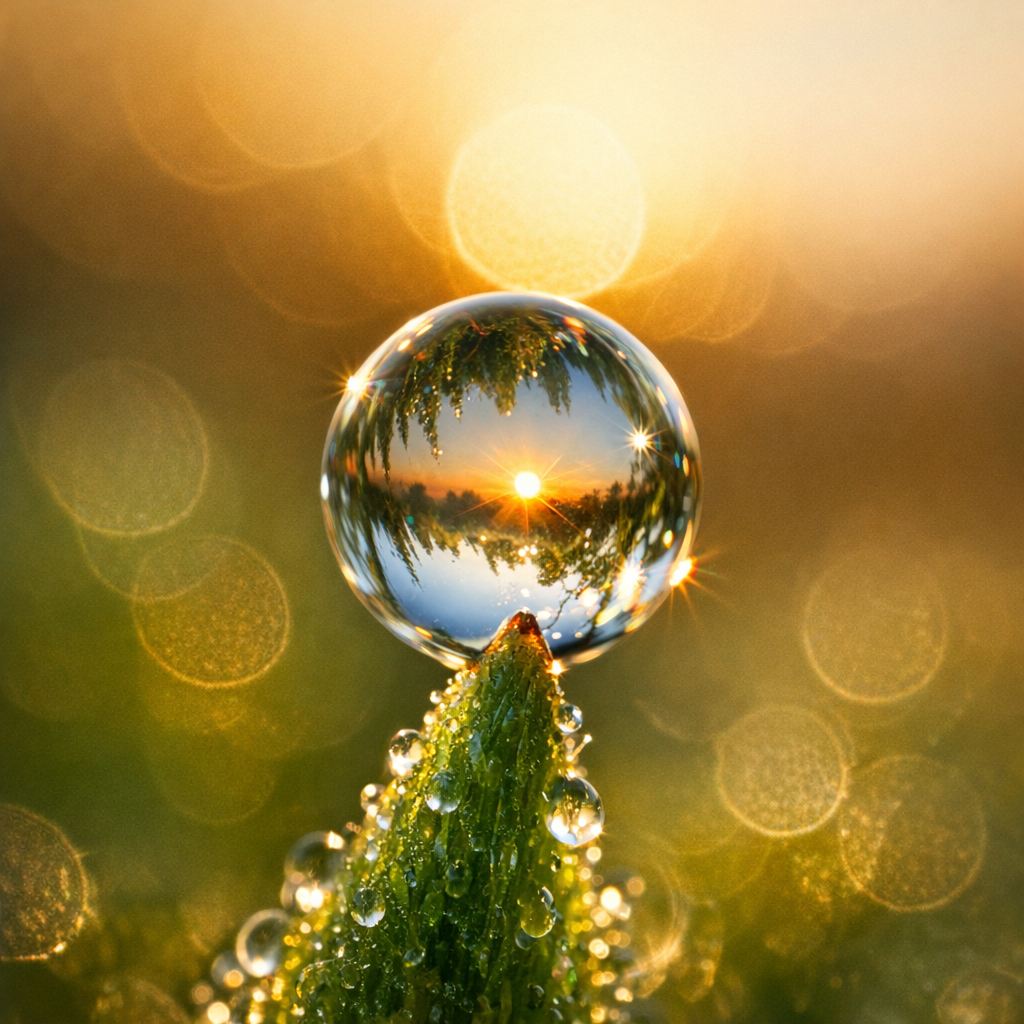
High-quality tier produces strong photoreal output with crisp texture detail — moss, dew, fabric weave, skin pores. Worth the 4-credit cost for hero shots and material-driven scenes. Low and medium are perfect for prompt iteration.

Example Images

Each example shows the exact prompt that produced the result. Copy any prompt with one click.

In-Image Text — Coffee Shop Sign

In-Image Text — Coffee Shop Sign

1:1 · High quality · 4 credits

A vintage chalkboard coffee shop sign reading "Daily Roast — Espresso · Pour Over · Open 7am–3pm" in clean hand-lettered serif chalk, faint smudges, photographed straight-on against a warm brick wall

Wrap the exact text in double quotes — GPT-Image 1.5 reads them as literal. Multi-line text holds up better here than on FLUX or Seedream. Add "hand-lettered" or "kerned" to nudge typography quality.

Macro Photoreal

Macro Photoreal

1:1 · High quality · 4 credits

Extreme macro photograph of a single dewdrop balanced on a green moss tip at sunrise, refracted light through the droplet, shallow depth of field, hyper-real detail

High quality tier earns its 4-credit cost on material-driven macros. Name the specific phenomenon ("refracted light", "shallow DOF") instead of generic "photoreal" and the model commits harder to the technique.

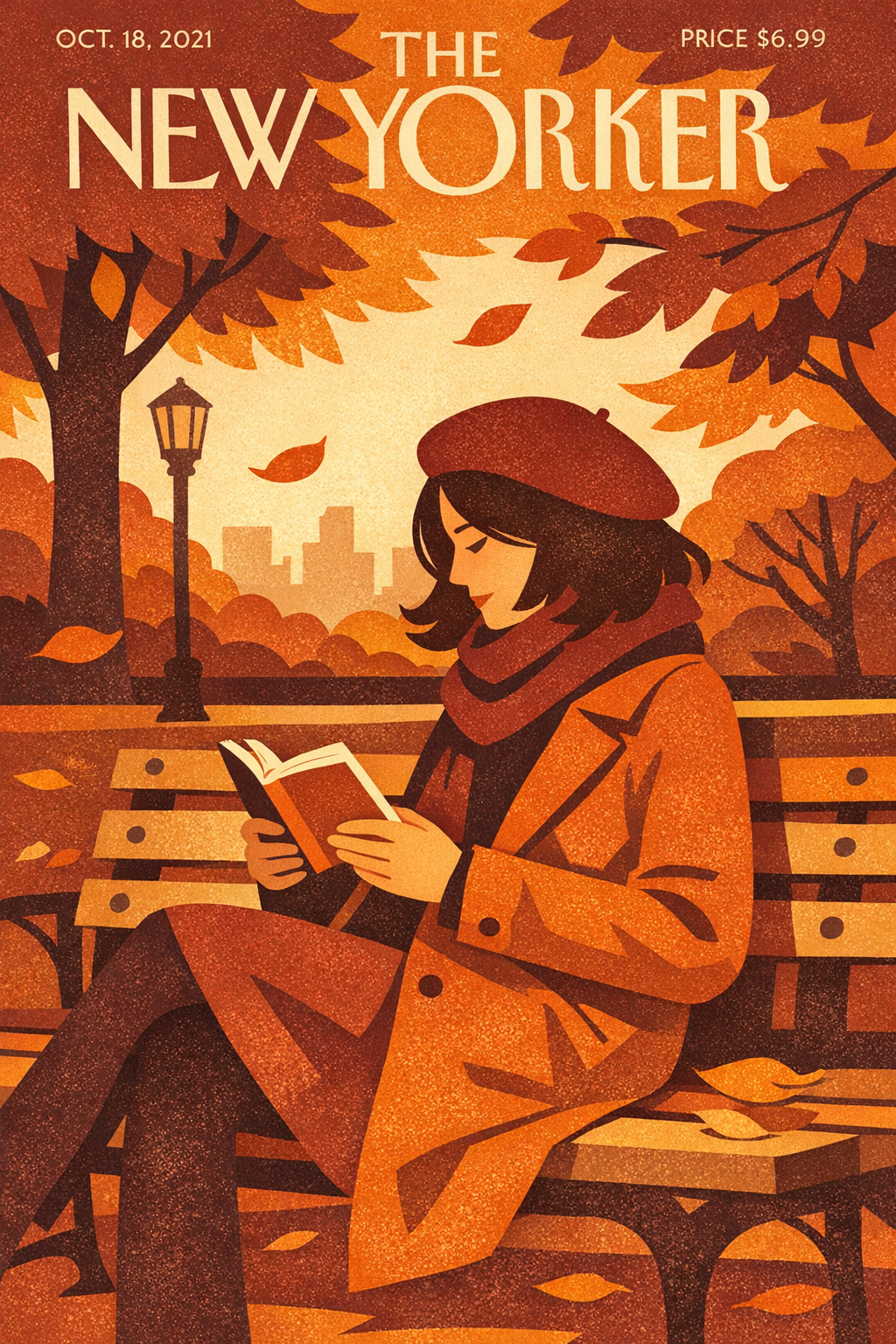
Editorial Illustration

Editorial Illustration

2:3 portrait · High · 4 credits

Editorial illustration of a woman in a wool coat reading a paperback on a park bench in autumn, flat color blocking with subtle grain texture, warm rust orange and burgundy palette, soft afternoon light, in the style of a New Yorker cover

Name the medium ("flat color blocking", "grain texture") and the tradition ("New Yorker cover") explicitly. GPT-Image commits to illustrated styles cleanly when the prompt does too — vague "stylized" produces photo-illustration hybrids.

Transparent Logo

Transparent Logo

1:1 · High · transparent · 4 credits

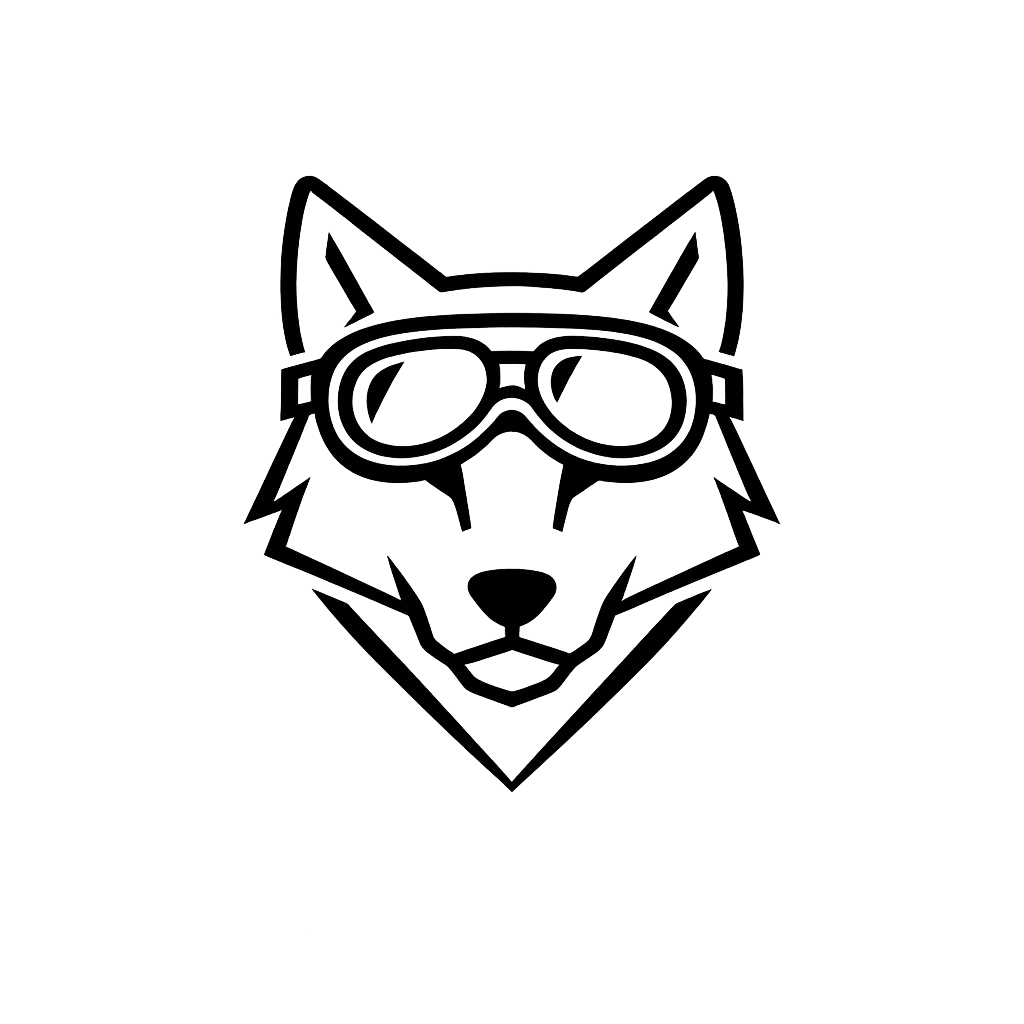
Minimalist logo of a wolf head wearing aviator goggles, geometric single-line black ink art, balanced negative space, scalable mark for a coffee brand

Pair background="transparent" with logo-friendly language — 'single-line', 'geometric', 'scalable mark'. The PNG returns with a clean alpha channel ready to composite. Skip the cutout pass entirely.

Cinematic Landscape

Cinematic Landscape

3:2 landscape · High · 4 credits

Wide shot of a Tokyo backstreet at night, rain-slick pavement reflecting glowing izakaya signs, soft volumetric mist drifting past a noodle vendor, anamorphic lens flare, 35mm cinematic film photography

3:2 landscape rewards cinematic compositions with strong foreground/background depth. Anchor with camera language ("anamorphic lens flare", "35mm film") — GPT-Image reads photographic vocabulary literally.

Prompting Tips

Default to medium quality for iteration

Medium quality is 1 credit and good enough for 80% of prompt iteration. Switch to high (4 credits) only for the final render where material detail or text fidelity really matters. Low is fine for moodboarding.

Quote literal text

Wrap exact strings in double quotes — 'a sign reading "Daily Roast"' beats 'a sign that says Daily Roast'. GPT-Image 1.5 treats the quoted content as a literal target and holds the letterforms.

Transparent for logos and cutouts

Background='transparent' returns a clean PNG with a real alpha channel — not a white background pretending to be transparent. Use it for logos, icons, isolated subjects, and anything you'd composite over a different scene.

Commit to the medium

For photoreal use camera language (lens, lighting, film stock). For illustration name the medium and tradition. GPT-Image 1.5 switches genres cleanly but won't guess — vague prompts produce middle-ground hybrids.

Pick the aspect to match the subject

1:1 for product social and logos. 3:2 landscape for cinematic, environmental, scenic. 2:3 portrait for editorial, fashion, single-subject. The model composes differently per aspect — generating at the right ratio beats cropping later.

Use it when other models miss

GPT-Image's prompt adherence shines on unusual subject combinations and specific compositions. If FLUX or Seedream keep smoothing your weird-but-intentional prompt, GPT-Image 1.5 will usually render it as written.

Settings Reference

SettingValuesNotes
QualityLow · Medium · HighLow/Medium = 1 credit, High = 4 credits per image.
Image size1024x1024 (1:1) · 1536x1024 (3:2) · 1024x1536 (2:3)Three fixed sizes. Pick the aspect to match the subject.
Backgroundauto · transparent · opaqueTransparent returns clean PNG with alpha channel — no cutout pass needed.
Number of images1–4Batch up to 4 per call. Each output counts as its own credit charge.
Output formatPNG (default) · JPEG · WEBPPNG required when background=transparent. Otherwise pick by downstream use.
EditingSeparate endpoint at /gpt-image-1-5-editGPT-Image 1.5 also supports image-to-image edits via a sibling tool.

FAQ

GPT-Image's defining trait is literal prompt adherence — what you write is what you get. FLUX has stronger photoreal aesthetic defaults. Seedream has the best out-of-the-box composition from sparse prompts. Pick GPT-Image when you need exact text rendering, transparent backgrounds, or unusual compositions that other models smooth over.