Recraft V4.1 Prompting Guide

Design-quality images.
Native SVG vectors.

Recraft V4.1 is the design-focused model — logos, posters, brand illustrations, and production-ready SVG vectors from text. Standard tier (1 credit, ~1024px) for iteration, Pro (5 credits, ~2048px) for hero shots and print-ready output.

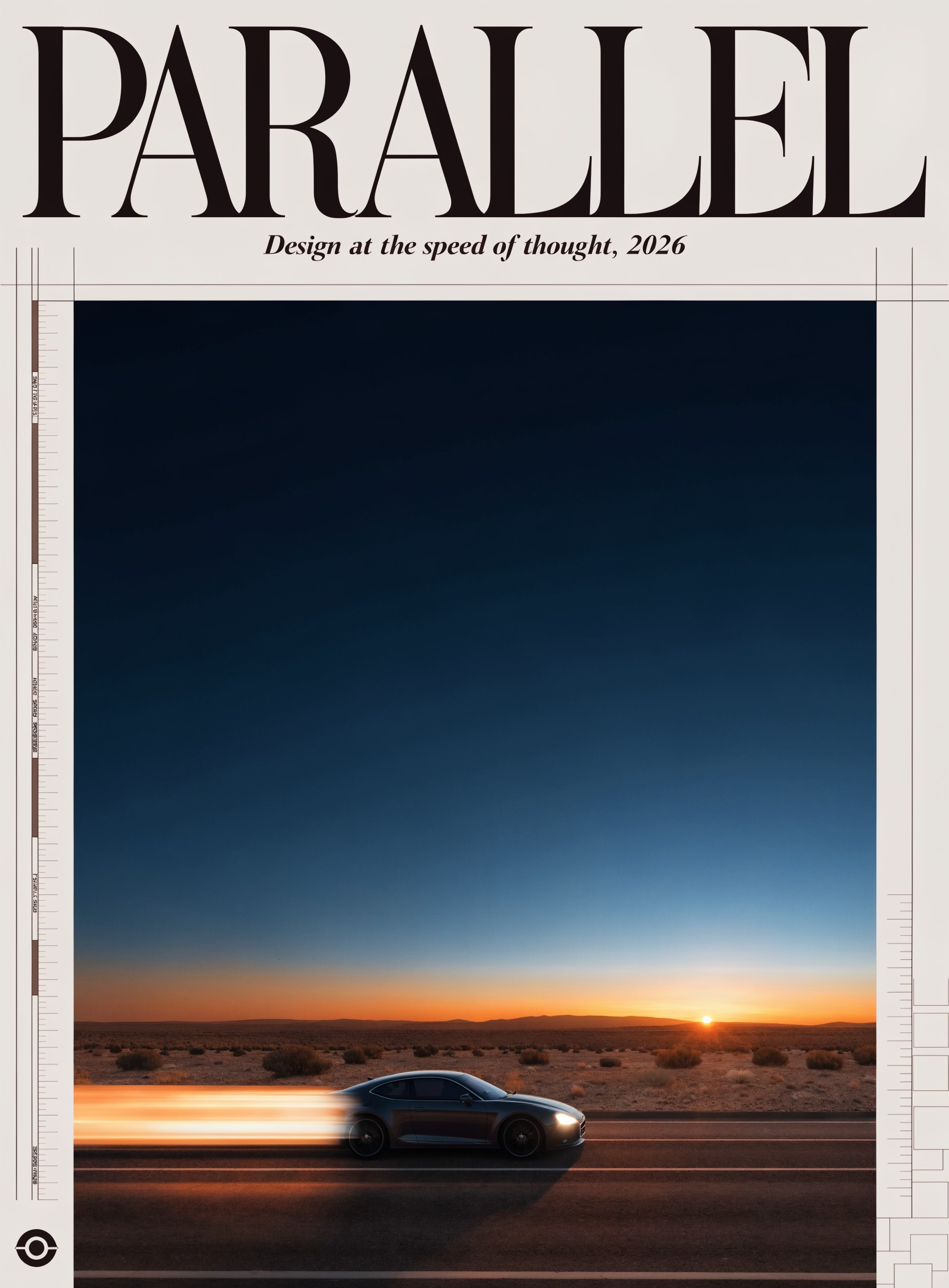
Recraft V4.1 hero — design poster

Overview

Recraft V4.1 is purpose-built for design output, not photoreal scenes. It excels at logos, posters, brand illustrations, mockups, icon sets, and editorial illustration — the kinds of images that need crisp geometry, intentional negative space, and readable typography. The model exposes raster and SVG outputs at two quality tiers.

Standard tier (1 credit) is your iteration mode: ~1024px raster output, fast turnaround, design-school quality. Pro tier (5 credits) is for hero work: ~2048px, sharper gradient transitions, better text rendering. SVG variants output vector files — true paths, scalable to billboard size.

6

Variants (tier × format)
1–5

Credits per image

SVG

Native vector output

Key Features

Design-Quality by Default
Posters, illustrations, brand visuals

Design-Quality by Default

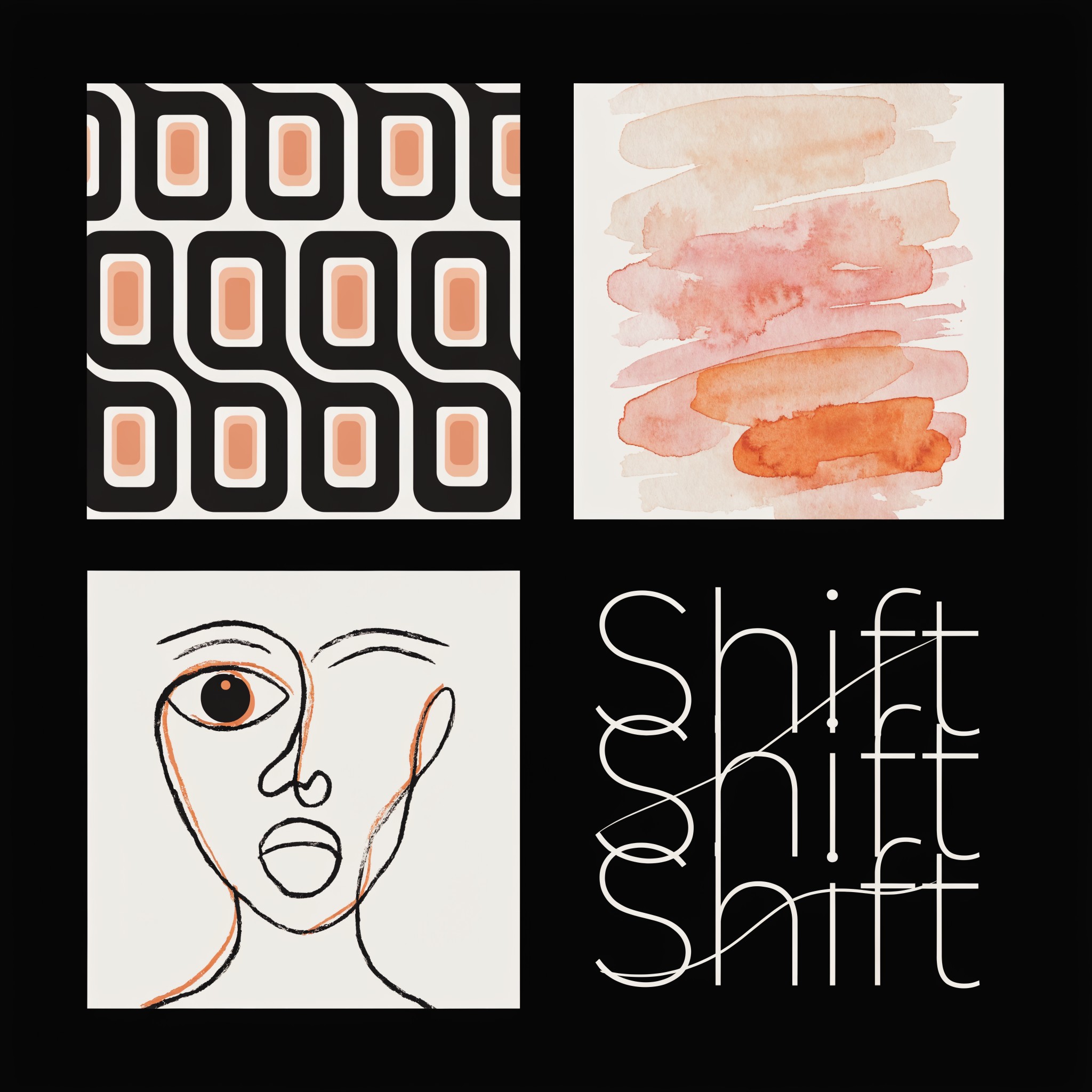
Recraft was trained on design output, not photoreal scenes. Logos read as logos, posters compose like posters, and brand illustrations sit cleanly on a canvas with intentional negative space.

Native SVG Vector Output
True paths, infinite scale

Native SVG Vector Output

The SVG variants (Standard SVG and Pro SVG) produce actual vector files — paths, not rasterized exports. Scale to billboard size without losing fidelity. Drop straight into Figma or Illustrator and edit individual nodes.

Sharp Text Rendering
Multi-line typography in raster + SVG

Sharp Text Rendering

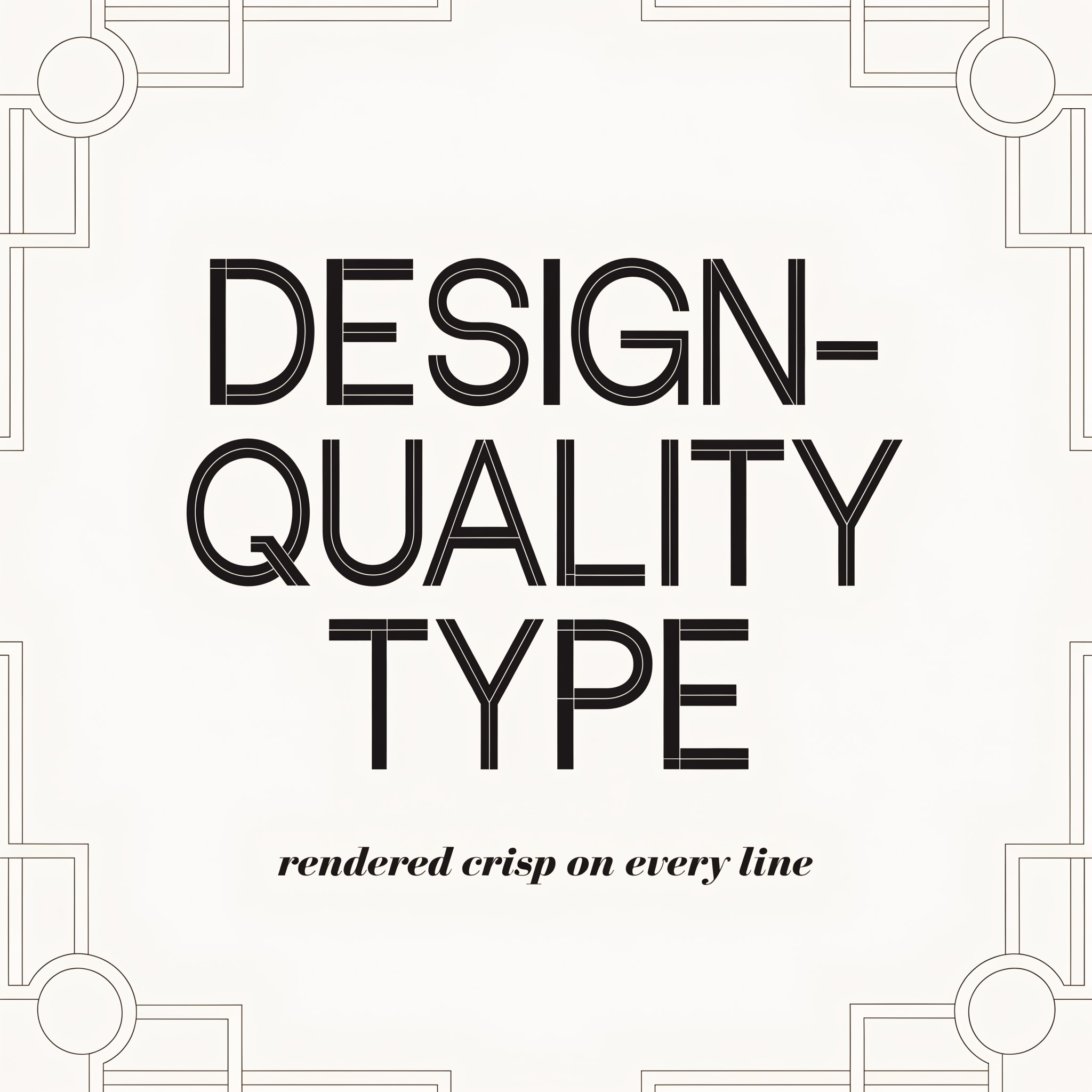
Recraft renders multi-line text more reliably than most general-purpose models. Quote the exact string in your prompt; the model preserves spelling and spacing. Pro tier handles longer text passages better than Standard.

Two Tiers, Three Variants Each
Standard 1cr · Pro 5cr

Two Tiers, Three Variants Each

Raster, SVG, and Utility variants at each tier. Standard for iteration, Pro for final renders. Same prompt language across — pick the variant after the prompt is settled.

Example Images

Each example shows the exact prompt that produced the result. Copy any prompt with one click.

Minimal Logo Design

Minimal Logo Design

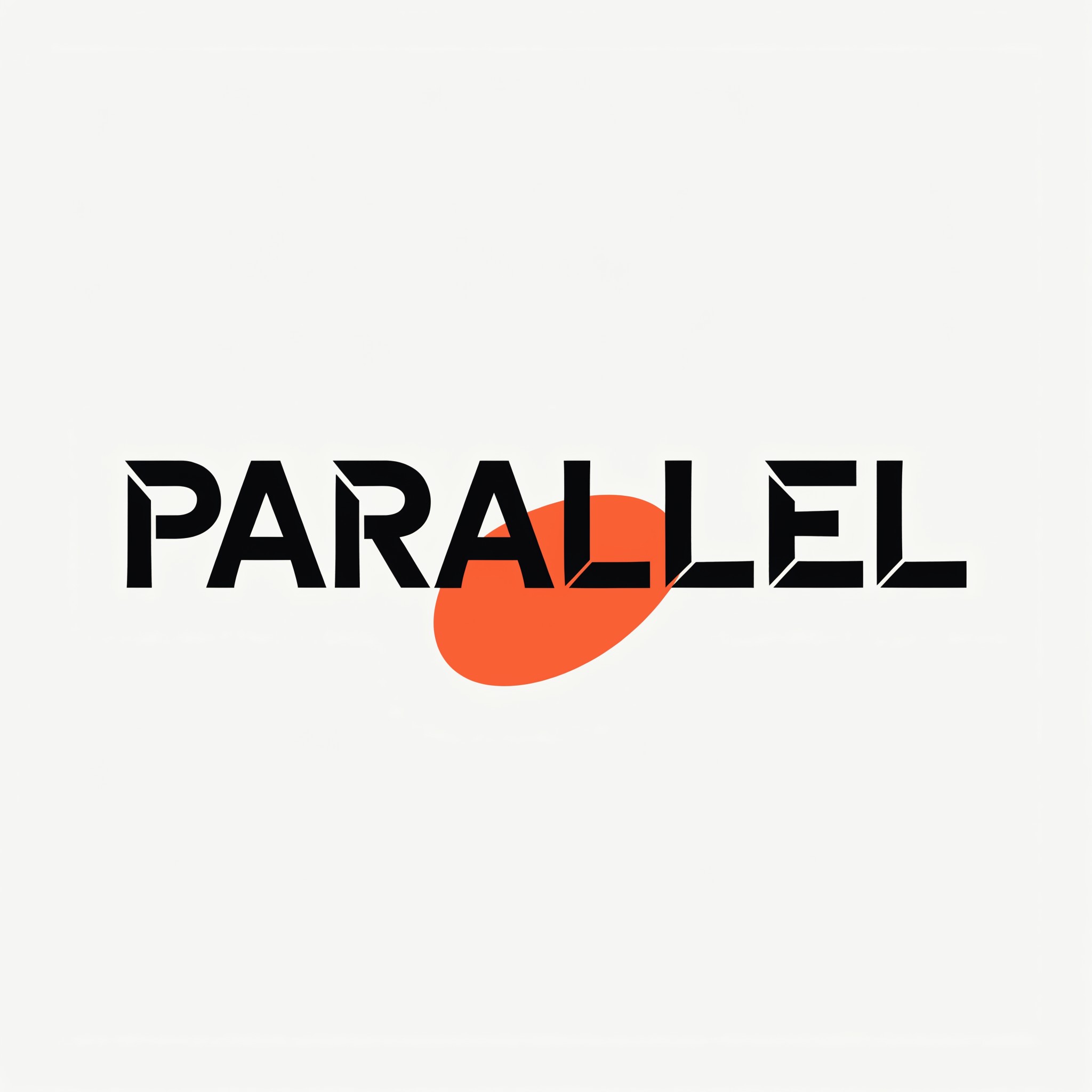
Recraft V4.1 Pro · 1:1 · 5 credits

Minimal logo design for a coffee roastery called "PARALLEL". Bold geometric sans-serif typography, hot-orange accent shape resembling a coffee bean rotated 45 degrees, cream off-white background, generous negative space, modern editorial design quality

For logos: brand name in quotes + typography style ("geometric sans-serif", "humanist serif", "monoline script") + one distinctive shape/symbol + color palette in plain words + "generous negative space". Pro tier locks the typography crisper.

Editorial Poster

Editorial Poster

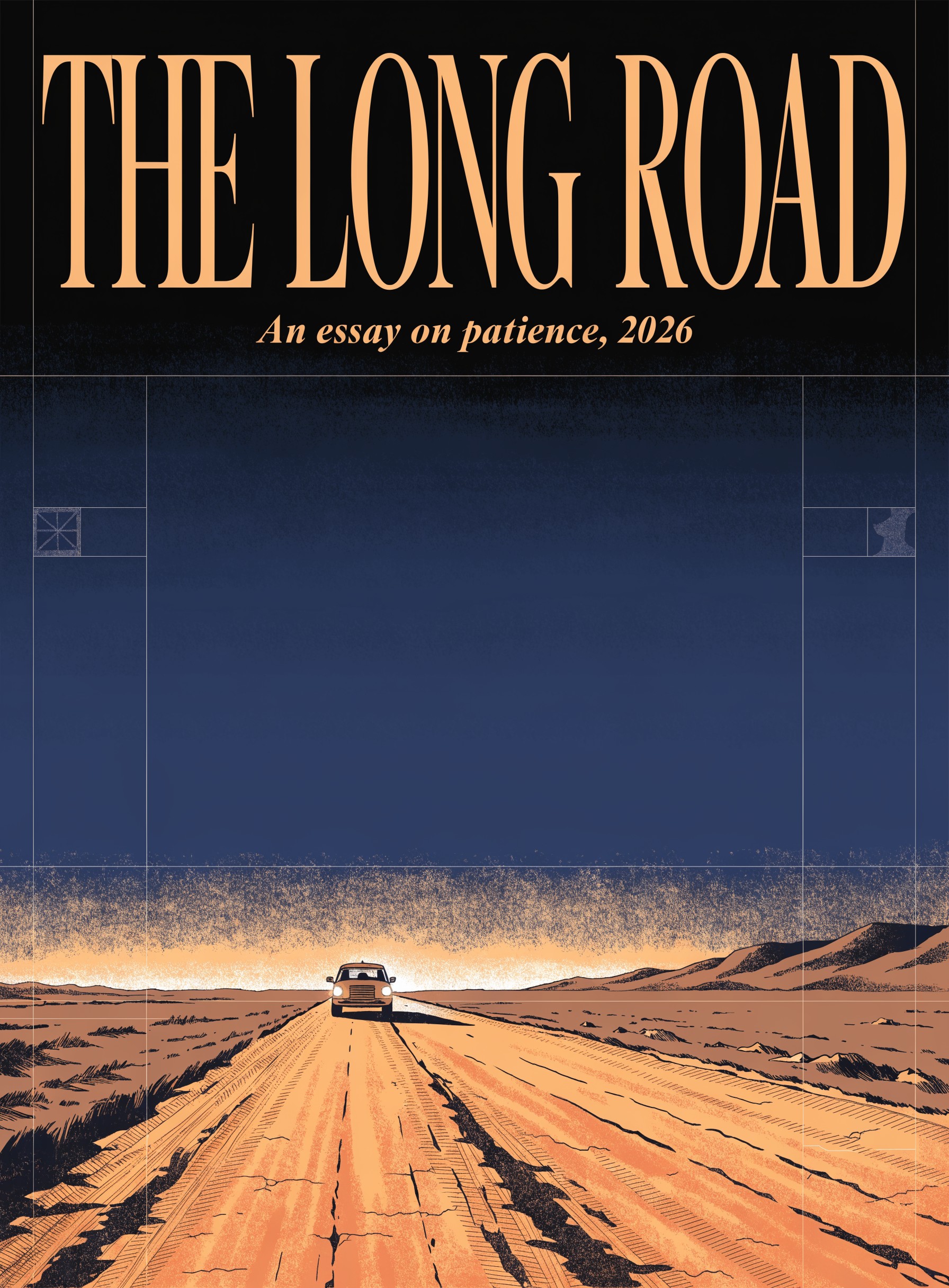
Recraft V4.1 Pro · 3:4 · 5 credits

Editorial magazine poster, large bold serif headline reading "THE LONG ROAD" at the top, smaller italic subtitle "An essay on patience, 2026" below, central illustration of a single car driving across an empty desert highway at sunset, warm amber palette with cool indigo sky, ample editorial whitespace, art-deco grid layout

Poster prompts: headline in quotes + subtitle in quotes + central illustration described visually + palette + "ample whitespace" or "editorial grid layout". 3:4 aspect mirrors print-poster proportions.

Brand Illustration

Brand Illustration

Recraft V4.1 Standard · 3:2 · 1 credit

Flat brand illustration of a remote team collaborating around a glowing laptop, isometric perspective, friendly rounded shapes, cohesive pastel palette (sage green, soft coral, warm cream), no gradients, illustration-style fills with clean outlines, editorial brand quality

Brand illustrations: "flat", "isometric", or "iconic" perspective + "rounded shapes" / "geometric shapes" + cohesive palette named in plain words + "no gradients" or "with subtle gradients". Standard tier is fine for iteration here.

Icon Set

Icon Set

Recraft V4.1 Pro SVG · 1:1 · 5 credits

A grid of 6 minimal line icons arranged 3x2, each representing a productivity concept (focus, calendar, growth, team, ideas, archive). Uniform stroke weight, rounded line ends, monochrome on transparent background, 24px optical scale, suitable for a design system

Icon sets: explicit grid layout ("3x2", "4x1") + uniform constraints ("same stroke weight", "rounded ends", "monochrome") + the concepts listed + scale hint ("24px optical"). SVG variant is mandatory for design-system work — the output is a real vector file.

Product Mockup

Product Mockup

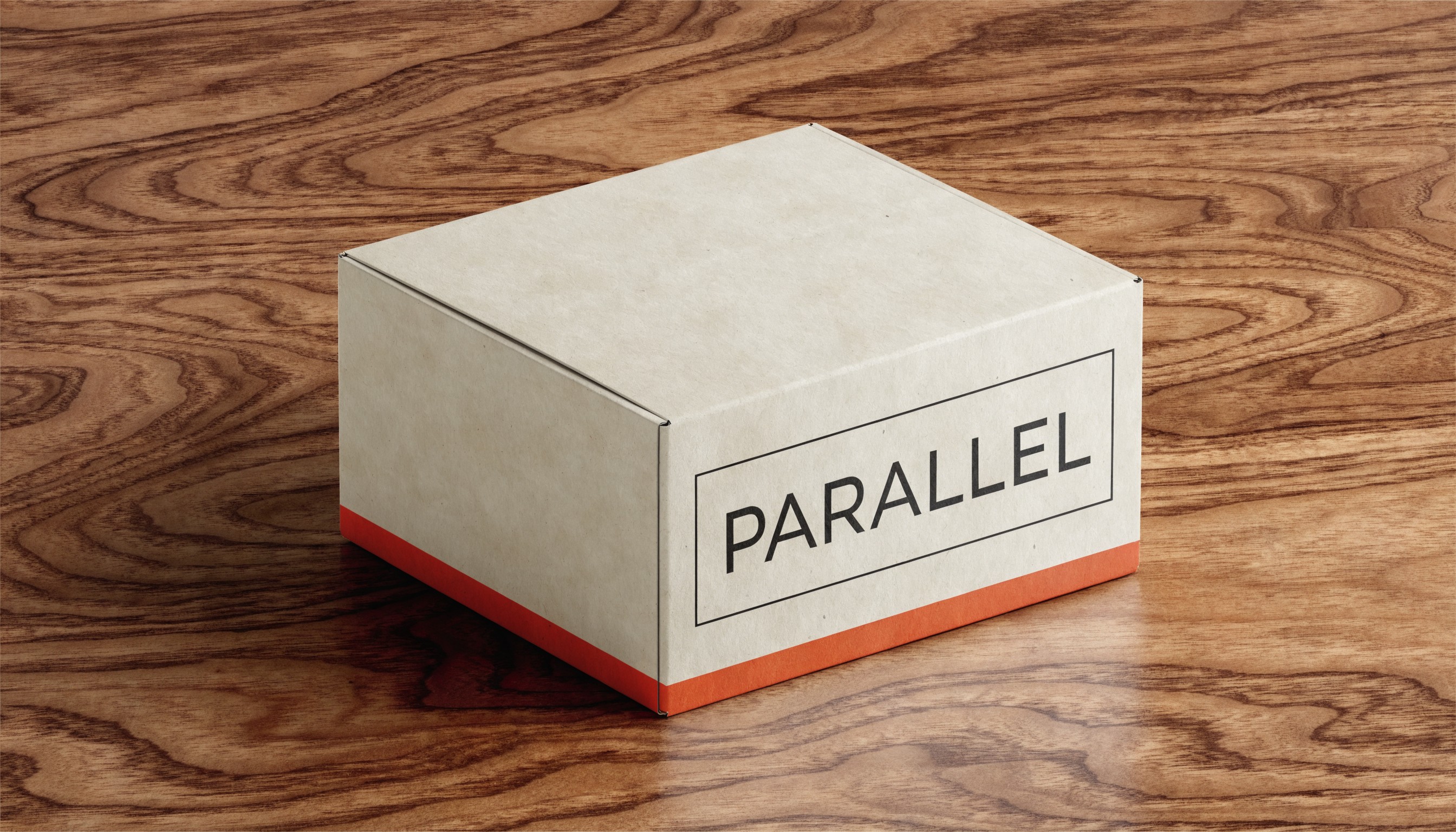
Recraft V4.1 Pro · 16:9 · 5 credits

Product mockup of a minimalist coffee subscription box on a warm walnut tabletop, soft top-down studio lighting, packaging visible at three-quarter angle with brand label reading 'PARALLEL', cream-colored kraft box with hot-orange accent stripe, photoreal advertising-quality output, no other props in frame

Recraft Pro can do photoreal product mockups when the prompt is concrete: surface, lighting setup, three-quarter angle, brand label in quotes. Pro tier handles the surface texture and label sharpness better than Standard.

Prompting Tips

Lead with the design type

"Logo design for...", "Editorial poster of...", "Brand illustration of...", "Icon set representing..." — Recraft uses that opening word as a strong steering signal. Generic prompts produce generic output; design-typed prompts produce design output.

Quote literal text

Brand names, headlines, subtitles — wrap them in double quotes. Recraft preserves spelling and capitalization much more reliably than most models. Pro tier handles longer text passages without drift.

Name the typography style

"Bold geometric sans-serif", "monoline script", "humanist serif", "art-deco display" — these are typography categories Recraft understands. Vague "fancy font" gets you generic results.

Specify negative space

"Generous whitespace", "centered with breathing room", "tight crop with no margin" — Recraft composes very differently based on these directions. Design output lives or dies on negative space.

Pick the right variant

Standard (1cr) for iteration on the prompt + composition. Pro (5cr) for final renders. SVG variants for anything destined for Figma/Illustrator or scalable design systems. Utility variants for upscale/background removal.

Standard for iteration, Pro for finals

Don't burn 5 credits per image while still figuring out the prompt. Standard at 1 credit is design-quality enough to validate composition. Once it looks right, switch to Pro for the production render.

Settings Reference

SettingValuesNotes
TierStandard (1 credit) · Pro (5 credits)Standard ≈1024px, Pro ≈2048px. Same prompt language.
VariantRaster · SVG · UtilitySVG outputs real vector files. Utility for background removal / upscaling.
Aspect ratio1:1 · 2:3 · 3:2 · 3:4 · 4:3 · 4:5 · 5:4 · 9:16 · 16:9 · 21:9Or "Not set" with a free-form size string.
Outputs1–4Each output is its own credit charge.
Output formatPNG (default) · JPG · WEBP · SVG (when variant=SVG)SVG variant ignores raster format settings.
Seed0 – 2,147,483,647Public API only. Reproducible with same prompt + tier + variant + seed.

FAQ

Standard (1 credit) for iteration — same design quality at 1024px, fast feedback. Pro (5 credits) for hero shots and final renders — 2048px output, sharper text and gradient transitions. Iterate at Standard until the prompt is settled, then switch to Pro for the production version.