Make Your Music Video
One song. One artist. One video that looks like a label made it.
Song. Artist. Share. Enter.
Four steps. Two public links. One finished video.
1. Bring your song
Make a track in Suno, Udio, or any tool you like, or use one you wrote and recorded yourself. It has to be a song you have the right to use. Upload the full track to Film Studio in Music Video Mode.
Open Music Video Mode2. Cast your artist and shoot it
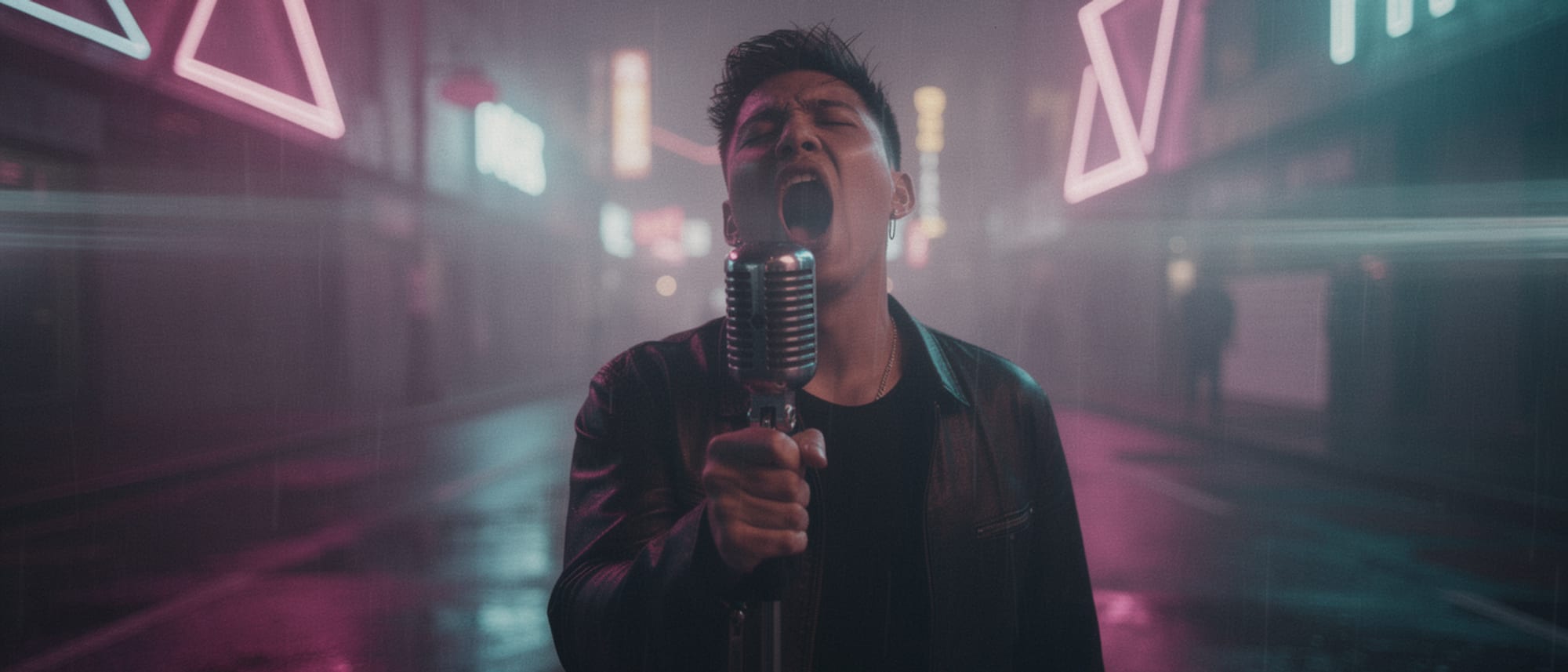
Describe who is on camera, or cast a saved face from Character Studio so it holds every shot. Pick one of the nine looks, approve the storyboard, and render. Your finished video must run 30 seconds or longer.
3. Share it to the Community Gallery
On your finished video, click Share to Community. This is how we know you made it in Pixel Dojo, and it is what makes your entry official. A human reviews it before it goes public, so share early. Once it is approved, copy the public gallery link.
4. Post it and submit both links
Post the same video publicly on YouTube, Instagram, X, or TikTok with #MadeWithPixelDojo. Then submit two links here: your approved gallery page and your social post. Enter as many videos as you like, as long as each one is a new video with its own gallery record.
Submit your entry
Make the video we cannot stop playing.
Upload your song and open Music Video Mode.