Says what you said
Literal Prompt Adherence
MAI Image follows multi-part prompts closely — subject, setting, lighting, and mood each land where you put them. Name the material, the light, and the framing and it respects all three.
MAI Image 2.5 is Microsoft's text-to-image model — strong prompt adherence, natural lighting, and clean fine detail across 11 aspect ratios. This guide shows how to prompt it for marketing, photoreal, and concept work.
MAI Image 2.5 is Microsoft's first-party text-to-image model, served on PixelDojo at 1.5 credits per image. It reads prompts literally and lights scenes naturally — a strong all-rounder for product shots, editorial portraits, food, interiors, and concept art.
Pick from 11 aspect ratios (including `auto`, where the model chooses the best fit for your prompt), generate up to 4 at once, and export PNG, JPEG, or WebP. The same prompt language you use for other modern image models carries directly.
11
Aspect ratios
1.5
Credits per image
Up to 4
Images per run
MAI Image follows multi-part prompts closely — subject, setting, lighting, and mood each land where you put them. Name the material, the light, and the framing and it respects all three.
Soft directional light, believable shadows, and accurate skin and material tones make it strong for editorial portraits and product photography straight out of the box.
Handles fine texture — food, fabric, stone, foliage — without the mushy or over-sharpened look. Great for close-up commercial subjects and richly detailed scenes.
From 1:1 social to 21:9 cinematic, plus `auto` to let the model size the frame to your prompt. Pick the exact ratio your downstream layout needs.
Each example shows the exact prompt that produced the result. Copy any prompt with one click.
1:1 square · 1.5 credits
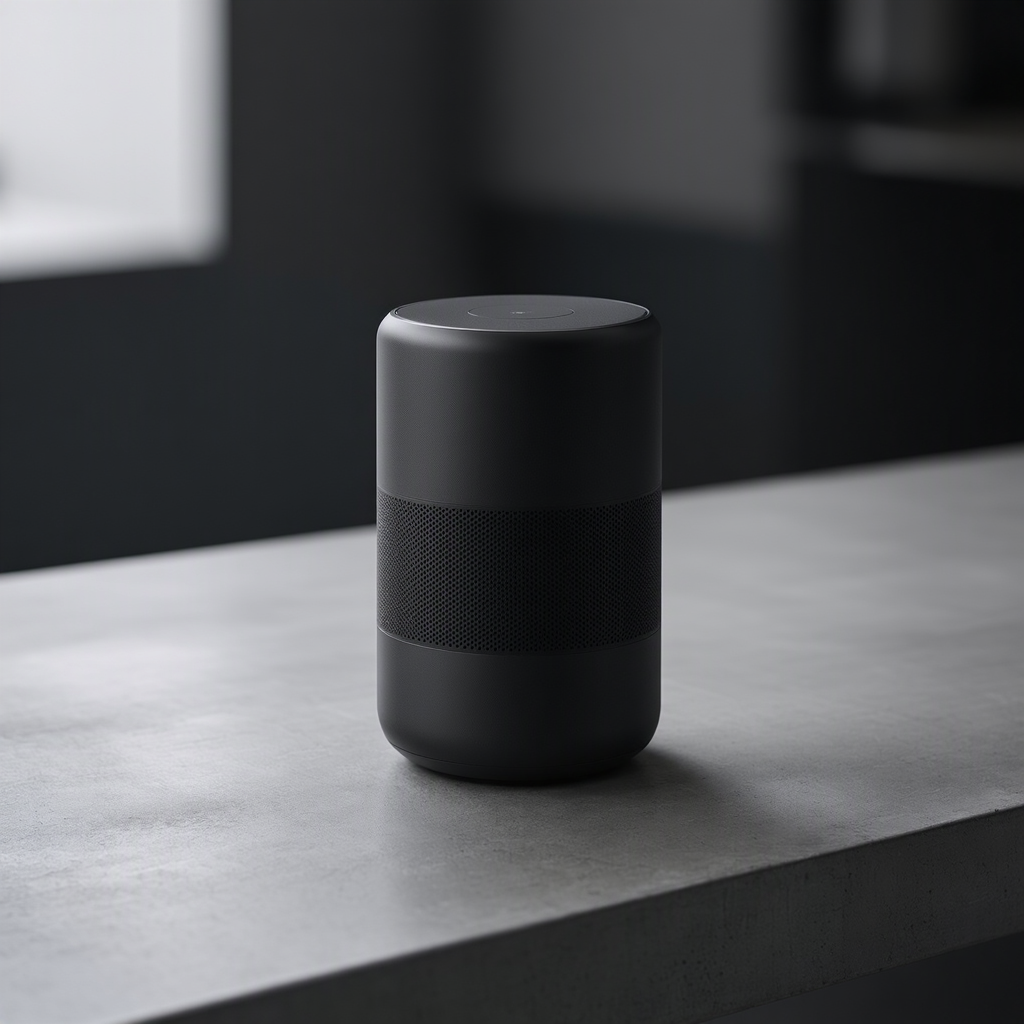
Studio product shot of a matte-black wireless speaker on brushed concrete, soft rim lighting, premium tech advertisement, crisp fine detail
Name the surface ("brushed concrete"), the light ("soft rim lighting"), and the intent ("premium tech advertisement"). MAI Image renders the matte finish and metallic edges cleanly — ideal for ad creative.
4:5 portrait · 1.5 credits
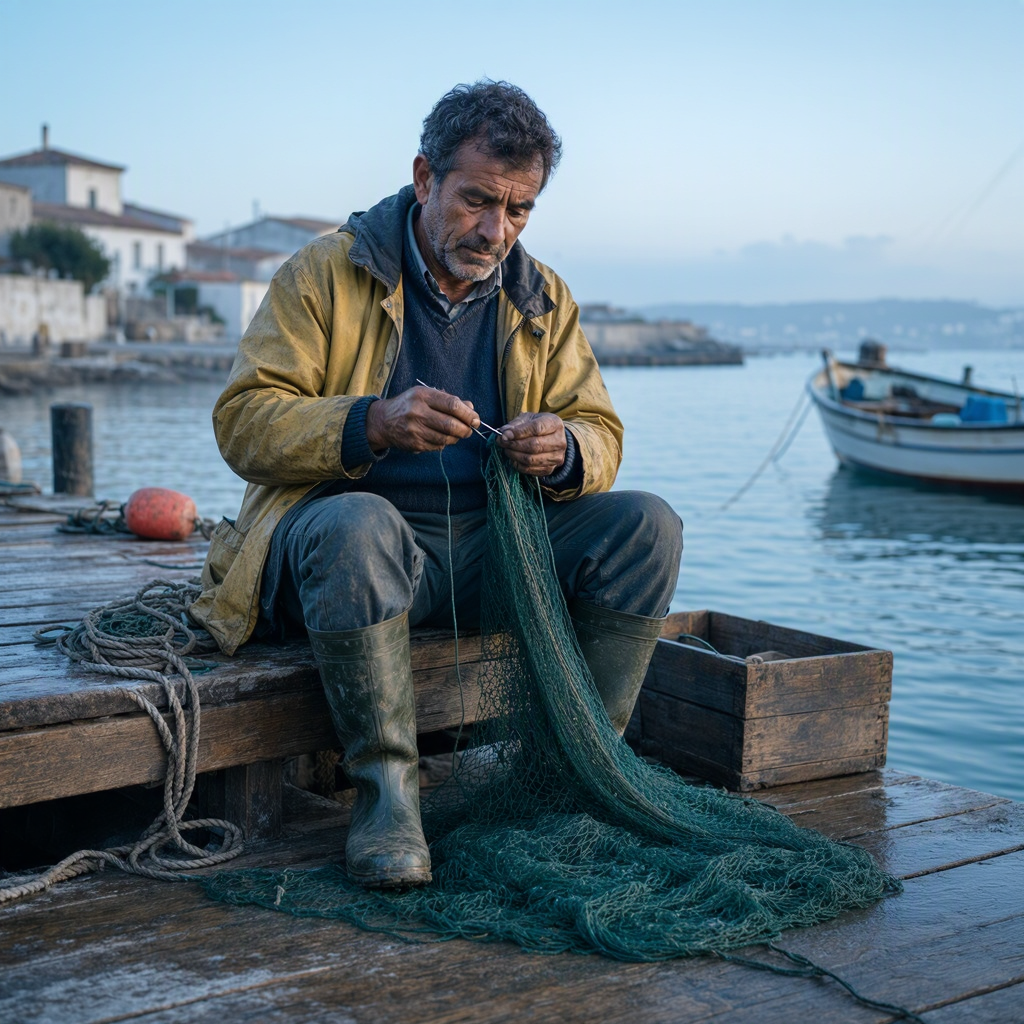
Editorial portrait of a weathered Portuguese fisherman mending nets at dawn on a wooden dock, soft natural light, documentary photoreal
"Documentary photoreal" + "soft natural light" anchors a candid, naturalistic look. Specific character and place detail ("Portuguese fisherman", "wooden dock", "dawn") give the model a concrete scene to build.
16:9 landscape · 1.5 credits
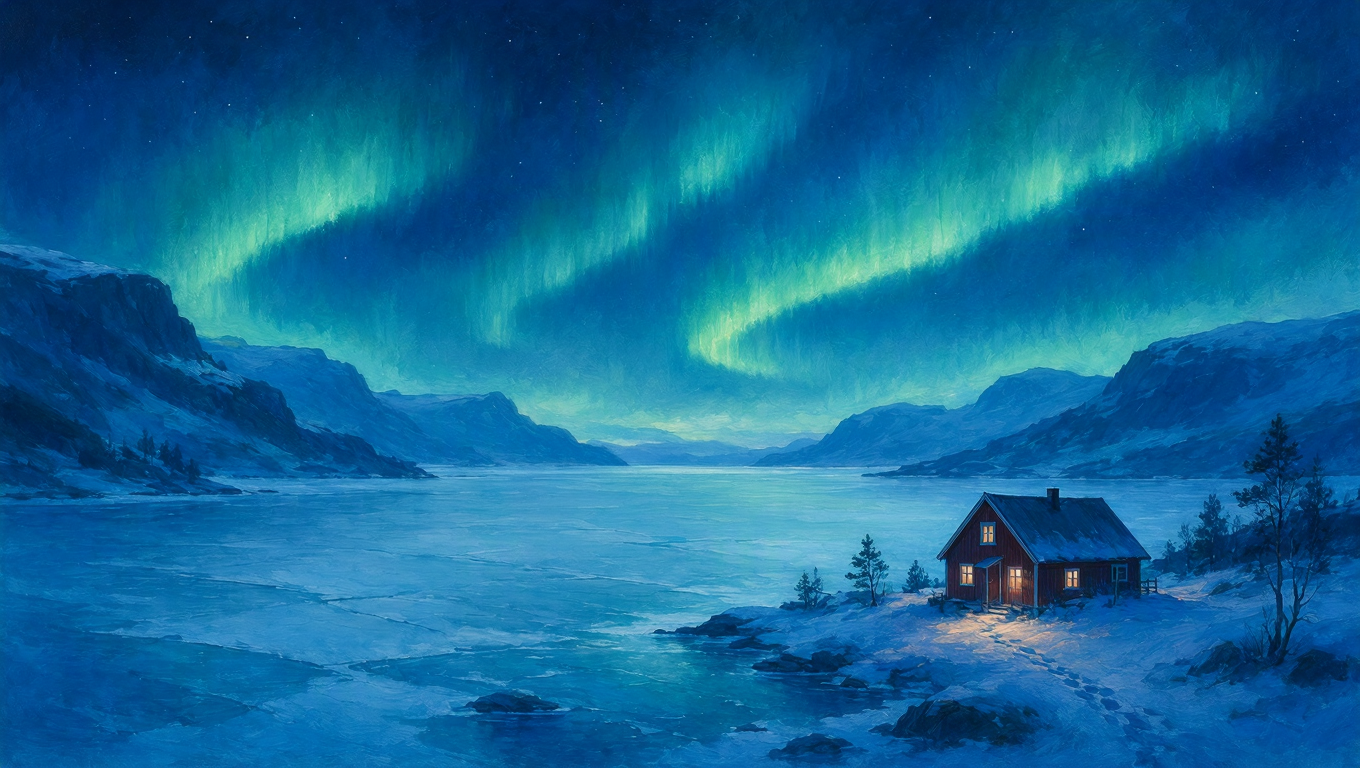
Cinematic wide landscape of a lone red cabin beneath the aurora borealis over a frozen Norwegian fjord, painterly atmospheric, deep blues and greens
One focal element (the "lone red cabin") against a vast backdrop sells scale. "Painterly atmospheric" plus a named palette ("deep blues and greens") steers the whole mood.
1:1 square · 1.5 credits
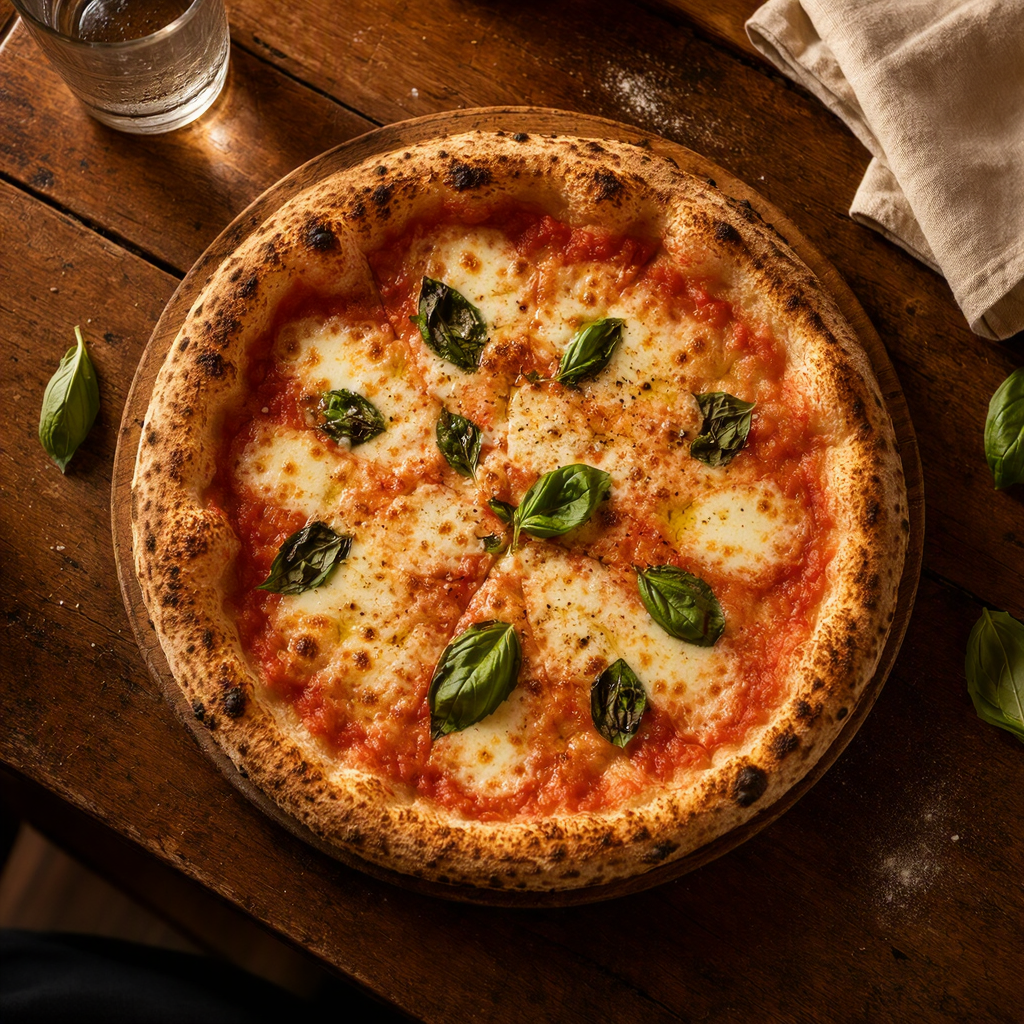
Overhead flat lay of a rustic wood-fired Neapolitan pizza on a weathered table, fresh basil and bubbling mozzarella, warm trattoria light
Lead with the shot type ("overhead flat lay"), then stack sensory detail ("fresh basil", "bubbling mozzarella"). "Warm trattoria light" gives food the appetizing glow that reads as professional.
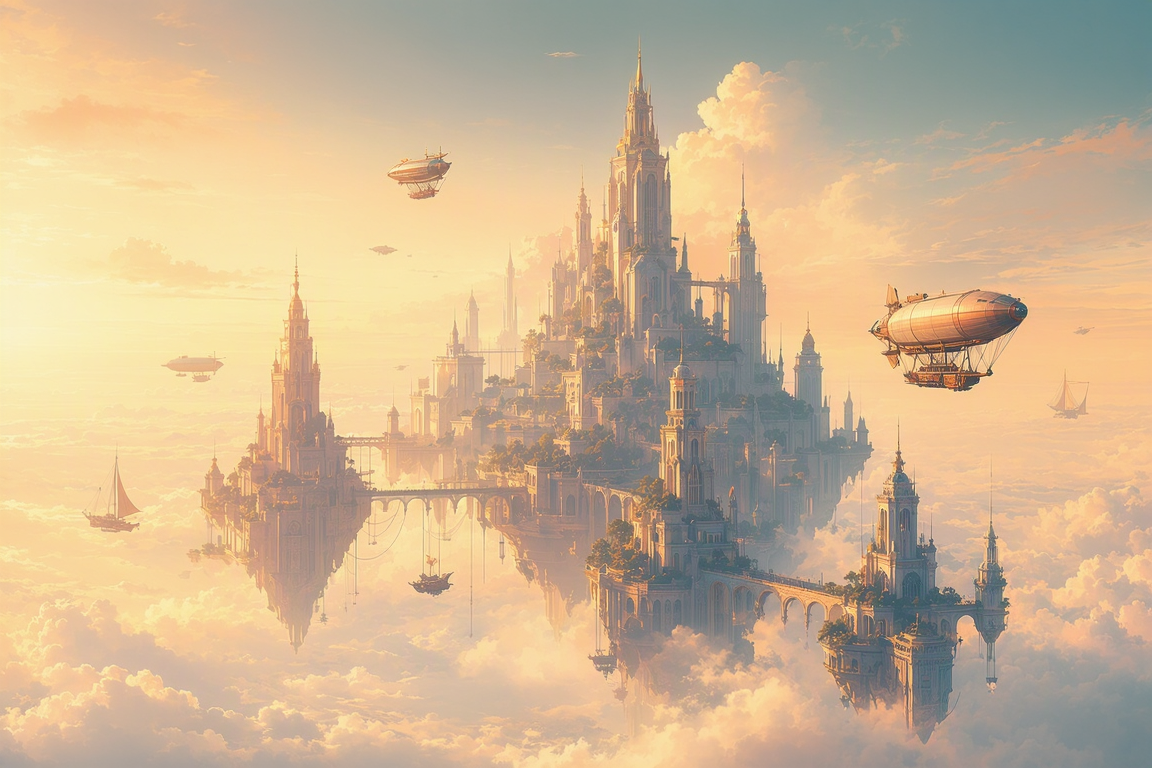
3:2 landscape · 1.5 credits
Stylized digital illustration of a floating sky-city above golden-hour clouds, airships drifting between towers, warm dreamy concept art
"Stylized digital illustration" + "concept art" commits MAI Image out of photoreal cleanly. Secondary motion ("airships drifting between towers") adds depth and story to the frame.
3:2 landscape · 1.5 credits
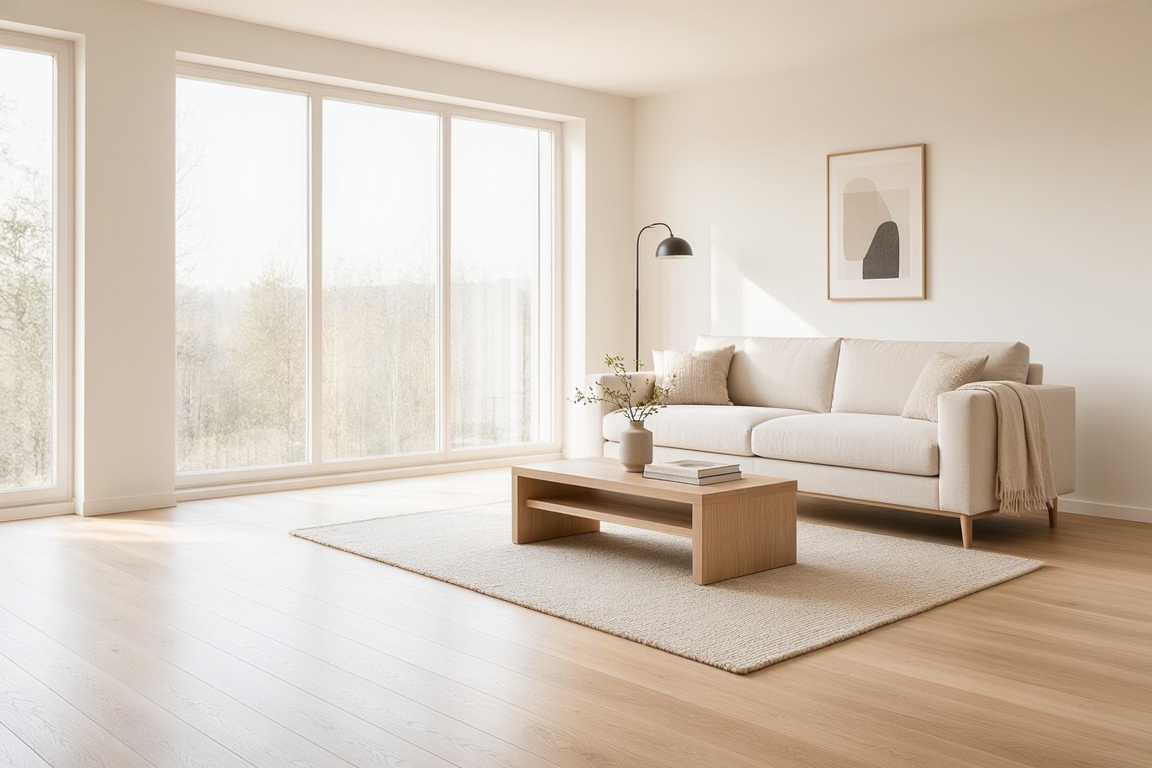
Bright minimalist Scandinavian living room with light oak floors, large windows, a linen sofa, morning light, interior design magazine photography
Name the style ("Scandinavian"), the materials ("light oak", "linen"), and the reference look ("interior design magazine"). "Morning light" through "large windows" gives believable, even illumination.
Open with the framing — "studio product shot", "overhead flat lay", "editorial portrait", "cinematic wide landscape". It sets composition before MAI Image fills in detail.
"Soft rim lighting", "warm trattoria light", "morning light through large windows" — MAI Image renders lighting faithfully, so describing it is the fastest way to control mood and realism.
"Brushed concrete", "light oak floors", "linen sofa", "bubbling mozzarella". Specific material nouns beat adjectives — they give the model real texture targets to render.
Set aspect ratio to `auto` and MAI Image picks the framing that best fits your prompt. Switch to an explicit ratio (1:1, 16:9, 4:5, 21:9…) when your layout needs an exact shape.
For illustration or concept art, say so directly — "stylized digital illustration", "painterly", "dreamy concept art". Single style words can produce a hybrid photo-illustration look.
Run 2–4 at once (1.5 credits each) to get variations of the same prompt, then save the best. Faster than re-rolling one at a time when you are exploring a look.
| Setting | Values | Notes |
|---|---|---|
| Aspect ratio | auto · 1:1 · 16:9 · 9:16 · 4:3 · 3:4 · 3:2 · 2:3 · 5:4 · 4:5 · 21:9 | 11 options. `auto` lets the model choose the best fit for your prompt. |
| Outputs | 1–4 per run | Each image is billed separately. |
| Output format | PNG · JPEG · WebP | PNG by default. |
| Pricing | 1.5 credits per image | Flat across all aspect ratios and formats. |
Strong prompt adherence with natural lighting and clean detail. It's a dependable all-rounder for product and marketing visuals, editorial portraits, food, interiors, and concept art — anywhere you want the model to render exactly what you described.