Krea Image Prompting Guide

Krea Image.
Aesthetic, fast, and cheap.

Krea Image is a flagship aesthetic text-to-image model. It returns a polished image in a few seconds with a sharp, stylish look, rich detail, and strong prompt adherence — starting at just 0.1 credits per image on the Turbo tier. This guide covers what it's best at and how to prompt it.

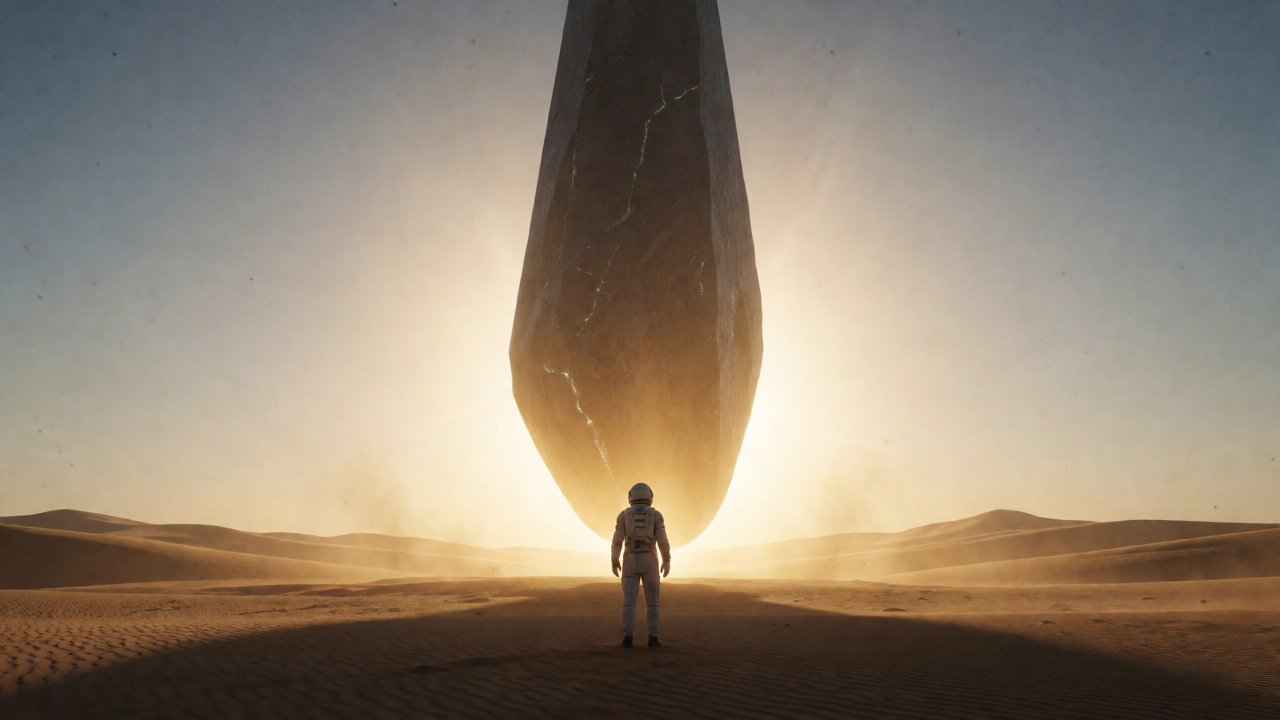
Krea Image hero — lone astronaut before a glowing alien monolith in the desert

Overview

Krea Image is a fast text-to-image model with a distinctive aesthetic sensibility — it leans into mood, light, and composition instead of producing flat, literal renders. Photoreal portraits, cinematic landscapes, product shots, fashion editorial, stylized illustration, and in-image text all hold up.

It comes in three tiers, picked from one tool. Turbo is the fast, cheap default at 0.1 credits per image and is Spicy-capable. Medium (1 credit) and Large (2 credits) step up the fidelity and add a creativity dial plus optional style-reference images for guiding the look. Start on Turbo to nail the composition, then re-run on Large for the final.
0.1

Credits on Turbo

3

Quality tiers

Spicy

NSFW-capable

Key Features

Aesthetic by Default
Mood, light, composition

Aesthetic by Default

Krea Image makes flattering choices on its own — rim light, depth of field, color grading, balanced framing. Even short prompts come back looking art-directed rather than literal. Great when you want a polished result without spelling out every photographic detail.

Cinematic Landscapes
Atmosphere and depth

Cinematic Landscapes

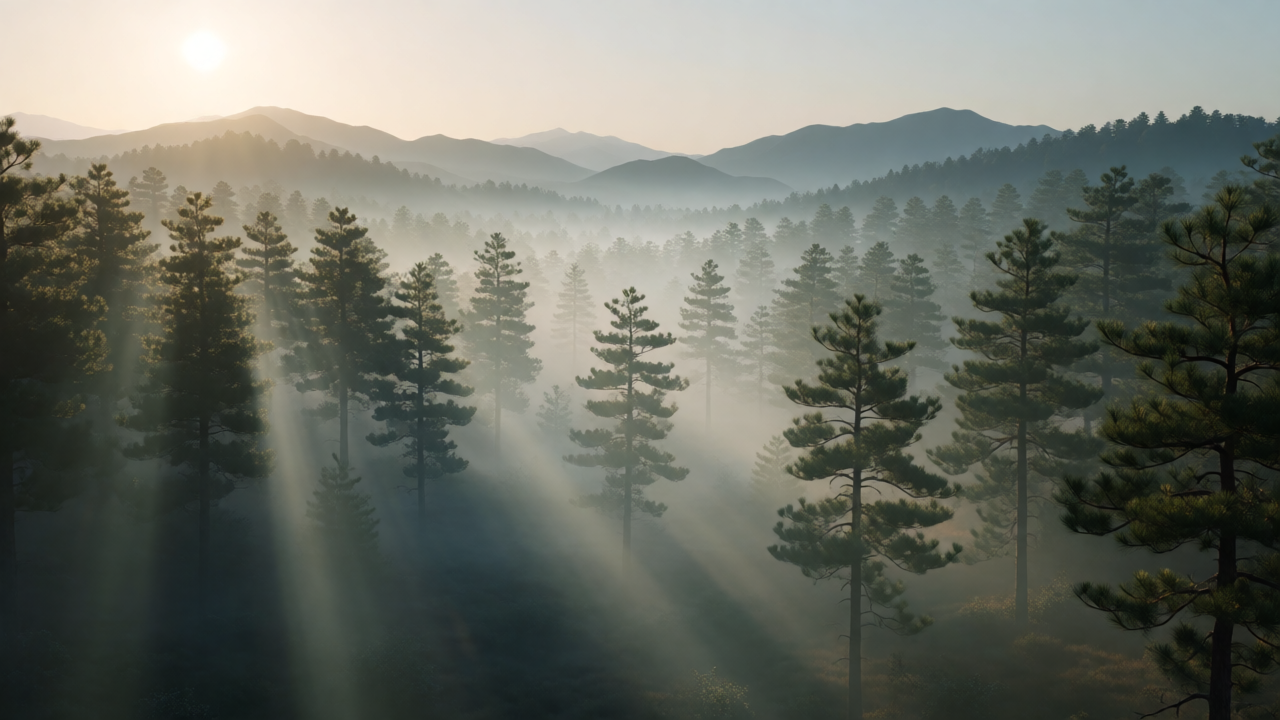
Fog, god rays, golden hour, layered depth — Krea renders atmospheric scenes with convincing light transitions and a real sense of scale. Strong on exteriors where the mood is the headline.

Product + Material
Clean studio rendering

Product + Material

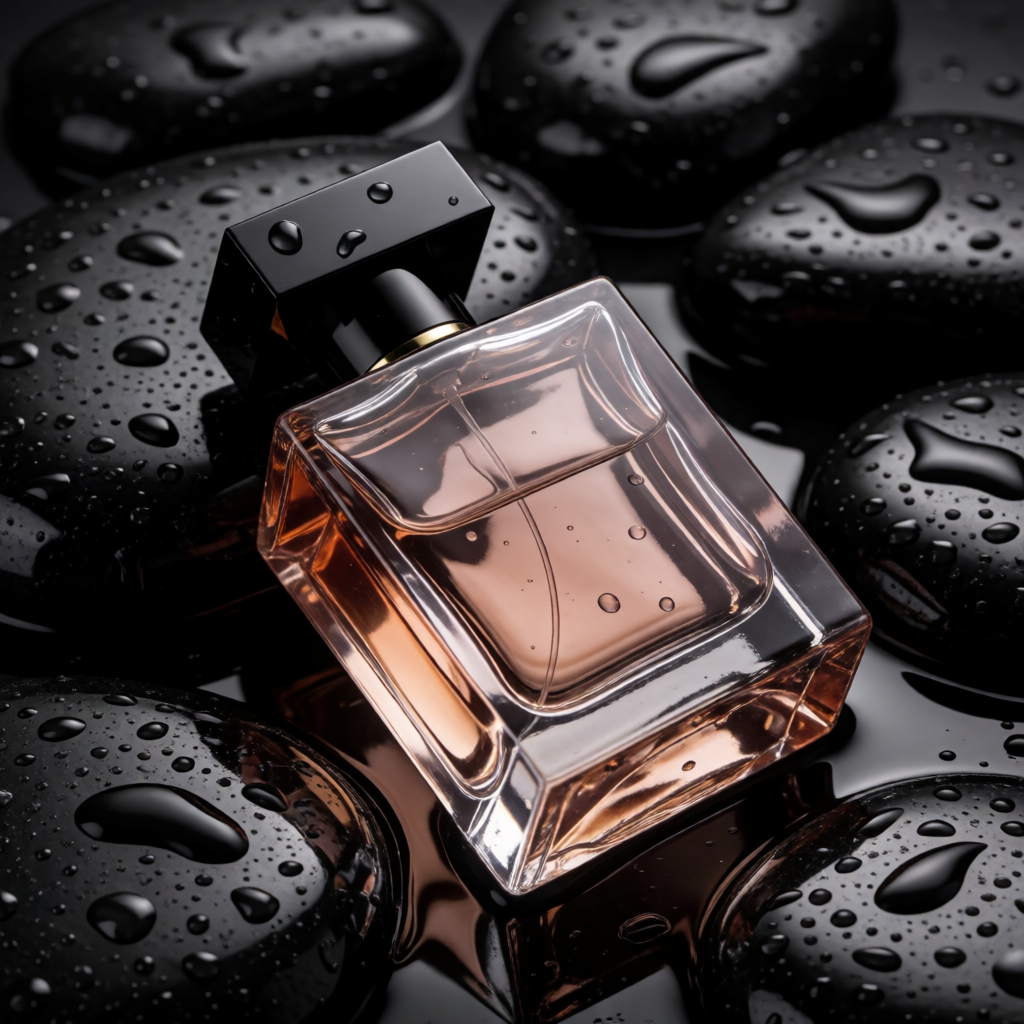
Glossy reflections, water droplets, glass, metal, fabric — Krea holds material detail and clean studio lighting well. Useful for e-commerce, advertising mock-ups, and marketing visuals on a 1:1 crop.

Stylized + Text
Illustration and in-image type

Stylized + Text

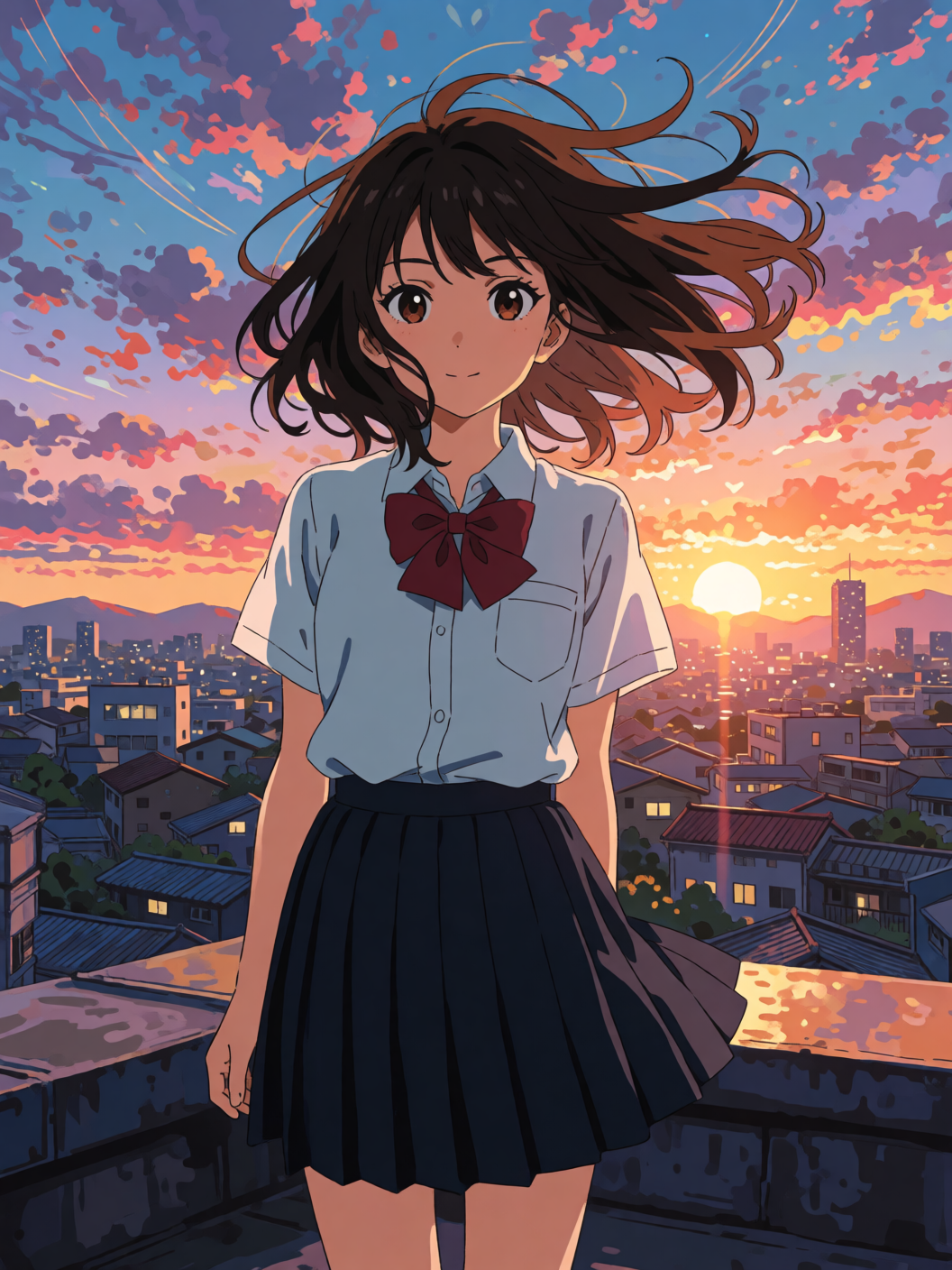
Commits cleanly to non-photo styles — anime, painterly, editorial illustration — and renders short in-image text (signs, labels, single words) reliably when you wrap it in quotes. One model for photoreal and stylized work.

Example Images

Each example shows the exact prompt that produced the result. Copy any prompt with one click.

Cinematic Portrait

Cinematic Portrait

Portrait · ~3s · 0.1 credit

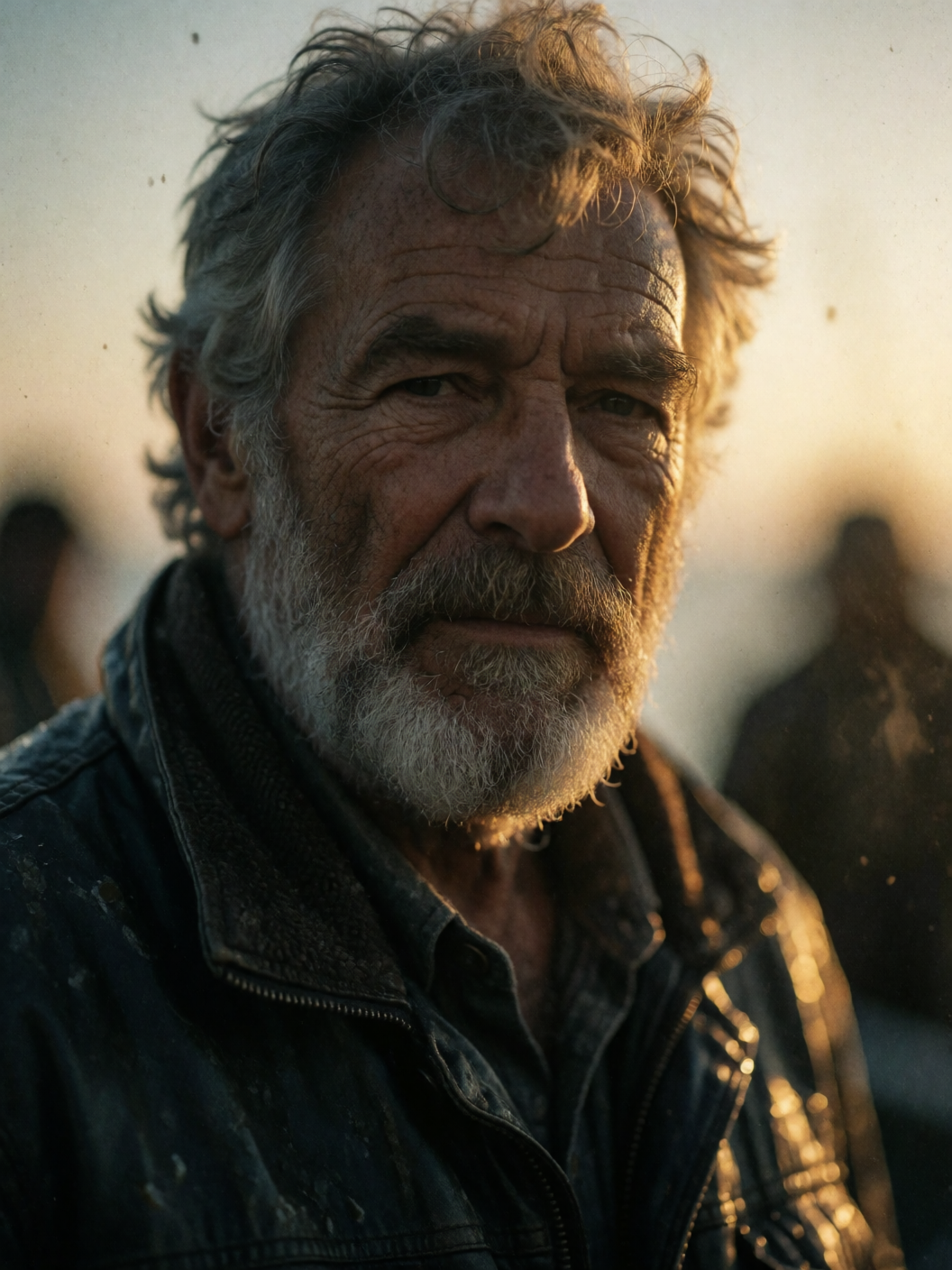
a moody cinematic portrait of a weathered older fisherman, golden hour backlight, shallow depth of field, 85mm, film grain, photorealistic

A lens ("85mm"), a light direction ("golden hour backlight"), and a depth cue ("shallow depth of field") are all Krea needs to art-direct a portrait. "Film grain" nudges it toward an analog, editorial feel rather than clean digital.

Studio Product

Studio Product

1:1 square · ~3s · 0.1 credit

a luxury perfume bottle on wet black stone, studio lighting, water droplets, glossy reflections, hyperreal product photography

1:1 for product social. Name the surfaces explicitly — "wet black stone", "water droplets", "glossy reflections" give Krea concrete material targets. "Hyperreal product photography" anchors clean studio framing with negative space.

Neon Text Sign

Neon Text Sign

16:9 · ~3s · 0.1 credit

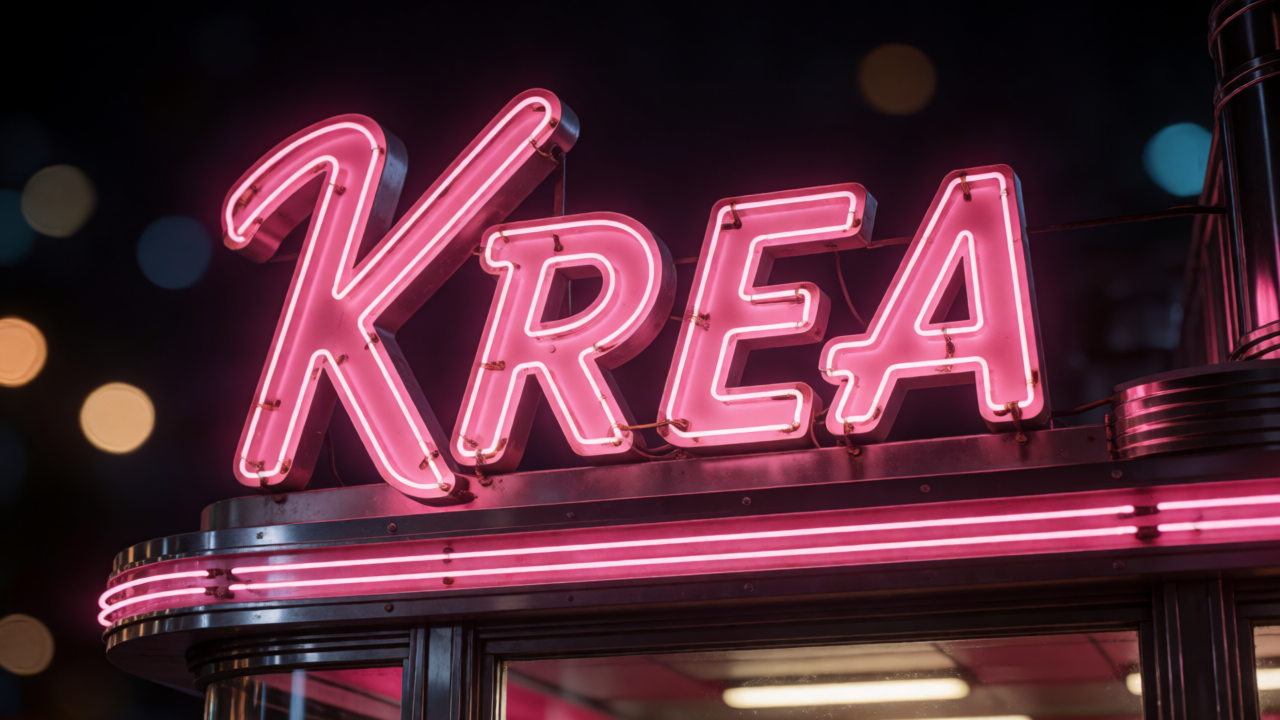
a vintage diner neon sign that reads 'KREA' in glowing pink cursive against a dark night background, bokeh, photorealistic

Wrap the exact string in quotes — 'KREA' — and keep it short. Krea renders single words and short signage cleanly. The dark background + "bokeh" gives the neon something to glow against.

Fashion Editorial

Fashion Editorial

Portrait · ~3s · 0.1 credit

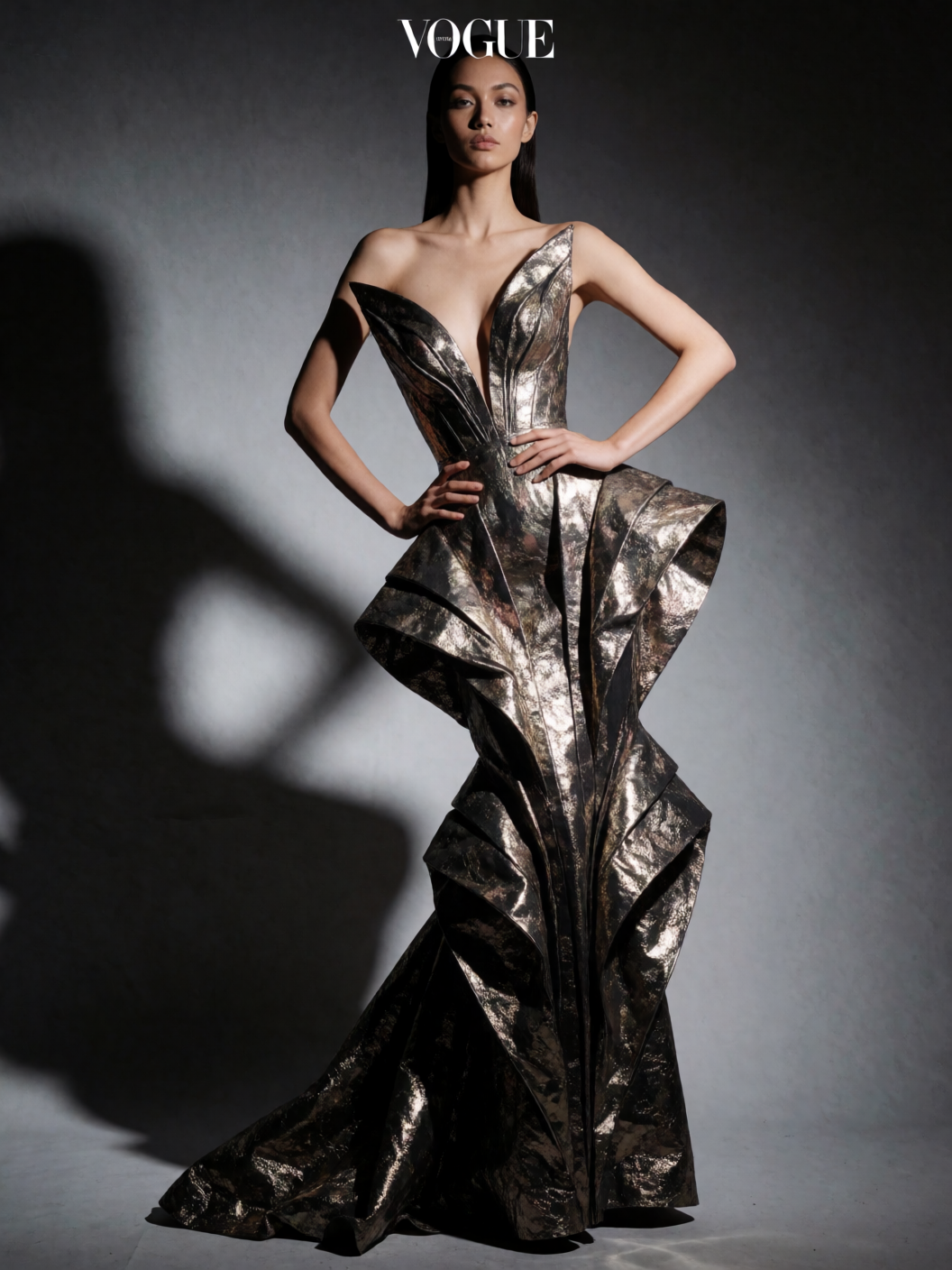
high fashion editorial photo of a model in an avant-garde metallic gown, dramatic studio lighting, vogue magazine style, sharp focus

"Vogue magazine style" + "dramatic studio lighting" tells Krea the genre and the lighting in five words. Naming a material ("metallic gown") gives the fabric something specific to render. Great for lookbooks and campaign mock-ups.

Stylized Anime

Stylized Anime

Portrait · ~3s · 0.1 credit

anime illustration of a girl with windswept hair standing on a rooftop at sunset, cel shading, vibrant colors, highly detailed background

Name the medium up front — "anime illustration", "cel shading" — to commit Krea fully to the style. "Highly detailed background" stops it from flattening the scene behind the subject.

Sci-Fi Concept

Sci-Fi Concept

16:9 · ~3s · 0.1 credit

a lone astronaut standing before a giant glowing alien monolith in a vast desert, cinematic sci-fi, dramatic scale, volumetric light

"Dramatic scale" + a small figure against a large object gives Krea a clear composition. "Volumetric light" is the atmospheric anchor; "cinematic sci-fi" sets the grade. Concept-art moods come back strong.

Prompting Tips

Trust the aesthetic, prompt less

Krea makes good art-direction choices on its own. Start with a clear subject, one light cue, and a mood word — then only add detail if the result needs steering. Over-specifying every camera setting often fights the model's instincts.

Name materials and light explicitly

"Wet black stone", "glossy reflections", "golden hour backlight", "volumetric light" — Krea renders named surfaces and named light far better than vague "premium" or "beautiful lighting".

Quote short text strings

For signs, labels, and single words, wrap the exact text in quotes and keep it short. Krea handles in-image type well at this length. For paragraphs or dense typography, reach for Qwen Image or Recraft.

Commit to a style by naming the medium

"Anime illustration", "cel shading", "oil painting", "watercolor" — naming the medium commits Krea cleanly. Vague "artistic" or "illustrated" produces photo-illustration hybrids.

Iterate on Turbo, finish on Large

Turbo is 0.1 credits, so explore freely until the composition is right. Then pin the seed and re-run on Medium or Large for the higher-fidelity final.

Use style references on Medium / Large

Medium and Large accept up to 10 style-reference images that steer the look (palette, texture, mood) while still generating a fresh image from your prompt. Turbo does not take references.

Settings Reference

SettingValuesNotes
TierTurbo · Medium · LargeTurbo is fast + cheap + Spicy-capable. Medium / Large add fidelity, creativity, and style refs.
PricingTurbo 0.1 · Medium 1 · Large 2Credits per image. Turbo is one of the cheapest tiers on PixelDojo.
Aspect ratio1:1 · 4:3 · 3:2 · 16:9 · 2.35:1 · 4:5 · 2:3 · 9:16Eight ratios including cinematic 2.35:1.
Creativityraw · low · medium · highMedium / Large only. How loosely the prompt is interpreted.
Style referencesUp to 10 imagesMedium / Large only. Steer the look; output is still generated from your prompt.
SeedInteger (optional)Pin for reproducibility across re-runs.
Spicy ModeAccount settingTurbo is NSFW-capable when Spicy Mode is enabled on your account.

FAQ

Aesthetic, polished output with minimal prompting. It makes flattering choices on light, composition, and color on its own, so short prompts come back art-directed. It's strong across photoreal portraits, cinematic landscapes, product shots, fashion, stylized illustration, and short in-image text.