Nine Aspect Ratio Presets
From square social to ultra-wide landscape and tall portrait, every ratio you might need is one click away. All presets render at the 1K tier, so output quality is consistent across aspects.
Bria 3.2 — text-to-image at 1K resolution with nine aspect presets, Photography and Art medium hints, PNG output. Generate up to four variations of any prompt at once.
Bria 3.2 is a flexible text-to-image model from Bria. It generates at the 1K resolution tier across nine aspect ratio presets, with optional medium hints to bias the output toward photography or art. One credit per image, regardless of aspect ratio.
Where Bria shines: design-quality stills with consistent composition across varied aspects. The medium toggle lets you steer a single prompt toward either photographic or illustrative output without rewriting it. Native 1K resolution means crisp output that holds up at full size — no upscaling tax to use a wide or tall preset.
9
Aspect presets at 1K
1
Credit per image
2
Medium hints (Photo / Art)
Tap any image to view full size.
From square social to ultra-wide landscape and tall portrait, every ratio you might need is one click away. All presets render at the 1K tier, so output quality is consistent across aspects.
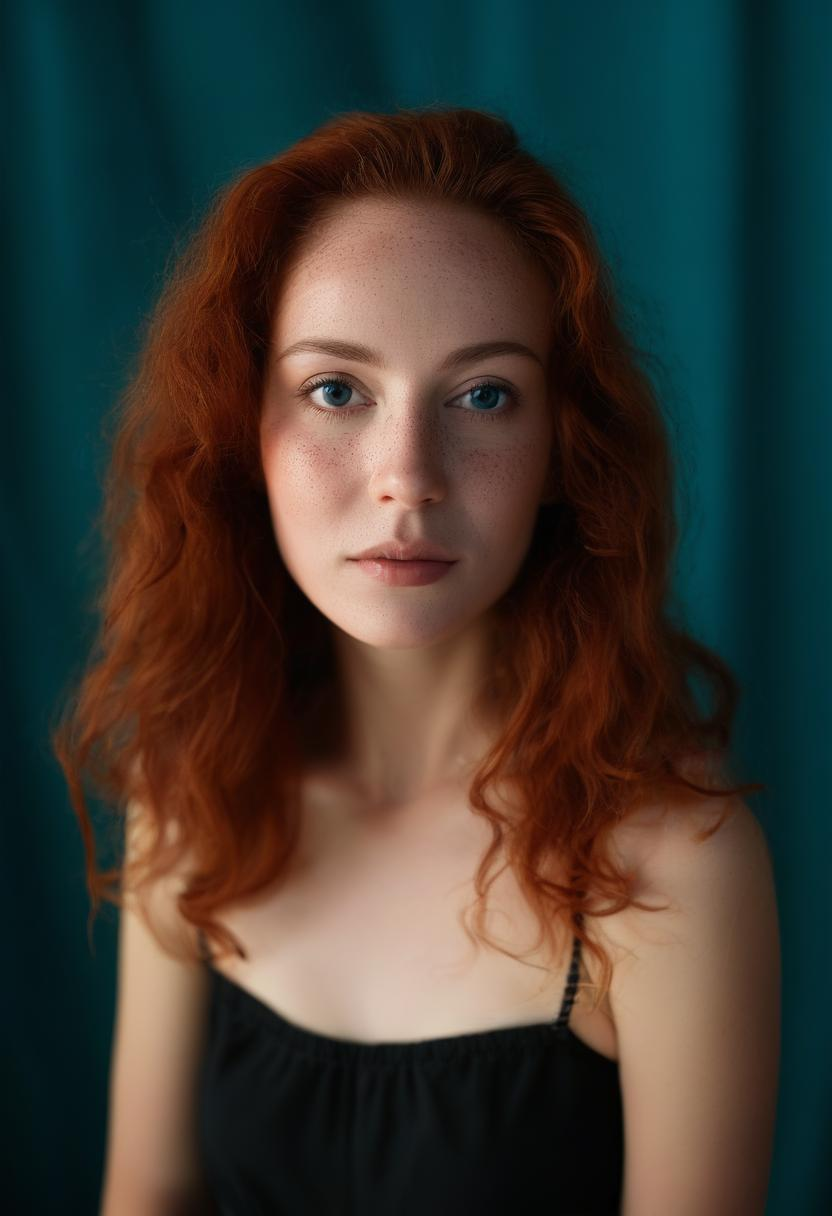
Set Medium: Photography to push Bria toward camera language — lens choices, lighting, depth of field, skin and material textures that read as captured rather than rendered.
Set Medium: Art for illustration, watercolor, gouache, ink, pixel art, oil paint — any look where you don't want the photoreal default to creep into the output.
Bria can expand short prompts into descriptive variations on its own. Toggle Prompt enhancement on and a one-line idea gets fleshed out with composition, lighting, and detail — useful for quick iteration without crafting the full prompt yourself.
Five example prompts spanning photography and art mediums at varied aspects. Each includes the takeaway and a one-click copy button.
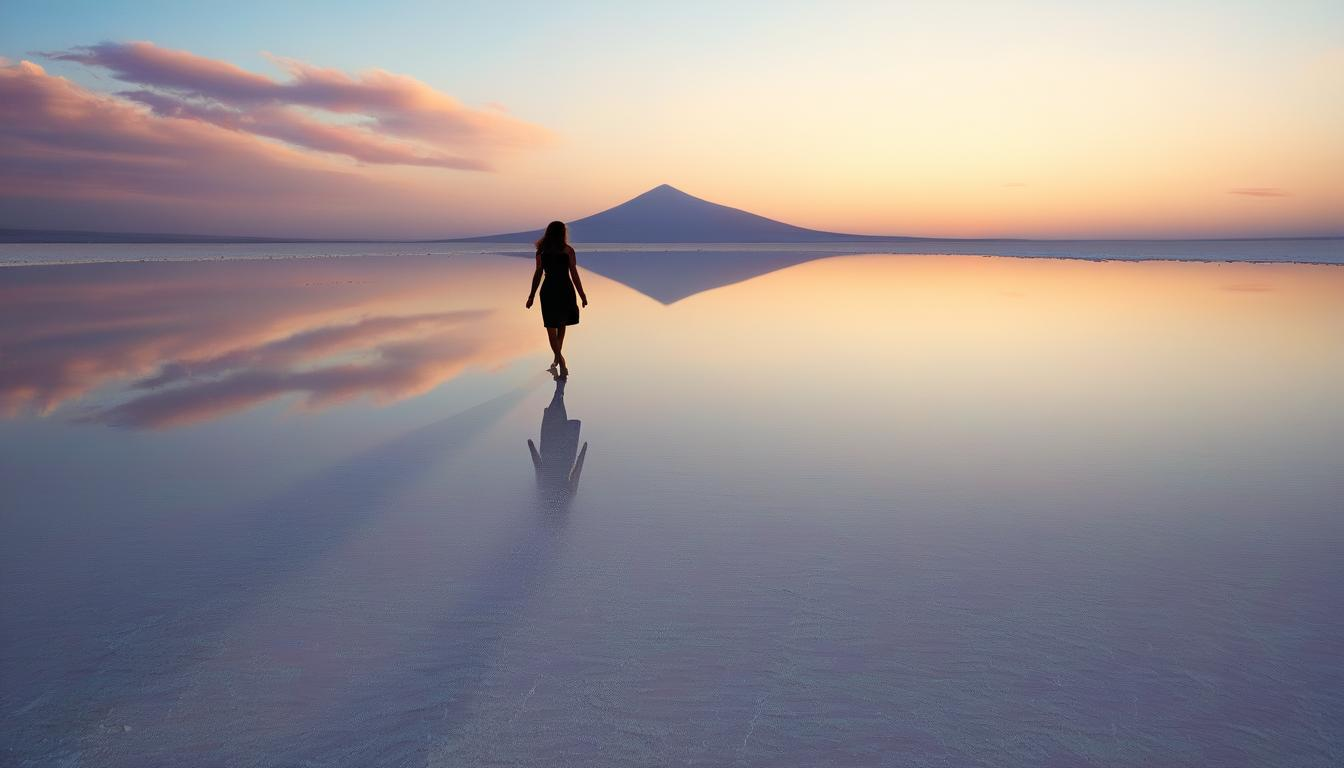
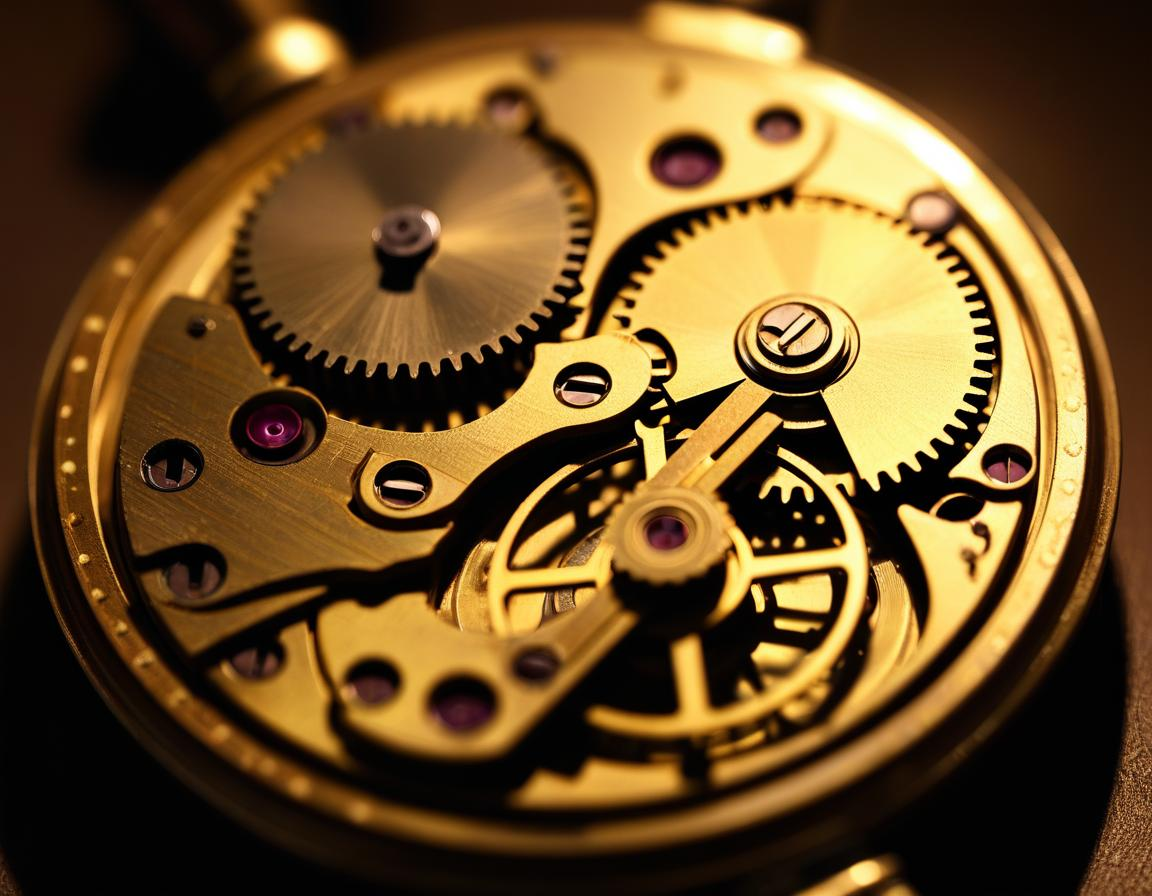
7:4 · Photography
A vast mirror-like salt flat at golden hour, a lone figure walking across the cracked earth casting a razor-thin shadow, distant volcano emitting pink-orange clouds, hyper-detailed photorealism, warm cinematic color grade, advertising quality
Lead with the subject and the time of day, then name the camera move or composition. Adding 'hyper-detailed photorealism, advertising quality' as quality anchors at the end consistently sharpens Bria's photography output.
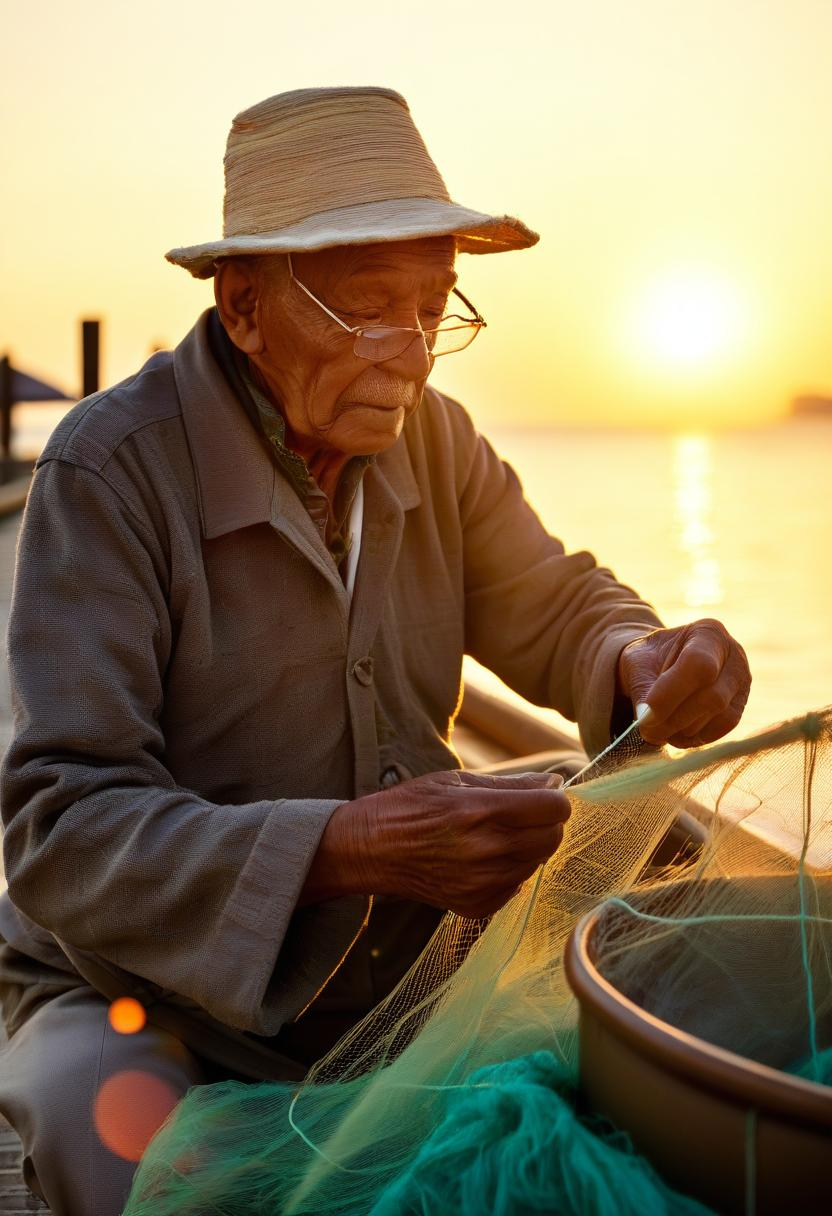
2:3 · Photography
Cinematic portrait of an elderly Japanese fisherman mending nets on a sun-bleached dock at golden hour, gnarled hands threading frayed twine, weathered skin, amber sunlight catching salt spray in the air, hyper-realistic 8k
Specific sensory detail — weathered skin, salt spray, frayed twine — gives Bria something to render. Vague prompts produce vague photographs. Name the format ('medium format', 'shot on film') for a particular grain and tonality.
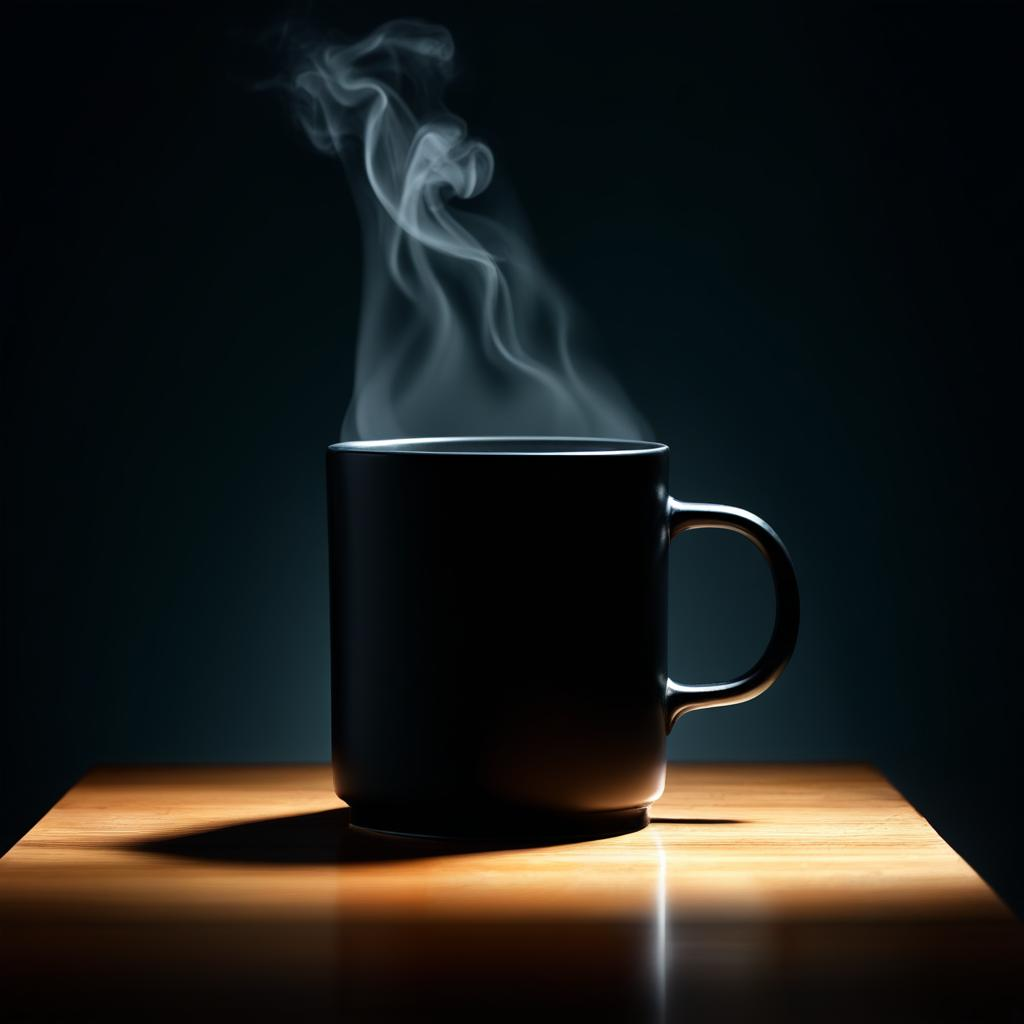
1:1 · Photography
Product shot of a matte-black ceramic coffee mug on a polished walnut surface, steam curling upward, soft top-down rim lighting against a charcoal gradient backdrop, no text, advertising quality
Square aspect is purpose-built for product social and feed posts. Specify the surface, the lighting setup (rim / key / top-down / softbox), and add 'no text' to suppress unwanted typography on the product itself.
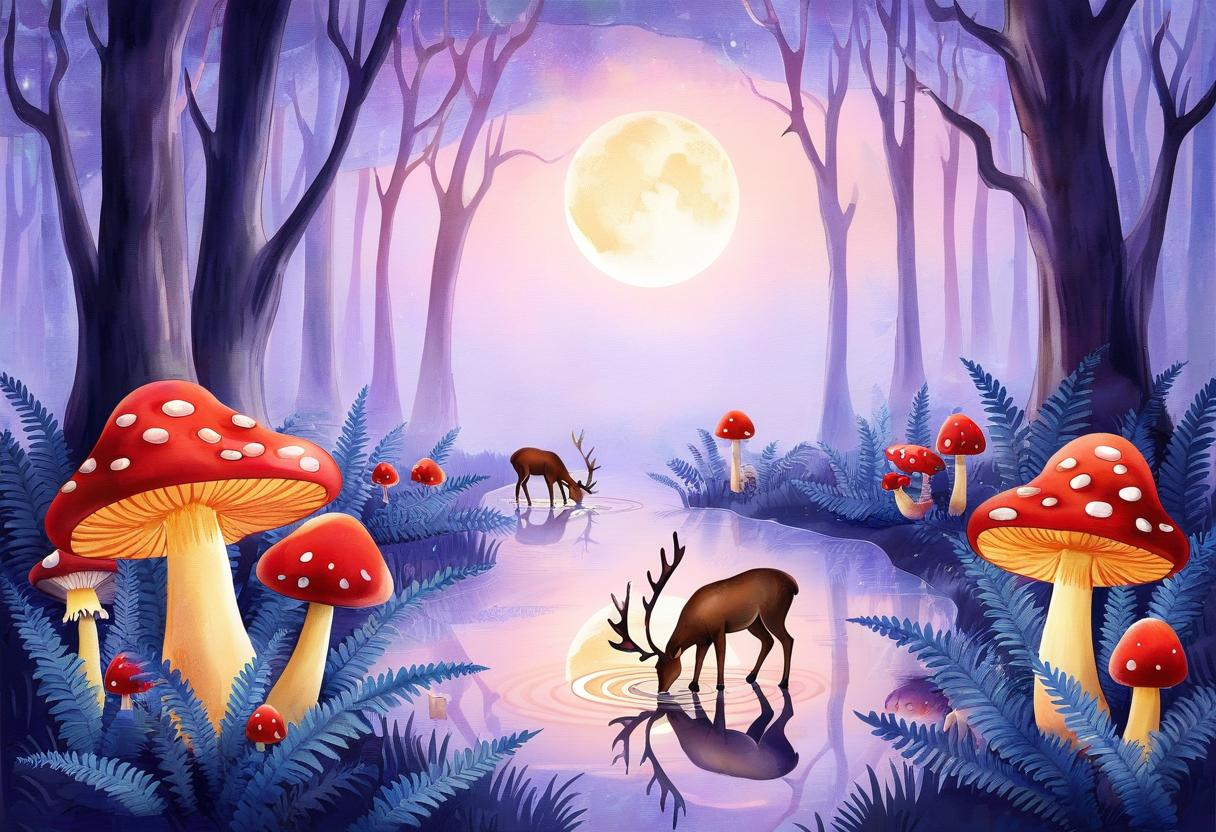
3:2 · Art
Watercolor illustration of an enchanted forest at twilight, glowing mushrooms scattered through ferns, deer drinking from a moonlit pond, soft pastel palette with deep purple accents, hand-painted texture, storybook quality
Name the medium explicitly ('watercolor', 'gouache', 'oil paint on canvas') and the artistic tradition ('storybook', 'editorial illustration'). Medium: Art turns off Bria's photoreal default — works best when the prompt also commits to a non-photo look.
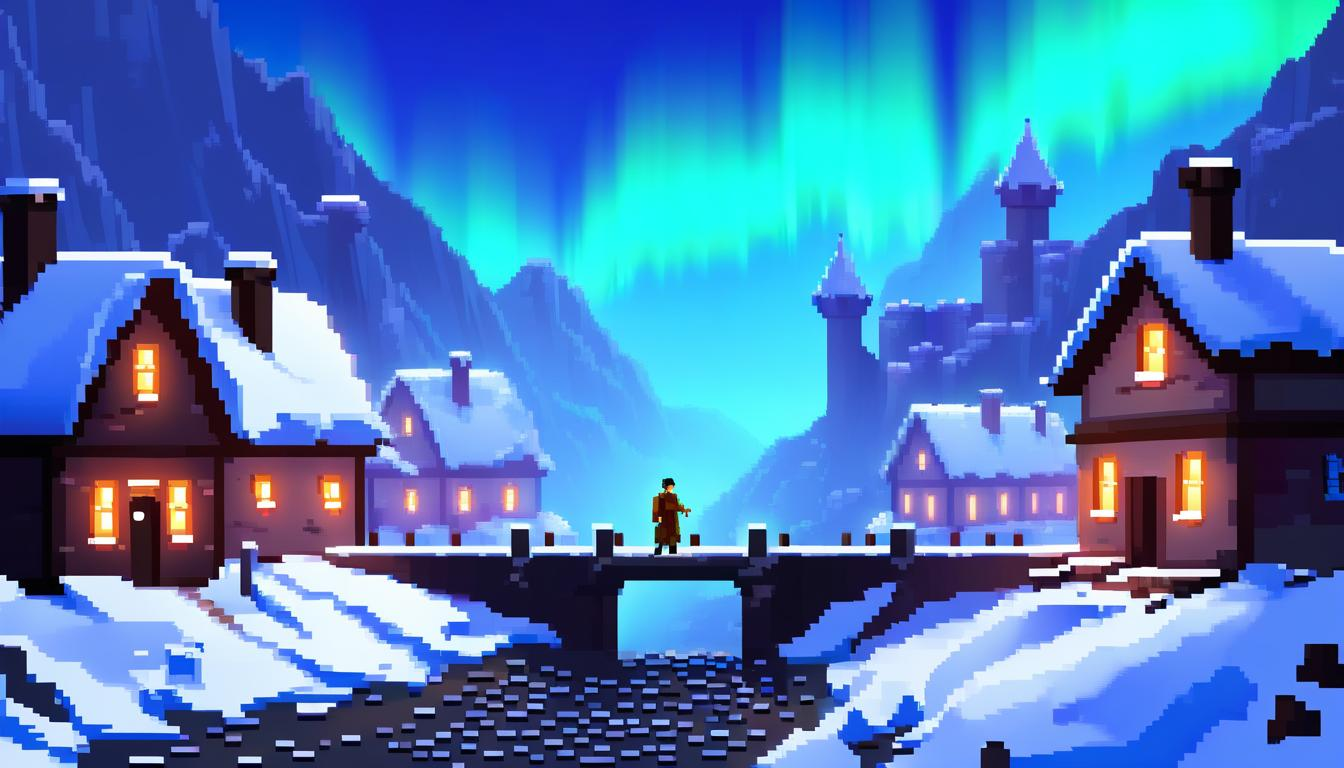
7:4 · Art
Pixel art tribute to retro RPG castles, isometric perspective, snowy mountain village with glowing windows, cobblestone paths, a tiny adventurer crossing a bridge under aurora-streaked sky, vibrant 16-bit palette
Reference the palette (16-bit, 4-bit, NES, Game Boy) and the era. Bria's Art medium handles stylized retro looks well when you anchor with a specific reference tradition like 'isometric RPG' rather than generic 'video game art'.
Six habits that consistently produce better Bria 3.2 output.
If your prompt uses camera language (lens, lighting, film stock) set Medium: Photography. If it names a paint medium or illustration tradition, set Medium: Art. Mismatched hints (photography medium + 'watercolor brush strokes') confuse the model.
Decide the output frame first — square / landscape / portrait — then write the subject to that frame. Vertical 2:3 wants a tall composition; ultra-wide 7:4 wants horizontal subjects with breathing room on the sides.
Add 'hyper-detailed photorealism, advertising quality' or 'hand-painted texture, storybook quality' as a closing phrase. Bria reads these as a target fidelity instruction and consistently sharpens the output.
'A weathered fisherman threading frayed twine through a sun-bleached net' beats 'an old man working'. Concrete nouns and verbs give Bria something to draw; abstract direction produces mush.
Product photography prompts often produce stray labels or logos on otherwise clean products. Add 'no text, no logo, no labels' to suppress that — works in roughly 9 of 10 cases.
Bria's 1 credit / image makes batches cheap, but iterate on a single image first. Once a prompt is producing what you want, run num_outputs=4 to get four variations of a settled prompt rather than four shots in the dark.
| Setting | Values | Notes |
|---|---|---|
| Aspect ratio | 1:1 · 3:2 · 2:3 · 7:4 · 4:7 · 9:7 · 7:9 · 17:14 · 14:17 | All at 1K resolution. |
| Number of outputs | 1–4 | Each output is 1 credit. |
| Medium | Auto · Photography · Art | Bias the look. Match to prompt language for consistency. |
| Prompt enhancement | Off / On | Lets Bria expand short prompts; can override your direction. |
| Seed | 0–2,147,483,647 | Public API only. Same seed + prompt + settings reproduces the image. |
Bria 3.2 generates at the 1K tier across 9 aspect ratio presets: 1:1 (1024×1024), 3:2 (1216×832), 2:3 (832×1216), 7:4 (1344×768), 4:7 (768×1344), 9:7 (1152×896), 7:9 (896×1152), 17:14 (1088×896), and 14:17 (896×1088). Pick the aspect that matches your downstream use — there's no upscaling tax to use a wider or taller preset.