Krea V2 Prompting Guide

Krea V2.
A creativity dial and style references.

Krea V2 is text-to-image in two tiers — Medium at 1 credit for fast iteration, Large at 2 credits for the highest fidelity. Its two standout controls are the creativity dial (raw → high), which sets how literally it follows your prompt, and style reference images that steer the look. Strong on both photoreal and stylized work.

Krea V2 Prompting Guide

Overview

Krea V2 generates one image per request from your prompt. Pick Medium (1 credit) for everyday iteration or Large (2 credits) when you need maximum detail and fidelity. Eight aspect ratios cover square through cinematic 2.35:1.

The creativity setting — raw, low, medium, or high — is the lever most people miss: lower values keep the model literal and faithful (great for portraits, products, and matching a reference), higher values let it reinterpret and embellish. Add up to ten style-reference images and Krea writes a fresh image in that look.

2

Tiers — Medium · Large

4

Creativity levels

10

Style references

Key Features

Medium & Large Tiers
1 credit vs 2 credits

Medium & Large Tiers

Medium is fast and cost-efficient for finding compositions and wording. Large resolves more detail and holds up better on faces, textures, and busy scenes. Iterate on Medium, finalize the keeper on Large.

The Creativity Dial
raw · low · medium · high

The Creativity Dial

This is Krea's signature control. Raw and low keep it literal — faithful to your exact words and to any reference. High lets it reinterpret, embellish, and surprise you. Match the level to the job: low for accuracy, high for art.

Style Reference Images
Steer the look

Style Reference Images

Attach up to ten reference images and Krea generates a brand-new image from your prompt in that style — not an edit of the reference. Ideal for keeping one consistent aesthetic across a whole set of images.

Photoreal & Stylized
One model, wide range

Photoreal & Stylized

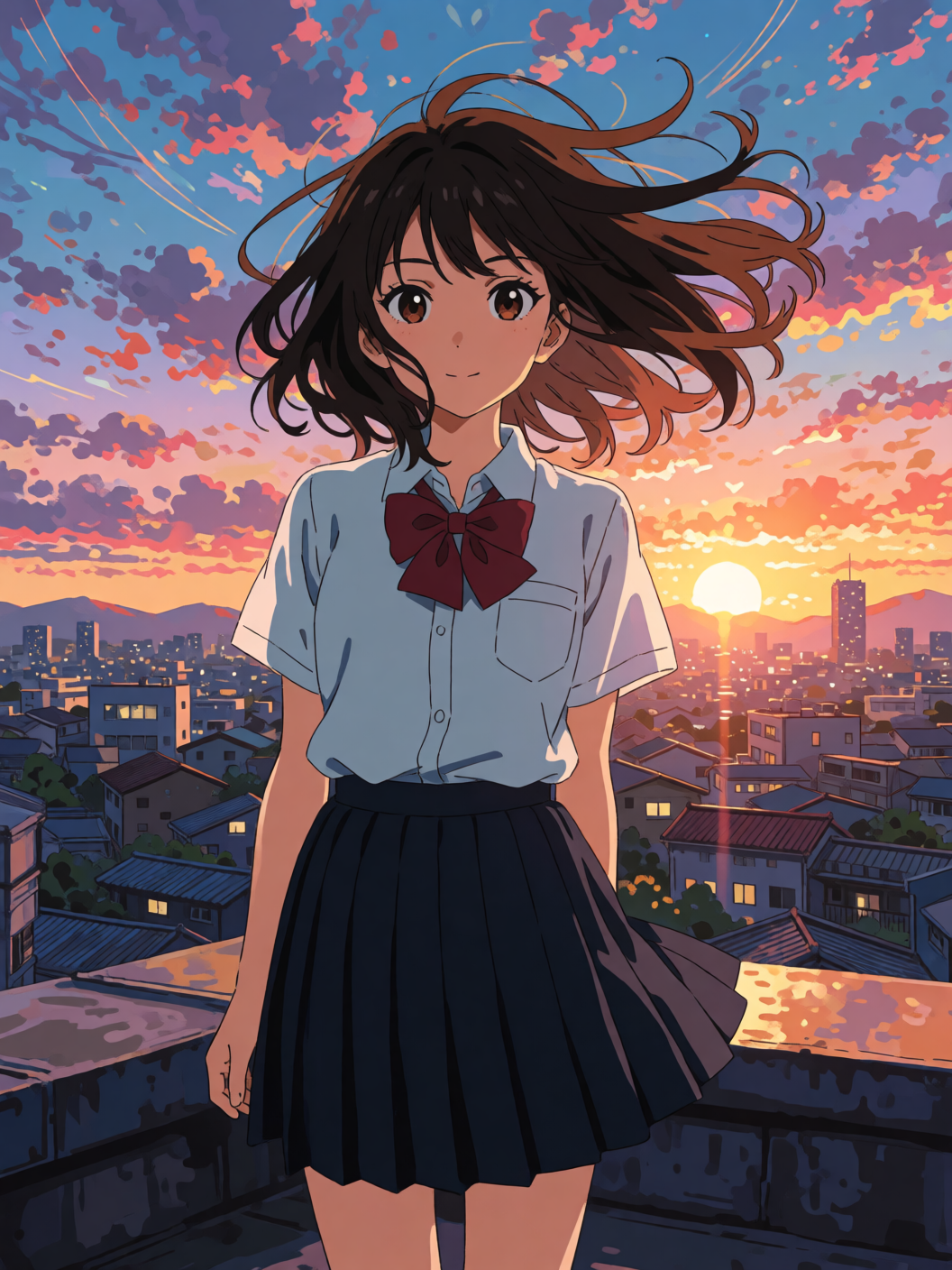
Krea swings from convincing photoreal landscapes and portraits to flat-color illustration and concept art. Lead with the medium or look you want and it commits — describe a photo for photoreal, a poster or painting for stylized.

Example Images

Each example shows the exact prompt that produced the result. Copy any prompt with one click.

Photoreal Landscape

Photoreal Landscape

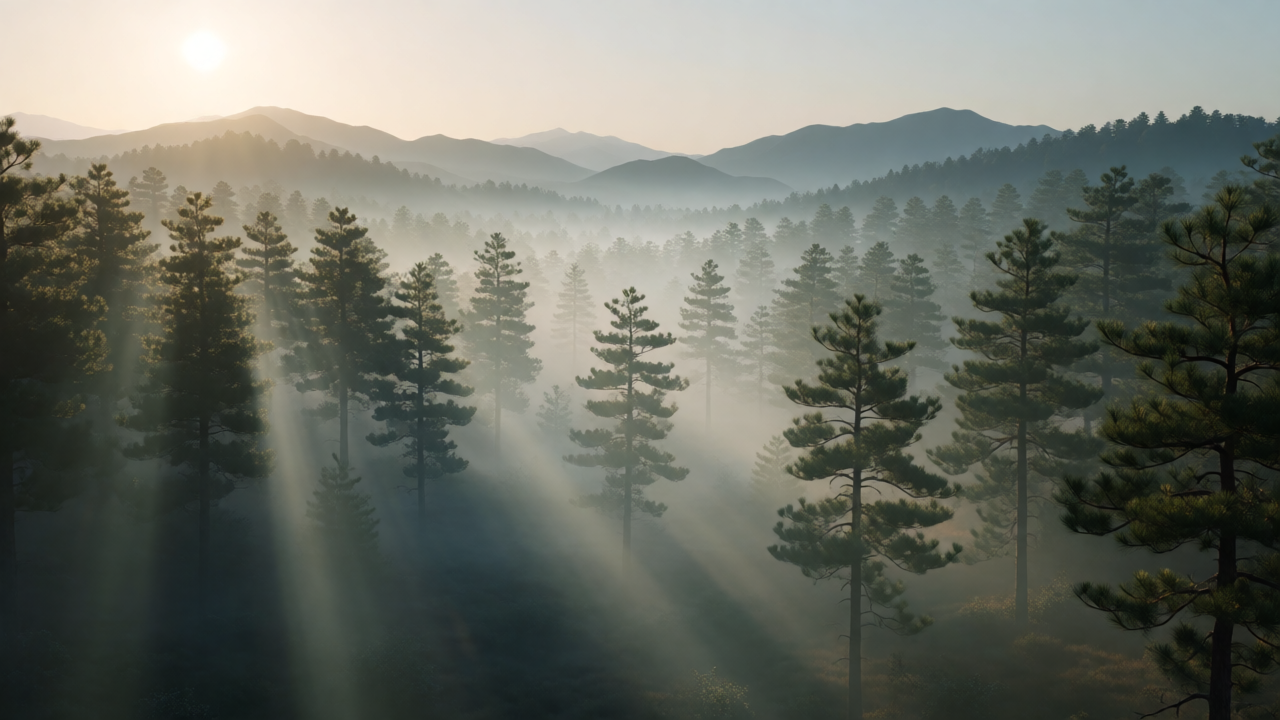
Large · 16:9 · creativity medium

A serene alpine lake at dawn, mist drifting over still water, pine forest and snow-capped peaks, photoreal, cinematic morning light

Medium creativity on Large is the sweet spot for photoreal scenery — faithful to the prompt but with natural atmosphere. Lead with the subject, then stack light and mood cues ("dawn", "mist", "cinematic light").

Faithful Portrait (Low Creativity)

Faithful Portrait (Low Creativity)

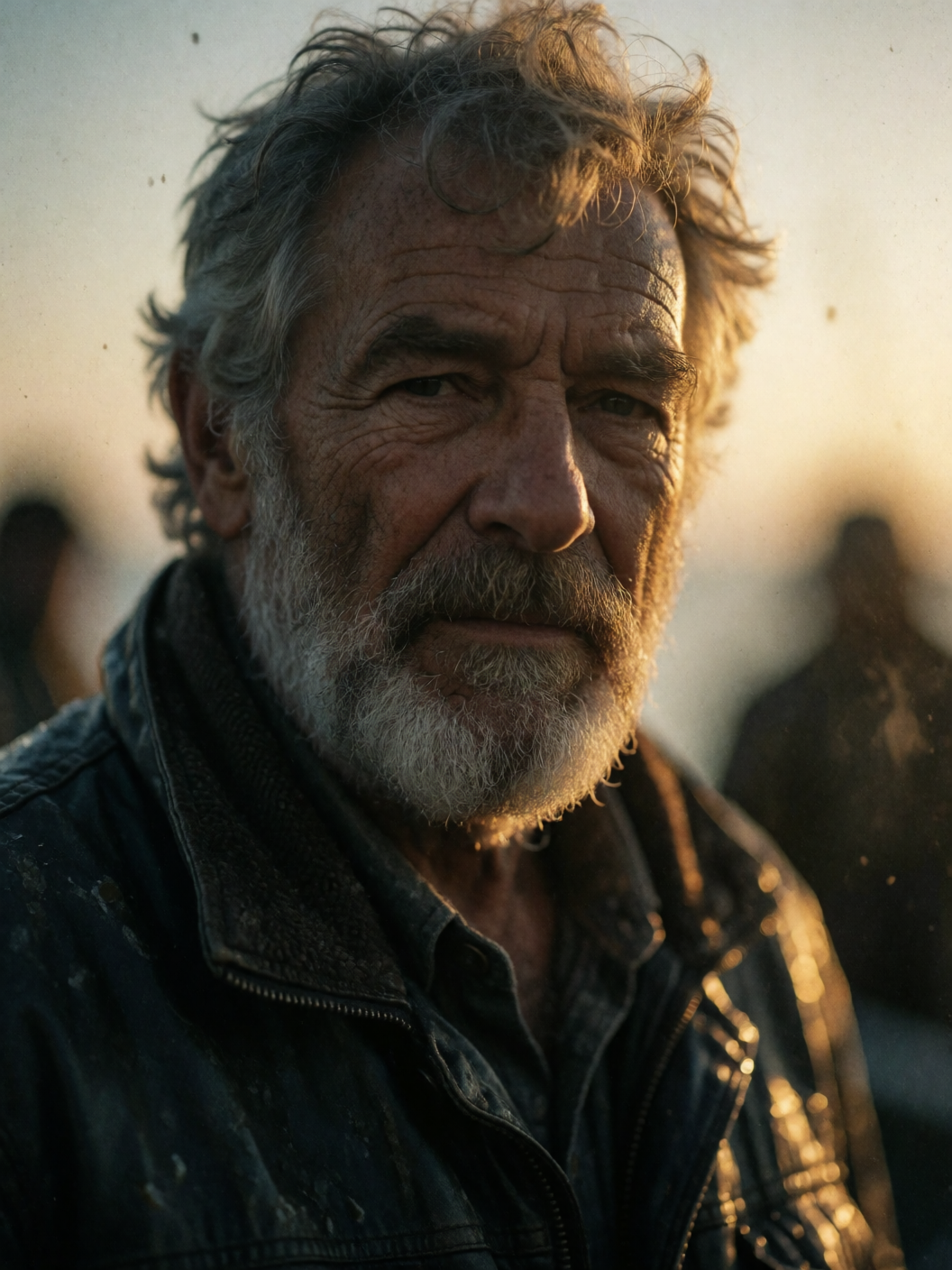
Large · 4:5 · creativity low

Editorial photoreal portrait of a weathered fisherman, salt-and-pepper beard, dramatic side light, 85mm lens, shallow depth of field, natural skin texture

Drop creativity to low (or raw) when you want the model to follow your description precisely — faces, products, and brand work. It holds skin texture and the exact lighting you asked for instead of reinterpreting.

Imaginative Concept (High Creativity)

Imaginative Concept (High Creativity)

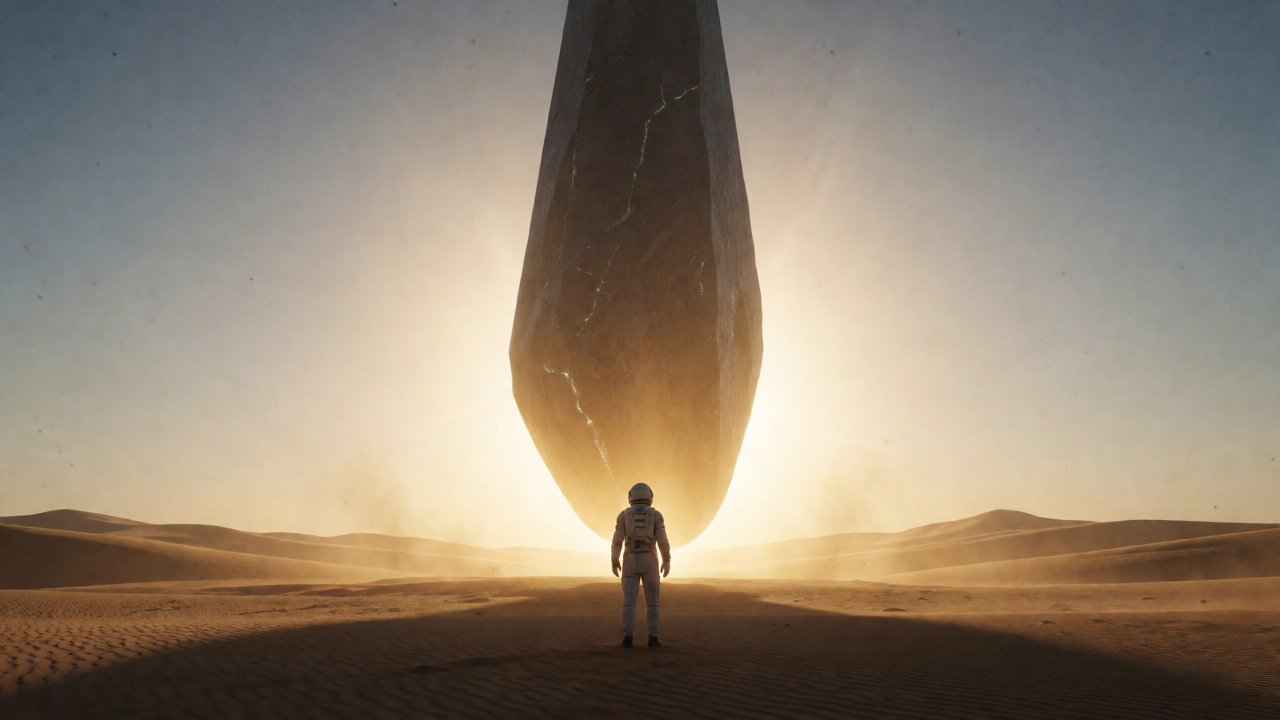
Large · 16:9 · creativity high

A dreamlike floating island city drifting among the clouds, bioluminescent waterfalls cascading into the sky, surreal concept art, golden light

Crank creativity to high for concept art and surreal ideas — it embellishes and fills gaps imaginatively. Give it an evocative seed of an idea and let it run rather than over-specifying every detail.

Style Reference

Style Reference

Medium · 1:1 · watercolor reference

A quiet European canal town at golden hour, boats moored along the water, warm reflections — with a watercolor painting attached as a style reference

Attach a reference whose look you want and Krea renders your prompt in that style — here a watercolor reference turned a canal scene painterly. Use the same reference across prompts to keep a set visually consistent.

Prompting Tips

Set the creativity dial deliberately

raw / low = literal and faithful (portraits, products, matching a reference). medium = balanced default. high = imaginative reinterpretation (concept art, surreal, stylized). It changes results more than almost any other setting.

Medium to iterate, Large to finalize

Find your composition and wording on Medium at 1 credit, then re-run the winner on Large at 2 credits for the extra fidelity — especially on faces, fine textures, and detail-dense scenes.

Use style references for a consistent set

Attach up to ten reference images to steer the look. Krea generates a fresh image from your prompt in that style — it doesn't edit the reference. Reuse the same reference across prompts to keep a campaign or storyboard on-style.

Name the medium for stylized work

For non-photographic output, lead with the medium or format — "mid-century travel poster", "watercolor", "flat-color illustration" — and pair it with higher creativity so Krea commits to the style instead of drifting back toward realism.

Use photographic language for realism

Lens, lighting direction, depth of field, and "natural skin texture" push Krea toward convincing photoreal results — and pair best with low or medium creativity so the model stays faithful to those cues.

Pick the aspect ratio for the placement

Eight ratios from 1:1 to 2.35:1 — reach for 2.35:1 for cinematic wides, 4:5 / 2:3 / 9:16 for portrait and mobile. Set a seed to A/B the creativity dial on an otherwise identical generation.

Settings Reference

SettingValuesNotes
Model variantMedium · LargeMedium = 1 credit, Large = 2 credits (higher fidelity).
Creativityraw · low · medium · highHow literally the prompt is followed. Low = faithful, high = imaginative.
Aspect ratio1:1 · 4:3 · 3:2 · 16:9 · 2.35:1 · 4:5 · 2:3 · 9:16Square through cinematic and vertical.
Style referencesUp to 10Steer the look. Fresh generation in that style — not an edit.
SeedOptional integerLock for reproducible A/B comparisons.
PricingPer imageMedium 1 credit, Large 2 credits. One image per request.

FAQ

Medium (1 credit) is fast and cost-efficient — the tier for iteration and most everyday work. Large (2 credits) resolves more detail and holds up better on faces, fine textures, and complex scenes. A common workflow is to iterate on Medium and finalize on Large.