ai clothes swap AI Generator
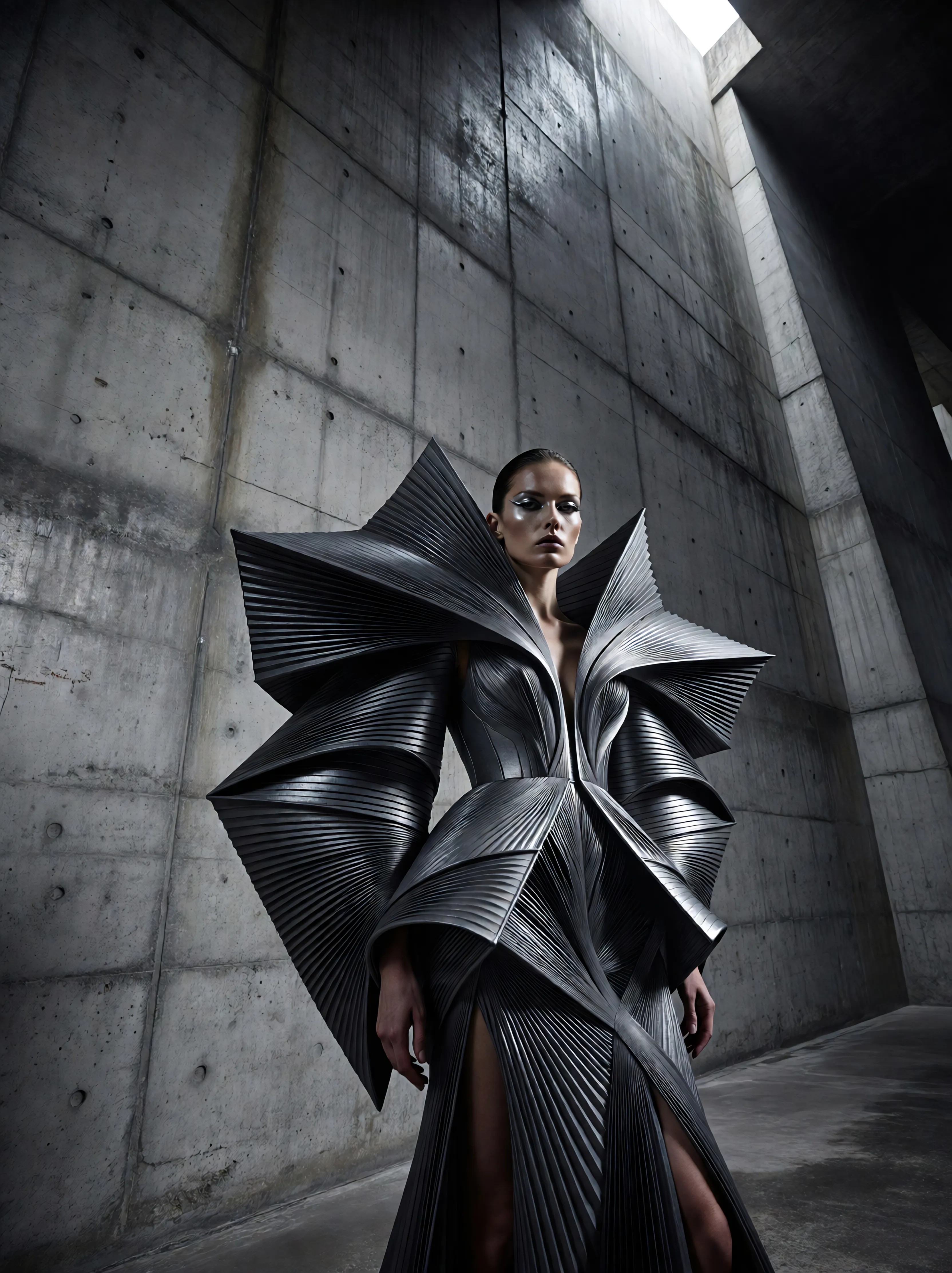
Generated on PixelDojo. Produced by PixelDojo's generation pipeline.
Picture yourself wearing that stunning evening gown, sharp business suit, or trendy streetwear without stepping into a store or booking a photoshoot. PixelDojo's AI clothes swap lets you achieve exactly that outcome in seconds. Upload a photo of yourself or a model and watch as new clothing appears with natural draping, accurate fit, and perfect lighting that matches the original scene. Fashion lovers use it to experiment with unlimited styles from home. Online sellers generate on-model product images that help customers visualize how items look in real life, leading to more confident purchases. Content creators produce endless variations for social feeds, ads, and lookbooks from a single starting image. Our specialized tools including Flux Pro Virtual Try-On, Virtual Try-On, Inpainting, and Image to Image deliver results that keep your face, body shape, pose, and background completely intact while transforming only the clothing. You no longer wait days for traditional photography or struggle with imperfect manual edits. Instead, you get professional-quality visualizations that look like they were captured in a studio. Join the thousands already using PixelDojo to turn outfit ideas into reality and start seeing the difference in your creative and business results today.
Real image examples generated on PixelDojo
Every example below was produced on PixelDojo. Hover to see the prompt.
Ia-fashion
image-to-image
ai clothes swap on PixelDojo
A jellyfish on the beach
imagen
Photorealistic digital portrait of a stunning athletic woman resembling Wonder Woman
xai-image
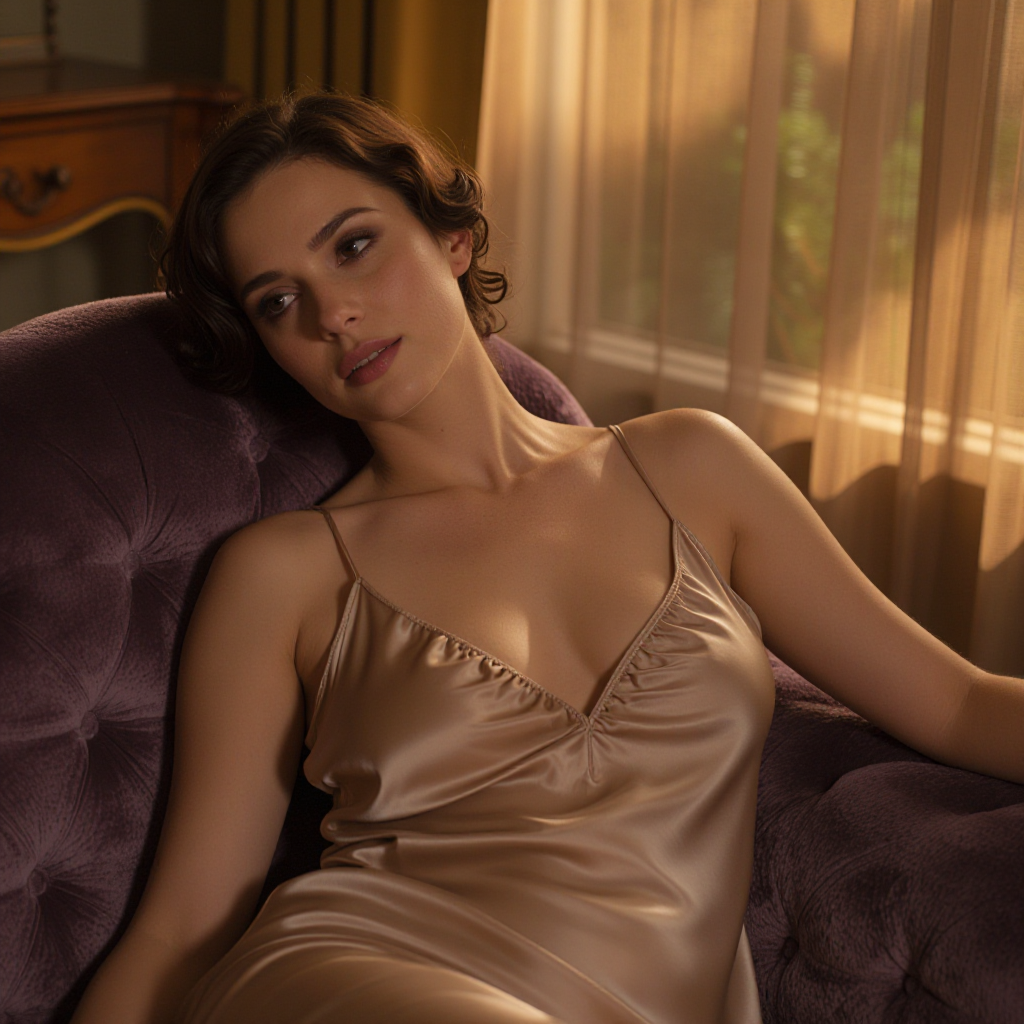
Cinematic boudoir-style portrait of an adult woman in her 30s reclining on a velvet chaise…
z-image-spicy
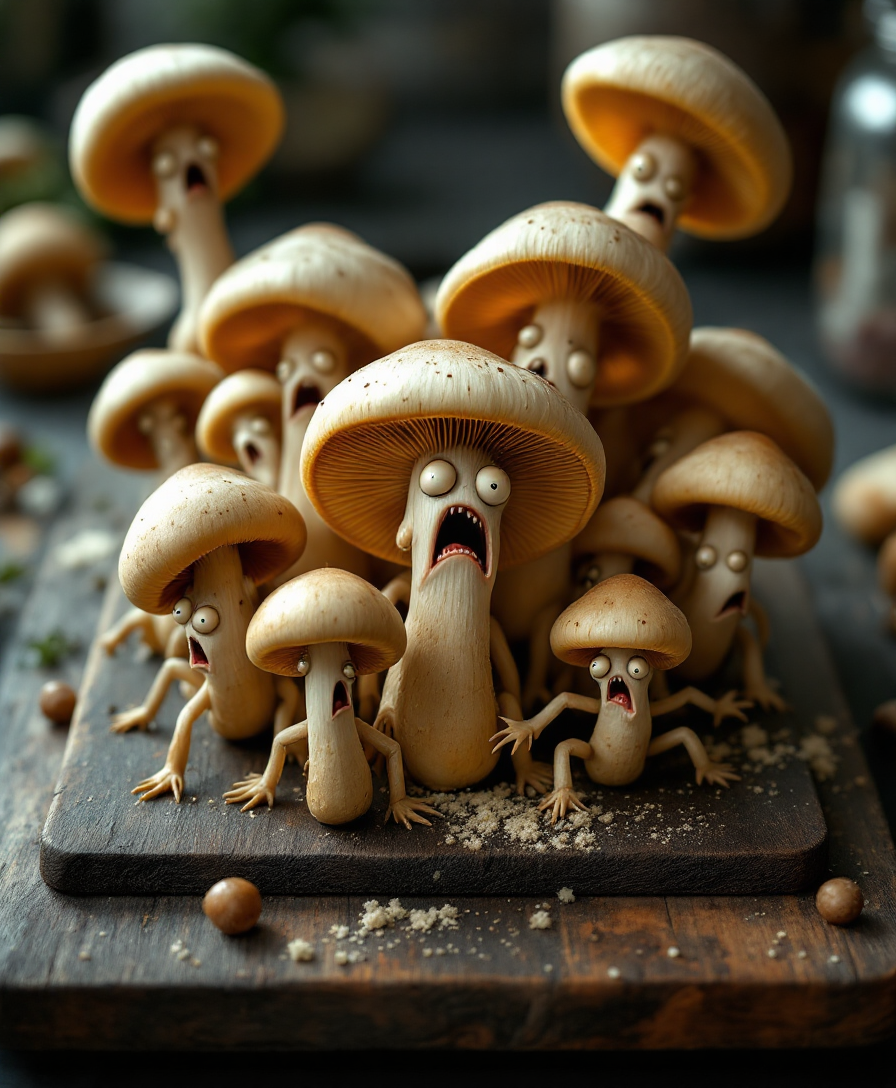
A surreal
flux
Models you can run on PixelDojo for ai clothes swap
Switch models without switching tools. Each one runs in the same PixelDojo studio.
What you can do with ai clothes swap on PixelDojo
Swap Outfits On Photos
We change clothing in an existing image while keeping the person, pose, and framing. You describe the new look or use a reference, then generate an updated shot.
Keep Face And Pose
We aim to retain identity cues such as face, hair, and body shape so the result still reads as the same subject. Clothing updates sit on the original stance rather than a new scene.
Try Multiple Wardrobe Looks
We let you run several outfit variants from one source photo. Creators can compare casual, formal, or branded looks without reshooting.
Export Ready Still Images
We output stills you can download and use in campaigns, listings, or social posts. You control prompts and references so the clothing swap matches the brief.
Thousands of creators, fashion brands, and e-commerce teams worldwide choose PixelDojo for AI clothes swap because of its consistent photorealistic quality and ease of use. With 40+ cutting-edge AI tools available, users generate results they actually publish. Loved for identity preservation and fabric realism. Cancel anytime and try it risk-free.
Why Choose Pixel Dojo for ai clothes swap
Professional-quality results with cutting-edge AI technology
Visualize Perfect Fits Before You Buy or Shoot
See exactly how any garment looks on your body or a chosen model with natural fabric movement, shadows, and proportions. PixelDojo's Flux Pro Virtual Try-On and Virtual Try-On tools make shopping decisions easier and eliminate the guesswork that leads to returns or unused clothes.
Produce Professional Catalog Images Without Photoshoots
E-commerce sellers create high-converting on-model shots for every color, size, and style variation using Inpainting and Image to Image. You save thousands on photography while delivering the realistic try-on experience customers expect, boosting conversions and reducing returns.
Generate Unlimited Style Variations for Content
Turn one photo into dozens of unique looks for Instagram, TikTok, ads, or lookbooks. Combine Flux.2 Studio, QWEN Image 2, Seedream 5, and Style Transfer to explore casual, formal, seasonal, or fantasy outfits while keeping the person consistent across every image.
How It Works
You can create professional AI clothes swap images in minutes using PixelDojo's dedicated tools. The process is designed around outcomes: you stay in control of the look while the AI handles the complex clothing physics and identity matching.
Step 1: Choose Your Tool
Go to Characters & Faces and select Flux Pro Virtual Try-On or Virtual Try-On for the most natural clothing placement. For extra precision on specific areas, open Edit Images and pick Inpainting or Image to Image. These options are built to change only the outfit while locking your face, hair, pose, and lighting in place.
Step 2: Enter Your Prompt
Upload your photo plus an optional reference garment image. Describe the new outfit clearly, for example 'tailored navy blazer over white silk blouse with high-waisted trousers, natural draping and studio lighting'. Tools like QWEN Image 2 and Seedream 4.5 interpret fabric type, fit, and details so the result looks photographed rather than generated.
Step 3: Customize & Download
Review the output and enhance it with Reality Polisher, P-Image Upscale, or Magic Lighting if needed. Use Background Remover or Image Outpainting for extra flexibility. Download in high resolution ready for web, print, or social. Iterate instantly with additional Image to Image runs until the look is perfect.
The Pixel Dojo Advantage
Why PixelDojo outperforms other options for AI clothes swap image generation
| Others | Pixel Dojo |
|---|---|
| Traditional photoshoots | You skip booking models, studios, multiple outfits, and retouching days. Generate dozens of photorealistic variations from one photo in seconds at a tiny fraction of the cost while maintaining perfect consistency. |
| Generic AI tools | Specialized Flux Pro Virtual Try-On, Virtual Try-On, and Inpainting tools understand clothing physics, fabric texture, and identity preservation far better than general generators that often warp faces, distort bodies, or produce unnatural clothing. |
| Manual photo editing | Hours of masking, cloning, and lighting matching disappear. PixelDojo automatically handles complex draping, shadows, wrinkles, and color matching so you get studio-quality results without advanced software skills. |
Loved by creators on PixelDojo
Real feedback from people using PixelDojo, pulled from our in-product surveys.
I really like the schedule of AI work performed!
The best tools for IA on the web !
The guy that operates the website is constantly updating it
I’ve been using PixelDojo for around 8 months now and it’s always worked wonderfully while constantly adding features.
The site is easy to navigate and use.
All the tools, readily available and easy to understand
Explore more AI tools on PixelDojo
Popular AI Models
AI Tools
Compare & Switch
- Best AI Image Generators
- Best AI Video Generators
- Midjourney Alternatives
- Civitai Alternatives
- Runway Alternatives
- Leonardo Alternatives
- Pika Alternatives
- Luma Alternatives
- Magnific Alternatives
- Veo Alternatives
- Flux Alternatives
- Freepik Alternatives
- Seedance Alternatives
- Seedream Alternatives
- Pixverse Alternatives
- GPT Image Alternatives
- Synthesia Alternatives
- Playground Alternatives
- NightCafe Alternatives
- Canva AI Alternatives
- ElevenLabs Alternatives
- ComfyUI Alternatives
- Fal Alternatives
- Replicate Alternatives
Common Questions
Everything you need to know about ai clothes swap
How does AI clothes swap work with PixelDojo virtual try-on tools?
You upload a photo of a person and either a garment image or a text description. Flux Pro Virtual Try-On and Virtual Try-On analyze body pose, lighting, and clothing regions then generate a new image where only the outfit changes. The original face, hair, skin tone, and background stay locked so the result looks like a real photograph of you or your model wearing the new clothes.
Can I use AI clothes swap for e-commerce product photos and reduce returns?
Yes. Many sellers use PixelDojo's Inpainting, Image to Image, and Virtual Try-On to create on-model shots for every product variation without extra photography. Customers see realistic fit and style on actual body types, which increases purchase confidence and has helped brands lower return rates while speeding up catalog production.
What is the best way to keep the original face and body during an AI clothes swap?
Choose Flux Pro Virtual Try-On or the dedicated Virtual Try-On tool, then use a clear full-body photo. These models are specifically trained to preserve identity, pose, and proportions. For extra control, combine with Inpainting so only the clothing area is regenerated. Follow up with Reality Polisher if you want even more natural skin and fabric blending.
Which PixelDojo tools are best for high-quality AI clothes swap images?
Start with Flux Pro Virtual Try-On or Virtual Try-On for the most realistic draping. Pair them with QWEN Image 2 or Seedream 5 for detailed fabric textures. Use Inpainting for targeted changes, Flux.2 Studio for creative variations, and P-Image Upscale or Magnific Upscaler to reach print-ready resolution. All work together in one workflow.
Is there a free way to try AI clothes swap on PixelDojo before committing?
Yes. You can start creating immediately with 40+ cutting-edge AI tools. Thousands of creators already use the platform. There is no long-term lock-in because you can cancel anytime. Generate your first clothes swap images today and see the quality for yourself.
Can I create AI clothes swap videos as well as still images?
After generating a strong still image with Virtual Try-On or Flux Pro Virtual Try-On, you can extend it into video using Kling Video Character Swap, WAN Video Character Swap, P Video Animate, or Flux 3 Video. This lets you show movement, fabric flow, and different angles while keeping the same person and new outfit consistent.