AI video effect · Transform
Anime Kimono: step into an anime world in a pink patterned kimono
Upload a photo, press Generate, and post it anywhere.

3 free every day. No card needed.
What Anime Kimono does
A sweep of light turns you into an anime character in a pink patterned kimono with a dark checked coat and a pink hair ribbon. You stand in a misty bamboo forest at dusk and turn toward the camera as petals drift past.
Step into an anime world in a pink patterned kimono
You appear in a pink hemp-leaf patterned kimono with a dark haori and a pink hair ribbon, in an anime forest at dusk. Waist-up photos work best.
Still looks like you
The video opens on your exact photo, so the face, hair, outfit and surroundings carry through the whole effect.
A full transformation in one shot
The change happens on camera in one continuous take, so viewers see the before and the after in the same clip.
How to make an Anime Kimono video
- Upload a photo, or pick one from your library.
- Press Generate. There is no prompt to write; the effect is already set up.
- Your 5 second HD video plays right on the page. Save it to your library or download it.
Tips for the best photo
- Use a waist-up photo with long or medium hair, which flows well in the scene.
- Face the camera with a relaxed, calm expression.
- Wear a plain light top, so the kimono pattern is easy to see in the results.
Ideas for using it
- An illustrator showing a character concept to followers.
- A fan making a profile video for a roleplay server.
- A friend making a themed invitation clip for a costume party.
More effects

Butterfly Haori
An anime swordswoman with butterflies all around.
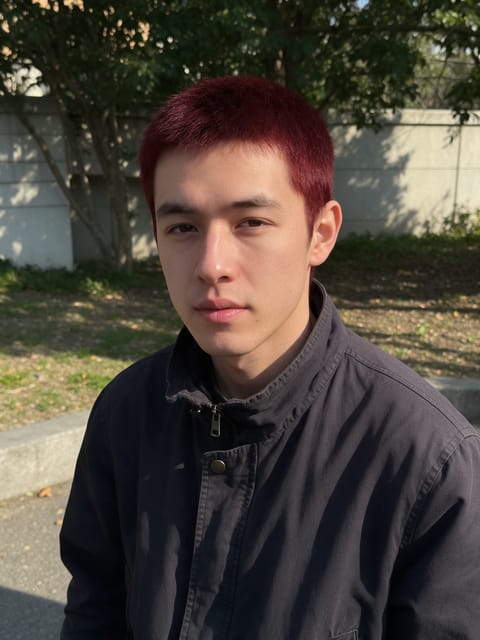
Water Swordsman
An anime swordsman with swirling water waves.
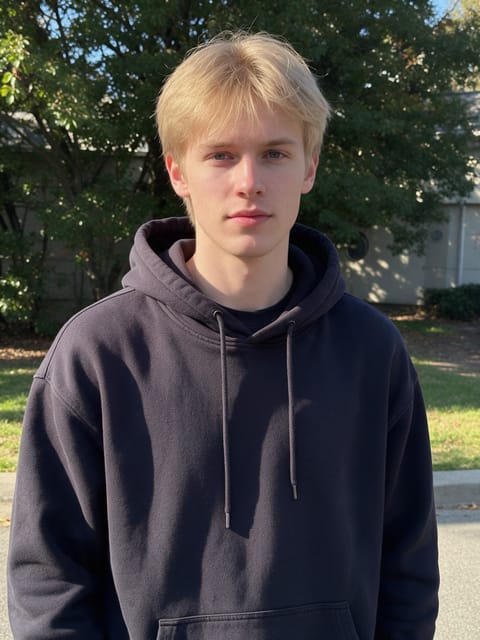
Thunder Swordsman
An anime swordsman crackling with golden lightning.

Blind Box Toy
Open a blind box and find a plush version of you.

Laser Tag
Gear up for a neon laser tag arena.
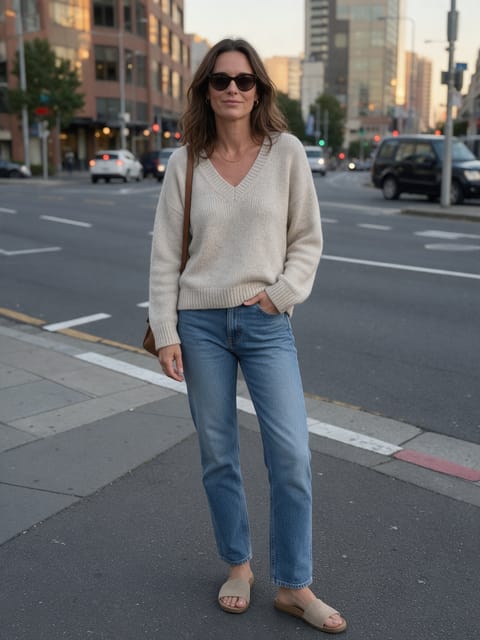
Spy Reveal
Spin around and reveal your secret agent side.
Go further
Anime Kimono FAQ
Will my hair look the same?
It becomes anime-style hair, long and dark with soft orange tips, in this effect.
Will the video look realistic?
No. It is meant to look like an anime scene, with painted colors and soft lighting.
Do I need to write a prompt for Anime Kimono?
No. Anime Kimono is a ready-made effect: upload a photo and press Generate. The directions for the motion, camera and lighting are already built in.
How long is the Anime Kimono video?
Every effect makes a 5 second HD video that matches the shape of your photo, portrait or landscape, ready to post anywhere.
Does the video have sound?
Yes. Each clip comes with matching ambient sound effects. It does not add music, so you can lay your own track over it in any editor.
Can I use a photo of someone else?
Only photos of adults, of yourself or of people who agreed to it. Every upload goes through the same safety checks as the rest of PixelDojo.