AI video effect · Transform
Cyborg: half human, half machine
Upload a photo, press Generate, and post it anywhere.

3 free every day. No card needed.
What Cyborg does
It starts at the neck, where a strip of skin gives way to blue-lit circuitry and metal ribs. The machinery spreads up one side of the face and jaw as your subject turns their head. At the end they face the camera with one eye glowing bright blue.
Half human, half machine
Panels slide open to reveal glowing machinery as your subject becomes a sci-fi cyborg. Portraits work best.
Still looks like you
The video opens on your exact photo, so the face, hair, outfit and surroundings carry through the whole effect.
A full transformation in one shot
The change happens on camera in one continuous take, so viewers see the before and the after in the same clip.
How to make a Cyborg video
- Upload a photo, or pick one from your library.
- Press Generate. There is no prompt to write; the effect is already set up.
- Your 5 second HD video plays right on the page. Save it to your library or download it.
Tips for the best photo
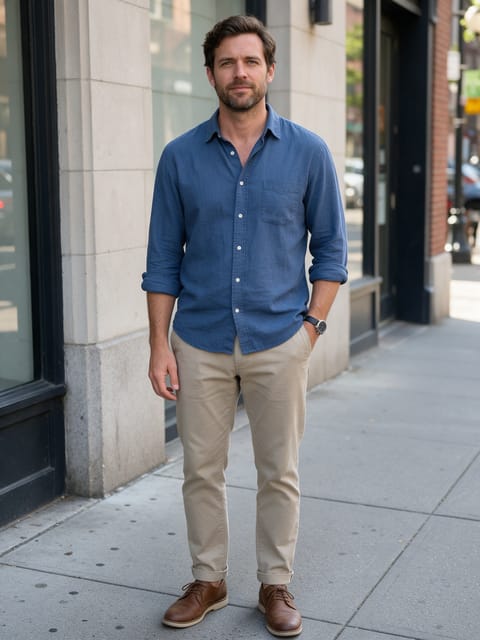
- Use a clear head-and-shoulders portrait with the neck visible, since that's where the machinery starts.
- A plain wall or simple backdrop keeps attention on the face.
- Short or tied-back hair lets the panels on the temple and jaw show.
Ideas for using it
- A sci-fi podcast host making an intro clip.
- A software engineer posting a playful profile video.
- A gamer announcing a new cyberpunk playthrough.
More effects





Go further
Cyborg FAQ
Is it gory?
No. The panels open onto clean metal and blue circuits, with no blood or wounds.
Will I still look like myself?
Yes. Only part of the face and neck becomes machine, and in our test the eyes, nose and expression stayed the same.
Do I need to write a prompt for Cyborg?
No. Cyborg is a ready-made effect: upload a photo and press Generate. The directions for the motion, camera and lighting are already built in.
How long is the Cyborg video?
Every effect makes a 5 second HD video that matches the shape of your photo, portrait or landscape, ready to post anywhere.
Does the video have sound?
Yes. Each clip comes with matching ambient sound effects. It does not add music, so you can lay your own track over it in any editor.
Can I use a photo of someone else?
Only photos of adults, of yourself or of people who agreed to it. Every upload goes through the same safety checks as the rest of PixelDojo.