AI video effect · Pets
Pet Scroll: your pet lounges on the couch, scrolling its phone
Upload a photo, press Generate, and post it anywhere.

3 free every day. No card needed.
What Pet Scroll does
Your pet settles onto a cozy sofa with a phone in its paws and swipes the screen with a slow blink. It glances up at the camera, then goes back to scrolling.
Your pet lounges on the couch, scrolling its phone
Your pet lies back on a sofa holding a phone and swipes through it with a bored look. Clear photos of your pet work best.
Still unmistakably your pet
The video opens on your exact photo, so your pet’s fur, markings and surroundings carry through the whole effect.
Your pet as the star
Keeps your pet’s fur, markings and face so it still looks like your cat or dog, just doing something it never would.
How to make a Pet Scroll video
- Upload a photo, or pick one from your library.
- Press Generate. There is no prompt to write; the effect is already set up.
- Your 5 second HD video plays right on the page. Save it to your library or download it.
Tips for the best photo
- Use a clear, well-lit photo where your pet's face and front paws are visible.
- Pick a photo with a calm pose, since sitting or lying down gives the best match for the couch scene.
- Avoid photos with another pet or person close beside yours, so the effect focuses on one animal.
Ideas for using it
- A pet owner posting a funny captioned Reel about doomscrolling.
- A groomer or vet clinic sharing a fun mascot clip.
- A friend making a card-style clip for a pet's birthday.
More effects

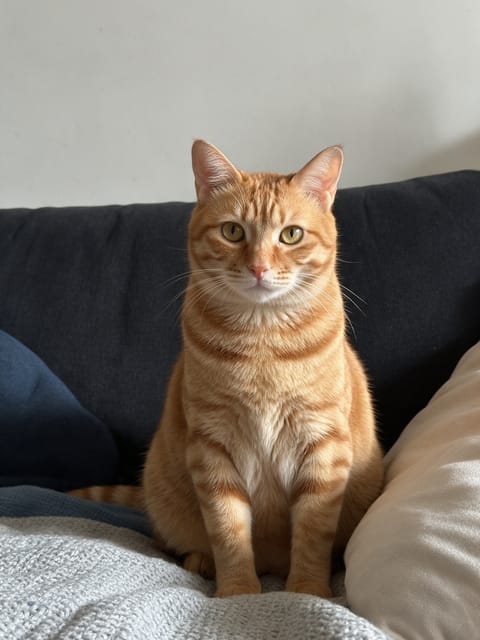


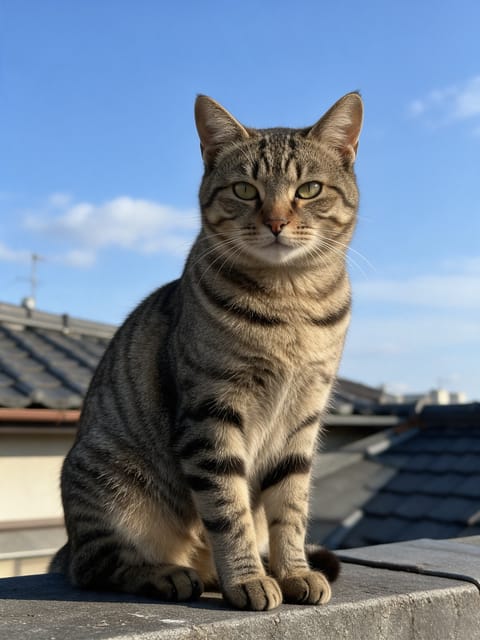
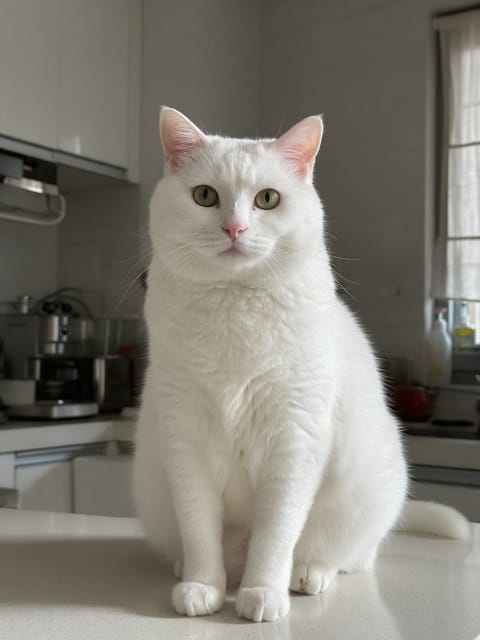
Go further
Pet Scroll FAQ
Will the phone show anything readable?
No. The screen glows softly, but we direct the effect to leave out text and logos.
Will my pet's markings stay the same?
Yes. The fur color and markings match your photo.
Do I need to write a prompt for Pet Scroll?
No. Pet Scroll is a ready-made effect: upload a photo and press Generate. The directions for the motion, camera and lighting are already built in.
How long is the Pet Scroll video?
Every effect makes a 5 second HD video that matches the shape of your photo, portrait or landscape, ready to post anywhere.
Does the video have sound?
Yes. Each clip comes with matching ambient sound effects. It does not add music, so you can lay your own track over it in any editor.
Can I use Pet Scroll on any pet?
Cats, dogs and most other pets work. The clearer the face and the more of the body in frame, the better the motion looks.