AI video effect · Viral
Smart Glasses: put on smart glasses and see a holographic display
Upload a photo, press Generate, and post it anywhere.

3 free every day. No card needed.
What Smart Glasses does
A quick shimmer drops sleek black smart glasses with clear lenses onto your face. You tap the arm, a soft blue holographic panel floats up in front of you, and you reach out to swipe it.
Put on smart glasses and see a holographic display
Sleek clear-lens smart glasses appear on your face and a glowing holographic display opens in the air in front of you. Waist-up photos work best.
Still looks like you
The video opens on your exact photo, so the face, hair, outfit and surroundings carry through the whole effect.
Made for short-form video
Built for the clips people share on Reels, TikTok and Shorts: one clear moment in five seconds, framed to stop the scroll.
How to make a Smart Glasses video
- Upload a photo, or pick one from your library.
- Press Generate. There is no prompt to write; the effect is already set up.
- Your 5 second HD video plays right on the page. Save it to your library or download it.
Tips for the best photo
- Use a waist-up or head-and-shoulders photo with your eyes clearly visible.
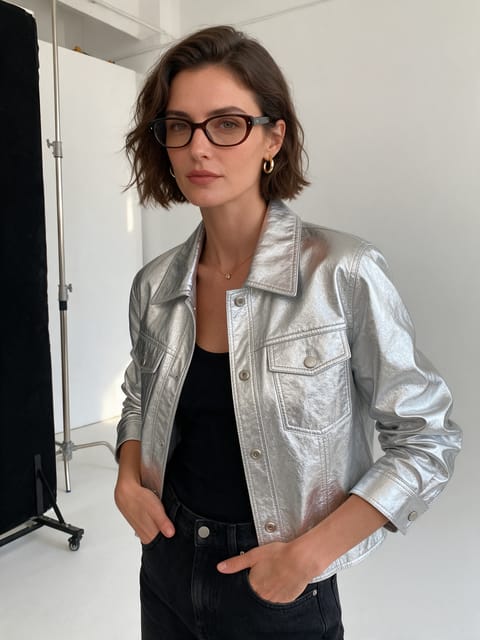
- Go without sunglasses or thick-rimmed glasses so the new pair takes center stage.
- Stand with your hands loose so the tap and swipe have room to play.
Ideas for using it
- A tech reviewer opening a video on wearable gadgets.
- A startup founder teasing a product demo on a professional network.
- A designer making a futuristic profile clip for a portfolio site.
More effects





Go further
Smart Glasses FAQ
If I already wear glasses, will it still work?
Yes. The new pair replaces yours, and a clear photo without glasses gives the cleanest start.
Will the hologram show readable text?
No, it shows glowing shapes and panels only, with no text or logos.
Do I need to write a prompt for Smart Glasses?
No. Smart Glasses is a ready-made effect: upload a photo and press Generate. The directions for the motion, camera and lighting are already built in.
How long is the Smart Glasses video?
Every effect makes a 5 second HD video that matches the shape of your photo, portrait or landscape, ready to post anywhere.
Does the video have sound?
Yes. Each clip comes with matching ambient sound effects. It does not add music, so you can lay your own track over it in any editor.
Can I use a photo of someone else?
Only photos of adults, of yourself or of people who agreed to it. Every upload goes through the same safety checks as the rest of PixelDojo.