AI video effect · Viral
Train Pass: a train rushes past and you have a new look
Upload a photo, press Generate, and post it anywhere.
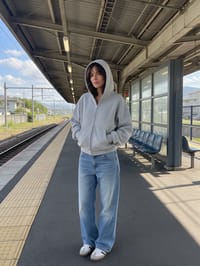
3 free every day. No card needed.
What Train Pass does
A train rushes through the frame and briefly hides you while your hair and clothes ripple in the wind. When it clears, you are standing in the same spot in a new coat.
A train rushes past and you have a new look
A train speeds through the frame in front of you and when it clears, you are standing there in a new outfit. Full-body photos work best.
Still looks like you
The video opens on your exact photo, so the face, hair, outfit and surroundings carry through the whole effect.
Made for short-form video
Built for the clips people share on Reels, TikTok and Shorts: one clear moment in five seconds, framed to stop the scroll.
How to make a Train Pass video
- Upload a photo, or pick one from your library.
- Press Generate. There is no prompt to write; the effect is already set up.
- Your 5 second HD video plays right on the page. Save it to your library or download it.
Tips for the best photo
- Use a full-body photo, ideally standing in a spot with some open space around you.
- A plain outfit and neutral background make the new look stand out more.
- Face the camera and stand upright, so the coat reveal reads clearly in the last frames.
Ideas for using it
- A fashion creator doing a quick outfit-change reveal.
- A shop owner showing a seasonal coat for a launch post.
- A student making an outfit transition clip for TikTok.
More effects
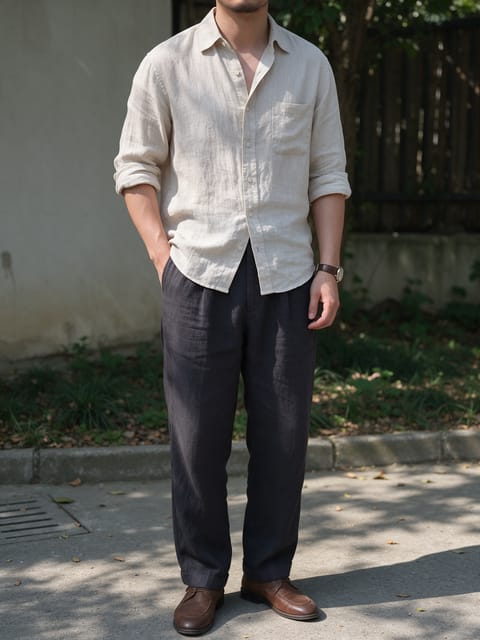
Tiger Ride
You ride a calm tiger through a misty forest.

Safari Trip
A golden-hour drive across the savanna.

Stadium Replay
You celebrate in a packed stadium like a live broadcast.
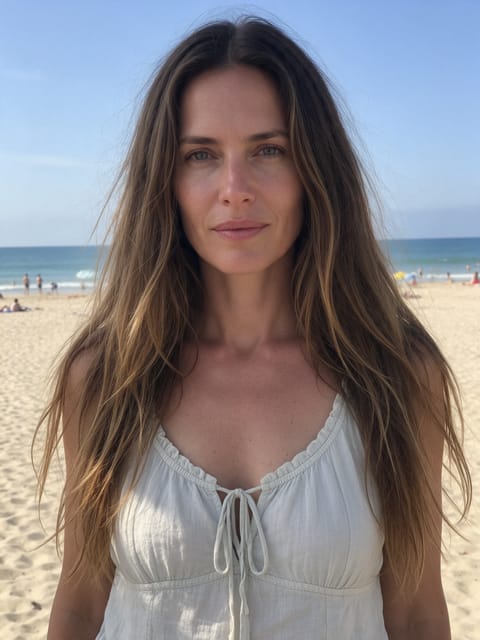
Reef Swim
You float through a coral reef with bright fish.
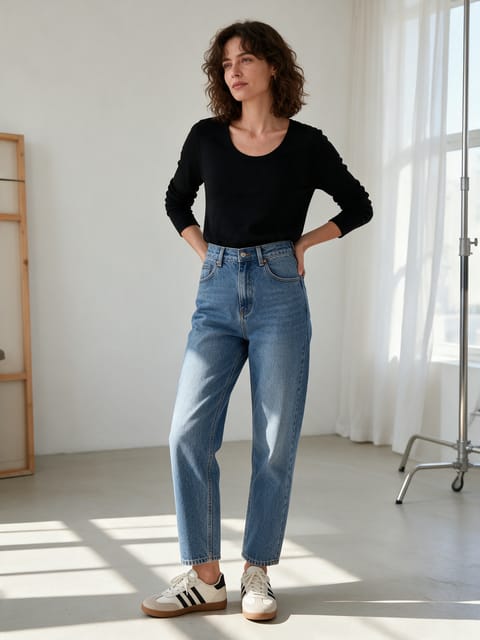
Sassy Dance
Hip pops, hair flips and a lot of attitude.

Award Win
You win the big award on a glittering stage.
Go further
Train Pass FAQ
Can I pick the new outfit?
No. The effect is set to a long camel coat, so you get that look each time.
Will signs or text appear on the train?
No. We direct the effect to leave text and logos off the train and station.
Do I need to write a prompt for Train Pass?
No. Train Pass is a ready-made effect: upload a photo and press Generate. The directions for the motion, camera and lighting are already built in.
How long is the Train Pass video?
Every effect makes a 5 second HD video that matches the shape of your photo, portrait or landscape, ready to post anywhere.
Does the video have sound?
Yes. Each clip comes with matching ambient sound effects. It does not add music, so you can lay your own track over it in any editor.
Can I use a photo of someone else?
Only photos of adults, of yourself or of people who agreed to it. Every upload goes through the same safety checks as the rest of PixelDojo.