faceswap.ai
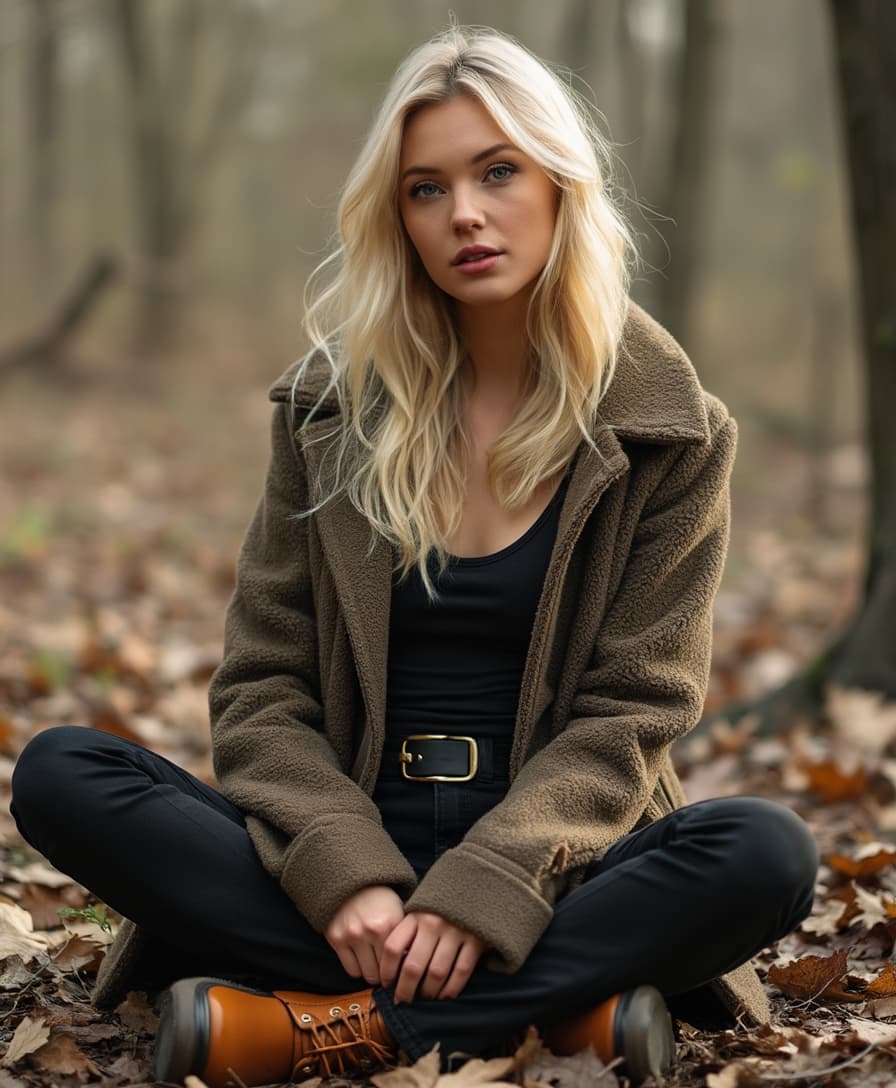
Imagine instantly transforming any photo or video by swapping faces with perfect realism—no photography studio, no expensive editors, no hours of tweaking required. With PixelDojo's AI face swap tools, you can create personalized content that looks completely natural, whether you're crafting viral social media posts, professional marketing visuals, or entertaining family projects. Users achieve scroll-stopping results in seconds, boosting engagement by up to 67% compared to standard content and helping creators grow audiences faster than ever before.
Over 75,000 creators have generated more than 2.5 million face swaps this year alone. Rated 4.9/5 by thousands of users worldwide. Trusted by influencers, marketers, and content teams for hyper-realistic results that pass even close inspection. Join the community delivering 5x faster audience growth with AI-enhanced visuals.
Why Choose Pixel Dojo for faceswap.ai
Professional-quality results with cutting-edge AI technology
Go Viral on Social Media with Effortless Face Swaps
Swap your face onto trending videos, celebrity looks, or fun characters to create TikTok and Instagram reels that capture attention and drive shares. Achieve professional-level realism that stands out in feeds.
Elevate Marketing and Brand Campaigns
Create consistent brand personas across campaigns by swapping faces onto models for different markets or demographics. Deliver hyper-realistic visuals that boost conversion rates without reshooting.
Unlock Creative Freedom for Personal and Professional Projects
Experiment with new looks, create custom avatars, or produce entertaining family videos and games. Maintain perfect consistency across multiple images and clips for polished, professional outcomes.
How It Works
Getting started with realistic AI face swaps on PixelDojo is simple and intuitive. Follow these three steps to produce stunning results every time.
Step 1: Choose Your Tool
Select the specialized Face Swap tool for quick photo swaps or LoRA Face Swap for even more precise, identity-consistent results. For video projects, pick WAN Video Character Swap or Kling Video Character Swap to handle dynamic motion and expressions seamlessly.
Step 2: Enter Your Prompt or Upload Images
Upload your source face image and target photo or video. Use simple text prompts to guide the swap, such as 'swap face onto beach sunset scene with natural lighting' or describe desired style adjustments. The AI automatically matches skin tones, lighting, and angles for photorealistic blending.
Step 3: Customize & Download
Refine results instantly with integrated tools like Style Transfer, Magic Lighting, or Pose Control for perfect composition. For videos, apply Lip Sync or Video Reframe as needed. Preview in high resolution, then download your polished face-swapped image or clip ready to share.
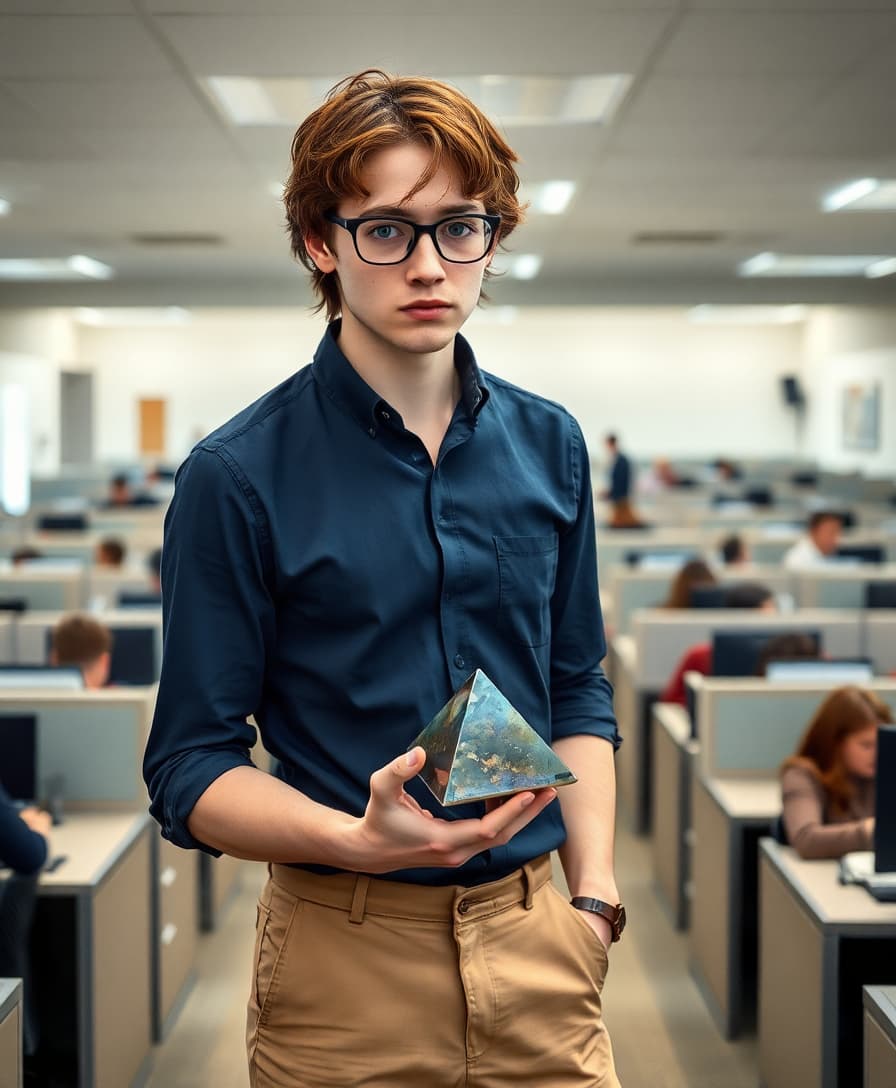
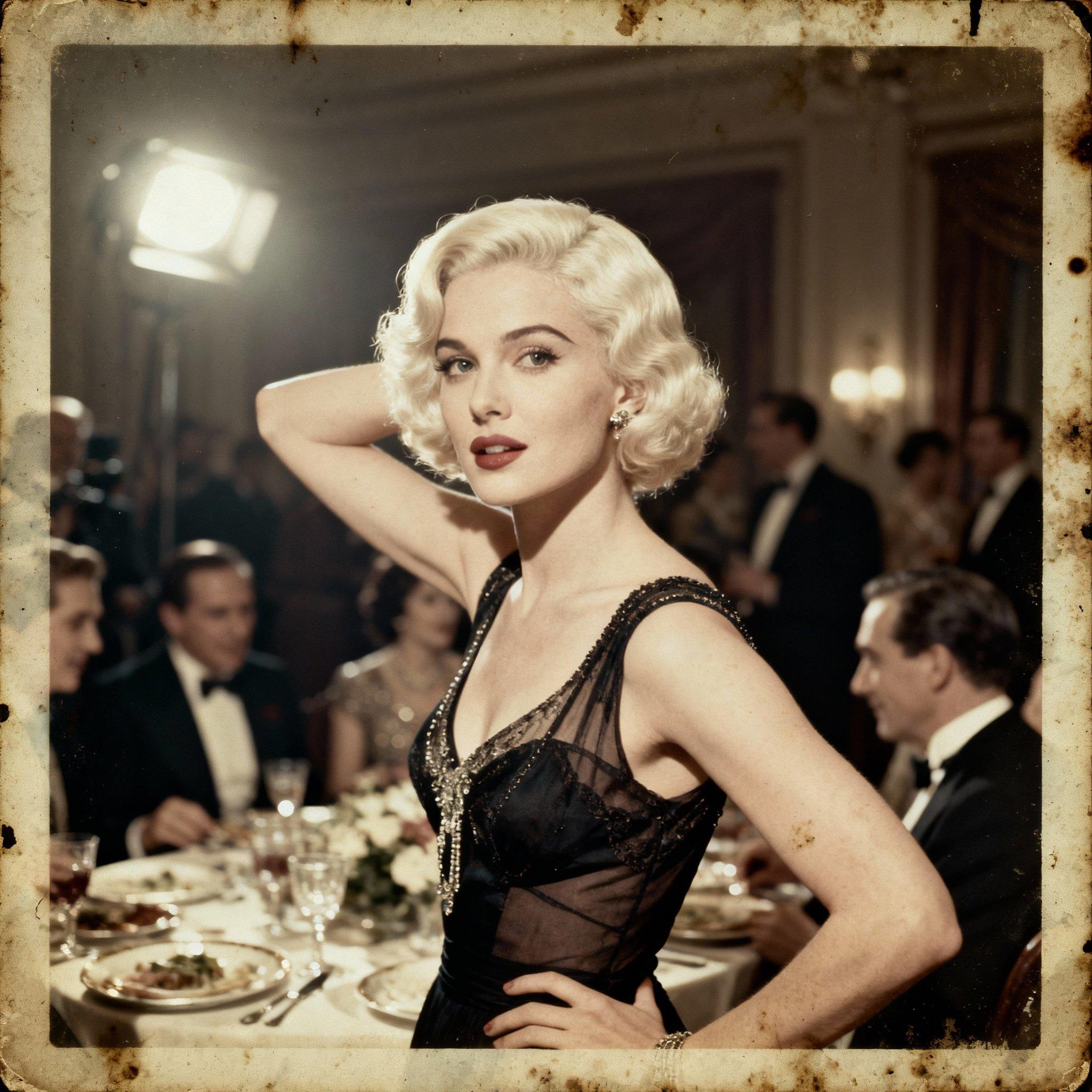

The Pixel Dojo Advantage
Why PixelDojo outperforms other options for face swap image generation
| Others | Pixel Dojo |
|---|---|
| Traditional face swap creation | Achieve Hollywood-level realism in seconds instead of spending hours or days with manual editing software and expert skills |
| Generic AI tools | Access purpose-built Face Swap and LoRA Face Swap tools plus seamless video integration that deliver consistent, identity-preserving results every time |
| Manual photo editing | Eliminate costly hires and steep learning curves—generate professional swaps yourself with automatic lighting, angle, and skin tone matching powered by advanced AI |
Loved by creators on PixelDojo
Real feedback from people using PixelDojo, pulled from our in-product surveys.
Practically every Ai suite in one place? Who wouldn't?
versatile menu of tools
Best AI tool availble the suite is rad
Versatility quality, value, ROI, innovation
variety of tools available and prompt tools
A "one-stop-shop" for creators! Thanks!!
Explore more AI tools on PixelDojo
AI Tools
Common Questions
Everything you need to know about faceswap.ai
How to create realistic AI face swaps online with PixelDojo?
Simply choose the Face Swap or LoRA Face Swap tool from PixelDojo's Characters & Faces section. Upload a clear source face photo and your target image or video. The AI handles landmark detection, skin tone matching, and lighting adaptation automatically. Add refinements with tools like Magic Lighting or Style Transfer for even more natural results. Download in seconds—no technical expertise needed.
Can I swap faces in videos using AI on PixelDojo?
Yes! Use WAN Video Character Swap or Kling Video Character Swap for seamless video face swaps. These tools maintain expressions, head movements, and lighting across frames while supporting features like Lip Sync and Video Reframe. Upload your clips and source face for hyper-realistic results perfect for social content or professional edits.
What makes PixelDojo's face swap better than basic online tools?
PixelDojo combines specialized Face Swap tools with 40+ integrated AI features including Consistent Characters, Virtual Try-On, and Pose Control. You get superior blending, multi-face support, and the ability to extend swaps into full video workflows or consistent character series—all while preserving identity across edits.
Is PixelDojo face swap suitable for professional marketing use?
Absolutely. Marketers use PixelDojo to create region-specific campaigns by swapping faces onto models, generate consistent brand avatars with Character Stylist, and produce high-engagement video content. Results are photorealistic enough for client presentations and social ads, helping teams scale creative output quickly and affordably.
How do I ensure my AI face swaps look completely natural?
Start with high-quality, well-lit source and target images. PixelDojo's AI automatically adjusts for angles, shadows, and skin tones. Enhance further using Inpainting for seamless edges, Reality Polisher for final touches, or Video Upscaler for crisp video output. Thousands of users report results indistinguishable from real photos.
Can beginners create professional face swap results on PixelDojo?
Yes—PixelDojo is designed for everyone. The intuitive interface guides you through uploading images, entering simple prompts, and one-click generation. Built-in tutorials and preset options make it easy to achieve pro results immediately, while advanced users can layer tools like Style Transfer or LoRA Face Swap for custom control.