AI Logo Generator

Generated on PixelDojo. Produced by PixelDojo's generation pipeline.
PixelDojo is an AI logo generator for creating clean, brand-ready logo concepts by running one prompt across leading image models and comparing results. The example shown was generated live on PixelDojo for this exact task: "a clean modern minimalist logo for a coffee brand called BREW, simple vector mark, centered on a white background". The same brief was run across GPT Image 2 at 156.3s, Flux 2 Pro at 10.2s, Google Nano Banana Pro at 15.6s, and Seedream 4.5 at 13.1s. For fast logo exploration, Flux 2 Pro is the strongest first choice because it balances clean vector-style shapes, speed, and prompt control. GPT Image 2 is useful when typography and polish matter, while Nano Banana Pro and Seedream 4.5 are strong for quick alternate directions.
Real image examples generated on PixelDojo
Every example below was produced on PixelDojo. Hover to see the prompt.
Create a YouTube Header for "FLUXPRO" AI image generation
flux

A highly detailed
stable-diffusion

AI Logo Generator on PixelDojo
flux
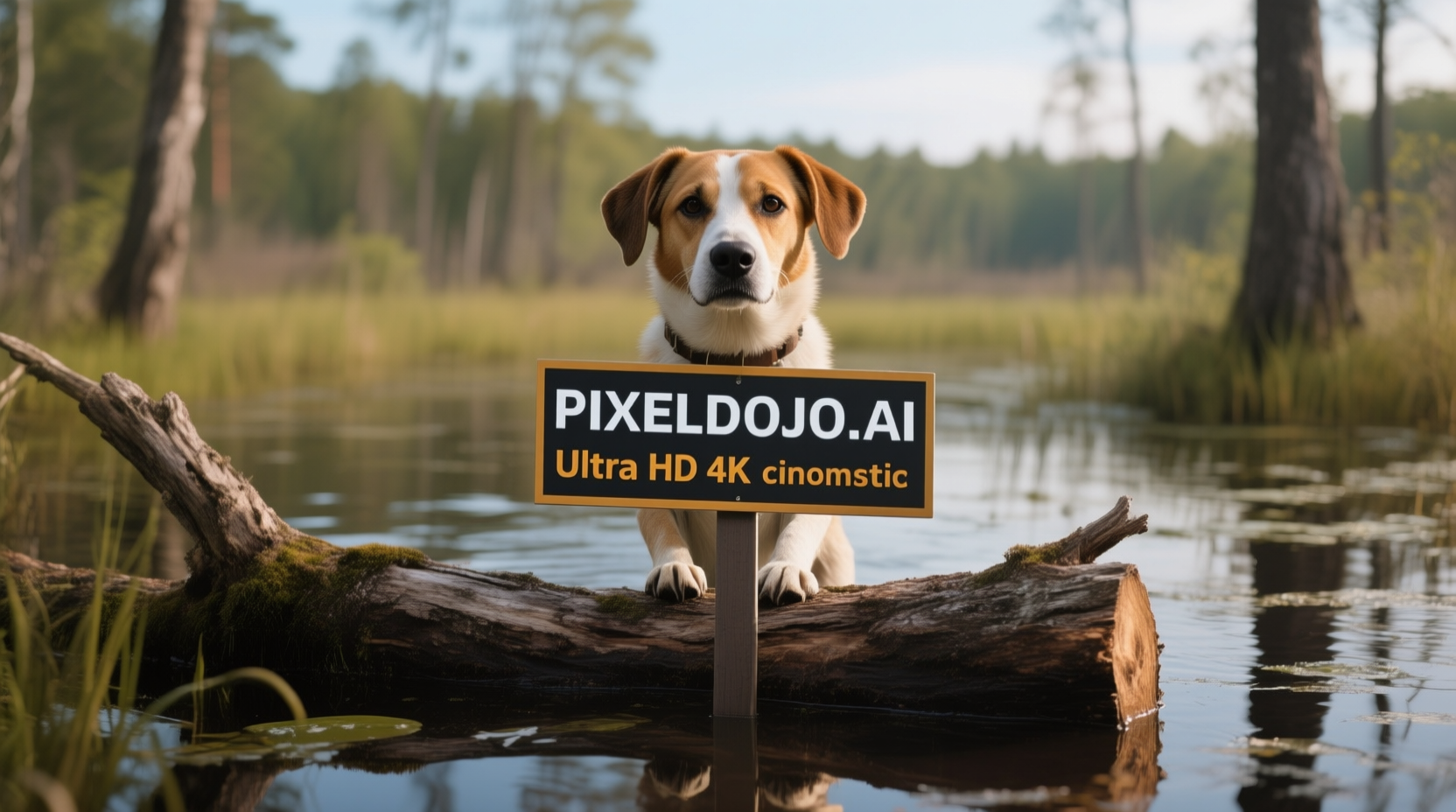
A dog in a bog on a log with a sign that reads PIXELDOJO
qwen-image
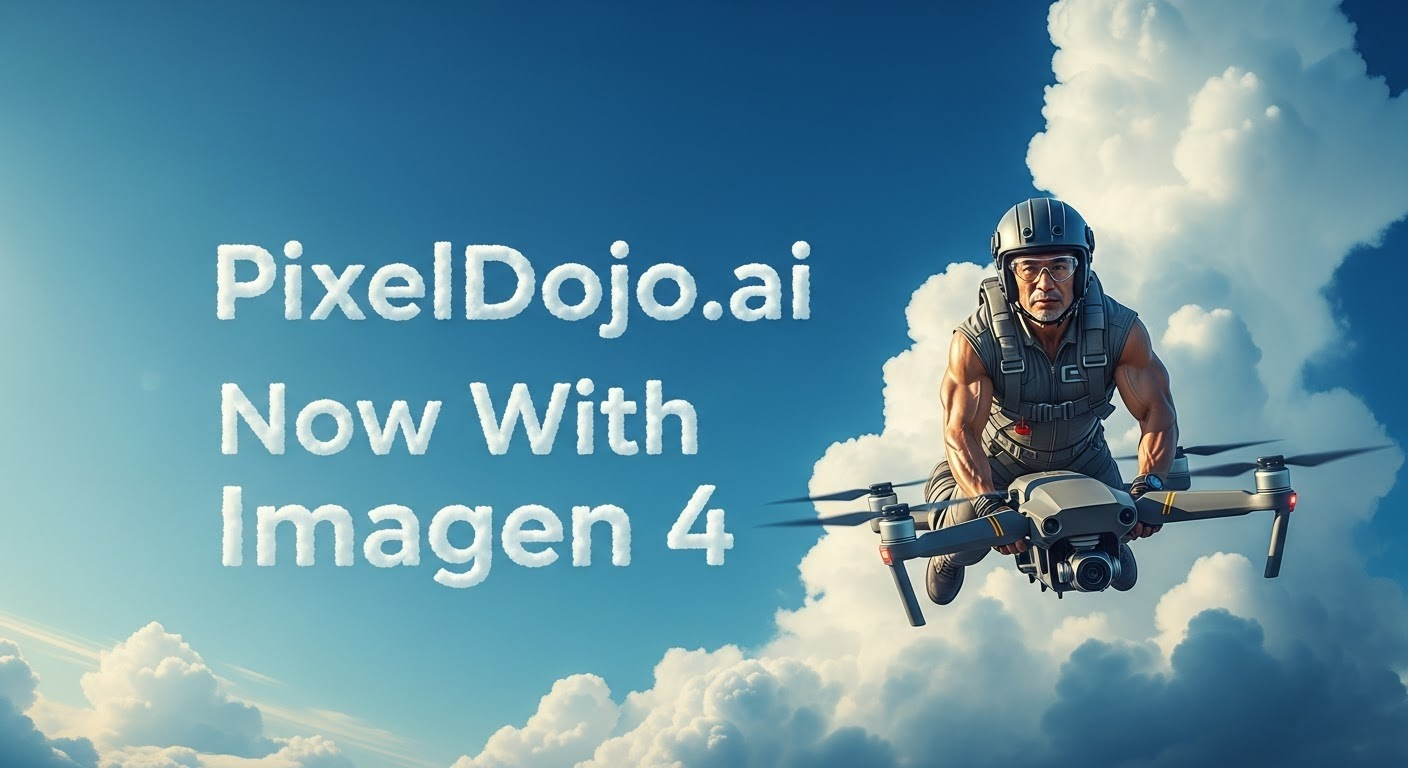
A photo of a man flying through the air on a drone
stable-diffusion
A man talking
image-to-video
Models you can run on PixelDojo for AI Logo Generator
Switch models without switching tools. Each one runs in the same PixelDojo studio.
What you can do with AI Logo Generator on PixelDojo
Generate Logos from Text
We produce logo options based on written descriptions using our AI image models.
Adjust Logo Elements
Modify colors, shapes, and typography in any generated design through the editor.
Create Style Variations
We generate additional versions of a logo in different visual styles on request.
Export Multiple File Types
Download completed logos in common formats for web and print applications.
Why Choose Pixel Dojo for AI Logo Generator
Professional-quality results with cutting-edge AI technology
Compare leading logo models in one place
Run the same brand brief across GPT Image 2, Flux 2 Pro, Google Nano Banana Pro, and Seedream 4.5 inside PixelDojo, then choose the version with the cleanest mark, best spacing, and strongest brand fit.
Move from prompt to logo concept faster
Use PixelDojo to generate multiple minimalist marks, wordmark directions, icon ideas, and background variations without switching tools. Flux 2 Pro is ideal for rapid logo exploration because it returned the BREW prompt in 10.2 seconds.
Refine prompts for usable brand assets
Guide the output with practical logo language such as simple vector mark, centered composition, flat color, white background, no gradients, high contrast, and scalable icon. This helps produce cleaner concepts for decks, mockups, and early brand review.
How It Works
Write a focused logo brief
Start with the brand name, industry, visual style, mark type, and output constraints. A strong prompt looks like: "a clean modern minimalist logo for a coffee brand called BREW, simple vector mark, centered on a white background".
Choose the right model for the task
Select Flux 2 Pro for fast logo ideation, GPT Image 2 for polished text-aware concepts, Google Nano Banana Pro for balanced variations, or Seedream 4.5 for quick alternative compositions.
Compare, refine, and export concepts
Review each result for legibility, distinct shape, clean negative space, and easy recognition at small sizes. Regenerate with tighter constraints, then use the strongest concept as direction for final vector cleanup.
Loved by creators on PixelDojo
Real feedback from people using PixelDojo, pulled from our in-product surveys.
Lots of different tools. It's easy to purchase more credits.
Amazing performance!
Excellent website for creating all types of media
Very eay to use, works well to train SDXL loras.
The amazing tools
Top notch quality and strong prompt adherence.
Explore more AI tools on PixelDojo
Popular AI Models
AI Tools
Compare & Switch
- Best AI Image Generators
- Best AI Video Generators
- Midjourney Alternatives
- Civitai Alternatives
- Runway Alternatives
- Leonardo Alternatives
- Pika Alternatives
- Luma Alternatives
- Magnific Alternatives
- Veo Alternatives
- Flux Alternatives
- Freepik Alternatives
- Seedance Alternatives
- Seedream Alternatives
- Pixverse Alternatives
- GPT Image Alternatives
- Synthesia Alternatives
- Playground Alternatives
- NightCafe Alternatives
- Canva AI Alternatives
- ElevenLabs Alternatives
- ComfyUI Alternatives
- Fal Alternatives
- Replicate Alternatives
Common Questions
Everything you need to know about AI Logo Generator
What is the best PixelDojo model for AI logo generation?
Flux 2 Pro is the best starting point for most AI logo generator tasks in PixelDojo because it is fast, clean, and well suited to simple vector-style marks. For the BREW coffee logo brief, it completed in 10.2 seconds.
When should GPT Image 2 be used for logo work?
GPT Image 2 is a strong option when the brief needs more polish, better instruction following, or careful handling of text. It took 156.3 seconds on the BREW prompt, so it suits higher-intent logo passes rather than rapid exploration.
Can AI generate a final production-ready logo?
AI can generate strong logo concepts, visual directions, and draft brand marks. For final use, the chosen concept should be checked for originality, refined as a vector file, tested at multiple sizes, and reviewed for trademark risk.
How can prompts create cleaner AI logos?
Use direct constraints: minimalist, simple vector mark, flat color, centered, white background, high contrast, no shadows, no mockup, no complex texture, readable brand name. Short, specific prompts usually work better than long mood-board descriptions.
How many logo variations should be generated?
Generate at least 12 to 24 variations across two or more models. Compare them by silhouette, readability, brand fit, and small-size recognition. PixelDojo makes this easier because the same prompt can be tested across multiple image models.