Animieren Sie Ihre Fotos mit dem KI-Bild-zu-Video-Leitfaden online
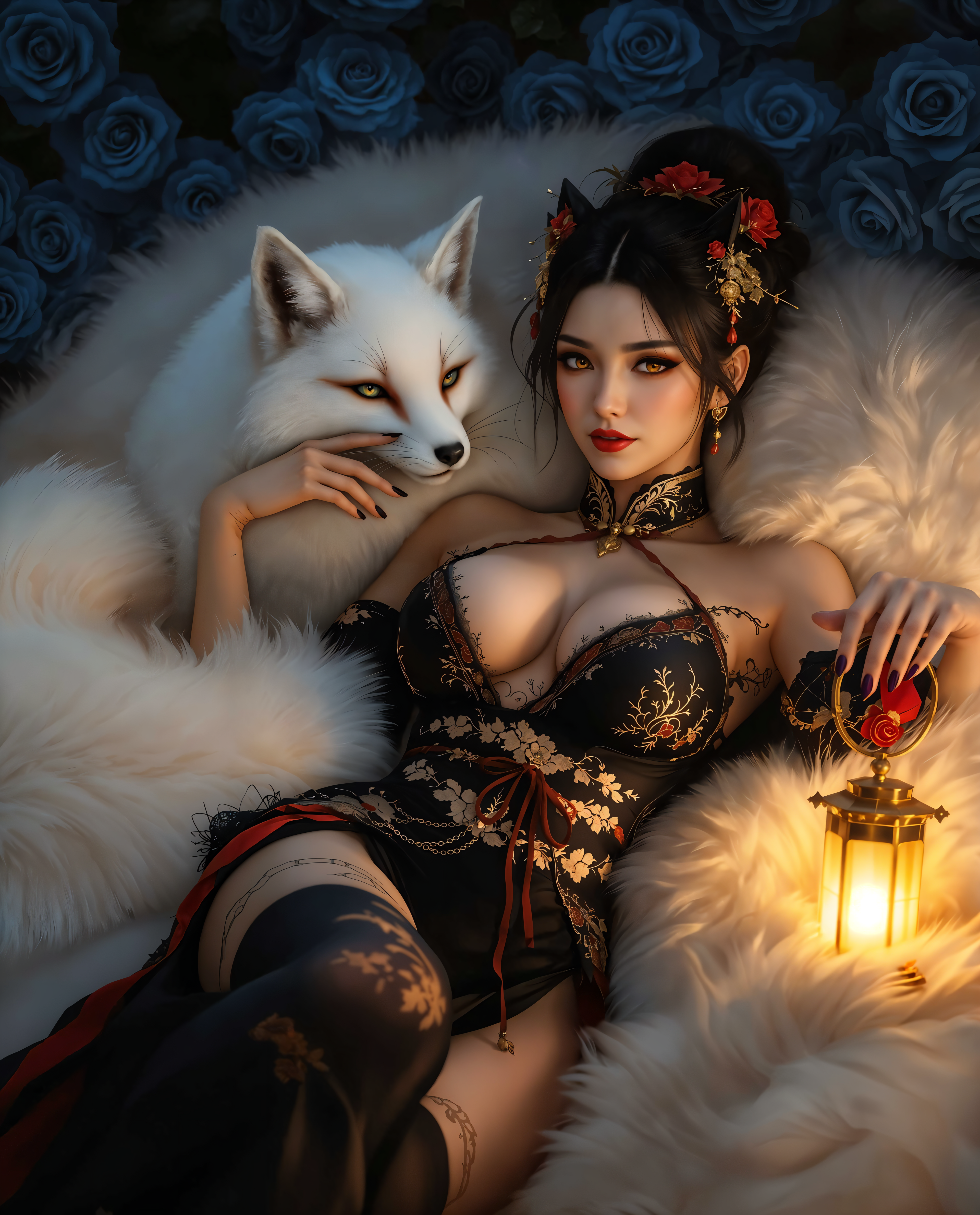
Stell dir vor, wie du deine wertvollen Fotos in fesselnde Videos verwandelst, die eine Geschichte erzählen. Mit den KI-gestützten Tools von PixelDojo kannst du deine statischen Bilder mühelos animieren und ihnen Bewegung und Leben verleihen. Ob als Content Creator, Marketer oder einfach nur für persönliche Fotos – unsere Plattform macht es einfach, dynamische Videos zu erstellen, die begeistern und inspirieren.
Schließe dich über 10.000 zufriedenen Nutzern an, die ihre Fotos mit den KI-Tools von PixelDojo in beeindruckende Videos verwandelt haben. Mit 4,8/5 bewertet basierend auf über 2.000 Rezensionen.
Warum Pixel Dojo für Animate your photos with ai image to video guide online
Professionelle Ergebnisse mit modernster KI-Technologie
Mühelose Animation
Verwandle statische Bilder mit nur wenigen Klicks in dynamische Videos – keine technischen Kenntnisse nötig.
Hochwertige Ergebnisse
Erzeuge professionelle Videos, die sich perfekt für Social Media, Marketing oder persönliche Projekte eignen.
Zeitsparender Prozess
Erstelle in wenigen Minuten ansprechende Videos und optimiere deinen Content-Erstellungs-Workflow.
So funktioniert’s
Animierte Videos aus Fotos zu erstellen ist mit PixelDojo ganz einfach. Folge diesen Schritten, um deine Bilder zum Leben zu erwecken:
Schritt 1: Wähle dein Tool
Melde dich in deinem PixelDojo-Account an und navigiere zum Bereich „Animate“. Wähle das Tool „Image to Video“, um zu starten.
Schritt 2: Lade dein Bild hoch
Klicke auf den Upload-Button, um das Foto auszuwählen, das du animieren möchtest. Achte darauf, dass das Bild klar und hochauflösend ist, um optimale Ergebnisse zu erzielen.
Schritt 3: Passe die Animationseinstellungen an
Passe die Animationsparameter wie Dauer, Bewegungsintensität und Stil an deine Wünsche an. Überprüfe die Animation in der Vorschau, um sicherzustellen, dass sie deinen Erwartungen entspricht.




The Pixel Dojo Advantage
Warum PixelDojo die erste Wahl für KI-gestützte Foto-Animation ist
| Others | Pixel Dojo |
|---|---|
| Traditionelle Animationssoftware | Keine komplizierte Software oder technisches Know-how nötig – erstelle Animationen ganz einfach. |
| Generische KI-Tools | Spezziell für Bild-zu-Video-Umwandlungen mit anpassbaren Einstellungen entwickelt. |
| Manuelle Videobearbeitung | Sparen Sie Stunden an Bearbeitungszeit mit unserem automatisierten, KI-gestützten Prozess. |
Von Creatorn auf PixelDojo geliebt
Echtes Feedback von Menschen, die PixelDojo nutzen, aus unseren In-Product-Umfragen.
super lora download
Great variety of tools to create and modify images and video.
Lots of Tools, and the one time I needed support I got help right away
Easy to use once you get the hang of it
Love it make anything I can think of so far
Great for all your ideas use it encourage more people to use it
Entdecke weitere KI-Tools auf PixelDojo
KI-Tools
Vergleichen & Wechseln
- Best AI Image Generators
- Best AI Video Generators
- Midjourney Alternatives
- Civitai Alternatives
- Runway Alternatives
- Leonardo Alternatives
- Pika Alternatives
- Luma Alternatives
- Magnific Alternatives
- Veo Alternatives
- Flux Alternatives
- Freepik Alternatives
- Seedance Alternatives
- Seedream Alternatives
- Pixverse Alternatives
- GPT Image Alternatives
- Synthesia Alternatives
- Playground Alternatives
- NightCafe Alternatives
- Canva AI Alternatives
- ElevenLabs Alternatives
- ComfyUI Alternatives
- Fal Alternatives
- Replicate Alternatives
Häufige Fragen
Alles, was du über Animate your photos with ai image to video guide online wissen musst
Wie kann ich meine Fotos mit den KI-Tools von PixelDojo animieren?
Melde dich einfach in deinem PixelDojo-Account an, navigiere zum Bereich „Animate“, wähle das Tool „Image to Video“, lade dein Foto hoch, passe die Animationseinstellungen an und generiere dein Video.
Brauche ich technische Kenntnisse, um die Animations-Tools von PixelDojo zu nutzen?
Nein, PixelDojo ist für Nutzer aller Erfahrungsstufen konzipiert. Unsere intuitive Oberfläche macht es einfach, Fotos ohne Vorkenntnisse zu animieren.
Kann ich den Animationsstil und die Dauer anpassen?
Ja, du kannst verschiedene Parameter wie Animationsstil, Dauer und Bewegungsintensität ganz nach deinen Vorlieben einstellen.
Gibt es eine Begrenzung, wie viele Fotos ich animieren kann?
Mit einem PixelDojo-Abo hast du Zugriff auf unbegrenzte Animationen. Kostenlose Nutzer können je nach Tarif Einschränkungen haben.
In welchen Formaten werden die animierten Videos exportiert?
Die animierten Videos werden im Standard-MP4-Format exportiert, das mit den meisten Geräten und Plattformen kompatibel ist.
Kann ich die animierten Videos für kommerzielle Zwecke nutzen?
Ja, mit PixelDojo erstellte Videos dürfen sowohl für private als auch für kommerzielle Projekte verwendet werden – vorbehaltlich unserer Nutzungsbedingungen.