AI video effect · Transform
Block World: enter a world made of blocks
Upload a photo, press Generate, and post it anywhere.

3 free every day. No card needed.
What Block World does
A shimmer turns your photo into a bright world made of square blocks, with grassy hills, blocky trees and a square sun. You become a cube-shaped character who looks around, waves and hops onto a block.
Enter a world made of blocks
Everything turns into a blocky voxel world and you become a cube-shaped character. Full-body photos work best.
Still looks like you
The video opens on your exact photo, so the face, hair, outfit and surroundings carry through the whole effect.
A full transformation in one shot
The change happens on camera in one continuous take, so viewers see the before and the after in the same clip.
How to make a Block World video
- Upload a photo, or pick one from your library.
- Press Generate. There is no prompt to write; the effect is already set up.
- Your 5 second HD video plays right on the page. Save it to your library or download it.
Tips for the best photo
- Wear colors that stand out, since the character copies your hair and outfit colors.
- Use a full-body photo outdoors.
- Keep your pose simple and facing forward.
Ideas for using it
- A gamer makes a profile intro clip.
- A teacher builds a themed video for a class project.
- A parent creates a birthday clip in a blocky world.
More effects

Curly Hair
Your hair springs into soft, bouncy curls.
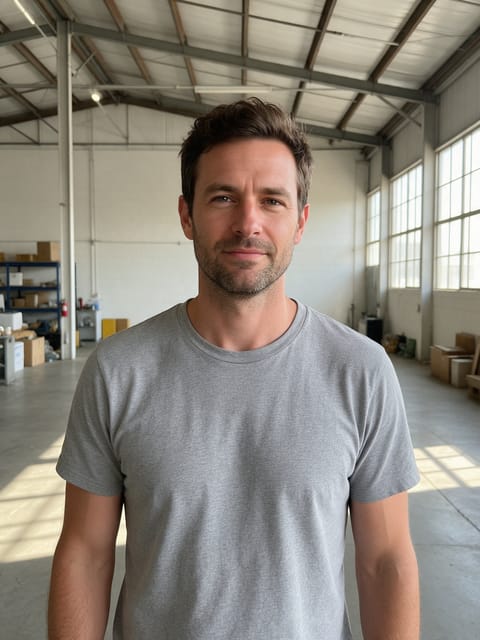
Mecha Suit
Robotic armor plates lock into place around you.

Plush Me
You become a soft, cuddly plush toy.
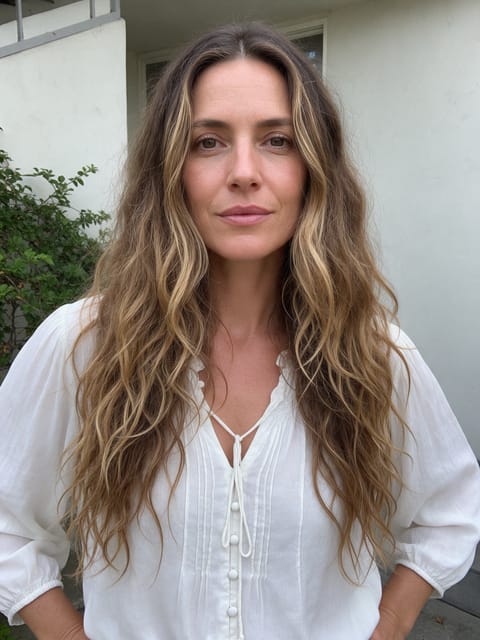
Sea Siren
You rise from the waves as a shimmering sea siren.
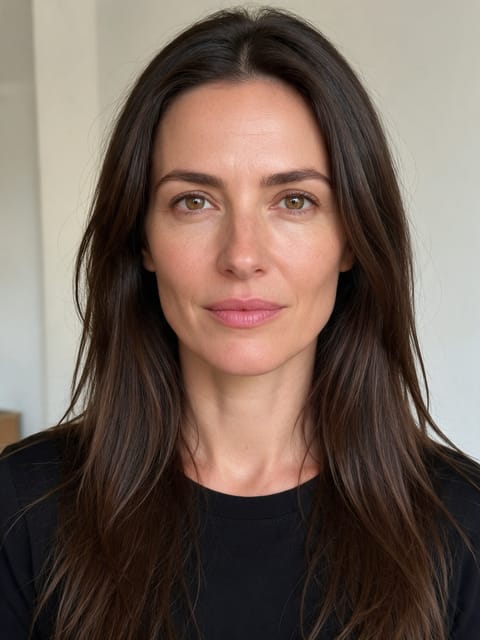
Hair Dye
Your hair sweeps into a bold new color.
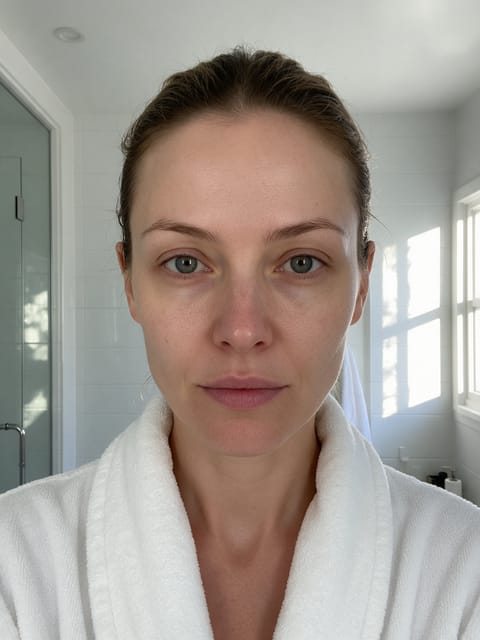
Glam Timelapse
A full glam look builds up in fast motion.
Go further
Block World FAQ
Will it use a real game's characters?
No, the effect avoids logos and text and creates a generic block world.
Can I choose the scenery?
The world is set by the effect.
Do I need to write a prompt for Block World?
No. Block World is a ready-made effect: upload a photo and press Generate. The directions for the motion, camera and lighting are already built in.
How long is the Block World video?
Every effect makes a 5 second HD video that matches the shape of your photo, portrait or landscape, ready to post anywhere.
Does the video have sound?
Yes. Each clip comes with matching ambient sound effects. It does not add music, so you can lay your own track over it in any editor.
Can I use a photo of someone else?
Only photos of adults, of yourself or of people who agreed to it. Every upload goes through the same safety checks as the rest of PixelDojo.