AI video effect · Transform
Glam Timelapse: a full glam look builds up in fast motion
Upload a photo, press Generate, and post it anywhere.
3 free every day. No card needed.
What Glam Timelapse does
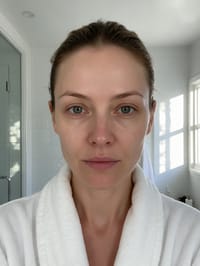
A bare-faced portrait gets a makeup look in fast motion. Foundation, blush, brows, shadow and lip color appear layer by layer, and the clip ends with you checking the finished look and smiling.
A full glam look builds up in fast motion
Soft makeup layers onto your face in a quick timelapse, ending in a polished glam look. Front-facing portraits with a bare face work best.
Still looks like you
The video opens on your exact photo, so the face, hair, outfit and surroundings carry through the whole effect.
A full transformation in one shot
The change happens on camera in one continuous take, so viewers see the before and the after in the same clip.
How to make a Glam Timelapse video
- Upload a photo, or pick one from your library.
- Press Generate. There is no prompt to write; the effect is already set up.
- Your 5 second HD video plays right on the page. Save it to your library or download it.
Tips for the best photo
- Use a front-facing portrait with an even, natural face so the changes are easy to follow.
- Stand near a window or soft light so every early frame shows the changes.
- Pull hair back off the forehead if you can, so the brows and eyes are easy to see.
Ideas for using it
- A makeup artist showing a before and after on a Reel.
- A friend making a get-ready-with-me teaser before a party.
- A beauty shop showing how a palette builds a look.
More effects
3D Animated
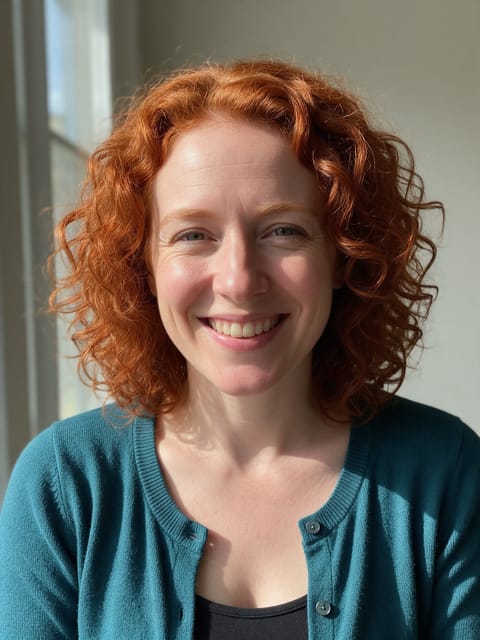
You become a 3D animated movie character.
Gorilla Me
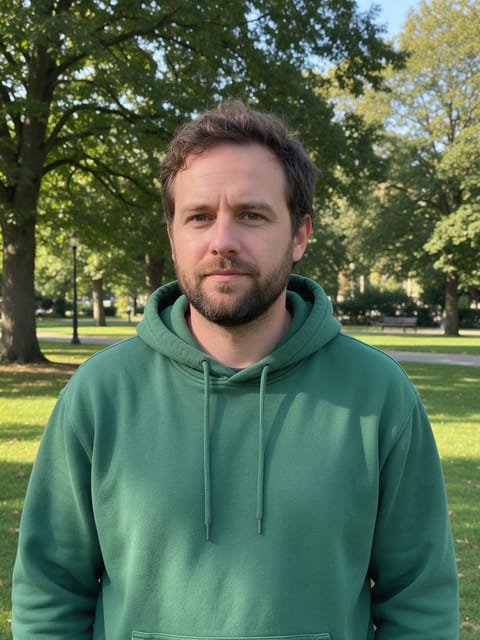
Turn into a friendly gorilla.
Space Knight
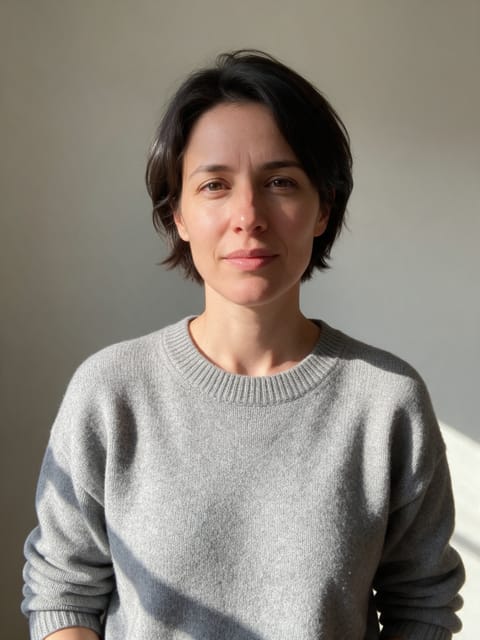
Robes, a glowing staff and a starship hangar.

Yellow Cartoon
Become a classic yellow sitcom cartoon.
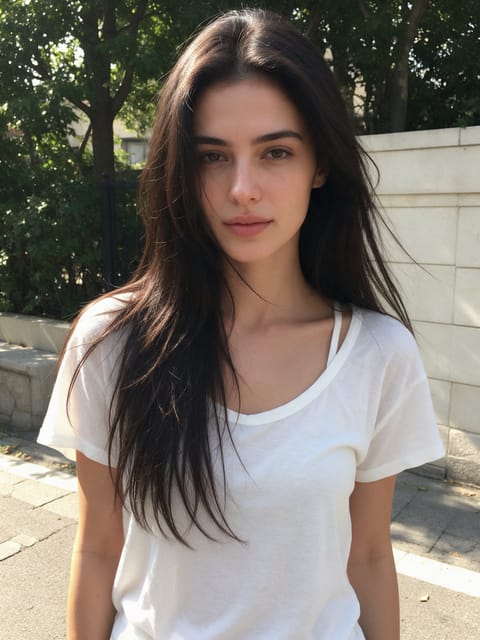
Anime Kimono
Step into an anime world in a pink patterned kimono.
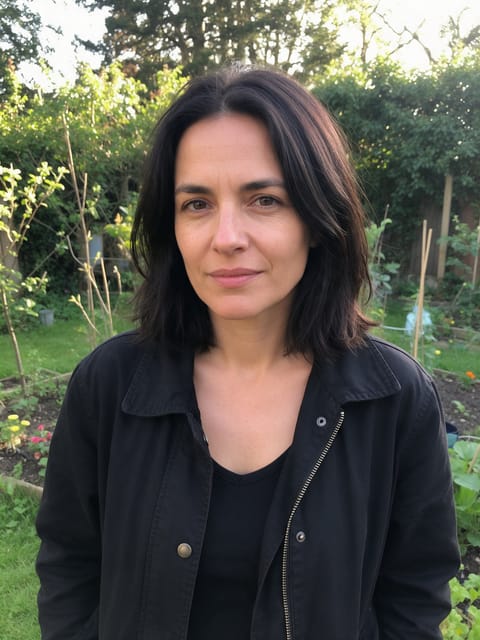
Butterfly Haori
An anime swordswoman with butterflies all around.
Go further
Glam Timelapse FAQ
Is the makeup look the same every time?
The style is set by the effect, so you get a polished glam look rather than a custom palette.
Can I use a photo that already has makeup on?
Yes, and a bare face makes the change especially clear.
Do I need to write a prompt for Glam Timelapse?
No. Glam Timelapse is a ready-made effect: upload a photo and press Generate. The directions for the motion, camera and lighting are already built in.
How long is the Glam Timelapse video?
Every effect makes a 5 second HD video that matches the shape of your photo, portrait or landscape, ready to post anywhere.
Does the video have sound?
Yes. Each clip comes with matching ambient sound effects. It does not add music, so you can lay your own track over it in any editor.
Can I use a photo of someone else?
Only photos of adults, of yourself or of people who agreed to it. Every upload goes through the same safety checks as the rest of PixelDojo.