AI video effect · Transform
Yellow Cartoon: become a classic yellow sitcom cartoon
Upload a photo, press Generate, and post it anywhere.

3 free every day. No card needed.
What Yellow Cartoon does
You smile at the camera, then a sweep of light turns you into a flat, bright 2D cartoon with yellow skin and bold outlines. The cartoon version stands in a colorful living room and waves.
Become a classic yellow sitcom cartoon
You turn into a flat, bright 2D cartoon with yellow skin and bold outlines in a cartoon living room. Waist-up photos work best.
Still looks like you
The video opens on your exact photo, so the face, hair, outfit and surroundings carry through the whole effect.
A full transformation in one shot
The change happens on camera in one continuous take, so viewers see the before and the after in the same clip.
How to make a Yellow Cartoon video
- Upload a photo, or pick one from your library.
- Press Generate. There is no prompt to write; the effect is already set up.
- Your 5 second HD video plays right on the page. Save it to your library or download it.
Tips for the best photo
- Use a waist-up photo with a friendly smile, since the cartoon keeps your expression.
- Wear a solid, bold color, because it carries over into the cartoon outfit.
- Stand in front of a simple background so the living room swap is clean.
Ideas for using it
- A creator making a cartoon version of themselves for an avatar.
- A family making a funny profile video for a group chat.
- A podcast host introducing themselves in a cartoon style.
More effects
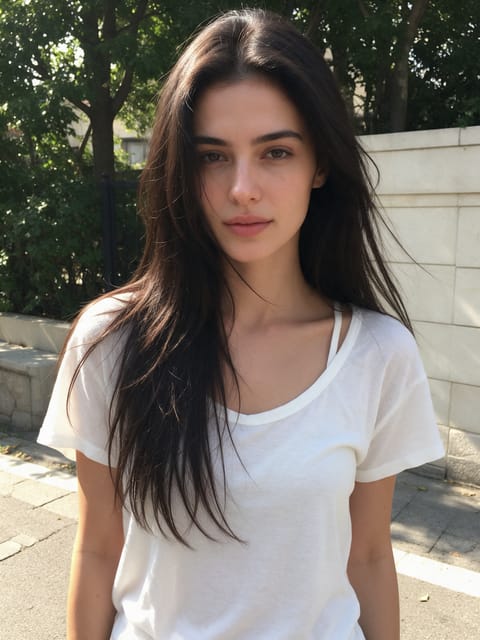
Anime Kimono
Step into an anime world in a pink patterned kimono.

Butterfly Haori
An anime swordswoman with butterflies all around.
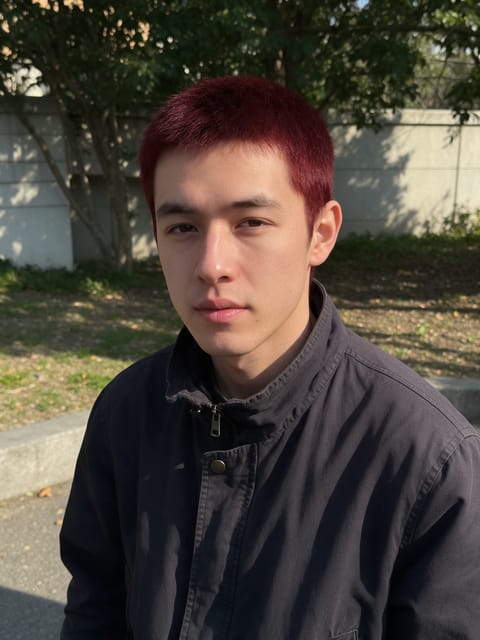
Water Swordsman
An anime swordsman with swirling water waves.
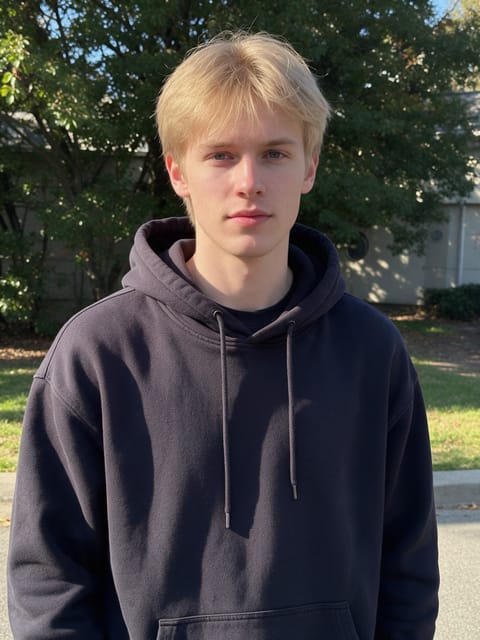
Thunder Swordsman
An anime swordsman crackling with golden lightning.

Blind Box Toy
Open a blind box and find a plush version of you.
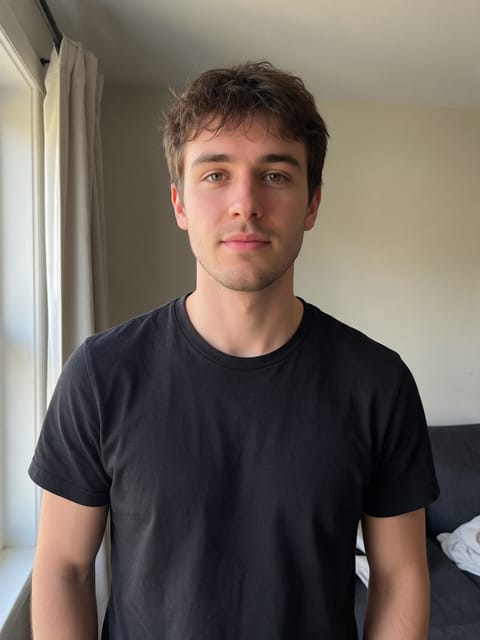
Laser Tag
Gear up for a neon laser tag arena.
Go further
Yellow Cartoon FAQ
Will the cartoon look like me?
It keeps your hairstyle and outfit colors, but simplifies your face into a flat cartoon style.
Does the clip show any logos or text?
No. We direct the effect to leave text and logos out.
Do I need to write a prompt for Yellow Cartoon?
No. Yellow Cartoon is a ready-made effect: upload a photo and press Generate. The directions for the motion, camera and lighting are already built in.
How long is the Yellow Cartoon video?
Every effect makes a 5 second HD video that matches the shape of your photo, portrait or landscape, ready to post anywhere.
Does the video have sound?
Yes. Each clip comes with matching ambient sound effects. It does not add music, so you can lay your own track over it in any editor.
Can I use a photo of someone else?
Only photos of adults, of yourself or of people who agreed to it. Every upload goes through the same safety checks as the rest of PixelDojo.