AI video effect · Transform
Comic Book: step into a comic panel
Upload a photo, press Generate, and post it anywhere.

3 free every day. No card needed.
What Comic Book does
The photo quickly picks up thick ink outlines and flat, punchy colors as it turns into a drawn panel. Your subject turns toward the camera with a knowing look. In the last second a blank white speech bubble pops up beside their head.
Step into a comic panel
Your photo turns into a bold comic book panel with ink lines, halftone dots and a speech bubble. Portraits work best.
Still looks like you
The video opens on your exact photo, so the face, hair, outfit and surroundings carry through the whole effect.
A full transformation in one shot
The change happens on camera in one continuous take, so viewers see the before and the after in the same clip.
How to make a Comic Book video
- Upload a photo, or pick one from your library.
- Press Generate. There is no prompt to write; the effect is already set up.
- Your 5 second HD video plays right on the page. Save it to your library or download it.
Tips for the best photo
- Use a chest-up portrait so the face takes up enough of the frame to get crisp ink lines.
- Leave a bit of space beside or above your head for the speech bubble.
- Strong outfits like leather jackets or bright colors look great with the bold comic shading.
Ideas for using it
- A writer or illustrator introducing a new comic or graphic novel.
- A team intro video where each member gets their own comic panel.
- A profile clip for a creator who wants a fun, drawn look.
More effects

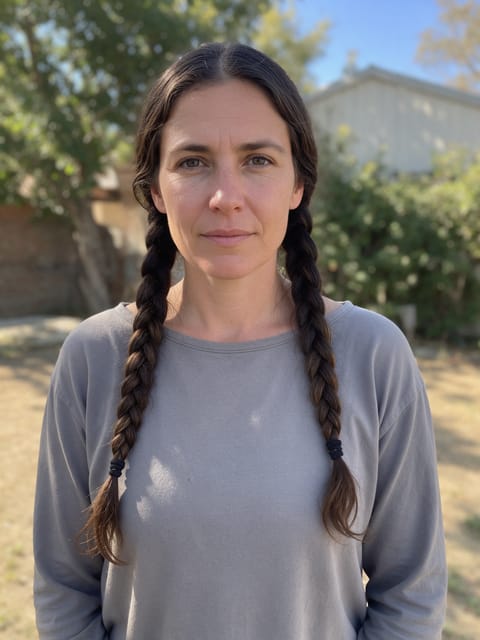
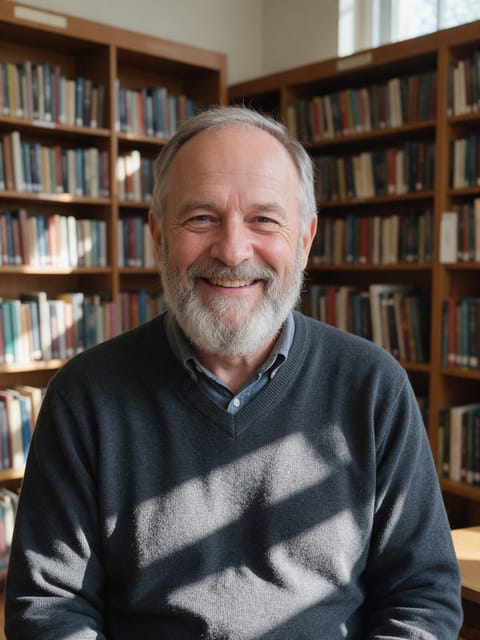

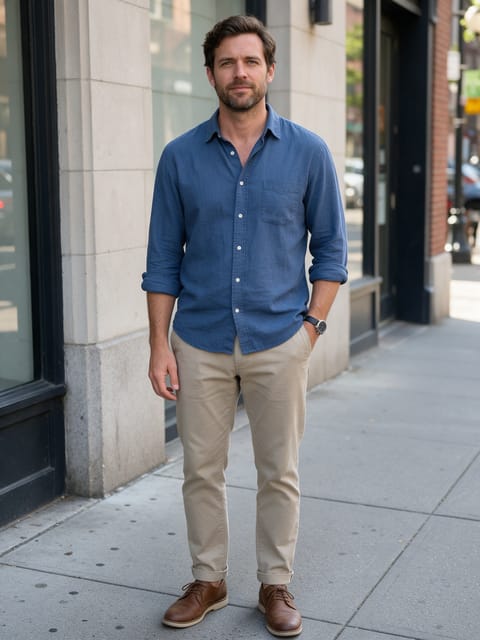
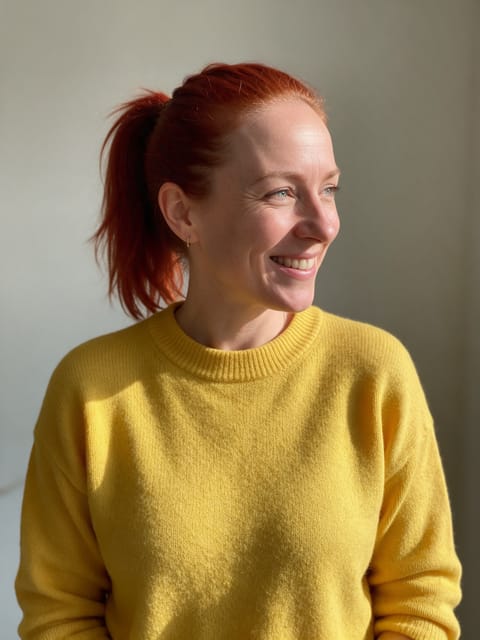
Go further
Comic Book FAQ
Can I add words to the speech bubble?
The bubble arrives blank, ready for your own words in any video editor or when posting.
Does my face stay recognizable once it's drawn?
Yes. In our test the hair, jawline and jacket stayed the same, just redrawn with ink lines and comic coloring.
Do I need to write a prompt for Comic Book?
No. Comic Book is a ready-made effect: upload a photo and press Generate. The directions for the motion, camera and lighting are already built in.
How long is the Comic Book video?
Every effect makes a 5 second HD video that matches the shape of your photo, portrait or landscape, ready to post anywhere.
Does the video have sound?
Yes. Each clip comes with matching ambient sound effects. It does not add music, so you can lay your own track over it in any editor.
Can I use a photo of someone else?
Only photos of adults, of yourself or of people who agreed to it. Every upload goes through the same safety checks as the rest of PixelDojo.